AI for developers is everywhere, but not all tools are actually useful. We tested the most talked-about platforms and picked ten that really stood out. Here is what we noticed.
1. Replit
WebSite: https://replit.com/
Have you ever wanted to just throw an idea at your screen and watch it come alive? That is basically Replit now. We noticed that with its AI agent you can type a rough idea in plain English and suddenly there is a working app in your browser. No messy setup, no endless dependencies. It is not going to replace a full production stack, but for testing concepts or showing a quick demo it is a lifesaver.
Key functions: app prototyping, code generation, browser-based deployment, multi-language support.
2. Windsurf
WebSite: https://windsurf.com/
Windsurf is different. At first it feels a bit strange because the AI is not just a helper, it is part of your workflow. It can rewrite code, suggest fixes, and even handle multiple files at once. The first time we tried it we stared at the screen thinking, “Is this really happening?” But after a few hours it clicked. You start moving faster and thinking less about boilerplate and more about the actual problem.
Key functions: AI-powered IDE, multi-file code generation, live previews, refactoring assistance.
3. Lovable
WebSite: https://lovable.dev/
Lovable impressed us with sheer speed. You type in what you want, maybe a small dashboard or a prototype, and it generates frontend and backend code almost instantly. Of course some tweaks are needed, but seeing an idea turn into something tangible in minutes is kinda addictive. For quick internal tools or MVPs it is a no-brainer
Key functions: rapid MVP creation, frontend + backend generation, internal tools, prototyping.
4. GitHub Copilot
WebSite: https://github.com/
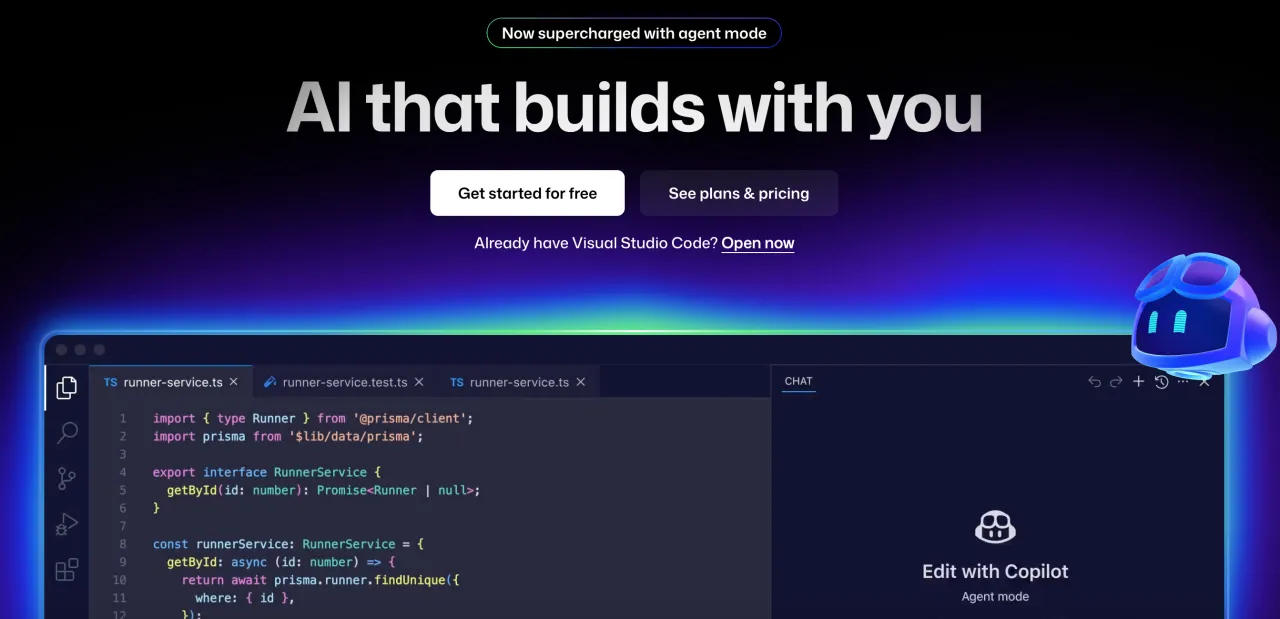
Copilot is like a quiet teammate who always knows what you are about to type. It can be used for suggestions, generating small functions, and writing tests. It saves a ton of repetitive work. You still need to check critical code, but it feels like it understands what you are trying to do. Integrating it with VS Code and GitHub is seamless.
Key functions: code autocompletion, function generation, inline suggestions, code explanations, GitHub integration.
5. Cursor
WebSite: https://cursor.com/
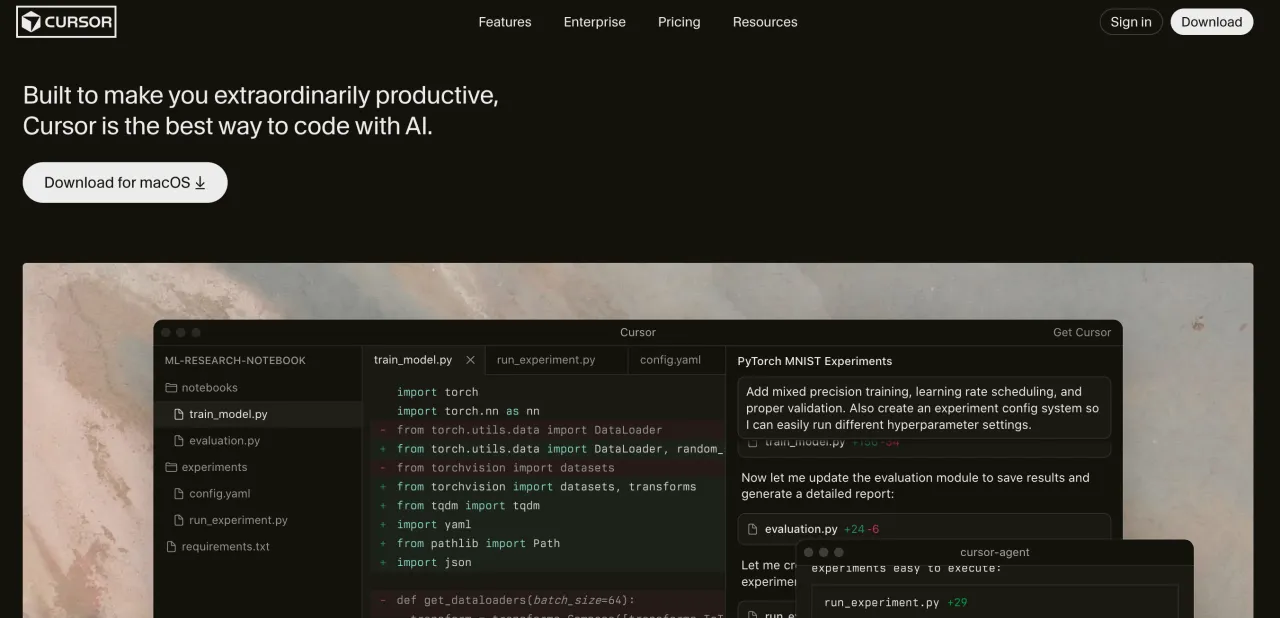
Cursor can surprise with its simplicity. You can chat with the AI inside the editor, get code suggestions, debug faster, and try out languages you barely know. It is especially handy when juggling multiple small projects. It keeps you moving without interrupting your workflow.
Key functions: smart autocompletion, in-editor AI chat, debugging, code generation, bug assistance.
6. Amazon Q Developer
WebSite: https://aws.amazon.com/
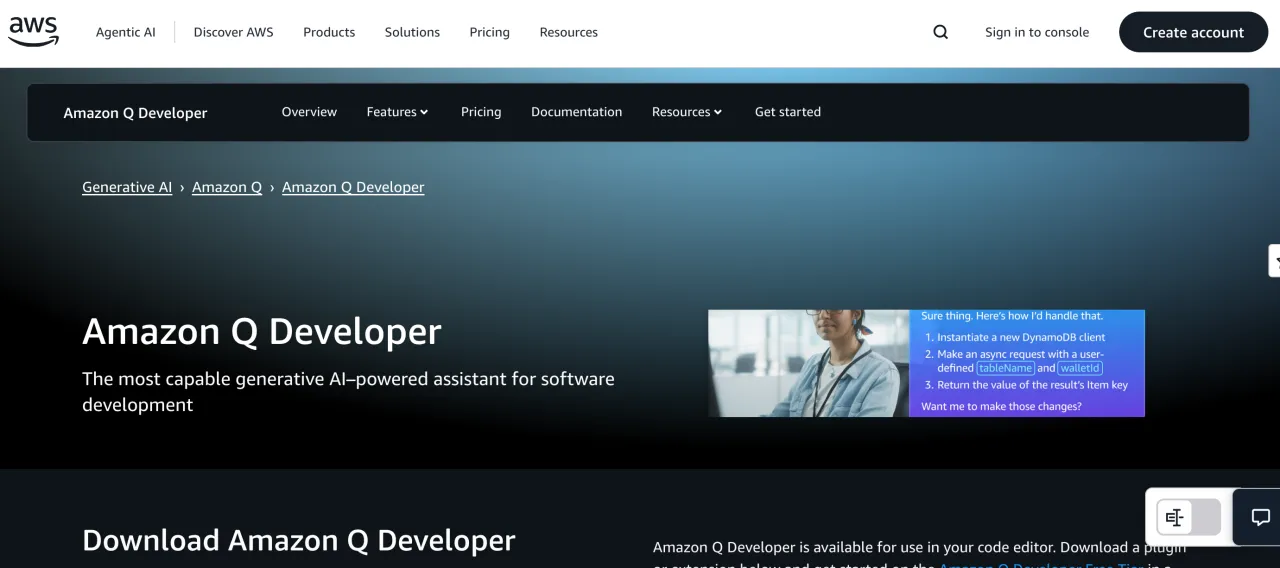
For anyone working heavily in AWS, Amazon Q Developer is worth checking out. It gives context-aware suggestions, helps pick the right services, writes deployment scripts, and even assists with migrations. It is like having a cloud-savvy friend looking over your shoulder.
Key functions: context-aware AWS suggestions, cloud code generation, migration assistance, deployment guidance.
7. Qodo (formerly Codium)
WebSite: https://qodo.ai/
Qodo is all about testing without the pain. It generates unit tests, finds edge cases, and integrates with CI/CD pipelines. It does not replace thinking, but it catches things you might miss when tired or in a rush.
Key functions: automated test generation, edge case detection, code review integration, CI/CD support.
8. Continue.Dev

WebSite: https://continue.dev/
Continue.Dev is for teams that want control. You can build your own AI assistants, choose which models they use, and even run them locally. You get AI help without giving up control, which is perfect for teams that care about internal standards and workflow.
Key functions: custom AI coding assistants, IDE integration, model management, local or cloud agents.
9. Tabnine
WebSite: https://tabnine.com/
Tabnine stands out because privacy is taken seriously. You can run it on-premises and still get smart code completions. It worked smoothly across different IDEs and never slowed anything down.
Key functions: code autocompletion, on-premise support, IDE integration, private code handling.
10. Sourcery
WebSite: https://sourcery.ai/
Sourcery is a Python lover’s dream. It refactors code, improves readability, and makes PR reviews much faster. We tried it on some large Python repositories, and even small improvements added up, saving hours over time. If your team writes a lot of Python it is definitely worth keeping around.
Key functions: Python code refactoring, style improvement, readability suggestions, pull request integration.
These AI tools are not magic, but they feel like extra hands in the team. They help get rid of boring work, speed up prototyping, and improve code quality. You still need to review suggestions and tweak where needed, but having these tools around makes development feel a lot smoother.


