Watching videos in a language we don’t understand used to be tricky. Now, it’s much simpler. For people who just want to watch and understand a video in another language, these tools make it easy. For creators and teams, the same tools open up even more possibilities: we can dub videos with natural voices, sync the audio perfectly, or even add a digital presenter to reach multiple audiences. We’ve explored ten popular options and below we’ll show what each one offers, how much it costs, and which situations they work best for.
1. TransMonkey
WebSite: https://transmonkey.ai/
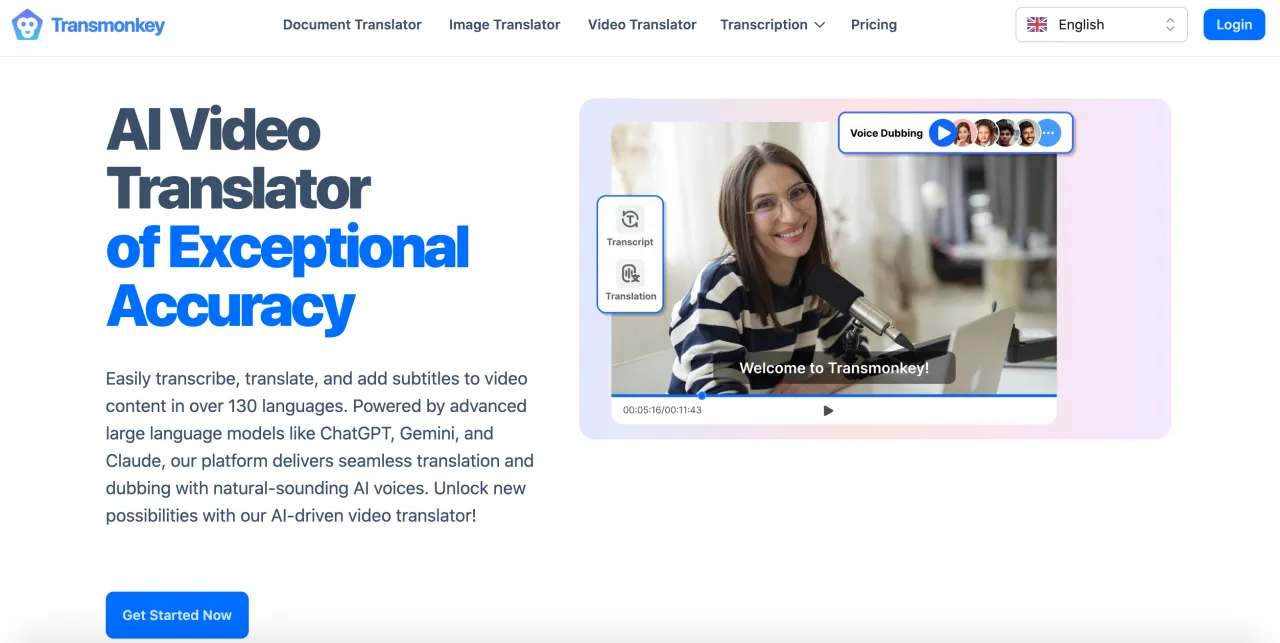
TransMonkey is probably the easiest entry point if all you need is to understand a video that’s not in your language. Upload a clip, choose the target language, and you’ll get a translated version without touching editing software. It’s not overloaded with advanced tools, but that’s what makes it approachable.
-
Price: Free plan with limits. The service operates on a credit-based system. You can either buy credits and pay as you go, or choose a monthly subscription starting at $12/month (or $8.3/month with annual billing). The exact price depends on the number of credits included in the plan. Monthly subscriptions are more cost-effective than pay-as-you-go, since the cost per credit is lower. However, if you only need to translate videos occasionally, the pay-as-you-go option may be the better choice.
-
Best for: Everyday users who just want to watch or share foreign videos in their own language.
-
Key features: Quick auto-dubbing, subtitles, multiple languages, browser-friendly interface.
2. Perso
WebSite: https://perso.ai/
Perso was clearly built with creators in mind. Instead of one-size-fits-all voices, it adapts tone depending on context — casual for social posts, formal for training, etc. That makes it overkill if you just want to watch a foreign video, but for those making professional clips, it can really elevate the result.
-
Price: Free plan with limits. From $29/month.
-
Best for: Content creators, marketers, educators who need the translation to “sound right” to their audience.
-
Key features: AI dubbing, tone/style control, branding options, subtitles.
3. Elevenlabs
WebSite: https://elevenlabs.io/
ElevenLabs is less of a casual tool and more of a “serious studio” product. The voices are so realistic that it’s used in everything from audiobooks to short films. If you just want to understand a YouTube video in another language, this is too much. But for professional creators, it’s arguably the gold standard.
-
Price: There is a free plan with 10,000 credits per month, which is enough for around 5 minutes of video translation. The pricing plans are based on the number of tokens provided per month, which are deducted as you use ElevenLabs’ services. In addition to the number of credits, paid plans also differ in functionality — the more expensive the plan, the more features it offers.
-
Best for: Professional dubbing, film projects, or creators who prioritize natural voices above all else.
-
Key features: Hyper-realistic voices, voice cloning, text-to-speech, multilingual dubbing.
4. VMEG
WebSite: https://vmeg.ai/
VMEG sits somewhere in the middle. It’s not a pure “consumer” app, but also not too heavy for beginners. The dubbing quality is strong enough that content creators can rely on it, but the simple interface means casual users won’t feel lost either.
-
Price: There is a free plan with 60 credits, which is enough to translate 1 minute of video. Paid plans start at $25 per month, depending on the number of credits included. With annual billing, you get a 40% discount.
-
Best for: Creators who want solid dubbing without complex workflows, but still usable for casual translations.
-
Key features: Voice cloning, auto-subtitles, clean UI, basic timing editor.
5. Vozo
WebSite: https://vozo.ai/
Vozo leans toward accessibility. It doesn’t drown you in features, but makes it easy to take a video, pick a language, and export a watchable version. More suited for small businesses or individuals than full-time studios.
-
Price: There is a free plan with 30 credits, which is enough to translate 1 minute of video. Paid plans start at $19 per month, depending on the number of credits included. With annual billing, you get a 24% discount.
-
Best for: Everyday users and small teams who want something simple that “just works.”
-
Key features: Auto-subtitles, dubbing, language detection, light editing tools.
6. Fliki
WebSite: https://fliki.ai/
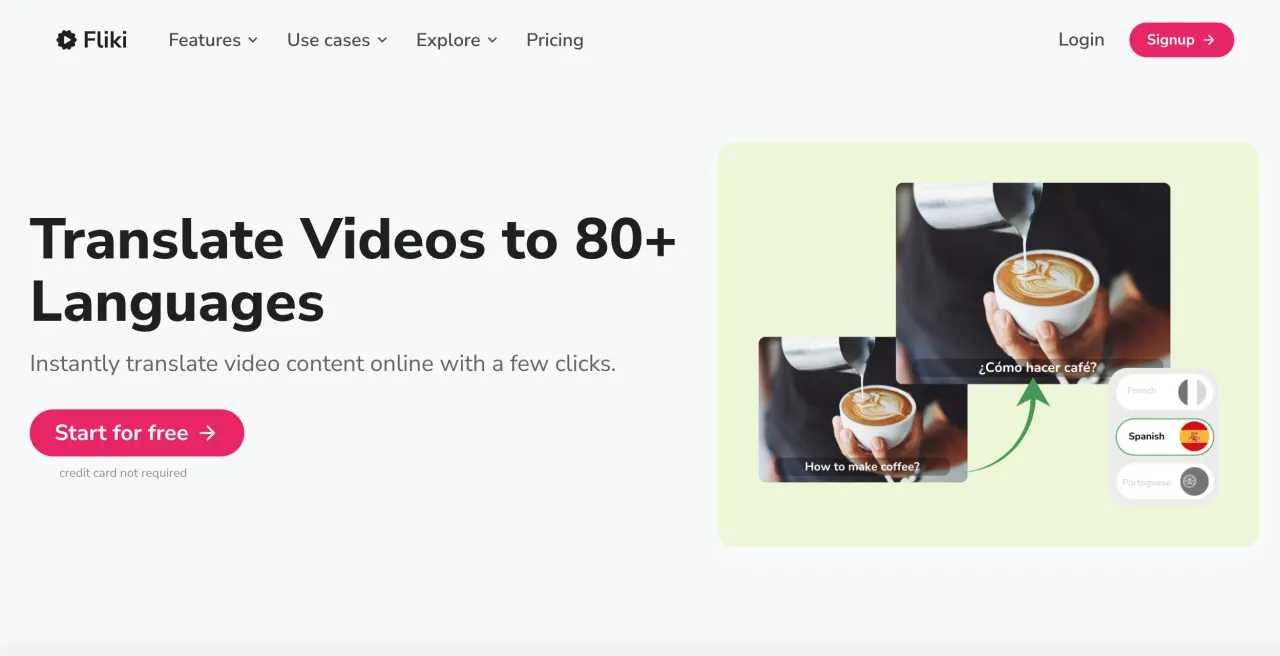
Fliki is clearly creator-focused. It’s not just a translator — it’s a production tool that lets you whip up full videos with stock clips, AI voices, and music. If you’re a social media manager, this can replace several other apps. But for someone who just wants to translate a random clip, it’s too much.
-
Price: Free plan (5 minutes/month). Premium plans range from $28 to $88 per month, with a 25% discount when billed annually.
-
Best for: Content creators, marketers, YouTubers.
-
Key features: Translation, dubbing, stock media, AI voiceovers, subtitles, background tracks.
7. Vidnoz
WebSite: https://vidnoz.com/
Vidnoz targets marketers and businesses. The translation is solid, but what really makes it stand out are the avatars and templates for fast ad production. A regular viewer has no use for those, but for a team churning out promo content in multiple languages, it’s a time saver.
-
Price: 2 free videos/day (max 4 mins each). The cost ranges from $1.5 to $1.8 per minute, depending on the chosen plan. Plans are billed monthly, with a 20% discount available for annual subscriptions.
-
Best for: Agencies, marketing teams, or brands doing multilingual campaigns.
-
Key features: Translation, avatars, templates, screen recording, voiceover.
8. HeyGen
WebSite: https://heygen.com/
HeyGen is another creator-first tool, but with a corporate twist. The avatars make it perfect for training and onboarding videos. It’s not something the average viewer would use casually, but for businesses trying to scale content into many languages, it’s very powerful.
-
Price: 3 free videos/month (max 3 mins each). Premium plans range from $29 to $39, with a 22% discount when billed annually.
-
Best for: Companies, training teams, educators.
-
Key features: AI avatars, dubbing, translation, voice cloning, subtitles.
9. Veed
WebSite: https://veed.io/
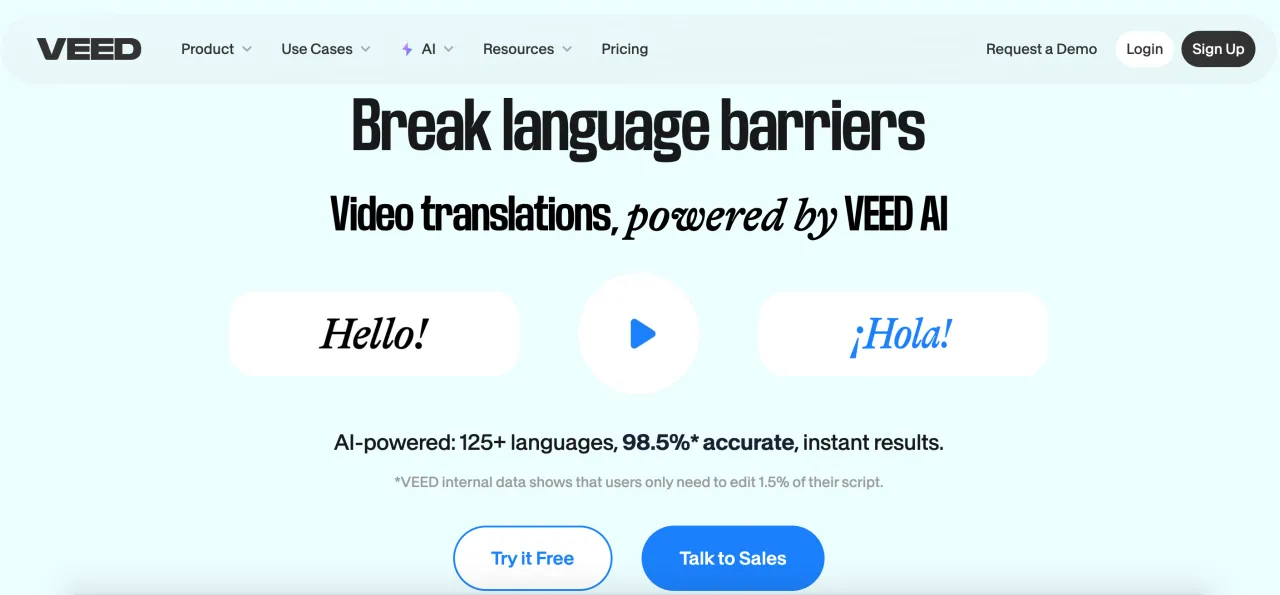
Veed is an editing suite at heart, with translation built in. If you’re already creating and polishing videos, adding subtitles and dubbing here saves time. But it’s definitely not a “drag-and-drop just to watch a foreign video” type of tool — it’s made for people producing content.
-
Price: Free version with limitations. Pricing plans range from $19 to $49 per month, with a 50% discount on certain plans when billed annually.
-
Best for: Creators, editors, small businesses who want editing + translation in one place.
-
Key features: Full editing suite, auto-subtitles, translations, templates, recording tools.
10. Blipcut
WebSite: https://videotranslator.blipcut.com/
Blipcut is closer to TransMonkey than to HeyGen. It doesn’t overwhelm you — just upload, translate, download. That makes it ideal for casual use, though content creators can still use it as a fast backup option.
-
Price: Free trial.Tariff plans vary depending on the number of credits included and the payment period (weekly, monthly, yearly, or pay-as-you-go).
-
Best for: Regular people who want to translate videos quickly, with some appeal for creators who need speed over complexity.
-
Key features: Auto-translation, dubbing, subtitles, multiple language output.
After playing with all of these, it’s clear there’s a split. If you just want to watch videos in another language, go with TransMonkey, Vozo, or Blipcut — quick and easy.
If you’re making content, you’ll appreciate tools like ElevenLabs, Perso, and Fliki, which give polished voices and extra creative options. Vidnoz and HeyGen shine if you want avatars or marketing-ready clips. Veed is great if you need editing and translation together.
VMEG sits comfortably in the middle — casual enough for a quick translation, strong enough for light content creation.
In short: pick what fits your workflow. No tool is perfect for everyone, but the right match will save you hours and make your videos feel professional.


