Preparing this article about how to translate a video into another language for free using AI was quite “fun.” We tried many services, but in the end they turned out to be paid. We also tried a free option, which ultimately did not work as it should. But now we have answers to the questions of whether free services for translating videos with AI exist, and if they do, how to use them.
Spoiler: They do exist, but we still weren’t able to get a ready-made translated version in another language.
Who is this article for? This article is for people who want to watch a video on YouTube, but it’s in a language they don’t understand. Therefore, the question arises: how to watch the video in your native language? We’re not talking about subtitle translation, but about getting a dubbed version of the video in another language.
Who is this article not for? This article is not for content creators, since they need high-quality translations that sound as natural and error-free as possible. For these purposes, professional tools should be considered, such as Elevenlabs, which we reviewed in the article 10 Best Services for Translating Videos with AI.
Okay, let’s get to the point and show an example.
Video translation with SoniTranslate
SoniTranslate is a free AI tool for translating videos into other languages. Developer: R3gm (Roger Condori).
We go to the web version of SoniTranslate here. But the site does not load. This has been going on for more than a week, so we were unable to test this option. Perhaps the problem is with the server.
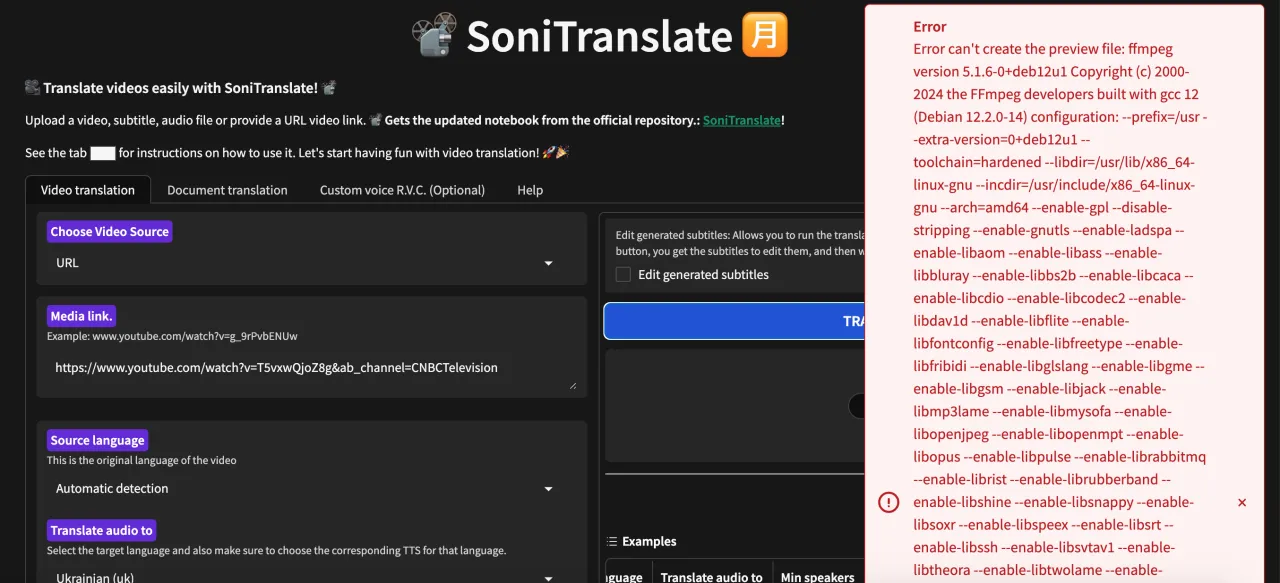
But we didn’t give up and continued searching. As a result, we found another web version of SoniTranslate by user Daniel9046, which does load and is available at link — here. But here, too, things are not so simple. When trying to add a YouTube link and start the translation, the system returns an error.
Well, fine, we still have another option — uploading the video to the server. Let’s try that.
- The video loaded without any problems.
- We selected the language to translate into.
- We selected the TTS file in the language we had chosen for the translation.
- We started the translation and downloaded the finished video.
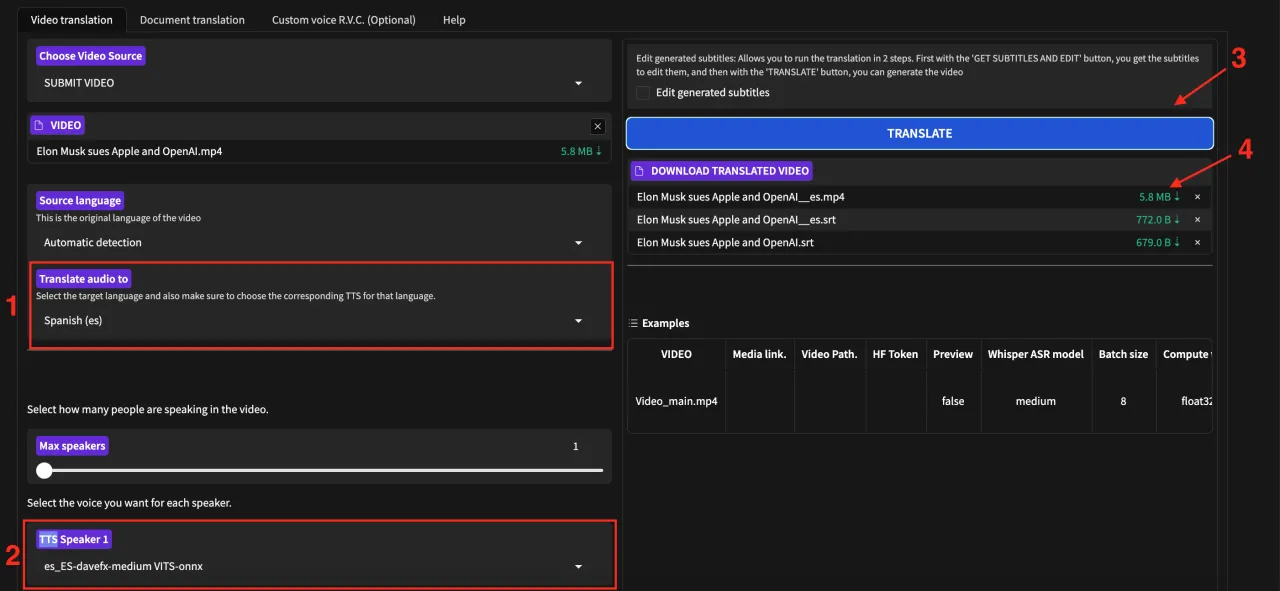
Will we really get a video translated into another language? Unfortunately, no. The video we downloaded had no sound. We tried different videos and different settings, but the result was always the same — no sound.
As a result, we were unable to translate a video with SoniTranslate. Perhaps in the future SoniTranslate will start working, or if anyone knows how to get it working, share in the comments!
Translation using BoldActionMan
We looked for other free options and found a video translator from the author BoldActionMan. The translator’s website is available at link — here.
But when trying to translate a video, we either get an error or endless processing.
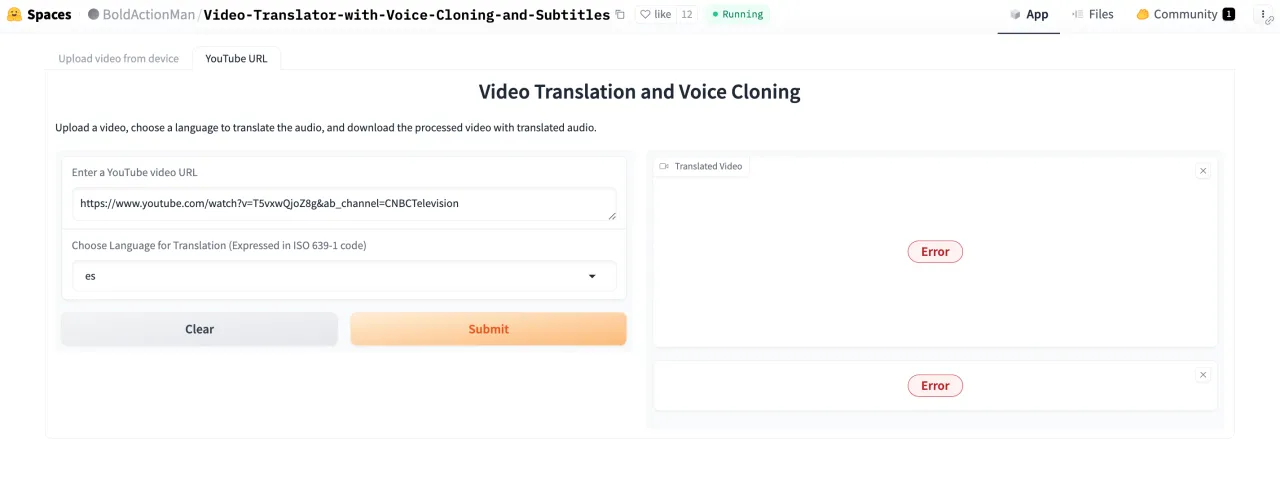
So, this free option also didn’t work out for us. We sincerely hope that in the future everything will stabilize and it will be possible to translate videos into another language for free. But for now, we have not found a truly free tool, and the services that claim to be free in fact only offer a trial version that lets you translate about 5 minutes of video.
Using inexpensive services
Sometimes the only option left is to use paid versions, since it’s impossible to find a free one, while the need for translation remains relevant.
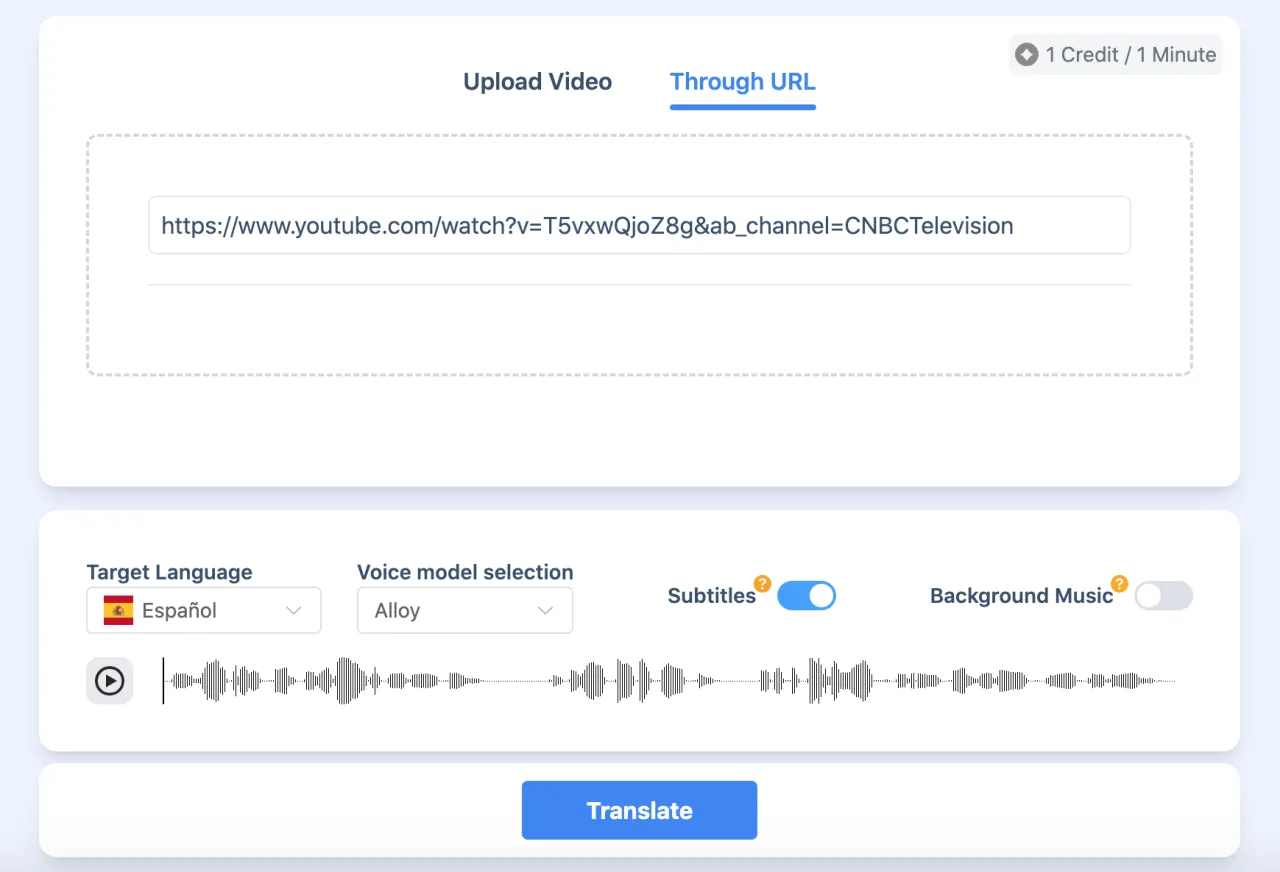
We looked for affordable options, and at the moment there is a service called Transmonkey that offers translation for just $6 per 100 minutes, and you can pay as you go. The interface is extremely simple and there are no problems uploading videos from YouTube.
If you have found services that allow you to translate YouTube videos into other languages for free, share them in the comments!


