Top 10 AI Tools for Creators and Developers in 2026: Ranked by What Actually Matters
From local LLMs to AI video avatars, we ranked the 10 best AI tools of 2026 by real-world utility, pricing, and honest trade-offs.

Everyone has a list. Most of them are garbage, padding affiliate links into a generic rundown of the same five tools everyone already knows about. This isn't that.
I've spent months across 2025 and into 2026 actually using these tools, building with them, writing with them, running them locally, breaking them, and occasionally being impressed. The ranking below prioritizes real-world utility over hype, accounts for pricing honestly, and doesn't pretend every tool is great for everyone.
The criteria I used: Does it actually save time? Is the pricing fair for what you get? Who specifically benefits most? And, critically, what are the real limitations no one talks about?
Let's get into it.
Quick Comparison Table
| Tool | Best For | Pricing Model | Local/Cloud | Rating |
|---|---|---|---|---|
| LM Studio | Privacy-first dev & power users | Free | Local | ⭐⭐⭐⭐⭐ |
| Descript | Video/podcast editing | Paid | Cloud | ⭐⭐⭐⭐⭐ |
| Replit | Coding & prototyping | Paid | Cloud | ⭐⭐⭐⭐ |
| Synthesia | AI video generation | Freemium | Cloud | ⭐⭐⭐⭐ |
| DeepSeek | Research & reasoning tasks | Freemium/API | Both | ⭐⭐⭐⭐ |
| Mistral | Efficient LLM API use | API-based | Both | ⭐⭐⭐⭐ |
| Jasper AI | Marketing copy at scale | Free trial → Paid | Cloud | ⭐⭐⭐½ |
| Grok | Real-time information + snark | Subscription | Cloud | ⭐⭐⭐½ |
| GPT4All | Offline LLM for non-devs | Free | Local | ⭐⭐⭐ |
| Buffer | Social media scheduling + AI | Freemium | Cloud | ⭐⭐⭐ |
#1. LM Studio: The Best Thing to Happen to Local AI
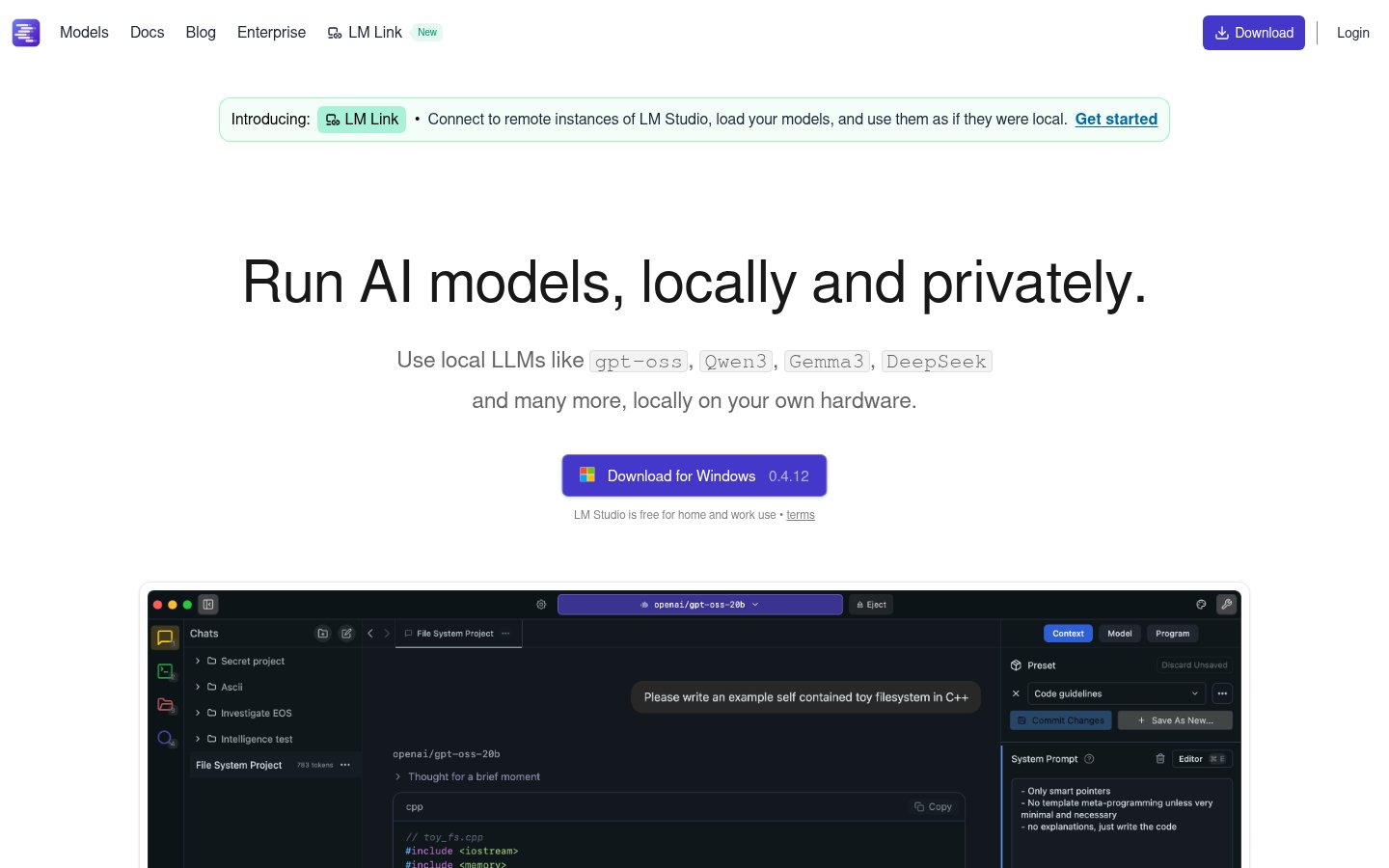
LM Studio sits at the top of this list because it solves a real problem elegantly: running powerful open-source models on your own hardware, without a PhD in MLOps.
What It Does
LM Studio is a desktop application for macOS, Windows, and Linux that lets you download, manage, and chat with local LLMs. Llama 3.3, Mistral, Phi-4, Gemma, DeepSeek-R1 distillations, and dozens more. It runs entirely offline. Nothing leaves your machine.
Best For
Privacy-conscious developers, researchers, and anyone who's tired of API costs adding up. Also excellent for offline environments, traveling, air-gapped systems, or just not trusting a cloud service with sensitive documents.
Pricing
Free. That's it. The model files themselves range from a few GB to 70GB+ depending on parameter count, so your main cost is disk space and a halfway decent GPU (or a patient CPU).
Pros
- Completely offline, your data stays yours
- Polished UI that non-developers can actually navigate
- Built-in OpenAI-compatible local server (swap it into existing apps trivially)
- Model library is enormous and growing fast
- No subscription, no token limits
Cons
- Performance is hardware-dependent; a MacBook Air handles Llama 7B fine but struggles with 70B
- Model downloads can be massive (plan for 20-40GB for good quality)
- No built-in fine-tuning or training
- Community support, not enterprise SLAs
In my testing, running Mistral 7B Instruct on Apple Silicon produced responses fast enough to feel like a real assistant, roughly 30-50 tokens/second. For most writing and coding tasks, that's entirely usable.
#2. Descript: Still the Most Underrated Tool in This List
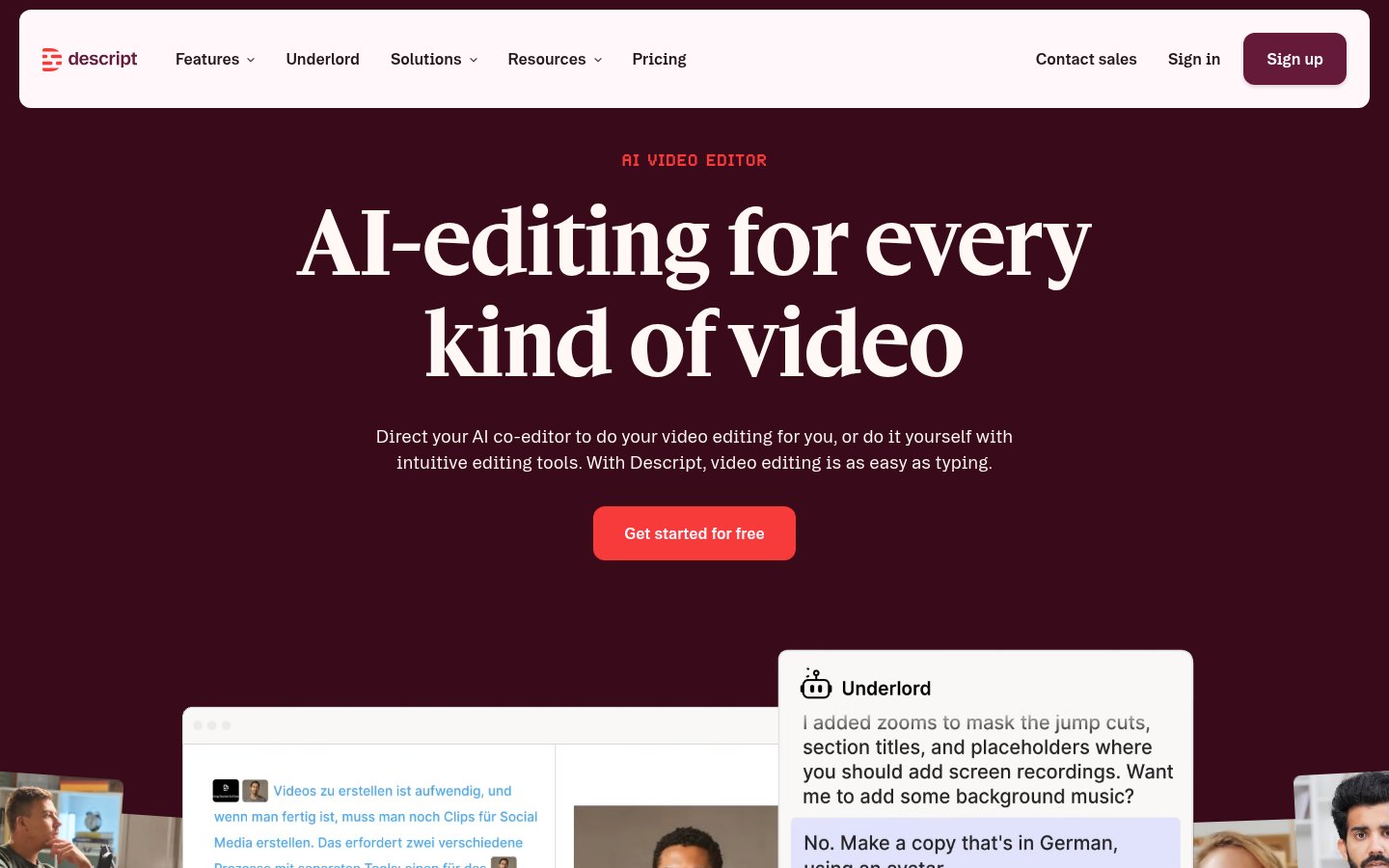
Descript should have more buzz than it does. For anyone producing video or podcast content, it's genuinely one of the most time-saving applications in existence.
What It Does
Descript transcribes your video or audio, then lets you edit the media by editing the text transcript. Delete a sentence from the transcript, that clip disappears from the video. It also has AI voice cloning (Overdub), filler word removal, and a screen recorder.
Best For
Podcasters, YouTubers, course creators, and video marketers who want to cut editing time dramatically. Not for professional film editors who need frame-level precision.
Pricing
Paid plans start around $24/month (Creator tier). There's a limited free tier. The AI features, especially Overdub voice cloning, require higher tiers. No hidden costs, but it adds up if you're on a team.
Pros
- Text-based editing paradigm is genuinely revolutionary for spoken-word content
- Overdub voice cloning is eerie-good for fixing flubbed lines
- Removes filler words with one click (saves 20 minutes on a 30-minute podcast)
- Exports to all major formats
- Collaboration features work well for small teams
Cons
- Transcription accuracy drops on heavy accents or technical jargon
- The desktop app can be RAM-hungry on long projects
- Not a replacement for Premiere Pro or DaVinci Resolve for complex edits
- Overdub voice cloning requires consent verification (rightfully so, but adds friction)
#3. Replit: Where Coding Meets Instant Deployment
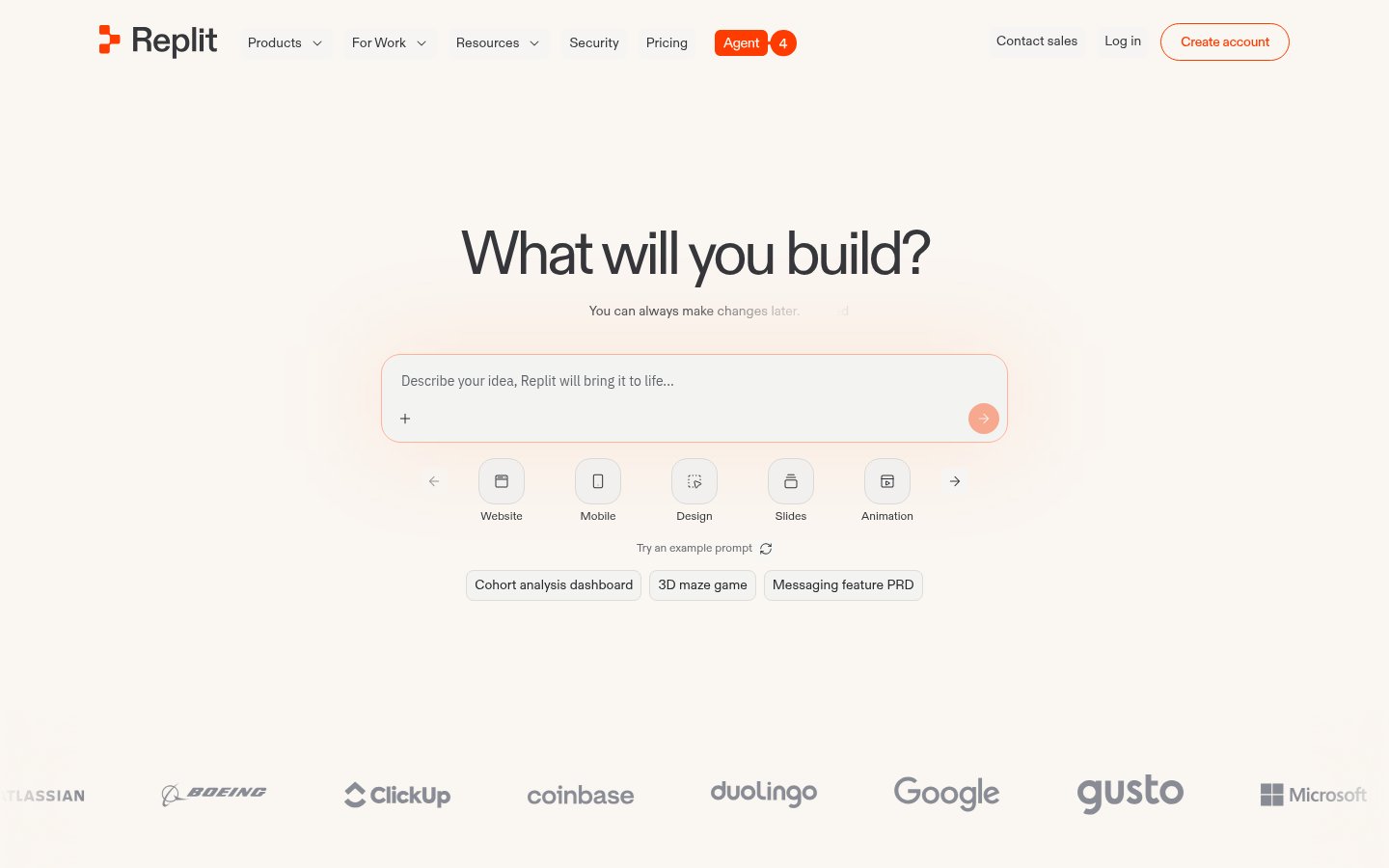
Replit has evolved well past its "coding playground" origins. In 2026, it's a legitimate cloud IDE with AI assistance baked deeply into the workflow.
What It Does
Replit is a browser-based IDE supporting 50+ languages with Replit AI (powered by their own models plus integrations) that can write, explain, debug, and deploy code. You can go from idea to live URL in under 10 minutes.
Best For
Solo developers, students, and non-technical founders who need to prototype quickly. Also useful for developers who need a reproducible environment without local setup friction.
Pricing
Paid plans start at around $20/month for the Core tier. There's a free tier with usage limits. The AI features are gated behind paid plans.
Pros
- Zero setup, open browser, write code, hit Run
- AI can generate entire project scaffolds from a prompt
- Built-in hosting and deployment
- Great for teaching and pair-coding
- Collaborative editing works in real-time
Cons
- Free tier performance is noticeably throttled
- Not suitable for heavy computation or large-scale production workloads
- The AI suggestions can confidently produce wrong code, always review
- Some packages have compatibility issues in Replit's container environment
#4. Synthesia: AI Video Avatars That Don't Look Terrible Anymore
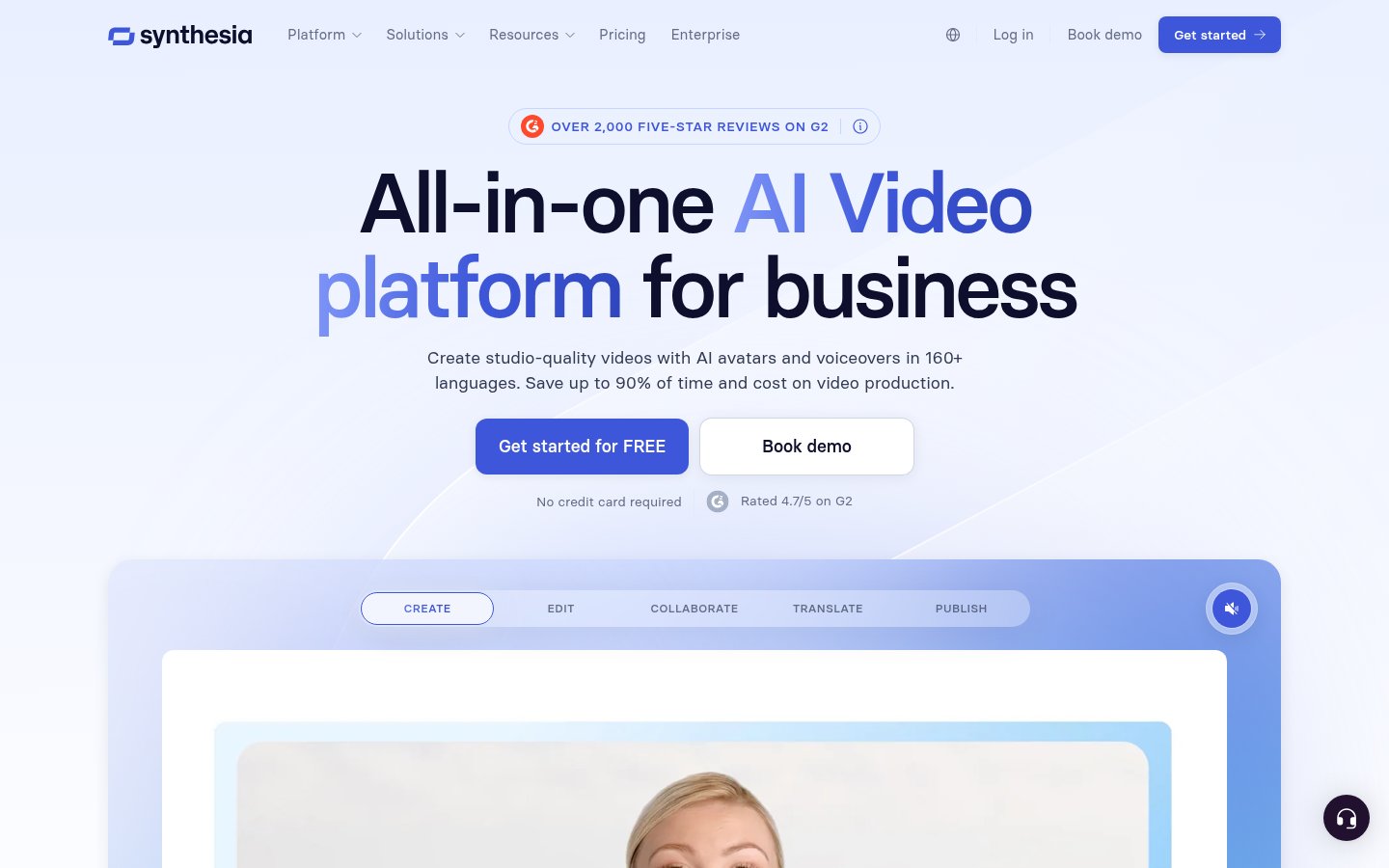
Synthesia has been around since 2020, but the quality gap between their 2023 and 2026 output is striking. The avatars have gone from "uncanny valley" to "usable in a professional context."
What It Does
Type a script, choose an AI avatar (or create a custom one from your own likeness), pick a language, and get a presenter-style video back in minutes. No camera, no lights, no teleprompter.
Best For
L&D teams creating training videos at scale, marketing teams localizing content across languages, and companies that need consistent presenter-style video without a studio budget.
Pricing
Freemium, free tier gives you very limited minutes. Paid plans start around $29/month (Starter) and scale based on video minutes and features. Enterprise pricing for custom avatars.
Pros
- 140+ languages with reasonably natural lip-sync
- Custom avatar creation from a 5-minute video recording
- Dramatically cheaper than hiring on-camera talent for simple explainers
- Good slide/screen integration for training content
Cons
- Avatar gestures and emotional range are still noticeably limited
- Not convincing for anything that requires nuanced human expression
- Free tier is genuinely restrictive, barely enough to evaluate properly
- Works best for scripted, formal content; casual styles feel stiff
#5. DeepSeek: The Model That Shook the Industry
DeepSeek made global headlines in early 2025 when DeepSeek-R1 matched GPT-4 class performance at a fraction of the training cost. In 2026, their model family is stronger and their API pricing remains aggressive.
What It Does
DeepSeek offers both a chat interface (deepseek.com) and an API for developers. The R1 reasoning model excels at math, coding, and structured analysis. The V3 base model is highly capable for general tasks.
Best For
Developers building cost-sensitive applications who need GPT-4 level reasoning without paying GPT-4 level API prices. Also worth using for complex research tasks where chain-of-thought reasoning matters.
Pricing
The web interface has a free tier. API pricing is significantly below OpenAI equivalents, roughly $0.14 per million input tokens for V3 as of early 2026. Pricing can change, check their site.
Pros
- Genuinely competitive reasoning capability at lower cost
- Open-weight versions available for self-hosting
- Strong performance on coding benchmarks
- API is straightforward and well-documented
Cons
- The chat interface has had intermittent availability issues during high-demand periods
- Some users have noted the model declines certain political/sensitive topics (it's trained by a Chinese lab)
- Privacy considerations for sensitive enterprise data deserve scrutiny
- Less ecosystem tooling than OpenAI
#6. Mistral: Europe's Answer to the LLM Giants
Mistral has built a reputation for shipping efficient, capable models that punch above their parameter count. Based in Paris, they've also become the go-to choice for European companies with GDPR concerns.
What It Does
Mistral offers a suite of models from tiny (Mistral 7B, excellent locally) to large (Mistral Large 2). Their La Plateforme API gives access to all models. They also have a chat interface called Le Chat.
Best For
Developers who want OpenAI alternatives, European businesses with compliance requirements, and anyone running local models (Mistral 7B runs great on consumer hardware).
Pricing
API pricing is competitive, Mistral Small is under $1 per million tokens. Mistral Large sits higher but below GPT-4. Le Chat has a free tier.
Pros
- Strong performance-per-parameter ratio
- European data residency options
- Open-weight models available (the smaller ones, at least)
- Clean, well-documented API
- Function calling and JSON mode work reliably
Cons
- Smaller ecosystem than OpenAI or Anthropic
- Mistral Large still trails GPT-4o on some creative tasks
- Less consumer brand recognition means less community content/tutorials
- The chat interface (Le Chat) is functional but not exceptional
#7. Jasper AI: Marketing Copy at Scale (With Caveats)
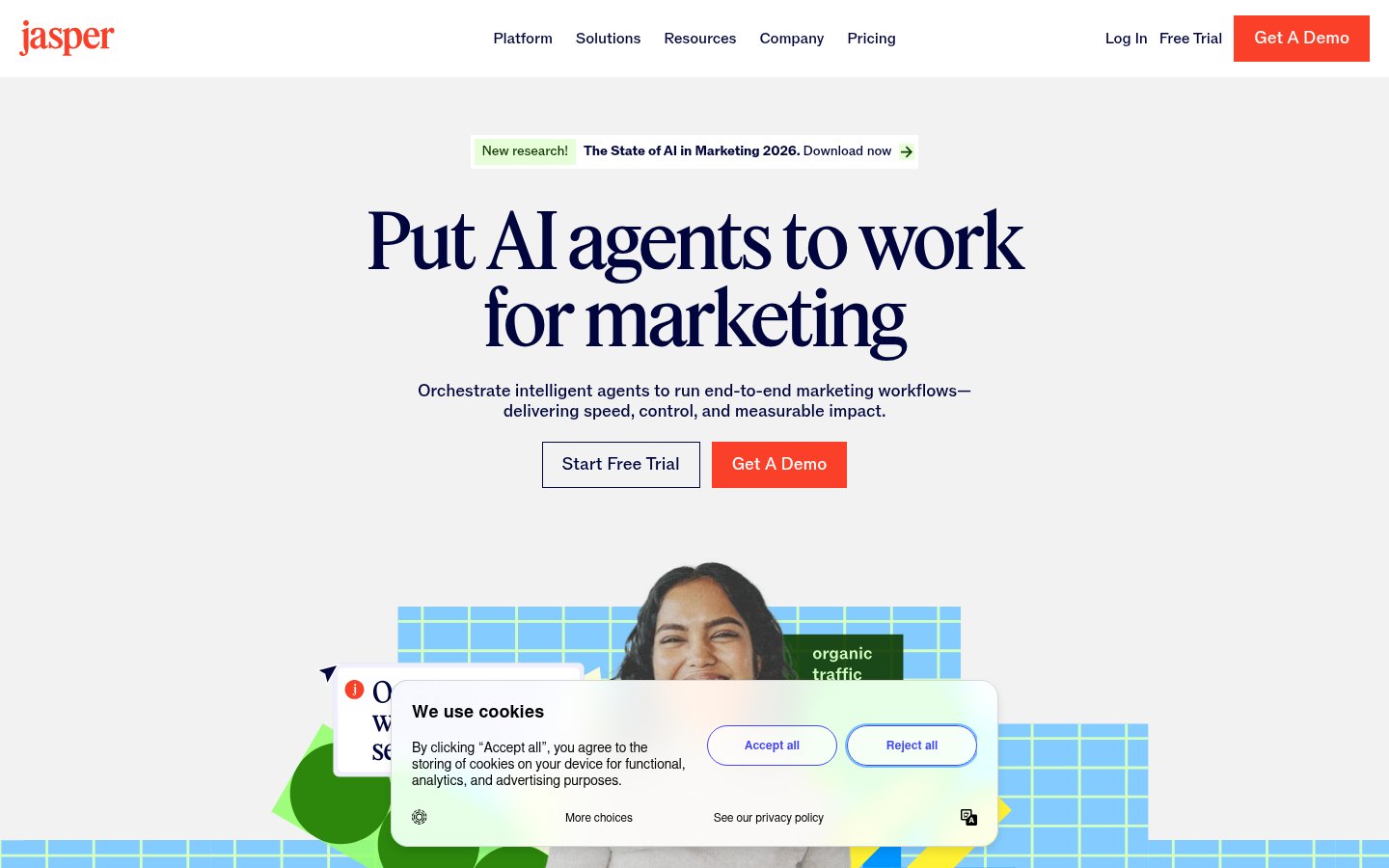
Jasper AI was the darling of marketing teams in 2022-2023. In 2026, it's still useful, but the competitive landscape has made its value proposition harder to justify at full price.
What It Does
Jasper is an AI writing platform built specifically for marketing: ads, emails, blog posts, social copy, landing pages. It has brand voice training, templates, and integrations with tools like Surfer SEO.
Best For
Marketing teams producing high volumes of branded content who need consistency across multiple writers. Less useful for individuals who can get similar output from ChatGPT or Claude directly.
Pricing
Free trial, then paid plans starting around $49/month for the Creator plan. Team/Business plans are significantly higher. Pricing has shifted around, verify current rates.
Pros
- Brand voice training is genuinely useful for maintaining tone consistency
- Purpose-built templates save setup time vs. generic LLMs
- Integrates with Surfer for SEO-optimized content
- Good for teams where not everyone is prompt-engineering savvy
Cons
- Expensive relative to what raw GPT-4/Claude access costs
- Output quality has been largely matched by general-purpose tools
- The platform has gone through multiple pricing/feature changes, some users have felt burned
- Not worth it for solo creators or small teams with prompt skills
#8. Grok: xAI's Real-Time Wild Card
Grok is xAI's LLM, and it occupies a specific niche: real-time information access combined with a notably less filtered personality than most models. Whether that's a feature or a bug depends on your perspective.
What It Does
Grok is integrated into X (Twitter) and available via the grok.x.ai interface. It pulls from real-time X data, meaning it has access to breaking news and live conversations. Grok 3 (released in early 2025) made significant capability gains.
Best For
People who are already heavy X users and want AI assistance grounded in current events. Also for users who find other models overly cautious in their outputs.
Pricing
Access is tied to X Premium subscriptions ($8-$16/month depending on tier). Grok 3 and advanced features require the higher tier.
Pros
- Real-time information is a genuine differentiator
- Less hedging and refusals than some competitors
- Deep integration with X makes it convenient for social media workflows
- Grok 3 made substantial reasoning improvements
Cons
- Tied to X platform ecosystem, if you're not on X, this is inconvenient
- The "less filtered" approach can produce careless outputs that need more fact-checking
- Pricing is bundled in a way that may not suit non-X users
- Privacy concerns around X platform data practices
#9. GPT4All: Offline AI for Non-Technical Users
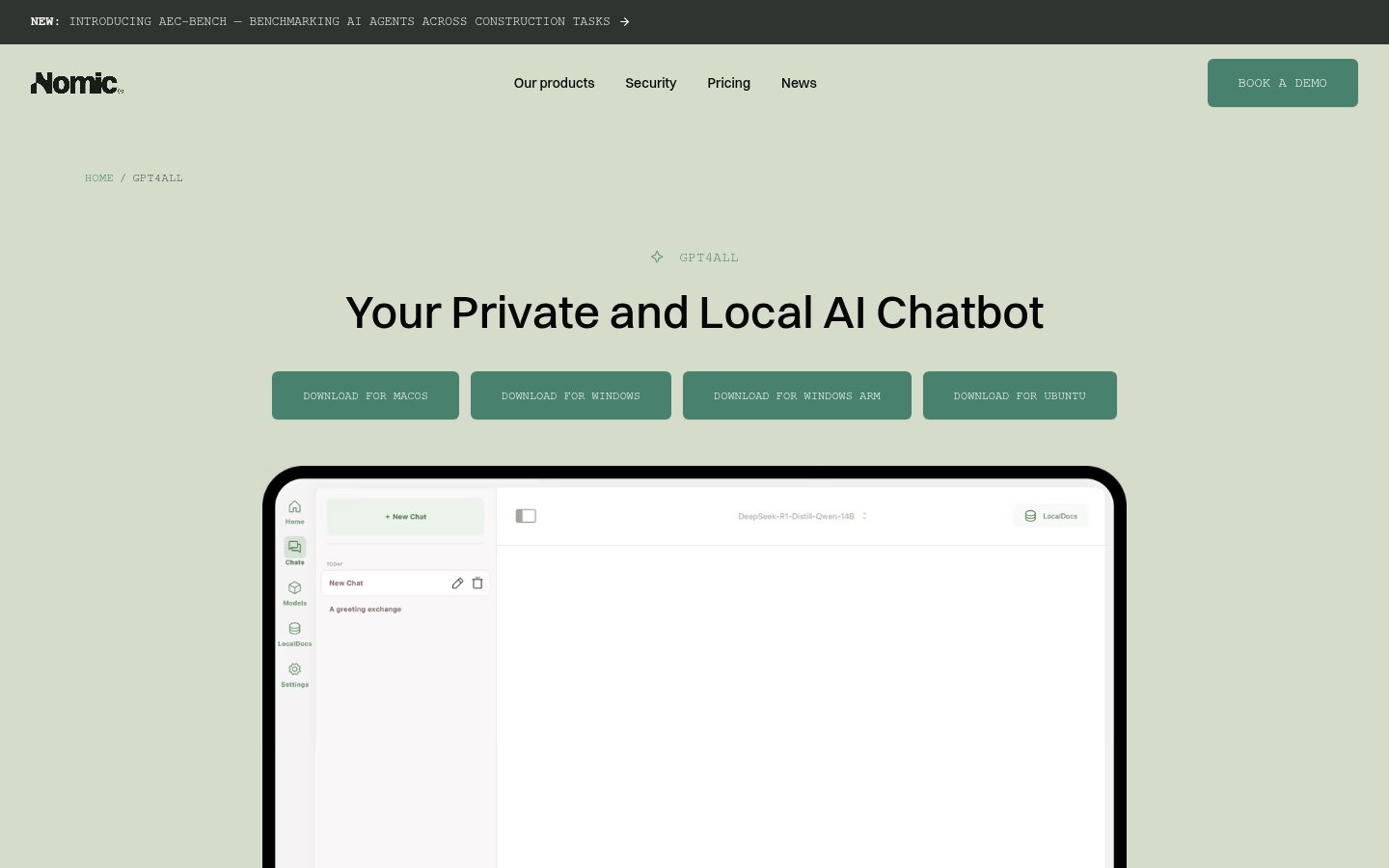
GPT4All from Nomic AI deserves credit for making local AI accessible to people who aren't developers. It's simpler than LM Studio but more limited.
What It Does
GPT4All is a free desktop application that runs various open-source models locally. It has a simple chat interface, document Q&A (load PDFs and ask questions), and a model download library.
Best For
Non-technical users who want offline AI without command-line setup. Journalists, researchers, or lawyers who want to query sensitive documents without cloud exposure.
Pricing
Free and open source.
Pros
- Genuinely easy for non-developers to install and use
- Document Q&A feature is valuable for private document analysis
- Completely offline and private
- Active development and community
Cons
- Less polished than LM Studio
- Fewer model management features
- Performance varies significantly by hardware
- Limited to chat and document QA, no local API server in the same way LM Studio offers
If you're a developer, LM Studio wins. If you're not technical and just want something that works offline, GPT4All is the better starting point.
#10. Buffer: AI-Assisted Social Scheduling
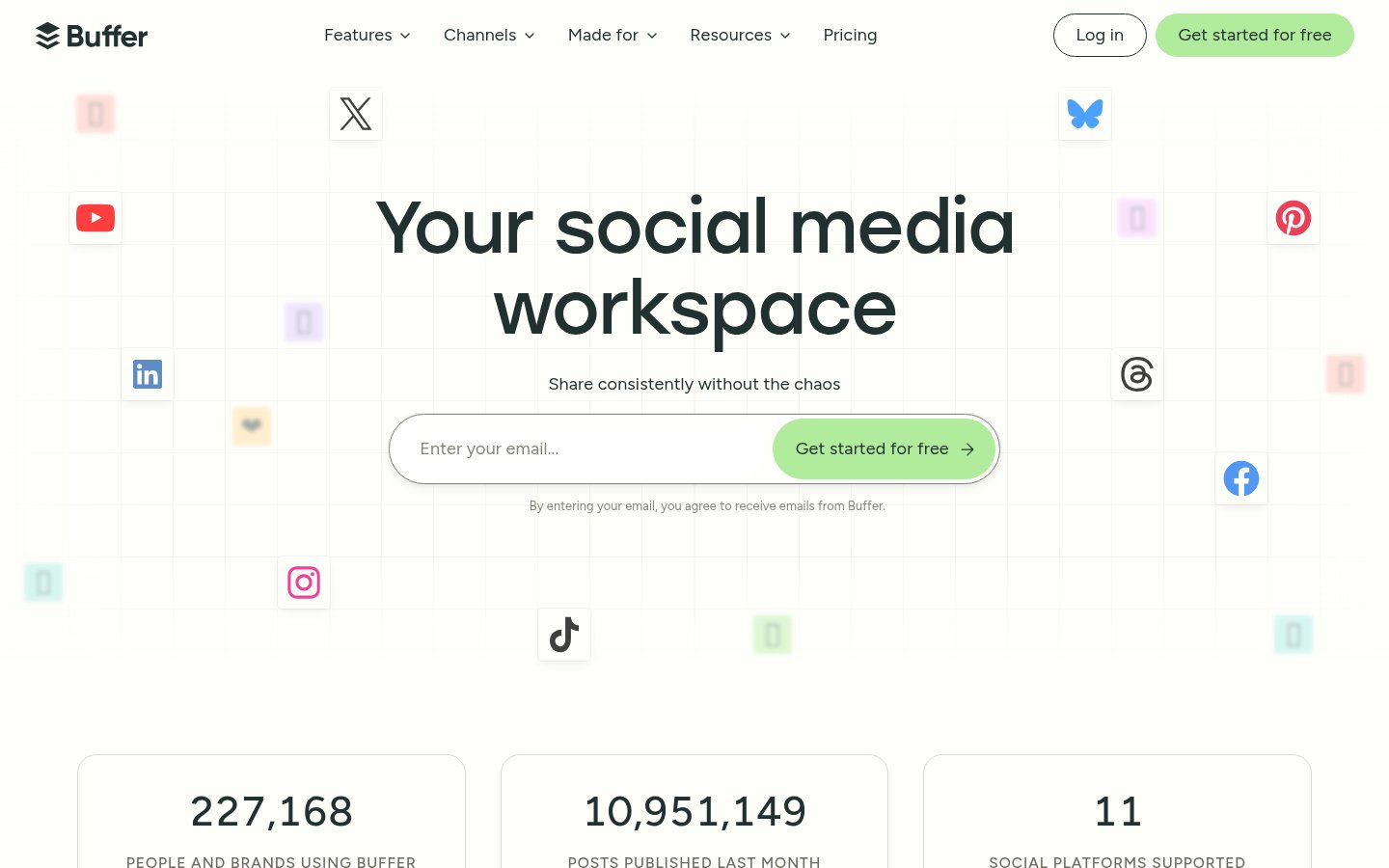
Buffer rounds out the list as the most practical "AI-assisted" tool rather than a core AI tool. It's been around for years and has steadily integrated AI features without making them the whole product, which is actually refreshing.
What It Does
Buffer schedules social media posts across platforms (Instagram, LinkedIn, X, Facebook, TikTok, etc.) and has added AI writing assistance for generating captions, repurposing content, and suggesting posting times.
Best For
Solo creators, freelancers, and small businesses managing social presence without a dedicated social media manager. Not really built for enterprise social teams (Sprout Social or Hootsuite serve that better).
Pricing
Freemium, free plan supports 3 channels with limited posts. Paid plans start around $6/month per channel. Very accessible pricing.
Pros
- Simple, clean interface that hasn't been over-engineered
- AI caption generation is genuinely helpful for beating writer's block
- Excellent value at its price point
- Good analytics on what's performing
- Browser extension for quick sharing
Cons
- AI features are supplementary, not central, if you want AI-first social, look elsewhere
- Analytics aren't deep enough for serious performance analysis
- Instagram direct publishing has had historical reliability issues
- The AI suggestions are decent but not markedly better than asking ChatGPT directly
Final Thoughts: How to Actually Choose
The honest answer is: you probably need two or three of these, not ten.
If you're a developer: LM Studio + DeepSeek API + Replit covers most bases without breaking the bank.
If you're a content creator: Descript for video, Buffer for distribution, and pick one general LLM (local via LM Studio, or cloud via DeepSeek/Mistral).
If you're in marketing: Jasper has its place at the enterprise level, but test whether your team can get the same results from ChatGPT or Claude first, many can.
If privacy is your top concern: LM Studio + GPT4All gives you a full offline AI stack at zero ongoing cost.
The AI tooling market in 2026 is mature enough that you don't need to pay premium prices for most tasks. The open-source and open-weight ecosystem has genuinely caught up for a wide range of use cases. Use that to your advantage.
Frequently Asked Questions
Which of these tools works completely offline?
LM Studio, GPT4All, and any model you download through them work entirely offline. DeepSeek also has open-weight models you can self-host, though the web interface is cloud-based.
Is LM Studio really free, or are there hidden costs?
LM Studio the application is free. The models you download are also free (open-weight). Your costs are hardware (GPU helps significantly) and storage. There's no subscription, no token meter, no account required.
How does DeepSeek compare to ChatGPT for coding tasks?
DeepSeek R1 and V3 are genuinely competitive with GPT-4o on coding benchmarks as of early 2026, and the API pricing is substantially lower. The main trade-offs are ecosystem maturity and some concerns around data privacy for sensitive work.
Is Jasper AI worth it in 2026?
For teams producing very high volumes of branded content with multiple writers who need consistent voice, yes. For individuals or small teams with solid prompt skills, probably not, the cost premium over using general LLMs directly is hard to justify.
Can Synthesia replace a human presenter for professional videos?
For training content, explainers, and internal communications, often yes. For anything requiring genuine emotional range, storytelling, or on-camera credibility with a sophisticated audience, not yet.
What's the cheapest setup for someone who wants to try local AI?
Download GPT4All (free), grab the Llama 3.2 3B or Phi-4 Mini model (free, 2-4GB download), and you're running local AI on most laptops in under 20 minutes. For better quality and more control, step up to LM Studio.

infobro.ai Editorial Team
We research every tool from its documentation, pricing pages, product screenshots and public developer discussion, and say plainly what the evidence does and does not show. Drafts are AI-assisted and reviewed by our editors before publication. We revisit each article every 6 months to reflect platform changes. Learn more about our process.