Top 9 AI Meeting & Productivity Tools in 2026: Ranked by How Much Time They Actually Save
Updated May 2026: The definitive ranked list of AI meeting and productivity tools that actually save time, from Fathom's zero-friction call summaries to Granola's no-bot approach, Screenpipe's privacy-first capture, and everything in between. Ranked by real-world time savings, not marketing claims.

Updated May 2026: Pricing, features, and rankings refreshed to reflect the latest developments across all nine tools.
If you're spending more than 20 minutes after every meeting writing up notes, action items, and summaries, you're already behind. The AI productivity category has exploded in 2026, and the gap between the best and worst tools is enormous. Some will genuinely claw back an hour a day. Others are glorified transcription services dressed up with GPT-4 window dressing.
I've spent time with all nine tools on this list. Some I use daily. A few I stopped using after a week. This ranking reflects real-world use, not marketing pages.
The tools here span AI meeting notetakers, screen-memory apps, ambient capture devices, and workflow automation platforms. They're unified by one goal: reduce the cognitive tax of being a knowledge worker. That goal is more relevant in 2026 than ever, as remote and hybrid work has made async information overload the default state for most teams. If you're curious how these tools handle your data behind the scenes, our piece on The AI Privacy Problem: What Your AI Tools Actually Know About You (And How to Take Back Control) is required reading before you commit to any of them.
Let me be direct about the ranking criteria: time saved per week, accuracy of capture, integration depth, privacy posture, and value for money. Flashy features that don't survive actual workflows don't count.
Quick Comparison Table
| Tool | Best For | Platform | Offline? |
|---|---|---|---|
| Fathom | Zoom/Meet notetaking | Web/Mac/Win | No |
| Granola | Mac-native meeting notes | Mac only | Partial |
| Buffer | Social + async team comms | Web/iOS/Android | No |
| Limitless | Ambient AI memory | Mac/iOS/Pendant | Yes (device) |
| Screenpipe | Privacy-first screen capture | Mac/Win/Linux | Yes |
| Microsoft Recall | Windows screen memory | Windows only | Yes |
| Mem.ai | AI-powered note organization | Web/Mac | No |
| Reflect Notes | Networked thought + AI | Web/Mac/iOS | No |
| Capacities | Object-based note-taking | Web/Mac | No |
#1. Fathom
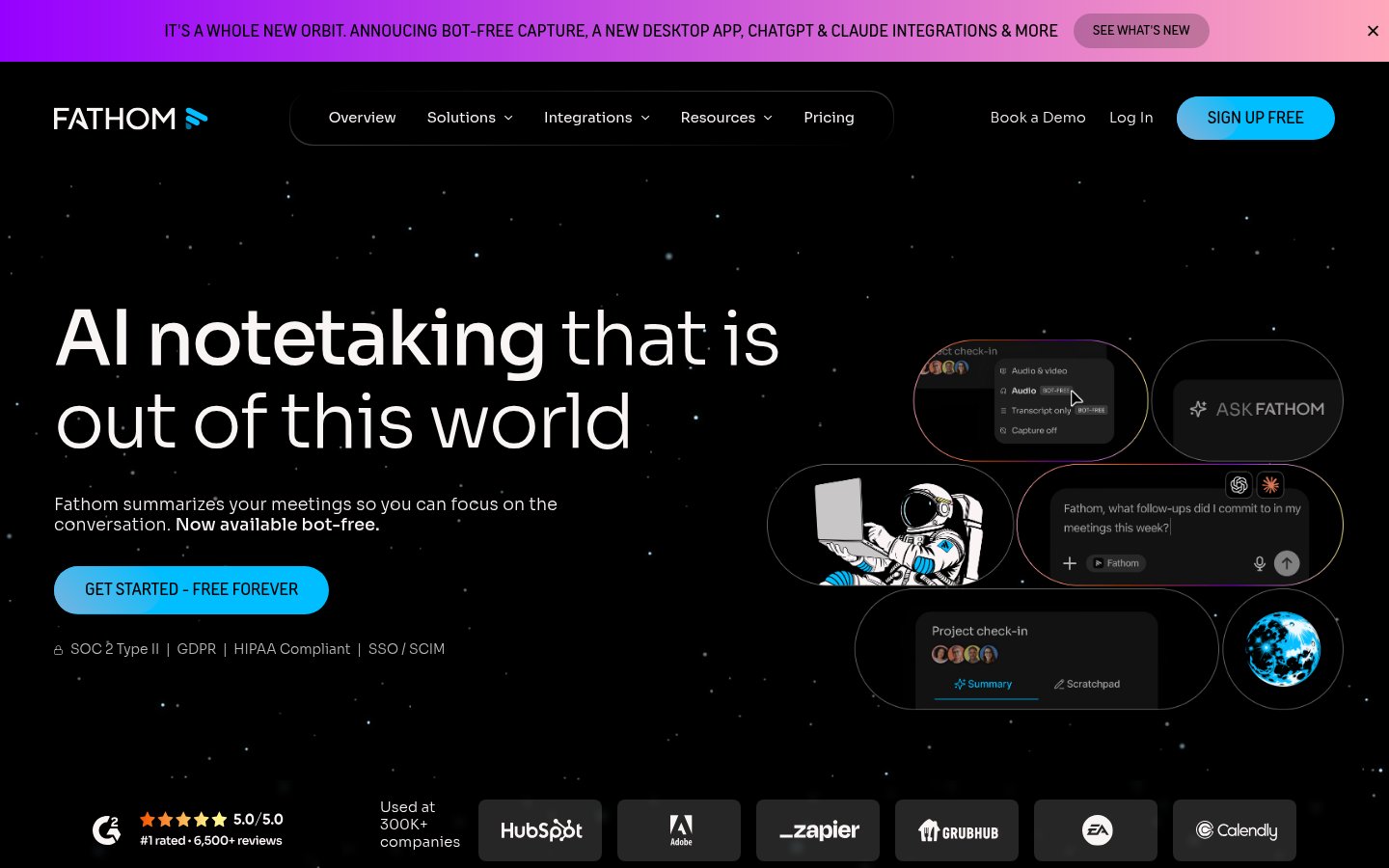
Official website: fathom.video
What it does: Fathom records, transcribes, and summarizes your Zoom, Google Meet, and Microsoft Teams calls. After a meeting ends, you get a structured summary with action items, key decisions, and highlights, usually within 60 seconds of the call ending.
Best for: Professionals who live in video calls and need zero-friction note capture without changing any workflow.
Pricing: Free tier is genuinely generous, unlimited recordings for personal use. Paid plans (Team Edition) add CRM sync, team sharing, and custom templates.
Why it's #1: Fathom has nailed the core loop. You install it, forget it's there, and walk away from calls with a clean summary in your inbox. The free tier alone justifiably put every paid transcription tool on notice in 2024-2025. In 2026, they've added AI-powered "Ask Fathom". You can query any past call like a database. That's a real differentiator.
The transcription accuracy is among the best I've tested, especially on technical vocabulary. It handles accents better than most.
Pros:
- Free tier is actually usable for individuals
- Sub-60-second post-call summaries
- CRM integrations (Salesforce, HubSpot) on paid plans
- "Ask Fathom" conversational search across call history
Cons:
- No support for asynchronous audio (uploaded files, podcasts)
- Requires bot to join calls, occasionally awkward in sensitive meetings
- Limited customization of summary templates on free tier
#2. Granola
Official website: granola.so
What it does: Granola is a Mac-native meeting notes app that listens to your meetings in the background, without sending a bot into the call, and enhances whatever rough notes you jot during the meeting. It's the closest thing to having a smart shorthand assistant.
Best for: Mac users who already take notes during meetings but want AI to fill in the gaps, structure them, and surface action items.
Pricing: Paid. There's a limited free trial to get started.
Why it's #2: The "no bot" approach is what makes Granola genuinely different. It captures system audio directly, which means nobody on the call sees a robot participant. For sensitive client calls, board meetings, or any situation where a recording bot feels wrong, this matters enormously.
The interaction model is clever too. You jot fragments during the meeting, "discuss Q3 targets, John's objection about budget", and Granola uses the transcript to flesh them out into proper meeting notes. The output is cleaner than Fathom's automated summaries precisely because there's human intent baked in.
May 2026 update: Granola now includes an in-meeting AI assistant you can query mid-call. Stepped away for two minutes? Type "What did I miss?" and get an instant recap. This has become one of the most practically useful features in the entire category. Zapier integration is also now live, meaning Granola can push notes and tasks directly into tools like Notion, Asana, or ClickUp automatically.
Limitation: Mac only. If your team is mixed Windows/Mac, this creates friction.
Pros:
- No bot joins the call, native audio capture
- Human-in-the-loop note enhancement is genuinely better quality
- "What did I miss?" mid-meeting AI recap is a standout feature
- Works across any meeting platform (Zoom, Meet, phone calls, in-person)
- Zapier integration now available for workflow automation
Cons:
- Mac only, no Windows or mobile version
- Requires mic/system audio permissions (can trip up IT-locked machines)
- No async file upload support
- Paid-only after trial
#3. Buffer (Editor's Pick)
Official website: buffer.com
What it does: Buffer has evolved well beyond its roots as a social media scheduler. In 2026 it functions as a full async team communications and content workflow platform, helping distributed teams coordinate output, manage content pipelines, and reduce the meeting load that comes from trying to keep everyone aligned on publishing cadence.
Best for: Content teams, solopreneurs, and small businesses that want to reduce coordination overhead and keep social and content pipelines moving without constant check-ins.
Why it's our Editor's Pick: The reason Buffer earns a spot in a meeting productivity roundup is counterintuitive: it helps you have fewer meetings in the first place. When your content calendar, approvals, and team communication live in one place with AI-assisted drafting and scheduling, you stop needing weekly "what are we posting this week?" calls. That's time saved just as surely as any notetaker.
Buffer's AI assistant now helps draft posts, suggest optimal posting times, repurpose long-form content into social snippets, and flag engagement patterns worth acting on. For teams already drowning in async communication tools, it replaces several moving parts at once.
Pros:
- Reduces coordination meetings for content teams
- AI drafting and repurposing built into the workflow
- Clean, genuinely usable interface that doesn't require onboarding
- Works across all major social platforms
- Strong mobile app for on-the-go approvals
Cons:
- Not a meeting tool per se, indirect productivity gains
- Analytics depth on lower tiers is limited
- Less useful for teams that don't have a content output component
#4. Limitless
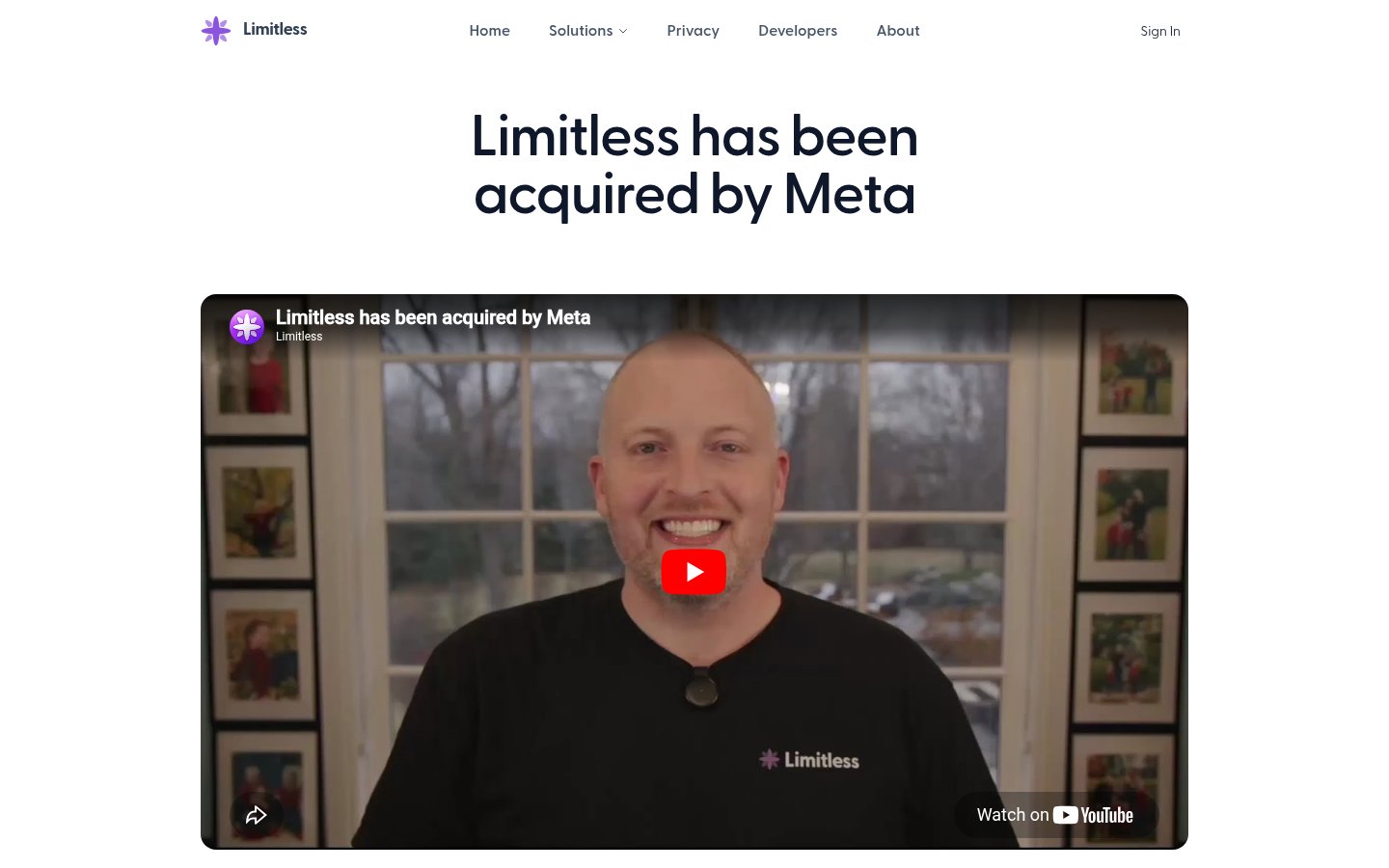
Official website: limitless.ai
What it does: Limitless is an ambient AI memory platform, available as a Mac app, iOS app, and a wearable Pendant device, that passively captures conversations, meetings, and spoken context throughout your day. It then makes that information searchable and surfaces relevant context when you need it.
Best for: Power users who want a persistent AI memory layer across their entire day, not just formal video calls.
May 2026 update: Limitless underwent significant changes following its acquisition by Meta. For the full picture on what changed, what improved, and what privacy implications the acquisition carries, see our detailed Limitless AI Review 2026: The Wearable Memory Assistant That Meta Just Bought. The short version: the product has gotten more capable, but the privacy conversation is now more complicated.
The Pendant hardware remains one of the most interesting AI accessories available, it captures in-person conversations with consent pings to other parties, and everything processes locally before syncing. The Mac and iOS apps handle screen and meeting context without additional hardware.
Pros:
- Truly ambient capture, works beyond just video calls
- Pendant device enables in-person meeting capture
- On-device processing for privacy-sensitive capture
- Searchable memory across weeks of context
Cons:
- Meta acquisition adds privacy considerations worth evaluating carefully
- Pendant hardware is an additional cost and commitment
- Some features require internet connectivity despite on-device capture
- Can feel overwhelming to users who don't have a retrieval habit
#5. Screenpipe
Official website: screenpi.pe
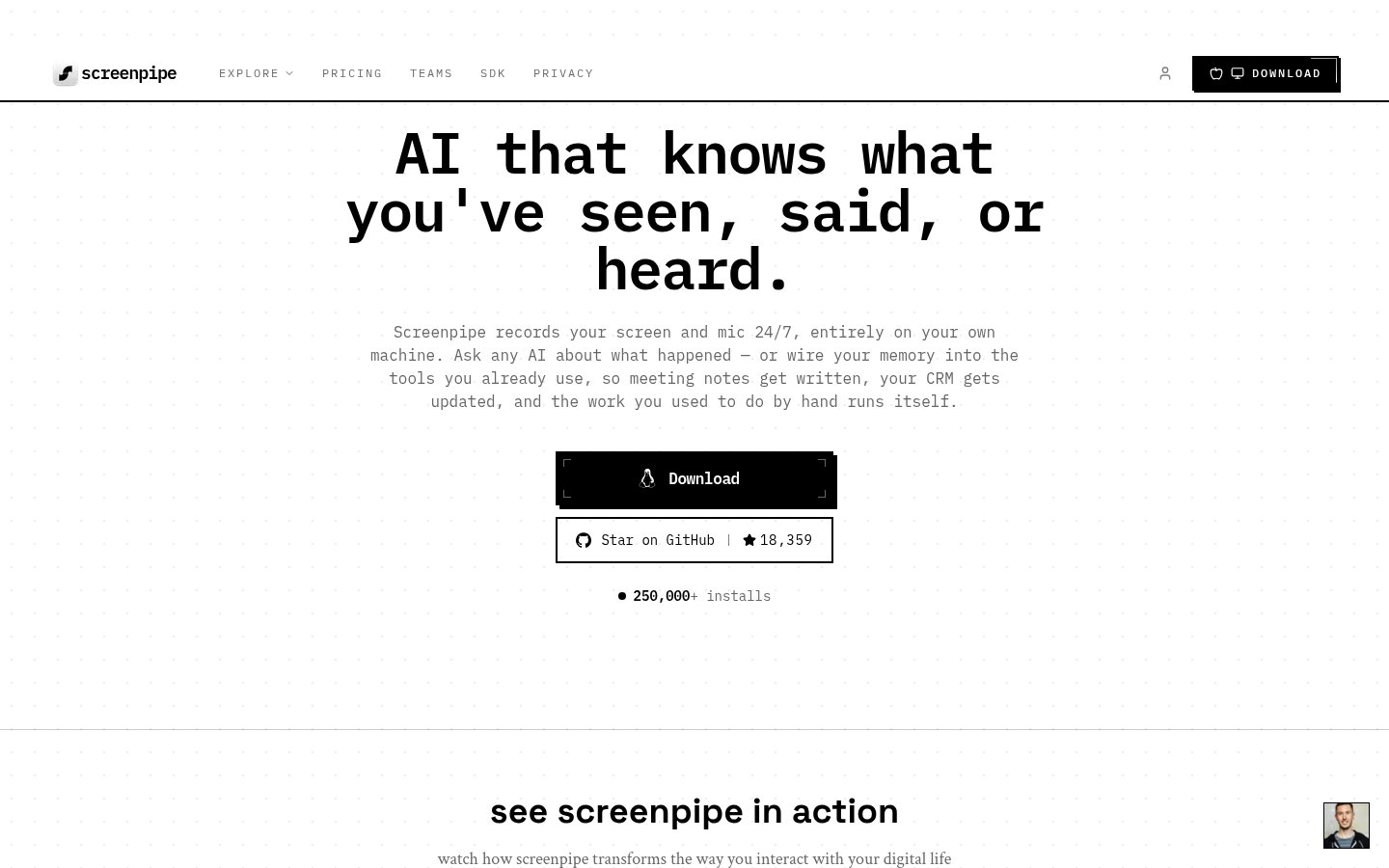
What it does: Screenpipe is an open-source, fully local screen and audio capture tool. It records everything happening on your screen and microphone, stores it locally, and lets you search through it with AI. Think of it as Microsoft Recall, but available on Mac, Windows, and Linux, and with no data leaving your machine.
Best for: Privacy-conscious users, developers, and anyone on a non-Windows machine who wants a Recall-like experience they actually control.
Pricing: Free tier on one device with a capped searchable history; Basic at $21/month ($250/year) for the full history; Business at $42/seat/month ($500/seat/year) for cross-device sync and managed seats; Enterprise quoted.
Why it ranks here: In a category where most tools require cloud processing, Screenpipe is the rare genuinely offline-first option. Everything, capture, indexing, AI querying, happens locally. For professionals in legal, healthcare, finance, or any regulated industry, this isn't a nice-to-have; it's a requirement.
The tradeoff is setup complexity. This is not a polished consumer app. But for technical users willing to invest 30 minutes in configuration, the result is a powerful personal memory layer with zero privacy compromise. The active open-source community means it improves faster than most venture-funded competitors.
For a deeper look at why local processing matters for your privacy posture, our piece on The AI Privacy Problem: What Your AI Tools Actually Know About You (And How to Take Back Control) is worth your time.
Pros:
- Fully local, no data leaves your machine
- Cross-platform: Mac, Windows, Linux
- Open-source and actively maintained
- Free core functionality
Cons:
- Setup requires technical comfort
- UI polish is behind commercial alternatives
- Storage requirements can be significant for heavy users
- No team or collaboration features
#6. Microsoft Recall
Official website: support.microsoft.com
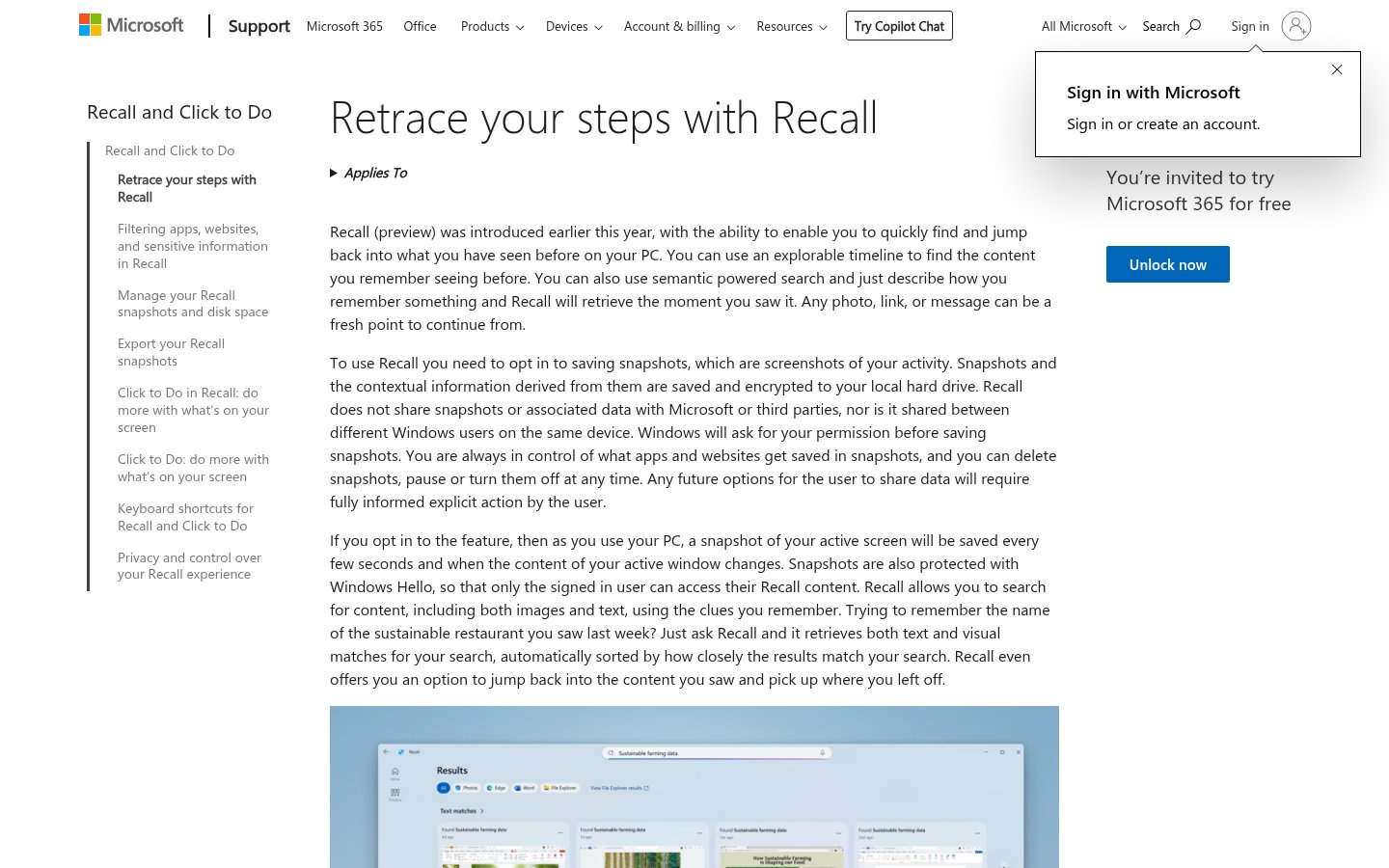
What it does: Microsoft Recall is a Windows 11 feature that takes periodic screenshots of your screen and uses AI to make everything you've seen searchable in natural language. "What was that invoice I looked at Tuesday?" becomes a real query with a real answer.
Best for: Windows users on Copilot+ PCs who want a native screen memory layer without installing anything third-party.
May 2026 update: Recall has had a rocky rollout. After its controversial initial announcement and delayed release due to security concerns, it's now available on Copilot+ PCs, the subset of Windows machines with dedicated NPU hardware. Microsoft has implemented opt-in by default, local processing via the NPU, and sensitive content filtering that automatically excludes passwords, credit card numbers, and incognito browser sessions.
For eligible hardware, it now works reasonably well. The natural language search is genuinely useful for retrieving context from past work sessions. The limitation remains hardware gating, if you don't have a Copilot+ PC, you simply can't use it.
Pros:
- Native to Windows, no additional install
- Local NPU processing keeps data on-device
- Sensitive content filtering is now robust
- Natural language search across everything you've seen
Cons:
- Copilot+ PC hardware required, not available on most Windows machines
- Windows only, no cross-platform option
- Opt-in by default means some users never discover it
- Public trust concerns linger from the initial launch controversy
#7. Mem.ai
Official website: mem.ai
What it does: Mem.ai is an AI-native note-taking and knowledge management app that automatically organizes your notes, surfaces relevant context when you need it, and lets you chat with your entire knowledge base. There's no manual folder structure, the AI handles organization.
Best for: Knowledge workers who accumulate information rapidly and struggle to retrieve it when it matters. Anyone who has ever lost a note they definitely wrote.
Pricing: Paid subscription with a free tier for evaluation.
Why it's here: The meeting productivity angle for Mem.ai is the retrieval side of the equation. You can paste meeting notes, save call summaries, and clip research, and then when you're walking into a follow-up meeting, Mem surfaces what's relevant automatically. It's less about capturing meetings and more about making sure captured information actually gets used.
For a thorough breakdown of everything Mem can do in 2026, see our Mem.ai Review 2026: The AI Note-Taking App That Actually Thinks With You.
Pros:
- Zero-friction capture, paste anything, organization is automatic
- Chat interface across your entire knowledge base
- Surface relevant notes automatically based on context
- Clean, fast interface
Cons:
- Requires cloud sync, not suitable for air-gapped or strict privacy environments
- No offline mode
- Power users may find the automatic organization occasionally frustrating to override
- Price is higher than traditional note apps
#8. Reflect Notes
Official website: reflect.app
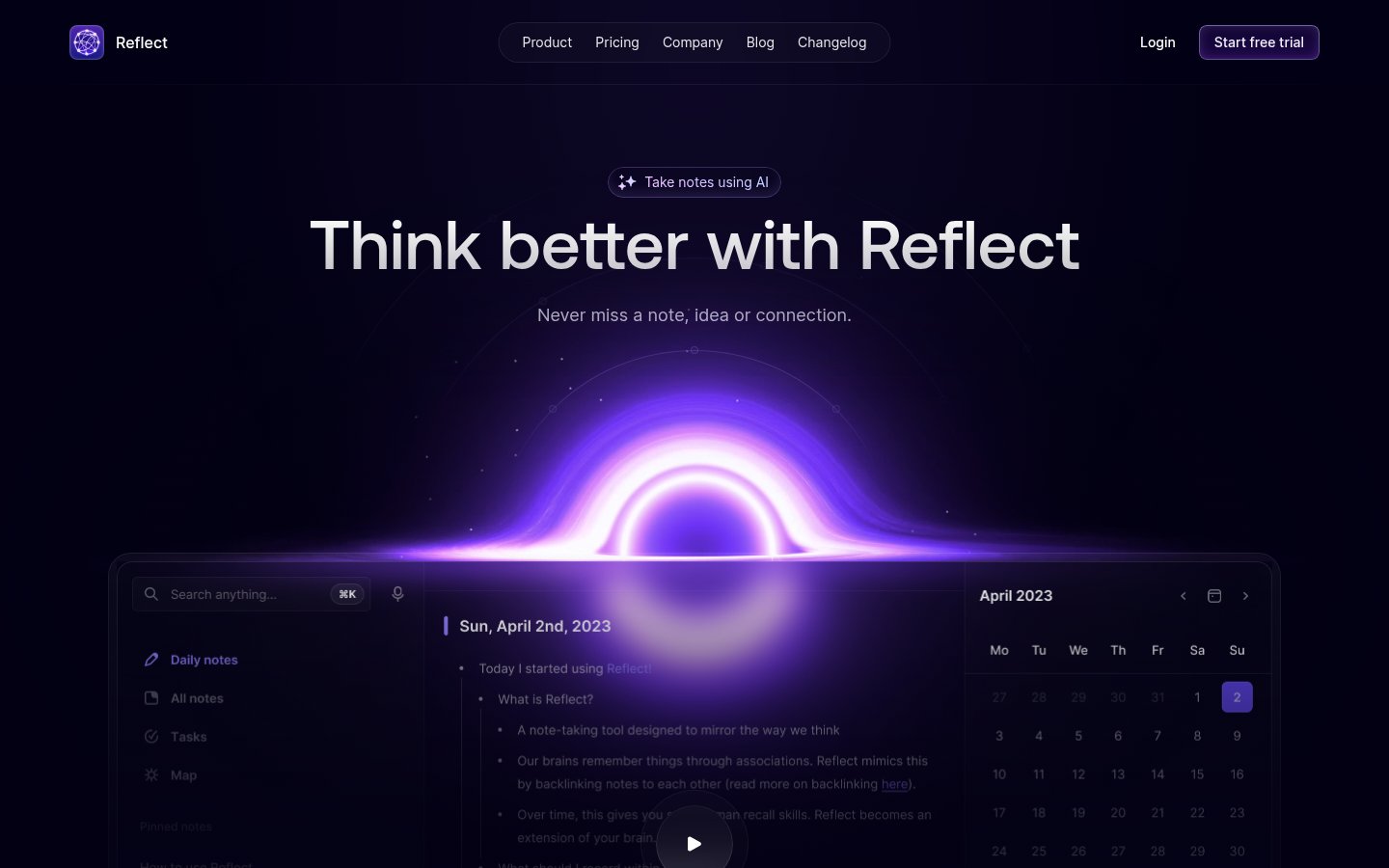
What it does: Reflect is a networked note-taking app built around the idea that thoughts should be connected, not siloed. It uses bidirectional linking, a daily notes structure, and an integrated AI assistant to help you think more clearly and retrieve ideas faster.
Best for: Writers, researchers, and deep thinkers who want a personal knowledge management system that grows more valuable over time.
Pricing: Free trial available. Paid subscription for full access.
Why it's here: Reflect addresses a specific productivity problem: the gap between capturing meeting notes and actually using them to inform future thinking and decisions. The AI assistant lets you query your notes conversationally, and the linking structure means a note from a meeting six months ago can surface when it's relevant today.
For a broader look at tools in this category, our Top 8 AI Tools for Personal Knowledge Management in 2026: Ranked by Actual Usefulness compares Reflect against its closest competitors.
Pros:
- Beautiful, distraction-free writing environment
- Bidirectional linking creates a genuinely useful knowledge graph over time
- AI assistant is well-integrated, not bolted on
- End-to-end encryption
- Available on Web, Mac, and iOS
Cons:
- No Android app
- Import from other tools can be clunky
- Less suited to team use, primarily a personal tool
- Smaller ecosystem than Notion or Obsidian
#9. Capacities
Official website: capacities.io
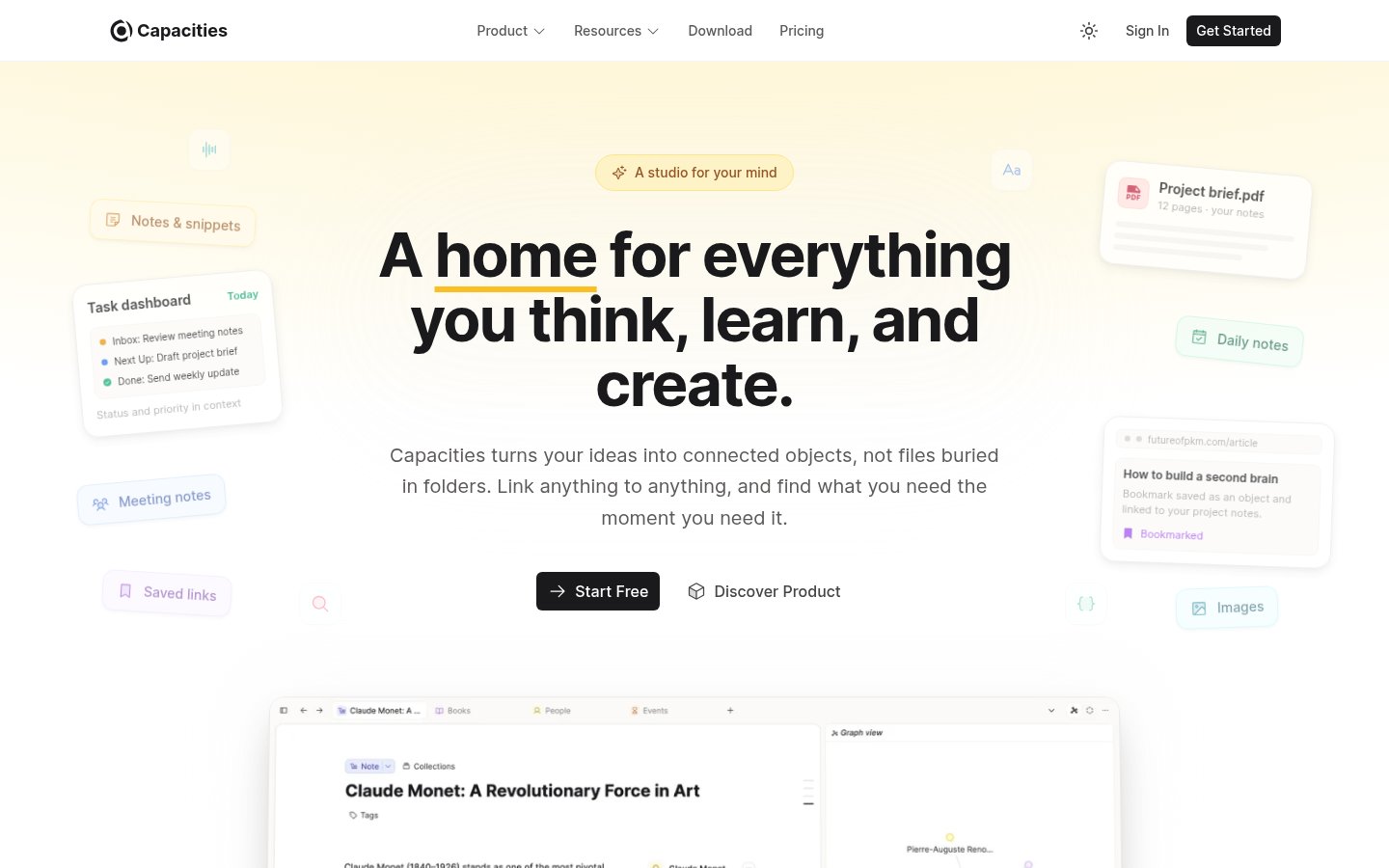
What it does: Capacities takes a fundamentally different approach to note-taking: instead of documents and folders, everything is an "object", a person, a book, a project, a meeting. Objects link to each other, and the AI understands the relationships between them. It's a knowledge management system built around how you actually think.
Best for: Users who want more structure than a plain-text note app but less rigidity than a database tool like Notion. Particularly strong for research-heavy roles where tracking relationships between ideas, people, and projects matters.
Pricing: Free tier available. Paid plans unlock AI features and additional storage.
Why it rounds out the list: Capacities occupies an interesting niche, it's more opinionated than Reflect but more flexible than Notion. The object model means your meeting notes about a client automatically connect to everything else you know about that client: past conversations, shared documents, action items. Over time, this creates a knowledge graph that becomes genuinely useful in ways flat note apps can't match.
The AI features in Capacities are evolving quickly. As of May 2026, you can ask the AI to summarize everything related to a specific person or project, draft follow-up notes based on past context, and surface connections between concepts you hadn't noticed.
Pros:
- Object model creates rich, queryable knowledge graphs
- AI understands relationships between notes, not just keyword search
- Genuinely differentiated from every other app on this list
- Active development with frequent meaningful updates
Cons:
- Learning curve is steeper than flat note apps
- Web/Mac only, no mobile app as of May 2026
- Smaller community than Obsidian or Notion
- Full AI features require paid tier
The Bottom Line: Which Tool Actually Saves the Most Time?
The honest answer depends on where your time is bleeding out. Here's the quick decision guide:
If your problem is post-meeting note chaos: Start with Fathom. The free tier is real and the time savings are immediate.
If you're on a Mac and hate meeting bots: Granola is the best alternative, the "What did I miss?" feature alone justifies it.
If you manage content and coordination overhead: Buffer reduces the meeting load itself, which is the most underrated form of time savings.
If you want ambient memory across your whole day: Limitless, with the caveat that the Meta acquisition warrants a careful look at privacy settings.
If privacy is non-negotiable: Screenpipe is the only genuinely local option that works across platforms.
If your problem is retrieval, not capture: Mem.ai or Reflect, depending on whether you prefer automatic organization or intentional linking.
The worst outcome is spending time evaluating tools instead of using them. Pick one that fits your biggest pain point and give it two weeks. The AI Tool Switching Problem is real, more tools often means less productivity, not more. One tool that actually sticks beats five that you rotate through.
Knowledge workers using a focused AI productivity stack report saving 4-8 hours per week depending on role. That's the ceiling. The floor is zero, if you pick the wrong tool for your actual workflow.
Frequently Asked Questions
Tools & Services Mentioned

infobro.ai Editorial Team
We research every tool from its documentation, pricing pages, product screenshots and public developer discussion, and say plainly what the evidence does and does not show. Drafts are AI-assisted and reviewed by our editors before publication. We revisit each article every 6 months to reflect platform changes. Learn more about our process.