Top 8 AI Tools for Podcasters and Audio Creators in 2026: Ranked by What Actually Works
From AI-powered recording to automated clip generation, here are the 8 best AI tools for podcasters and audio creators in 2026, ranked by real results.
Entry price, per month
The cheapest plan with a published monthly price. 8 of 8 tools publish one; the rest are quote-only.
- 1. DescriptFree / $24
- 2. Riverside.fmFree / $15
- 3. Opus ClipFree / $19
- 4. CapCutFree / $8
- 5. Synthesia$22/mo
- 6. BufferFree / $6
- 7. Adobe Premiere ProFree / $55
- 8. ReplitFree / $25
Podcasting has never been more competitive. There are over 4.5 million active podcasts as of early 2026, and the shows that are growing aren't necessarily the ones with the best guests or the most fascinating topics, they're the ones run by creators who figured out how to produce, edit, and distribute content faster and smarter than everyone else.
That's where AI comes in. Not in a vague, hand-wavy sense, but in a very concrete "I just edited a 90-minute interview in 20 minutes" sense. In my testing across dozens of tools over the past year, a handful genuinely stand out for podcasters specifically. Most "best AI tools" lists lump everything together, coding assistants next to image generators next to transcription apps. This list is different. Every tool here is ranked based on how useful it actually is for people who make audio content for a living or as a serious side project.
The criteria: quality of AI output, how much time it actually saves, pricing relative to value, and whether the learning curve is worth it. Let's get into it.
Quick Comparison Table
| Tool | Best For | Starting Price | AI Editing | Auto Clips | Transcription |
|---|---|---|---|---|---|
| Descript | End-to-end podcast production | ~$24/mo | ✅ Yes | ✅ Yes | ✅ Yes |
| Riverside.fm | Remote recording + editing | Free / ~$15/mo | ✅ Yes | ✅ Yes | ✅ Yes |
| Opus Clip | Repurposing clips for social | Free / ~$19/mo | ✅ Yes | ✅ Yes | ❌ No |
| CapCut | Short-form audiograms & reels | Free / ~$8/mo | ✅ Yes | ✅ Yes | ✅ Yes |
| Synthesia | AI video companion content | ~$22/mo | ❌ No | ❌ No | ❌ No |
| Buffer | Scheduling & social distribution | Free / ~$6/mo | ✅ Limited | ❌ No | ❌ No |
| Adobe Premiere Pro | Power editing with AI assist | ~$55/mo | ✅ Yes | ❌ No | ✅ Yes |
| Replit | Custom podcast automation tools | Free / ~$25/mo | ❌ No | ❌ No | ❌ No |
1. Descript, The Best All-in-One Podcast Editor, Full Stop
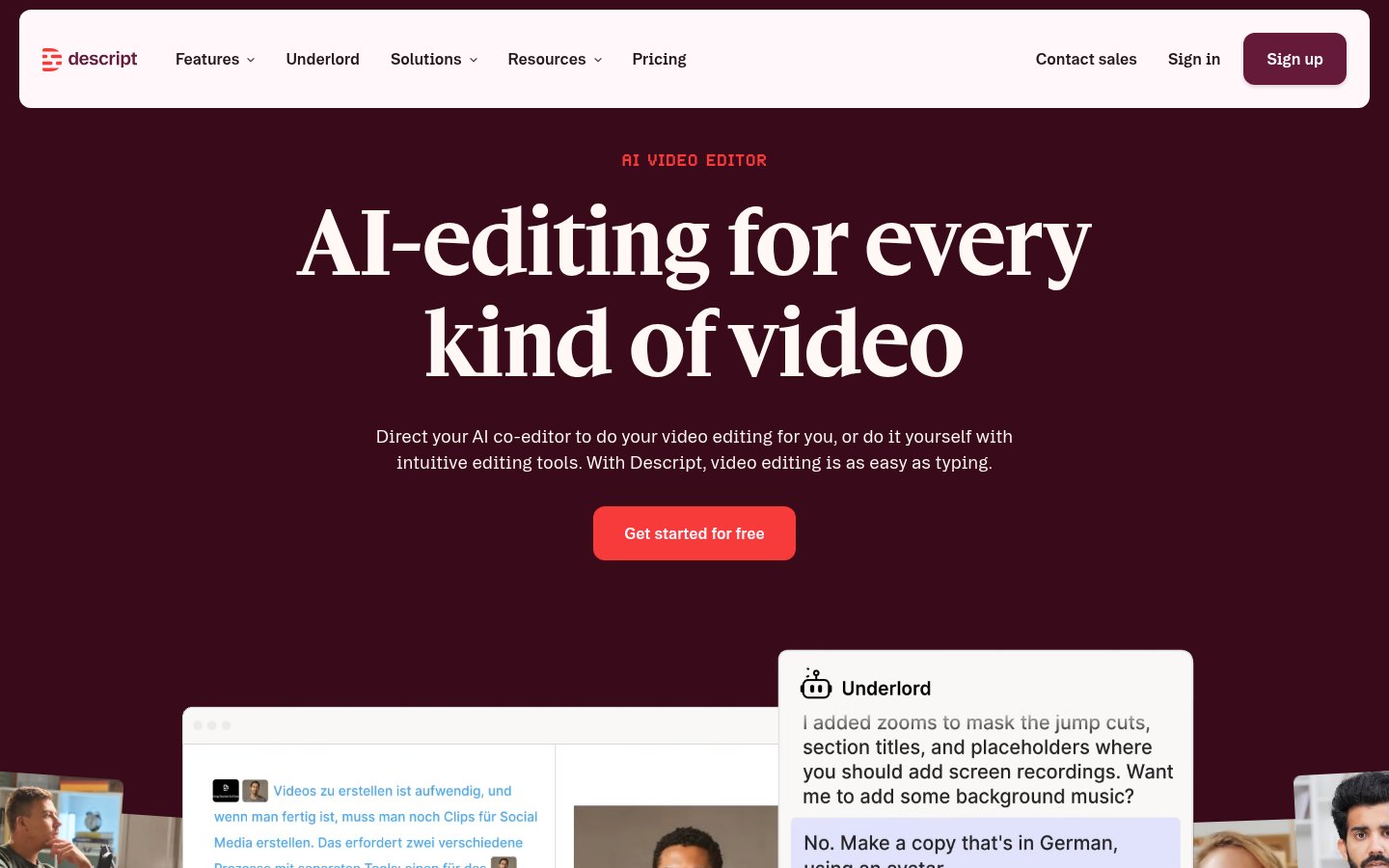
Descript is the tool I recommend to every podcaster who asks me where to start with AI editing. It's been around since 2017, but the last two years of AI upgrades have turned it into something genuinely different from traditional DAW-style editors.
The core concept: your audio becomes editable like a Word document. Delete a word in the transcript, and the audio disappears with it. That alone would be useful. But in 2026, Descript also offers:
- Overdub: clone your own voice and patch in corrections without re-recording
- Studio Sound: one-click background noise removal and audio enhancement that actually works
- Filler word removal: strips "um", "uh", "like", and other verbal tics automatically
- AI clip generation: identifies the best moments and exports them as short-form content
- Automatic show notes and chapter markers: saves probably 30 minutes per episode
Best for: Solo podcasters and small teams who need to handle everything from recording to publishing in one place. Also excellent for interview-based shows with lots of editing.
Pricing: Free tier exists but is limited (1 hour transcription/month). Hobbyist plan is around $24/month; Creator plan around $40/month. The Creator plan is where it becomes genuinely useful for regular publishing.
Pros:
- Text-based editing is genuinely faster than waveform editing for spoken content
- Overdub voice cloning is surprisingly good, patches sound natural
- All-in-one workflow means fewer app switches
- Strong multitrack support for interview shows
Cons:
- Subscription cost adds up fast if you're producing daily
- Overdub works best with 30+ minutes of voice training data
- Collaboration features are clunky compared to dedicated project management tools
- Video editing is capable but not on par with Adobe or DaVinci Resolve
Verdict: If you only buy one tool from this list, make it Descript. The time savings are real and measurable.
2. Riverside.fm, Best for Remote Recordings That Don't Sound Remote
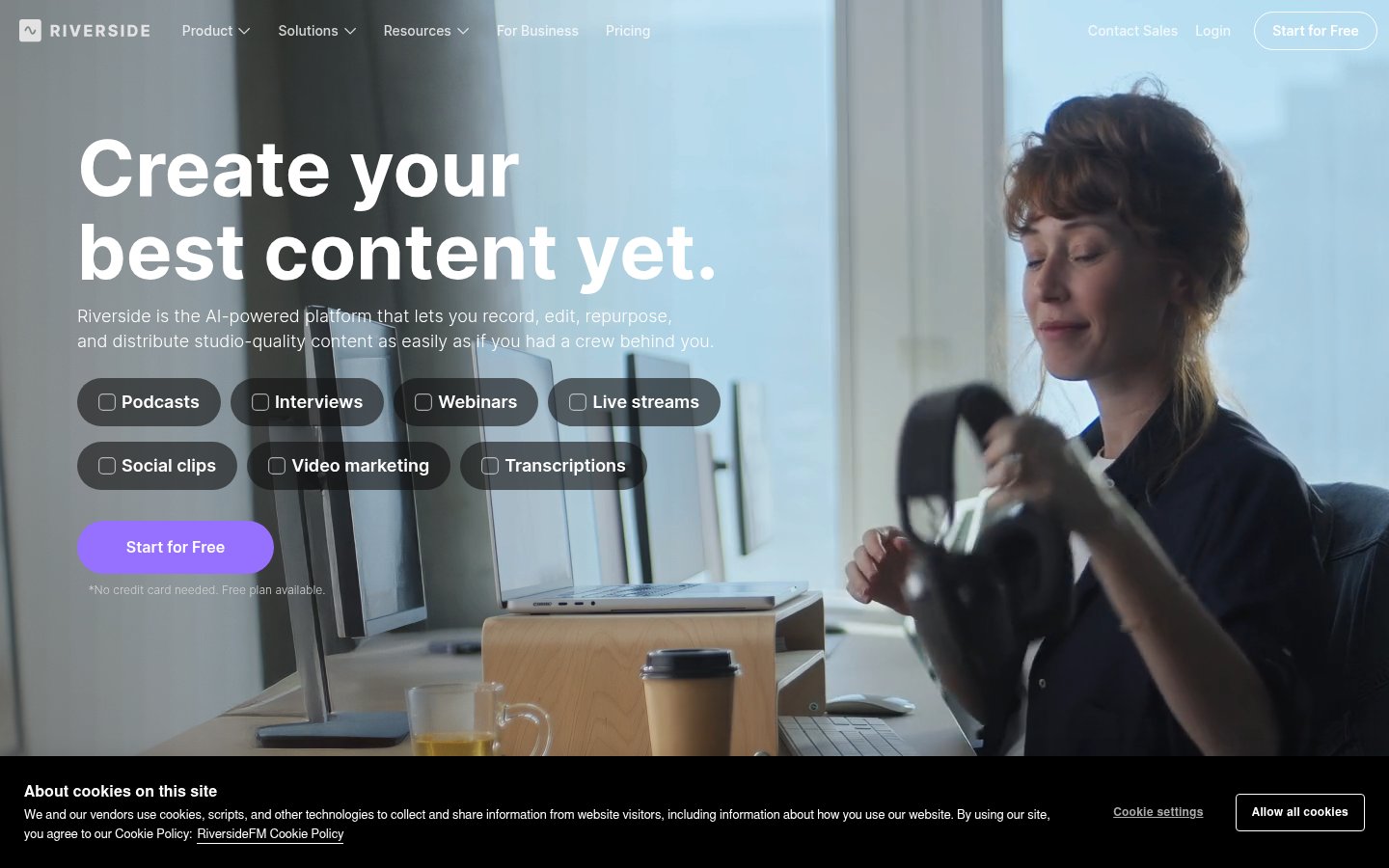
If you're recording with remote guests, which is basically every podcast in 2026, Riverside.fm is the gold standard. The platform records locally on each participant's device, then uploads studio-quality audio and video separately. You're not at the mercy of anyone's internet connection. Guest in rural Montana with spotty WiFi? Still get a clean local recording.
In 2025 and into 2026, Riverside added a solid layer of AI features:
- Magic Clips: automatically finds highlight-worthy moments and cuts them
- AI Transcription: fast and accurate, available in multiple languages
- AI Show Notes: summarizes each episode with chapter markers
- One-click audio enhancement: levels and cleans audio from each track individually
The recording quality difference is stark when you compare it to Zoom or Google Meet recordings. Guests don't need to install anything; they record through the browser.
Best for: Interview and co-hosted shows where remote recording quality is the priority. Also good for video podcasters who want 4K video without a complicated setup.
Pricing: There's a free plan (2 hours of recording/month). Standard is around $15/month and covers most use cases for a weekly show. Pro is around $24/month with more storage and advanced features.
Pros:
- Local recording eliminates latency and internet quality issues
- Video quality is genuinely broadcast-grade
- AI features are tightly integrated, not bolted on
- Browser-based, guests don't need to download anything
Cons:
- Magic Clips are hit or miss; you'll still curate them manually
- Storage can fill up fast with 4K video
- Not a full editing suite, you'll still need Descript or Premiere for serious post-production
- Transcription accuracy drops with heavy accents or technical jargon
Verdict: Pair this with Descript and you've got 80% of your production workflow covered. Don't try to replace Riverside with Zoom, the quality gap is too wide.
3. Opus Clip, Best for Turning Long Episodes Into Short-Form Clips
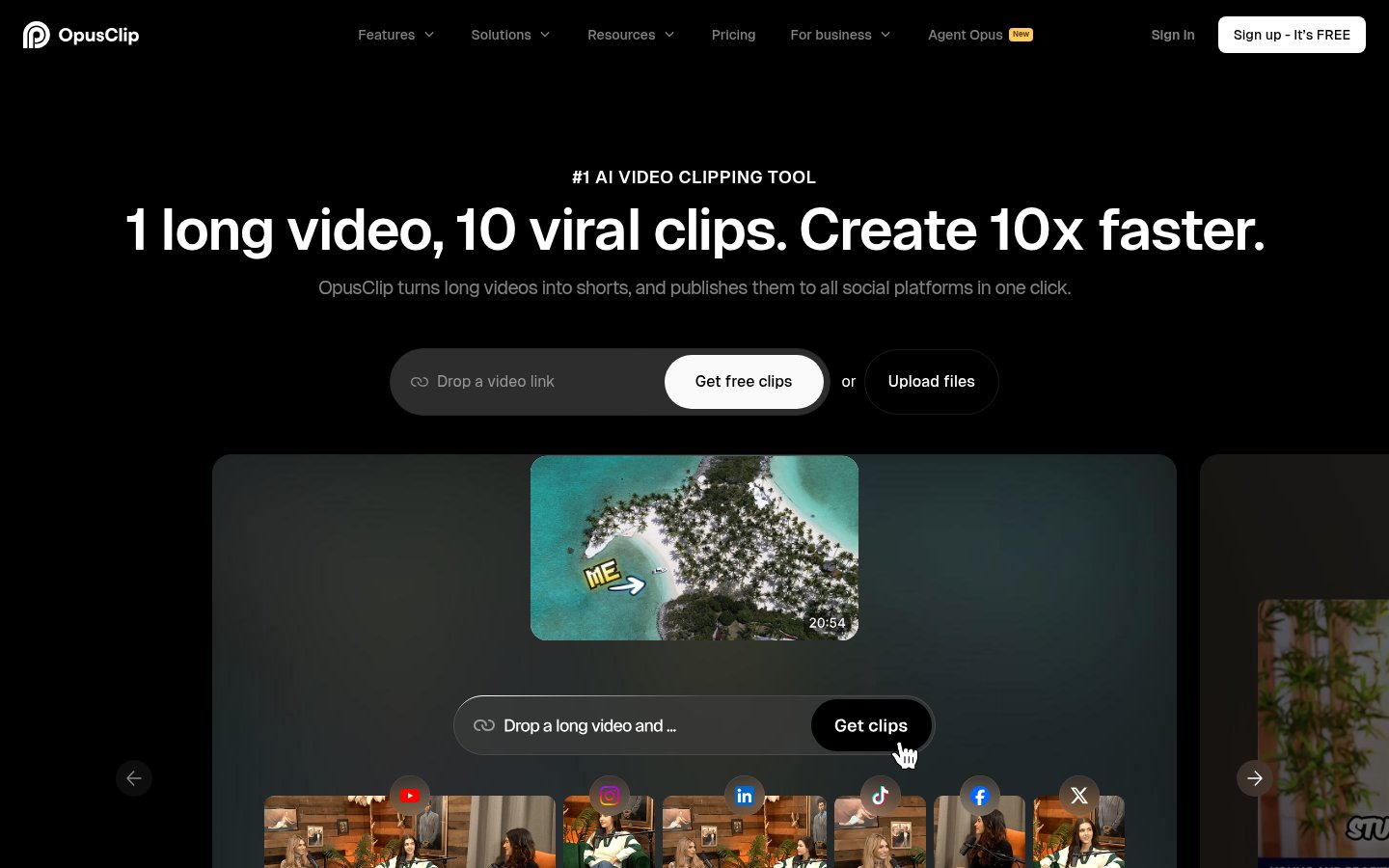
Every podcaster knows they should be cutting clips for Instagram Reels, TikTok, and YouTube Shorts. Almost nobody actually does it consistently because it's tedious. Opus Clip largely solves that problem.
You paste in a YouTube link or upload a video, and the AI identifies the most engaging moments, cuts them to the right length, adds captions automatically, and even reframes the video to vertical format. The "virality score" feature is a bit gimmicky, but the clip selection itself is genuinely decent, better than you'd expect.
In testing, Opus Clip found 6-8 usable clips from a 60-minute episode in about 4 minutes. Not all of them were great, but 3-4 were solid enough to publish with minor tweaks.
Best for: Podcasters who want to be active on short-form social without hiring a dedicated editor. Works especially well for conversational shows with clear, punchy moments.
Pricing: There's a free tier (limited exports per month). The Starter plan is around $19/month; Pro is around $49/month with higher quality exports and more clips.
Pros:
- Genuinely fast, a 60-minute episode processed in under 5 minutes
- Auto-captions are accurate and styled well
- Vertical reframing handles face detection reasonably well
- One-click publishing integrations with YouTube, TikTok, Instagram
Cons:
- Clip selection still misses context, jokes without setup, references without background
- The "virality score" isn't a reliable predictor of performance
- Free plan watermarks and limits quality significantly
- Works best with video podcasts; audio-only support is limited
Verdict: This one tool can realistically add 5-8 social posts per episode to your publishing schedule with maybe 20 minutes of curation time. That ROI is hard to argue with.
4. CapCut, Best Free Option for Audiograms and Short-Form Content
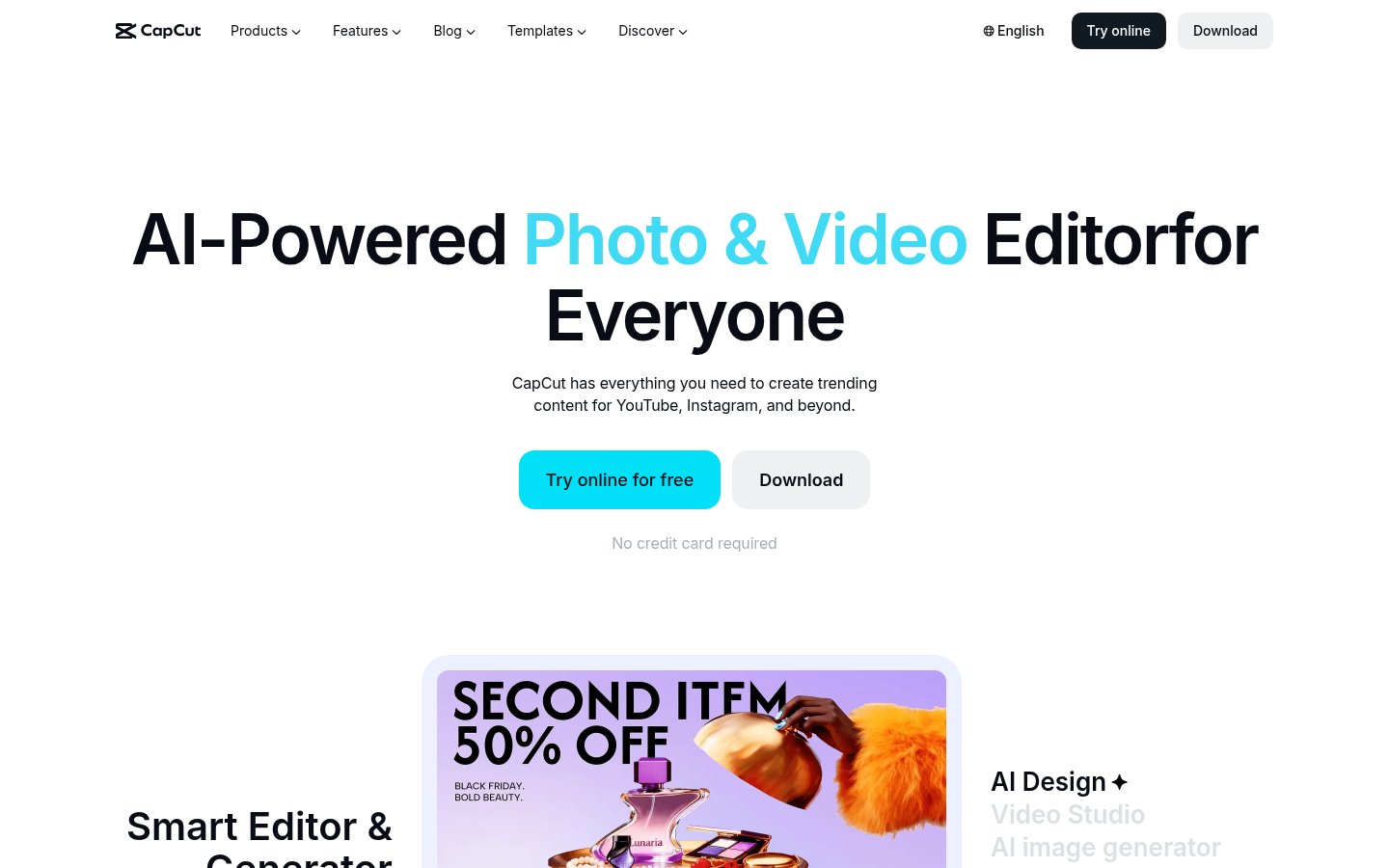
CapCut isn't a podcasting tool specifically, but it's become one of the most practical options for audio creators who want to create engaging short-form content without a steep learning curve or a big budget.
The AI features relevant to podcasters: auto-captions (genuinely excellent, with speaker identification), background removal, text-to-speech for voiceover additions, and an expanding library of AI-driven templates. The mobile app is particularly strong, you can create a decent audiogram or clip reel from your phone in 10 minutes.
ByteDance owns CapCut, which is worth noting if you're privacy-conscious. That said, for creating and distributing content, the tool itself is hard to fault.
Best for: Creators on a tight budget who want professional-looking short-form content. Also great as a secondary tool for quick social posts when you don't need Opus Clip's automation.
Pricing: Free plan is genuinely usable. CapCut Pro runs around $8/month and adds access to premium AI features, more templates, and no watermarks.
Pros:
- Auto-captions are among the best in class for accuracy
- Very low learning curve, designed for non-editors
- Mobile app is excellent
- Large template library with audio-reactive animations
Cons:
- ByteDance ownership raises data privacy questions for some users
- Not designed for long-form audio editing
- AI features feel siloed rather than part of a coherent workflow
- Desktop app is less polished than the mobile experience
Verdict: If budget is a constraint, CapCut's free tier gets you surprisingly far. It won't replace a real editing workflow, but for the "clip and post" stage, it earns its spot.
5. Synthesia, Best for Adding a Video Face to Your Audio Podcast
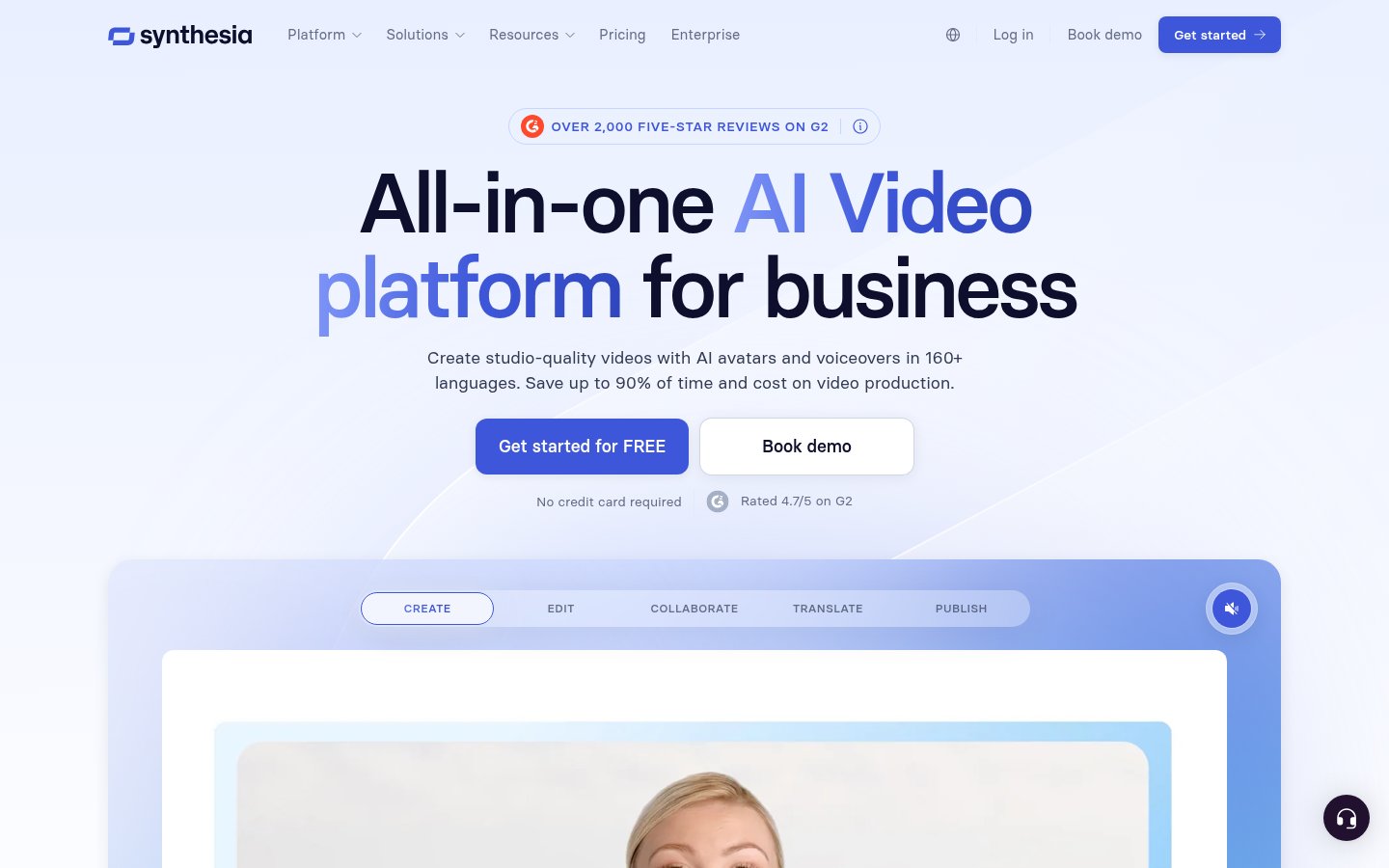
This one's a bit unconventional for a podcast tools list. Synthesia is primarily known as an AI avatar video generator, but podcasters are increasingly using it to create video versions of their shows without ever turning on a camera.
The use case: you write a script (or use AI to generate one from your audio transcript), choose an AI avatar, and Synthesia generates a realistic talking head video. Pair that with your audio, and you have a "video podcast" without studio setup, lighting, or camera gear.
For podcasters who aren't comfortable on camera, or who produce educational or informational content, this opens up YouTube as a distribution channel that was previously off-limits.
Best for: Audio-first podcasters who want to expand into video without investing in a studio setup. Also useful for creating trailers, episode previews, or sponsorship pitch videos.
Pricing: The Starter plan is around $22/month for limited video minutes. Creator and Enterprise plans scale up from there. It's not cheap if you're generating a lot of video.
Pros:
- Avatars are genuinely convincing for talking-head content
- 140+ languages supported
- No camera, lighting, or studio required
- Good integration with scripts and teleprompters
Cons:
- Avatar lip-sync can look slightly off in close inspection
- Not designed for natural conversational content, works better for scripted material
- Pricing gets expensive at volume
- Not a replacement for authentic, on-camera presence if your brand relies on it
Verdict: Niche use case, but powerful if it fits your workflow. If you've been avoiding YouTube because you don't want to be on camera, Synthesia removes that excuse.
6. Buffer, Best for Consistent Distribution Without the Admin Overhead
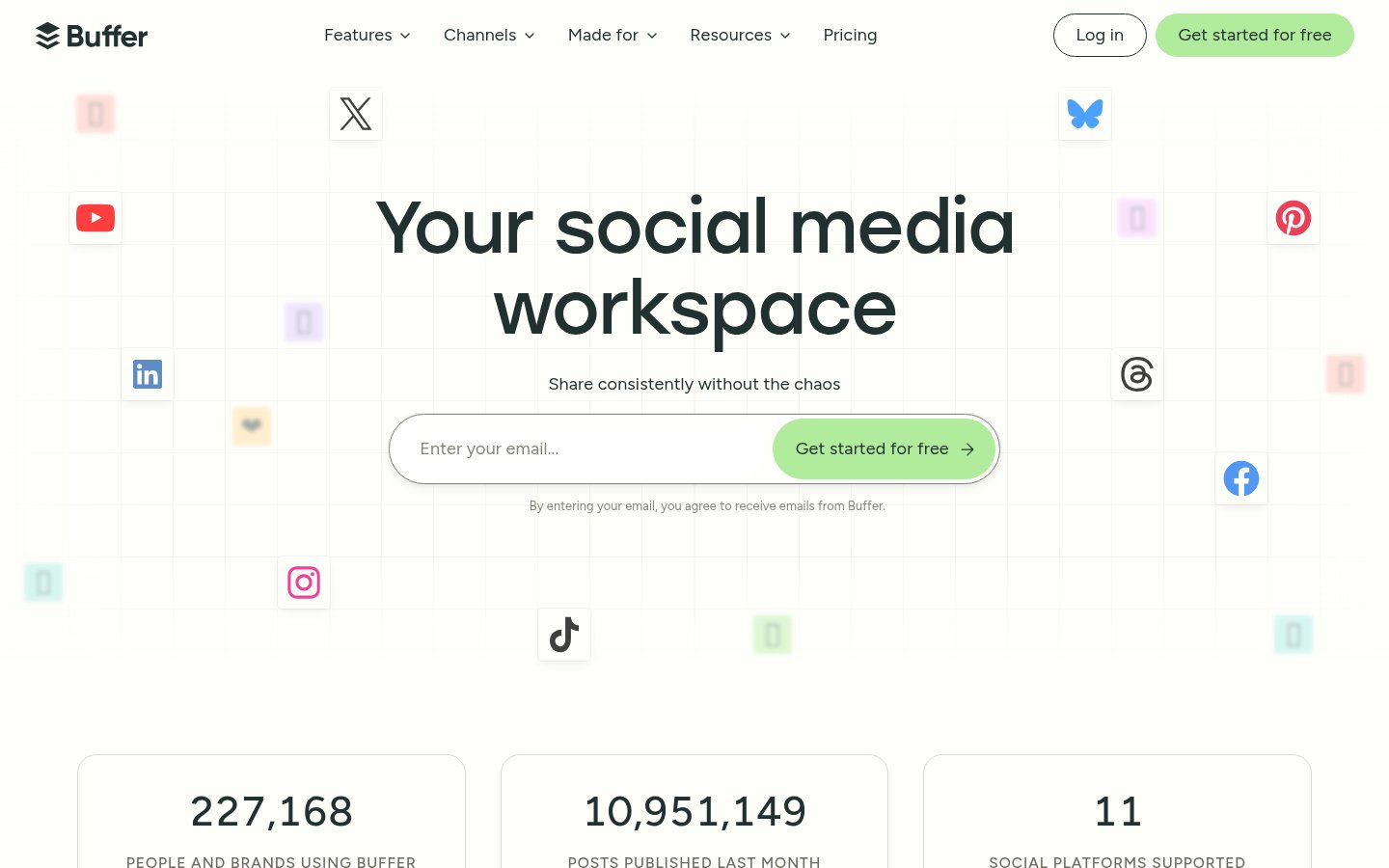
Production is only half the battle. Getting content in front of people requires consistent, cross-platform publishing, and that gets tedious fast. Buffer has evolved significantly, adding AI-assisted post writing, optimal timing suggestions, and analytics that actually tell you something useful.
For podcasters, Buffer's value is in streamlining the promotional side. You cut 8 clips with Opus Clip, write captions with Buffer's AI, schedule them across Instagram, TikTok, LinkedIn, and Twitter/X, and you're done in 30 minutes. Without a tool like this, that same workflow takes 2-3 hours of manual posting.
Best for: Podcasters who are publishing regularly and need to maintain a consistent social presence without spending hours on scheduling.
Pricing: Free plan covers 3 channels and 10 scheduled posts. Essentials starts around $6/month per channel. Team plans scale based on number of channels and users.
Pros:
- Clean, intuitive interface, very low friction
- AI caption writing is decent for generating starting points
- Analytics show which content formats are working
- Integrates with most major platforms including YouTube, LinkedIn, TikTok
Cons:
- AI writing features are fairly basic compared to dedicated writing tools
- Analytics depth is limited on lower tiers
- No built-in video editing, this is purely distribution
- Doesn't support podcast-specific platforms like Spotify or Apple Podcasts
Verdict: Buffer isn't glamorous, but the ROI is high. Consistent promotion beats occasional brilliant promotion every time.
7. Adobe Premiere Pro, Best for Serious Post-Production with AI Assistance
Adobe Premiere Pro is the 800-pound gorilla of video editing, and while it's overkill for many podcasters, Adobe's AI push in 2025-2026 has made it relevant to this conversation in new ways.
The Firefly-powered AI features in Premiere now include: automatic speech-to-text transcription with timeline-synced editing (similar to Descript but inside Premiere), AI-powered audio ducking, scene detection, and, most impressively, Enhance Speech, which is a background noise removal and voice clarity tool that rivals expensive dedicated audio software.
If you're already paying for Adobe Creative Cloud, you're getting these features whether you use them or not. And if you're a video podcaster doing serious production work, Premiere's AI layers on top of an already-professional editing environment.
Best for: Video podcasters who need professional-grade output and are doing multi-camera or high-production-value content. Also good for anyone already in the Adobe ecosystem.
Pricing: Adobe Premiere Pro is around $55/month as a standalone app, or included in the full Creative Cloud subscription (~$60/month). There's no meaningful free tier.
Pros:
- Best-in-class timeline editing for complex productions
- Enhance Speech AI is genuinely excellent for audio cleanup
- Transcript-based editing now matches Descript's core feature
- Constant updates as part of Creative Cloud subscription
Cons:
- Expensive relative to podcast-specific tools
- Steep learning curve, not beginner-friendly
- AI features are spread across menus, not a unified workflow
- Resource-heavy, needs a capable machine
Verdict: If you're making a living from podcasting and need professional output, Premiere justifies the cost. For hobbyists or new creators, start with Descript and come back to Premiere later.
8. Replit, Best for Building Custom Podcast Automation (If You're Technical)
This is the wildcard entry, and it's specifically for podcasters who have some technical comfort or are willing to learn basic prompting and automation.
Replit is an AI-powered coding environment that lets you build and deploy apps without setting up a local development environment. With Replit's AI (previously Ghostwriter, now integrated as a full coding agent), you can build custom tools: a script that automatically transcribes episodes and generates show notes, a tool that formats chapters for Spotify, a pipeline that takes your RSS feed and auto-drafts promotional tweets, or a custom clip-tagging system.
In 2026, with AI agents that can write functioning code from natural language descriptions, this is less theoretical than it sounds. I've personally watched non-developers build functional podcast automation tools in Replit in an afternoon.
Best for: Technically curious podcasters who want custom automation that no off-the-shelf tool provides. Also great for podcast agencies managing multiple shows.
Pricing: Free tier is available with limited compute. The Core plan is around $25/month. Teams and Scale plans for heavier use cases.
Pros:
- Build exactly what you need instead of working around what a tool offers
- AI coding assistant makes this accessible to non-developers
- Deploy and run automations 24/7 in the cloud
- Active community with shareable templates and projects
Cons:
- Not plug-and-play, requires time investment to build
- AI-generated code still needs testing and debugging
- Not the right tool if you want something that works today with zero setup
- Free tier has limited compute time for always-on automations
Verdict: Replit earns its place not because every podcaster needs it, but because it represents where AI-powered production is heading, custom workflows built without traditional coding expertise.
The Honest Rankings Explained
Here's my thinking on the order:
Descript at #1 isn't controversial. It touches more of the production workflow than anything else on this list, and the quality of its AI features has been consistently improving. Riverside.fm at #2 because remote recording quality is the single most common complaint I hear from podcast listeners, and Riverside solves it.
Opus Clip at #3 might surprise some people who expected Buffer or Synthesia to rank higher. My reasoning: consistently repurposing content for social is the highest-leverage growth activity for most podcasters in 2026, and Opus Clip genuinely automates most of it.
CapCut at #4 because the free tier is genuinely good and it catches everyone else who doesn't want to pay for Opus Clip.
Synthesia at #5 is niche but powerful. Buffer at #6 is reliable infrastructure. Premiere Pro at #7 is excellent but overkill for most. Replit at #8 is high ceiling, high effort.
What's Missing From This List
A few tools worth mentioning that didn't make the cut:
- Auphonic: solid audio leveling and mastering, but the AI isn't transformative enough in 2026 to crack the top 8
- Podcastle: all-in-one alternative to the Descript + Riverside combo, but neither as good at editing nor recording as the dedicated tools
- Whisper (OpenAI): the underlying transcription technology powering half these tools; you can run it directly, but the UX work done by Descript and Riverside is worth paying for
- Adobe Podcast (formerly Project Shasta): still being rolled into the main Adobe suite; watch this space
FAQ
Do I need all of these tools, or can I get away with just one?
You can get very far with just Descript. It handles recording, editing, transcription, show notes, and basic clip creation. If you're budget-conscious, start there. Add Riverside.fm when you start doing regular remote interviews. Add Opus Clip when you're ready to seriously push short-form content.
Which tool is best for complete beginners?
Riverside.fm for recording, CapCut for clips. Both have genuinely low learning curves and free plans that cover basic use. Descript is slightly more complex but still beginner-accessible.
Is Descript worth the price compared to free alternatives?
For anyone publishing a weekly show, yes. The time savings, especially on editing and show notes, pay for the subscription in the first episode. Free alternatives like Audacity or GarageBand are fine for recording, but they don't have AI editing.
Can I use AI to fully automate my podcast production?
Not yet, and be skeptical of anyone claiming you can. AI dramatically speeds up every step, but you still need to curate clips, review show notes for accuracy, do quality checks on audio enhancement, and handle any content that requires editorial judgment. Think 70% automation, 30% human review.
How does Opus Clip compare to just doing clips manually in Premiere Pro?
Opus Clip is 5-10x faster for the use case it's designed for. Premiere Pro gives you more control and better quality, but if you're cutting 8 clips from a 60-minute episode, Opus Clip in 5 minutes beats Premiere Pro in 45 minutes for most purposes.
Is CapCut safe to use for business content given ByteDance's ownership?
This depends on your content and risk tolerance. For promotional clips and public-facing social content, most creators aren't concerned. For anything involving sensitive client information or private conversations, avoid it. If you're in certain regulated industries, check your compliance requirements first.
Tools & Services Mentioned

infobro.ai Editorial Team
We research every tool from its documentation, pricing pages, product screenshots and public developer discussion, and say plainly what the evidence does and does not show. Drafts are AI-assisted and reviewed by our editors before publication. We revisit each article every 6 months to reflect platform changes. Learn more about our process.