Top 8 AI Tools for Personal Knowledge Management in 2026: Ranked by Actual Usefulness
The definitive 2026 ranking of AI tools for personal knowledge management, updated May 2026. Covers Mem.ai, Obsidian, Limitless, Notion AI, LM Studio, GPT4All, DeepSeek, and Reflect Notes, ranked by actual daily usefulness, not demo performance.

Updated May 2026
Let's be direct: most "best AI tools" lists are just affiliate dumps dressed up with fake enthusiasm. This isn't one of those.
Personal knowledge management, the art of capturing, organizing, and actually using what you know, has been quietly transformed by AI over the past two years. But not every tool deserves your time, your data, or your subscription fee. Some are genuinely excellent. Some are overhyped. A couple are criminally underrated.
I've spent significant time with each tool on this list. The ranking reflects a single question: does this tool make me meaningfully smarter or more organized, in daily practice? Not in demos. Not in YouTube tutorials. In real work.
If you're thinking about how much of yourself these tools actually see, it's worth reading The AI Privacy Problem: What Your AI Tools Actually Know About You (And How to Take Back Control) before committing to any cloud-based PKM solution.
Here's what made the cut in 2026, and why.
Quick Comparison Table
| Rank | Tool | Best For | Pricing | Privacy-Friendly? |
|---|---|---|---|---|
| 1 | Mem.ai | Automatic knowledge organization | Paid (from ~$14.99/mo) | Cloud-based |
| 2 | Obsidian | Power users, local-first notes | Free + paid plugins | ✅ Fully local |
| 3 | Limitless | Wearable + desktop memory capture | Free + paid tiers | ✅ On-device option |
| 4 | Notion AI | All-in-one workspace + AI | Free + paid add-on | Cloud-based |
| 5 | LM Studio | Running local LLMs privately | Free | ✅ Fully local |
| 6 | GPT4All | Offline AI chat with your docs | Free | ✅ Fully local |
| 7 | DeepSeek | Powerful reasoning, low cost | Free / API pricing | Partial |
| 8 | Reflect Notes | AI-linked note-taking | Free trial + paid | Cloud-based |
#1. Mem.ai: The Best AI-Native Note-Taker
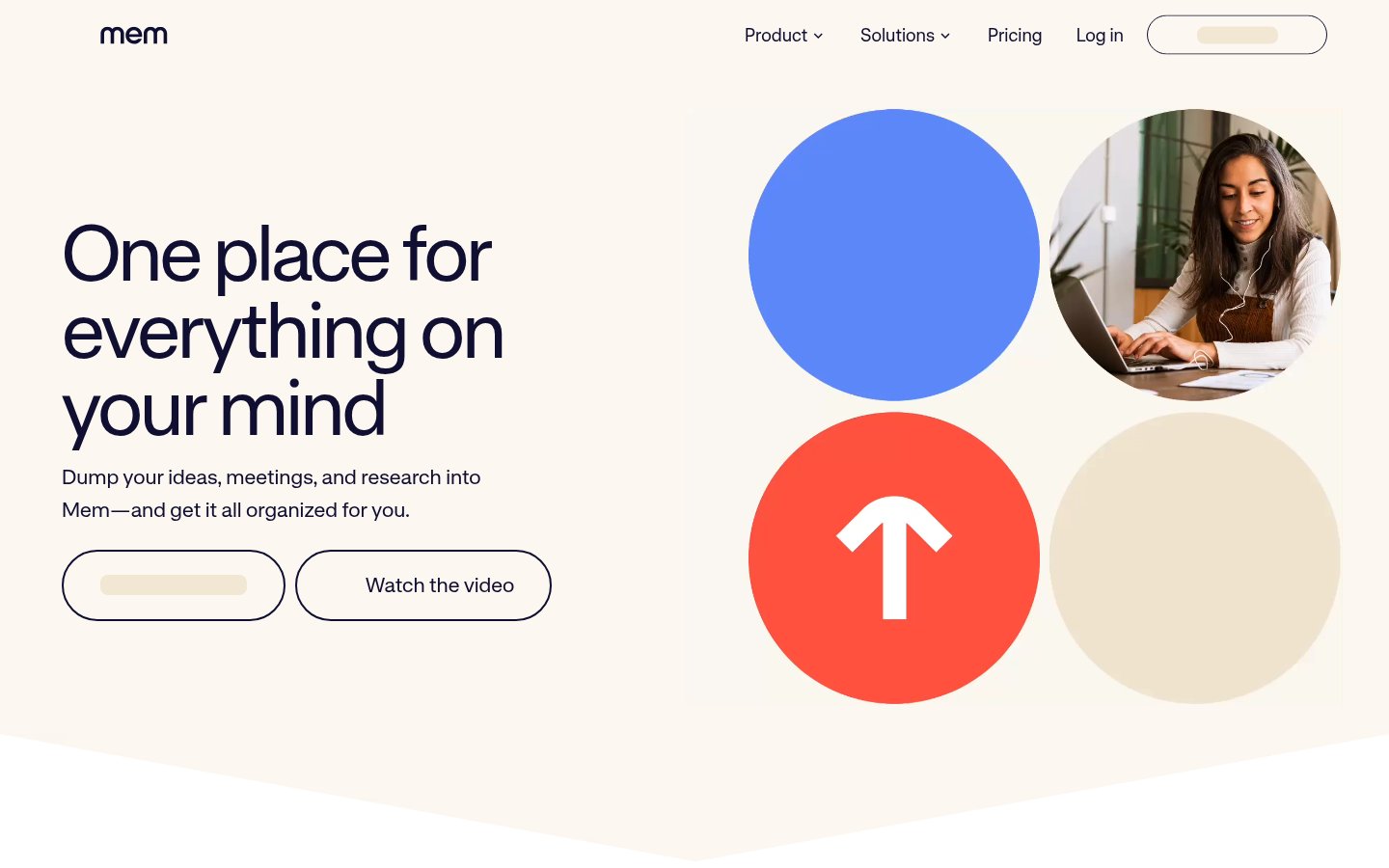
Official website: mem.ai
What it does: Mem.ai is a note-taking app built from the ground up around AI. There are no folders, no tags required, no manual organization. You write, and Mem's AI figures out how everything connects. It surfaces related notes automatically, lets you chat with your entire knowledge base, and drafts documents from your existing notes.
Best for: Professionals who write a lot and hate organizing things manually, consultants, researchers, writers, product managers.
Pricing: Free tier is limited (mostly a demo). The real product starts around $14.99/month for the AI plan, with team plans running higher. No lifetime option.
Why it's #1: The core premise, that you shouldn't have to organize your notes, the AI should, actually works in 2026. The semantic search is genuinely impressive. Ask "what did I write about pricing strategy last quarter?" and it finds it, even if you never tagged it. Competitors like Notion AI bolt AI onto an existing structure. Mem built the structure around AI. That's a meaningful difference.
The chat-with-your-notes feature is one of the best implementations I've seen. It cites specific notes, doesn't hallucinate connections, and actually helps you synthesize thinking rather than just retrieve text. For a deeper look at how the tool has evolved, see our Mem.ai Review 2026: The AI Note-Taking App That Actually Thinks With You.
Pros:
- Zero-friction capture, just write
- Excellent semantic search across your entire history
- AI drafts that use your actual notes as source material
- Constantly improving; the 2026 version is significantly better than 2024
Cons:
- All your data lives on Mem's servers, a dealbreaker for some
- Can feel slow when your knowledge base gets large (10,000+ notes)
- No offline mode
- Pricing has crept up; the free tier is more teaser than tool
#2. Obsidian: The Power User's Knowledge OS
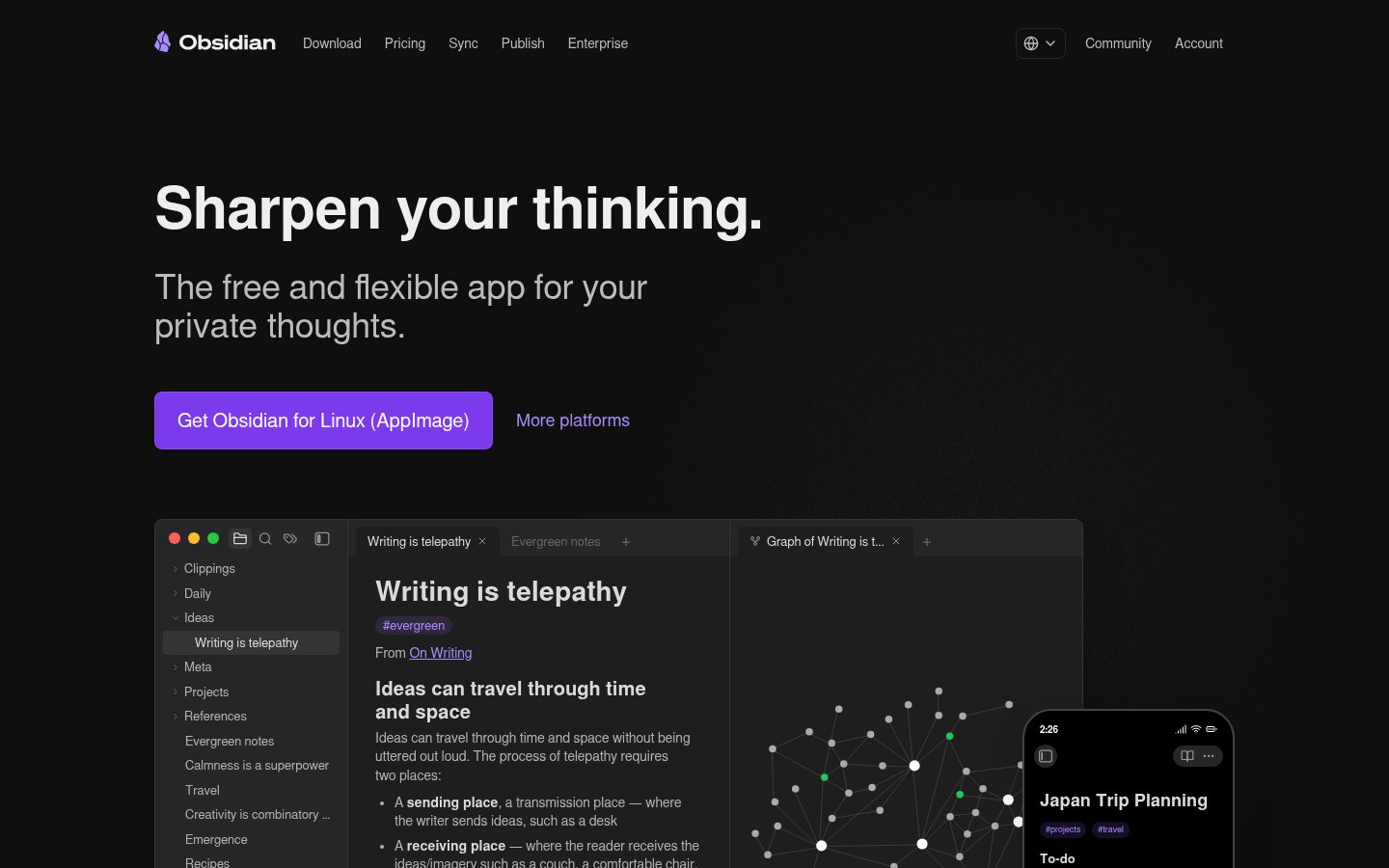
Official website: obsidian.md
What it does: Obsidian is a local-first Markdown editor that stores all your notes as plain text files on your machine. Its plugin ecosystem, over 1,000 community plugins, transforms it into anything from a daily journal to a full research database. AI capabilities come via plugins like Text Generator, Smart Connections, and the official Obsidian Copilot plugin.
Best for: Anyone who wants full ownership of their data, power users, developers, researchers, and privacy-conscious knowledge workers.
Pricing: Free for personal use. The commercial license is $50/user/year. Sync (their own cloud sync) is $10/month; Publish (web publishing) is $16/month. Plugins are community-built and mostly free.
Why it's #2: Obsidian isn't an AI tool by default, it's a platform on which AI tools can run. That distinction matters. With the right plugin setup, you get a local AI assistant that reads your vault, connects ideas via a graph view, and never sends your data to anyone. For security-conscious users, this is unbeatable.
The graph view, a visual map of how your notes connect, is still one of the most satisfying interfaces in knowledge work. It's not just pretty; it genuinely reveals relationships you didn't know existed.
That said, the setup barrier is real. Getting a good Obsidian AI workflow running takes hours, not minutes. If you want something that works out of the box, Mem.ai beats it handily.
Pros:
- Full local storage, your data, your machine, forever
- Extraordinarily extensible via plugins
- Works offline, always
- Plain text files = future-proof and portable
- Free for personal use
Cons:
- High setup cost; the learning curve is steep
- AI features require third-party plugins and usually API keys
- Mobile experience is functional but not polished
- No built-in AI, you're assembling your own setup
#3. Limitless: The AI That Remembers Everything You Said
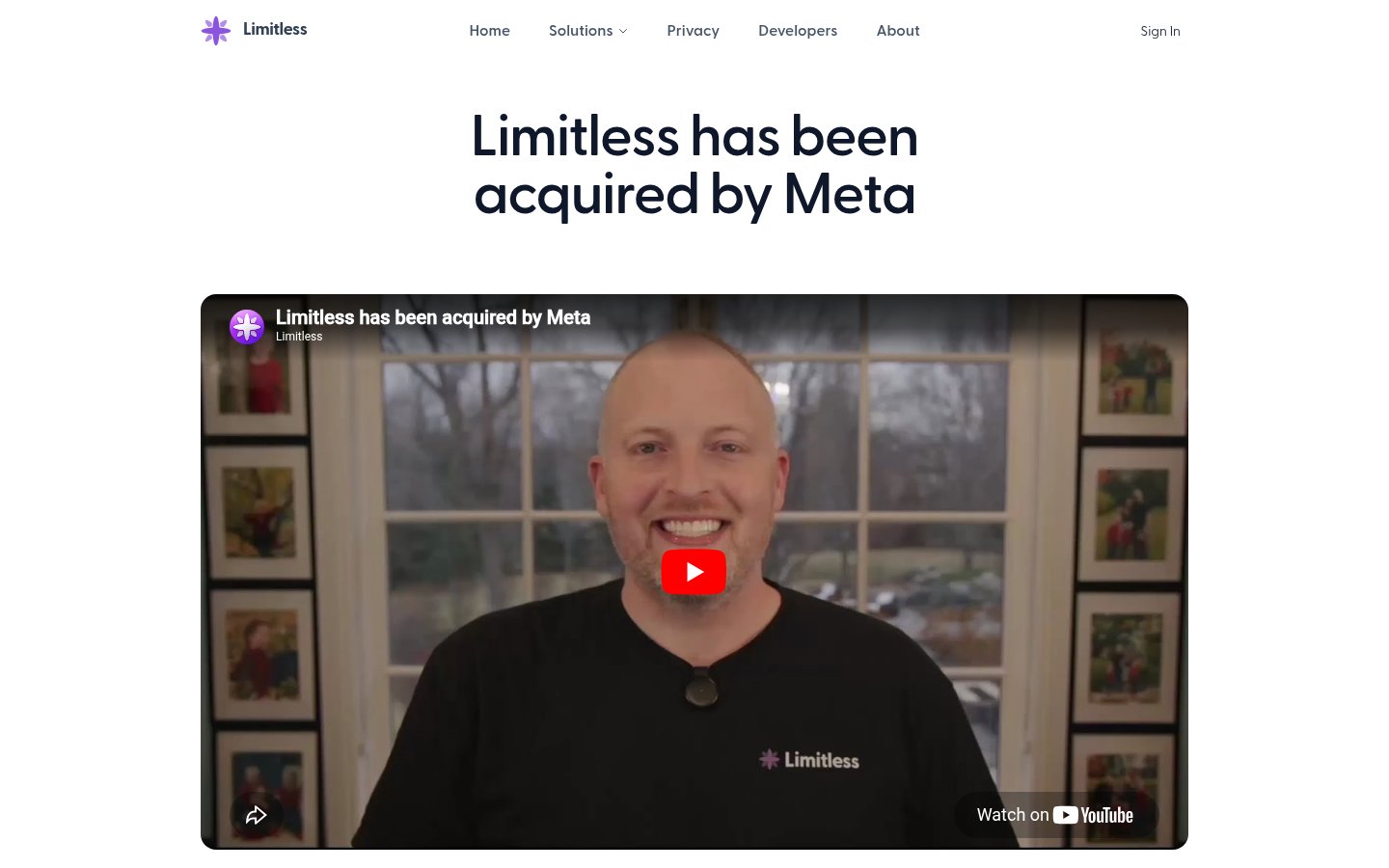
Official website: limitless.ai
What it does: Limitless is a wearable-plus-software memory platform that records conversations, meetings, and spoken thoughts, then makes all of it searchable and summarizable by AI. The wearable pendant captures in-person audio on-device, while the desktop app handles digital meetings. Ask "what did we decide in Thursday's standup?" and Limitless finds it and summarizes it accurately.
Best for: Professionals who are constantly in meetings, consultants managing multiple client relationships, and anyone whose memory is stretched thin across back-to-back conversations.
Pricing: There is a free tier with limited storage and transcription minutes. Paid plans unlock longer history, more AI features, and wearable device integration. Pricing tiers have been updated in 2026 following Meta's acquisition of the platform, see our Limitless AI Review 2026: The Wearable Memory Assistant That Meta Just Bought for the latest details.
Why it's #3: Limitless stands out in the "AI memory" category thanks to its combination of wearable capture and desktop meeting recording, broader coverage than any screen-recording-only tool. The AI summaries are clean, the search is reliable, and on-device processing for the pendant means your in-person conversations don't leave your hardware.
The Meta acquisition adds some complexity to the privacy picture, something worth thinking through carefully before committing, but for raw usefulness as a conversational memory layer, nothing else on this list comes close.
Pros:
- Captures both digital and in-person conversations
- On-device processing for the wearable pendant
- Excellent meeting summaries and decision recall
- Cross-platform (not Mac-only like some competitors)
- Free tier available
Cons:
- Meta acquisition raises long-term data governance questions
- Wearable hardware is an additional purchase
- Transcription accuracy dips with heavy accents or noisy environments
- Some overlap/redundancy if you already use a dedicated meeting tool like Granola or Fathom
#4. Notion AI: The All-in-One Workspace That Got Smarter
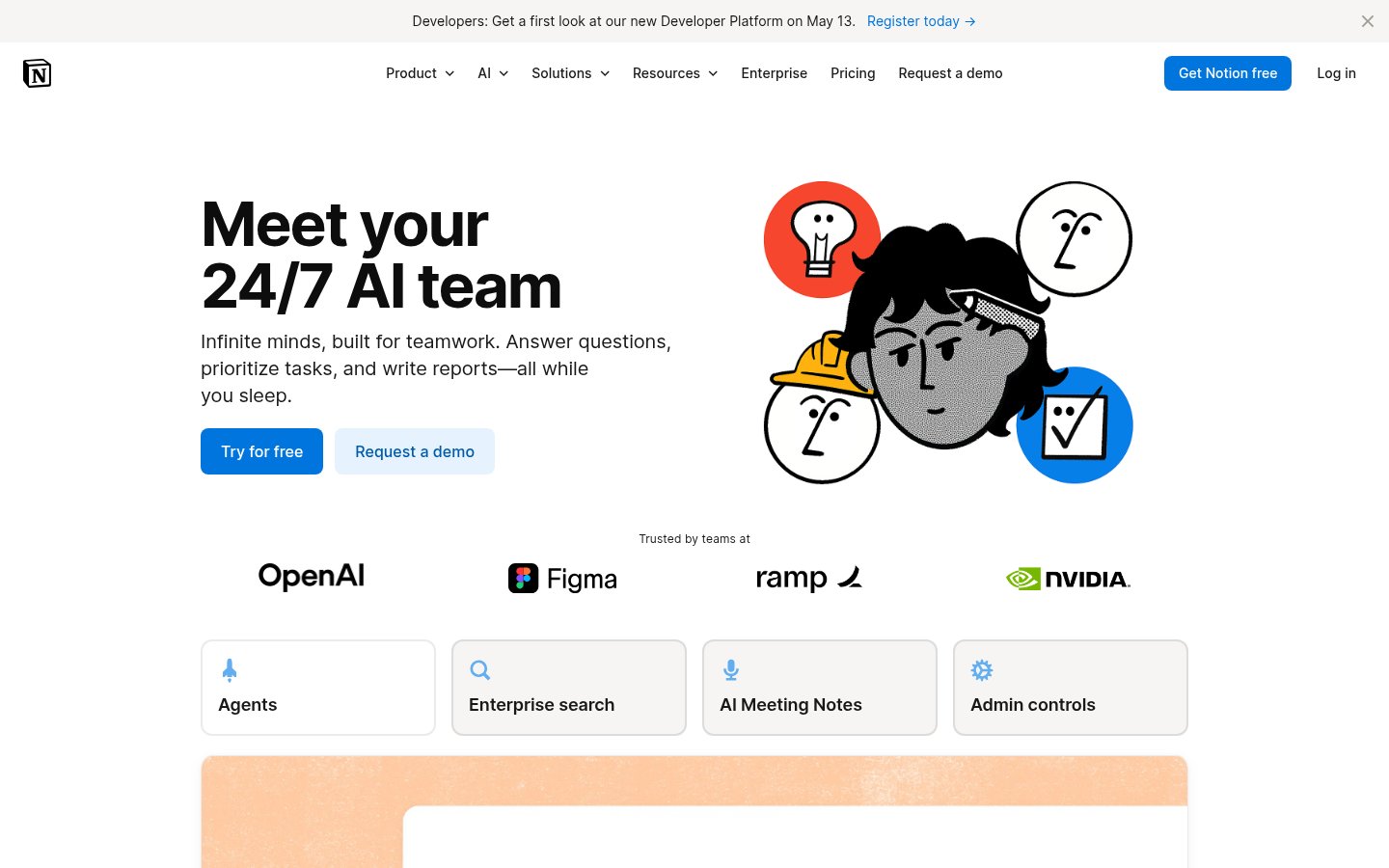
Official website: notion.so
What it does: Notion AI layers a capable AI assistant on top of Notion's already-powerful workspace. It can draft and edit documents, summarize pages, answer questions about your workspace content, generate action items from meeting notes, and help you think through projects. In 2026, Notion AI has expanded its Q&A capabilities to pull context from across your entire workspace, not just the page you're currently on.
Best for: Teams and individuals who are already living in Notion and want AI deeply integrated into their existing workflows, rather than managing a separate PKM tool.
Pricing: Notion AI is an add-on to existing Notion plans. As of early 2026, it runs approximately $10/member/month on top of the base plan. Notion's free plan remains available but has limits. Check current pricing on the Notion website, as this has changed several times.
Why it's #4: The criticism that "Notion AI bolts AI onto an existing structure" (as noted in the Mem.ai section) is fair, but it undersells how many people live in Notion already. If your notes, projects, wikis, and databases all live there, having AI that understands all of it in context is enormously powerful. The 2026 improvements to cross-workspace Q&A have narrowed the gap with Mem.ai significantly for existing Notion users.
The AI drafting is solid. The summarization is reliable. And the database + AI combination, asking AI to help analyze a project database or pull insights from a structured table, is something Mem.ai simply can't match.
Pros:
- AI deeply integrated into a mature, full-featured workspace
- Cross-workspace Q&A improved significantly in recent updates
- Database + AI combinations are uniquely powerful
- Huge ecosystem of templates and integrations
- Works for both individuals and teams
Cons:
- AI is an add-on cost on top of already-paid Notion plans
- All data is cloud-based; privacy-conscious users should weigh this
- Can feel bloated if you just want note-taking
- Quality of AI responses varies by task type
#5. LM Studio: The Best Way to Run AI Privately on Your Own Machine
Official website: lmstudio.ai
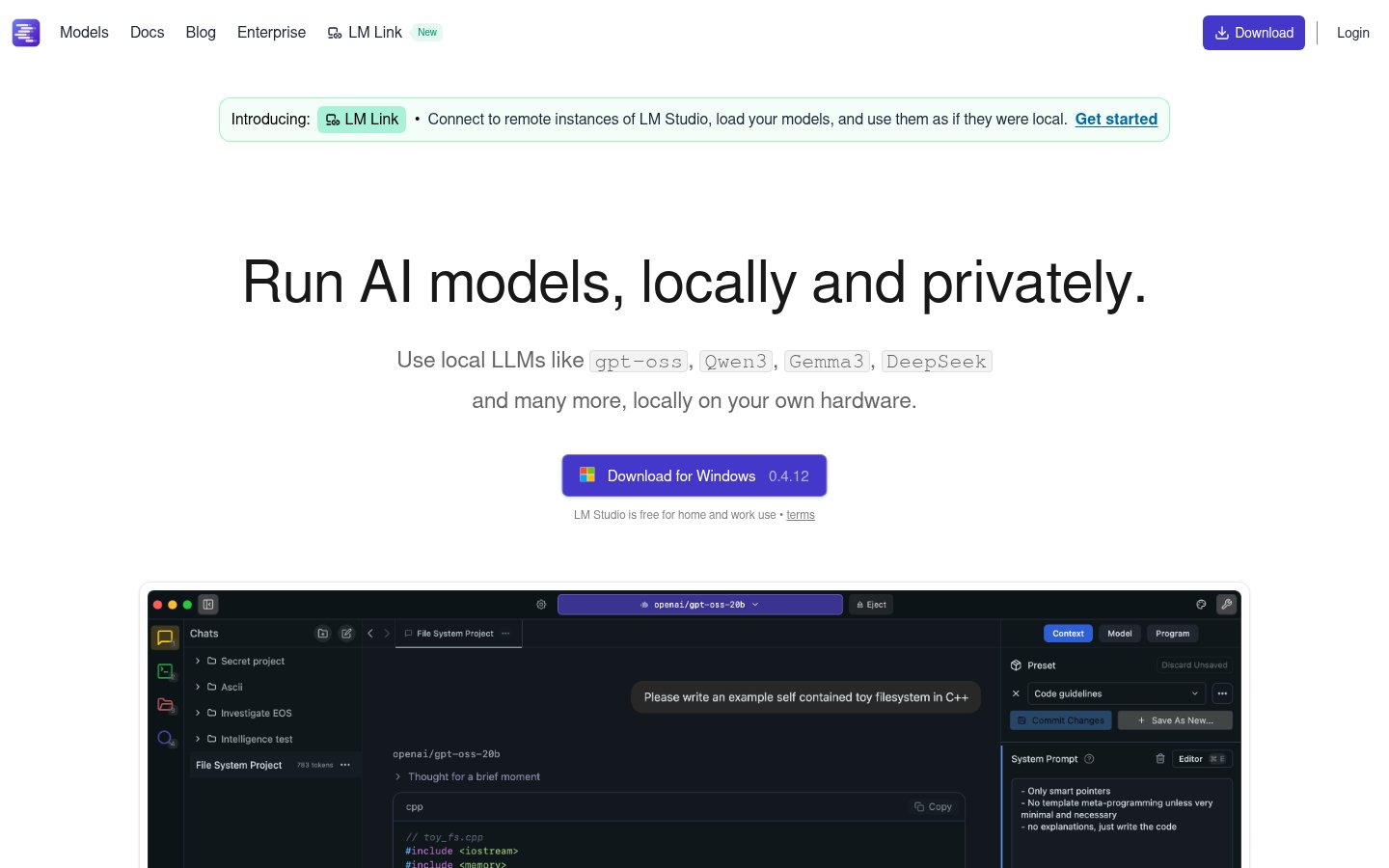
What it does: LM Studio is a desktop application that lets you download and run open-source large language models, Llama, Mistral, Gemma, Phi, and dozens more, entirely on your local machine. No internet connection required, no API keys, no data leaving your device. You can chat with models, and increasingly, load your own documents for local RAG (retrieval-augmented generation).
Best for: Privacy-first users, developers, researchers, and anyone who wants to experiment with AI without handing their data to a cloud provider.
Pricing: Free. The application itself costs nothing. You only need hardware capable of running the models you choose, most modern laptops with 16GB RAM can run small-to-mid-size models adequately.
Why it's #5: The local AI space has matured dramatically. What was once a painful technical exercise is now close to consumer-ready. LM Studio has the best interface of any local model runner, model discovery, download, and switching is genuinely smooth. For PKM specifically, the ability to point a local model at your Obsidian vault or a folder of Markdown files and ask questions of it without any cloud involvement is a genuinely compelling workflow.
This pairs naturally with Obsidian for a fully private, fully local knowledge management stack. If that matters to you, this combination is hard to beat. For a broader look at this category, see Top 8 Local & Open-Source AI Tools in 2026: Ranked by Privacy, Power, and Practicality.
Pros:
- Completely free and fully local
- Best UI of any local model runner
- Supports a huge range of open-source models
- Active development; new features released frequently
- No data ever leaves your machine
Cons:
- Requires capable hardware for good performance
- Local models still trail top cloud models on complex reasoning tasks
- Document loading / RAG features still maturing
- Not a turnkey PKM solution, requires setup and configuration
#6. GPT4All: Offline AI Chat with Your Documents
Official website: gpt4all.io
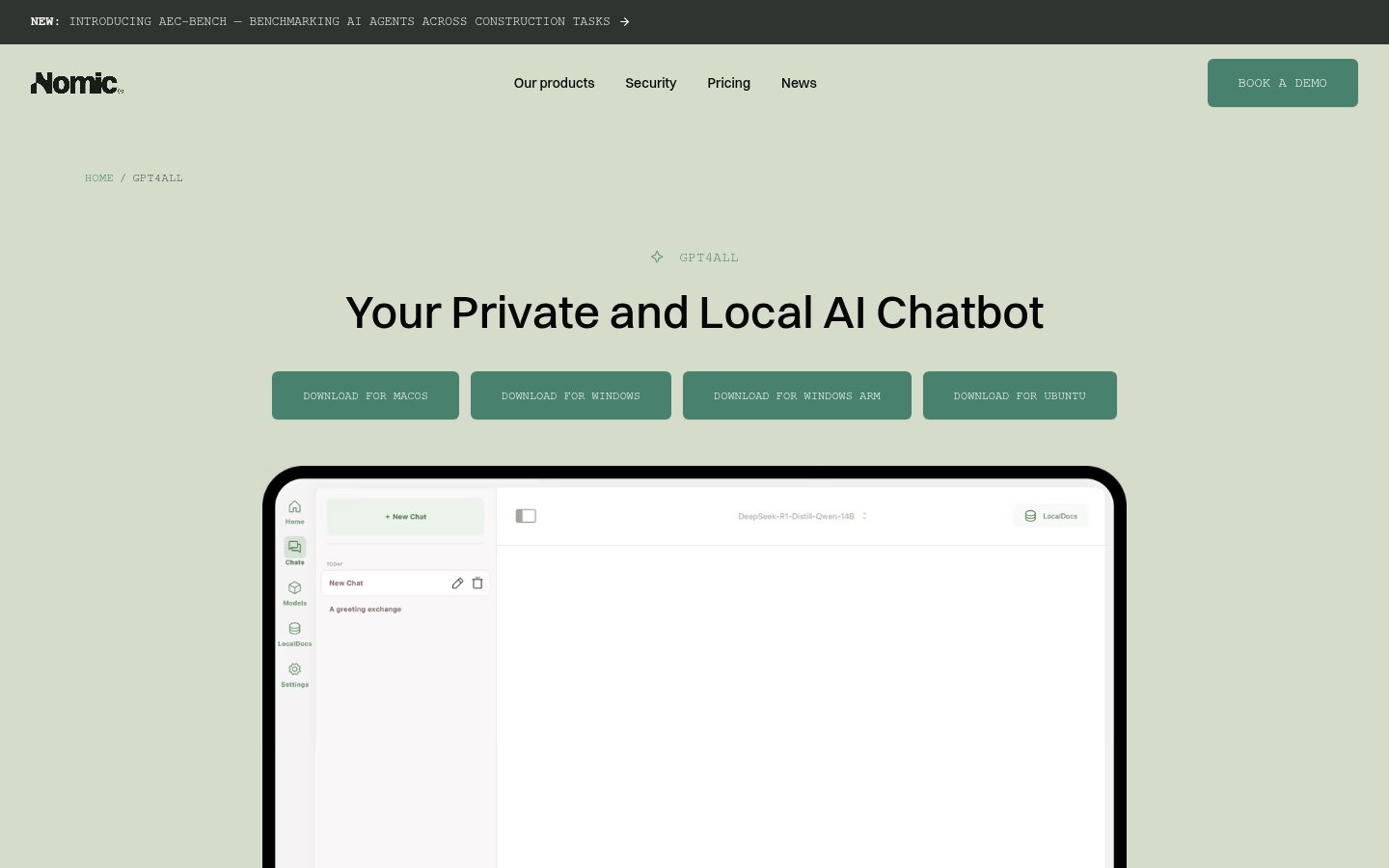
What it does: GPT4All is a free, open-source desktop app that lets you run LLMs locally and, critically for PKM, chat directly with your local documents. You can point it at a folder of PDFs, Word docs, or plain text files and ask questions of that specific content. Everything runs offline.
Best for: Users who want to query a local document library without any cloud involvement, and those who want a simpler interface than LM Studio for document-focused workflows.
Pricing: Free. Open-source.
Why it's #6: The document chat feature is what distinguishes GPT4All from LM Studio in the PKM context. While LM Studio has a better interface for model management and general chat, GPT4All's local document collection feature is more mature and easier to set up for document-heavy knowledge workers. Point it at your research folder, your client files, or your notes archive and start asking questions, no cloud, no subscription, no concern about what your AI tools actually know about you.
The quality of answers depends heavily on which model you're running, but even modest hardware can produce useful results for document retrieval and summarization tasks.
Pros:
- Free and fully offline
- Document chat feature is practical and well-implemented
- Open source, auditable and community-developed
- Low hardware requirements for smaller models
- Simple enough for non-technical users compared to alternatives
Cons:
- UI is more utilitarian than LM Studio
- Model quality ceiling below cloud providers
- Less model variety and update frequency than LM Studio
- Not a full PKM system, best as one component of a workflow
#7. DeepSeek: Powerful Reasoning at Minimal Cost
Official website: deepseek.com
What it does: DeepSeek is a Chinese AI lab whose models, particularly DeepSeek-R1 and its successors, deliver reasoning performance competitive with leading Western models at a fraction of the API cost. For PKM, it's most useful as the AI backbone behind a custom workflow: processing your notes, synthesizing research, or powering a self-built knowledge assistant via API.
Best for: Technical users building custom PKM pipelines, developers who want high-quality reasoning at low cost, and researchers who process large volumes of text.
Pricing: Free web access with limits. API pricing is significantly cheaper than OpenAI or Anthropic equivalents, typically by a factor of 10x or more on comparable tasks.
Why it's #7: DeepSeek earns its place because the price-to-performance ratio is genuinely exceptional. If you're building a custom knowledge workflow, feeding your notes into an LLM for synthesis, building an automated research digest, or creating a personal question-answering system, DeepSeek's API lets you do it at a cost that makes continuous, automated use practical.
The privacy caveat is real and worth stating clearly: DeepSeek is a Chinese company subject to Chinese data laws. For sensitive personal or professional knowledge, this matters. Run it locally via LM Studio if that's a concern, DeepSeek models are available for local use.
Pros:
- Exceptional reasoning capability per dollar
- API costs make automated workflows economically viable
- Models available for local deployment
- Strong coding and analytical performance
Cons:
- Chinese jurisdiction raises data privacy concerns for cloud use
- Web interface is basic compared to consumer-first tools
- Not designed as a PKM tool, requires integration work
- API access requires technical setup
#8. Reflect Notes: The Underrated AI-Linked Note-Taker
Official website: reflect.app
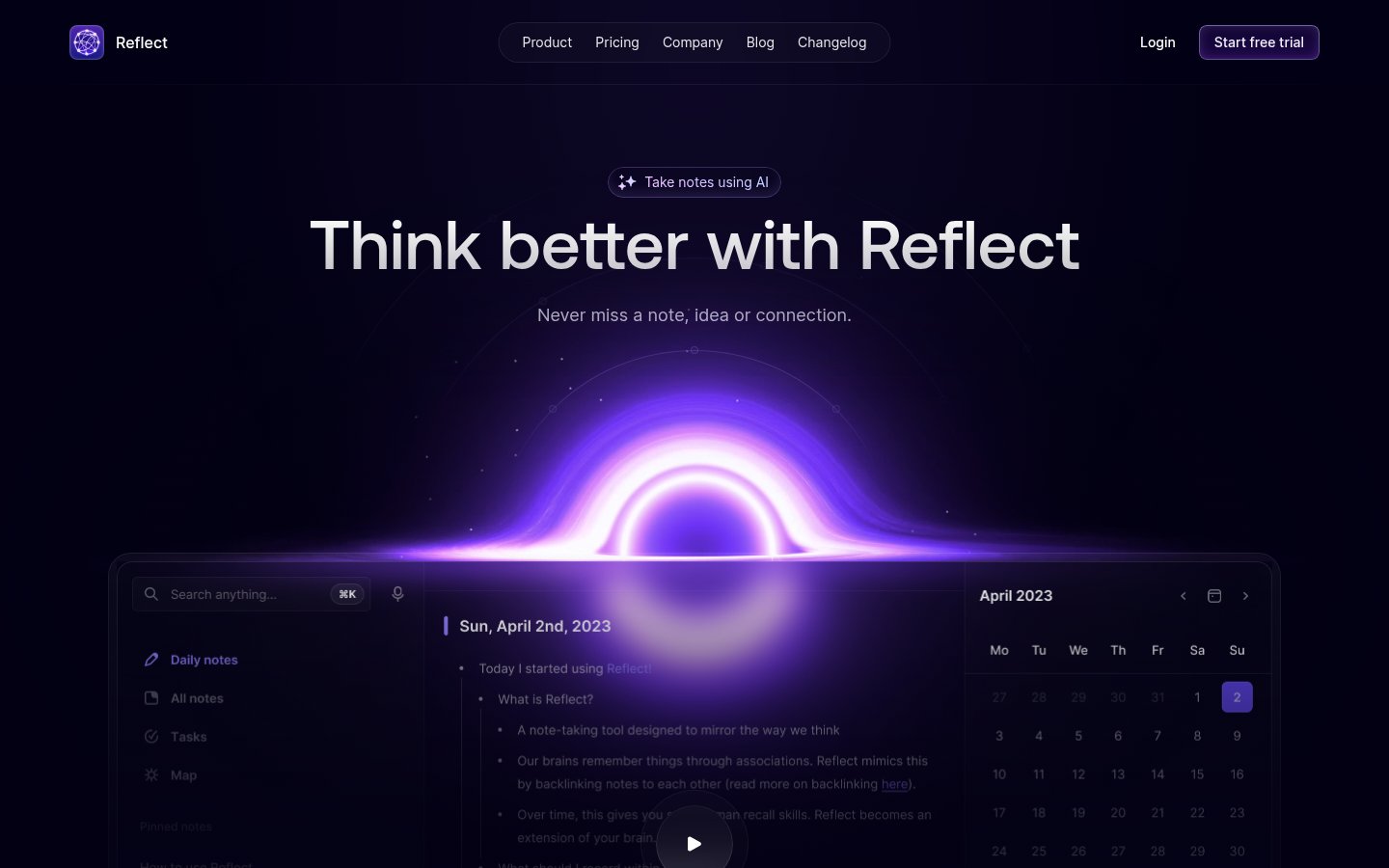
What it does: Reflect is a note-taking app that emphasizes networked, bi-directionally linked notes with an AI layer built in. It connects to your calendar for automatic meeting note creation, integrates with Kindle highlights, and uses AI to help you identify connections between notes, draft content, and search your knowledge base. The design philosophy sits between Obsidian's power-user complexity and Mem.ai's zero-friction simplicity.
Best for: Writers, researchers, and professionals who want linked note-taking with AI assistance but find Obsidian too complex and Mem.ai too hands-off.
Pricing: Free trial available. Paid plan required for full access, pricing positions it in the premium note-taking tier, broadly comparable to Mem.ai. Check reflect.app for current rates.
Why it's #8: Reflect is criminally underrated in most PKM roundups. The networked note architecture, where every note can link to and be linked from any other, produces a knowledge graph that genuinely surfaces surprising connections over time. The AI layer is less powerful than Mem.ai's but more thoughtfully integrated than most competitors.
The calendar integration is particularly practical: Reflect automatically creates a note for each upcoming meeting, pre-populated with attendees and agenda context, and then links the completed notes into your knowledge graph. For anyone whose work is meeting-heavy, this is a real workflow accelerator.
The AI personalization problem, the fact that most AI tools don't actually learn your thinking style, is something Reflect's linked-note structure partially addresses by building a richer context map over time.
Pros:
- Networked note architecture produces genuine knowledge graphs
- Calendar integration is practical and well-executed
- AI assistance is thoughtfully integrated, not bolted on
- Cleaner, more opinionated interface than Obsidian
- Free trial lets you evaluate before committing
Cons:
- Less powerful AI than Mem.ai for deep knowledge synthesis
- Cloud-based; no fully local option
- Smaller plugin/integration ecosystem than Obsidian or Notion
- Pricing requires a paid plan for sustained use
What Didn't Make the List (And Why)
A few tools that almost made it deserve a mention:
Evernote has been through significant upheaval over the past two years, ownership changes, feature regressions, and pricing restructuring have eroded trust among long-time users. The AI features added in recent versions are real but unremarkable. It's not a bad tool, but in 2026, it's no longer a best-in-class one.
Capacities is genuinely interesting, a PKM tool built around "objects" (people, books, ideas) rather than flat notes. The AI integration is growing. It narrowly missed this list and is worth watching.
Granola and Fathom are excellent AI meeting tools, but they're narrow specialists rather than full PKM systems. If meeting notes are your primary knowledge capture method, either would complement an Obsidian or Mem.ai setup well. See our Top 9 AI Meeting & Productivity Tools in 2026 for those comparisons.
Microsoft Recall is technically available on Copilot+ PCs, but its real-world rollout has been slow, its privacy controls remain controversial, and it's tied exclusively to Windows hardware. Worth monitoring, but not broadly useful enough for a general PKM list yet.
How to Choose
The right tool depends almost entirely on two questions:
1. How much do you care about privacy and data ownership? If the answer is "a lot," your list starts with Obsidian + LM Studio and doesn't need to go further. If you're comfortable with cloud storage in exchange for convenience, Mem.ai is the best single tool here.
2. Are you willing to configure, or do you want something that works immediately? Mem.ai, Limitless, and Reflect work well out of the box. Obsidian and LM Studio reward patience and configuration with significantly more power and flexibility.
For most knowledge workers in 2026, the pragmatic answer is: start with Mem.ai for general note-taking, add Limitless if your work is meeting-heavy, and keep LM Studio installed for private document processing when sensitivity matters. That covers most cases without over-complicating your toolkit, which, as The AI Tool Switching Problem makes clear, is a real productivity risk in its own right.
Frequently Asked Questions
Tools & Services Mentioned

infobro.ai Editorial Team
We research every tool from its documentation, pricing pages, product screenshots and public developer discussion, and say plainly what the evidence does and does not show. Drafts are AI-assisted and reviewed by our editors before publication. We revisit each article every 6 months to reflect platform changes. Learn more about our process.