Top 8 AI Writing & Content Tools for Marketers in 2026: Ranked by What Actually Delivers
We ranked the best AI writing and content tools of 2026 by real output quality, pricing, and workflow fit — not hype. Here's what actually works for marketers.

Top 8 AI Writing & Content Tools for Marketers in 2026: Ranked by What Actually Delivers
If you've spent any time trying to build a content marketing stack in 2026, you already know the problem: there are hundreds of AI tools screaming for your attention, and most of them aren't worth the free trial. After testing these tools across real campaigns — blog content, social posts, video repurposing, podcast production — I've ranked the eight that actually hold up when the pressure is on.
This isn't a feature comparison sheet. It's an honest look at what each tool does well, where it falls flat, and who it's actually built for. Marketers, content teams, solo creators, and brand strategists all have different needs, and the "best" tool depends entirely on your workflow. Let's get into it.
Quick Comparison Table
| Tool | Best For | Pricing | Free Plan? |
|---|---|---|---|
| Jasper AI | Long-form brand content | Paid (from ~$49/mo) | Free trial |
| Descript | Podcast & video editing | Paid (from ~$24/mo) | Limited free tier |
| Opus Clip | Short-form video repurposing | Freemium | Yes (free trial) |
| Riverside.fm | Remote recording & transcription | Freemium | Yes |
| Synthesia | AI avatar video production | Freemium | Yes |
| CapCut | Social video editing | Freemium | Yes |
| Buffer | Social media scheduling | Paid (from ~$6/mo) | Yes |
| Obsidian | Knowledge base & content planning | Free/paid | Yes |
1. Jasper AI — Best for Brand-Consistent Long-Form Content
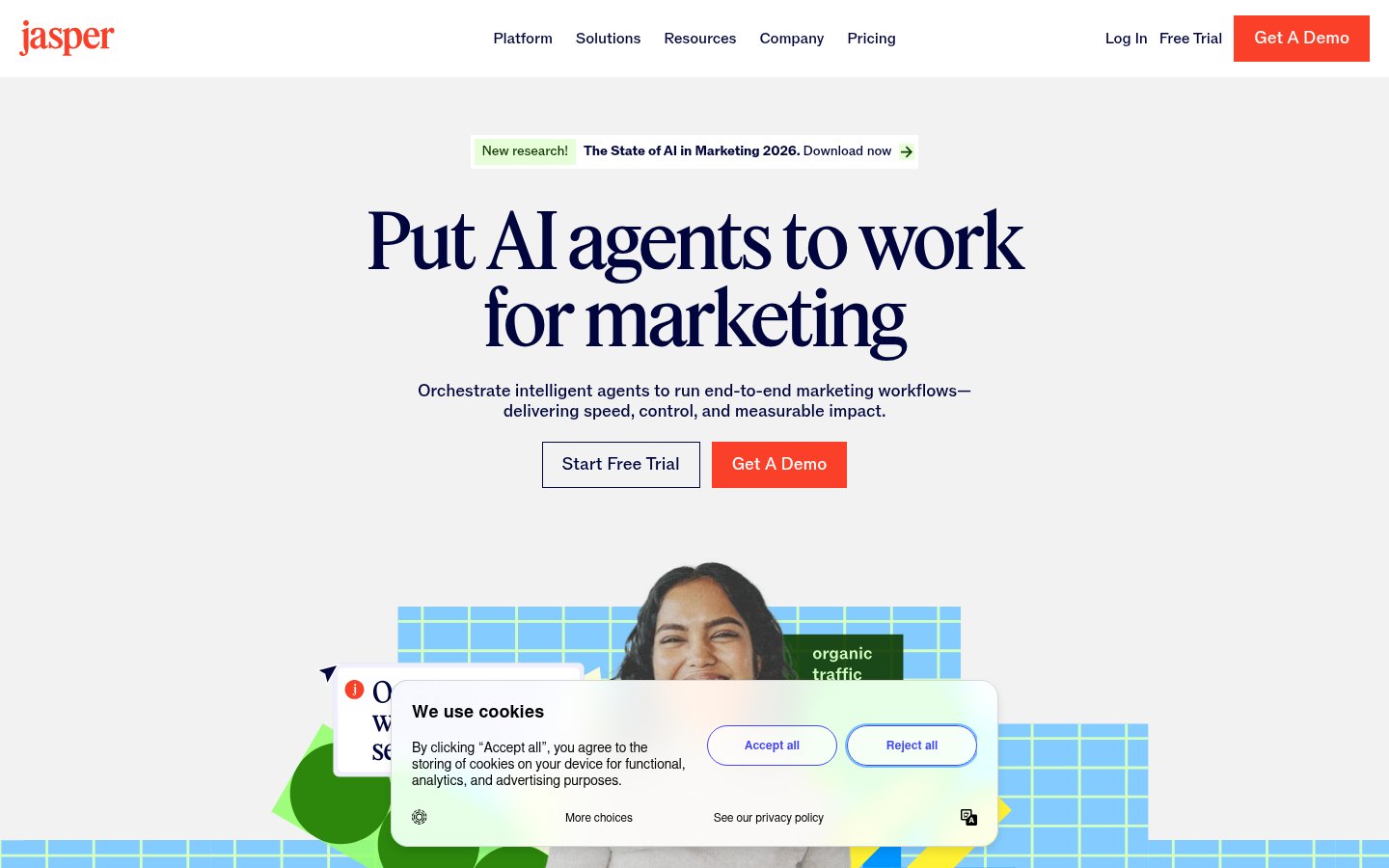
What it does: Jasper is an AI writing platform built specifically for marketing teams. It goes well beyond a generic chat interface — you can train it on your brand voice, feed it style guides, and deploy it across blog posts, landing pages, email sequences, and ad copy. In 2026, Jasper has doubled down on its "Brand Voice" feature and added deeper integrations with CMS platforms.
Best for: Marketing teams and agencies producing high volumes of brand content who need consistency across writers.
Pricing: Starts around $49/month for the Creator plan. Team plans push toward $125/month. Enterprise pricing is custom. There's a free trial but no permanent free tier.
✅ Pros
- Brand Voice training is genuinely useful for teams with strict tone guidelines
- Campaigns feature lets you generate an entire content cluster from one brief
- Strong integrations with Surfer SEO, Google Docs, and HubSpot
- Output quality is consistently above average for marketing copy
❌ Cons
- Expensive if you're a solo creator or small team
- Can be verbose — you'll still edit a lot
- Not ideal for technical writing or anything requiring deep factual accuracy
- Interface has gotten complex; onboarding takes time
My take: Jasper is the closest thing to a real marketing co-writer. It's not cheap, and it won't replace a good human editor, but for teams cranking out content at scale, it genuinely saves hours per week. The Brand Voice feature alone is worth it if you're managing multiple clients or brand personas.
2. Descript — Best for Podcast Producers and Video Editors Who Hate Timelines
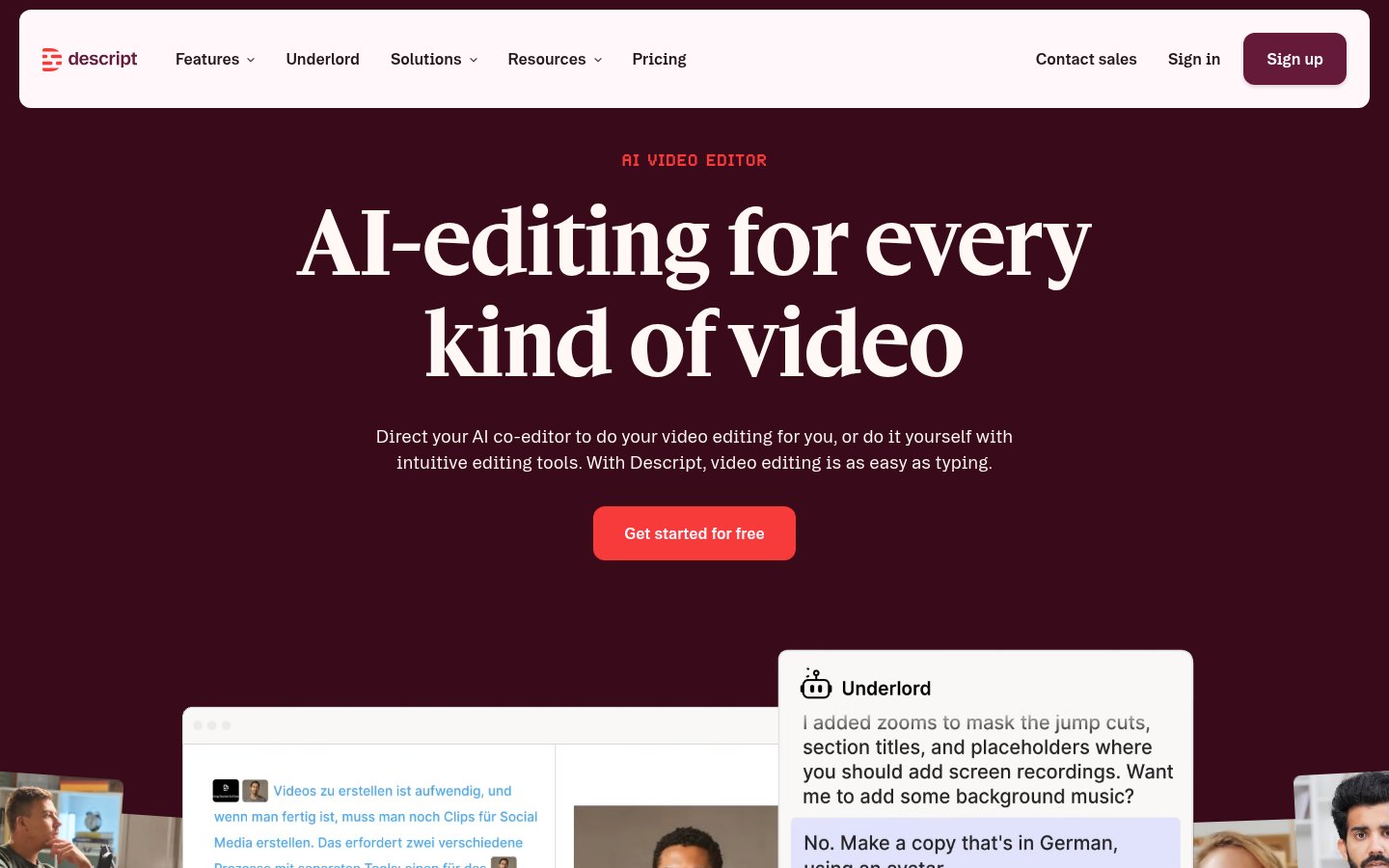
What it does: Descript treats audio and video editing like a word processor. You edit the transcript, the media follows. Add AI-powered overdub (voice cloning for fixing mistakes), automatic filler word removal, and multitrack recording, and you have something genuinely different from anything else in this space.
Best for: Podcast creators, video marketers, and anyone who produces talking-head content regularly.
Pricing: Paid plans start around $24/month for the Hobbyist tier. The Creator plan (~$40/month) unlocks most of the AI features you actually want. There's a limited free tier.
✅ Pros
- Text-based editing is a genuine paradigm shift — incredibly intuitive
- Filler word removal ("um", "uh", "you know") works remarkably well
- Overdub voice cloning has improved significantly — less robotic in 2026
- Excellent for repurposing long content into clips
❌ Cons
- Exports can be slow on complex projects
- Voice cloning still sounds slightly off on unusual cadences
- Not a replacement for DaVinci Resolve or Premiere if you need heavy visual effects
- Transcription accuracy drops on heavy accents or fast speech
My take: If you produce any kind of spoken content, Descript is non-negotiable. I've watched people who dreaded editing suddenly enjoy the process. The text-based workflow isn't a gimmick — it's genuinely faster for interview-style content.
3. Opus Clip — Best for Repurposing Long Videos Into Short Clips
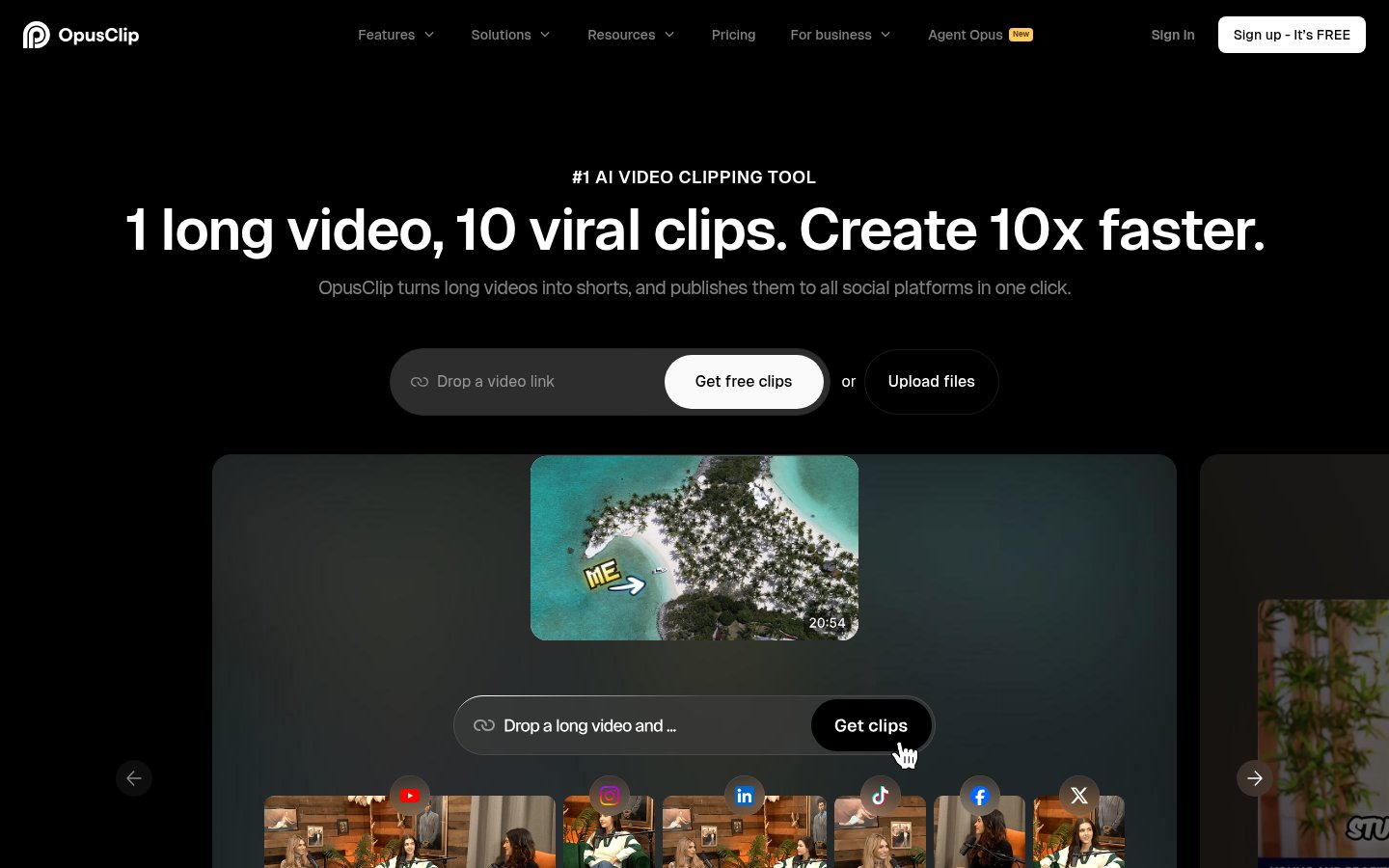
What it does: Opus Clip takes a long YouTube video, webinar, podcast, or livestream and automatically cuts it into short-form clips optimized for TikTok, Instagram Reels, and YouTube Shorts. It uses AI to identify high-engagement moments, adds captions, and even scores each clip by predicted virality.
Best for: Content creators, marketers, and brands with a library of long-form video who want to feed short-form channels without hiring an editor.
Pricing: There's a free trial with limited exports. Paid plans start around $19/month. Higher tiers unlock more monthly minutes and multi-language captions.
✅ Pros
- The "Viral Score" is surprisingly accurate at identifying quotable, shareable moments
- Auto-captions are fast and accurate (better than most competitors in 2026)
- Reframing for vertical video is solid — faces stay centered
- Saves genuinely enormous amounts of editing time
❌ Cons
- You often get 10 mediocre clips per 1 great one — requires curation
- Clipping logic can miss context, cutting clips at awkward moments
- Limited creative control over transitions and style compared to CapCut
- Free tier is very restrictive on minutes
My take: Opus Clip has become a staple for any marketer running both long and short-form content simultaneously. It's not perfect — you'll still review and reject a lot of clips — but the time savings are real. Pair it with a tool like CapCut for final polish.
4. Riverside.fm — Best for Remote Interviews and High-Quality Podcast Recording
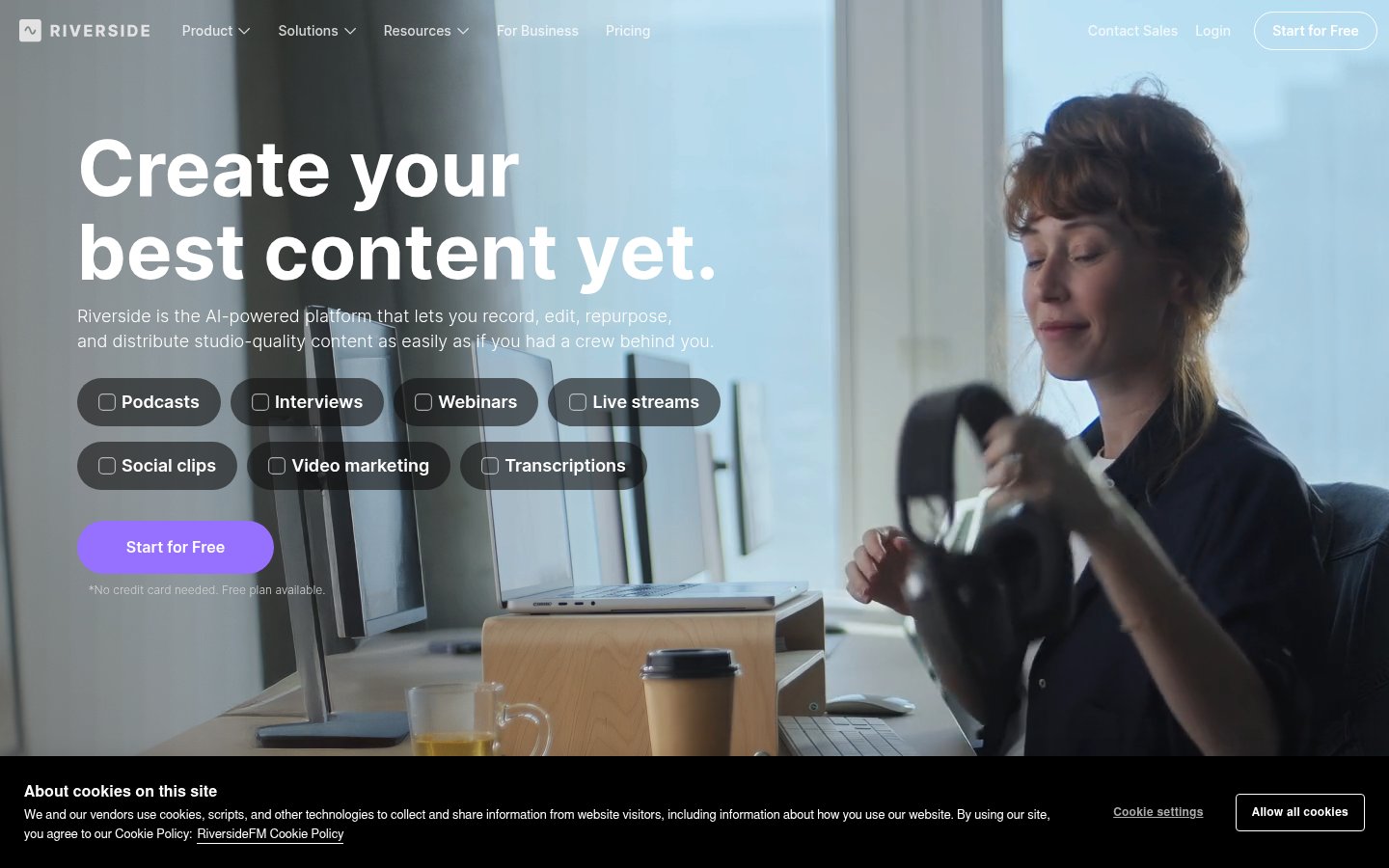
What it does: Riverside records each participant's audio and video locally (on their device), then uploads the high-quality files — which means your guest's bad WiFi doesn't ruin your recording. It also includes AI transcription, clip creation, and a magic editor that removes silence and filler words.
Best for: Podcasters, journalists, and video marketers who regularly interview remote guests.
Pricing: Freemium. The free plan is genuinely useful for basic recording. Paid plans start around $15/month and unlock higher resolution video, more hours, and advanced AI features.
✅ Pros
- Local recording means studio-quality audio regardless of internet conditions
- Up to 4K video recording per participant — far better than Zoom
- AI transcription is fast and accurate
- The magic editor is underrated and works well
❌ Cons
- Guests need to keep the browser tab open during recording — occasional drop-outs
- Storage management can get annoying for heavy users
- Not a full podcast hosting platform — you'll still need a separate RSS feed host
- Video export can be slow for long sessions
My take: Riverside is simply the best remote recording tool available right now. Zoom is fine for calls; it's not fine for content you're publishing. If audio quality matters to your brand, this is worth paying for.
5. Synthesia — Best for Creating AI Avatar Videos Without a Camera
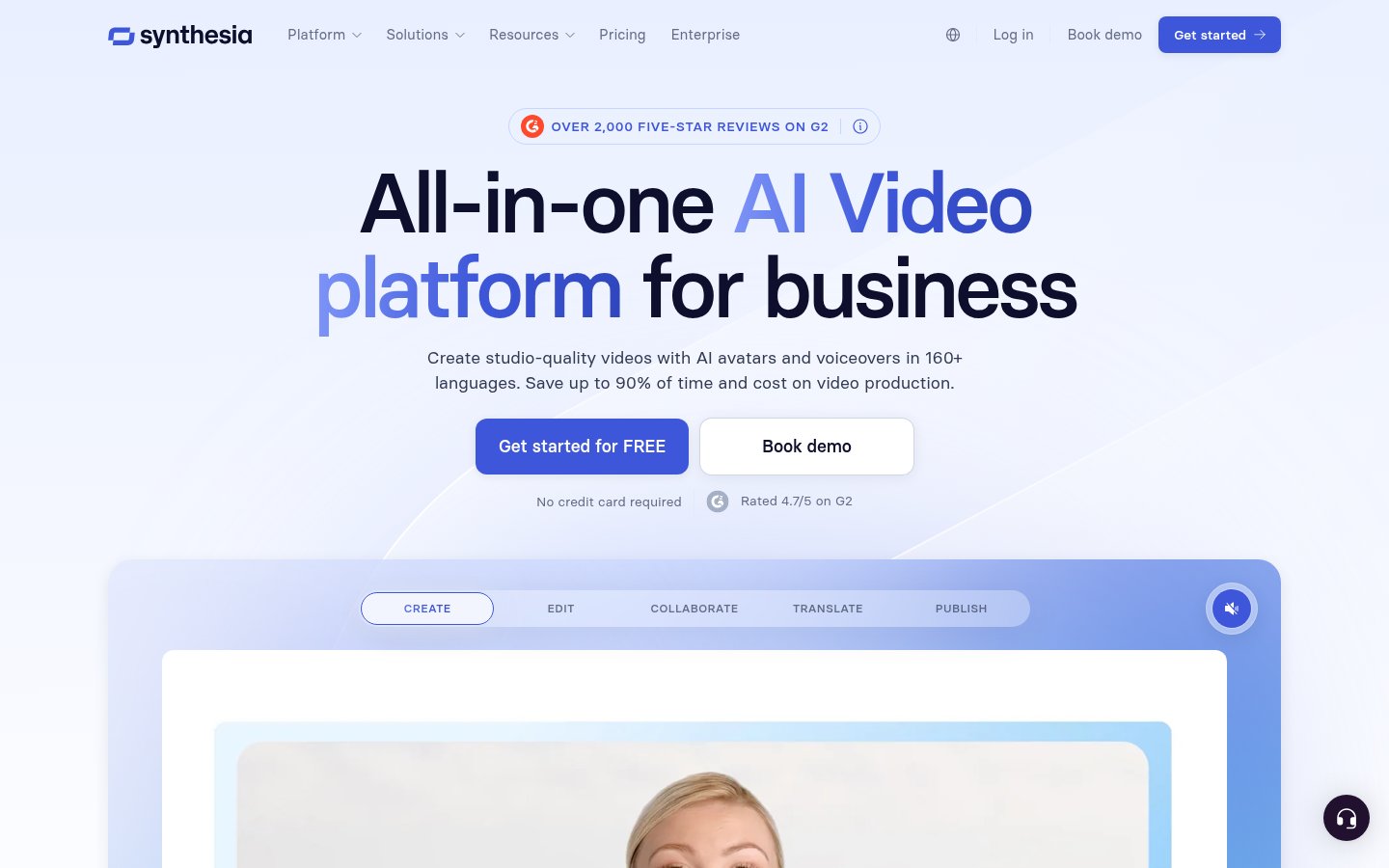
What it does: Synthesia lets you create professional-looking videos using AI avatars. You type a script, pick an avatar (or create a custom one that looks like you), and the platform generates a video of that avatar speaking your script. No camera, no studio, no reshoots.
Best for: L&D teams, marketers creating product demos or explainers, and businesses that need video content at scale in multiple languages.
Pricing: Freemium. Free plan includes limited videos per month. Paid plans start around $29/month. Enterprise is custom. Custom avatars (your own face and voice) require a higher-tier plan.
✅ Pros
- Fastest way to produce talking-head video content in existence
- 140+ languages and accents — translation workflow is genuinely powerful
- Custom avatar quality has improved dramatically in 2026 — less uncanny valley
- Great for internal training content that doesn't need Hollywood production
❌ Cons
- Avatars still look AI-generated to a trained eye — not ideal for consumer-facing brand content
- Lip sync occasionally goes off on complex phonetics
- Limited emotional range compared to a real human presenter
- Expensive to produce high volumes of custom-avatar videos
My take: Synthesia sits in a specific lane and it owns that lane completely. For internal training, multilingual explainers, and rapid product demos, it's hard to beat. I wouldn't use it for a brand campaign where authenticity matters, but for efficiency-driven content production it's outstanding.
6. CapCut — Best for Social-First Video Editing with AI Features Baked In
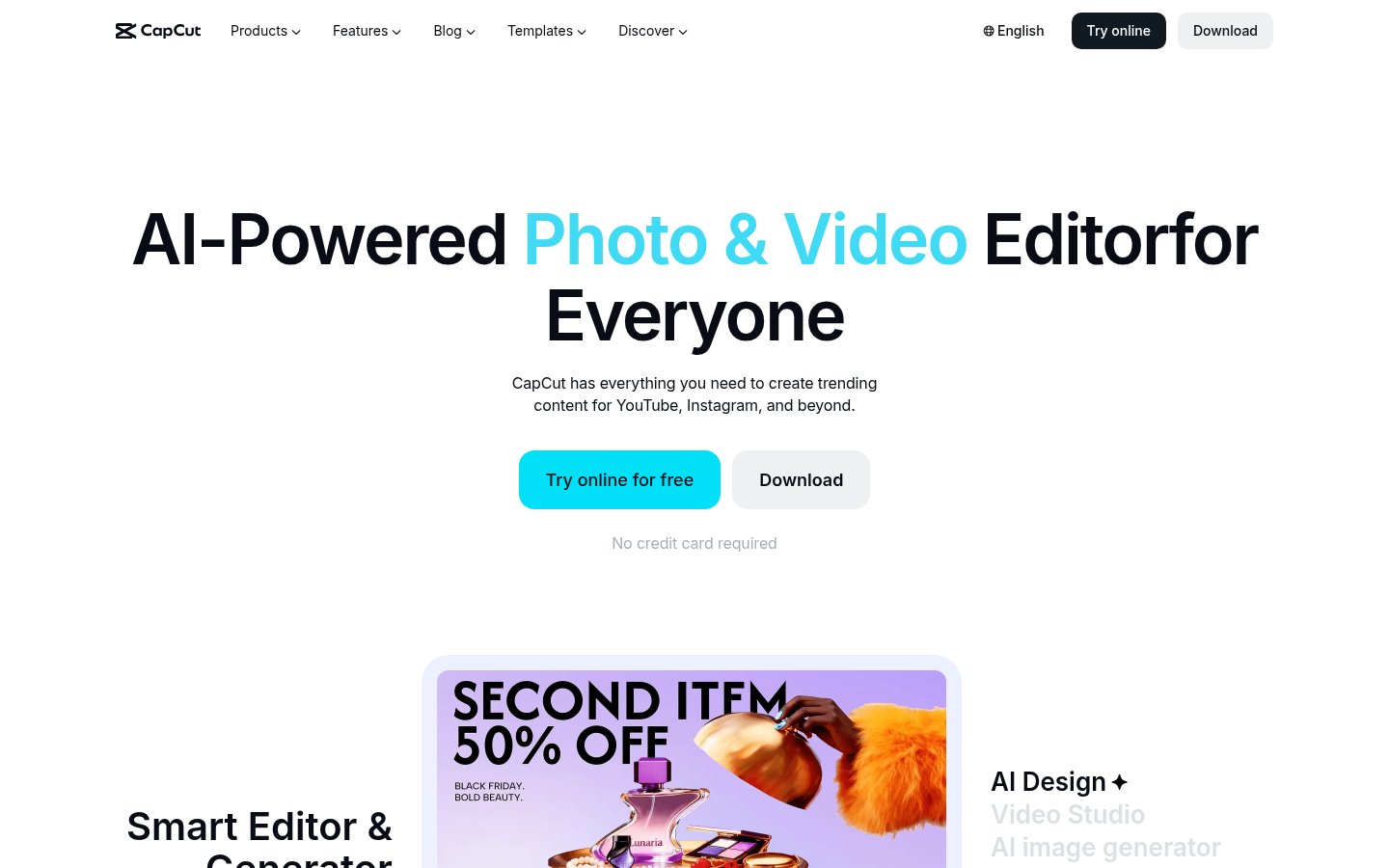
What it does: CapCut is a video editing app (mobile and desktop) that has quietly built one of the most capable AI toolsets in the consumer editing space. Auto captions, background removal, AI text-to-video, voice enhancement, template-based editing — it's all there, and most of it is free.
Best for: Individual creators, social media managers, and small marketing teams producing short-form content for TikTok, Instagram, and YouTube Shorts.
Pricing: Freemium. The free tier is genuinely generous. CapCut Pro costs around $10/month and unlocks more AI credits and commercial usage rights.
✅ Pros
- The free tier is more powerful than paid tiers of many competitors
- Auto-captions are fast and accurate — one of the best in class
- Huge template library that actually keeps up with trends
- Desktop version is robust for professional-grade short edits
❌ Cons
- ByteDance ownership remains a data privacy concern for some users and brands
- AI-generated content can feel samey when everyone uses the same templates
- Not suitable for long-form or complex multi-track edits
- Some advanced AI features are credit-limited even on paid plans
My take: CapCut is the best free video tool on the market right now, full stop. The ByteDance concern is real and worth thinking about for brands with strict data policies — but for individual creators, the value-to-cost ratio is unmatched. Use it for social; don't use it for sensitive client work.
7. Buffer — Best for No-Fuss Social Media Scheduling
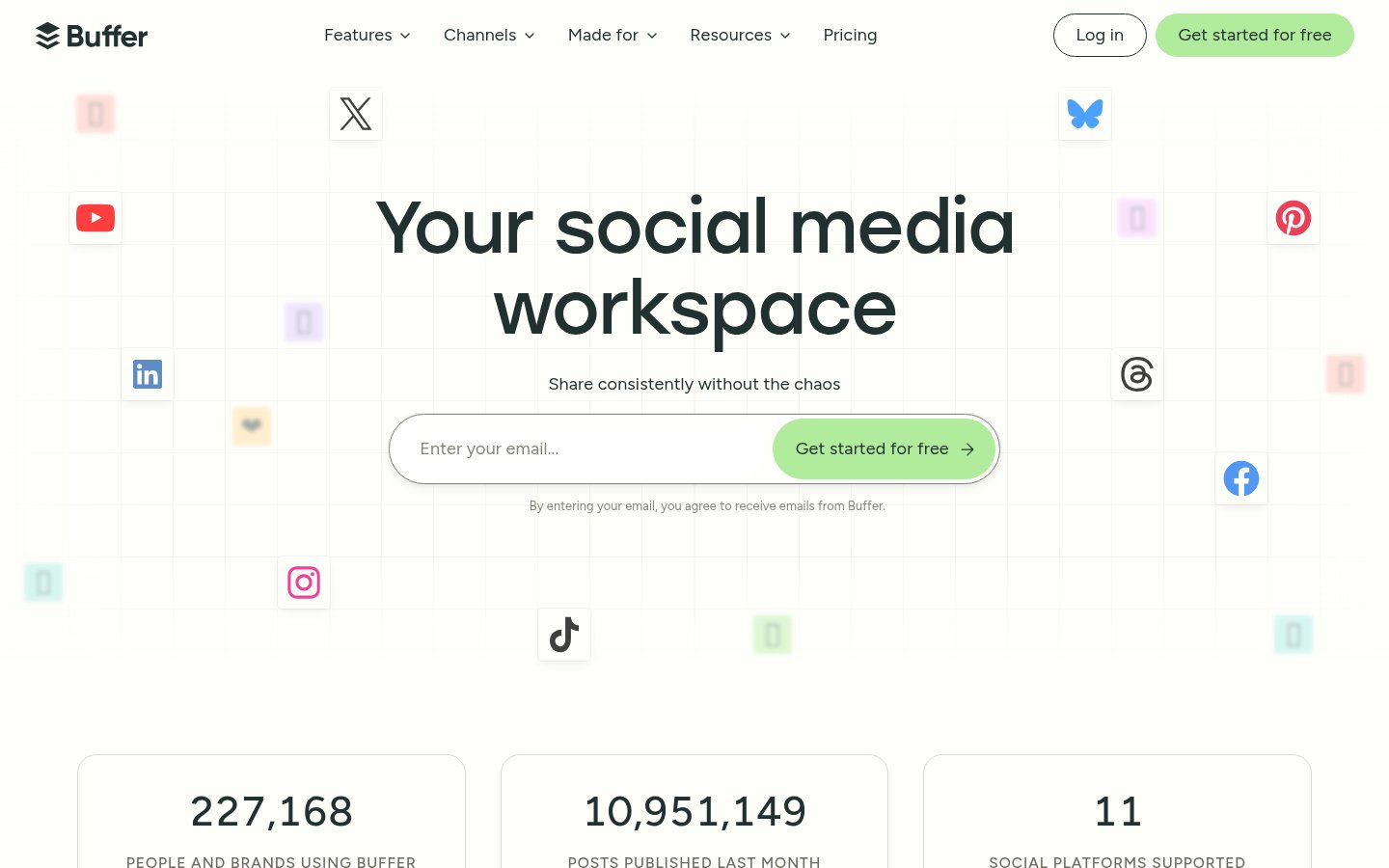
What it does: Buffer is a social media scheduling and analytics platform. It's been around long enough to have earned genuine trust, and in 2026 it's added AI-assisted post writing, a "Start Page" link-in-bio tool, and better analytics for content performance tracking.
Best for: Solo creators, small marketing teams, and freelancers managing multiple social accounts who want a clean, simple scheduling workflow.
Pricing: There's a free plan for up to 3 channels. Paid plans start at around $6/month per channel. Agency plans are available.
✅ Pros
- One of the cleanest, least overwhelming interfaces in the category
- AI post writer is basic but genuinely useful for drafting variations
- Analytics has improved significantly — engagement, reach, and follower growth in one view
- Affordable compared to Hootsuite and Sprout Social
❌ Cons
- Lacks the depth of Hootsuite or Sprout Social for enterprise teams
- No native social listening or mentions monitoring
- Instagram Stories scheduling has occasional sync issues
- AI writing assistant is useful but not as capable as dedicated writing tools
My take: Buffer doesn't try to be everything, which is why it's still excellent after all these years. If you want a scheduling tool that gets out of your way, this is it. Larger teams with complex approval workflows should look at Sprout Social or Hootsuite instead.
8. Obsidian — Best for Content Strategists Who Think in Systems
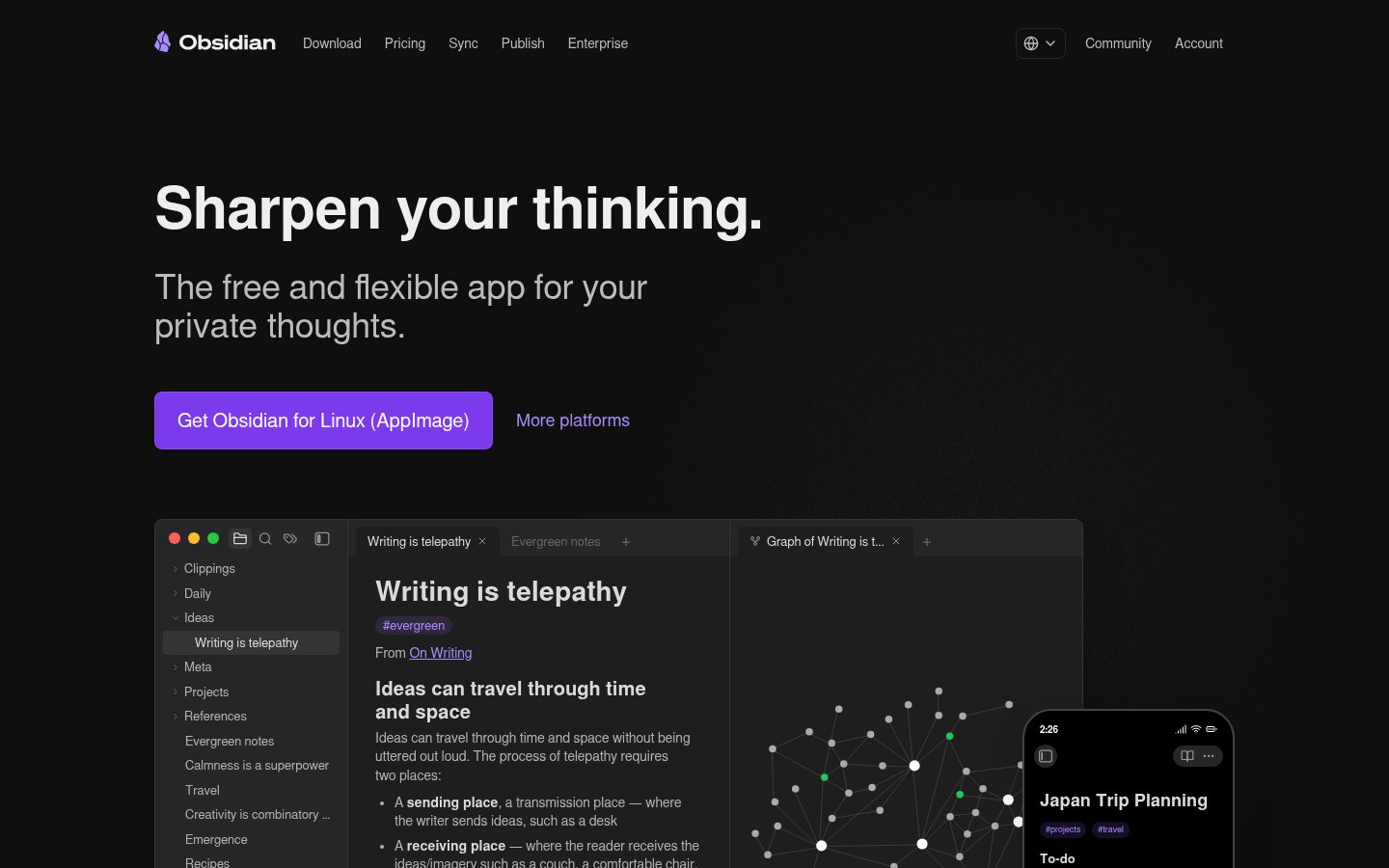
What it does: Obsidian is a local-first knowledge management app built around linked notes (a "second brain" concept). For content marketers, it's an exceptional tool for building content strategies, mapping topic clusters, managing editorial calendars, and linking ideas across projects — all without sending your data to the cloud.
Best for: Content strategists, SEO professionals, and solo creators who want a powerful, private system for organizing their thinking and content planning.
Pricing: Free for personal use. Obsidian Sync (cloud sync across devices) costs around $10/month. Publish (a hosted site from your notes) is around $10/month. Commercial license is $50/user/year.
✅ Pros
- All data is stored locally in plain Markdown — you own everything
- Graph view for visualizing topic cluster relationships is genuinely useful for SEO strategy
- Massive plugin ecosystem (Dataview, Templater, etc.) makes it highly customizable
- No monthly fee for core functionality — rare in 2026
❌ Cons
- Steep learning curve — it requires intentional setup to work well
- Mobile app is functional but not as polished as the desktop version
- No native AI writing features (though third-party plugins add this)
- Not a project management or team collaboration tool
My take: Obsidian is the tool on this list with the smallest immediate payoff and the highest long-term ROI. If you invest the time to set it up properly, it becomes an irreplaceable thinking environment. It's not for everyone — but for strategists who live in their notes, it's indispensable.
How These 8 Tools Work Together
The real power isn't in any single tool — it's in the stack. Here's a workflow that actually makes sense:
- Plan content in Obsidian (topic clusters, briefs, editorial calendar)
- Write long-form drafts with Jasper AI
- Record interviews or podcasts using Riverside.fm
- Edit audio/video in Descript
- Repurpose clips with Opus Clip
- Polish social videos in CapCut
- Schedule distribution via Buffer
- Scale video production with Synthesia for training or multilingual content
This stack covers strategy, production, repurposing, and distribution — which is the full content loop for most marketing teams.
Final Rankings Rationale
I ranked these tools based on four factors: output quality, time savings, value for money, and fit for a modern content marketing workflow. Jasper leads because brand-consistent long-form content is still the hardest thing to produce at scale. Descript earns #2 because the paradigm shift it offers — text-based media editing — is genuinely transformative for anyone in spoken content. Opus Clip and Riverside are essential infrastructure for video-forward marketers in 2026.
Buffer and Obsidian rank lower not because they're worse tools, but because they operate in support roles rather than primary content creation. That said, both are best-in-class at what they do.
FAQ
Is Jasper AI worth the price in 2026?
For teams producing 20+ pieces of content per month, yes. The brand voice training and campaign features save enough time to justify the $49–$125/month cost. Solo bloggers or very small teams may find it hard to justify; in that case, a tool like Claude or ChatGPT with a good custom prompt might get you 80% there for much less.
Can Opus Clip replace a human video editor?
Not entirely. Opus Clip is excellent at identifying highlight moments and doing the rough cut automatically, but a human editor is still needed for anything requiring narrative judgment, emotional pacing, or creative direction. Think of it as a first-pass editor, not a final-pass one.
Is CapCut safe to use for professional or client work?
This depends on your risk tolerance. ByteDance's data practices are a legitimate concern, particularly for regulated industries or clients with strict data policies. For personal or small creator work, the risk is low. For enterprise or sensitive brand content, consider Adobe Premiere Pro or DaVinci Resolve as alternatives.
What's the difference between Descript and Riverside.fm?
Riverside is primarily a recording platform — it captures studio-quality audio and video from remote participants. Descript is primarily an editing platform. They complement each other well: record in Riverside, edit in Descript. Riverside does have basic editing tools, and Descript does allow you to record locally, but both excel in their primary role.
Do I need all 8 tools, or can I get away with fewer?
You don't need all 8. A lean stack for a solo creator might be just CapCut + Buffer + Obsidian. A podcast-focused marketer might only need Riverside.fm + Descript + Buffer. Start with the two or three that directly address your biggest bottleneck, then expand.
Is Synthesia good enough for external-facing brand videos in 2026?
Getting closer, but not quite there for most consumer brands. The custom avatar quality has improved significantly, and the uncanny valley effect is less pronounced than it was in 2024–2025. For internal comms, training, and B2B explainers, it's absolutely production-ready. For brand campaigns where emotional connection matters, a real human presenter still wins.
Sources
infobro.ai Editorial Team
Our team of AI practitioners tests every tool hands-on before writing. We update our content every 6 months to reflect platform changes and new research. Learn more about our process.


