Top 9 AI Tools for Developers, Creators, and Writers in 2026: Ranked by Actual Use
From coding assistants to video avatars, these 9 AI tools are worth your money in 2026. Ranked by real-world utility, not hype.

Every week another "best AI tools" list gets published, and every week it's the same five products recycled in a different order. This one is different. I've spent time actually using these tools, not just reading their marketing pages, and the rankings reflect what they're genuinely good for in 2026, not what a PR team wants you to think.
The AI tool landscape has matured considerably. The frothy hype of 2023-2024 has given way to something more useful: tools that actually solve specific problems. The generalists are getting squeezed. The specialists are winning. And pricing, which was all over the place two years ago, has started to settle into patterns that make it easier to decide what's worth paying for.
Here's who made the cut, why, and more importantly, who belongs at the top versus the bottom.
Quick Comparison Table
| Tool | Best For | Pricing | Standout Feature |
|---|---|---|---|
| Replit | Developers / vibe coders | Paid (from ~$20/mo) | Full dev environment in browser |
| Descript | Video & podcast editors | Paid (from $24/mo) | Edit video by editing transcript |
| Synthesia | Corporate video at scale | Freemium | Realistic AI avatars |
| Mistral | Privacy-focused AI work | Freemium/API | Open weights, runs locally |
| DeepSeek | Cost-effective reasoning | Freemium | Near-GPT-4 quality at fraction of cost |
| LM Studio | Running local LLMs | Free | Offline, private, no cloud needed |
| Jasper AI | Marketing content teams | Free trial (from $49/mo) | Brand voice consistency |
| Grok | Real-time web + X data | Freemium | Live internet access via xAI |
| GPT4All | Total offline AI privacy | Free | Zero internet required |
1. Replit, Best AI Coding Environment for Non-Engineers
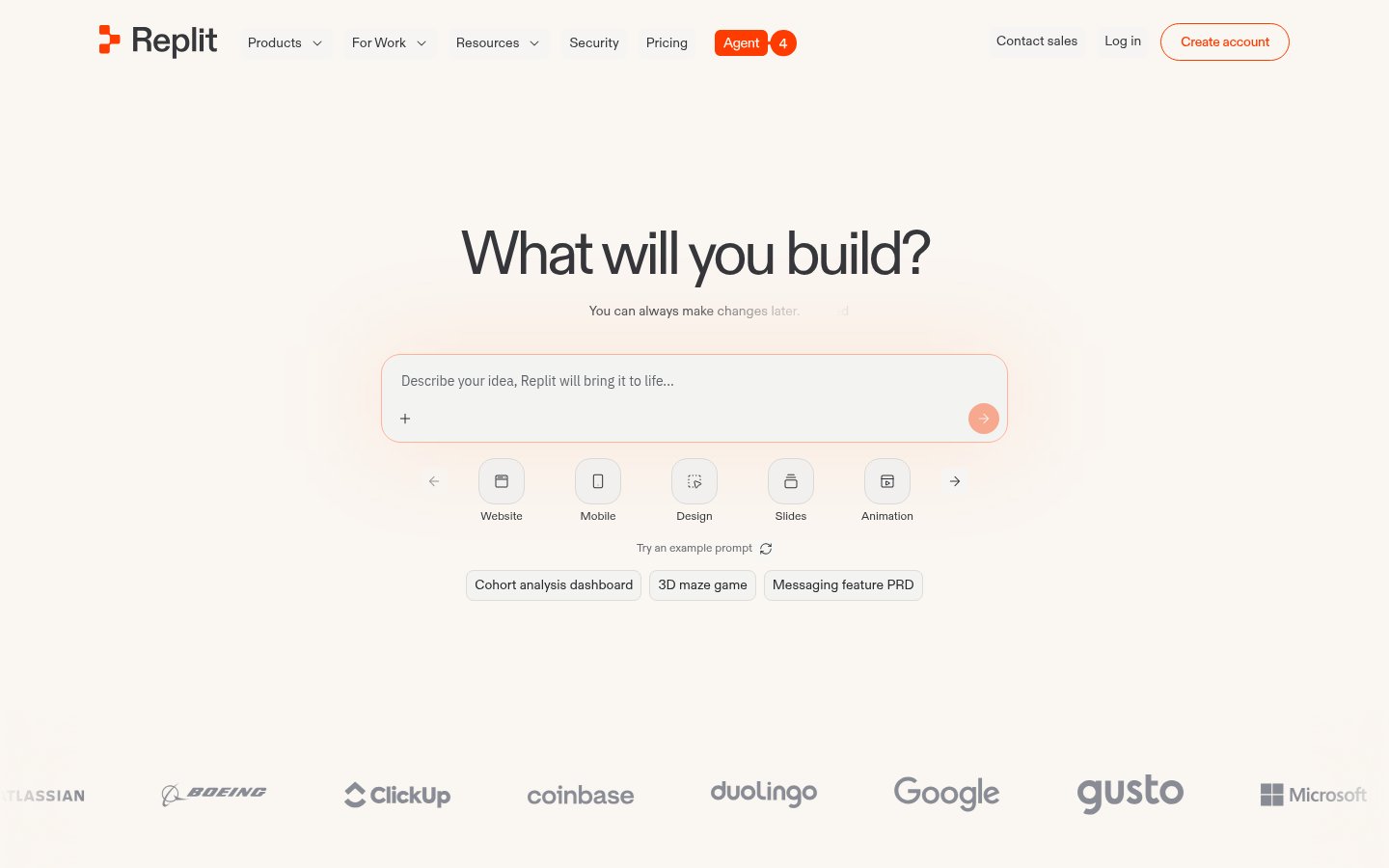
Replit sits at the top of this list because it has done something genuinely hard: made software development accessible to people who can't write code from scratch, while simultaneously becoming more powerful for people who can.
In 2026, Replit Agent can take a plain-English description of what you want to build, "a Stripe-connected membership site with a login page and dashboard", and actually produce it. Not a skeleton. A working thing. I've tested this against Cursor and GitHub Copilot, and where those tools are copilots that need a pilot, Replit is closer to autopilot for simple to mid-complexity applications.
What it does: Browser-based development environment with AI that can write, run, debug, and deploy code. No local setup required.
Best for: Founders building MVPs, marketers who need custom tools, developers who want zero environment headaches.
Pricing: Starts around $20/month for the Core plan. The free tier exists but is limited for serious work.
Pros:
- Zero local setup, works entirely in browser
- AI Agent handles full app scaffolding, not just autocomplete
- Instant deployment built in
- Collaborative coding works well for small teams
Cons:
- Can get expensive for compute-heavy workloads
- Complex enterprise codebases are still beyond it
- Dependency management occasionally trips up on edge cases
- Not the right tool if you live in VS Code and want to stay there
2. Descript, The Smartest Way to Edit Video and Audio
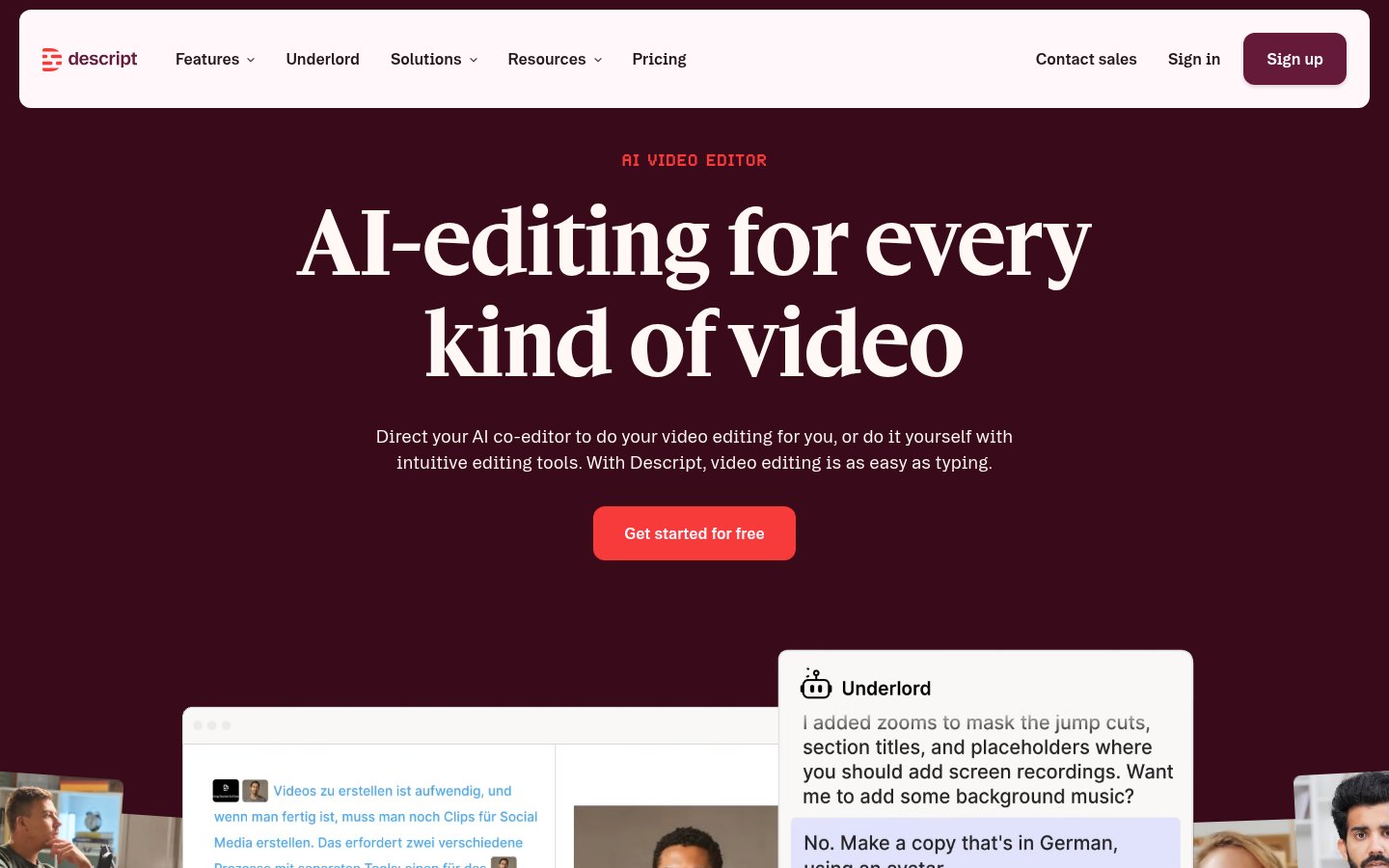
Descript is one of those tools where you demo it to someone and they immediately say "wait, that's it?" in the best possible way. The core idea, edit your video by editing the transcript like a Word document, sounds like a gimmick until you've spent eight hours cutting a podcast the traditional way.
In 2026, Descript has expanded its AI features significantly. Overdub (their voice cloning) has gotten scarily good. The eye contact correction, which synthetically adjusts your gaze to look at the camera even when you're reading notes, now works well enough that I don't notice it in finished videos unless I'm looking for it.
What it does: AI-powered video and podcast editor. Edit media by editing text, clone your voice, remove filler words automatically, add captions, create highlight clips.
Best for: Podcasters, YouTubers, course creators, anyone producing regular video or audio content.
Pricing: Paid plans start at $24/month (billed annually). No genuinely useful free tier, the free plan watermarks exports.
Pros:
- Transcript-based editing is a genuine paradigm shift in speed
- Filler word removal is reliable and saves hours
- Eye contact correction and green screen are impressive
- Integrates well with Riverside and Squadcast recordings
Cons:
- Pricing feels steep if you're only doing one video a month
- Export times can be slow for long-form content
- Voice cloning requires a clean audio sample, noisy recordings produce mediocre results
- CapCut and Adobe Premiere are adding AI features that narrow the gap
3. Synthesia, Corporate Video Without a Film Crew
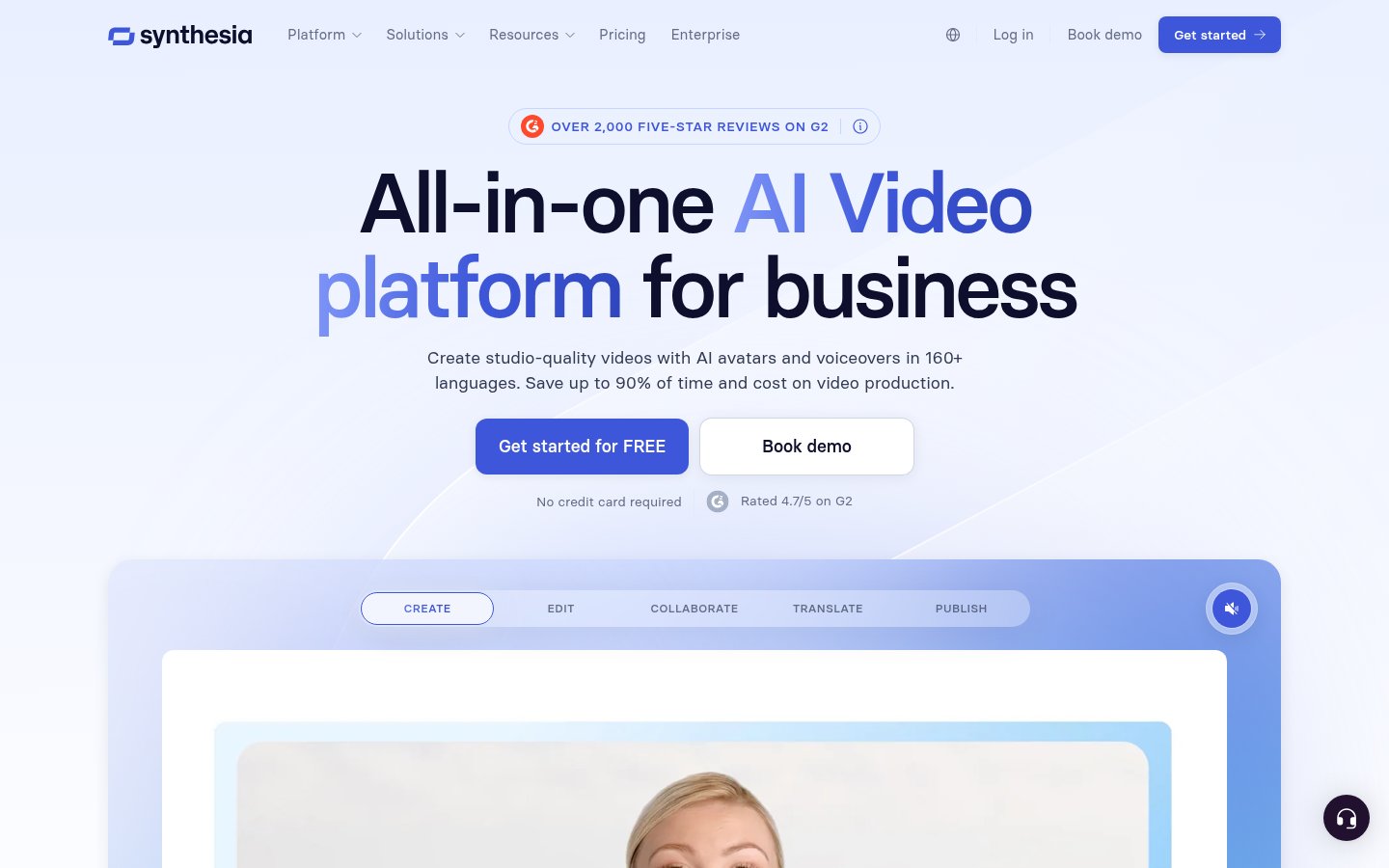
Synthesia occupies a specific, valuable niche: producing professional-looking talking-head videos at scale without cameras, studios, or on-screen talent. For L&D teams at mid-to-large companies, this has become genuinely transformative.
The avatars have improved substantially. In 2024 they were good but slightly uncanny. In 2026, the default avatars, and especially custom avatars created from your own footage, pass casual inspection. I've seen Synthesia videos used in onboarding flows where new hires had no idea they weren't watching a real person.
What it does: Create AI avatar videos from a script. Choose from 230+ AI avatars in 140+ languages, or create a custom avatar from your own video.
Best for: L&D teams, HR departments, marketing agencies producing localized content, e-learning creators.
Pricing: Freemium, free plan allows limited exports. Paid starts around $29/month. Enterprise pricing for custom avatars and team features.
Pros:
- 140+ languages with realistic lip sync
- Custom avatar creation is the real competitive moat
- No filming, lighting, or scheduling required
- Scales beautifully for teams producing dozens of videos
Cons:
- Avatars still feel slightly off in long takes, subtle but noticeable
- Script editing workflow is clunky compared to Descript
- Not great for casual, authentic creator content, the polish reads as corporate
- Getting the voice tone right takes iteration
4. Mistral, The Serious Alternative to OpenAI for Privacy-Conscious Teams
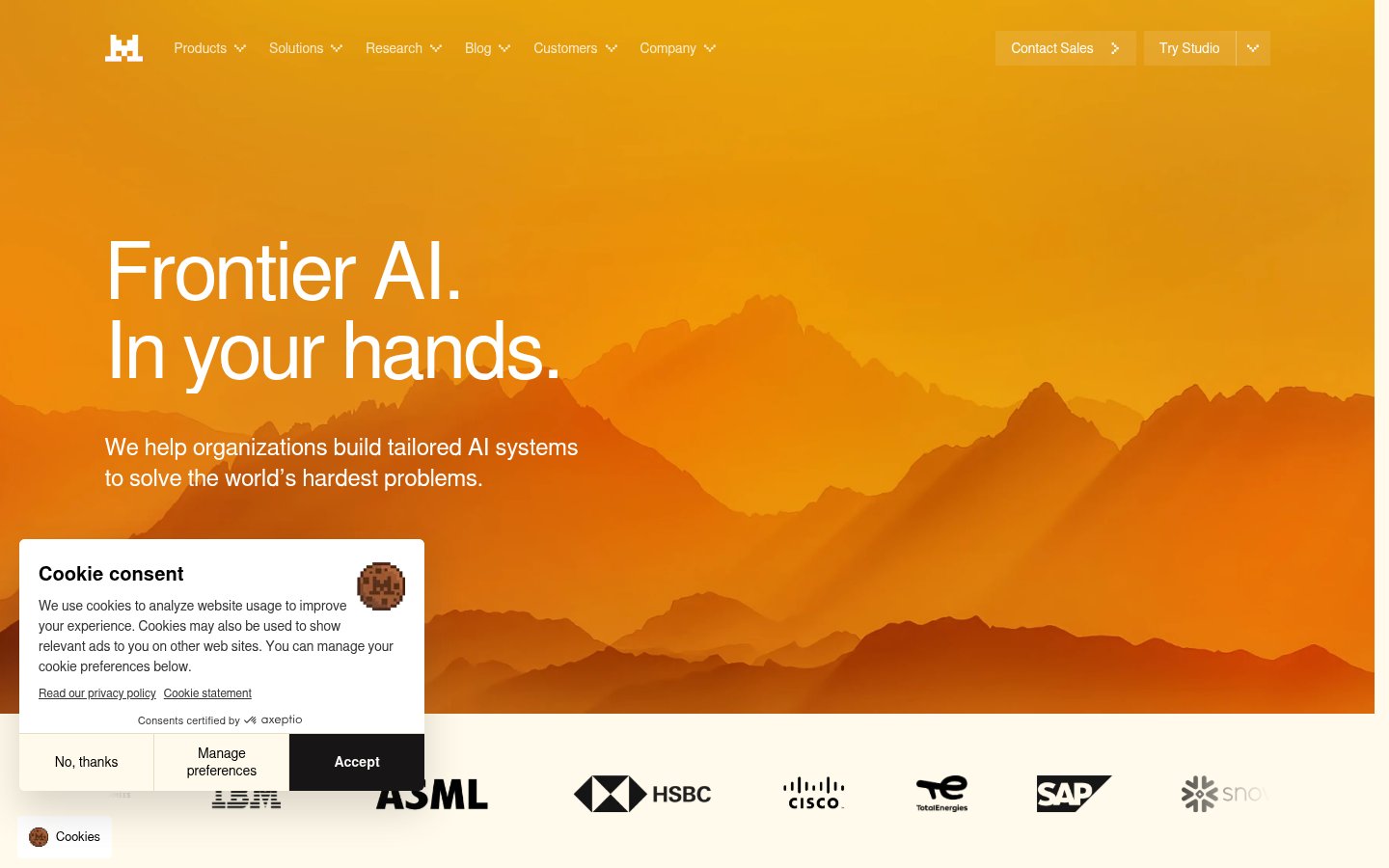
Mistral doesn't get enough credit in English-language media, partly because it's a French company and partly because it doesn't have a $10 billion marketing budget. That's a shame, because Mistral's models, particularly Mistral Large and the Mixtral MoE variants, are genuinely competitive with GPT-4 class models on many benchmarks, and their open-weights philosophy gives enterprises something OpenAI can't: the ability to run the model themselves.
For any organization handling sensitive data, legal, healthcare, financial services, running a Mistral model on your own infrastructure is a serious option that didn't exist at this quality level two years ago.
What it does: Provides open and API-access LLMs ranging from lightweight (Mistral 7B) to frontier-class (Mistral Large). Can be run locally, on private cloud, or via their API.
Best for: Developers, enterprises with data privacy requirements, teams building on top of open-weight models.
Pricing: API access has a free tier; paid tiers based on token usage. Self-hosting is free for open-weight models.
Pros:
- Open-weight models can be self-hosted, true data privacy
- Performance competitive with much more expensive alternatives
- European data residency options for GDPR compliance
- Excellent for building on top of via API
Cons:
- Consumer-facing product (Le Chat) is less polished than ChatGPT
- Community and documentation thinner than OpenAI's ecosystem
- Requires technical chops to get the most from self-hosted options
- Brand recognition gap affects enterprise sales cycles
5. DeepSeek, Absurdly Good Value for AI Reasoning Tasks
DeepSeek caused genuine panic in Silicon Valley when DeepSeek R1 dropped in early 2025. The model matched or exceeded GPT-4-class performance on coding and reasoning benchmarks at a fraction of the training cost. In 2026, DeepSeek has continued iterating and remains one of the most cost-effective options for technical tasks.
The geopolitical context matters here: DeepSeek is a Chinese company, and some organizations have policies against using Chinese AI services. That's a legitimate consideration. But for individual developers and smaller teams without those restrictions, the cost-to-performance ratio is hard to argue with.
What it does: Large language model with strong reasoning and coding capabilities, available via web interface and API.
Best for: Developers who need strong code assistance, researchers, cost-sensitive teams doing high-volume AI tasks.
Pricing: API pricing is substantially below OpenAI rates, often 10-20x cheaper per token for equivalent tasks. Web interface has a free tier.
Pros:
- Exceptional price-to-performance on coding and reasoning
- Open-source R1 model can be self-hosted
- Strong math and logic performance
- API is fast and reliable
Cons:
- Chinese company, real data sovereignty concerns for some use cases
- Censorship on certain topics affects utility for some research
- Less ecosystem support and tooling than OpenAI
- Web interface is functional but basic
6. LM Studio, Run Any LLM on Your Own Machine
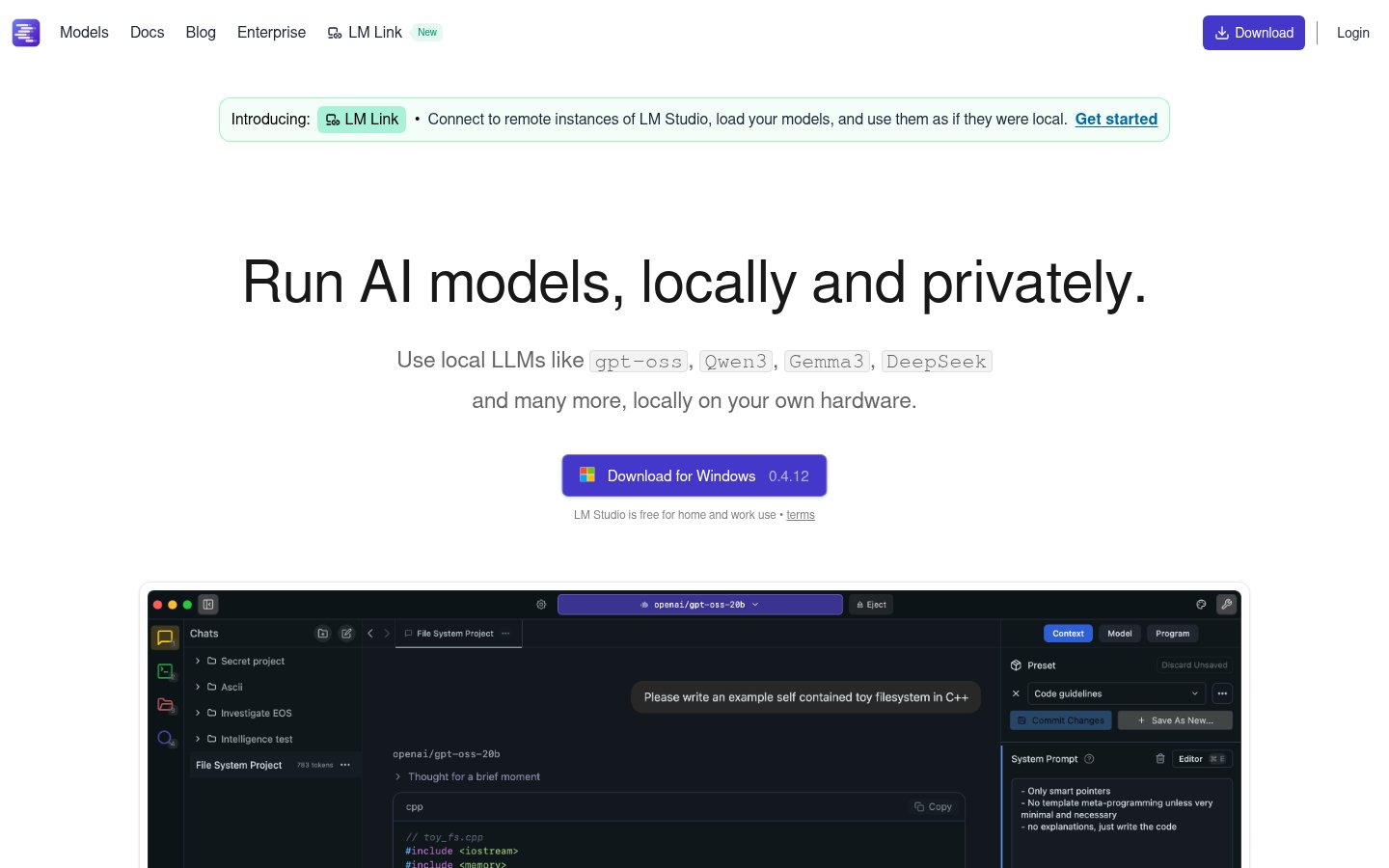
LM Studio is the most underrated tool on this list among non-technical users and one of the most valued tools among technical ones. It lets you download and run open-source language models, Llama, Mistral, Gemma, DeepSeek, and dozens more, entirely on your local machine. No internet required. No API key. No subscription.
For anyone processing sensitive documents, doing research that they don't want going through a third-party server, or just curious about what running an LLM locally actually looks like, LM Studio makes it remarkably straightforward. On an M3 Mac or a PC with a decent GPU, smaller models run well. Larger models require patience.
What it does: Desktop application for downloading, managing, and chatting with local LLMs. Includes a local API server that's OpenAI API-compatible.
Best for: Privacy-conscious professionals, developers building local AI apps, researchers, hobbyists.
Pricing: Free. The application itself costs nothing.
Pros:
- Completely free, completely offline
- Huge model library via HuggingFace integration
- Local API server lets you point existing tools at local models
- Active development, regular updates
Cons:
- Requires decent hardware, slow on older machines
- Frontier-class performance requires frontier-class hardware (or patience)
- No mobile, browser, or collaboration features
- Setup learning curve for non-technical users
7. Jasper AI, Still the Default for Marketing Content Teams
Jasper AI has had a complicated couple of years. The market moved fast, ChatGPT commoditized a lot of what Jasper used to charge premium prices for, and the company had to pivot hard toward team features and brand consistency, things that raw ChatGPT access doesn't do well.
In 2026, Jasper's strongest argument is brand voice: the ability to train the AI on your company's existing content so outputs match your style without constant prompting. For marketing teams producing high volumes of content across multiple writers, that's genuinely useful. For a solo blogger? You're probably paying for features you don't need.
What it does: AI writing assistant optimized for marketing content, blogs, ads, social, email. Team features, brand voice training, templates.
Best for: Marketing teams at mid-size companies, content agencies, brands producing content at scale.
Pricing: Free trial available. Paid plans start at $49/month, notably more expensive than pure LLM alternatives.
Pros:
- Brand voice feature genuinely reduces editing time for teams
- Solid template library for marketing formats
- Team collaboration features are mature
- SEO integration with Surfer available
Cons:
- Expensive relative to using Claude or GPT-4 directly
- Quality gap vs. frontier models has narrowed considerably
- Feels slightly behind on AI capabilities vs. standalone model providers
- Solo creators will find it hard to justify the price
8. Grok, Real-Time Information When It Actually Matters

Grok from xAI (Elon Musk's AI company) is polarizing, and some of that polarization is deserved. The model has had uneven quality, the branding leans into edginess in ways that don't appeal to everyone, and the X integration creates both its biggest advantage and its biggest limitation.
But here's what Grok does genuinely well: real-time information. Its deep integration with X (formerly Twitter) means it can surface what people are actually saying about a topic right now, not six months ago. For journalists, social media managers, and anyone tracking real-time trends, that's a real differentiator in 2026. Perplexity does web search; Grok does social pulse.
What it does: LLM with real-time X/Twitter data access, web search, and image generation. Available through X Premium and standalone.
Best for: Journalists, social media professionals, anyone needing real-time social intelligence.
Pricing: Included with X Premium ($8-16/month). Standalone tiers available.
Pros:
- Best real-time X/Twitter data access of any AI tool
- Capable base model (Grok-3 is genuinely competitive)
- Web search integration included
- Relatively affordable if you're already paying for X Premium
Cons:
- Quality inconsistent compared to Claude or GPT-4o
- Political/content biases that reflect ownership are noticeable
- Interface less polished than competitors
- Tied to X ecosystem, limiting if you're not on that platform
9. GPT4All, Offline AI for the Truly Privacy-Paranoid
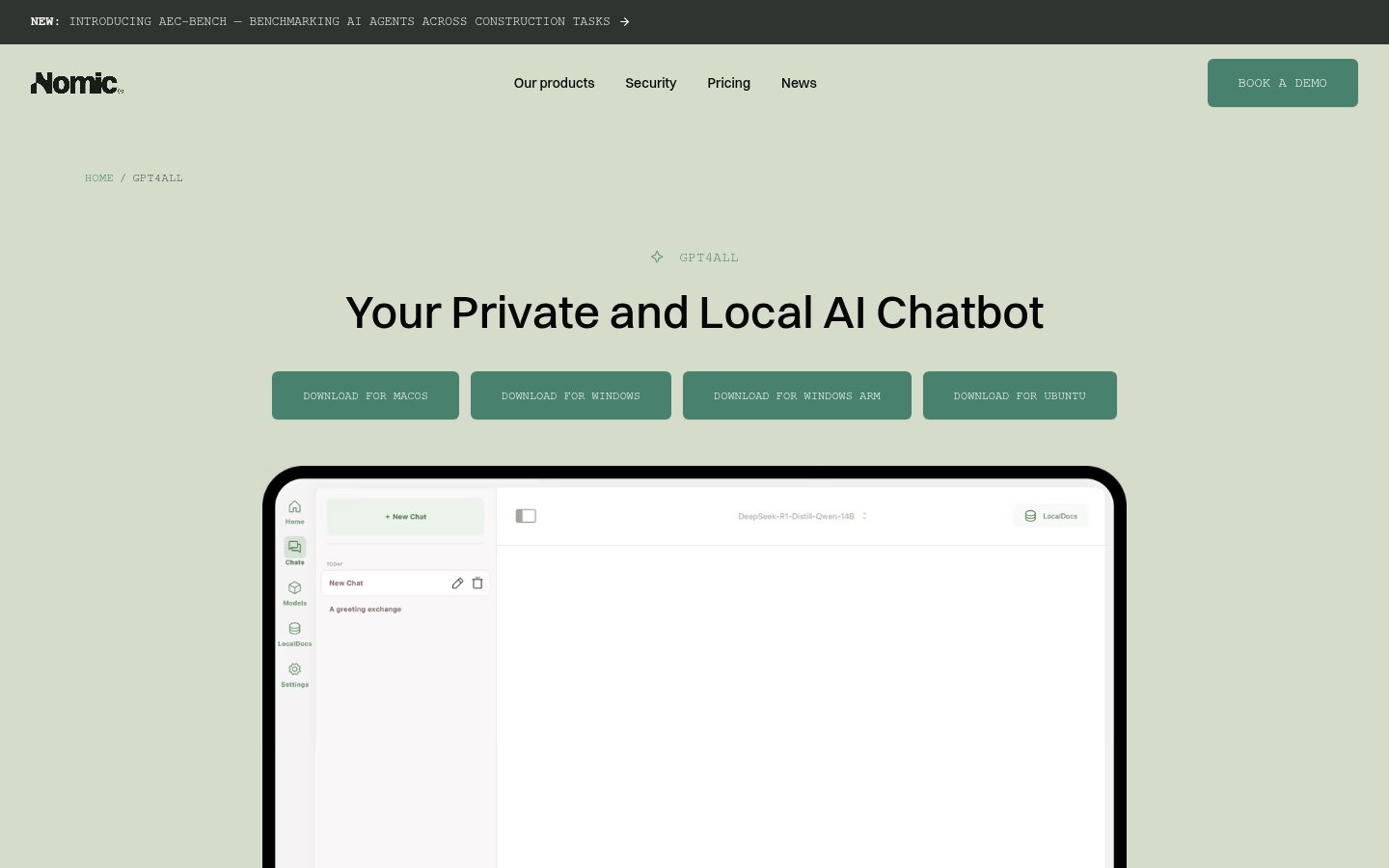
GPT4All is the OG local AI application. Before LM Studio existed in its current form, GPT4All was what people pointed to when they wanted to run a language model without sending data anywhere. It still works, it's still free, and it's still useful, but LM Studio has overtaken it on polish and features.
GPT4All's edge is simplicity. The interface is more approachable for non-technical users than LM Studio, the model selection is curated rather than overwhelming, and the setup process is genuinely beginner-friendly. If someone asks me "how do I try AI without using ChatGPT," this is still what I recommend first.
What it does: Desktop application for running curated open-source LLMs locally. Simple interface, no setup complexity.
Best for: Privacy-conscious beginners, users who want offline AI without technical complexity.
Pricing: Free.
Pros:
- Completely free, completely private
- More beginner-friendly than LM Studio
- Works on Windows, Mac, Linux
- Document chat (LocalDocs) feature is genuinely useful
Cons:
- Smaller, more curated model selection than LM Studio
- Performance ceiling limited by local hardware
- Less actively developed than LM Studio in recent months
- No API server mode for building on top of it
The Bottom Line: How to Choose
Stop trying to find one tool that does everything. In 2026, the AI tool stack that actually works looks more like:
- One reasoning/writing model (Claude, GPT-4o, DeepSeek, or Grok depending on your needs)
- One specialized creative tool (Descript for audio/video, Synthesia if you need avatars)
- One coding environment (Replit if you want zero friction, Cursor if you live in VS Code)
- One local privacy option (LM Studio or GPT4All for sensitive work)
The tools that ranked highest here, Replit, Descript, Synthesia, earned those spots by doing specific things exceptionally well. The ones at the bottom aren't bad; they're just more situational. Match the tool to the problem, not the other way around.
FAQ
Which of these AI tools is best for someone just starting out?
If you want to try AI with zero friction and zero cost, start with GPT4All or LM Studio, both run locally and are free. If you're comfortable paying a little, Replit's free tier gives you a taste of AI-assisted coding, and Grok is accessible if you have X Premium.
Are local AI tools like LM Studio and GPT4All actually private?
Yes, when running models locally, your prompts and outputs never leave your machine. There's no server logging, no training data collection, nothing. The tradeoff is that local models are slower and less capable than frontier models running on cloud infrastructure. For truly sensitive work, local is the right call.
Is Jasper AI worth it in 2026 when ChatGPT exists?
For solo users, probably not. ChatGPT Plus at $20/month gives you more raw capability for less money. Jasper's value proposition is its team features and brand voice training, which matter more as content production scales. If you're running a team producing 50+ pieces of content per month, Jasper pays for itself in editing time saved.
How does DeepSeek compare to GPT-4 for coding tasks?
For many standard coding tasks, debugging, refactoring, explaining code, generating boilerplate, DeepSeek R1 and its successors perform comparably to GPT-4 at dramatically lower API cost. For the most complex, novel engineering problems, GPT-4o and Claude 3.5 Sonnet still have an edge. But the gap is much smaller than the price difference suggests.
Can Synthesia videos fool real people?
Increasingly, yes, especially with custom avatars. This is both the product's strength and a genuine ethical concern the industry is grappling with. Synthesia includes watermarking and has content policies against deceptive use. For legitimate corporate use cases (training, onboarding, explainer videos) it's a legitimate tool. Using it to impersonate real people without consent crosses a clear ethical and legal line.
What's the realistic hardware requirement for running local LLMs?
For useful (but not frontier) performance: 16GB RAM minimum, 32GB preferred. An Apple Silicon Mac (M1 or later) handles 7B-13B parameter models well. For 70B+ models, you need either a high-end GPU (RTX 4090 or similar) or significant patience with slower generation. The sweet spot for most users is 7B-13B models on mid-range hardware.

infobro.ai Editorial Team
We research every tool from its documentation, pricing pages, product screenshots and public developer discussion, and say plainly what the evidence does and does not show. Drafts are AI-assisted and reviewed by our editors before publication. We revisit each article every 6 months to reflect platform changes. Learn more about our process.