Top 8 AI Video Tools for Content Creators in 2026: Ranked by Actual Results
From AI avatar generation to one-click clip extraction, these are the 8 best AI video tools for creators in 2026 — ranked honestly by real-world performance.
Top 8 AI Video Tools for Content Creators in 2026: Ranked by Actual Results
If you're a content creator in 2026, you've probably noticed that the AI video tool space has exploded — and not always in useful ways. Half the tools out there promise to "10x your output" while delivering shaky transcripts and unusable b-roll suggestions. The other half are genuinely transforming how creators work.
I've spent time across all eight tools in this list. Some impressed me. A couple genuinely surprised me. One I almost didn't include, then changed my mind. This isn't a feature-dump comparison — it's an honest ranking based on what actually moves the needle for creators who are publishing regularly.
The criteria: ease of use, AI quality, output quality, pricing fairness, and how well each tool fits into a real creator workflow. Let's get into it.
Comparison Table
| Tool | Best For | Starting Price | AI Quality | Ease of Use |
|---|---|---|---|---|
| Descript | End-to-end video editing | Paid plans | ⭐⭐⭐⭐⭐ | ⭐⭐⭐⭐ |
| Opus Clip | Short-form clip repurposing | Free trial | ⭐⭐⭐⭐⭐ | ⭐⭐⭐⭐⭐ |
| Synthesia | AI avatar videos | Freemium | ⭐⭐⭐⭐ | ⭐⭐⭐⭐⭐ |
| Riverside.fm | Remote recording + AI edit | Freemium | ⭐⭐⭐⭐ | ⭐⭐⭐⭐ |
| CapCut | Mobile-first social editing | Unknown | ⭐⭐⭐⭐ | ⭐⭐⭐⭐⭐ |
| Adobe Premiere Pro | Pro-grade production | Unknown | ⭐⭐⭐⭐ | ⭐⭐⭐ |
| Buffer | Social scheduling + analytics | Unknown | ⭐⭐⭐ | ⭐⭐⭐⭐⭐ |
| Jasper AI | Video scripts + copy | Free trial | ⭐⭐⭐⭐ | ⭐⭐⭐⭐ |
#1 — Descript: The Best All-Around AI Video Editor
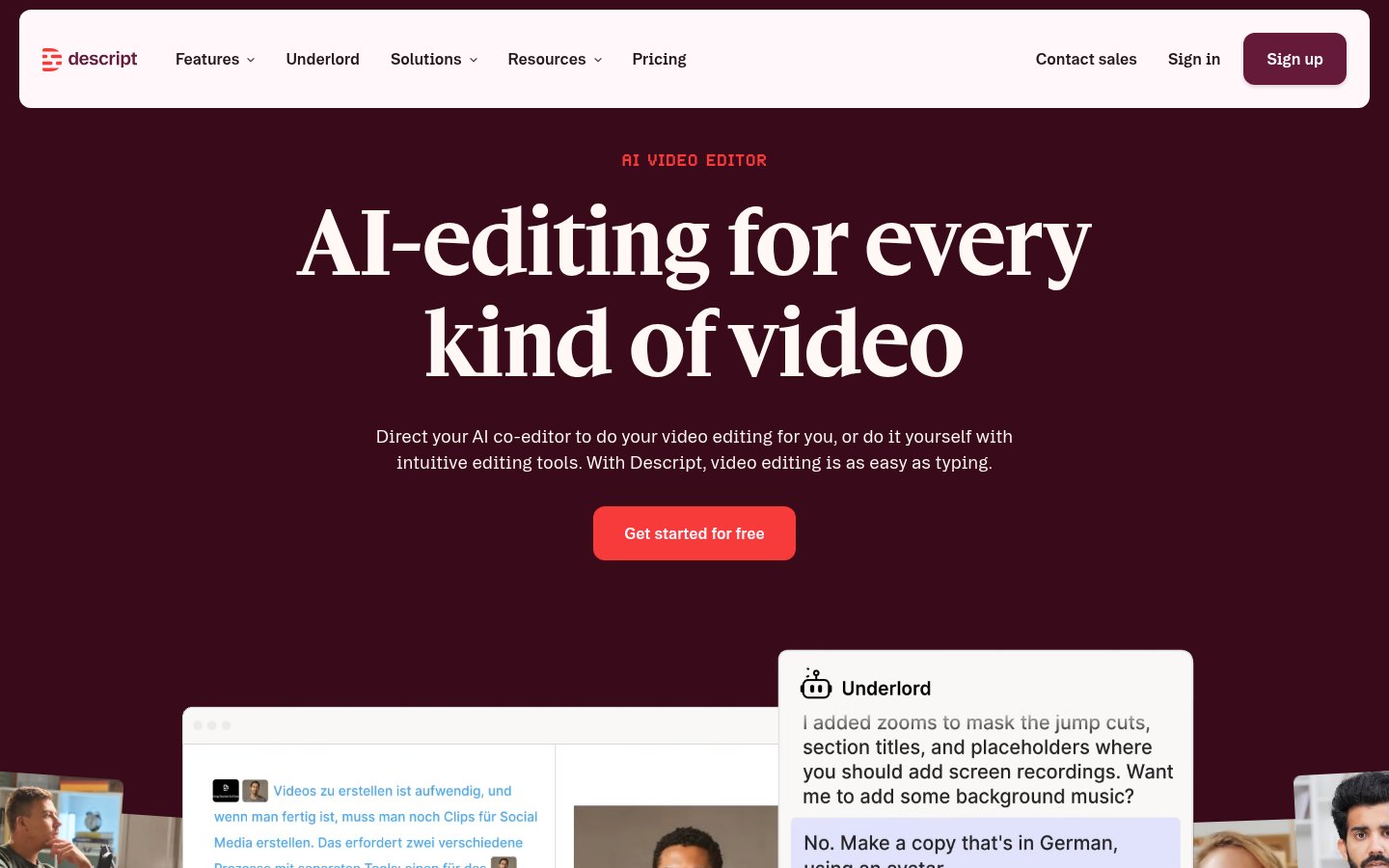
Descript is still the most complete AI video editing suite for serious creators in 2026. The core concept hasn't changed — edit video by editing text — but the AI capabilities have grown considerably. The transcription accuracy is near-flawless on clean audio. The Overdub voice cloning feature lets you fix verbal mistakes without re-recording. The Studio Sound filter genuinely cleans up rough audio from laptop mics.
What it does: Transcription-based video editing with AI voice cloning, filler-word removal, green screen, and screen recording — all in one desktop app.
Best for: Podcasters who also publish to YouTube, solo educators, and any creator who needs to edit long-form content efficiently without a full production team.
Pricing: Paid plans only (no permanent free tier). The Hobbyist plan covers basic needs; Creator and Business tiers unlock AI features like Overdub and multi-track collaboration.
Pros
- Text-based editing is genuinely the fastest way to cut talking-head footage
- Studio Sound is surprisingly effective on mediocre recordings
- Overdub voice cloning saves embarrassing re-recording sessions
- Handles both audio-first (podcasts) and video-first workflows
Cons
- No free plan — you're paying from day one
- The desktop app can be slow on projects over 60 minutes
- Overdub voice quality still sounds slightly synthetic on close listening
- Learning curve on multi-track projects is real
Verdict: If I could only keep one video tool, it would be Descript. Nothing else touches it for the editing-to-publishing workflow of a solo creator.
#2 — Opus Clip: The Best Clip Repurposing Tool
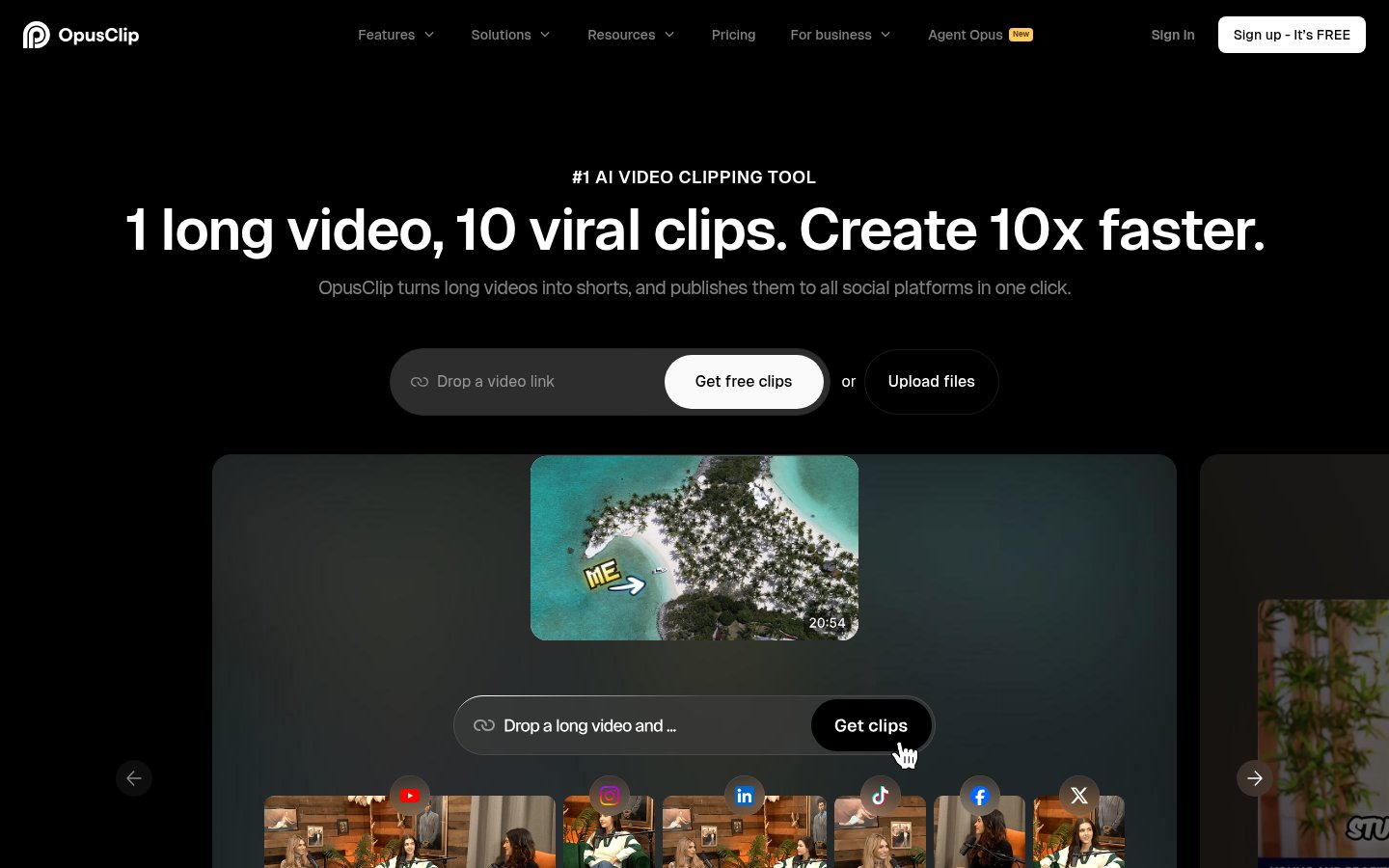
Opus Clip has become the go-to for anyone taking long-form video and turning it into short-form gold. You drop in a YouTube link or upload a video, and the AI identifies the most "hook-worthy" moments, generates captions, adds B-roll suggestions, and scores each clip by predicted virality. In my testing, the virality scores are surprisingly calibrated — the clips it rates 90+ consistently perform better on TikTok than the ones I'd have manually selected.
What it does: AI-powered clip extraction and repurposing from long-form video to short-form (Reels, TikTok, Shorts) with automatic captions and hook scoring.
Best for: YouTubers, podcasters, and course creators who want to maximize reach from existing content without hiring a video editor.
Pricing: Free trial available. Paid tiers unlock higher resolution exports, more monthly clips, and team features.
Pros
- Genuinely saves hours of manual clip-hunting per video
- AI hook scoring is more accurate than you'd expect
- Auto-captions are clean and well-styled out of the box
- One-click aspect ratio reformatting (16:9 → 9:16) that actually works
Cons
- Free tier is very limited — you'll hit the cap fast
- Occasionally over-segments content, creating clips that start mid-thought
- Less useful for scripted/heavily edited videos (it shines on talking-head content)
- No timeline editing — you're working with AI suggestions, not manual control
Verdict: Opus Clip is the closest thing to having an intern whose only job is your short-form strategy. The ROI on paid plans is easy to justify if you're sitting on a backlog of long-form content.
#3 — Synthesia: Best for AI Avatar and Explainer Videos
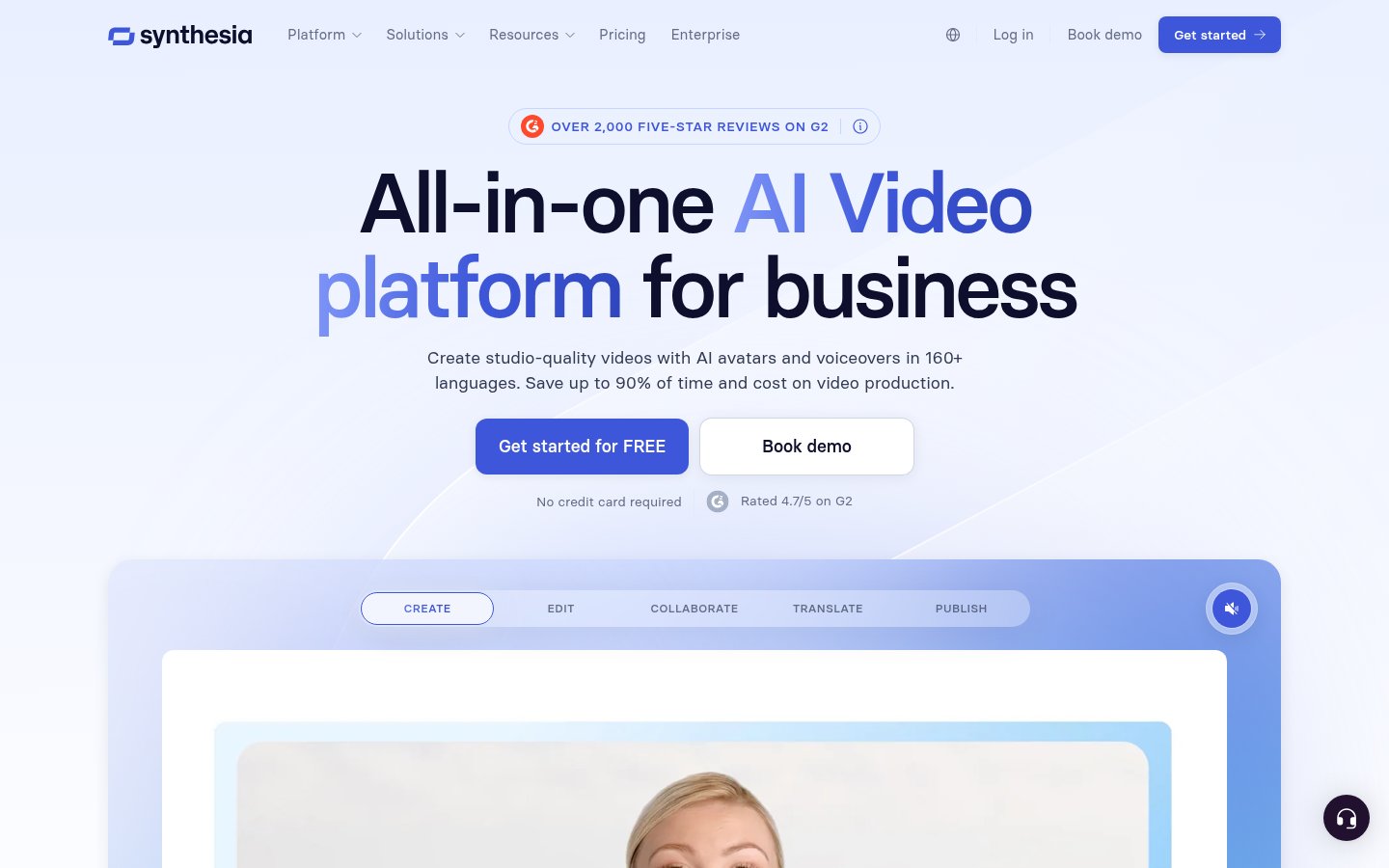
Synthesia is in a category of its own. You write a script, pick an AI avatar (or create one from your own likeness), and the platform generates a fully produced talking-head video — no camera, no lighting, no teleprompter. By 2026, the avatar quality has crossed a threshold where most viewers won't clock that it's synthetic unless they're specifically looking.
What it does: Script-to-video generation using AI avatars, with multi-language voice synthesis, template-based layouts, and screen-share overlays.
Best for: Corporate trainers, SaaS product teams, and creators who need to produce high volumes of explainer or onboarding videos without on-camera talent.
Pricing: Freemium — the free tier lets you test with watermarked outputs. Paid plans start for individuals and scale to enterprise.
Pros
- No camera, no studio, no talent costs — genuinely changes the economics of video production
- 140+ languages and accents for global reach
- Custom avatar creation from a short video upload
- Clean template system that actually looks professional
Cons
- Avatars still feel slightly uncanny in casual, conversational use cases
- Not great for entertainment content — it's a B2B/educational tool at heart
- Script-dependent: if your writing is dull, the video will be dull
- Creative control is limited compared to real video editing tools
Verdict: Synthesia is transformative for specific use cases — training videos, product demos, multilingual content. For personal brand content where authenticity matters, it's the wrong tool.
#4 — Riverside.fm: Best for Remote Recording with Built-In AI Editing
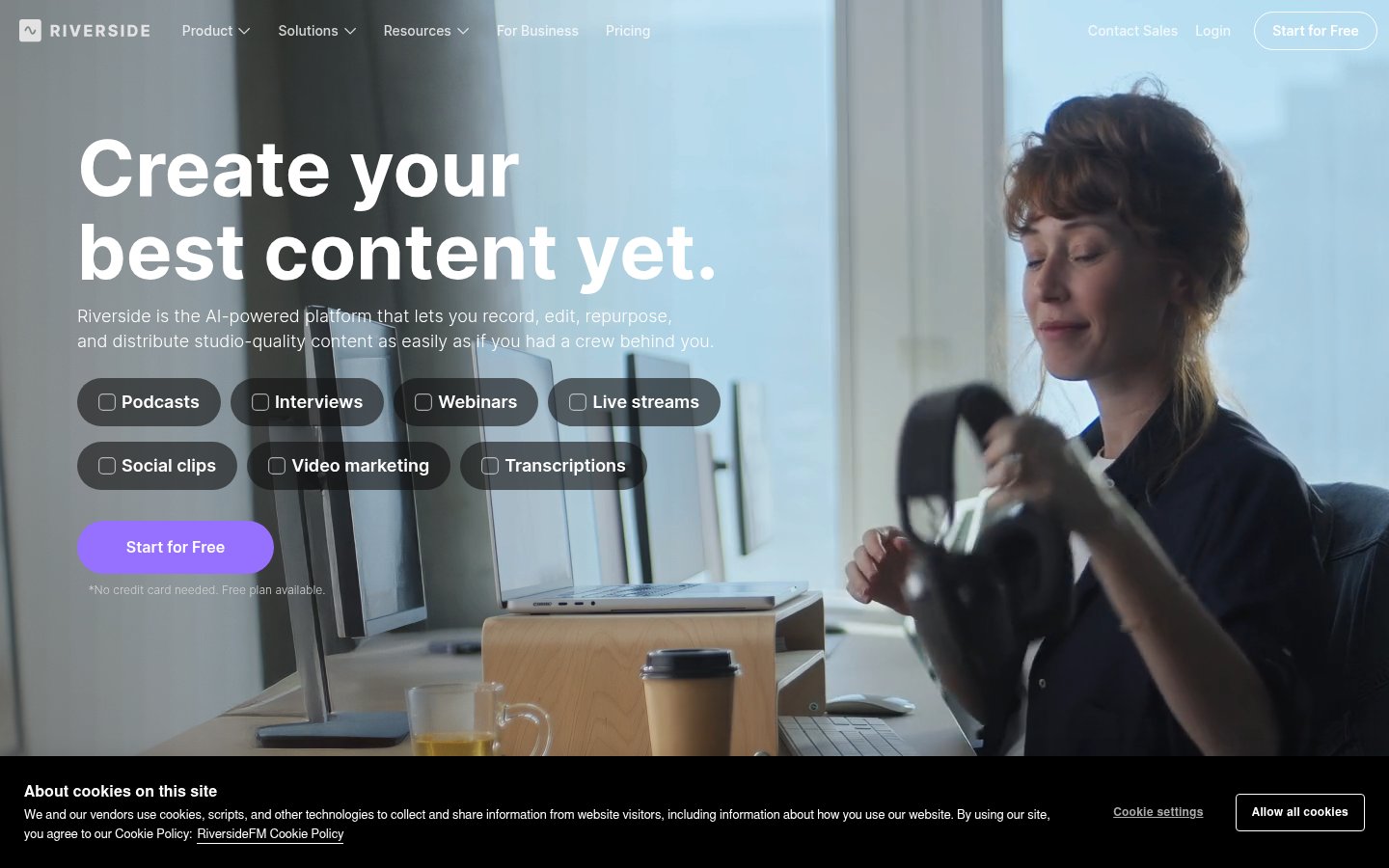
Riverside.fm solves a problem that every remote podcaster and interviewer knows: the quality of your guest's audio is completely out of your hands. Riverside records each participant locally at full quality, uploads separately, and syncs automatically. In 2026, their Magic Clips and AI transcript editor features have matured into genuinely useful tools rather than marketing checkboxes.
What it does: High-quality remote video/audio recording with local track capture, AI transcription, clip generation, and basic video editing.
Best for: Podcast hosts, interviewers, and creators doing remote collaborations who need broadcast-quality recordings regardless of guest setup.
Pricing: Freemium — free tier includes limited recording hours; paid plans unlock HD video, team features, and expanded AI editing tools.
Pros
- Local recording means guest WiFi problems don't ruin your audio
- AI Magic Clips feature is solid for repurposing interview highlights
- Clean guest experience — guests join via browser, no app needed
- Built-in transcript editing is comparable to Descript for short sessions
Cons
- Upload sync after recording can take a while on long sessions
- The editing interface isn't as polished as Descript for complex projects
- Magic Clips occasionally misses the best moments in dense, idea-heavy conversations
- Video quality still depends somewhat on participant hardware
Verdict: If you run a podcast or interview show, Riverside is the smartest recording infrastructure choice available. Use it to capture, then export to Descript or Opus Clip for the heavy editing.
#5 — CapCut: Best for Mobile-First Social Video
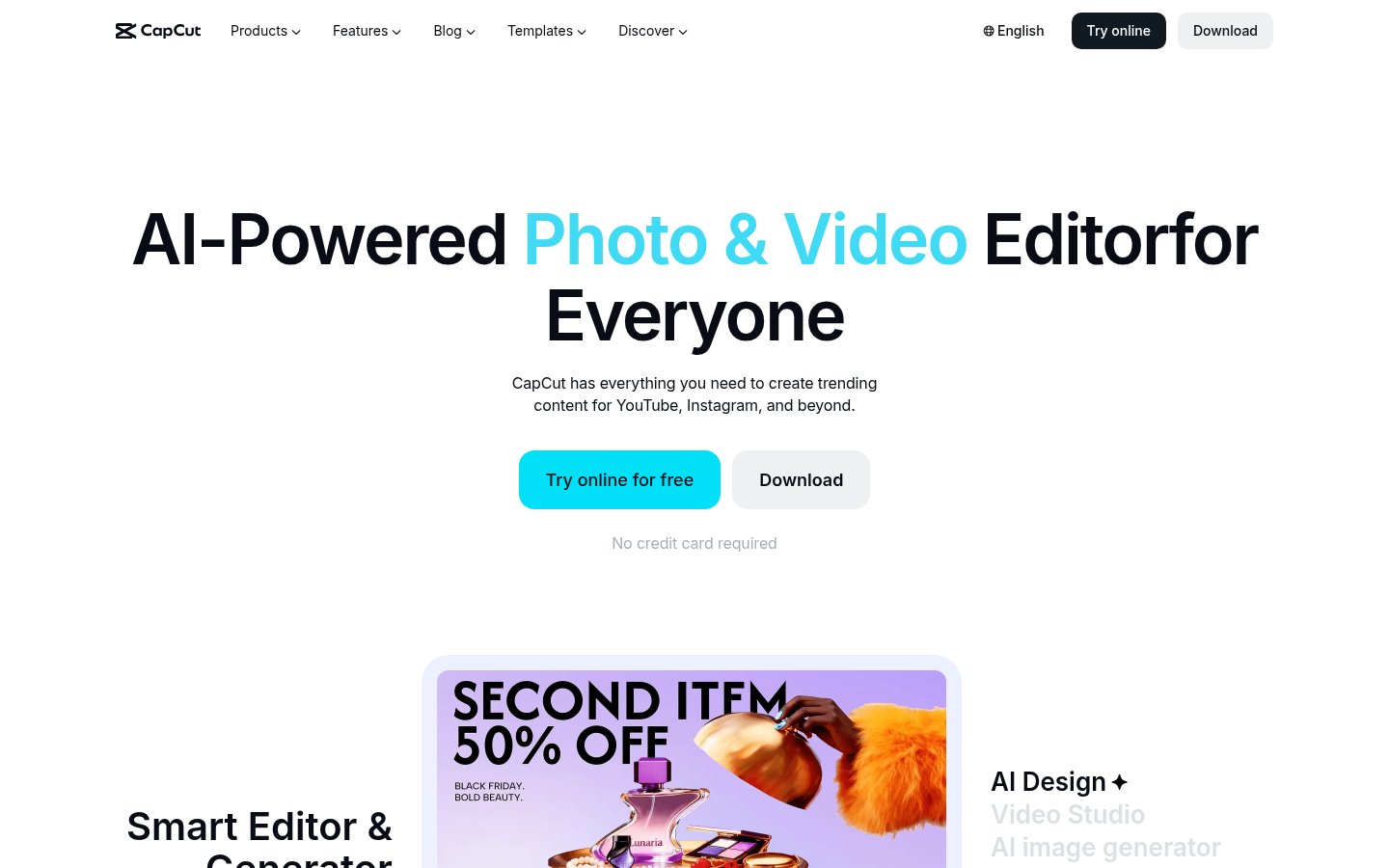
CapCut is the most-used video editing app among short-form creators in 2026, and honestly, it deserves that position. The mobile app is remarkably capable — auto-captions, AI-generated b-roll, trending template library, beat-sync — and it's all free (or very close to it). The desktop version has caught up significantly and handles more complex projects than you'd expect from a "social media editor."
What it does: Mobile and desktop video editing with AI captions, templates, effects, text-to-video generation, and TikTok/Reels optimization features.
Best for: Individual creators building a social presence on TikTok, Instagram Reels, or YouTube Shorts who want fast, polished results without a steep learning curve.
Pricing: Free for core features; CapCut Pro unlocks advanced AI features and removes watermarks.
Pros
- The best free starting point for short-form video editing, full stop
- Auto-captions are fast and accurate for most English content
- Template library is genuinely massive and stays current with trends
- Works seamlessly across mobile and desktop
Cons
- Owned by ByteDance — data privacy concerns are legitimate and ongoing in 2026
- Pro AI features feel like they're designed to get you to upgrade quickly
- Not suitable for long-form or broadcast-quality production
- Heavy reliance on templates can make content feel generic
Verdict: CapCut is the right first tool for anyone starting in short-form content. Just be eyes-open about the ByteDance angle and don't store sensitive client content on it.
#6 — Adobe Premiere Pro: Best for Professional Production
Adobe Premiere Pro is on this list because in 2026 it's become a genuine AI-powered tool, not just the industry-standard NLE it's been for decades. The AI Enhance Speech feature, Auto Tone for color, generative B-roll via Firefly, and Text-Based Editing (now polished after years of refinement) make it a competitive AI editor — not just a legacy choice.
What it does: Professional non-linear video editing with AI-assisted audio cleanup, color grading, text-based editing, and Adobe Firefly-powered generative fill and B-roll.
Best for: Professional creators, agencies, and videographers who need maximum creative control and work within an existing Adobe ecosystem.
Pricing: Part of Adobe Creative Cloud — individual app subscriptions and All Apps bundles available. Not cheap.
Pros
- Unmatched creative control for complex productions
- AI Enhance Speech is one of the best audio cleanup tools available, period
- Firefly B-roll generation integrates directly into the timeline
- Industry standard — essential if you work with other professionals or agencies
Cons
- Expensive, especially on the All Apps plan
- Steep learning curve for new users — this isn't a "get started in 5 minutes" tool
- Heavy on system resources; requires a solid machine
- Overkill for most solo social media creators
Verdict: If you're doing professional-grade work or working with clients, Premiere Pro is still the benchmark. For solo creators making YouTube or social content, the cost-to-benefit ratio is hard to justify against Descript or CapCut.
#7 — Buffer: Best for Distributing and Scheduling Video Content
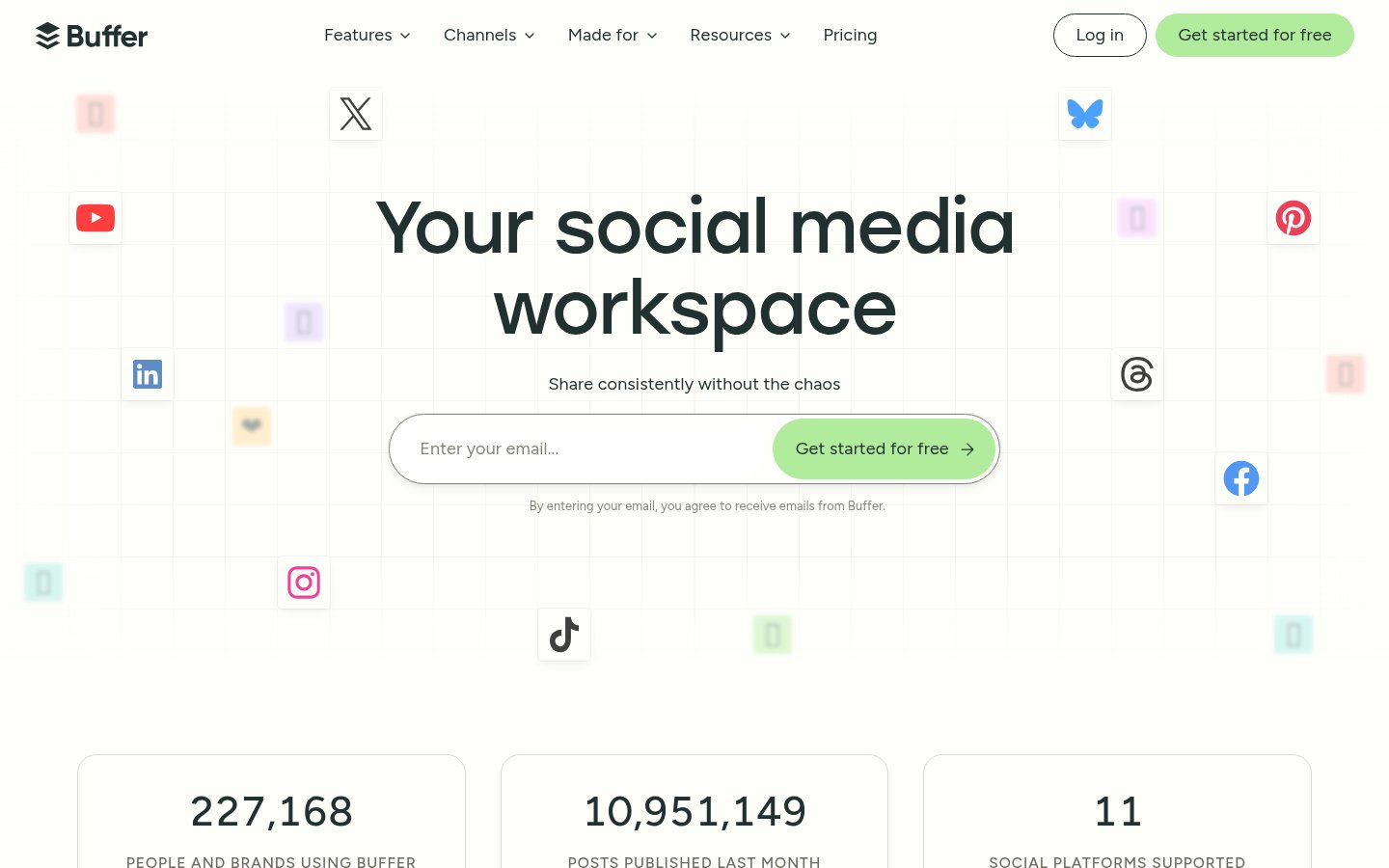
Buffer isn't a video editing tool — it's where your video goes after it's edited. I include it here because distribution is the forgotten half of the creator workflow, and Buffer's AI-assisted scheduling, caption generation, and analytics have made it the cleanest way to manage multi-platform publishing in 2026.
What it does: Social media scheduling, publishing, and analytics with AI-generated captions, optimal post-time suggestions, and multi-platform management (TikTok, Instagram, YouTube, LinkedIn, X).
Best for: Creators managing content across 3+ platforms who want to batch their publishing workflow and actually understand what's performing.
Pricing: Free plan for basic scheduling; paid plans unlock analytics depth, team collaboration, and AI features.
Pros
- Clean, genuinely simple interface — no bloat
- AI caption suggestions are a useful starting point (you'll still edit them)
- Analytics are clear and actionable, not just vanity metrics
- Free plan is actually useful for solo creators
Cons
- Not a video editor — you'll need another tool upstream
- TikTok scheduling has had reliability hiccups historically
- AI captions sometimes miss platform-specific tone (LinkedIn vs. TikTok writing styles differ a lot)
- Limited deep analytics compared to native platform insights
Verdict: Buffer earns its place in any creator's stack as the publishing layer. Pair it with Descript or Opus Clip and you have a near-complete workflow.
#8 — Jasper AI: Best for Video Scripts and Content Strategy
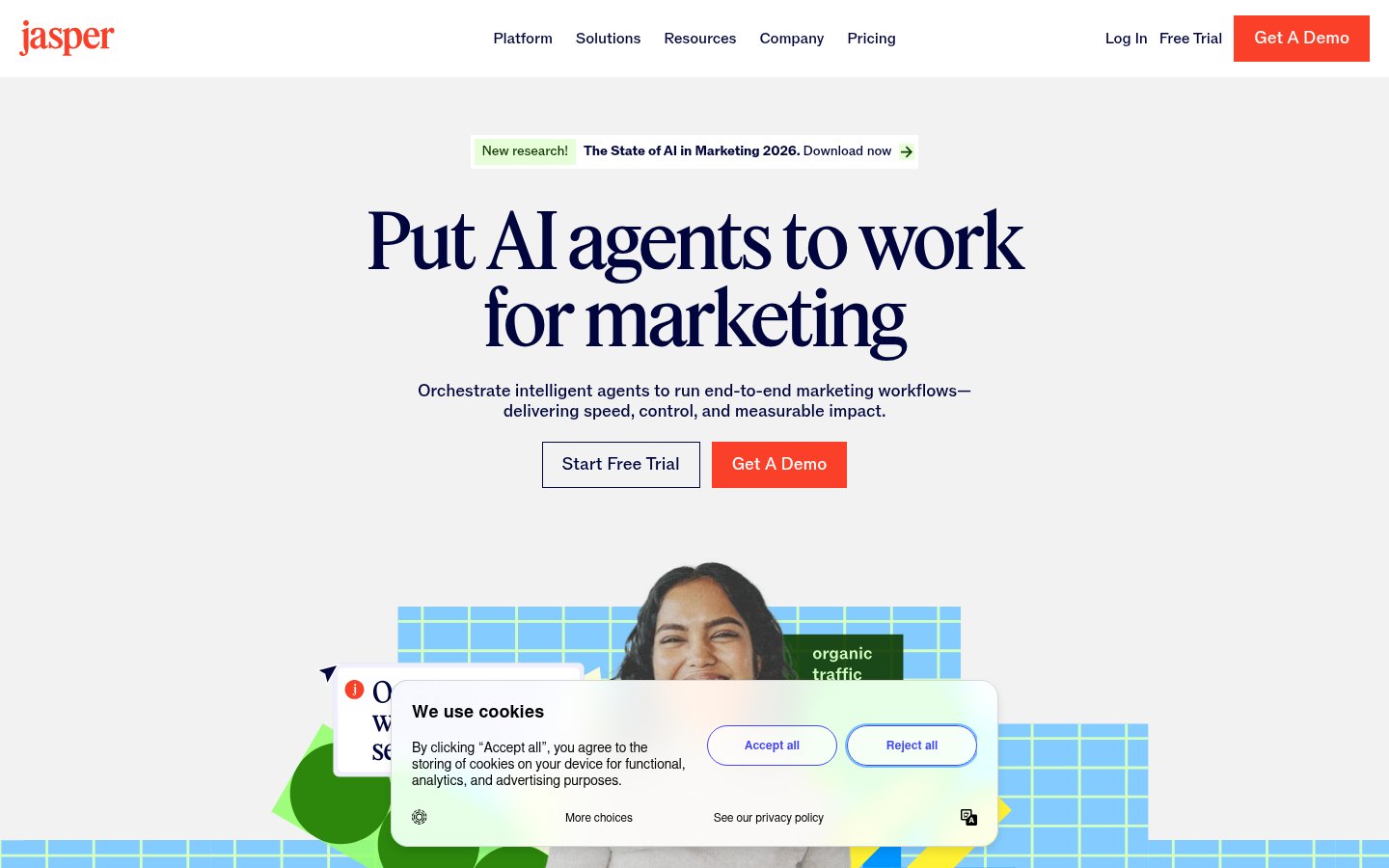
Jasper AI is the most video-adjacent writing tool in this list. Its value for creators is in the front end of production: scripting YouTube videos, writing hooks for Reels, drafting video descriptions and chapters, and building out content calendars. In 2026, Jasper's brand voice feature has become genuinely good — it learns how you write and generates content that doesn't immediately read as AI.
What it does: AI copywriting and content generation with brand voice training, long-form document editing, SEO integration, and purpose-built templates for video scripts, social posts, and ad copy.
Best for: Creators who struggle with the writing side of video production — scripting, descriptions, hooks, email newsletters — and want to move faster without sacrificing their voice.
Pricing: Free trial available; paid plans required for full feature access and higher word volumes.
Pros
- Brand voice feature is one of the best in the writing AI category
- Video script templates are practical and actually structured correctly
- SEO integration helps with YouTube metadata and descriptions
- Long-form document mode works well for detailed educational scripts
Cons
- Expensive relative to general-purpose LLMs like Claude or GPT-4o
- Output still requires significant editing for authenticity
- Some templates feel dated — the product has grown fast and quality is uneven
- Not useful if you prefer writing your own scripts
Verdict: Jasper is worth the trial if you're producing heavy content volumes and need to systemize your scripting. If you only produce one or two videos a week, a general AI assistant will serve you just as well for less money.
The Honest Workflow Stack
Here's how I'd actually combine these tools for a typical creator workflow in 2026:
- Script writing: Jasper AI (or just a good LLM)
- Recording: Riverside.fm (for interviews) or straight to camera
- Primary editing: Descript (long-form) or CapCut (short-form)
- Clip repurposing: Opus Clip
- AI avatar videos: Synthesia (when on-camera isn't viable)
- Professional productions: Adobe Premiere Pro
- Publishing & scheduling: Buffer
You don't need all eight. A solo YouTuber probably needs Descript, Opus Clip, and Buffer. A corporate team might live in Synthesia and Riverside. Pick the stack that matches your output, not your wish list.
FAQ
Which AI video tool is best for beginners in 2026?
CapCut is the best starting point for beginners, especially those focused on short-form social video. It's free, has a massive template library, and the learning curve is minimal. If you're focused on longer YouTube content, Descript is worth the paid investment from the start.
Can Opus Clip replace a human video editor for short-form content?
For repurposing talking-head and podcast content into clips, Opus Clip handles a large part of what a human editor would do — but it's not a full replacement. It can't do motion graphics, complex b-roll editing, or creative sequencing. Think of it as a first-pass editor, not a final one.
Is Synthesia good enough for brand videos in 2026?
For training, onboarding, and explainer content, yes — Synthesia avatars have crossed the quality threshold for professional use in most B2B contexts. For brand storytelling or content where personal authenticity matters (personal brand, thought leadership), it still falls short.
Do I need Adobe Premiere Pro if I already use Descript?
Not necessarily. Descript handles most solo creator workflows well. You'd move to Premiere Pro if you need multi-camera editing, complex color grading, advanced audio mixing, or if you're working with a team of professional video editors. They serve different complexity levels.
Is Buffer still worth it when platforms have native scheduling?
Yes, for creators publishing on 3+ platforms. Managing native schedulers for TikTok, Instagram, YouTube, and LinkedIn separately is genuinely painful. Buffer's unified queue and analytics save time and give you a cross-platform view of performance that native tools won't provide.
Which tool offers the best free plan for creators on a budget?
CapCut has the most generous free tier for video editing. Riverside.fm and Synthesia also have usable free tiers. Descript's free plan is extremely limited. If you're bootstrapping, start with CapCut for editing and Buffer's free plan for scheduling.
Tools & Services Mentioned
Sources
infobro.ai Editorial Team
Our team of AI practitioners tests every tool hands-on before writing. We update our content every 6 months to reflect platform changes and new research. Learn more about our process.


