Top 8 AI Video Tools for Content Creators in 2026: Ranked by Real Results
From auto-clipping long videos to AI avatars and studio-quality recording, here are the 8 best AI video tools in 2026, ranked honestly, with pricing and real trade-offs.

Entry price, per month
The cheapest plan with a published monthly price. 7 of 8 tools publish one; the rest are quote-only.
- 1. Opus Clip$19/mo
- 2. Descript$24/mo
- 3. Riverside.fmFree / $15
- 4. Synthesia$29/mo
- 5. CapCutFree
- 6. Adobe Premiere Pro$55/mo
- 7. BufferFree / $6
- 8. Jasper AI$49/mo
Video content has never been harder to keep up with, and never been easier to produce, if you're using the right tools. In 2026, the gap between creators who use AI in their video workflow and those who don't is enormous. We're talking hours saved per week, not minutes.
But here's the problem: the market is flooded. Every app now slaps "AI" on its feature list. Most of it is noise. After hands-on testing across dozens of platforms, I've narrowed it down to the 8 tools that actually move the needle for video creators, whether you're a solo YouTuber, a brand marketing team, or a developer building video products.
This list covers AI-assisted video editing, clip generation, recording, script-to-video, social scheduling, and avatar-based video creation. Rankings are based on actual utility, not feature count.
The Quick Comparison
| Tool | Best For | Pricing | AI Strength |
|---|---|---|---|
| Opus Clip | Auto-clipping long videos | Free trial available | ★★★★★ |
| Descript | Editing video by editing text | Paid | ★★★★★ |
| Riverside.fm | Remote recording + AI editing | Freemium | ★★★★☆ |
| Synthesia | AI avatar videos at scale | Freemium | ★★★★☆ |
| CapCut | Fast mobile/desktop editing | Unknown | ★★★★☆ |
| Adobe Premiere Pro | Pro editing with AI assist | Unknown | ★★★☆☆ |
| Buffer | Social video scheduling | Unknown | ★★★☆☆ |
| Jasper AI | Video scripts and copy | Free trial | ★★★☆☆ |
#1. Opus Clip: The Best AI Clip Generator, Full Stop
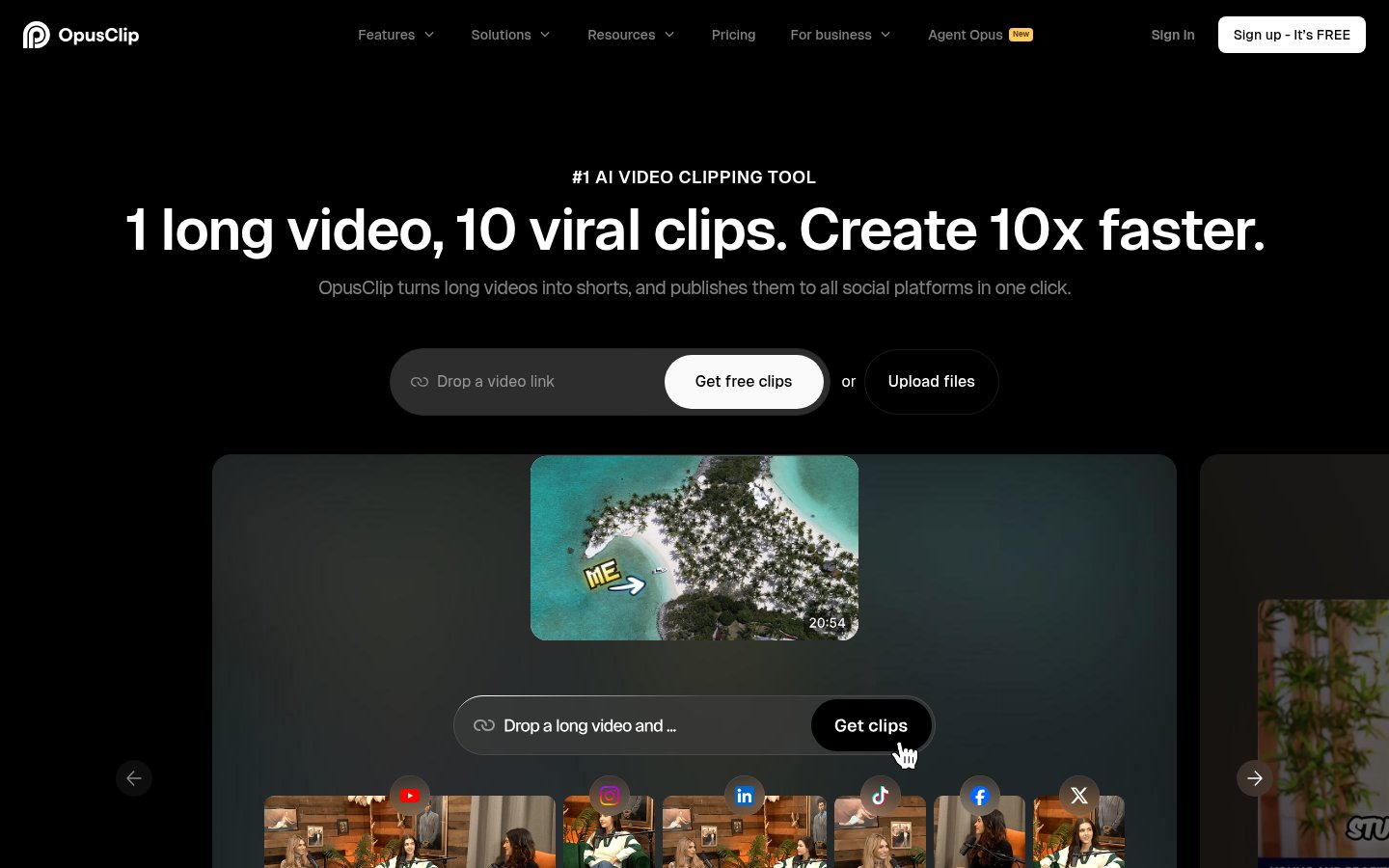
What it does: Opus Clip takes a long-form video, a podcast, a webinar, a YouTube video, and automatically identifies the most engaging moments, cuts them into short clips (optimized for TikTok, Reels, Shorts), adds captions, and scores each clip by predicted virality.
Best for: Podcasters, YouTubers, and marketers who need to repurpose content at scale without hiring an editor for every clip.
Pricing: Free trial available; paid plans start around $19/month for higher usage.
In my testing, Opus Clip consistently found the sharpest, most quotable moments from hour-long recordings. The "Virality Score" isn't magic, but it's a genuinely useful signal. The auto-captions are accurate enough that I only had to correct them occasionally, even with technical jargon.
Where it falls short: the B-roll and visual variety are obviously missing, you're still working with the original footage. And if your source video has poor audio, the transcript quality drops, which cascades into worse clip selection.
Pros:
- Best-in-class AI clip detection
- Auto-captions with speaker identification
- Virality scoring helps prioritize which clips to post
- Supports direct publishing to social platforms
Cons:
- Limited creative control over visual style
- Free tier is restrictive on monthly minutes
- Struggles with heavily accented speech or low-quality audio
Verdict: If you make long-form content and don't yet have a clipping workflow, Opus Clip is the single highest-ROI tool you can add right now. Nothing else comes close for pure repurposing automation.
#2. Descript: Edit Video Like a Google Doc
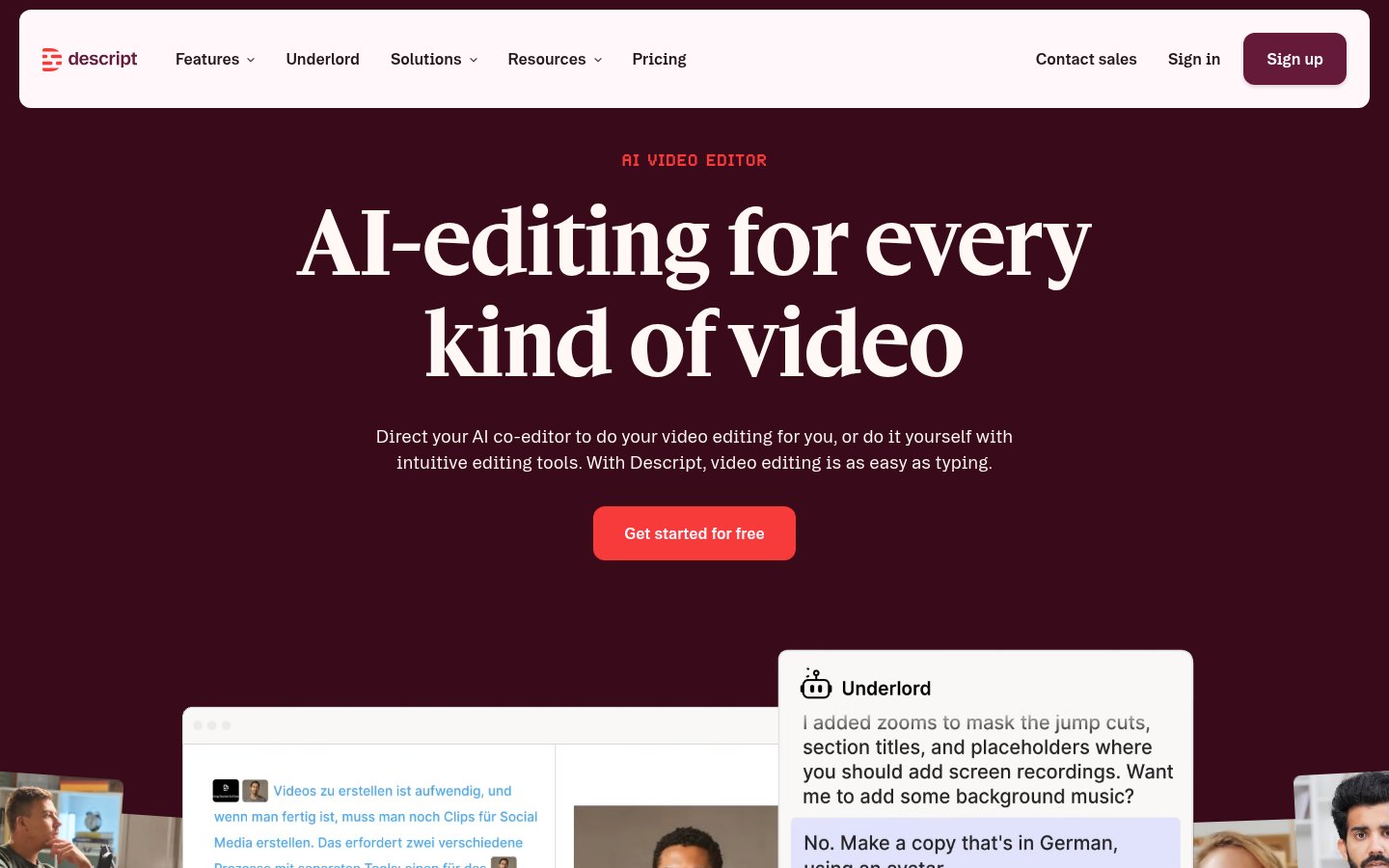
What it does: Descript transcribes your video, then lets you edit the footage by editing the transcript. Delete a word in the text, the corresponding video clip disappears. It also has AI voice cloning ("Overdub"), filler word removal, screen recording, and a full timeline editor.
Best for: Podcasters, educators, and documentary-style creators who spend most of their edit time cutting dialogue.
Pricing: Paid plans; the Creator plan runs around $24/month.
Descript is one of the most genuinely innovative tools in this list. The concept of text-based video editing sounds gimmicky until you try it and realize you've just cut a 45-minute interview down to 20 minutes in under an hour. The "Remove Filler Words" button alone is worth the subscription for interview-heavy creators.
The Overdub voice cloning is impressive but requires a voice sample and some setup. It's not instant magic, you need to train your voice model and the quality still has an uncanny quality in 2026, though it's much better than it was two years ago.
Pros:
- Text-based editing is genuinely faster for spoken-word content
- Filler word and silence removal saves real time
- Screen recording built in
- Good for podcast video workflows
Cons:
- Timeline editor is less powerful than Premiere or Resolve for complex edits
- Overdub voice cloning requires setup and isn't always convincing
- Can be slow with very long, high-resolution files
- Paid tier required for most useful AI features
Verdict: For creators whose content is primarily talking, interviews, tutorials, educational content, Descript is probably the biggest workflow upgrade available. It won't replace a full NLE for complex productions, but that's not the point.
#3. Riverside.fm: Remote Recording That Doesn't Fall Apart
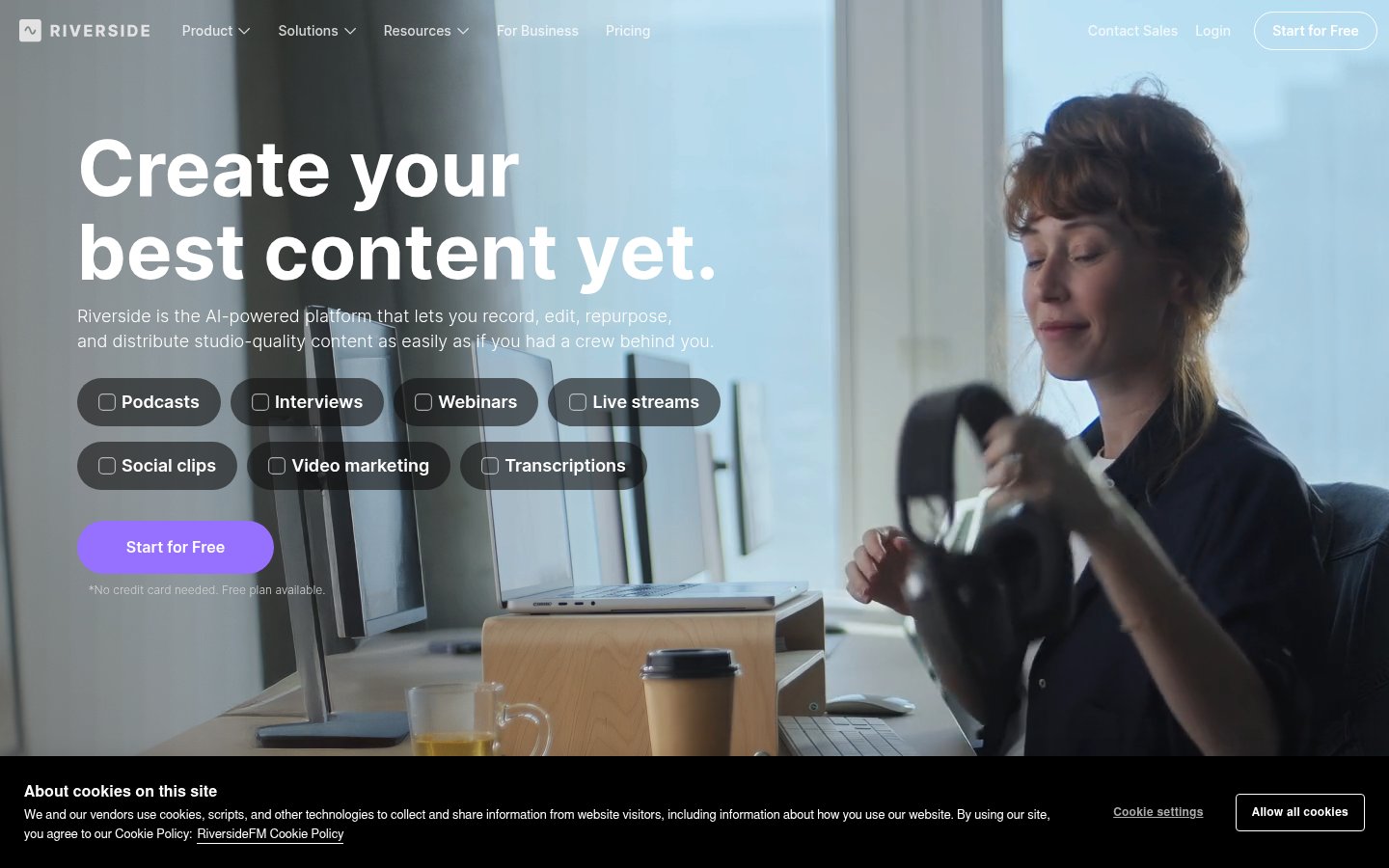
What it does: Riverside records locally on each participant's device (so your video quality doesn't depend on internet connection), then stitches it together server-side. In 2026 it's added AI-powered transcription, clip creation, short video export, and auto-leveling for audio.
Best for: Podcasters, interviewers, and remote video producers who need studio-quality recordings from distributed guests.
Pricing: Freemium; free tier is surprisingly usable, Pro runs ~$15/month.
Riverside.fm solves a real, painful problem: remote video recordings that look like they were shot on a potato because Zoom compressed everything. Local recording is still its core advantage, and it's rock-solid. The AI editing features added over the past year are a genuine bonus rather than the main attraction.
One honest note: if everyone in your recording has fast, stable internet, the quality difference vs. Zoom is less dramatic than Riverside's marketing suggests. The AI features are improving but still trail Descript for pure editing workflow.
Pros:
- Local recording = no internet-dependent quality degradation
- Automatic transcription and clip generation
- Magic Editor for quick highlight creation
- Clean, professional interface that intimidates guests less than a pro setup
Cons:
- Guests still need to install or use a browser-based recorder
- AI editing features are behind Descript and Opus Clip
- Storage limits on lower tiers fill up fast
- Mobile recording quality inconsistent across device types
Verdict: The best remote recording platform in 2026 for anyone doing podcasts or video interviews. Use it in combination with Opus Clip or Descript rather than as a standalone editing solution.
#4. Synthesia: AI Avatar Videos Without a Camera
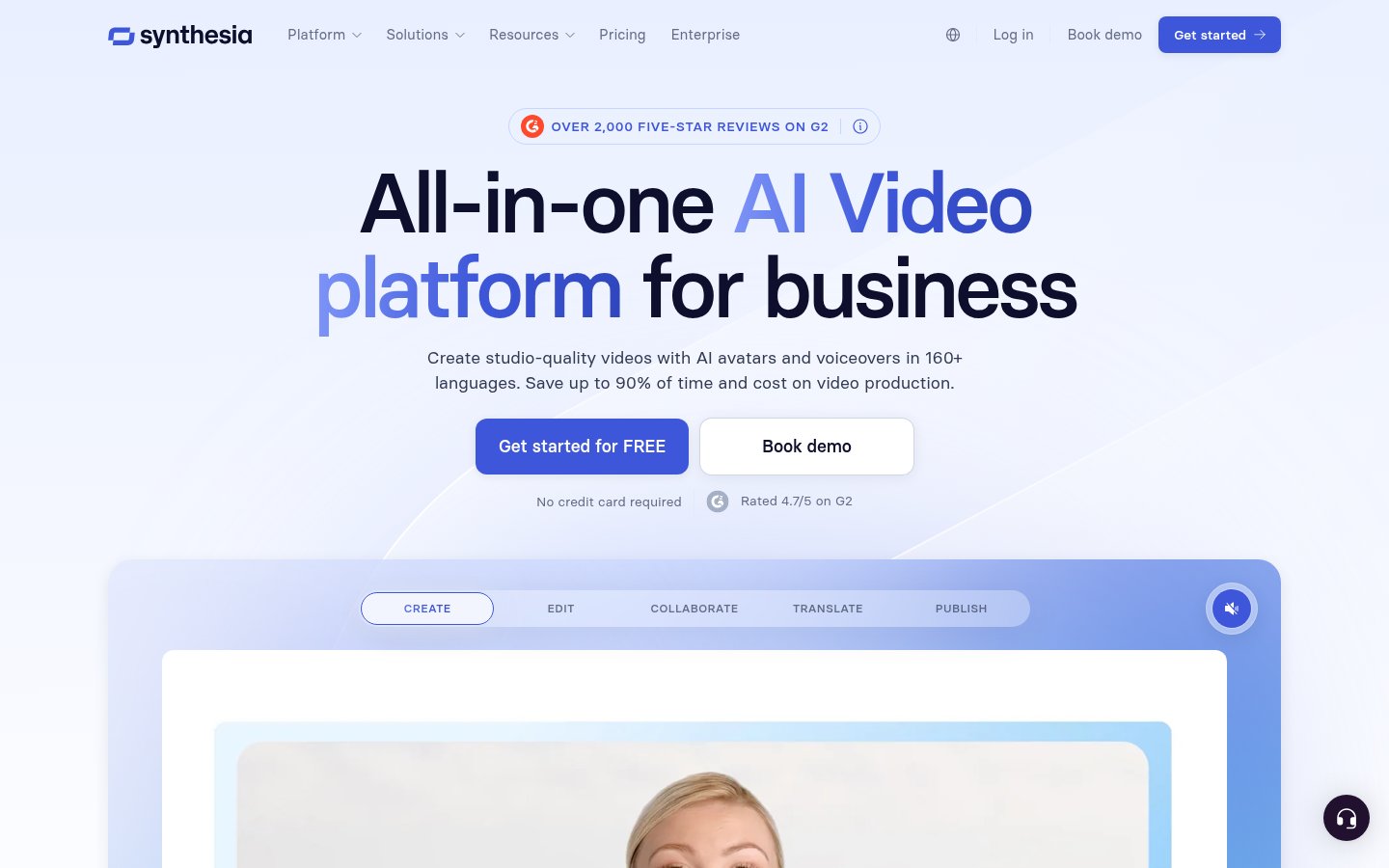
What it does: Type a script, choose an AI avatar (or create one using your own likeness), and Synthesia renders a talking-head video with realistic lip sync. No camera, no microphone, no green screen.
Best for: Corporate training, product explainers, localized marketing videos, and anyone who needs to produce talking-head video content at volume.
Pricing: Freemium; Starter plan ~$29/month, Creator ~$89/month.
Synthesia is the category leader in AI avatar video, and the gap between it and competitors has only widened in 2026. The avatars have crossed a visible quality threshold, not quite indistinguishable from real humans, but close enough that most viewers in a training or marketing context won't care.
The real use case isn't "fake influencer content", it's scaling localization. A company that previously would have needed to reshoot product videos in 12 languages can now type the translated script and render new videos in hours. That's the legitimate business case here.
I'll be direct about the limitations: the avatars still look slightly artificial in close-up or long takes. Emotional range is limited. And if you're building a personal brand, using an AI avatar instead of your own face will alienate audiences who want authenticity.
Pros:
- Industry-leading avatar realism as of 2026
- 140+ languages and accents supported
- Custom avatar creation from your own video
- Fast render times; good template library
Cons:
- Uncanny valley still present for discerning viewers
- Emotional range is narrow, works for information delivery, not storytelling
- Custom avatar creation requires significant source footage
- Not suitable for personal brand content
Verdict: If you produce corporate or educational video at scale, Synthesia is the most mature tool in this category. Don't use it as a substitute for authentic personal content.
#5. CapCut: The Surprisingly Powerful Free Editor
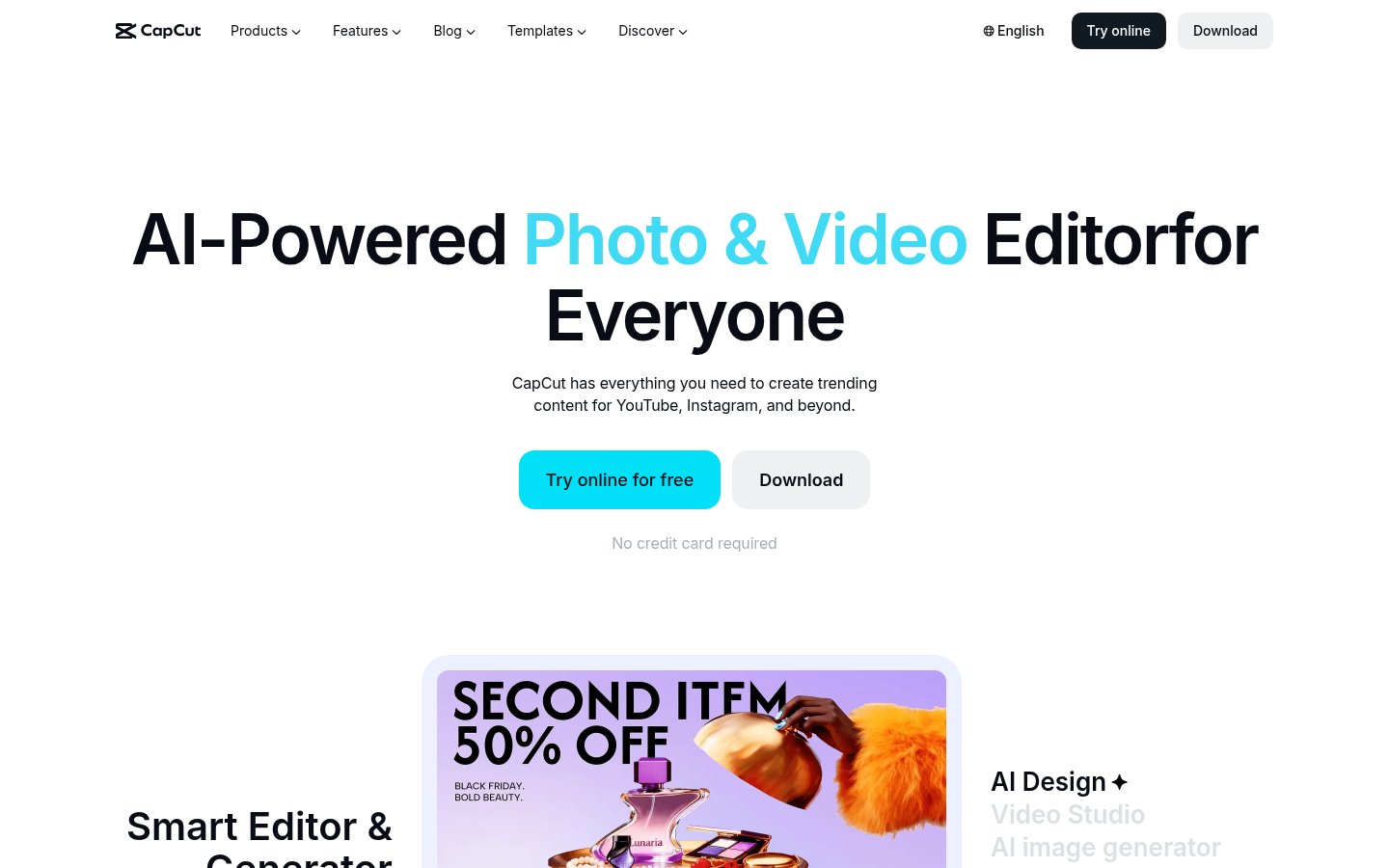
What it does: CapCut is a video editor, mobile and desktop, with a growing suite of AI features: auto-captions, background removal, text-to-video, AI effects, beat sync, and more. Owned by ByteDance (TikTok's parent company).
Best for: Solo creators, social media managers, and beginners who need fast, polished edits for short-form content.
Pricing: Largely free; some AI features behind a Pro subscription.
CapCut has no right to be as good as it is at this price point. The auto-caption feature is fast and accurate. The templates are genuinely aesthetic rather than obviously templated. And the mobile experience is smooth enough that many creators do their entire edit on a phone.
The elephant in the room: ByteDance ownership. If you're outside China and concerned about data privacy, that's a real consideration, not paranoia. CapCut's data practices warrant scrutiny, and several organizations have restricted its use on work devices. Make your own call on that.
Pros:
- Massive feature set, mostly free
- Best-in-class auto-captions for short-form
- Huge template library updated constantly
- Mobile and desktop apps, both polished
Cons:
- ByteDance/TikTok ownership raises legitimate data privacy concerns
- Some AI features feel rushed or gimmicky
- Less powerful than Premiere or Resolve for complex multi-track edits
- Feature bloat can make the interface overwhelming
Verdict: The best free video editing tool available, with real AI chops. Just be eyes-open about who owns it.
#6. Adobe Premiere Pro: The Pro Workhorse, Now With AI
What it does: Premiere Pro is the industry-standard professional video editor, now with Adobe's Firefly AI built in, including Generative Extend (AI-generated frames to extend clips), auto-reframe for different aspect ratios, text-based editing, and AI-powered color matching.
Best for: Professional video editors, filmmakers, and production teams who need full creative control and industry compatibility.
Pricing: Part of Adobe Creative Cloud; typically ~$55/month standalone or bundled.
Adobe Premiere Pro isn't the most exciting AI tool on this list, but it's the most capable. The AI features added in 2024-2026 are genuinely useful rather than marketing fluff, Generative Extend has saved me multiple times when a clip was just a second too short for a cut. The auto-reframe for repurposing horizontal content to vertical is surprisingly good.
The honest critique: Adobe's AI integration lags behind what standalone tools like Descript or Opus Clip offer for specific use cases. And Creative Cloud pricing remains painful. But if you're already a Premiere user, the AI additions make a real difference.
Pros:
- Industry-standard compatibility (projects, formats, codecs)
- Generative Extend and auto-reframe are genuinely useful
- Text-based editing now built in
- Integrates with After Effects, Audition, and the full CC suite
Cons:
- Expensive, especially for solo creators
- AI features are behind specialized tools in their respective categories
- Heavy system requirements; notoriously resource-hungry
- Complex interface has a steep learning curve
Verdict: If you're a professional editor or work in a team environment, Premiere Pro is still the benchmark. If you're a solo creator, the specialized tools above will serve you better at lower cost.
#7. Buffer: Social Scheduling With AI Assist
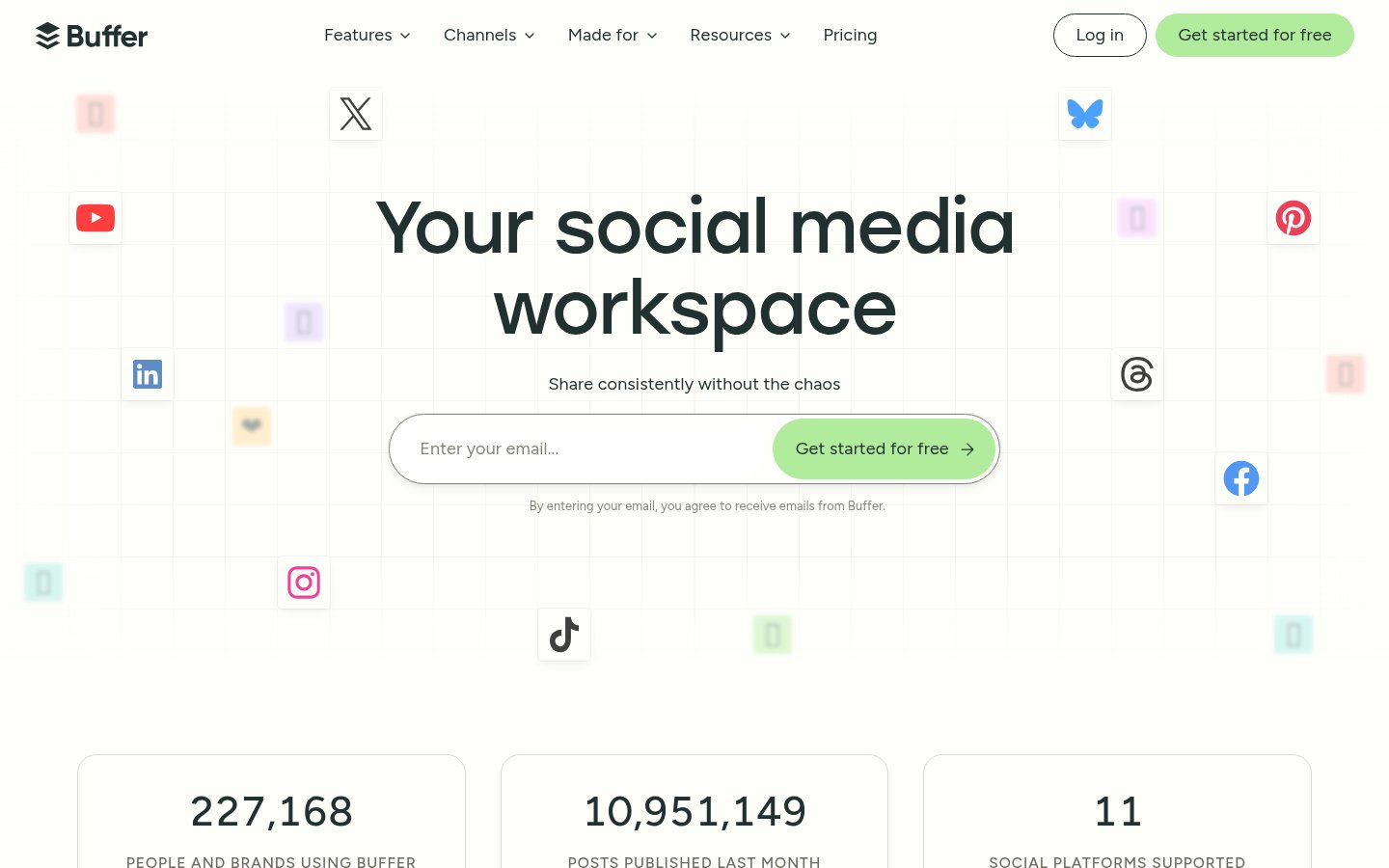
What it does: Buffer schedules and publishes social media posts across platforms, including video content for TikTok, Instagram Reels, YouTube Shorts, and more. It's added AI-assisted caption writing and optimal timing suggestions.
Best for: Content creators and social media managers who need to plan, schedule, and analyze video content distribution.
Pricing: Free tier available; paid plans from ~$6/month per channel.
Buffer isn't a video creation tool, but it's an essential part of a video workflow, the "last mile" between your edited clips and your audience. The AI caption suggestions are decent but not exceptional; think of them as a starting point, not finished copy. The analytics tell you what's actually landing.
I rank it here not because its AI is best-in-class, but because distribution is the bottleneck most creators underinvest in. Making great content and posting it manually is a tax on your time that adds up.
Pros:
- Genuinely affordable, especially at entry tiers
- Multi-platform scheduling including all major video channels
- Clean analytics for video performance
- AI caption suggestions speed up the posting workflow
Cons:
- AI features are limited compared to dedicated writing tools
- Not a substitute for native platform publishing tools in some cases
- Engagement features (comments, DMs) are limited vs. competitors like Later
- Optimal timing suggestions are based on averages, not deep personalization
Verdict: Use Buffer if you're posting across multiple platforms and want a single queue. Pair it with Opus Clip and you have a near-automated repurposing pipeline.
#8. Jasper AI: Script Writing and Video Copy
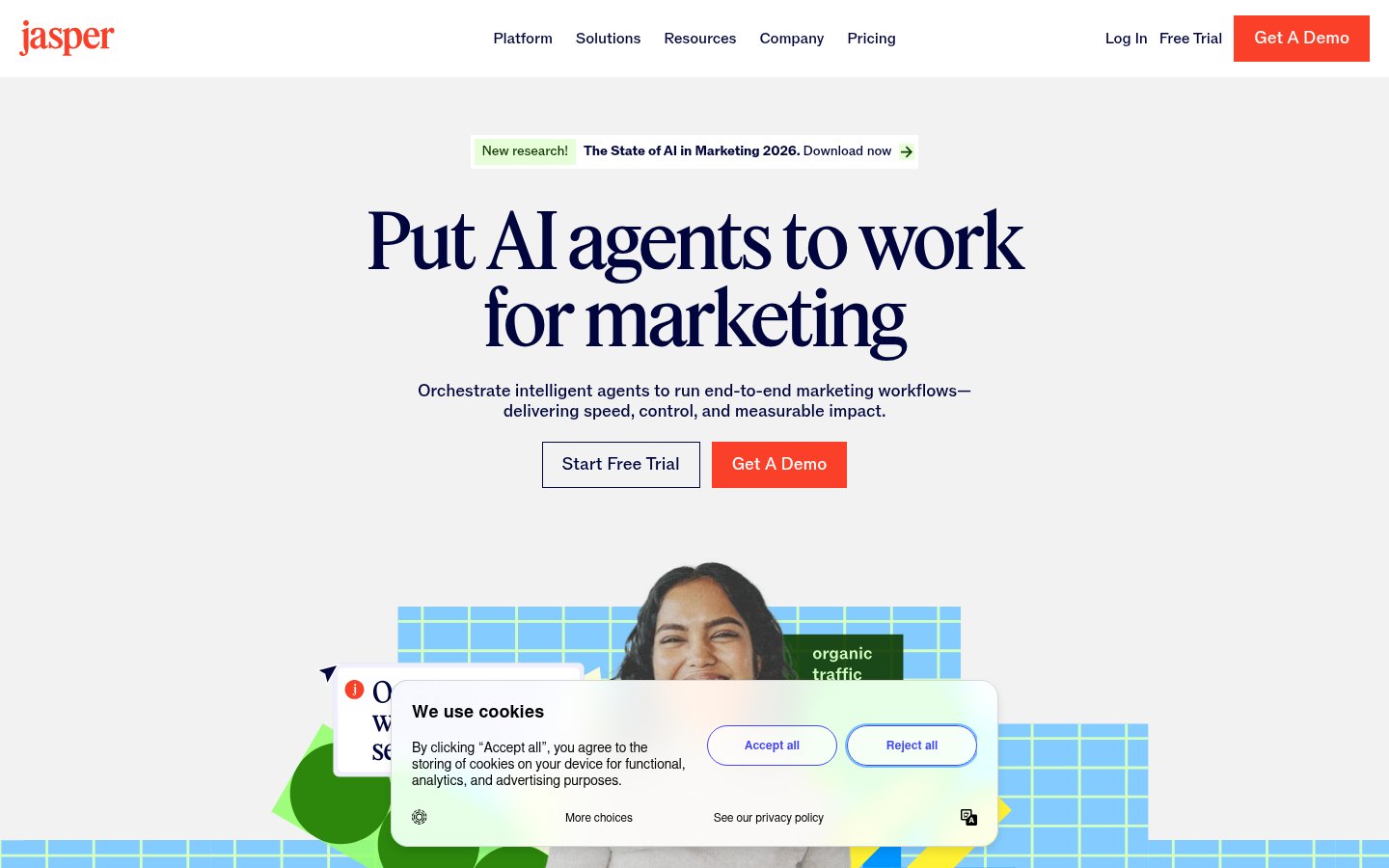
What it does: Jasper is an AI writing tool with templates for video scripts, YouTube descriptions, social captions, ad copy, and more. It uses a combination of underlying LLMs with brand voice training to produce on-brand written content.
Best for: Marketing teams and creators who need consistent, on-brand scripts and copy at volume.
Pricing: Free trial; paid plans from ~$49/month (Creator) to ~$125/month (Pro).
Jasper AI earns a spot here because scripting is genuinely part of the video workflow, and Jasper remains the most polished AI writing tool for brand use cases. The Brand Voice feature, where you train it on your existing content, produces noticeably better results than cold-prompting a general LLM.
That said, Jasper is expensive relative to what you can get from Claude or GPT-4o with good prompts. The premium is for the templates, brand voice training, and team collaboration features. If you're a solo creator, a general LLM probably covers your scripting needs at a fraction of the cost.
Pros:
- Video script templates save time and structure
- Brand Voice training produces more consistent output
- Team collaboration and approval workflows
- Good integration with Google Docs and other tools
Cons:
- Expensive for solo creators
- Output quality varies, still requires significant editing
- Faces stiff competition from general LLMs at lower cost
- ROI is clearest for teams, not individuals
Verdict: Jasper makes sense for marketing teams producing video scripts at scale. Solo creators should evaluate whether a general LLM with a good system prompt covers their needs first.
How to Build a Complete AI Video Stack
The best creators in 2026 aren't using one tool, they're building workflows. Here's a practical stack at different levels:
The Lean Stack (~$35/month)
- Record: Riverside.fm (free tier)
- Clip: Opus Clip ($19/month)
- Edit captions: CapCut (free)
- Schedule: Buffer ($6/month for one channel)
The Mid-Range Stack (~$75/month)
- Record: Riverside.fm Pro ($15/month)
- Edit: Descript Creator ($24/month)
- Clip: Opus Clip ($19/month)
- Schedule: Buffer Essentials (~$18/month)
The Pro Stack (~$175+/month)
- Edit: Adobe Premiere Pro ($55/month)
- Clip: Opus Clip (~$29/month)
- Avatar videos: Synthesia Starter ($29/month)
- Scripts: Jasper AI Creator ($49/month)
- Schedule: Buffer Team tier
Final Rankings Rationale
A few opinionated notes on why the list is ordered this way:
Opus Clip at #1 is genuinely easy, the ROI per dollar for anyone with long-form content is the highest of any tool here. If you're not clipping your content for short-form, you're leaving audience reach on the table.
Descript at #2 might surprise people who expected Premiere or Synthesia higher, but text-based editing is a paradigm shift for spoken-word content that I can't overstate. It's not for everyone, but for the right use case it's transformative.
Adobe Premiere Pro at #6 isn't a slight. It's the best at what it does. It's just that "what it does" requires the most setup, costs the most, and has the steepest curve, making it a poor first choice relative to purpose-built AI tools.
FAQ
Is CapCut safe to use in 2026?
CapCut is owned by ByteDance, TikTok's parent company. It's fully functional and free, but if you work in a sensitive industry or use it on corporate devices, check your organization's data policy. Many companies have restricted it. Personal use is a personal call.
Can I replace a human video editor with these AI tools?
For straightforward talking-head content, interviews, and short-form clips, mostly yes, especially with Descript and Opus Clip. For narrative filmmaking, complex multi-camera productions, or high-end commercial work, no. AI tools excel at reducing repetitive, mechanical editing tasks. Creative judgment still needs a human.
Which AI video tool is best for YouTube?
Depends on your content type. For long-form channels that want to repurpose to Shorts: Opus Clip. For educational/tutorial channels: Descript. For high-production channels already using Premiere: stick with Premiere Pro and layer in AI features. There's no single best answer.
Is Synthesia good enough to replace real on-camera talent?
For corporate training, internal communications, and product demos, increasingly yes. For personal brand content, marketing that requires authenticity, or anything where you need emotional range, no. Audiences are perceptive about avatar content, and the uncanny valley is still real even in 2026's best outputs.
What's the most affordable complete AI video workflow?
The leanest viable stack is Riverside.fm free + CapCut free + Opus Clip free trial, extending to paid tiers once you're generating consistent content. You can run a functional AI-assisted video workflow for under $25/month if you're strategic about it.
How does Jasper AI compare to just using ChatGPT for video scripts?
Jasper's main advantage over raw ChatGPT is brand voice consistency and purpose-built templates. For a solo creator writing occasional scripts, ChatGPT with a good system prompt is probably equivalent and much cheaper. Jasper's value is clearest in team settings where multiple people need to produce consistent on-brand content without all being great writers.
Tools & Services Mentioned

infobro.ai Editorial Team
We research every tool from its documentation, pricing pages, product screenshots and public developer discussion, and say plainly what the evidence does and does not show. Drafts are AI-assisted and reviewed by our editors before publication. We revisit each article every 6 months to reflect platform changes. Learn more about our process.