Suno Review: Which Plan to Buy and What You Own
Suno turns a prompt into a full song with vocals. This review covers which plan to buy, what you own on each tier, where the label lawsuits stand, and whether Premier's Studio is worth its price over Pro plus a DAW.
Suno turns a prompt into a full song with vocals. This review covers which plan to buy, what you own on each tier, where the label lawsuits stand, and whether Premier's Studio is worth its price over Pro plus a DAW.
Quick facts
- Free plan
- 50 credits/day, about 10 songs, no downloads
- Paid plans
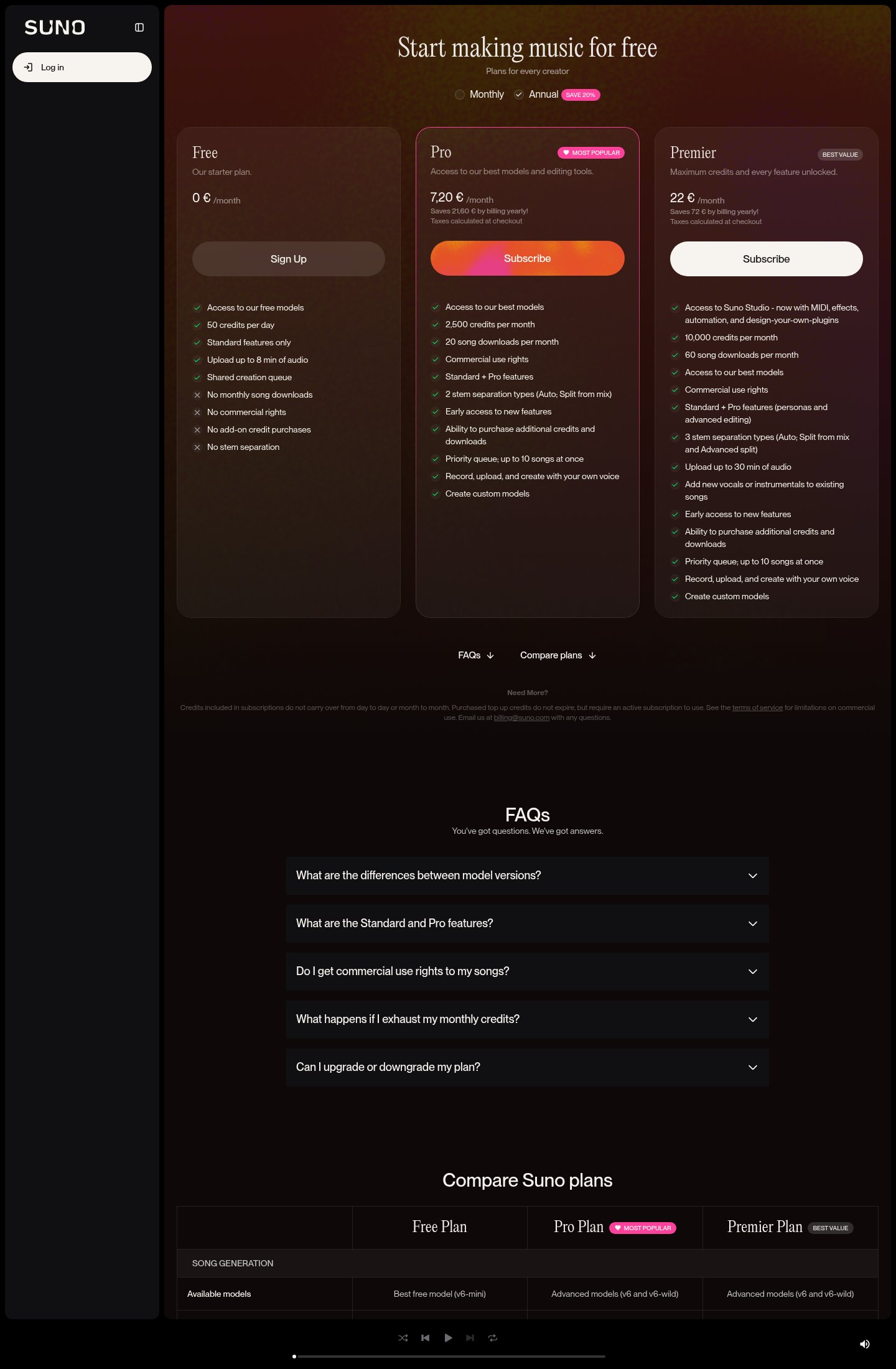
- Pro $8/mo, Premier $24/mo (20% off annual)
- Downloads
- 20/month on Pro, 60/month on Premier
- Commercial rights
- Paid plans only
- Models
- v6-mini (Free), v6 and v6-wild (paid)
- Apps
- Web, iOS and Android
Key features
Text-to-song generation
Full tracks with vocals, lyrics and production from a prompt or your own lyrics.
Suno Studio
Browser DAW with MIDI export, effects and automation on Premier.
Voices
Record a few seconds of your voice and have it sing new songs.
Custom models
Train a model on your own recordings to start from your sound.
Stem separation
Split songs into time-aligned stems for use in another DAW.
Remix tools
Extend, cover, change speed, style or lyrics, or rebuild around uploaded audio.
Steering controls
Style exclusions, vocal gender, Inspo, plus weirdness and style sliders.
Pros
- Produces complete songs with vocals and structure, which most rivals still can't match end to end.
- Pro is cheap for what it includes: commercial rights, v6 models and stems.
- Own-voice and custom-model features make it useful for real songwriters, not just novelty.
- Generous credits let you discard weak takes without much worry.
- Strong mobile apps with high store ratings.
Cons
- Pro caps downloads at 20 songs a month despite allowing about 500 generations.
- Free-tier songs carry no commercial rights and can't be downloaded at all.
- Lyrics tend toward generic and often ignore specific personal details in prompts.
- Studio is locked to Premier, and published reviews report low hit rates on stem replacement.
- Support and billing complaints recur on Trustpilot.
See Suno for yourself
Free to start, no credit card needed for the trial.
Screenshots
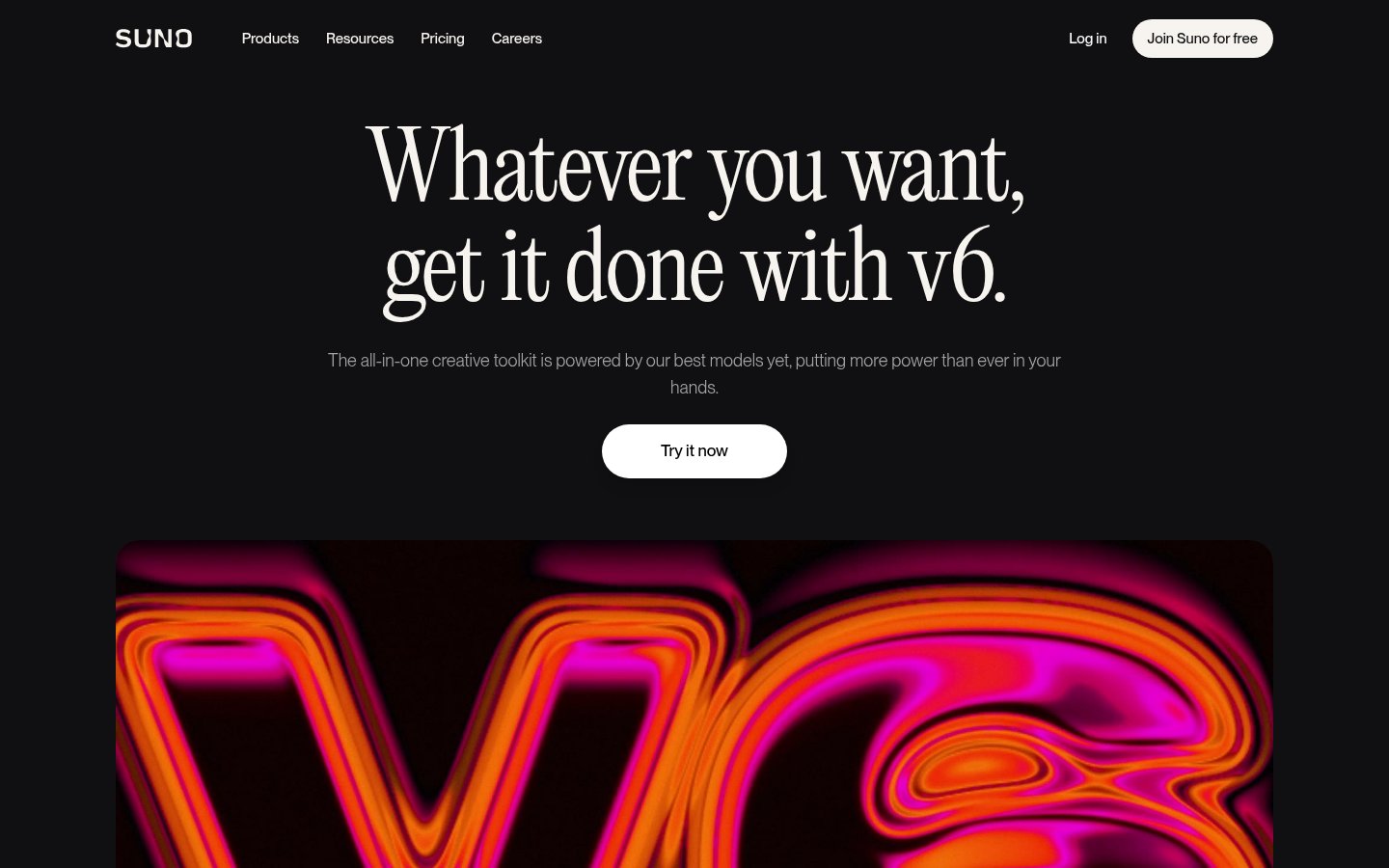
Ready to try Suno?
Skip the screenshots and explore it live.
Verdict: 7.6/10. Suno is still the most complete consumer AI song generator, and Pro is the plan most people should buy. Best for: content creators who need custom background tracks, songwriters sketching demos, and anyone who wants a birthday song or ad jingle with vocals in a minute. Skip if: you need mastered, release-grade originals with clean copyright, or a support team that answers quickly.
Suno turns a text prompt or your own lyrics into a complete song with vocals, and its v6 models launched on 9 September 2026, according to Undetectr and PicLumen. Since then the plans, model names and Studio features have shifted enough that older reviews are out of date. We haven't used Suno ourselves. Everything below comes from Suno's public pages and pricing comparison, plus the published reviews and user reports named where they're cited.
How the credits run out
Melodusk lists the Free tier at 50 daily credits, and Suno's FAQ turns that into 10 songs a day, so a song costs about 5 credits. Suno describes paid allowances in songs, not credits: up to 500 a month on Pro and 2,000 on Premier.
Those numbers count attempts, not keepers. Suno's output varies from take to take. The producer review on Crazyrouter calls it "unpredictable", and Undetectr reports that r/SunoAI users complain about credit burn on every regenerate, with stem replacement in Studio succeeding as rarely as 2 times in 100 tries. If it takes you four or five generations to get a usable song, Pro's 500 becomes about 100 finished tracks, which is still a lot. Free's 10 a day becomes two.
Two pricing-page rules matter more than the totals. First, subscription credits "do not carry over from day to day or month to month", so unused allowance is gone at renewal. Second, top-up credits never expire but only work while you have an active subscription. If you stop paying, the credits you bought sit unused until you subscribe again.
What Suno does well and badly
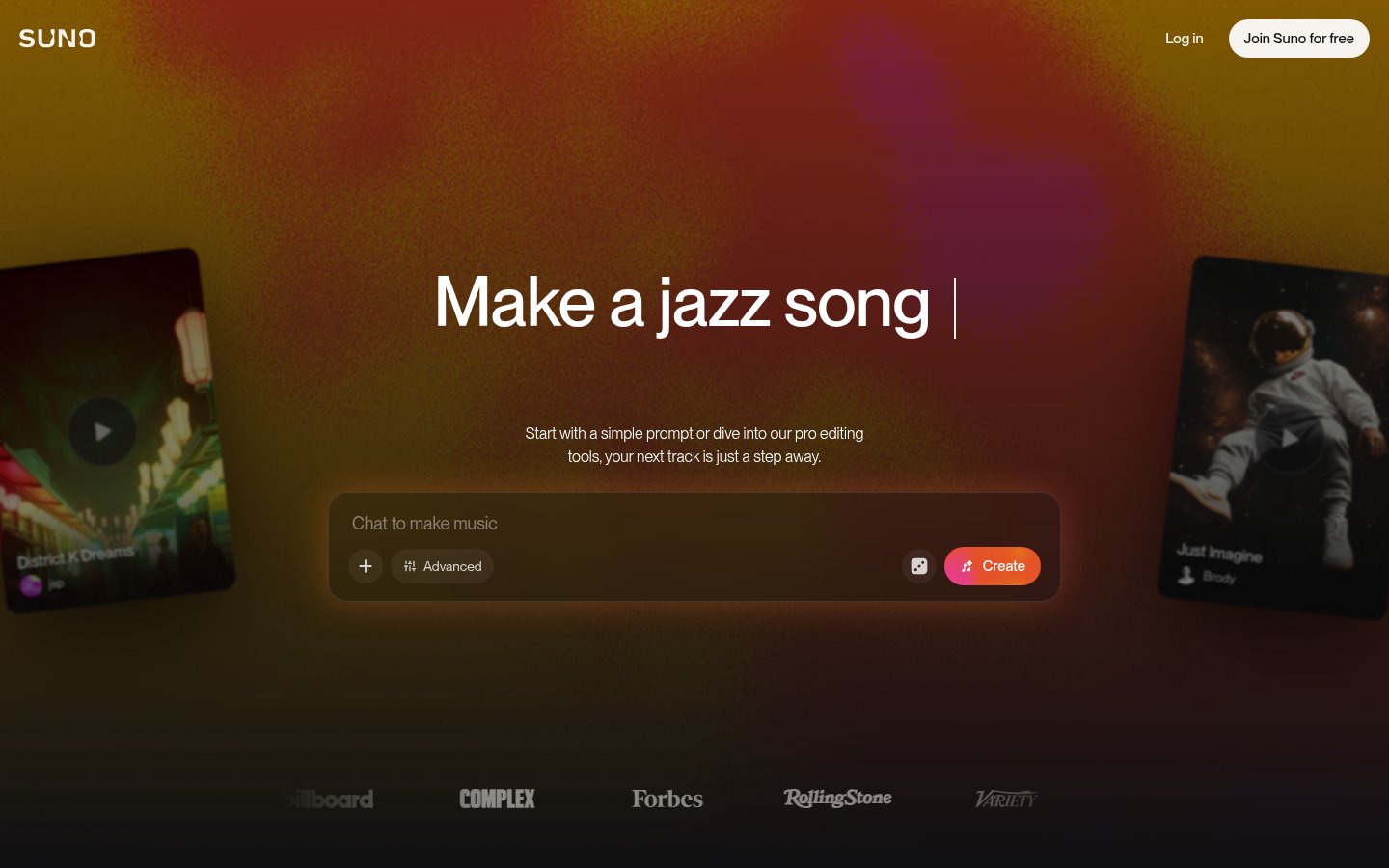
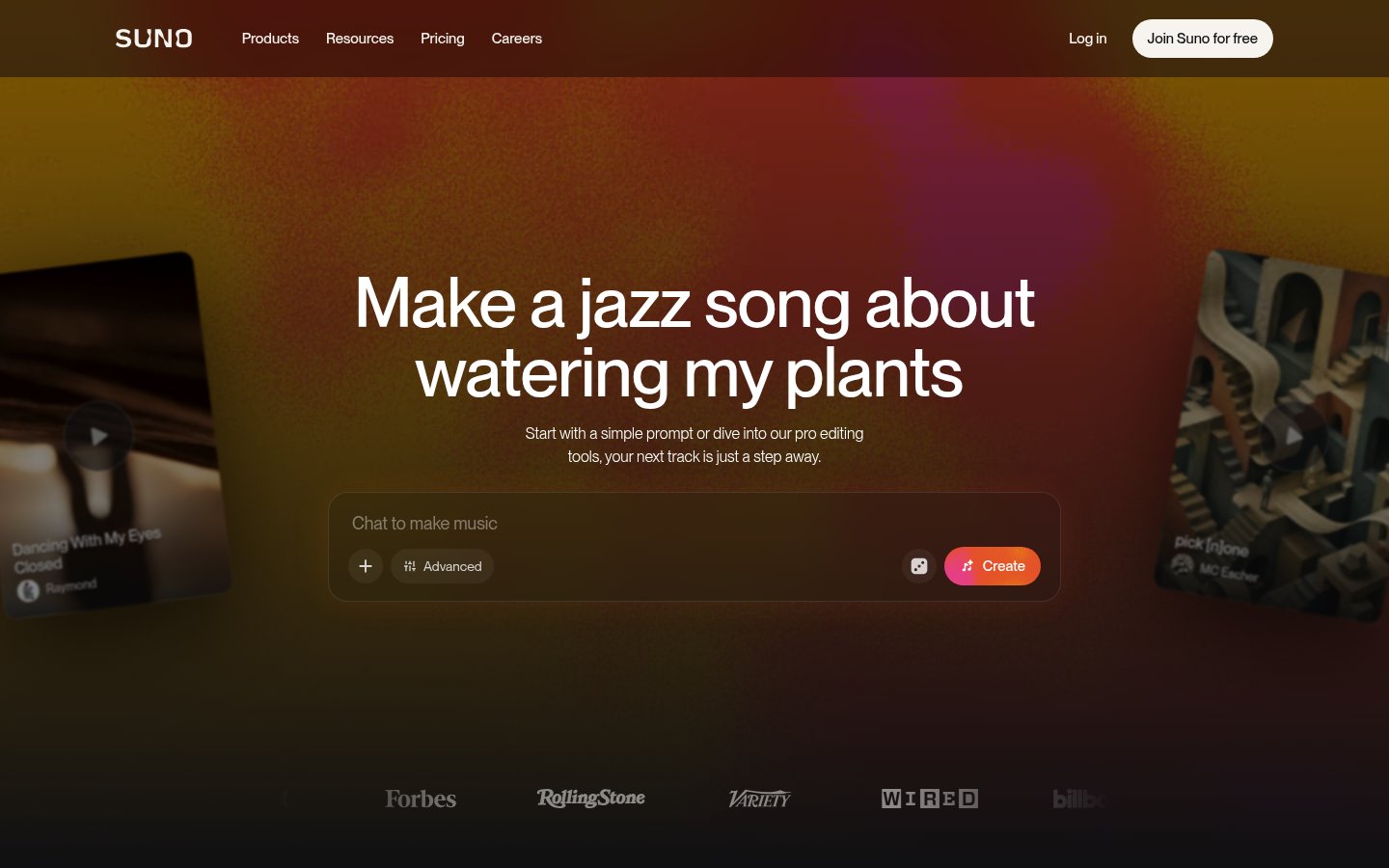
Song generation. The homepage offers a simple prompt box and an Advanced mode. Advanced is where you paste your own lyrics and steer the result with Voices, Inspo, style exclusions, vocal gender, and the weirdness and style sliders. Suno's FAQ says a full track with vocals arrives "in under a minute." Undetectr notes that Suno generates up to 8 minutes, can Extend beyond that, and accepts plain-language edits to a single section or lyric. It also says no single alternative matches that full package for songs with vocals.
Quality: strong structure, generic words. TopCustomSong's June 2026 review scored the previous model, v5.5, at 9.5/10 for audio quality and genre fidelity and 9/10 for vocal naturalness on general prompts. (The site earns affiliate commissions.) On personal prompts the scores fell to 7-8. A wedding-toast song came out well produced, but it never named the couple or used the inside joke included in the prompt. Other sources report more problems. MusicWave says the vocals start to sound the same after a dozen generations, and Trustpilot reviewers complain about sound quality and watermarks. TopCustomSong also rated Udio ahead of Suno for electronic and lo-fi, so genre results vary. Suno says v6 has "fuller vocals, tighter arrangements", but we found no independent listening test of v6 in our sources.
Remix and uploads. You can extend a song, cover it, change its speed, rewrite the lyrics, or rebuild it around your own recording. Crop and fade are on every plan. Replacing or adding a section ("advanced editing") is a paid feature.
Voices and custom models. Voices lets you record a few seconds of your own voice and hear it sing whatever you write. Custom models train on your recordings "so every song it makes starts from your sound." For a songwriter who can't sing, or a singer testing arrangements, this is more useful than a generic AI vocalist. The pricing table we saw lists both features without making clear which tiers include them. Persona Voices are Premier-only, according to Suno's FAQ. Check the live comparison before you pay for either.
Stems and MIDI. Pro separates a song into vocal and instrument stems. Premier adds Studio, which Undetectr says exports 12 stems and converts audio to MIDI. Undetectr also passes on r/SunoAI reports that the exported stems have had secondary AI processing applied, so they may not be as clean as stems from a real session.
Model versions: v4.5 to v6
Older reviews name models that no longer exist. According to Unite.AI's history and Undetectr:
- v4 brought cleaner audio, a new lyrics model and remastering.
- v4.5 (May 2025) raised track length to 8 minutes, expanded genre support and made vocals more expressive.
- v5 improved audio fidelity, vocal clarity and overall polish.
- v5.5 (26 March 2026) arrived alongside Voices, Custom Models and My Taste, per Unite.AI. PicLumen's v6 review attributes those same features to v6.
- v6 (9 September 2026) came as three models: v6 and v6-wild for Pro and Premier, and v6-mini for everyone. Undetectr cites Suno's V6 FAQ as saying all earlier models are retired and new songs can only be made with v6 models. PicLumen says v6 also improved stem separation.
Suno's homepage FAQ still calls v5.5 its "best" model while the pricing table lists v6, so expect old marketing copy to linger.
Studio, or Pro plus a DAW?
Suno Studio is a browser-based workstation for arranging, editing and mixing generated material. Undetectr lists timeline arrangement, 12-stem export, audio-to-MIDI, section-targeted generation, Vocal Personas and a six-band EQ. With section-targeted generation you highlight, say, bars 16 to 24, type "add a sax solo here", and only that section is regenerated. MusicTech's January 2026 review called it "perhaps the most impressive feature", as quoted by Undetectr. Studio needs Premier.
Buy Premier if Suno is your main tool. That means regenerating sections inside a song, using MIDI to rework melodies, wanting Persona Voices, or making more than 500 attempts a month.
Buy Pro and finish in Logic, Reaper or any other DAW if your process is generate, export stems, then mix elsewhere. Undetectr puts it this way: Premier is the "Suno is my one tool" tier and Pro is the "Suno is one tool in my stack" tier, and for serious production the second is closer to reality. The producer review on Crazyrouter, from someone with 10 years in production and 300 released songs, found the creative control real but the UI clunky and the output unpredictable. He recommended Studio for serious AI artists, not for hobbyists or anyone on a tight budget.
Another option: Wieduwilt reports that Mozart AI puts its studio on the free plan and runs your own VST plugins in the browser. Suno, by contrast, charges Premier prices for Studio.
Rights, lawsuits and Spotify
Can I use Suno songs commercially, and who owns them? Only on a paid plan. Suno's homepage says songs "you create as a paid Suno subscriber are yours to keep", from video background music to an album, and its pricing table and FAQ list commercial rights as a paid-tier feature. Suno makes no ownership promise for Free songs, so treat them as non-commercial. Nothing on Suno's pages says upgrading changes the status of songs you already made on Free, so assume it doesn't. The pricing page also points to "limitations on commercial use" in the terms of service. Read them and screenshot the version you accept.
"Yours to keep" does not mean you hold a copyright you can enforce. MusicWave, a competing AI music service, says Suno's own terms acknowledge it cannot guarantee that copyright will vest in your output. Lyrics you write yourself are on firmer ground. We cover the same question for text in Can I Legally Write a Book Using AI?.
The lawsuits. The same MusicWave write-up reports that Warner Music settled with Suno and signed a licensing deal in late 2025, that Sony Music's case was heading toward a key ruling expected in summer 2026, and that Germany's GEMA has its own suit. Our sources don't report how the Sony ruling went. For users, the risk is less about being sued yourself and more that terms, downloads or model access could change as the cases settle. Warner's deal shows the cases can end in licensing agreements. Don't sign long-term sync or library deals on Suno output without checking current reporting.
Does Spotify allow Suno music? Suno's terms let paid users publish songs. Whether a streaming service or distributor accepts them is up to that platform's own AI policy, and we don't have Spotify's current rules in our sources. One Trustpilot reviewer in October 2026 complained of "music blocked on platforms." Undetectr says Boomy's paid plans include explicit permission to distribute to streaming services, something it treats as a selling point against Suno. Before you upload, read your distributor's AI and disclosure policy, avoid imitating real artists, and keep your Suno subscription records as proof of your commercial rights.
Is Suno trustworthy, and safe to pay for?
Suno is a large, legitimate company with real deals, including the Warner settlement and press coverage the homepage cites from Rolling Stone, Billboard, Wired and Variety. The ratings point in opposite directions. Suno's homepage cites 4.9 stars from more than 1M App Store reviews and 4.8 from more than 2.3M on Android. Trustpilot rated it 1.5/5 ("Bad") in October 2026.
The recurring Trustpilot complaints:
- Support: one reviewer wrote that it seems easier to book a trip to the moon than to reach a bot, let alone a human.
- Downloads and watermarks: users complain about downloads being limited to subscribers and about watermarks on whole tracks.
- Platform blocks and sound quality.
- Ethics: some reviews are protests against AI music, not reports about the service.
What you can verify yourself: the rule that credits don't roll over, the top-up conditions and the plan features are all on the pricing page. What is anecdotal: individual billing disputes and support stories. Trustpilot attracts unhappy customers, but the support complaints come up often enough to plan for.
Our advice: start on Free and use it until you hit its limits. Pay monthly before you commit to annual. Screenshot the price, the plan features and the terms when you sign up. Send billing questions to billing@suno.com, the address the pricing page gives, and keep the emails.
Who should pick it, and who should skip it
Pick Suno for birthday and occasion songs, YouTube and short-form background tracks, demos of lyrics you wrote, and ideas to develop further in a DAW. Small businesses making their own video content get the most from Pro: licensed music in their own style without searching stock libraries. That's the audience in our guide to AI video without a camera or crew. If you only need a podcast intro bed, a cheaper bundled tool may be enough. See our Descript alternatives for podcasters on a budget.
Skip Suno if you need mastered tracks ready for release, lyrics that reliably include specific personal details, or guaranteed copyright. Professionals with those requirements should use it for sketches at most.
Pros
- Full songs with vocals, up to 8 minutes, plus Extend
- Own-voice singing and custom models trained on your recordings
- Commercial rights on Pro
- A large community whose prompts you can learn from
Cons
- Output varies, so many generations get thrown away
- Lyrics tend toward the generic
- Unused credits expire each month
- Studio and MIDI are locked to Premier
- Copyright can't be guaranteed while label lawsuits continue
- Support has a poor reputation on Trustpilot
Verdict
Suno is the most complete consumer AI song generator, and Pro is the plan to buy: commercial rights, v6 models, your own voice and stems at a low price. The catch is the 20-download monthly cap against 500 generations, and Premier's Studio only pays off for people who live inside Suno's editor.
Try SunoAlternatives
- Udio
Closest rival; often preferred for electronic and lo-fi.
- ElevenLabs Music
Pick if you already use ElevenLabs for voice work.
- Stable Audio
Better for instrumentals and sound design than vocal songs.
- Moises
Stem separation and practice tools for working musicians.
- ACE Studio
AI singing voices driven by MIDI for producers who write their own melodies.
Frequently Asked Questions
Tools & Services Mentioned
How we made this review
- We went through Suno's public website, pricing page and documentation, last checked on October 28, 2026, plus public user discussion where we found it.
- The 4 screenshots above were captured from the live site by our own tooling.
- We did not buy a paid plan for this review. Anything about day-to-day use comes from the vendor or from users, and the text says so where it matters.
- The draft was written with AI assistance under our editorial rules.

Founder and editor of infobro.ai
We research every tool from its documentation, pricing pages, product screenshots and public developer discussion, and say plainly what the evidence does and does not show. Drafts are written with AI assistance under our editorial rules, and we revisit articles to reflect platform changes. Learn more about our process.