The AI Onboarding Problem: Why New Team Members Learn Bad AI Habits From Day One (And How to Fix It)
Most teams onboard people into broken AI workflows and never notice. Here's why bad AI habits form on day one and how to actually fix the process.
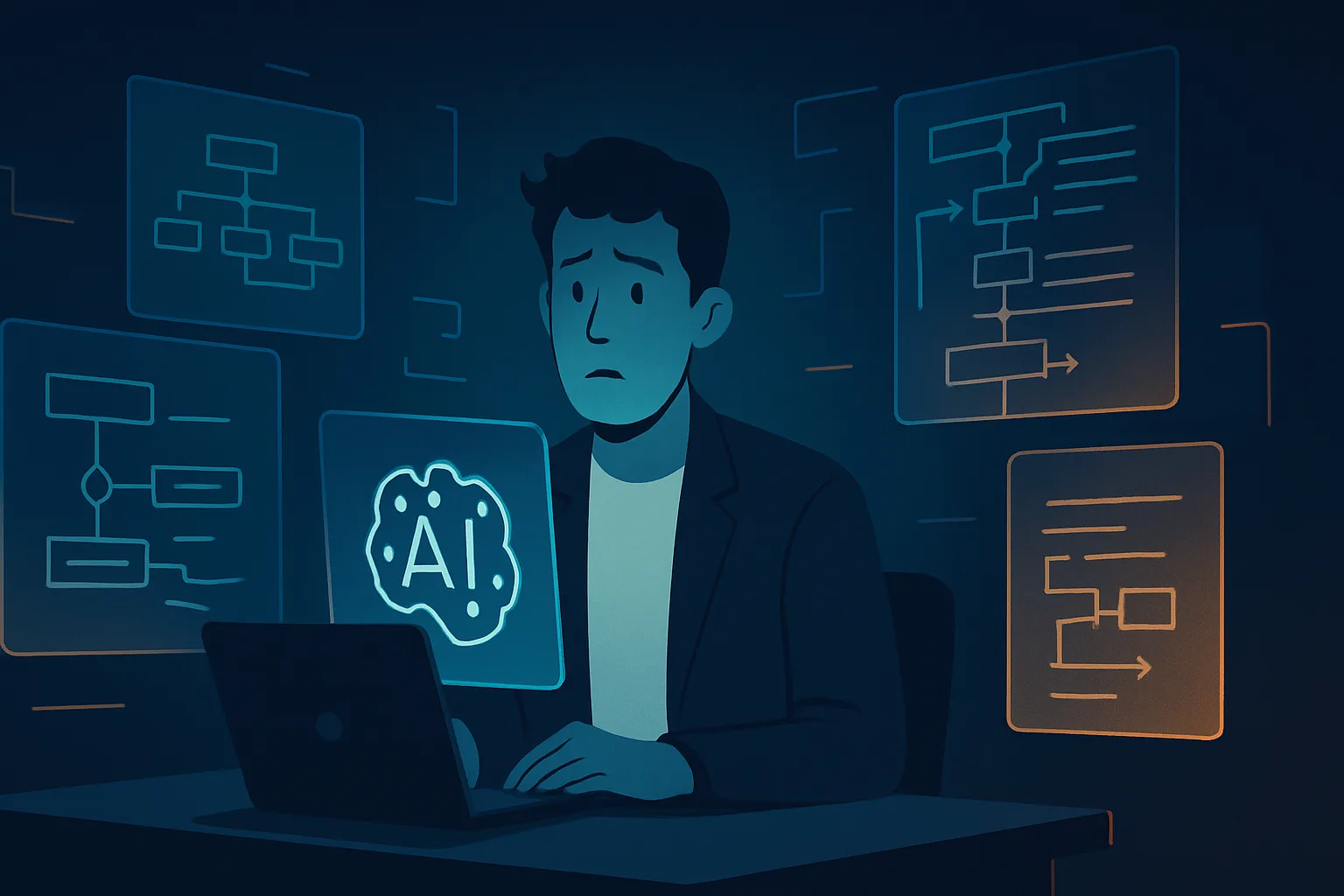
There's a moment that happens in almost every organization right now. Someone joins the team, gets added to Slack, gets their laptop provisioned, and then, because nobody has time to properly show them the ropes, they watch a senior colleague's screen for twenty minutes, pick up whatever AI workflow that person happens to use, and call it onboarding.
Six months later, that new hire is doing AI work at maybe 40% of what they're capable of. They're using the wrong tools for the tasks they do most. They're writing prompts that waste tokens and return garbage. They're checking AI outputs the wrong way, or not checking them at all. And the senior colleague who "trained" them? That person had their own gaps they never had to confront.
This is the AI onboarding problem. It compounds quietly and costs a lot.
Why AI Onboarding Is Broken in Most Teams Right Now
Most companies treat AI tool onboarding the same way they treated software onboarding in 2012: point someone at the interface, tell them to "explore," and assume the product is intuitive enough that they'll figure it out. That assumption was questionable for CRMs. It's genuinely damaging for AI tools.
The reason: AI tools punish unclear mental models. A bad Salesforce habit means you log data inconsistently. A bad AI habit means you get consistently wrong outputs and don't always know they're wrong. The failure mode is subtle and often invisible until it matters.
There's a second problem layered on top of that. Most teams don't actually have a defined AI workflow to pass on. What new hires inherit is a collection of individual preferences, workarounds, and folklore accumulated by whoever happened to be experimenting when the tools were first adopted. That's not a system. That's just vibes with a subscription fee.
If your team has grappled with this, you've likely already encountered related issues. The AI Governance Problem covers why teams end up with inconsistent rules around AI use. The AI Collaboration Problem explains why the same tool produces wildly different results across different people. AI onboarding is where both of those problems get their start.
The Three Bad Habits That Form in the First Week
If you watch new hires across a range of companies, the same three patterns show up reliably.
Habit 1: Prompt by instinct, not by structure. New team members see colleagues typing natural language into AI tools and assume that's the whole game. They start writing conversational prompts that omit context, role framing, output format, and constraints. The outputs they get back are vague. They either accept them anyway or spend fifteen minutes editing. They never connect the output quality problem to the input quality problem.
Habit 2: Use the tool that's easiest to open, not the tool that fits the task. By the end of week one, most new hires have a default AI tool. It's usually whatever their manager has open, or whatever tab is already pinned in their browser. They use it for everything: writing, research, summarization, analysis, coding help. This isn't their fault. Nobody told them the stack is differentiated for a reason, or that using a general-purpose assistant for tasks that need specialized tooling means leaving significant quality on the table.
Habit 3: Skip verification because the output looks confident. This one is the most dangerous. AI tools produce outputs that are tonally certain regardless of whether the underlying answer is correct. New users, who haven't yet learned to read the tells of a hallucinated response, frequently accept outputs that would make a more experienced colleague pause. They've never been taught what to verify, when to verify it, or how.
These habits don't correct themselves over time. They calcify. Someone who spends their first ninety days prompting poorly will still be prompting poorly at eighteen months, just faster.
What "Good" AI Onboarding Actually Looks Like
The fix isn't a three-hour workshop on prompt engineering theory. That approach bores people, doesn't transfer to their actual tasks, and is forgotten within a week. What works is more targeted.
Build a role-specific AI starter kit
Before a new hire's first day, someone on the team should have assembled a short document that answers three questions for their specific role:
- Which AI tools does this role actually use? (Not the full company stack, just what's relevant to this job.)
- What are the five to eight tasks they'll use AI for most, and what does a good prompt look like for each one?
- What outputs require verification, and how do you check them?
This document doesn't need to be exhaustive. A two-page Google Doc beats a forty-slide deck every time. The goal is to give a new hire enough of a mental model that they don't default to observation and guessing.
Run a shadowed session on real work, not demo tasks
The best AI onboarding moment I've seen looks like this: a manager sits with a new hire for thirty to forty-five minutes and works through an actual task using AI tools, narrating decisions in real time. Not "here's how ChatGPT works" but "here's the brief we got this morning, here's the tool I'd use for this, here's why I'm adding this constraint to the prompt, here's what I'd check before I sent this."
That kind of session teaches three things simultaneously: which tool to reach for, how to prompt it for this team's specific work, and what good output looks like. No workshop achieves all three.
Assign an AI-specific peer mentor, not a general buddy
The standard onboarding buddy system works for culture and logistics. It doesn't work well for AI workflows because general buddies don't usually think consciously enough about their own AI habits to explain them. The better model is to designate someone on the team who has specifically good AI workflow hygiene and pair new hires with that person for AI questions during the first sixty days.
This person doesn't need to be the most senior. They need to be someone who can say "I use Workable for this part and here's why" and give a real reason, not just "that's what I've always done."
The Onboarding Audit: What to Check Before the Next Hire Starts
If you want to find out how bad your current AI onboarding actually is, ask your most recent five hires the same four questions:
- Which AI tools do you use regularly, and how did you decide on those?
- Walk me through how you typically prompt for [specific task relevant to their role].
- When you get an AI output, what do you do before you use it?
- What do you wish someone had told you earlier about using AI in this role?
The answers will be illuminating. Most teams that do this exercise find that new hires are using different tools for the same tasks, prompting inconsistently, doing little to no output verification, and carrying at least one significant misunderstanding about what the AI tools they use can and can't do reliably.
That's not a talent problem. That's an onboarding design problem.
The Compounding Cost Nobody Is Measuring
Here's what makes this worth prioritizing now: the cost doesn't show up in any dashboard.
If a new hire produces slightly lower-quality AI outputs, takes slightly longer to complete AI-assisted tasks, or misses the cases where AI output needs to be checked, none of that registers as a line item. It shows up as vague underperformance, slower ramp times, and occasional errors that get attributed to inexperience rather than to a broken knowledge transfer process.
The AI ROI Problem is partly downstream of this. Teams spend money on AI subscriptions and see inconsistent returns, and often the explanation is that the people using those tools were never taught to use them well. The tool isn't the issue. The onboarding is.
For teams hiring at any kind of volume, this adds up fast. A recruiter who uses Paradox ineffectively processes fewer candidates and writes weaker automated messages. A content person who doesn't know how to use Textio for what it's actually built for ends up with bland, generic output that wastes the subscription. These aren't hypothetical losses. They're happening in companies right now, invisibly.
Building an AI Onboarding Checklist That Actually Gets Used
The reason most AI onboarding documentation goes unread is that it's written for compliance, not for use. Long PDFs live in shared drives. Nobody opens them after the first week.
A better format is a short checklist embedded directly in whatever onboarding tool the company already uses, with tasks that require action rather than just reading.
A practical checklist looks like this:
| Week | Action | Owner |
|---|---|---|
| Week 1 | Complete 30-minute shadowed AI session with peer mentor | Peer mentor |
| Week 1 | Review role-specific AI starter kit | New hire |
| Week 1 | Complete first solo AI task and share output with mentor for feedback | New hire |
| Week 2 | Run through the team's prompt library and add one prompt of your own | New hire |
| Week 2 | Identify one output from week one that needed more verification | New hire + manager |
| Week 4 | Complete a short self-assessment on AI tool usage and flag gaps | New hire |
| Week 8 | Debrief with peer mentor on what's working and what isn't | Both |
Notice that the checklist has owners and asks for actual outputs, not just attendance at sessions. That's the difference between a checklist that changes behavior and one that gets ticked off without thinking.
The Prompt Library Is the Most Underused Onboarding Asset
Most teams with serious AI workflows have some version of a prompt library. It's usually a Notion doc or a shared folder somewhere that someone assembled and then mostly forgot about. New hires almost never find it during onboarding, and even when they do, it's often outdated.
The fix is structural: the prompt library needs to be part of onboarding, not a bonus resource. New hires should be walked through it on day two, shown how to find the most relevant prompts for their role, and asked to use at least three prompts from the library in their first week.
The secondary fix is treating the library as a living document. Someone needs to own it, review it quarterly, and remove prompts that no longer work well as models evolve. An outdated prompt library is almost worse than none at all, because it teaches new hires to trust a template without understanding why it was written that way.
This kind of systematic approach to AI tools connects directly to the AI Tool Sprawl Problem that affects most growing teams. Without structure, new hires don't just adopt bad habits. They adopt all of them.
When Onboarding Fails, You See It in the Output
A useful diagnostic for managers: when you review AI-assisted work from a recent hire and something feels off, ask to see their prompt. Not to criticize it, but to understand it. Most of the time, when output is weak, the prompt explains why. And most of the time, that prompt looks exactly like what someone would write if they'd never been shown a better approach.
The output is the symptom. The onboarding is the cause.
Fixing this doesn't require a budget line. It requires one person on the team to take ownership of AI onboarding specifically, build the two or three artifacts that new hires actually need (starter kit, prompt library, shadowed session protocol), and make sure those assets stay current.
That's a few hours of work upfront. The alternative is paying the invisible compounding cost of bad AI habits across every person you hire, indefinitely.
Given that AI agents are increasingly taking on more autonomous roles, something even major players are finding harder to execute than expected, the humans who work alongside those systems need to start from a better baseline than "watched a colleague for twenty minutes." The teams that figure out AI onboarding in 2026 will have a meaningful advantage. It's not glamorous work. It's just necessary.
Frequently Asked Questions
Tools & Services Mentioned
infobro.ai Editorial Team
We research every tool from its documentation, pricing pages, product screenshots and public developer discussion, and say plainly what the evidence does and does not show. Drafts are AI-assisted and reviewed by our editors before publication. We revisit each article every 6 months to reflect platform changes. Learn more about our process.