Top 9 AI Tools for Accounting and Tax Professionals in 2026: Ranked by What Actually Saves You Hours
From AI tax research to automated bookkeeping, these are the accounting and tax tools that genuinely cut time and reduce errors in 2026, ranked by real-world impact.

Tax season used to be a predictable kind of miserable. Twelve-hour days, stacks of client documents, and the creeping dread of a missed deduction or a compliance slip. What's changed in 2026 isn't just that AI is available, it's that the category has matured enough to actually be useful. The hype tools of 2023 are gone. What's left are platforms that fit into real accounting workflows, handle real tax codes, and don't require a prompt engineer to operate.
This list covers tools that handle AI-powered tax research, automated bookkeeping, document processing, compliance monitoring, and client advisory work. Some are purpose-built for CPAs and tax professionals. Others are broader platforms that accounting teams use effectively. All of them are ranked by one thing: whether they actually save you measurable time and reduce your exposure to error.
A few categories you'll notice missing: general-purpose AI assistants that require you to do all the tax reasoning yourself, and tools that are "AI-powered" only in the sense that they use autocomplete. Those aren't worth your time.
One broader shift worth flagging before the rankings: as covered in Per-Seat SaaS Is Dying. AI Agents Are Killing It., the pricing models in this space are shifting fast. Several tools below have moved toward usage-based or output-based billing, which changes the ROI math considerably depending on your firm's volume.
1. Thomson Reuters Checkpoint Edge with CoCounsel

Official website: tax.thomsonreuters.com
Thomson Reuters' Checkpoint Edge with CoCounsel is the most complete AI tax research tool available to professionals right now. It sits on top of the Checkpoint research database, one of the deepest in the industry, and layers a generative AI assistant on top that can actually answer complex tax law questions, surface relevant rulings, and cite its sources inline. That last part matters enormously. When AI tools hallucinate citations in legal or tax contexts, the professional liability exposure is real. Checkpoint's sourcing is traceable.
CoCounsel, the AI assistant layer, handles research queries in plain language and returns answers tied to primary sources: IRC sections, Treasury regulations, court cases, IRS guidance. You're not getting a summary of someone's blog post, you're getting the actual regulatory text with context. Thomson Reuters positions this as a research accelerator rather than a replacement for professional judgment, which is exactly the right framing.
The platform also integrates with Checkpoint's broader compliance and workflow tooling, so research findings can connect directly into return preparation and advisory workflows.
Pricing: Enterprise subscription; pricing is not publicly listed and requires a quote from Thomson Reuters.
Best for: Mid-size to large CPA firms, Big 4 and regional firm tax departments, and corporate tax teams doing complex research and multi-jurisdiction work.
Pros: Deepest tax research database in the industry, cited AI answers reduce hallucination risk, integrates with broader Thomson Reuters workflow products, strong for multi-jurisdiction and international tax questions.
Cons: Enterprise pricing puts it out of reach for solo practitioners and small firms, no self-serve trial, steep learning curve if you're new to Checkpoint's interface.
Try Thomson Reuters Checkpoint Edge →2. Intuit TurboTax Business and Intuit Assist

Official website: intuit.com
Intuit's AI layer, called Intuit Assist, runs across QuickBooks, TurboTax, and Mailchimp, and in 2025-2026 it became genuinely useful for accounting professionals rather than just a chatbot wrapper. For tax prep specifically, Intuit Assist surfaces deduction opportunities, flags anomalies in categorized transactions, explains IRS notices in plain English, and generates draft responses to client questions. The underlying data advantage Intuit has is significant: with millions of business tax returns processed annually, their models have training signal that purpose-built startups simply can't match.
For accounting firms using QuickBooks Accountant, the AI features that matter most are the anomaly detection on client books, automated categorization correction, and the month-end close acceleration tools. Intuit has published data showing QuickBooks Online reduces bookkeeping time for clients, though specific time-savings percentages vary by workflow.
The limitation is that Intuit Assist is a platform feature, not a standalone product. If your clients aren't on QuickBooks, you get less value. And for complex tax research, it's not competing with Checkpoint, it's serving a different market: small business owners, sole practitioners, and accountants managing SMB clients.
Pricing: QuickBooks Online Accountant is free for accounting professionals; client subscriptions range from $30 to $200+/month depending on tier. TurboTax Business starts at $170 per federal return.
Best for: Accountants serving small to mid-size business clients on QuickBooks, solo practitioners doing individual and small business returns, and firms wanting AI features without a separate tool investment.
Pros: Embedded directly in the world's most-used small business accounting platform, strong anomaly detection, no extra tool to integrate, Intuit's data scale improves model quality over time.
Cons: Value drops sharply if clients use Xero, Sage, or other platforms, not suited for complex multi-entity or international tax work, AI features are still maturing in the accountant-facing tooling.
Try Intuit →3. Botkeeper
Official website: botkeeper.com
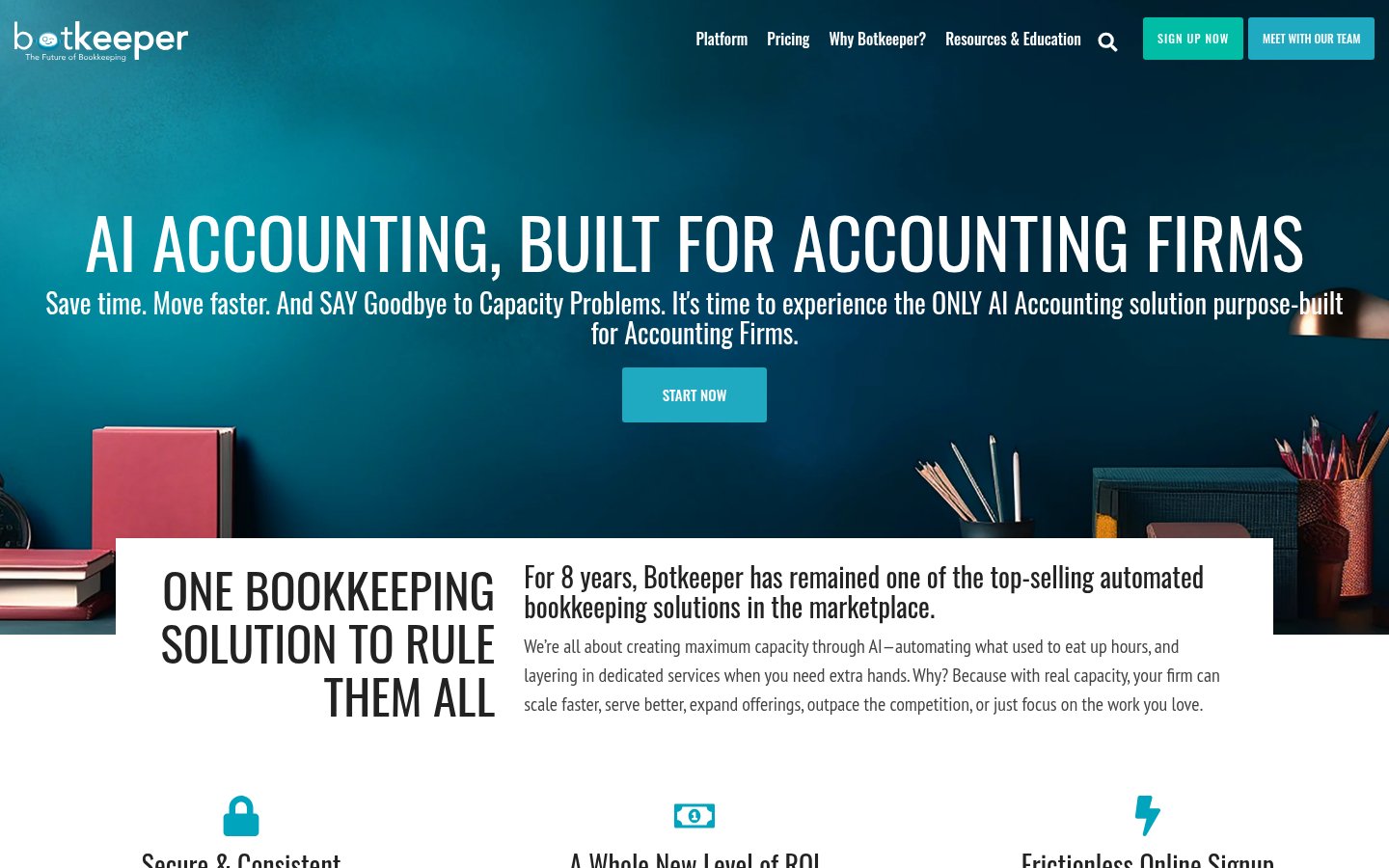
Botkeeper is the most purpose-built AI bookkeeping platform for accounting firms managing multiple clients. The model is straightforward: it uses machine learning to automate transaction categorization, reconciliation, and financial reporting across client accounts, with human oversight built into the process. Accounting firms use Botkeeper to handle the routine bookkeeping layer so their CPAs can focus on advisory and tax work that requires actual judgment.
What makes Botkeeper worth the top-three slot is the firm-centric design. It's not built for business owners doing their own books, it's built for accounting firms running books for dozens or hundreds of clients simultaneously. The platform handles bank feed imports, categorization at scale, exception flagging, and produces financial statements that roll up to a firm dashboard. The accuracy on standard transaction categories is high; it's on the edge cases (unusual vendor types, split transactions, non-standard expense categories) where human review still earns its keep.
Botkeeper integrates with QuickBooks Online and Xero, which covers the vast majority of small business clients. Pricing is per entity per month, which scales predictably as your client count grows.
Pricing: Per-entity pricing; publicly listed tiers start around $69/month per entity, with volume discounts for firms managing large client portfolios. Enterprise pricing available.
Best for: Accounting firms that want to scale bookkeeping capacity without proportionally scaling headcount, particularly those managing 20+ SMB clients.
Pros: Firm-first design with multi-client dashboard, strong QBO and Xero integration, predictable per-entity pricing, reduces routine bookkeeping hours significantly.
Cons: Not designed for direct business owner use, edge-case categorization still needs review, less useful if your clients use niche or industry-specific accounting platforms.
Try Botkeeper →4. Taxfyle
Official website: taxfyle.com
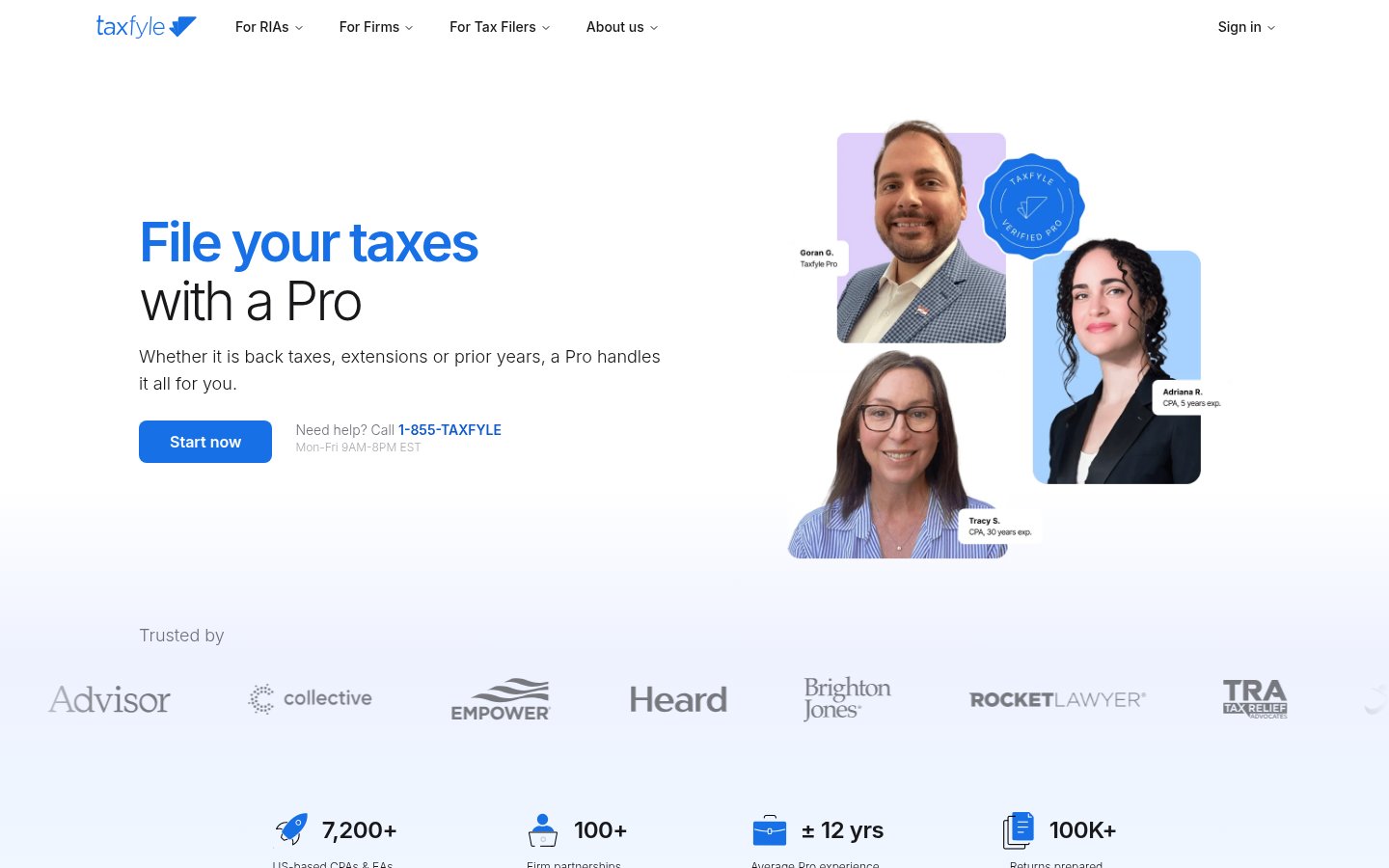
Taxfyle takes a different approach from most tools on this list: it combines an AI-assisted tax preparation workflow with a marketplace of licensed CPAs and EAs. For accounting firms, the interesting side is the Workpapers product and the Know platform, an AI research tool built specifically for tax professionals that handles IRC, regulations, and tax authority guidance in a conversational interface.
Know by Taxfyle is worth singling out. It's positioned as an affordable alternative to Checkpoint for firms that don't need the full Thomson Reuters ecosystem. It answers tax research questions with source citations, supports multi-state tax research, and has a cleaner onboarding experience than the legacy research platforms. The trade-off is database depth, Checkpoint simply has more historical material and deeper editorial annotation.
The broader Taxfyle platform also handles engagement letters, document collection, status tracking, and e-signature, which makes it useful as a lightweight practice management layer for firms that don't want to pay for full-suite software.
Pricing: Know by Taxfyle is priced per user per month; publicly listed pricing starts at $50/user/month. Full platform pricing varies by firm size.
Best for: Small to mid-size CPA firms that want AI tax research without the enterprise cost of Checkpoint, and firms looking for a combined research-and-workflow tool.
Pros: Affordable AI tax research with source citations, clean interface that doesn't require Checkpoint training, workflow and document management included, marketplace component adds flexible capacity.
Cons: Database depth doesn't match Checkpoint or Lexis for complex research, marketplace model adds coordination overhead if you're using it for client overflow, pricing can add up for larger teams.
Try Taxfyle →5. Pilot
Official website: pilot.com
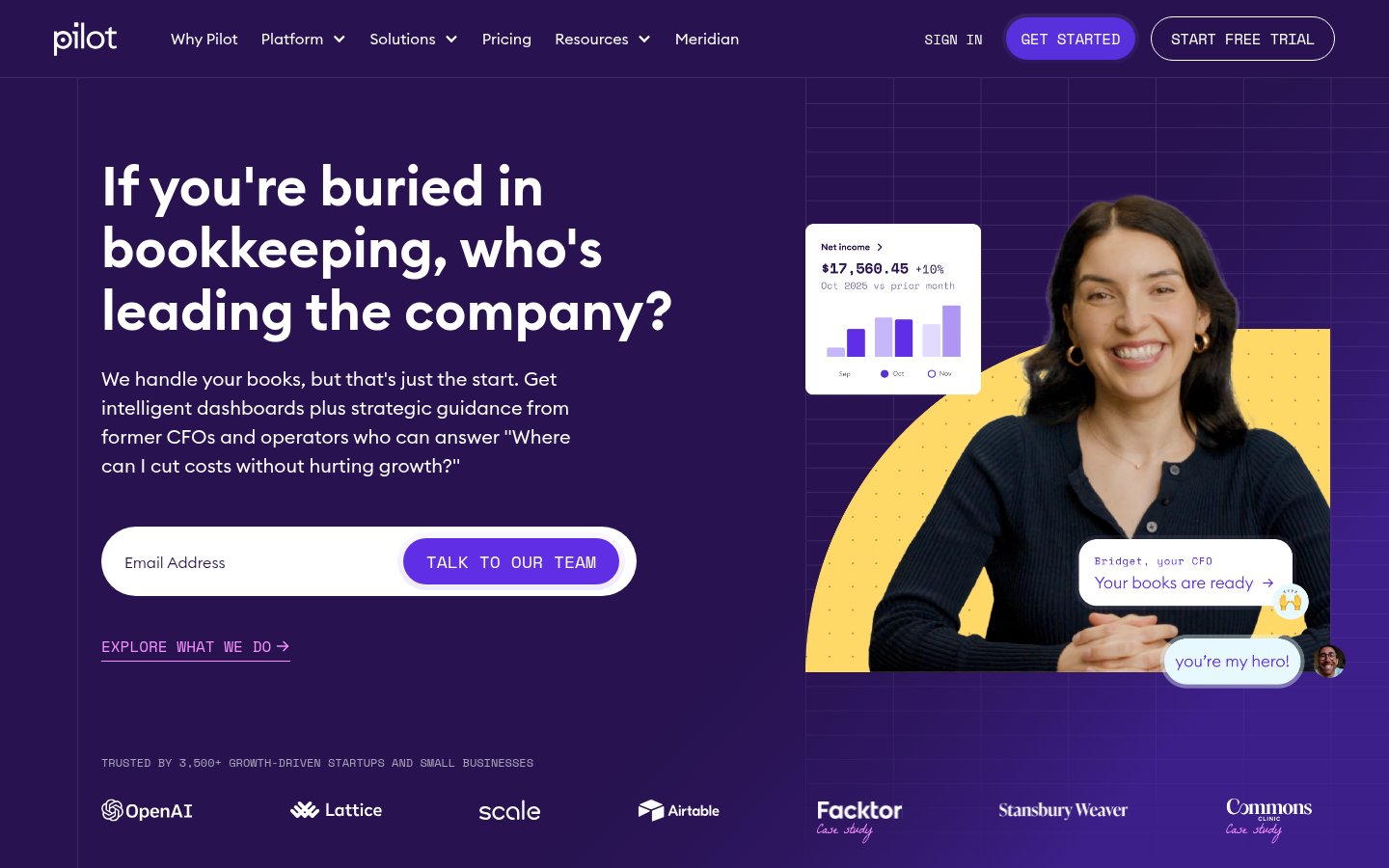
Pilot is the best-known AI-powered accounting service for startups and growing businesses, and by 2026 its AI layer has become a genuine differentiator rather than a marketing footnote. The model pairs machine learning-driven bookkeeping automation with dedicated human accountants who review and own the output. That hybrid approach is smarter than pure automation for most business clients, the AI handles volume, the humans handle judgment.
For accounting professionals evaluating Pilot, the relevant question is whether it competes with you or complements your practice. The honest answer: it competes directly for the bookkeeping-plus-tax service tier for VC-backed startups and high-growth SMBs. If that's your client segment, Pilot is a direct threat. If you work with that segment as a fractional CFO or provide strategic advisory on top of compliance, Pilot often refers out for that work.
Pilot's AI handles transaction categorization, burn rate tracking, cash flow reporting, and R&D tax credit identification, the last item being particularly valuable for their startup client base, where R&D credits are often materially significant and frequently missed.
Pricing: Starts at $499/month for Core bookkeeping; Select tier (with tax and CFO services) starts at $849/month. R&D tax credit services are priced separately.
Best for: Startups and high-growth businesses that want managed accounting with AI-powered accuracy, and CPAs who want to understand what AI-native accounting services look like at scale.
Pros: Best-in-class for startup accounting workflows, R&D credit identification built in, strong integrations with Stripe, Gusto, Brex, and other startup-stack tools, human review layer catches AI errors.
Cons: Not a tool you buy for your firm, it's a competing service for a specific client segment, pricing is high for early-stage companies with complex needs, less relevant for non-startup business types.
Try Pilot →6. Numeric

Official website: numeric.io
Numeric is purpose-built for in-house accounting teams at mid-market and enterprise companies, and it's one of the more interesting tools to watch in 2026. The product focuses on the month-end close process, which is the part of corporate accounting that AI can accelerate most dramatically. It handles flux analysis (explaining variance in financials from period to period), reconciliation management, journal entries, and close task management.
The AI-powered flux analysis is Numeric's strongest feature. Instead of an accountant manually writing commentary explaining why operating expenses increased 8% this quarter, Numeric generates that commentary automatically from the underlying transaction data, with the accountant reviewing and editing rather than drafting from scratch. For companies doing monthly board reporting, this saves hours per close cycle.
Numeric integrates with NetSuite, QuickBooks, and Xero, and the task management layer gives controllers visibility into who owns each close step and where bottlenecks are forming. It's a narrower tool than some on this list, but it's exceptionally good at the specific problem it solves.
Pricing: Pricing is not publicly listed; requires a demo and quote. Positioned at mid-market and enterprise.
Best for: Controllers and VP Finance roles at companies with 50-500 employees doing formal monthly closes, accounting teams that spend significant time on flux analysis and board reporting.
Pros: Best automated flux analysis available, meaningful time savings on close cycles, clean integration with major mid-market ERPs, purpose-built for corporate accounting teams rather than firms or individuals.
Cons: Not useful for public accounting firms or individual practitioners, pricing transparency is low, narrower scope than full-suite accounting platforms.
Try Numeric →7. Lexi by Liscio
Official website: liscio.me
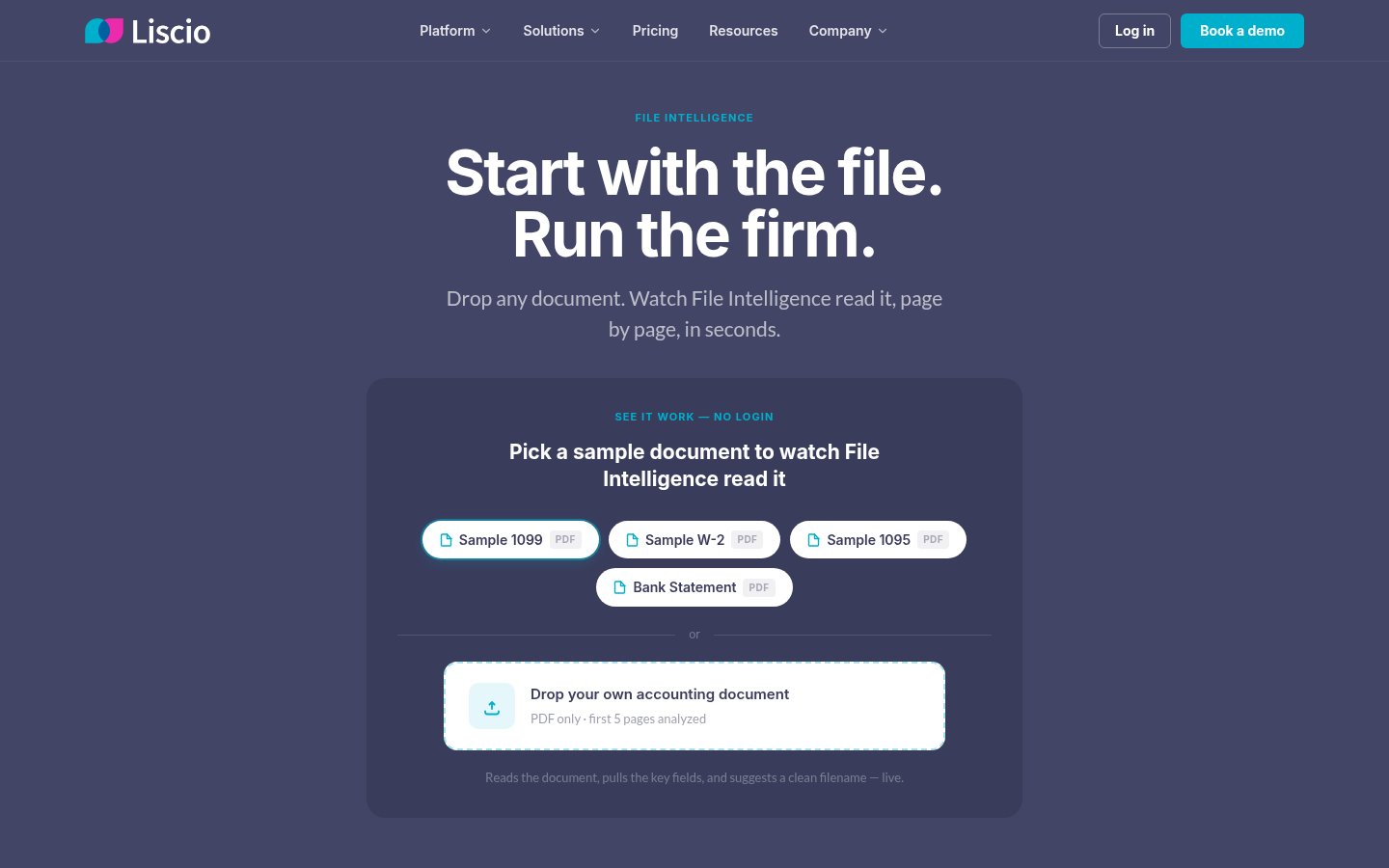
Liscio built its reputation as a client communication platform for accounting firms, and Lexi is the AI layer that sits on top of that. What Lexi does is handle inbound client requests, route documents, answer common questions about return status, and draft responses for accountant review. It's not doing the tax work, it's handling the administrative communication burden that consumes a disproportionate amount of staff time in accounting firms.
The problem Lexi solves is real: during tax season, small and mid-size accounting firms get buried in client emails asking for document status, explaining what forms they need to provide, and following up on missing information. Lexi automates the triage and response layer so staff can focus on actual work rather than inbox management.
For firms already using Liscio for client communication, Lexi is a natural add-on. For firms not using Liscio, you're evaluating two products simultaneously, which changes the adoption math.
Pricing: Liscio pricing is not publicly listed; requires a demo. Lexi is available as an add-on to existing Liscio subscriptions.
Best for: Accounting firms with 5-50 staff that handle high volumes of client communication and want to reduce administrative overhead during peak periods.
Pros: Directly addresses one of the highest time-cost problems in accounting firm operations, works within existing Liscio client portal workflows, reduces after-hours message backlog, strong client experience for the end-user.
Cons: Only valuable if you're using or willing to adopt Liscio, doesn't touch the actual accounting or tax work, harder to justify for very small solo practices with manageable client communication volume.
Try Lexi by Liscio →8. Docyt

Official website: docyt.com
Docyt is an AI-powered accounting automation platform that's particularly strong for businesses with high transaction volume and lots of receipts, invoices, and expense documents to process. The core capability is document intelligence: Docyt ingests receipts, bills, and invoices via email, mobile upload, or direct integration, categorizes them, matches them to transactions, and posts to the accounting system automatically. For restaurant groups, multi-location retail, hospitality, and franchise operations, this is where it earns its keep.
The accounts payable automation and real-time financial reporting are both genuinely good. Docyt produces a continuous P&L rather than the month-end snapshot you get from manual bookkeeping, which some business owners and CFOs find more useful for operational decisions.
For accounting firms, Docyt can sit as a client-facing tool that handles the document collection and processing layer, reducing the work that arrives at the firm's door already needing organization.
Pricing: Starts at $299/month for small businesses; higher tiers for multi-location and franchise operations. Pricing is listed on their website.
Best for: Multi-location businesses with high receipt and invoice volume, restaurant and hospitality operators, franchise accounting, and accounting firms wanting to automate client document processing.
Pros: Strong document OCR and auto-categorization, real-time financial reporting rather than month-end only, good fit for hospitality and multi-location retail, reduces manual data entry significantly.
Cons: Less relevant for professional services or project-based businesses with lower transaction volume, reporting layer is less sophisticated than dedicated FP&A tools, some niche expense categories still require manual review.
Try Docyt →9. CPA Pilot
Official website: cpapilot.com
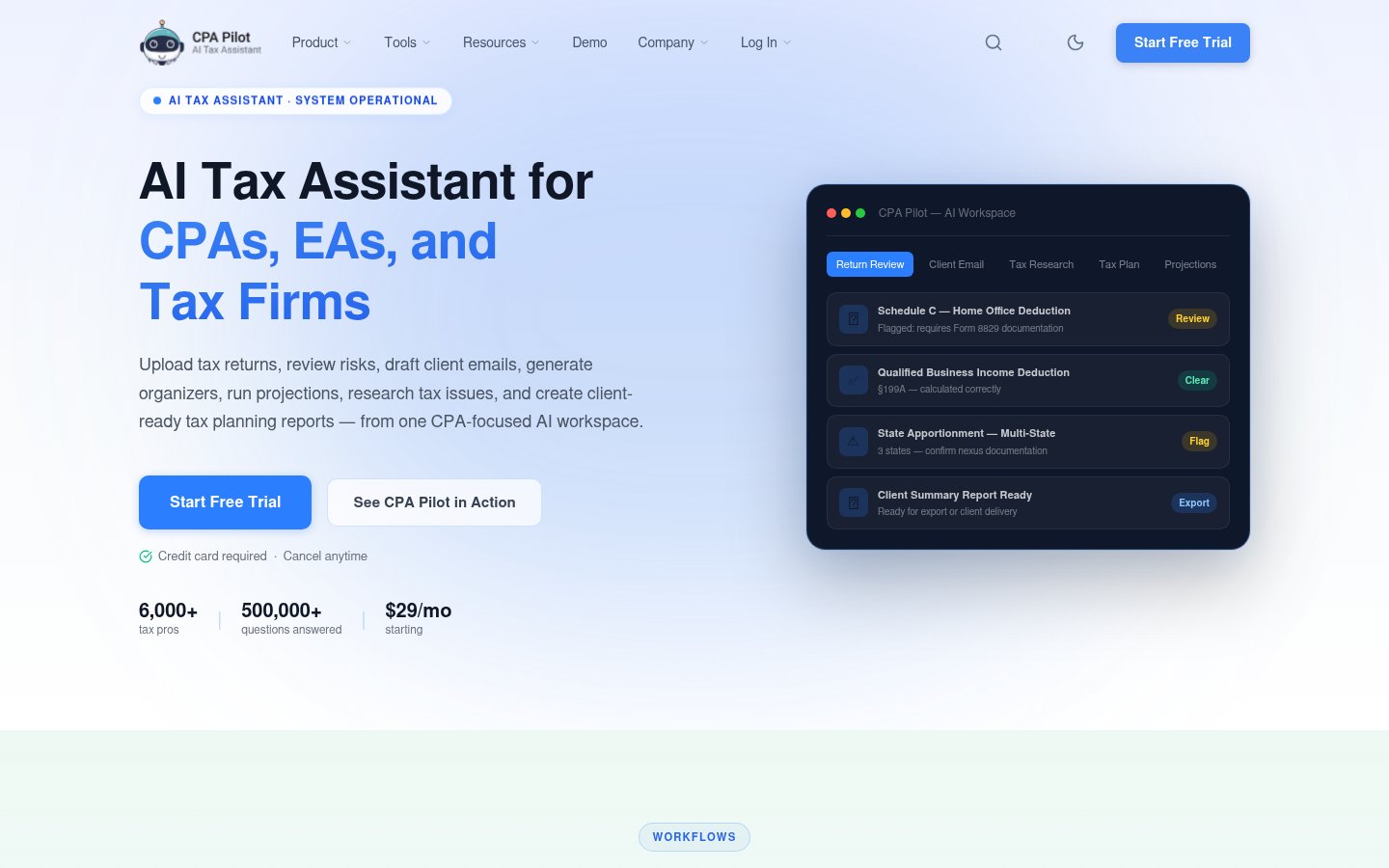
CPA Pilot is a narrower tool, but it earns its spot because it's solving a specific problem that larger platforms ignore: giving small and solo CPA firms access to AI-powered tax research and client-ready content generation without enterprise pricing or complex onboarding. It's built specifically for CPAs, not adapted from a general-purpose AI writing tool.
The core features are AI tax research with IRC and regulation sourcing, tax planning scenario analysis, and client-facing email and letter drafts. For a solo practitioner or a 2-5 person firm, CPA Pilot reduces the time spent on routine research queries and client communication drafting, tasks that eat hours without generating billable revenue at scale.
The research depth doesn't compete with Checkpoint, and that's fine. CPA Pilot isn't trying to replace Checkpoint. It's serving firms that can't justify Checkpoint's cost but need more than a general AI assistant for tax-specific questions.
Pricing: Publicly listed at $99/month per user as of 2026.
Best for: Solo practitioners and small CPA firms wanting AI tax research and client communication drafting without enterprise-tier investment.
Pros: Purpose-built for CPAs (not adapted from general AI tools), affordable monthly pricing, good for routine tax research queries and client-ready content generation, fast onboarding.
Cons: Research database depth is limited compared to Checkpoint or Taxfyle's Know, not suitable for complex multi-jurisdiction or international tax research, no practice management or workflow features.
Try CPA Pilot →Comparison Table
| Tool | Best For | Pricing Start | AI Research | Bookkeeping Automation | Client Communication |
|---|---|---|---|---|---|
| Thomson Reuters Checkpoint Edge | Large firms, complex research | Enterprise (quote) | ★★★★★ | ✗ | ✗ |
| Intuit TurboTax / Intuit Assist | SMB accountants on QBO | Free (accountants) | ★★★ | ★★★★ | ★★★ |
| Botkeeper | Accounting firms, multi-client | ~$69/entity/mo | ★★ | ★★★★★ | ✗ |
| Taxfyle Know | Small firms, tax research | ~$50/user/mo | ★★★★ | ✗ | ✗ |
| Pilot | Startup accounting | $499/mo | ★★★ | ★★★★ | ★★ |
| Numeric | Corporate close teams | Enterprise (quote) | ★★ | ★★★ | ✗ |
| Lexi by Liscio | Firm client communication | Quote (add-on) | ✗ | ✗ | ★★★★★ |
| Docyt | High-volume, multi-location | $299/mo | ✗ | ★★★★ | ✗ |
| CPA Pilot | Solo / small CPA firms | $99/user/mo | ★★★ | ✗ | ★★★ |
How I Ranked These
The ranking follows one principle: how much measurable work does this tool actually remove from a trained accounting professional's day, without creating new liability exposure?
Thomson Reuters Checkpoint Edge sits at number one because the combination of database depth and cited AI answers is genuinely best-in-class for tax research, and research accuracy directly affects client outcomes and professional liability. No other tool in this space has both.
Intuit is second because scale matters. The data advantage from processing millions of returns annually produces AI models that purpose-built startups can't replicate, and for the SMB accounting market, QBO is where the work already lives.
Botkeeper is third because it solves the highest-volume labor problem for public accounting firms: routine bookkeeping across many clients. If you're running an accounting firm and you haven't evaluated Botkeeper, you're leaving margin on the table.
The middle tier (Taxfyle, Pilot, Numeric) each dominate specific niches. Taxfyle is the right call if you want Checkpoint-style research without Checkpoint pricing. Pilot is where startup accounting is heading. Numeric is the only tool that seriously addresses the corporate close process.
Lexi, Docyt, and CPA Pilot are genuinely useful but narrower in scope. Lexi solves a real problem that bigger platforms ignore. Docyt is the right answer for specific industries. CPA Pilot is the honest choice for solo practitioners who need AI research help without enterprise overhead.
A few tools that show up in accounting AI round-ups weren't included here: general-purpose AI assistants like Claude or ChatGPT (they require you to do all the tax reasoning, which is the whole job), and tools that are "AI-powered" only in that they use machine learning for basic OCR. That's table stakes in 2026, not a differentiator.
The shift toward usage-based pricing across this category is worth watching. As noted in coverage of how professional services firms are measuring AI adoption, the firms getting the most value are the ones that actually track what changes after adoption. Run your own numbers on hours saved before committing to any platform.
Related reading
Frequently Asked Questions
Tools & Services Mentioned

Founder and editor of infobro.ai
We research every tool from its documentation, pricing pages, product screenshots and public developer discussion, and say plainly what the evidence does and does not show. Drafts are written with AI assistance under our editorial rules, and we revisit articles to reflect platform changes. Learn more about our process.