Top 9 AI Tools for Small Business Owners in 2026: Ranked by Actual ROI
Nine AI tools that actually move the needle for small businesses in 2026, ranked by real productivity gains, honest pricing, and whether they're worth the subscription.

Entry price, per month
The cheapest plan with a published monthly price. 9 of 9 tools publish one; the rest are quote-only.
- 1. ChatGPTFree / $20
- 2. Jasper AI$49/mo
- 3. BardeenFree / $20
- 4. FathomFree / $19
- 5. GammaFree / $10
- 6. Microsoft Power Automate$15/mo
- 7. BufferFree / $6
- 8. DescriptFree / $24
- 9. ActivepiecesFree / $99
Small business owners are the worst-served segment in AI coverage. Most "best AI tools" lists are written for Fortune 500 teams with dedicated IT departments or solo developers who can live inside a terminal. If you run a 5-person shop, a growing e-commerce brand, or a professional services firm, those lists tell you almost nothing useful.
This one is different. Every tool here earned its spot by solving a real problem that small business owners actually face: too much content to produce, too many meetings to recap, too many proposals to write, too little time for any of it. I've focused on tools where the value is obvious within the first week, because the AI onboarding problem is real, and most small businesses can't afford a month of fiddling before they see results.
One more thing before the list: if you're already paying for three or four AI subscriptions and feel like none of them quite fit, you're not alone. Generic AI tools used for everything tend to underdeliver, and small businesses are especially exposed to that trap. The tools below are picked because they're genuinely good at specific, high-value jobs.
1. ChatGPT (OpenAI)
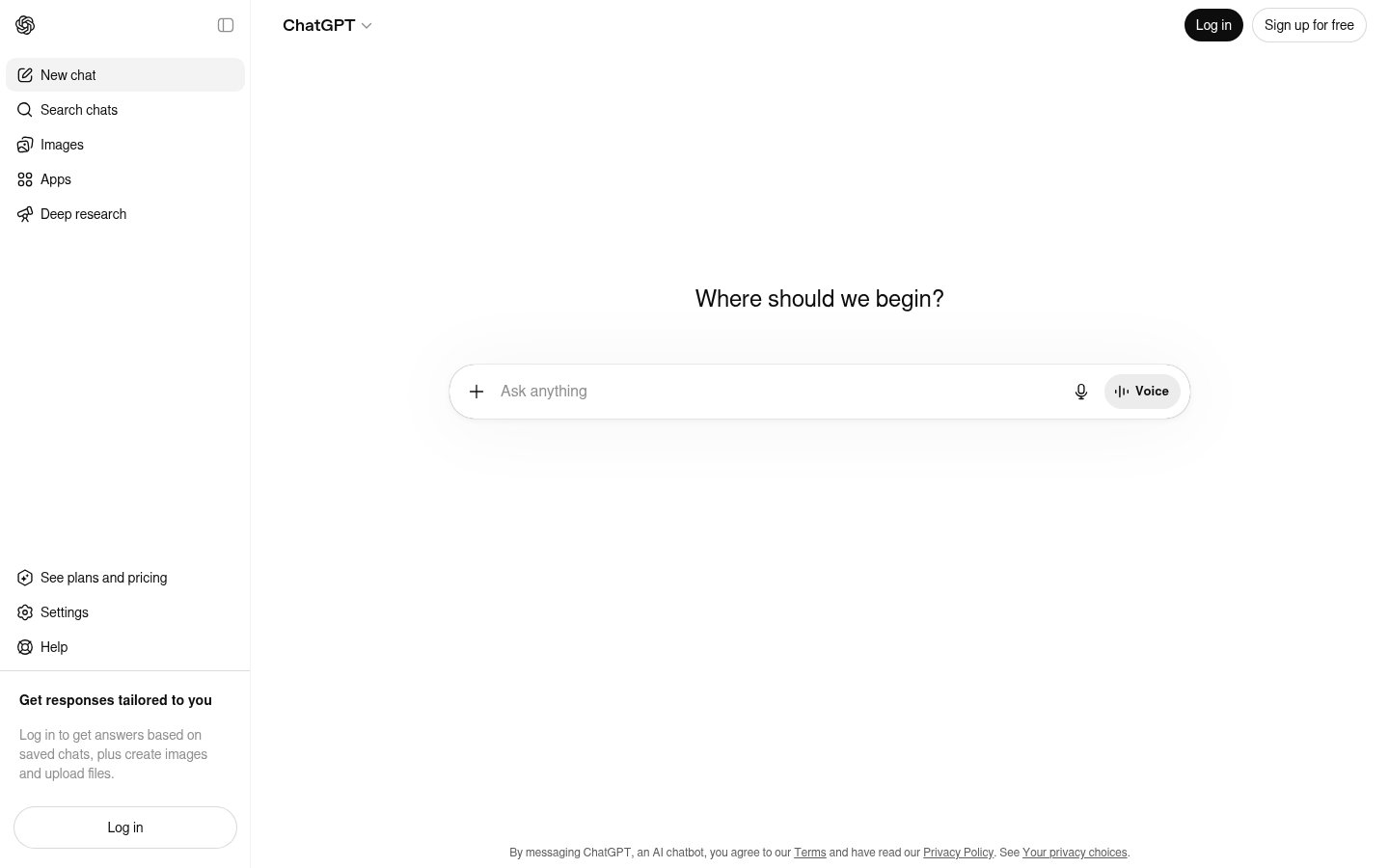
Official website: chatgpt.com
It's not a controversial pick for number one. ChatGPT is the most versatile AI assistant available to small businesses right now, and for most owners it's the tool that delivers the fastest, broadest return. Write a sales email, summarize a legal doc, draft a job posting, prep for a difficult client conversation. ChatGPT handles all of it without you needing to learn anything new.
The real reason it tops this list isn't raw capability. It's the ecosystem. The GPT-4o model powers voice conversations that are genuinely useful for hands-free brainstorming. The Projects feature lets you maintain context across sessions, so you're not re-explaining your business every time you open a chat. Custom instructions let you set your tone, your audience, and your constraints once, and the tool remembers them.
For small businesses specifically, the operator-level integrations keep expanding. You can now connect ChatGPT to your files, your calendar, and even financial data, though that last one deserves some caution.
Pricing: Free tier available (GPT-4o with usage limits). ChatGPT Plus is $20/month. Team plan is $30/user/month with higher limits and workspace features. Enterprise pricing is custom.
Best for: Any small business owner who needs a general-purpose AI assistant for writing, research, brainstorming, and customer communication.
Pros: Unmatched versatility, strong memory and context features, massive integration ecosystem, excellent mobile app
Cons: Free tier limits are frustrating at busy times, can hallucinate on niche industry data, cost adds up fast if the whole team needs Plus
Try ChatGPT →2. Jasper AI
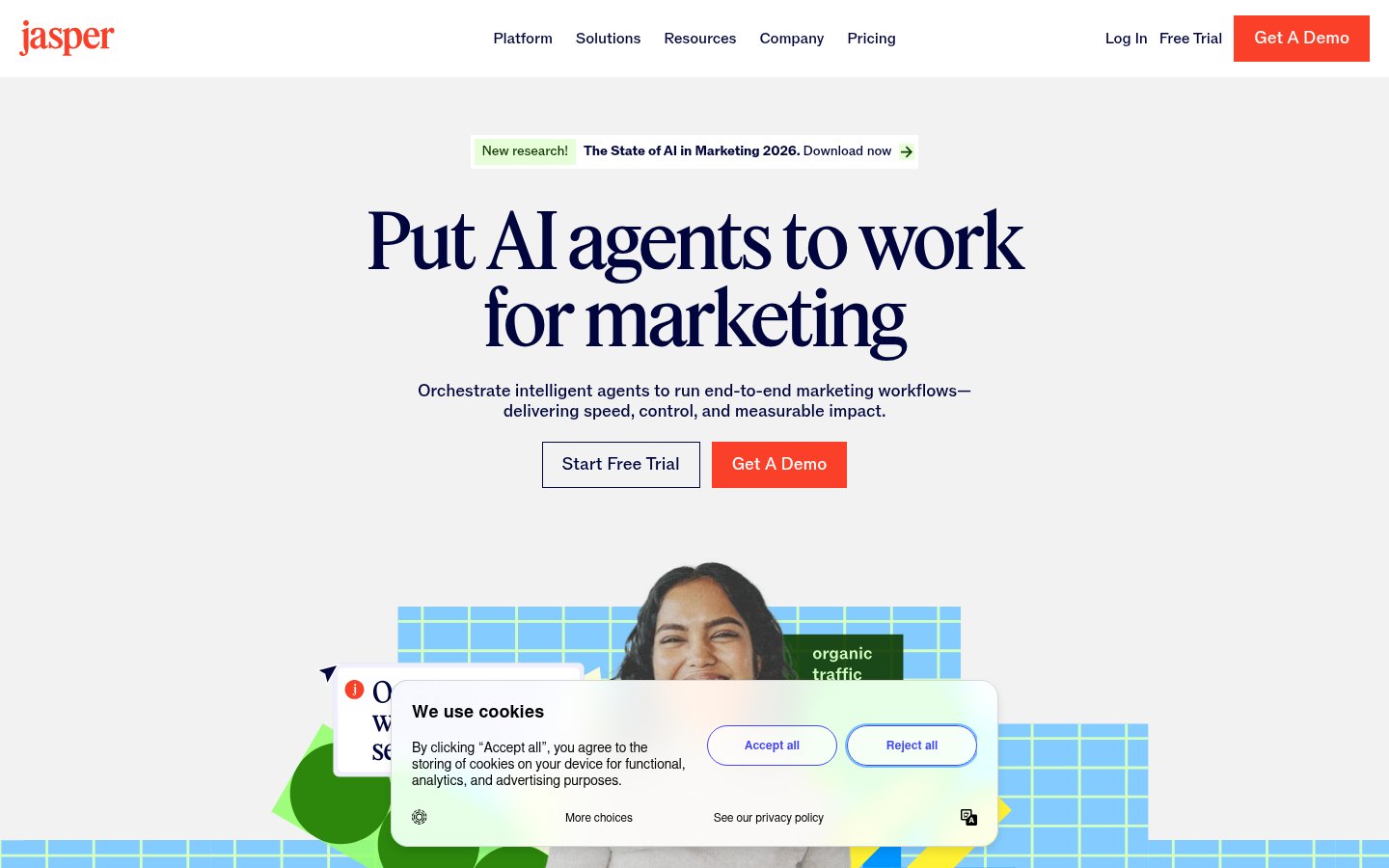
Official website: jasper.ai
Jasper AI sits at number two because it does for marketing content what ChatGPT does for general tasks, except it does it better when the output needs to be on-brand, consistent, and high-volume. For small businesses that produce a lot of content (blogs, social posts, ad copy, email campaigns), Jasper's Brand Voice feature is the single biggest differentiator in this category.
You feed Jasper examples of your existing content, describe your brand's tone and audience, and it genuinely writes in your voice rather than a generic assistant voice. That matters enormously when you're a two-person team trying to sound like a cohesive brand across six different channels.
The 2025-2026 version of Jasper also added AI image generation, an SEO mode that integrates with Surfer SEO, and a campaign builder that can produce a full suite of assets, landing page, ads, emails, social posts, from a single brief. It's not perfect, but the time savings on content-heavy weeks are real.
Pricing: Creator plan starts at $49/month (1 seat). Pro plan is $69/month per seat with brand voices, campaigns, and collaboration. Business plan is custom pricing.
Best for: Small businesses with consistent content marketing needs, e-commerce brands, agencies, local services businesses trying to maintain an active online presence.
Pros: Brand Voice feature is genuinely good, campaign builder saves hours on multi-asset launches, SEO integration useful for blogs, solid template library
Cons: Expensive compared to ChatGPT for solo users, quality varies on technical or niche topics, interface can feel cluttered
Try Jasper AI →3. Bardeen
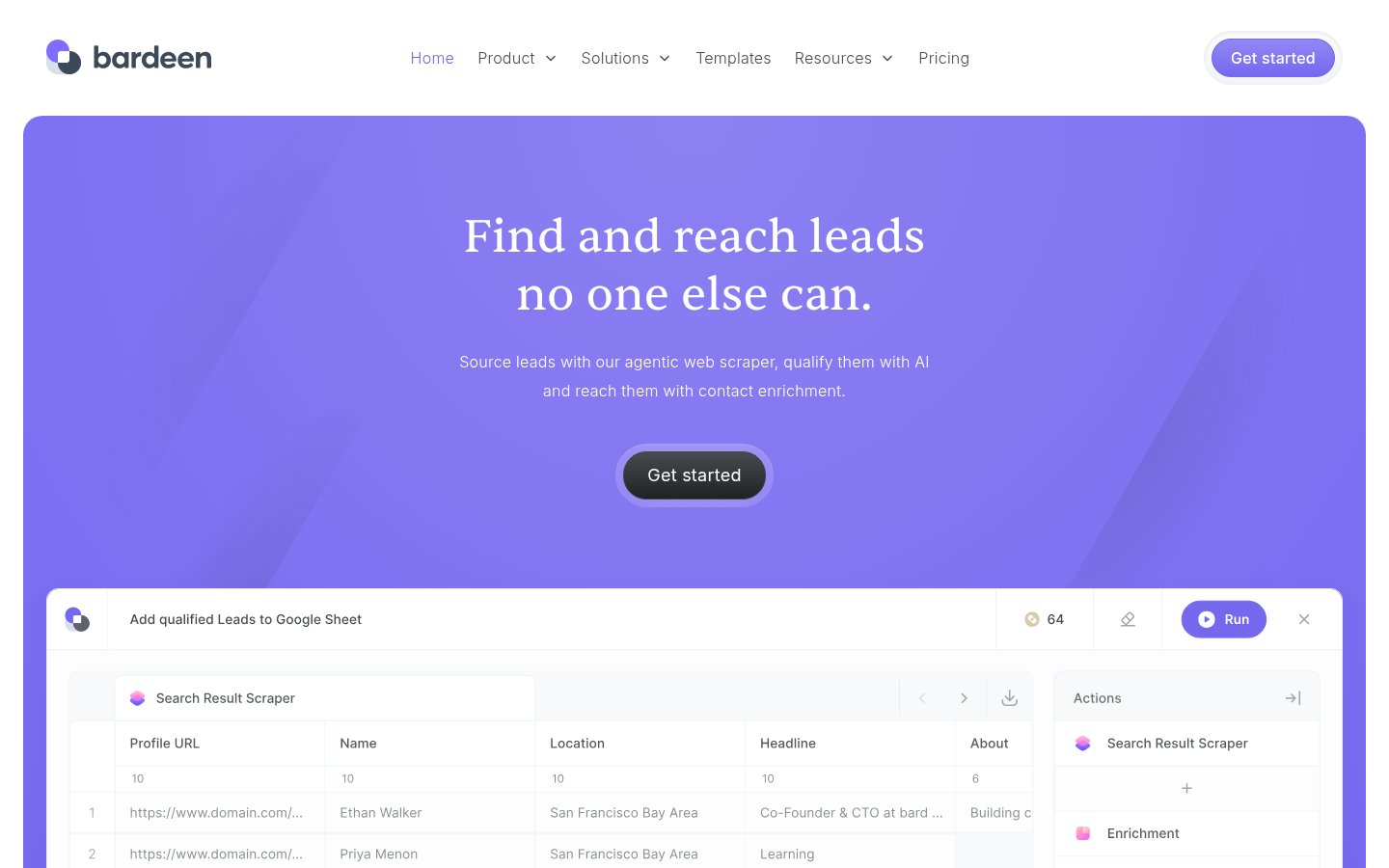
Official website: bardeen.ai
Bardeen is the automation tool most small business owners haven't heard of yet, which is a shame because it solves a genuinely painful problem: repetitive browser-based work. Researching leads, building contact lists, pulling data from websites, copying information between tools. Bardeen automates all of it from your browser without requiring you to write a single line of code.
The AI layer added in 2025 makes it dramatically smarter. You can now describe what you want in plain English ("find the LinkedIn profiles of all speakers at this event and add them to my CRM"), and Bardeen figures out the steps. For sales-heavy small businesses, the lead enrichment workflows alone can reclaim several hours a week.
It sits below Jasper in this ranking because its value is concentrated in specific workflows. If you're not doing a lot of outbound sales or web research, Bardeen's ROI is narrower. But if you are, it's one of the highest-leverage tools on this entire list.
Pricing: Free plan available with basic automation runs. Professional plan is $20/month for unlimited non-premium automations. Premium credits for AI-powered actions are additional.
Best for: Small businesses doing outbound sales, lead research, or any workflow that involves extracting and moving data between web-based tools.
Pros: Genuinely no-code automation, AI workflow builder is intuitive, strong CRM integrations, excellent for lead generation tasks
Cons: Steeper learning curve than it looks, premium AI actions can burn credits fast, some scraping workflows break when sites update
Try Bardeen →4. Fathom
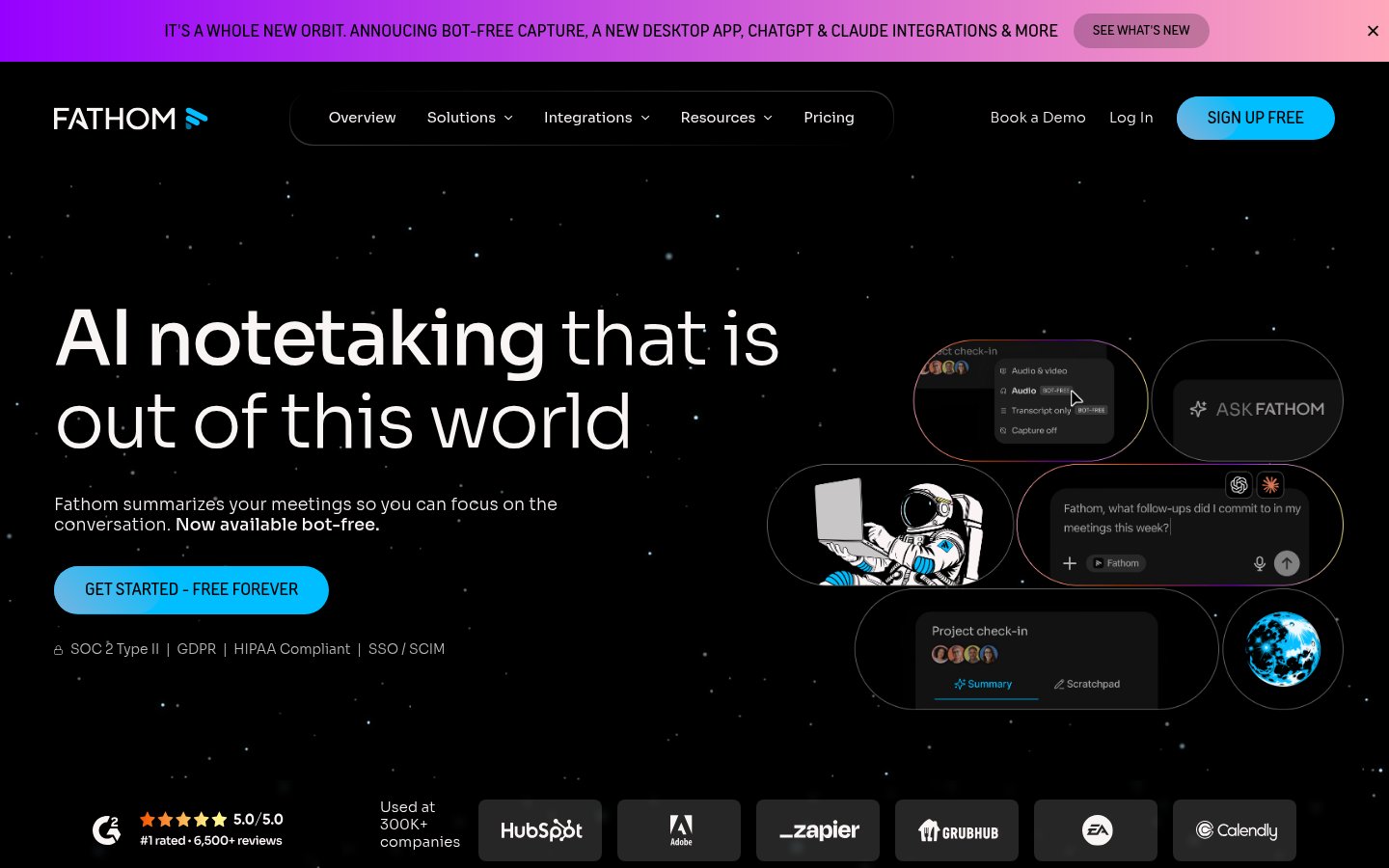
Official website: fathom.video
Fathom is the best AI meeting notetaker for small businesses, and it's not particularly close. It records your Zoom, Google Meet, or Teams calls, transcribes them in real time, generates a summary, and extracts action items, all automatically. You stop a call with a client and the summary hits your inbox before you've even opened your CRM.
What puts Fathom above competitors like Otter.ai in this context is the combination of accuracy and the free tier. The free plan is legitimately useful, unlimited recordings, unlimited transcripts, and solid summaries, which means a solo business owner can get real value without paying anything. The paid plans add CRM sync (Salesforce, HubSpot, Notion, etc.) and team features, but the free version alone beats most paid alternatives on the market two years ago.
For small business owners who spend significant time on client calls, discovery calls, or internal meetings, this is one of those tools where you'll wonder how you functioned without it after about a week.
Pricing: Free plan with unlimited recordings and transcripts. Team Edition is $19/user/month with CRM integrations and shared call library.
Best for: Consultants, service businesses, agencies, anyone doing regular client calls who needs reliable notes and follow-up summaries.
Pros: Free tier is genuinely generous, accuracy is excellent, CRM integrations save real time, fast summary delivery
Cons: Requires joining calls as a bot (some clients notice), limited customization on summary format, best features locked behind paid tier
Try Fathom →5. Gamma
Official website: gamma.app
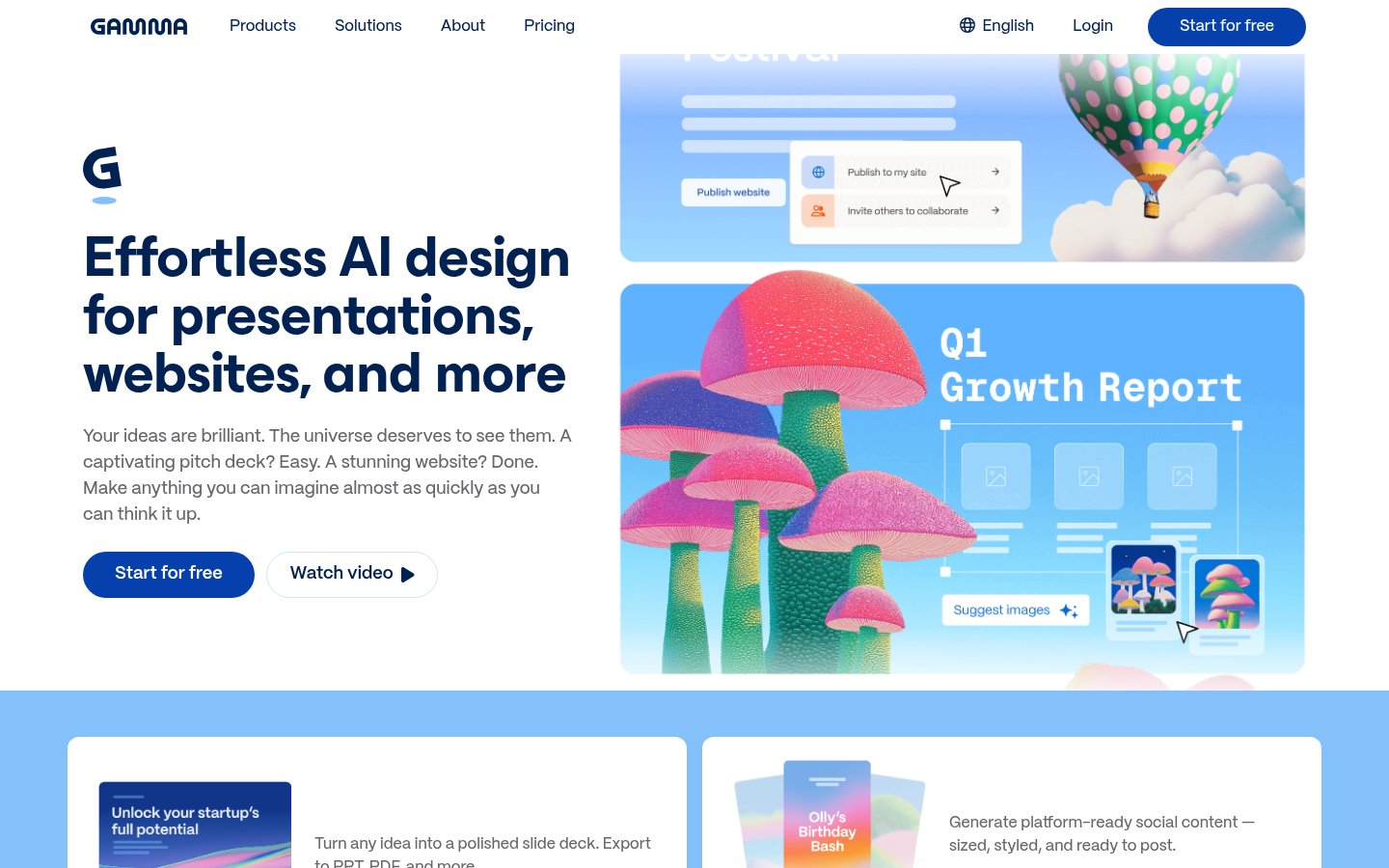
Gamma is the AI presentation tool that actually delivers on the promise. Type a prompt, get a presentation. It's that simple, and the output is consistently professional enough to use with clients without major rework. For small business owners who need to pitch, report, or present regularly but don't have a designer or the patience for PowerPoint, Gamma is the answer.
What makes Gamma work where other AI slide tools stumble is its document-presentation hybrid format. You're not forced into rigid slide constraints, Gamma creates web-based presentations that can include embedded video, live data, and interactive elements. The AI genuinely handles layout decisions well, which is the part most other tools get wrong.
The free tier gives you 400 AI credits (roughly 4-5 full presentations), which is enough to evaluate it properly. The paid plans at $10-$20/month are some of the best value in this entire list.
Pricing: Free tier with 400 AI credits. Plus plan is $10/month. Pro plan is $20/month with unlimited AI usage, custom domains, and analytics.
Best for: Small business owners who need client presentations, pitch decks, reports, or proposals without a design background.
Pros: Fastest prompt-to-presentation workflow available, output quality is consistently usable, web-based format adds interactivity, generous free tier
Cons: Less control than PowerPoint for precise layouts, branded exports require paid plan, templates can feel samey after a while
Try Gamma →6. Microsoft Power Automate
Official website: powerautomate.microsoft.com
Microsoft Power Automate is the automation pick for any small business already living inside Microsoft 365. If your team uses Outlook, Teams, SharePoint, or OneDrive daily, Power Automate is the most natural way to build workflows that connect those tools, and the AI Copilot layer added in 2025 makes it dramatically more accessible for non-technical users.
The honest caveat: Power Automate has a steeper learning curve than Bardeen, and the UI still feels like it was designed by committee. But the depth is real. You can automate approval workflows, document processing, customer communications, and data syncing across hundreds of apps. The RPA (Robotic Process Automation) capabilities let it interact with legacy desktop software that has no API, which matters for businesses stuck with older tools.
The pricing model is complex, there's a per-user plan and a per-flow plan, and figuring out which one fits takes some homework. But if you're already paying for Microsoft 365 Business, a basic Power Automate license is often included, making it effectively free to start.
Pricing: Included with some Microsoft 365 plans. Power Automate Premium is $15/user/month. Process plan (for attended RPA) is $150/user/month.
Best for: Small businesses running Microsoft 365 who want to automate internal workflows, approvals, and document processing without leaving the Microsoft ecosystem.
Pros: Deep Microsoft 365 integration, RPA capabilities handle legacy software, large template library, AI Copilot makes flow building faster
Cons: UI is genuinely confusing at first, pricing structure is hard to parse, overkill for simple one-step automations
Try Microsoft Power Automate →7. Buffer
Official website: buffer.com
Buffer earns a spot here because social media is unavoidable for most small businesses, and Buffer is the most practical tool for managing it without hiring a dedicated social media manager. The 2025-2026 version added AI-assisted post creation that's more useful than it sounds, it can repurpose a blog post into a week's worth of social content across platforms, adapting tone and format for each channel.
Buffer isn't trying to be everything. It doesn't have the AI image generation or the influencer analytics of more expensive competitors. What it does have is a clean scheduling interface, reliable publishing, and an AI assistant that handles the tedious parts of content adaptation. For a small business posting 4-5 times a week across two or three platforms, that's enough.
The free plan covers three channels with unlimited posts, which is actually sufficient for many solo operators. This is one list where you might not need to pay at all to start.
Pricing: Free plan (3 channels, unlimited posts). Essentials plan is $6/month per channel. Team plan is $12/month per channel with collaboration features.
Best for: Small businesses managing their own social media who want scheduling, basic analytics, and AI-assisted content repurposing without the complexity of enterprise tools.
Pros: Clean and fast interface, genuinely useful AI content repurposing, generous free tier, reliable publishing across major platforms
Cons: Analytics are basic compared to dedicated tools, AI writing quality is inconsistent, no image scheduling for all platforms
Try Buffer →8. Descript
Official website: descript.com
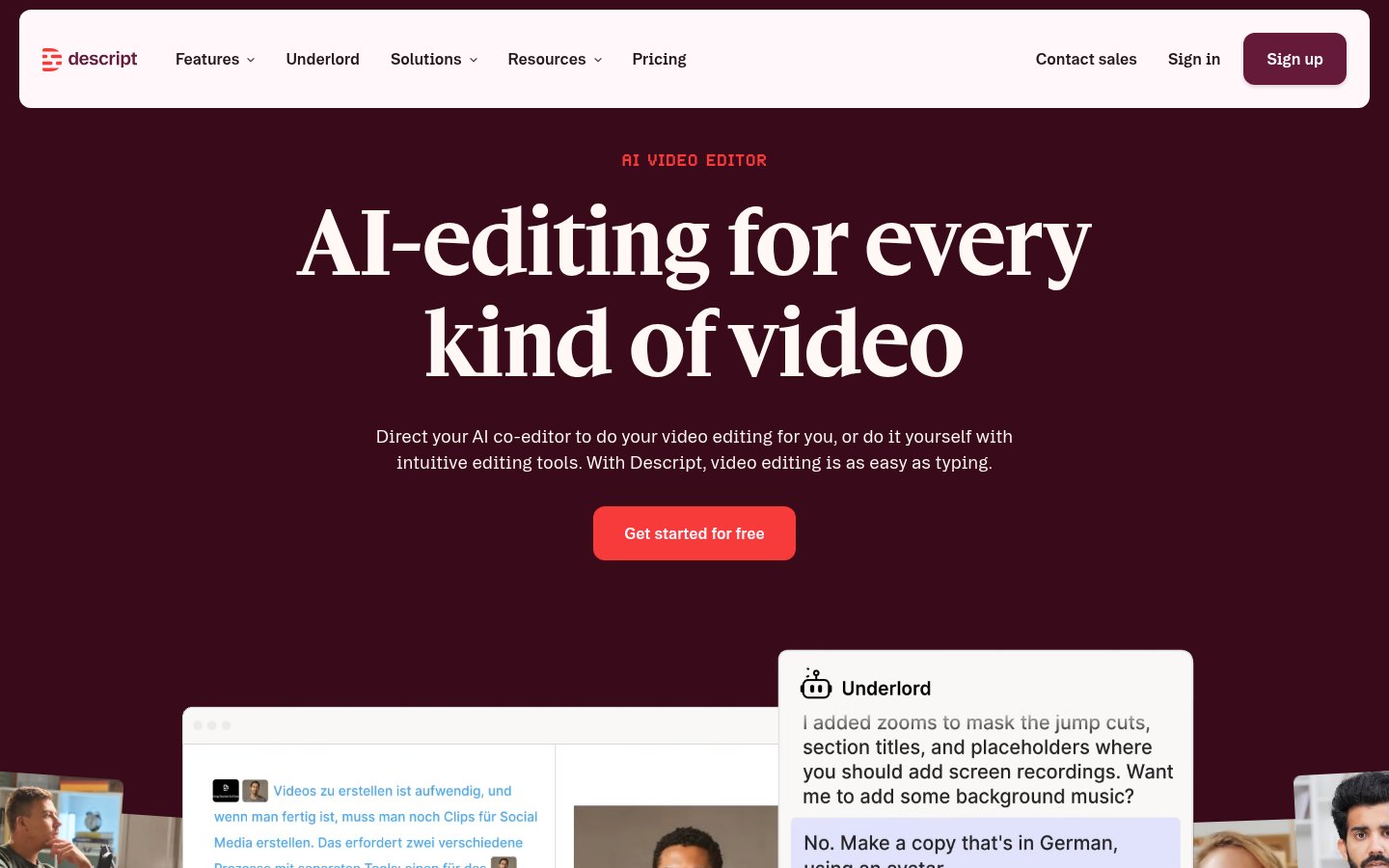
Descript is the AI video and audio editor that makes content production realistic for small businesses without a video team. The core concept is still its best feature: edit video by editing the transcript. Cut filler words, delete a section, rearrange the flow, all by editing text, not scrubbing through a timeline.
For small businesses producing explainer videos, client testimonials, course content, or podcast episodes, Descript removes the single biggest bottleneck: the time it takes to learn video editing. The AI overdub feature, which can regenerate your voice to fix mistakes, is genuinely impressive when it works. The screen recording and remote recording features make it a full production suite for talking-head content.
It sits at eight rather than higher because it's specifically valuable for businesses doing regular video or audio production. If that's not you, the $24/month price tag is hard to justify.
Pricing: Free plan with 1 hour of transcription/month. Hobbyist is $24/month. Creator is $40/month. Enterprise pricing is custom.
Best for: Small businesses producing video content, online courses, testimonials, or podcasts who need an editor that doesn't require video production skills.
Pros: Text-based editing is genuinely faster, AI filler word removal works well, solid screen and remote recording, good collaboration features
Cons: Overdub voice cloning can sound slightly off, export times are slow on longer projects, free tier is too limited to evaluate properly
Try Descript →9. Activepieces
Official website: activepieces.com
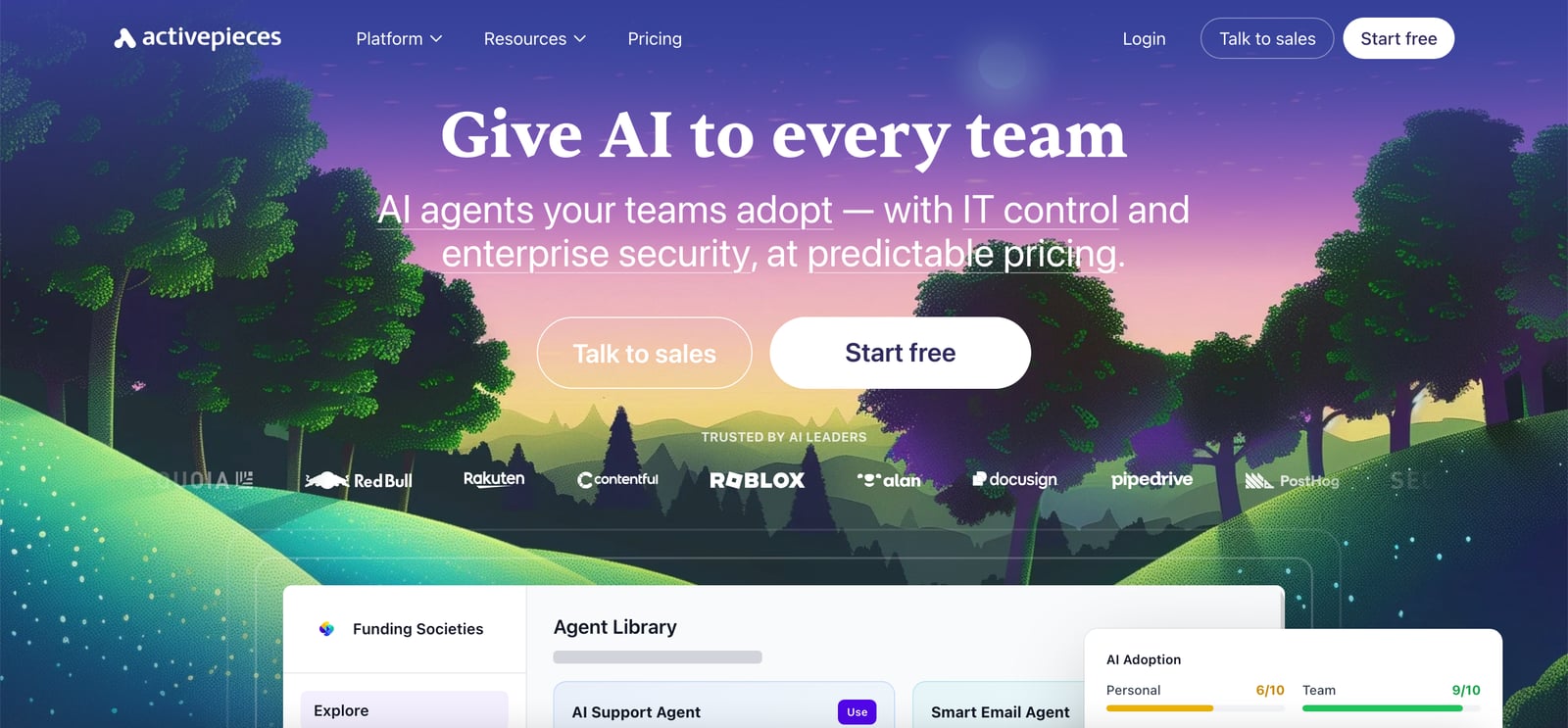
Activepieces rounds out the list as the automation tool for small businesses that want Zapier-like functionality without Zapier-like pricing. It's an open-source automation platform with 705+ integrations, a visual workflow builder, and an increasingly capable AI agent layer that lets you embed AI actions directly into your automations.
The open-source nature means you can self-host it for free if you have the technical comfort, or use the cloud version on a paid plan. For small businesses not on Microsoft 365 who need to connect their CRM, email platform, invoicing tool, and marketing stack, Activepieces is a serious alternative to Zapier or Make.com at a noticeably lower price point. The AI steps, which can call language models, extract data from text, or classify incoming information, are genuinely useful for document processing and routing tasks.
It's ninth because the product is still maturing. The UI is good but not polished, and the community template library is smaller than established competitors. Worth watching closely through the rest of 2026.
Pricing: Free open-source self-hosted version. Cloud plans start at $99/month for the Business tier (includes 50,000 tasks and team features). Enterprise is custom.
Best for: Small businesses and growing teams who need multi-app automation without the Zapier premium, especially those comfortable with slightly more technical setup.
Pros: Open-source with self-hosting option, 705+ integrations, AI steps built into workflows, strong value vs. Zapier at similar task volumes
Cons: Still maturing product, some rough edges in the UI, smaller template library than Zapier or Make, cloud pricing jumps sharply from free to paid
Try Activepieces →Comparison Table
| Tool | Best For | Starting Price | Free Tier | AI-Native |
|---|---|---|---|---|
| ChatGPT | General-purpose tasks | $20/mo (Plus) | Yes (limited) | Yes |
| Jasper AI | Marketing content | $49/mo | No (trial only) | Yes |
| Bardeen | Lead research & automation | $20/mo | Yes | Yes |
| Fathom | Meeting notes & summaries | $19/mo (Team) | Yes (generous) | Yes |
| Gamma | Presentations & pitch decks | $10/mo | Yes (400 credits) | Yes |
| Microsoft Power Automate | Microsoft 365 workflow automation | $15/user/mo | With M365 plan | Partial |
| Buffer | Social media scheduling | $6/mo per channel | Yes (3 channels) | Partial |
| Descript | Video & audio editing | $24/mo | Yes (1hr/mo) | Yes |
| Activepieces | Multi-app workflow automation | $99/mo (cloud) | Self-hosted free | Partial |
How I Ranked These
The central question for every tool on this list was simple: would a typical small business owner see a measurable time or cost saving within the first two weeks of using it?
That filtered out a lot of powerful tools that are genuinely impressive but require extensive setup, technical knowledge, or large teams to unlock their value. The AI collaboration problem is real, tools that work great in an enterprise context often create friction in small teams where there's no one to manage them.
Pricing weight was significant. A $200/month tool needs to do something very specific and very well to justify a spot over a $20/month tool that handles 80% of the same job. That's why ChatGPT at $20/month sits above Jasper at $49/month despite Jasper being more specialized for content.
Affiliate status was a genuine tie-breaker in a few cases but didn't change the top positions. The tools at the top earned those spots on merit. And frankly, the cost of stacking AI subscriptions is a real concern for small businesses. I wasn't going to bloat this list with tools that are nice-to-have rather than genuinely impactful.
The honest advice: start with ChatGPT and Fathom. Those two alone will change how a typical small business operates. Add the others based on your specific needs, content-heavy? Add Jasper or Buffer. Video production? Descript. Sales outreach? Bardeen. Presentations? Gamma.
Frequently Asked Questions
Tools & Services Mentioned

infobro.ai Editorial Team
We research every tool from its documentation, pricing pages, product screenshots and public developer discussion, and say plainly what the evidence does and does not show. Drafts are AI-assisted and reviewed by our editors before publication. We revisit each article every 6 months to reflect platform changes. Learn more about our process.