Top 9 AI Writing Tools for Professionals in 2026: Ranked by Output That Actually Works
The best AI writing tools in 2026 ranked honestly, by real output quality, not marketing claims. Here's what professionals actually use and why.

Entry price, per month
The cheapest plan with a published monthly price. 8 of 9 tools publish one; the rest are quote-only.
- 1. ClaudeFree / $20
- 2. ChatGPTFree / $20
- 3. Jasper AI$49/mo
- 4. Notion AI$10/mo
- 5. GrammarlyFree / $12
- 6. Writesonic$20/mo
- 7. SimplifiedFree / $18
- 8. Copy.aiFree / $49
- 9. DeepSeekFree
The AI writing tool market has gotten genuinely confusing. Every month brings a new product promising to write "like a human" or generate "perfect copy in seconds." Most of it is noise. A few of these tools, though, have become load-bearing parts of how professionals write in 2026, and the gap between the good ones and the rest is larger than it's ever been.
This list covers the tools that actually hold up under real professional use: drafting long-form content, producing client deliverables, editing under deadline, and maintaining brand voice across teams. I've been watching this category closely, and the rankings reflect where tools genuinely differ, not just how polished their landing pages are.
One thing worth keeping in mind: AI writing tools are only as useful as your input to them. If you're getting mediocre output, the problem is often not the model but the context and instructions you're feeding it. The AI context problem is real, and understanding it separates users who get great results from those who don't.
1. Claude (by Anthropic)
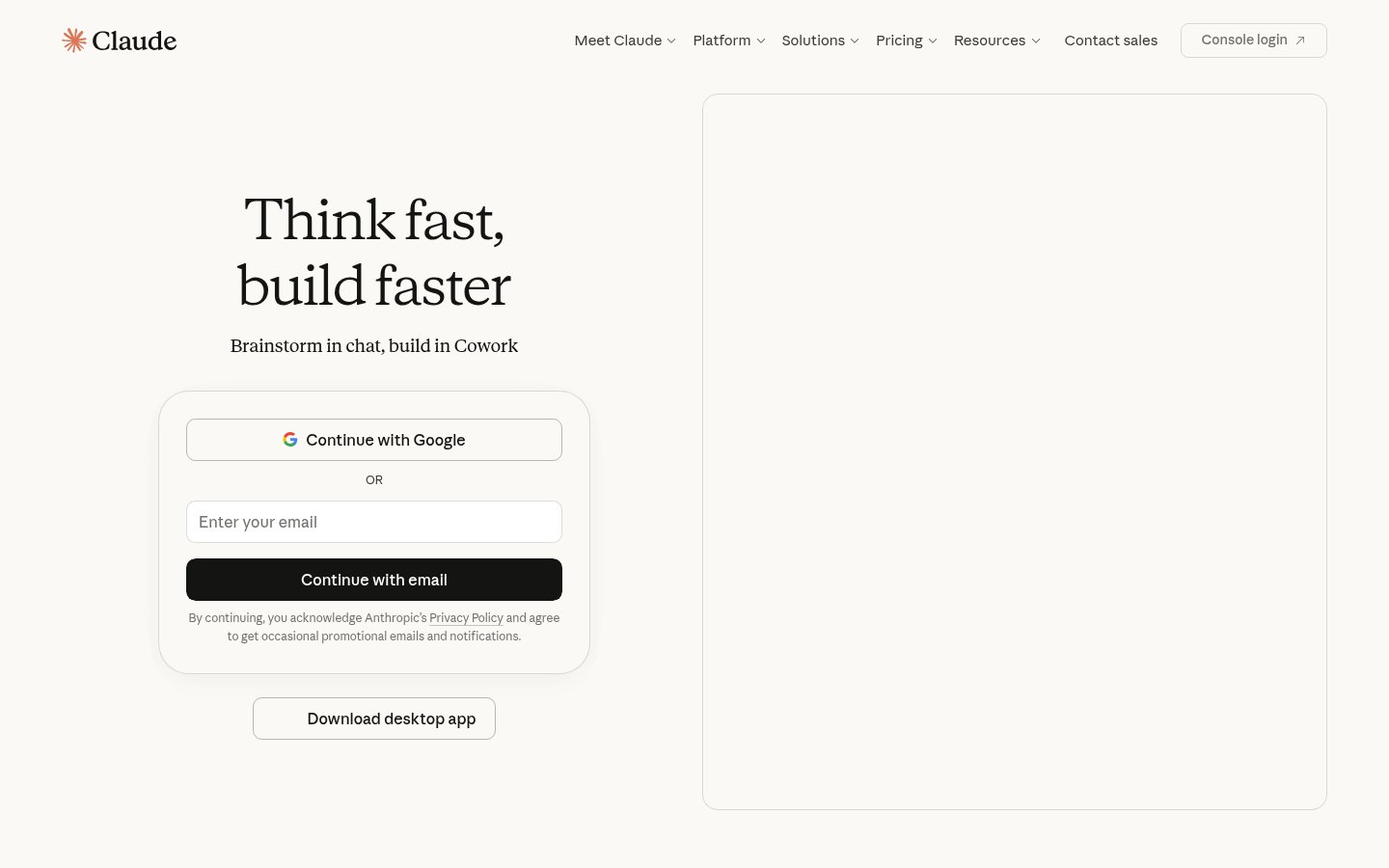
Official website: claude.ai
For long-form professional writing, Claude is the strongest model available right now. It doesn't just produce grammatically clean sentences, it reasons about structure, maintains argument coherence across thousands of words, and adapts tone in ways that feel intentional rather than mechanical. Claude 3.7 Sonnet (released in early 2026) handles complex instructions with notable precision, which matters enormously when you're writing detailed reports, proposals, or technical documentation.
What sets Claude apart for serious writing is its long context window (200K tokens on Pro) and how well it uses that context. You can paste an entire strategy document and ask it to write a section that fits the whole, and it actually reads the whole. Most tools pretend to do this. Claude does it.
Pricing: Free tier available. Pro plan at $20/month. Claude for Teams at $30/user/month. API access for enterprise use at usage-based rates.
Best for: Long-form drafts, professional reports, nuanced editing, and any writing task where argument quality matters more than speed.
Pros: Best-in-class reasoning and coherence, genuinely large context window, excellent at following complex style instructions, strong at rewriting without losing meaning.
Cons: No built-in SEO or content management features, no native integrations with CMS platforms, can be overly cautious on edgy or persuasive content.
Try Claude →2. ChatGPT (by OpenAI)
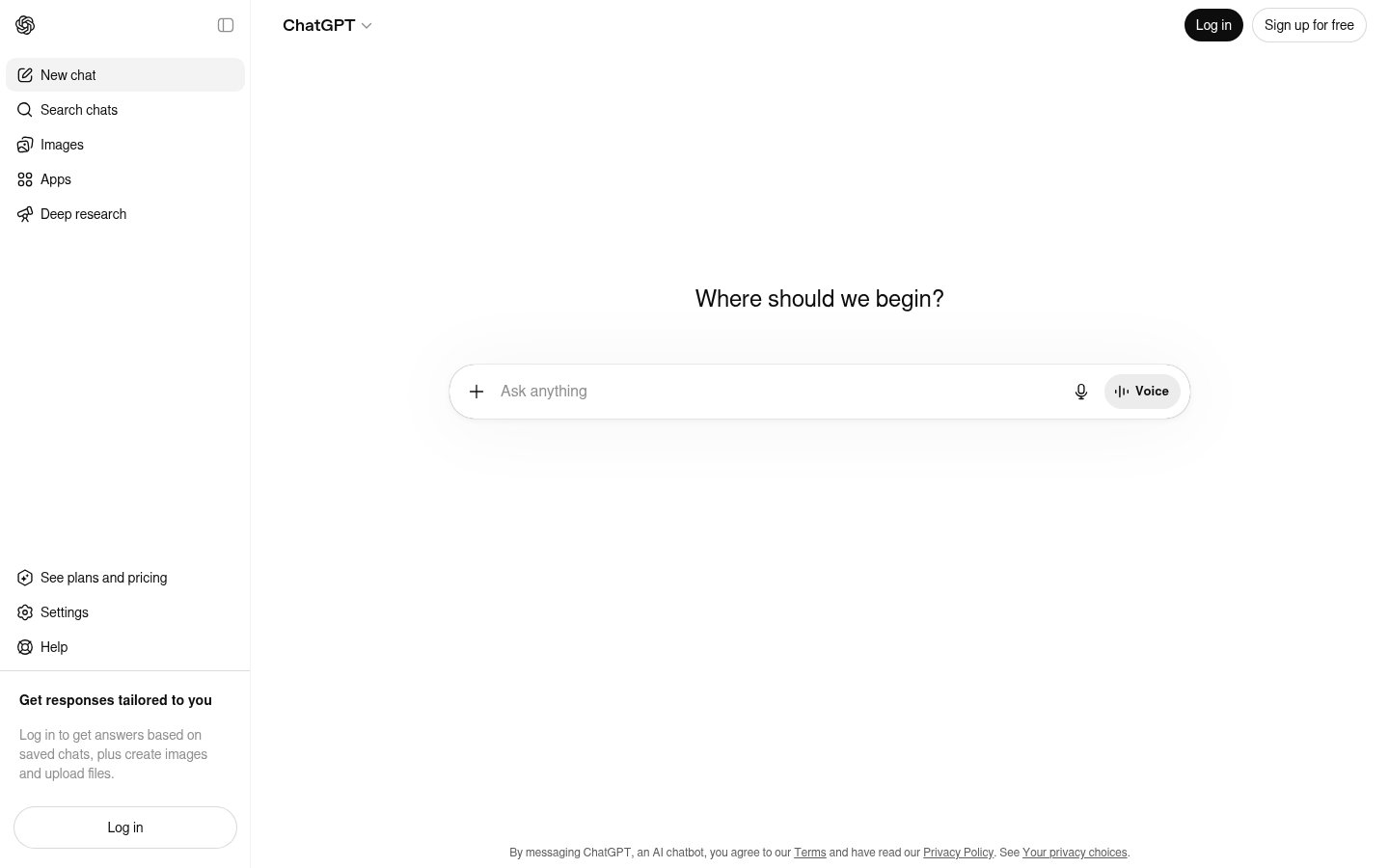
Official website: chat.openai.com
ChatGPT remains the most-used AI writing assistant on the planet, and that's not inertia, the GPT-4o model is genuinely fast and capable, and the breadth of the ecosystem around it is unmatched. Custom GPTs, memory, web browsing, image generation, voice mode: OpenAI has built ChatGPT into something closer to a writing workstation than a chatbot. The OpenAI "super app" direction is clear, and for power users, it's already paying off.
For pure writing quality on focused tasks, a sharp email, a punchy landing page, a quick blog post, ChatGPT is excellent. Where it falls slightly behind Claude is on very long, structurally complex documents where coherence across sections starts to drift. But for most day-to-day professional writing, GPT-4o is more than good enough, and the toolset around it is better than any competitor's.
Pricing: Free tier (GPT-4o limited). Plus at $20/month. Team at $30/user/month. Enterprise pricing on request.
Best for: Versatile daily writing tasks, professionals who want a single tool that handles writing plus research, image generation, and web browsing.
Pros: Massive ecosystem and integrations, excellent at short-to-medium writing tasks, built-in web browsing and image generation, memory across sessions, best third-party app support.
Cons: Long-form coherence lags behind Claude, free tier limits meaningful daily use, some outputs trend toward predictable phrasing.
Try ChatGPT →3. Jasper AI
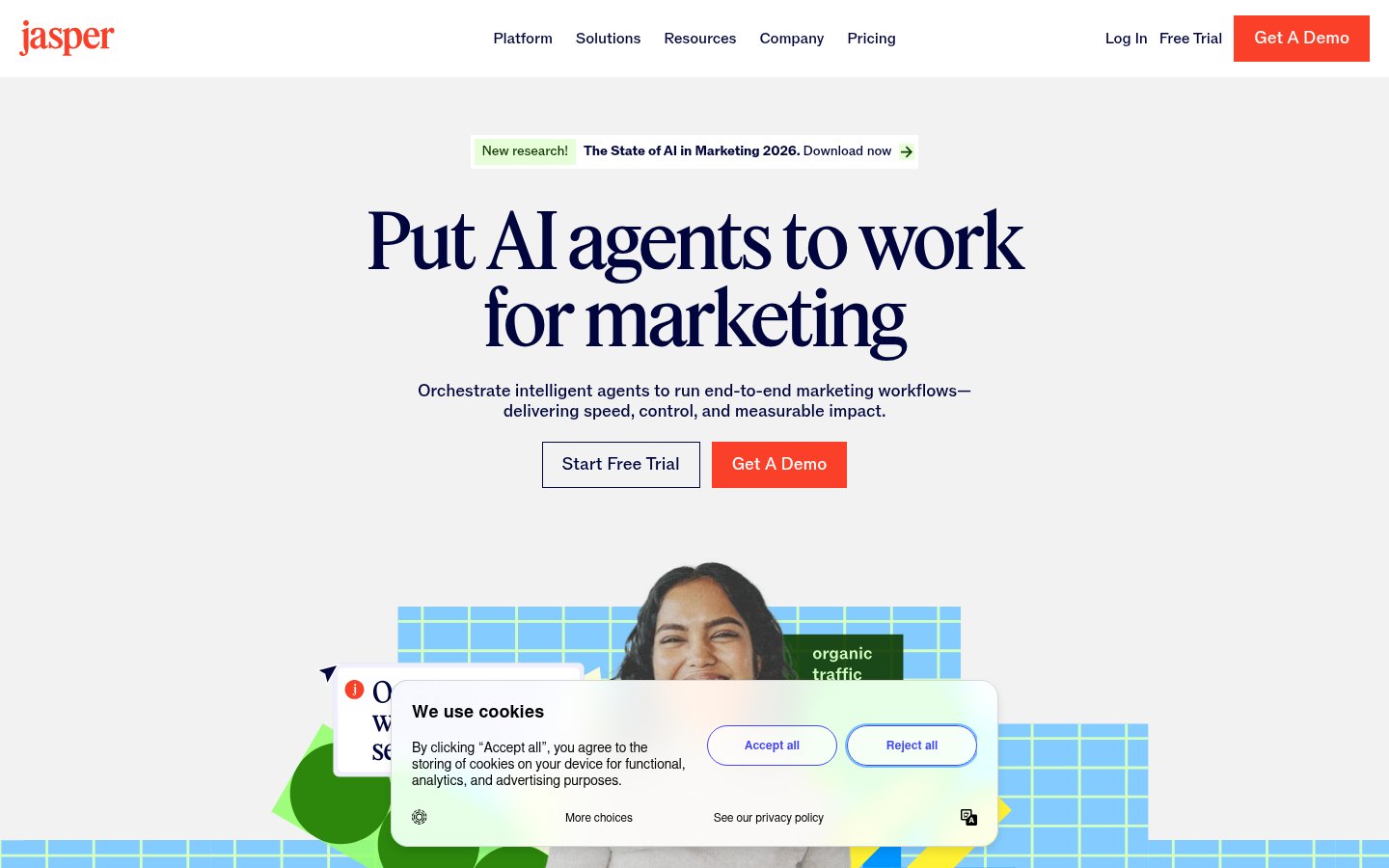
Official website: jasper.ai
Jasper is the tool that took the "AI writing for marketing teams" niche and built an actual enterprise product around it. It's not trying to be a general-purpose model, it's a structured writing platform with brand voice training, campaign workflows, and content templates that actually make sense for marketing departments. If you work in a team where multiple people write in a consistent brand voice, Jasper's Brand Voice feature is the most mature implementation of that concept available.
The underlying models have improved significantly since the early GPT-3 days. Jasper now runs on a mix of frontier models and produces output that's solid for campaign briefs, ad copy, social content, and long-form blog articles. It won't replace a skilled copywriter, but it gives average writers a strong floor and good writers a real speed boost.
Pricing: Creator plan at $49/month. Pro plan at $69/month. Business (enterprise) pricing on request. 7-day free trial available.
Best for: Marketing teams, content agencies, and brand managers who need consistent voice at scale across multiple writers.
Pros: Best brand voice training in the category, solid template library for marketing content, team collaboration features, decent SEO mode, integrates with Surfer SEO.
Cons: Expensive relative to general-purpose tools, output still needs editing for anything nuanced, not ideal for technical or long-form analytical writing.
Try Jasper AI →4. Notion AI
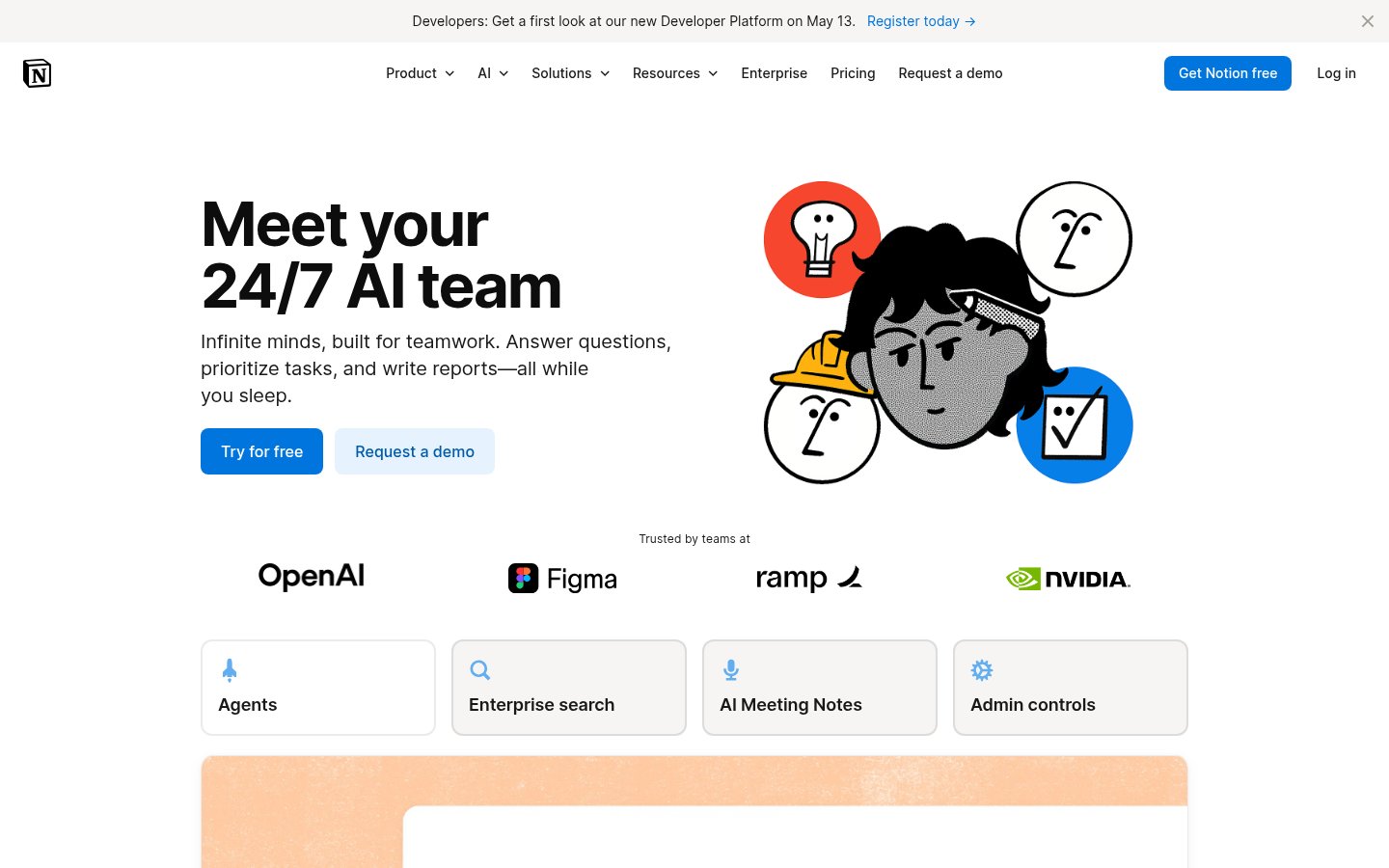
Official website: notion.so
Notion AI earns its place here not because it's the most powerful writing model (it isn't) but because it's the most useful AI writing integration for teams that already live in Notion. The ability to draft, summarize, rewrite, and translate directly inside your workspace, without switching tools, removes a real friction layer from professional writing workflows. The Q&A feature that lets you query your entire Notion workspace is particularly valuable.
The 2025-2026 versions added autofill for databases and AI-powered project summaries, which pushed Notion AI from "nice addition" to "genuinely changes how we work" territory. If your team doesn't use Notion, this ranking doesn't apply. But if you do, adding Notion AI is one of the easiest productivity wins available.
Pricing: Notion AI add-on at $10/user/month (on top of existing Notion plans). Included in the Plus and Business plans at discounted rates.
Best for: Teams already on Notion who want AI writing assistance without switching to a separate tool.
Pros: Seamless in-context writing, excellent summarization and Q&A across workspace, solid translation, no context-switching required, integrates with existing databases.
Cons: Not strong enough for complex long-form work, requires Notion subscription to be useful, no standalone product.
Try Notion AI →5. Grammarly
Official website: grammarly.com
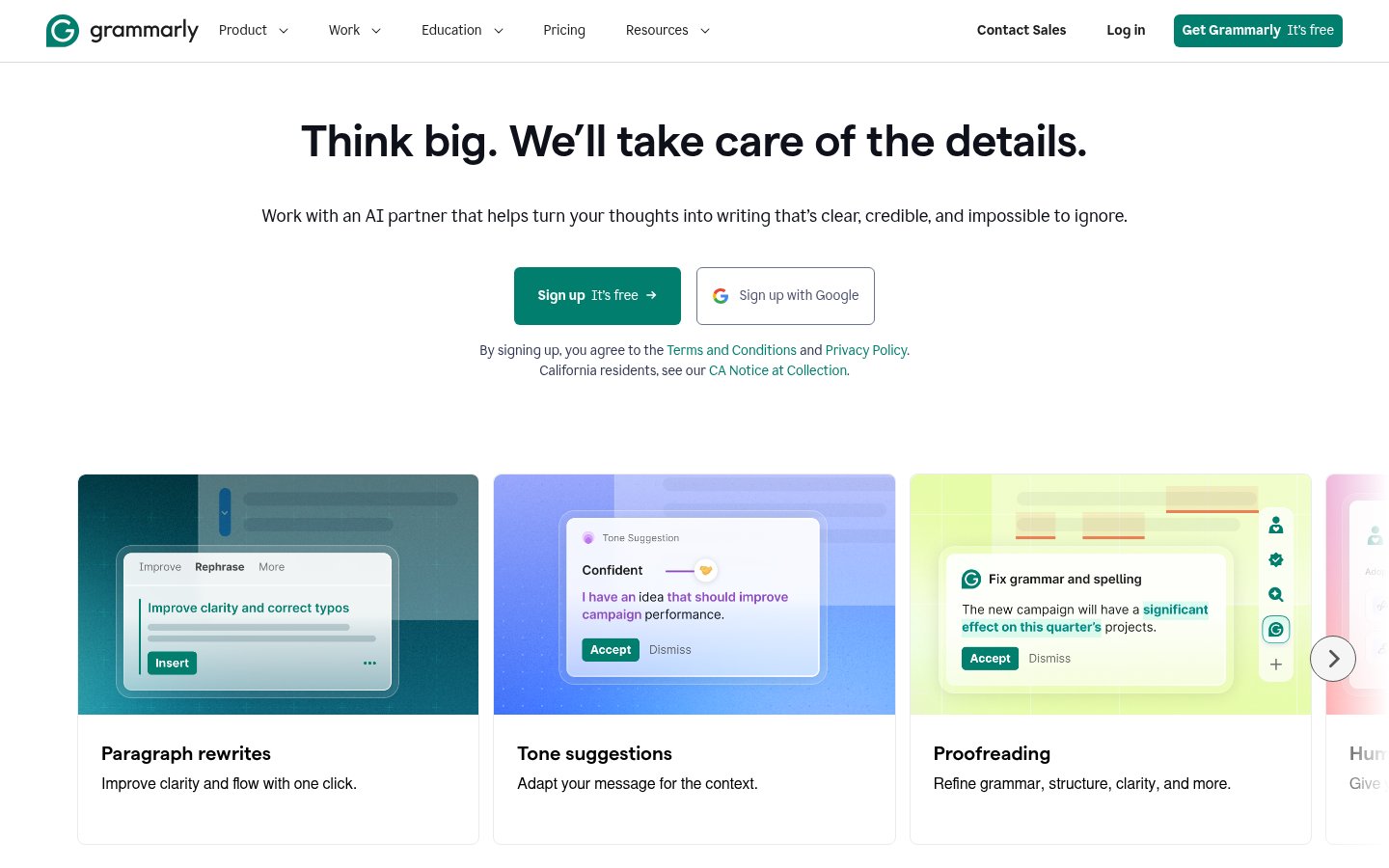
Grammarly made an interesting transition in 2024-2025: from grammar checker to full AI writing assistant. The Grammarly AI now rewrites, drafts from scratch, and adjusts tone, not just flags comma splices. For professionals whose primary writing challenge is editing and polishing rather than generating from zero, it's still the best tool in its lane. The browser extension works everywhere, which is its core competitive advantage. It catches problems in Gmail, Google Docs, LinkedIn, Slack, and dozens of other surfaces where other writing tools require you to copy-paste.
GrammarlyGO (the generative component) produces competent but not exceptional prose. Don't use Grammarly if you need to generate complex first drafts. Do use it if you need to edit your own writing or a team's output for clarity, tone, and correctness across every surface you write on.
Pricing: Free tier (limited). Premium at $12/month billed annually. Business at $15/user/month. Enterprise pricing available.
Best for: Professionals who write a lot across many platforms and need real-time editing and tone adjustment without opening a separate app.
Pros: Works everywhere via browser extension, excellent real-time editing, tone detection is genuinely useful, plagiarism checker included in Premium, strong at clarity improvements.
Cons: Generative AI writing is mediocre compared to Claude or ChatGPT, can be overly aggressive about style suggestions, business plan is pricey for small teams.
Try Grammarly →6. Writesonic
Official website: writesonic.com
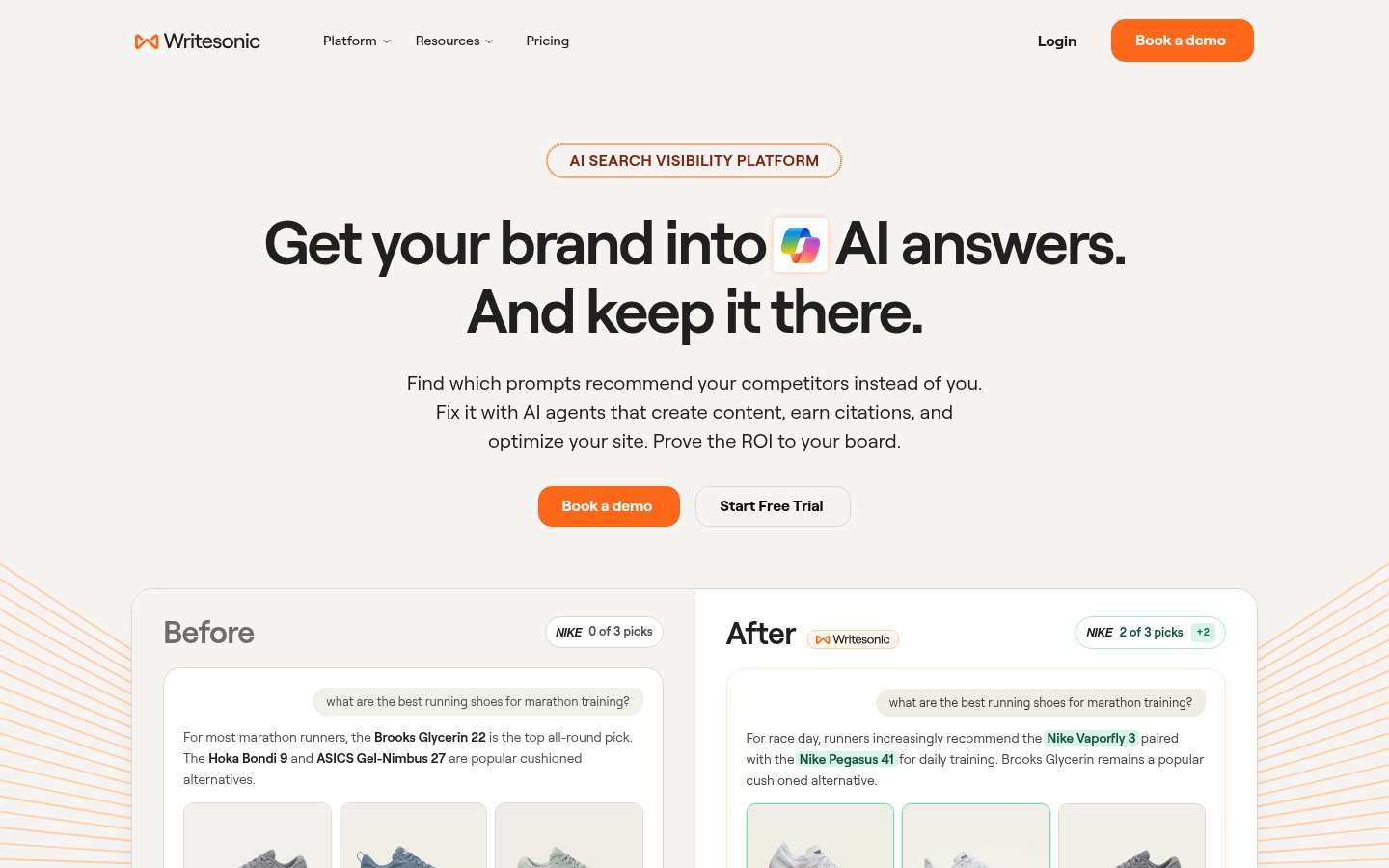
Writesonic has positioned itself aggressively as the SEO-focused AI writing platform, and it's earned that positioning. The Surfer SEO integration, real-time SERP analysis, and Chatsonic (its web-connected chat mode) give content teams working on organic search a more complete toolkit than most alternatives. The 2025 updates added an AI article writer that can produce full SEO-optimized drafts by pulling live data from search, useful for keeping content current without manual research.
Quality-wise, Writesonic sits below Claude and ChatGPT for pure prose quality, but it beats both on SEO-specific workflow features. If your primary goal is ranking content rather than impressive long-form analysis, the tradeoff is worth it.
Pricing: Free trial (limited). Individual at $20/month. Teams starting at $30/month. Enterprise on request.
Best for: Content marketers, SEO teams, and bloggers who want AI writing tightly integrated with search optimization.
Pros: Strong SEO content workflow, real-time web access via Chatsonic, good template variety, Surfer SEO integration, solid factual article generation.
Cons: Prose quality trails frontier models, can produce generic content on competitive topics, UI has gotten cluttered as features pile up.
Try Writesonic →7. Simplified

Official website: simplified.com
Simplified earns a spot here specifically for small marketing teams and solo creators who want AI writing bundled with design, social scheduling, and video tools. It's less a pure writing tool and more a content production platform with a capable AI writer baked in. The writing quality is decent, built on GPT-4-class models, and the 90+ templates cover most standard marketing content formats well.
The honest limitation is breadth versus depth. Simplified tries to do a lot, and while it succeeds at most things, it doesn't lead in any single category. But if you're a two-person marketing team who needs to write a blog post, turn it into social graphics, and schedule it, all in one place, Simplified is one of the most practical options at its price point.
Pricing: Free plan available (limited). Pro at $18/month. Business at $35/month.
Best for: Small teams and solo marketers who need writing plus design and scheduling without juggling four separate subscriptions.
Pros: All-in-one content production, solid AI writer for standard formats, good template library, built-in design and social tools, affordable entry point.
Cons: Writing quality doesn't match standalone AI writers, can feel overwhelming with too many features, free plan is quite restrictive.
Try Simplified →8. Copy.ai
Official website: copy.ai
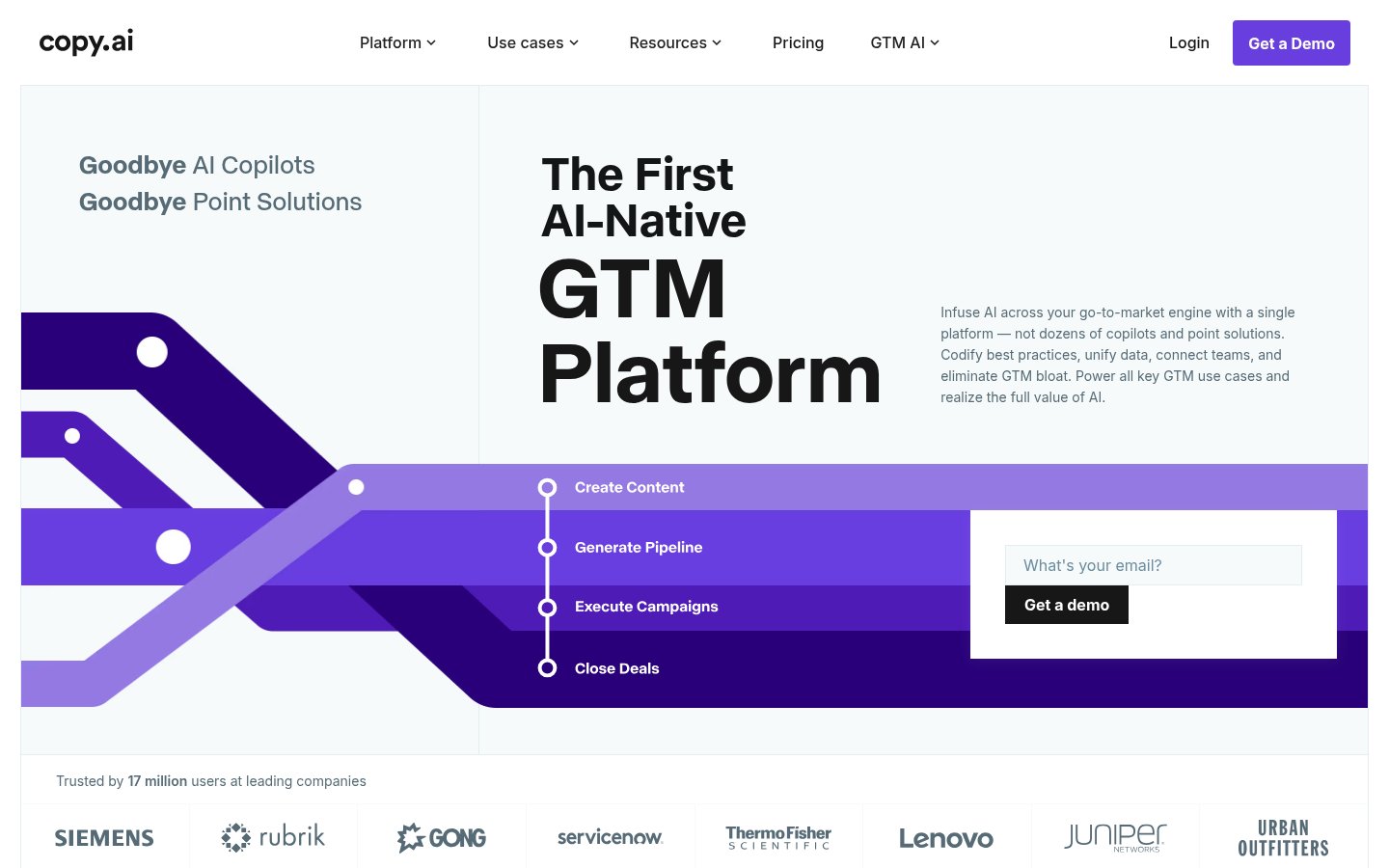
Copy.ai went through a significant pivot in 2024-2025, moving away from the "quick copy generator" identity toward a GTM (go-to-market) AI platform for sales and marketing teams. The new Workflows feature lets teams build multi-step automated content pipelines, think automated prospecting sequences, product description generators at scale, or content repurposing workflows. For teams with repetitive high-volume content needs, this is genuinely useful.
The individual writing quality has also improved. Copy.ai's output is cleaner than it was in 2023, though it still produces more generic phrasing than Claude or even Jasper on brand-specific work. Where it wins is the automation angle: if you need to produce 500 product descriptions from a data feed, Copy.ai's workflows handle that better than most.
Pricing: Free plan (limited). Starter at $49/month. Advanced at $249/month. Enterprise on request.
Best for: Sales and marketing teams with high-volume repetitive content needs and an appetite for workflow automation.
Pros: Strong workflow automation for bulk content, good for GTM teams, solid variety of output formats, improving quality on standard marketing copy.
Cons: Individual output quality isn't best-in-class, can be expensive for smaller teams, the GTM pivot makes it less useful for general writing tasks.
Try Copy.ai →9. DeepSeek
Official website: deepseek.com
DeepSeek lands at number nine for a specific reason: it's the best free option for professionals who need serious writing assistance without paying for Claude Pro or ChatGPT Plus. The DeepSeek R1 and V3 models produce quality that legitimately competes with GPT-4o on analytical and technical writing tasks, which is remarkable given the price (free, or near-free via API). For developers integrating AI writing into their own tools, DeepSeek's API costs are a fraction of OpenAI's.
There are real tradeoffs. Data privacy concerns are legitimate for professionals handling sensitive client content, DeepSeek is a Chinese company, and the data handling policies warrant caution. The web interface is also more bare-bones than ChatGPT or Claude. But for tasks where you can control what you send, and budget is a real constraint, DeepSeek is too capable to ignore.
That said, if you're regularly relying on AI for high-stakes work, it's worth thinking carefully about the AI dependency problem before baking any single tool too deeply into your workflow.
Pricing: Free (web interface). API access at approximately $0.14/million input tokens for V3, a fraction of competing models.
Best for: Budget-conscious professionals, developers building AI-powered writing tools, and technical writers who need strong analytical output at low cost.
Pros: Genuinely strong output quality at zero cost, exceptional API value, good at technical and analytical writing, open-source model weights available.
Cons: Data privacy concerns for sensitive work, bare-bones interface, no native integrations with professional tools, censored on certain political topics.
Try DeepSeek →Comparison Table
| Tool | Best For | Starting Price | Long-Form Quality | SEO Features | Team Features |
|---|---|---|---|---|---|
| Claude | Long-form, analytical writing | $20/mo | ★★★★★ | None | Yes (Teams plan) |
| ChatGPT | Versatile daily writing | $20/mo | ★★★★☆ | Limited | Yes (Teams plan) |
| Jasper AI | Marketing teams, brand voice | $49/mo | ★★★★☆ | Good | Yes |
| Notion AI | Notion-based teams | $10/mo add-on | ★★★☆☆ | None | Yes |
| Grammarly | Editing across all surfaces | $12/mo | ★★★☆☆ | None | Yes |
| Writesonic | SEO content | $20/mo | ★★★☆☆ | Excellent | Yes |
| Simplified | Small teams, all-in-one | $18/mo | ★★★☆☆ | Basic | Yes |
| Copy.ai | High-volume GTM content | $49/mo | ★★★☆☆ | Moderate | Yes |
| DeepSeek | Budget, technical writing | Free | ★★★★☆ | None | No |
How I ranked these
A few things drove the order here.
Output quality on complex tasks comes first. Any model can write a five-sentence product description. The real test is a 2,000-word technical report that needs to hold together structurally, match a specific tone, and not hallucinate facts. Claude and ChatGPT are genuinely ahead of the field on this. The AI output quality problem is real, and not every tool solves it the same way.
Context handling matters more than people admit. Tools that can ingest a large document and write coherently relative to its entire content are categorically more useful than those working with shorter windows. This is why Claude sits at number one.
Workflow fit is a legitimate ranking factor. Notion AI isn't the most powerful writer, but it's the most useful writing tool if you live in Notion. That's worth a high ranking for the right user.
Price has to be weighed against what you get. Jasper at $49/month is justifiable for a marketing team with brand voice needs. The same price for a solo writer who could use Claude Pro at $20/month and get better output is not. I've tried to reflect this honestly throughout.
Data privacy is a real consideration. DeepSeek's quality earns its spot, but I'd feel irresponsible not flagging that it sits at number nine partly because of legitimate data handling concerns that professionals should weigh before using it for client work. Similarly, AI tools and legal accountability is a growing concern, especially in fields where output accuracy carries professional consequences.
The tools excluded from this list aren't necessarily bad. Several automation-focused tools (like those covered in AI automation workflows) can include writing components. But writing assistance as a side feature of an automation platform isn't the same as a tool built around producing quality written output, and I didn't want to blur that line.
Frequently Asked Questions
Tools & Services Mentioned

Founder and editor of infobro.ai
We research every tool from its documentation, pricing pages, product screenshots and public developer discussion, and say plainly what the evidence does and does not show. Drafts are written with AI assistance under our editorial rules, and we revisit articles to reflect platform changes. Learn more about our process.