Simplified Review 2026: The All-in-One AI Marketing Platform That's Almost Too Ambitious
Simplified promises design, video, writing, and social scheduling in one app. Here's whether that promise holds up in 2026, and who it's actually built for.
Simplified
Simplified
simplified.comSimplified promises design, video, writing, and social scheduling in one app. Here's whether that promise holds up in 2026, and who it's actually built for.
Quick facts
- Free plan
- Yes, Free Forever tier available
- Trial
- $1 for 7 days (Pro and Business)
- Social platforms
- LinkedIn, Instagram, TikTok, YouTube, WordPress, Shopify
- AI features
- Writer, Design, Video, Voice Cloning, Bulk Scheduler
- Team size
- 1 user (Pro) to 10+ users (Enterprise)
- Storage
- 5 GB (Pro) to 1 TB (Growth)
- API access
- Available on Business and above
Key features
AI Bulk Post Generator
Generates batches of social media posts across platforms so you can schedule a week of content in one session.
Brand Kit System
Stores logos, colors, fonts, and tone of voice so every AI-generated asset stays on-brand without manual adjustments.
AI Short Clips
Repurposes long videos into short clips with an estimated virality score to guide selection.
AI Video with Avatars
Turns scripts into talking-head videos using AI avatars, no camera required.
Unified Social Inbox
Pulls replies and comments from all connected social accounts into a single view for faster community management.
AI Voice Cloning
Creates a custom AI voice from a short audio sample for use in video content.
Drag-and-Drop Design Editor
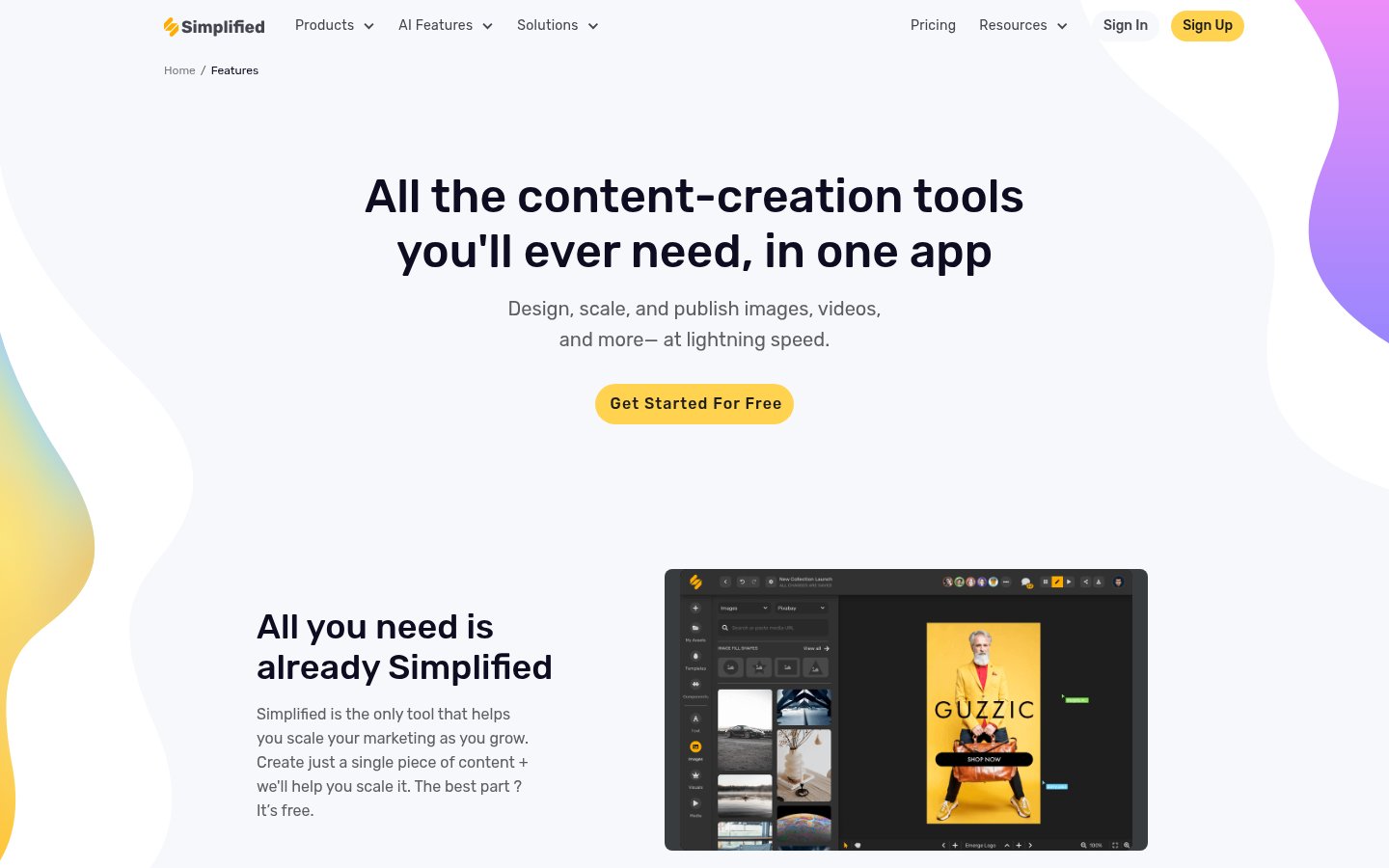
Canva-style visual editor with templates for social posts, presentations, thumbnails, and ads.
AI Workflow Automation
Automates multi-step content creation and publishing workflows, available on Business and above.
Pros
- Genuinely broad toolset covers design, writing, video, and scheduling without requiring separate subscriptions.
- Brand Kit feature meaningfully reduces the editing needed to make AI output match your brand identity.
- Bulk post scheduling saves significant time for teams managing high-volume social media output.
- The $1 seven-day trial is a low-risk way to evaluate the full platform before committing.
- Unified social inbox is a real time saver for anyone managing multiple brand accounts.
Cons
- No single tool category is best-in-class, specialists in design, video, or long-form writing will hit limits quickly.
- Add-on costs for extra brand kits, social accounts, and bulk scheduling can push the real monthly bill well above headline prices.
- AI credit pool is shared across all features, so heavy multi-category users may run out before month's end.
- Customer support response times on lower tiers have drawn complaints in third-party reviews.
- No desktop app and no offline mode, everything depends on a browser and stable internet.
See Simplified for yourself
Free to start, no credit card needed for the trial.
Screenshots
Ready to try Simplified?
Skip the screenshots and explore it live.
What Simplified Actually Does
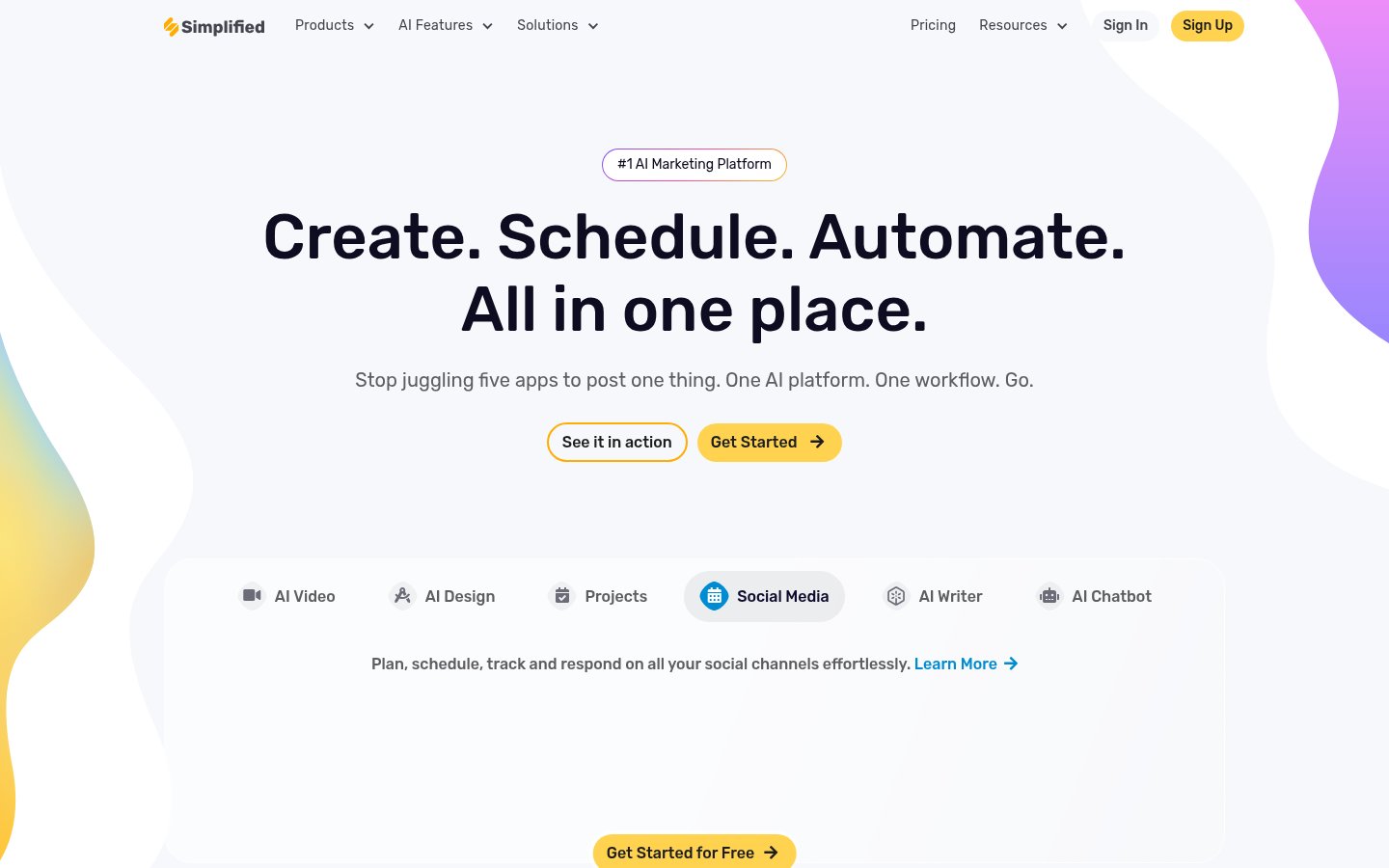
Simplified is a content creation and social media management platform that has spent the last few years aggressively stacking tools under one roof. The pitch is direct: instead of paying separately for Canva, ChatGPT, CapCut, and Buffer, you get something close to all of them inside a single app. Design editor, AI writer, video editor, social scheduler, brand kit management, and an AI chatbot, it's all in there.
The platform targets freelancers, solopreneurs, and small marketing teams who are tired of context-switching. That use case is real. Most solo creators and small agencies genuinely do juggle five or six tools to ship a single piece of content. Simplified's core argument is that consolidation saves time and money, and that's a fair argument to make.
What makes Simplified different from many competitors is the sheer breadth of the toolset. You'll find AI video creation with talking-head avatars, voice cloning, short-clip repurposing, subtitle generation, a bulk social post scheduler, an AI image generator, a presentation maker, a thumbnail creator, and an AI blog writer. That list is not exaggerated, the features page lists all of these and more. The honest question is whether any of them are actually good, or whether Simplified spread itself so thin that specialists will be disappointed every time. The answer, as you'd expect from a platform this ambitious, is complicated.
How It Works in Practice
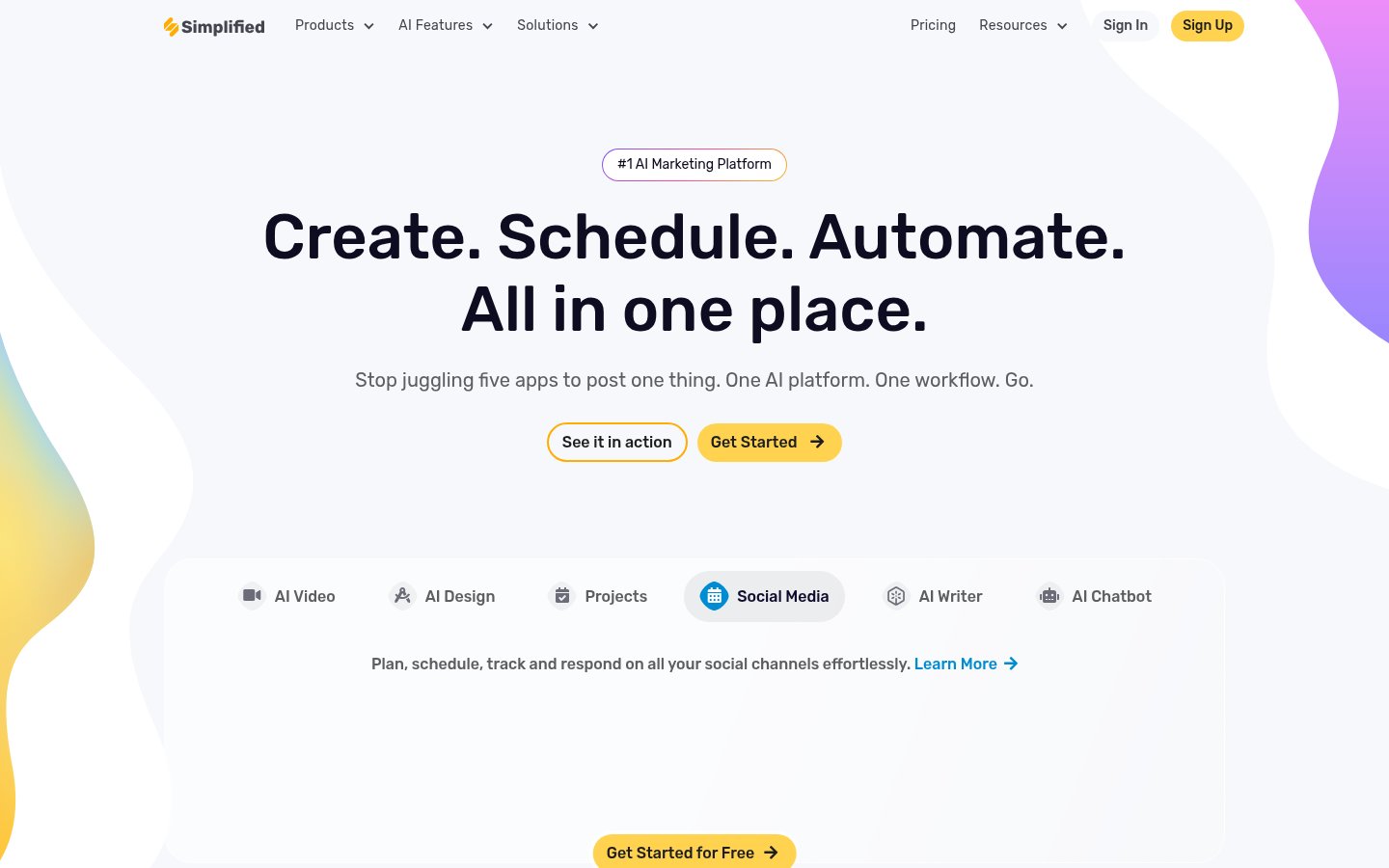
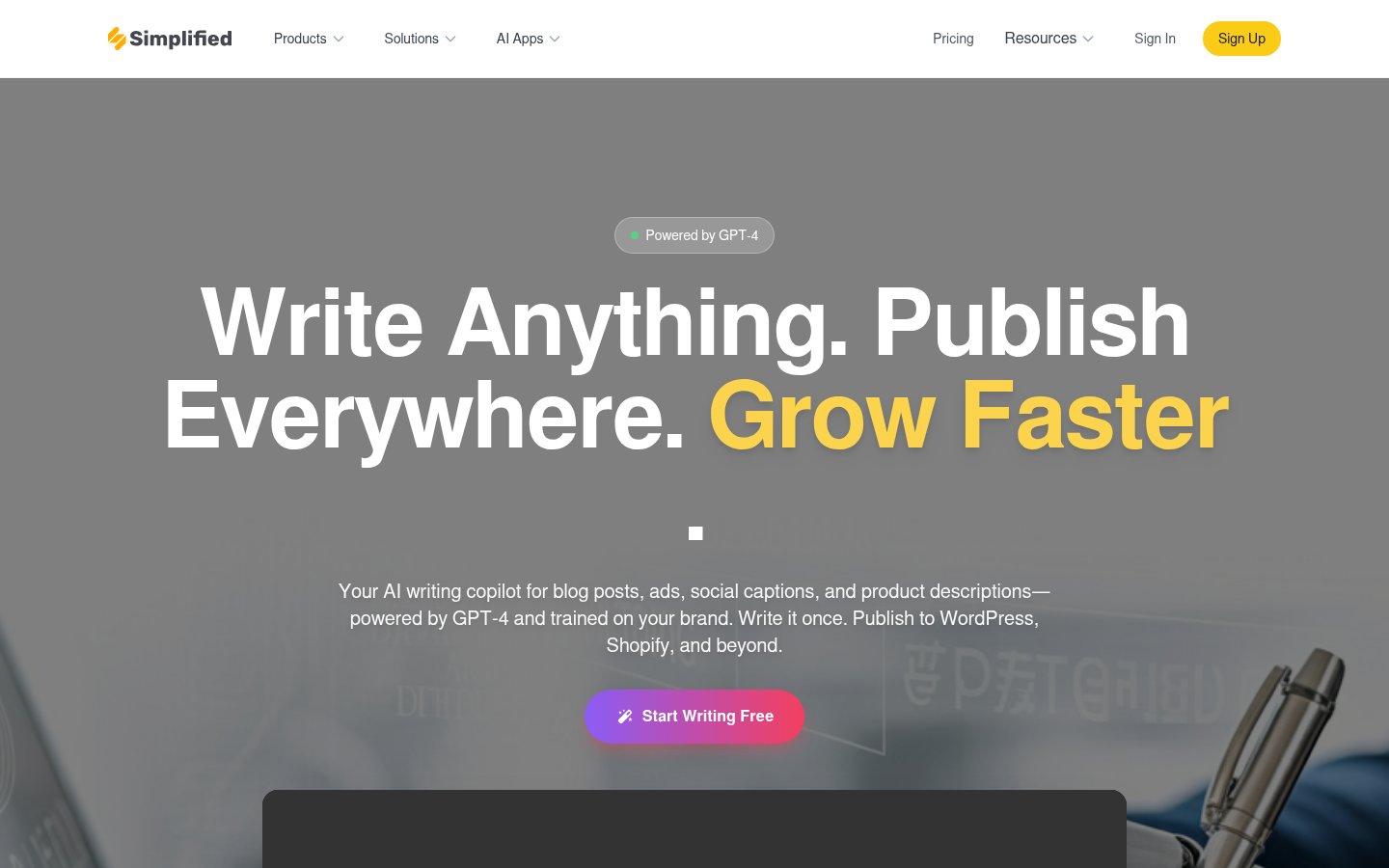
From what's visible on the public-facing side of Simplified, the UX philosophy leans toward simplicity-first. The homepage is clean and confidently branded. Navigation is organized by product category: AI Writer, AI Video, AI Design, Social Media AI. That structure makes sense on paper, but in practice, hopping between these modules means reorienting yourself each time. These aren't one seamlessly connected experience, they're distinct tools that share a login.
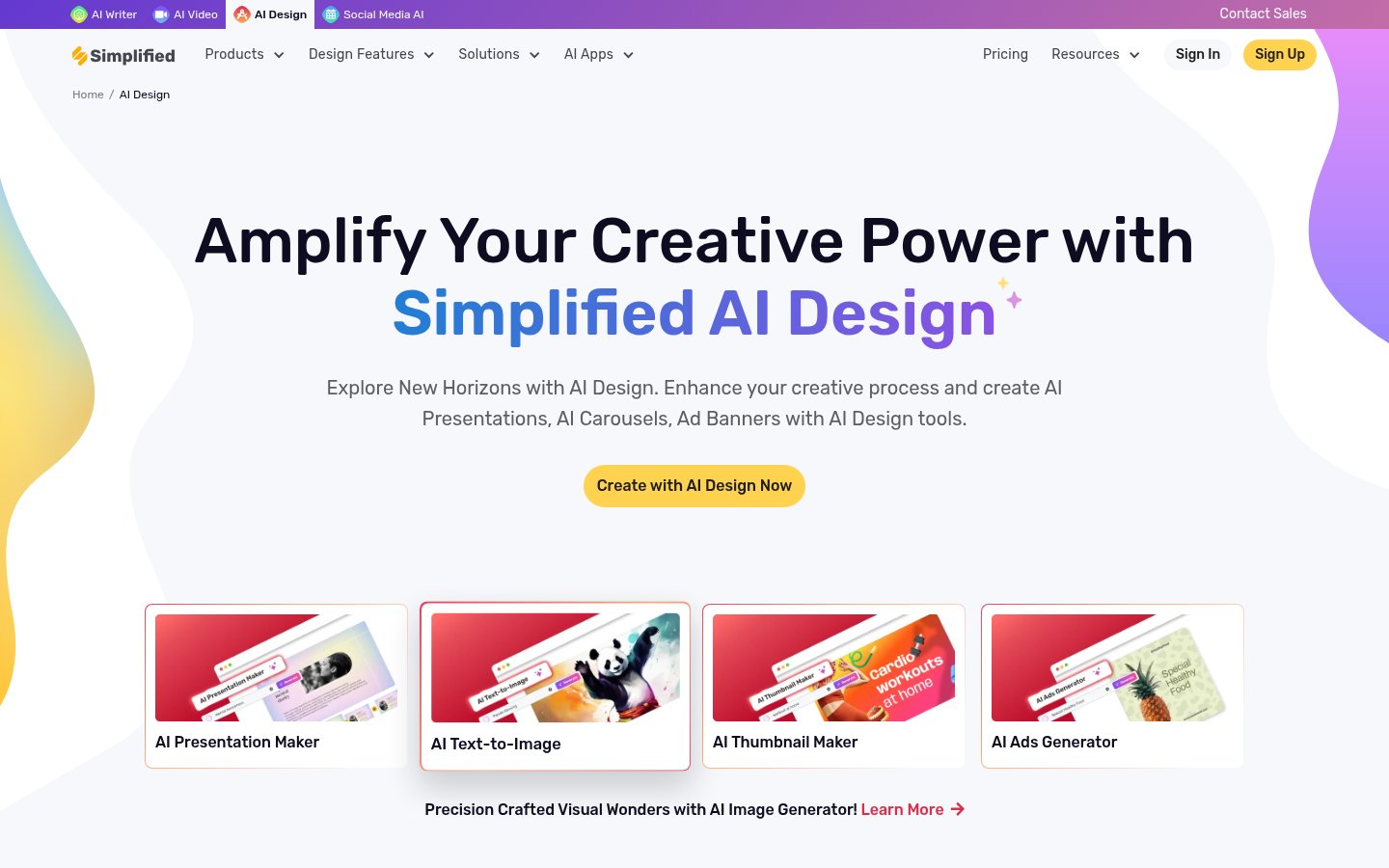
The AI Design module is closest to Canva in spirit. You get a drag-and-drop editor, access to templates, and the ability to store brand colors, fonts, and logos in a Brand Kit. The Brand Kit feature is genuinely useful, it means every new design starts with your visual identity already loaded. For teams that have struggled with brand consistency across contractors and tools, this alone is worth something.
The AI Writer side of things covers blog posts, social captions, scripts, and ad copy. The interface is prompt-based, which is standard in 2026. You describe what you need, pick a format, and the model generates a draft. External user reviews note the output quality is solid for short-form content, captions, taglines, ad copy, but longer pieces like blog posts need meaningful editing before they're publishable. That's not unusual; it's the same story you'll hear about most AI writing tools. If you're interested in how to get more from AI writing workflows generally, The AI Feedback Loop Problem: Why You're Not Getting Better at Using AI is worth reading.
The social scheduling piece connects to LinkedIn, Instagram, TikTok, YouTube, and WordPress, among others. The bulk post scheduling feature, available as an add-on on lower tiers, lets you prepare and queue posts in volume, which is exactly what agencies need. The unified social inbox, included in all paid plans, pulls replies and comments into one view. That's a meaningful time saver if you're managing multiple brand accounts.
Where things feel less polished is in the AI Video module. The talking-head avatar feature sounds impressive, but avatar quality and script-to-video rendering are areas where dedicated tools like Descript still have a clear edge. Simplified's video tools are good enough for quick social clips, but they're not where you'd go for a polished client deliverable.
Pricing Breakdown
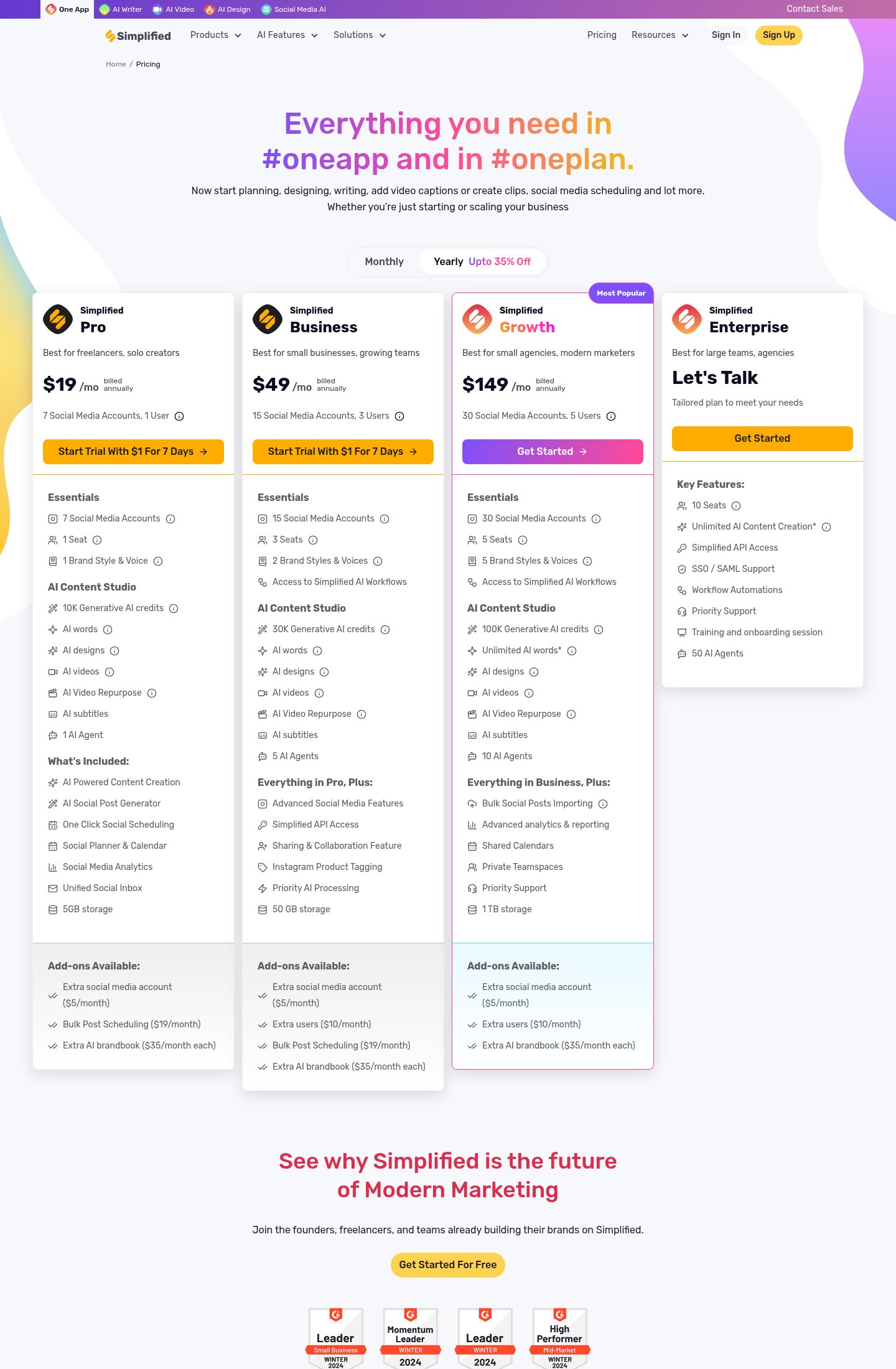
Simplified's pricing is genuinely confusing the first time you look at it. The platform advertises a free forever plan, but the actual tier structure on the pricing page centers around four paid options. The exact monthly prices weren't fully disclosed in public-facing pages at time of writing, but the tier structure is clear:
| Plan | Users | Social Accounts | AI Credits | Storage | Trial |
|---|---|---|---|---|---|
| Pro | 1 | 7 | 10K/mo | 5 GB | $1 for 7 days |
| Business | 3 | 15 | 30K/mo | 50 GB | $1 for 7 days |
| Growth | 5 | 30 | 100K/mo | 1 TB | None listed |
| Enterprise | 10+ | Custom | Unlimited* | Custom | Contact sales |
The asterisks on "Unlimited" matter. Unlimited AI words and content generation on upper tiers come with a fair-use qualifier, Simplified reserves the right to throttle usage that exceeds reasonable limits. That's a standard clause, but it's worth knowing before you build an agency workflow around it.
Add-ons are where costs can creep up. Extra social media accounts cost $5/month each. Bulk post scheduling is $19/month extra on the lower tiers where it isn't included. Additional brand kits are $35/month each. If you're an agency managing five clients each with separate brand identities, you're looking at $175/month just in brandbook add-ons before you count the base plan.
The $1 trial for Pro and Business plans is a low-stakes way to test the platform. Just make sure you're tracking the trial end date, that's a standard dark pattern territory where automatic billing kicks in after a week.
Value judgement: for a solo creator who genuinely needs design, writing, and scheduling in one place, the Pro plan is a reasonable deal. For agencies, the add-on costs stack up fast, and you'll want to compare the Growth plan total cost against running Canva plus Buffer plus a dedicated AI writer separately.
Standout Features in Depth
AI Bulk Post Generator
This is one of Simplified's most practically useful features, and it's genuinely underrated. Most social scheduling tools let you queue posts. Simplified lets AI help you generate them in bulk first. The workflow is: describe your brand, topic, and target platform, and the AI produces a batch of varied posts you can review, edit, and schedule in one go. For content marketers who need to maintain consistent posting frequency across multiple channels without burning hours per week, this compresses what used to be a full day's work. It's also one of the features that points to where Simplified is strongest: the intersection of AI content generation and distribution.
Brand Kit and Voice System
Most AI tools generate content that sounds generic because they have no context about your brand. Simplified's Brand Kit addresses this directly. You upload your logo, set your hex colors and fonts, define a tone of voice, and the system applies those constraints to AI-generated content. On the Business plan and above, you get multiple brand styles, useful if you're managing several clients or product lines. The voice system isn't perfect; it doesn't learn from your past content the way Mem.ai learns from your notes, for example. But it does meaningfully reduce the amount of editing required to make AI output sound like your brand rather than a generic template. Given how common the "AI content sounds robotic" complaint is across the industry, this feature is worth calling out. Teams dealing with AI collaboration silos will find the shared brand kit particularly useful.
AI Short Clips with Virality Scoring
Simplified's short-clip repurposing tool takes longer video content and cuts it into clips, then scores each clip on an estimated "virality" potential. The concept is solid, manual clip selection from a 30-minute interview is tedious work, and AI-assisted selection is genuinely faster. The virality score itself should be taken with a grain of salt; no AI can reliably predict what will go viral, and the scoring is likely based on pattern-matching against engagement signals rather than any deep understanding of your specific audience. Still, having a score forces you to make an active choice about which clip to use, which is better than picking randomly. Compared to a dedicated tool like Opus Clip, Simplified's clip tool is more basic, but it's included in the plan rather than being a separate subscription.
Limitations and Edge Cases
The "all-in-one" model has a real cost: depth. Specialists will hit the ceiling quickly in almost every module. Graphic designers will find the design editor limited compared to Canva Pro. Video editors will find the video tools less capable than CapCut or dedicated repurposing tools. Writers who produce long-form content will find the blog writer requires substantial rewriting. Social media managers who need deep analytics will find Simplified's reporting less granular than purpose-built schedulers.
The generative AI credit system also creates friction. On the Pro plan, 10,000 credits per month sounds like a lot until you realize that AI videos, AI designs, and AI words all draw from the same pool. A team that uses all three categories heavily could burn through credits mid-month. The credit allocation per feature type isn't clearly communicated on the pricing page, which makes it difficult to estimate how far a plan will actually stretch for your specific workflow.
There's also no offline mode and no desktop app. Everything runs in the browser, which is fine for most users but creates a dependency on a stable internet connection that some will find limiting. The iOS and Android apps exist, but mobile content creation for complex projects has practical limits.
Customer support on lower tiers is not priority-level. External reviews on SoftwareAdvice note occasional slow response times for non-enterprise users, and the help documentation, while present, is uneven in quality across different feature areas.
Who It's For
Simplified is built for the solo creator or small team that has decided that good-enough-across-everything beats excellent-at-one-thing. If you're a freelance social media manager, a solopreneur building a personal brand, or a small business that creates content in-house without a dedicated design or video specialist, the consolidated workflow is genuinely valuable. If you're looking at this as part of a broader AI toolkit for marketing, check out the Top 9 AI Tools for Marketing Teams in 2026 for context on how it compares to category leaders.
Agencies with five or more clients should run the numbers carefully before committing. The add-on costs for extra brand kits and social accounts can push the monthly bill significantly above what the headline plan price suggests. And if your clients expect polished, professional deliverables in specific categories, broadcast-quality video, award-winning design, Simplified's tools won't get you there without supplementing with dedicated software.
Setup and Onboarding
Based on public-facing information, onboarding starts with a $1 trial for Pro and Business tiers. The platform connects to social channels via OAuth, which is standard and typically fast. Brand Kit setup is front-loaded in the onboarding flow, which is the right call, getting your brand assets in early means AI generations are more useful from day one. Enterprise customers get a dedicated training and onboarding session, which is appropriate given the complexity of deploying a platform like this across a larger team. Given how often AI tools take weeks to deliver value, a dynamic covered well in The AI Onboarding Problem, the fact that Simplified front-loads brand setup is a smart design choice.
Verdict
Simplified delivers real value for solo creators and small teams who want design, writing, video, and social scheduling without managing five separate subscriptions. The breadth is genuine, but depth suffers in almost every category, and the add-on pricing model can sting agencies harder than the headline plans suggest. Try it if consolidation matters more to you than category-leading quality in any one tool.
Try SimplifiedAlternatives
- GammaRead review →
Better choice if presentations are your primary output and you want a more polished AI design experience.
- BufferRead review →
Pick Buffer if social scheduling is your main need and you want a more mature, reliable tool for that specific job.
- DescriptRead review →
Better for video-first creators who need professional-grade AI video editing rather than a general content suite.
- Canva
Still the better design-only tool with more templates, assets, and a more polished editor than Simplified's design module.
- Opus Clip
Dedicated short-clip repurposing with more accurate virality analysis than Simplified's built-in clip tool.
Frequently Asked Questions
Tools & Services Mentioned

infobro.ai Editorial Team
We research every tool from its documentation, pricing pages, product screenshots and public developer discussion, and say plainly what the evidence does and does not show. Drafts are AI-assisted and reviewed by our editors before publication. We revisit each article every 6 months to reflect platform changes. Learn more about our process.