The AI Attention Problem: Why You Can't Focus Anymore (And How to Get Your Brain Back)
AI tools promised to save you time. Instead, they've fractured your attention into a dozen micro-decisions a day. Here's what's actually happening and how to fix it.
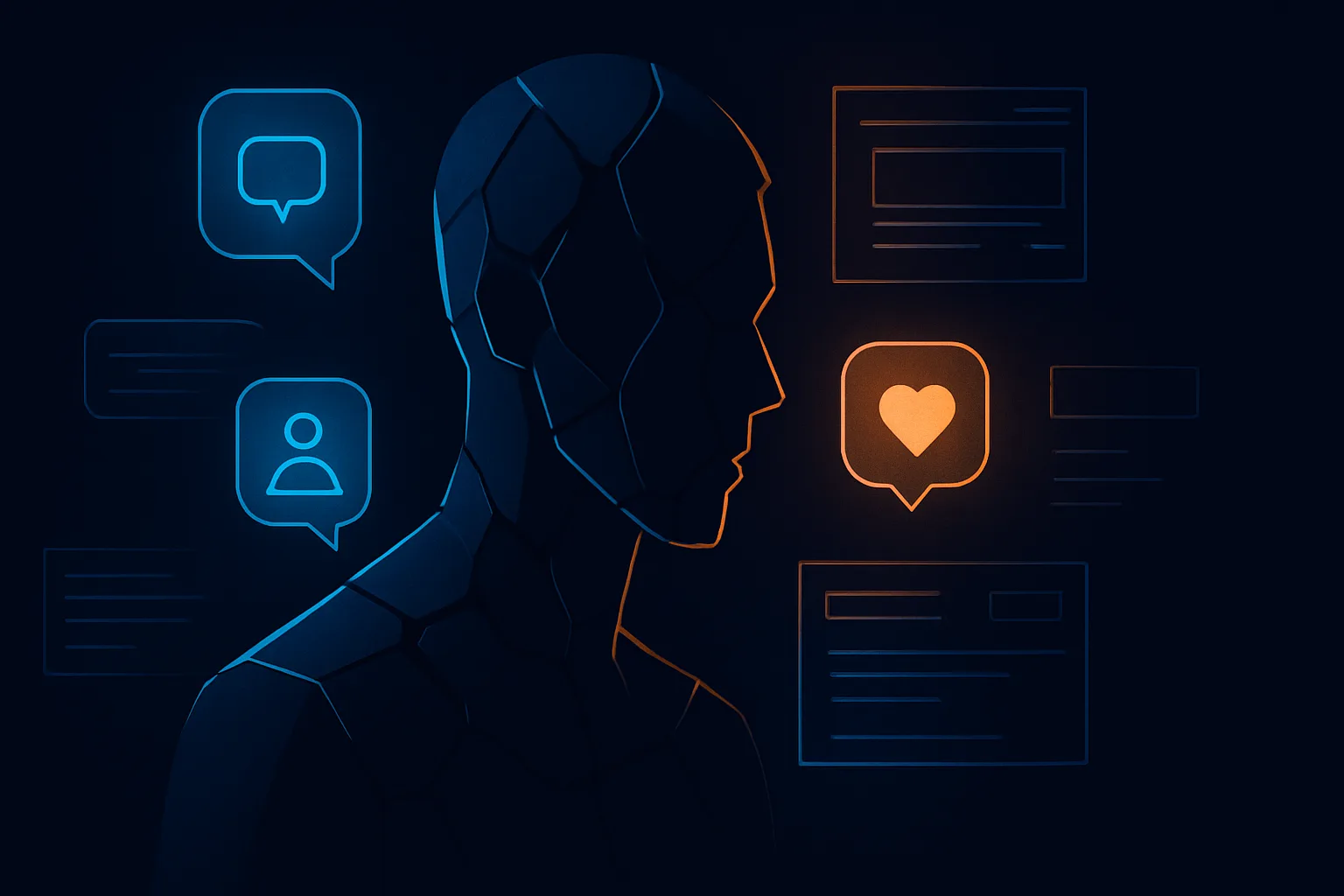
You adopted AI tools to get more done. You now spend 40 minutes a day triaging AI-generated outputs, reviewing suggested replies, approving automations, and switching between six different tools that each demand a slightly different mental mode.
That's not productivity. That's a new category of cognitive tax.
This is the AI attention problem. It doesn't get discussed as much as hallucinations or data privacy, but it's probably costing you more than either of those things. The irony is sharp: tools built to reduce the friction of thinking have quietly become sources of constant low-grade interruption.
Let's be clear about what's happening, why it happens, and how to actually fix it.
What the AI Attention Problem Actually Looks Like
Most people don't notice the AI attention problem because it looks like productivity. You're busy. Things are getting done. Your calendar is full of check-ins with AI outputs. You're responding, reviewing, approving.
But here's what's actually happening at a cognitive level: every time an AI tool surfaces something for your review, it forces a context switch. Even a two-second decision, "is this summary good enough?", pulls your brain out of whatever deeper work it was doing. Neuroscience has been clear on this for years. Context switching doesn't just cost you the seconds it takes. It costs you the 15-20 minutes of ramp-up time needed to get back into focused thought.
Now multiply that by the number of AI touchpoints in your day. A meeting summary notification from Fathom. A suggested reply from your email AI. A workflow alert from your automation tool. A content draft ready for review. A research brief that needs your sign-off.
None of these are bad individually. Together, they've turned your day into a series of micro-interruptions wearing the costume of productivity.
The specific failure mode looks like this:
- You feel busy but not deep. You're reacting to AI outputs constantly but never getting into a flow state.
- Your thinking gets shallower over time. When AI always provides a first draft, you stop building the mental models that make you good at your work.
- Decision fatigue arrives earlier in the day. Low-stakes AI approvals drain the same cognitive reserves you need for real strategic thinking.
- You lose track of what you actually decided. AI outputs blur together. Did you finalize that position last Tuesday, or did you just approve an AI summary of a conversation about it?
Why AI Tools Are Designed to Create This Problem
This isn't accidental. It's structural.
Most AI products are built around a "human in the loop" model, which sounds responsible but in practice means the AI does the work and you do the approval. The approval feels fast. It isn't. It's a hidden tax on your attention budget, paid in small denominations all day long.
The business model makes this worse. AI tools need to demonstrate value, which means surfacing outputs frequently. Frequent outputs mean frequent notifications. Frequent notifications mean frequent context switches. The tool looks active and useful. You feel productive. Your actual deep focus time quietly collapses.
There's also the problem of tool proliferation. If you've been following the AI tool overload discussion, you'll recognize this pattern: each new AI tool is justified individually. The combined cognitive load of running six of them simultaneously never gets evaluated as a whole.
By 2026, the average knowledge worker interacts with between four and eight AI-assisted interfaces in a given workday. Each one designed to be helpful. None of them designed to protect your attention from the others.
The Three Root Causes
Getting specific matters here. The AI attention problem has three distinct causes, and fixing it requires addressing all three.
1. Asynchronous Output, Synchronous Review
Most AI tools generate outputs asynchronously. The problem is that they deliver those outputs synchronously, in real time, whenever the work is done. Your attention is treated as an always-available resource. It isn't.
A meeting summary landing in your inbox the moment a call ends sounds helpful. What it actually does is pull you into review mode before you've processed the meeting itself. You end up reading a summary of a conversation you were just in, before you've had a chance to form your own conclusions.
2. Low-Stakes Decisions Crowding Out High-Stakes Thinking
AI tools are exceptionally good at reducing friction on low-stakes work. They're less useful for high-stakes strategic thinking. The problem is they don't know the difference. They surface everything at the same priority level, which trains you to treat everything as roughly equal in importance.
When approving a templated email reply feels the same as deciding your product roadmap direction, you've got a cognitive calibration problem. This connects to something the AI onboarding problem gets at: most teams never establish which AI decisions actually require human judgment and which can be fully delegated. So everything comes back for review.
3. Feedback Loops Without Closure
Human brains crave closure. We're uncomfortable with open loops. AI tools are extremely good at creating open loops: a draft that needs editing, a summary that needs verification, a suggestion that needs a decision. Without deliberate systems to close these loops in batches, they accumulate and generate background cognitive noise all day.
This is related to the AI verification problem. Every output you can't fully trust sits in working memory as an unresolved question, draining attention even when you're not actively thinking about it.
A Practical System for Reclaiming Your Focus
Here's what actually works. Not theory. A specific structure.
Block Your AI Review Time
Treat AI output review the same way you'd treat email: don't do it continuously. Schedule two dedicated AI review windows per day, one in the morning and one after lunch. During these windows, you process meeting summaries, review drafts, handle automation alerts, and approve anything waiting for your input.
Outside these windows, AI notifications go silent. This single change eliminates the majority of context-switching tax most people accumulate.
The mechanics: turn off push notifications for all AI tools. If your tools don't support that granularly, use Do Not Disturb modes on your OS. The outputs will still be there in two hours.
Separate Thinking Work from Review Work
These require completely different cognitive modes. Thinking work, strategy, writing, analysis, problem-solving, needs sustained attention and zero interruption. Review work, approving AI outputs, checking summaries, managing automation decisions, is shallow work that can coexist with some distraction.
Schedule your thinking work in blocks you protect with genuine aggression. Two hours in the morning, before you touch any AI outputs, is a starting point. Some people find they do their best thinking between 9 and 11am. Others work better late morning. The specific time matters less than the consistency and the fact that AI review doesn't happen during it.
Reduce the Number of AI Decision Points
Not every AI action needs your approval. Most AI workflows default to requiring human sign-off because that's the safe, defensible design choice. But it's rarely the right choice for your attention.
Go through every AI tool you use and ask: what outputs here genuinely require my judgment? Be ruthless. A meeting summary from a one-on-one with a direct report? You probably don't need to review that. An automated response to a routine vendor inquiry? Likely doesn't need you. A contract negotiation draft? Yes, that needs your eyes.
Tools like Bardeen let you configure automation rules precisely enough to distinguish between these cases. Use that configuration capability. Most people install automation tools and accept the defaults.
Use AI Memory Tools to Reduce Re-Orientation Overhead
A massive hidden attention cost is re-orientation: the time spent remembering what you decided, where a project stands, what context matters. This is where tools designed for cognitive augmentation rather than just task completion actually help.
Mem.ai is good at this. It surfaces relevant notes and prior context when you need it, which means you spend less time digging through meeting notes trying to remember what you agreed to. Limitless takes a different approach, using a wearable to capture ambient context and surface it later. Both solve the same underlying problem: reducing the cognitive overhead of maintaining context across a fragmented day.
The goal isn't to have AI remember everything for you. It's to reduce the number of times you have to stop and reconstruct context from scratch.
Audit Your Tool Stack Quarterly
Every AI tool you add to your workflow adds a category of attention demand. Some tools are worth that cost. Many aren't, once you account for the ongoing review overhead.
Build a simple audit: for each AI tool, track how much time per week you spend actively using it versus reviewing its outputs or managing its notifications. If the review overhead exceeds the active value you get from it, cut it. There's no shame in this. The AI cost problem is partly a financial issue, but it's equally an attention allocation issue.
What Good AI Attention Management Looks Like in Practice
Here's a concrete picture of what this looks like when it's working:
| Time Block | Mode | AI Role |
|---|---|---|
| 7:00-9:00 AM | Deep work | AI completely off |
| 9:00-9:30 AM | AI review window | Process overnight outputs |
| 9:30 AM-12:00 PM | Deep work | AI off or in the background |
| 12:30-1:00 PM | AI review window | Process morning outputs |
| 1:00-4:00 PM | Focused work | AI as needed, notifications off |
| 4:00-4:30 PM | AI review window | Process afternoon queue |
Notice what this isn't: it isn't anti-AI. You're still using AI tools heavily. You're just batching their demands on your attention rather than letting them interrupt you on their schedule.
The difference in daily focus time is significant. People who shift to batched AI review typically reclaim 60-90 minutes of deep work per day, not because they're doing less with AI but because they've stopped paying the context-switching tax continuously.
The Harder Shift: Rebuilding Your Own Thinking Habits
There's a deeper issue here that goes beyond scheduling.
Constant AI output review atrophies certain thinking skills. When you always start from an AI draft, you stop practicing the generation phase of thinking. When you always read an AI summary first, you stop training your own comprehension and synthesis. These aren't catastrophic losses in the short term. Over years, they're significant.
The fix isn't to avoid AI. It's to be deliberate about which cognitive tasks you keep practicing yourself. Write first drafts by hand occasionally. Read the actual document before the summary. Form your own take on a meeting before reviewing the AI transcript.
This isn't nostalgia for pre-AI workflows. It's maintenance of the cognitive capabilities that make your AI-assisted judgments actually good. An AI draft is only as good as the human judgment that evaluates it. If you've stopped exercising that judgment in isolation, you've degraded the most important part of the system.
If you're thinking about how AI tools fit into a broader team context, the AI specialization problem is worth reading alongside this. Attention management and tool selection are linked. Using the right tool for each task reduces unnecessary review overhead before you even get to the scheduling fixes.
The Summary, Without Burying It
AI tools fragment your attention in ways that look like productivity but aren't. The fix is structural, not motivational. Batch your AI reviews. Protect your deep work blocks. Cut the tools that cost more in review overhead than they return in value. Actively maintain your own thinking skills alongside your AI usage.
This isn't about using less AI. It's about using it on your terms instead of its terms. That distinction is the whole game. The professionals who figure this out in 2026 will be significantly more effective than the ones who remain permanently on-call for their AI tools' outputs.
Your attention is the scarcest resource in your work. Treat it that way.
Frequently Asked Questions
infobro.ai Editorial Team
We research every tool from its documentation, pricing pages, product screenshots and public developer discussion, and say plainly what the evidence does and does not show. Drafts are AI-assisted and reviewed by our editors before publication. We revisit each article every 6 months to reflect platform changes. Learn more about our process.