Descript Review 2026: Is This AI Video Editor Worth It for Creators and Teams?
Descript's text-based video editing remains the most practical approach for podcast and interview-driven content in 2026. Updated with latest accuracy benchmarks, collaboration features, and pricing details.
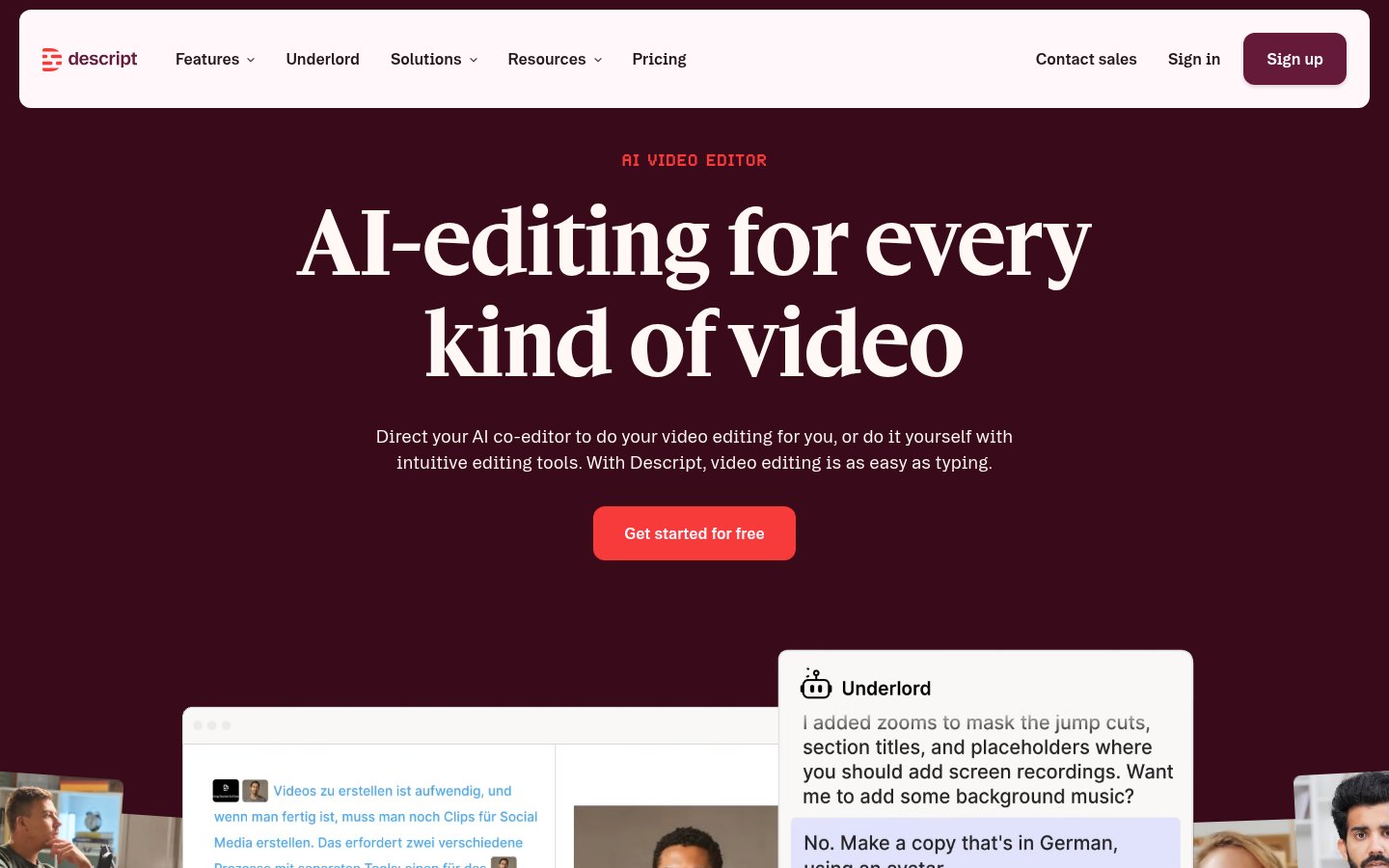
Descript
Descript
descript.comDescript's text-based video editing remains the most practical approach for podcast and interview-driven content in 2026. Updated with latest accuracy benchmarks, collaboration features, and pricing details.
Quick facts
- Free plan
- Yes (with watermarks and limits)
- Transcription languages
- 25+
- Transcription accuracy
- ~92% clear audio, ~85% challenging conditions
- AI assistant
- Underlord
- Collaboration
- Real-time, all paid plans
- 4K export
- Creator plan and above
- Users
- 6 million+
- Platform
- Mac, Windows, Web
Pros
- Text-based editing dramatically speeds up podcast and interview workflows
- Studio Sound noise removal is best-in-class for the price
- Genuinely useful real-time collaboration for teams
- Underlord AI handles simple editing tasks reliably
- Shallow learning curve — productive within hours
- Voice Regenerate saves re-recording time for minor corrections
Cons
- Free plan exports carry watermarks and have transcription limits
- Complex Underlord prompts succeed only ~70% of the time
- Voice cloning on longer passages can sound robotic
- Weak fit for visual-first or cinematic editing workflows
- Multi-speaker detection degrades beyond three speakers
- 4K export locked to Creator plan and above
See Descript for yourself
Free to start, no credit card needed for the trial.
Updated May 2026 — This review has been refreshed to reflect the latest feature updates, transcription accuracy benchmarks, and community feedback gathered as of May 2026.
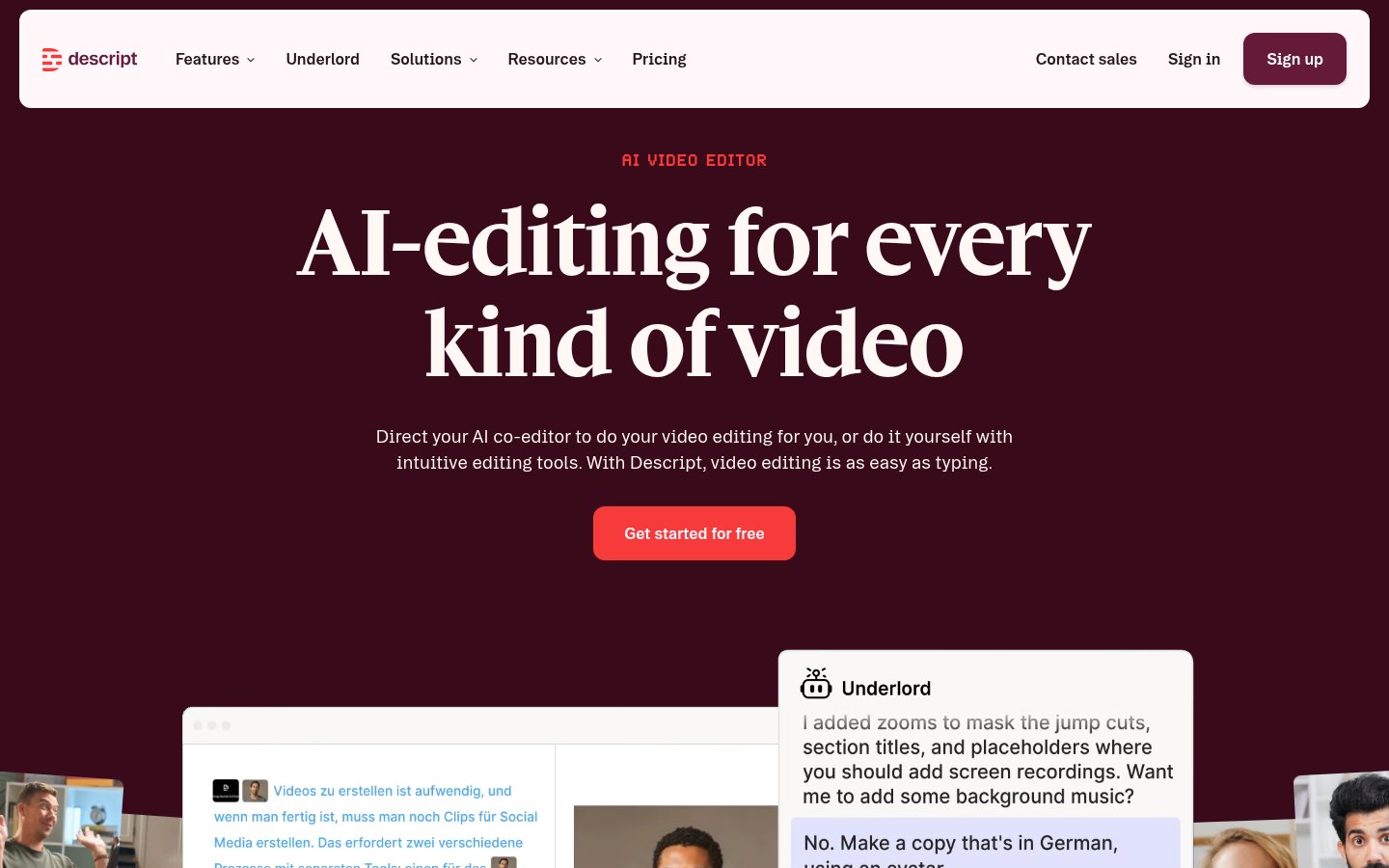
Video editing has a reputation problem. It's either too technical (hello, Premiere Pro timeline nightmares) or too simplified (mobile apps that produce content that looks like it was made in 2014). Descript tries to thread that needle with a genuinely different approach: edit video like you edit a Word document. Cut a word from the transcript, cut it from the video. That's the pitch.
In 2026, with AI tools flooding every creative workflow, the question isn't whether Descript has impressive features — it clearly does. The real question is whether those features work reliably enough to replace your existing stack, and whether the pricing makes sense for your situation.
I've put Descript through its paces across podcast production, team training videos, and short-form social content. Here's what I found.
What Is Descript?
Descript is an all-in-one audio and video editing platform built around a central idea: your transcript is your timeline. You record or import media, Descript transcribes it automatically, and then you edit by manipulating text. Delete a sentence from the transcript, it's gone from your video. Rearrange paragraphs, you rearrange your footage.
Beyond that core mechanic, Descript has layered in an increasingly ambitious set of AI features under the brand name Underlord — their agentic AI co-editor. This includes voice cloning, background removal, eye contact correction, filler word removal, AI-generated B-roll, and more. The platform targets a wide range of users: solo creators, marketing teams, L&D departments, sales teams, and support teams who need video communication without dedicated video staff.
Over 6 million creators and teams use Descript according to the company. That's not a small number, and it shows in the product's relative maturity compared to newer AI video tools. Notably, traditional editing software companies have begun adding transcription and text-based editing features of their own in 2026 — a clear validation of the approach Descript pioneered.
Key Features
| Feature | What It Does | Available On |
|---|---|---|
| Text-Based Editing | Edit video by editing transcript text | All plans |
| Underlord AI Co-Editor | Agentic AI that takes editing instructions in plain language | Hobbyist+ (limited on Free) |
| Studio Sound | AI noise removal and voice enhancement | Hobbyist+ |
| Remove Filler Words | Auto-detects and cuts ums, uhs, likes | Hobbyist+ |
| Eye Contact Correction | AI makes you appear to look at camera | Hobbyist+ |
| Green Screen / Background Removal | AI removes background, lets you replace it | Hobbyist+ |
| Regenerate (Voice Clone) | Fix audio/video by typing — clones your voice | Hobbyist+ |
| Captions | Auto-generated, brandable captions | All plans |
| AI B-Roll Generation | Creates relevant video footage from prompts | Creator+ |
| Translation & Dubbing | 30+ languages with proofread | Business+ |
| Custom Avatars | Photo or text-generated video avatars | Business+ |
| Quick Design | Auto-formats scenes and adds B-roll | All plans |
| Transcription | 25 languages, multi-speaker detection | All plans |
| 4K Export | Highest resolution export | Creator+ |
| Brand Studio | Team-wide brand controls | Business+ |
| Stock Media Library | Royalty-free stock footage | Creator+ |
One important note for free plan users: exported videos include watermarks and transcription minutes are capped. To remove watermarks and access the full feature set, a paid upgrade is required.
Diving Into the Features
Text-Based Editing: The Core That Actually Works
This is Descript's foundational feature and, honestly, it's the one that makes the whole product worth considering. I've edited a 45-minute podcast episode down to 28 minutes using nothing but transcript editing, and it took about 20 minutes. In traditional video editing, that same task would have taken two hours of scrubbing timelines.
Transcript accuracy sits at around 92% on average with clear audio, dropping to roughly 85% in more challenging conditions — accents, technical jargon, or noisy environments. That's generally good enough for professional use with minor cleanup, but wrong transcript still means wrong edit, so the cleanup step matters. You can correct the transcript manually, but it breaks the flow.
Multi-speaker detection works well with two or three speakers. Push past that and you'll spend time manually reassigning labels. For solo creators and small podcast teams, this is rarely a problem.
Underlord: The AI Co-Editor
Underlord is Descript's branded AI assistant that's supposed to take editing tasks off your plate. You type something like "remove all the dead air" or "create a two-minute highlight reel" and Underlord executes it.
In practice, it's impressive for simple tasks. Filler word removal is nearly perfect. Basic clip creation works. More complex prompts — "find the three most compelling moments and create a reel with captions" — work maybe 70% of the time. The other 30% you get something that's close but needs manual adjustment.
This is still better than most AI editing tools available in 2026, but don't expect to fully hand over editing duties to Underlord and walk away. The roadmap suggests continued improvements in automated editing suggestions are in the pipeline, so this percentage will likely improve over the next year.
Studio Sound: Legitimately Good
I recorded a test clip in a room with a loud HVAC system. Studio Sound removed it cleanly without the vocal artifacts that plague cheaper noise removal tools. If you're recording in less-than-ideal conditions — which describes most home offices and conference rooms — this feature alone might justify a paid plan.
The before/after comparison is stark enough that I'd recommend demoing it on your own footage before making a purchasing decision. Free plan users get limited access to test it.
Voice Regeneration: Impressive, Sometimes Uncanny
The Regenerate feature lets you fix a misspoken word or change a phrase by just typing the correction. Descript clones your voice from your existing recording and synthesizes the new word or phrase, then adjusts the video to match.
It works well on shorter corrections — one or two words. On longer substitutions (a whole sentence), the voice clone can sound slightly robotic, and lip-sync in the video can be off by a noticeable margin. Still, for fixing a date that changed or correcting a mispronunciation, this feature is a genuine time-saver that no traditional NLE offers.
Collaboration: A Real Strength for Teams
Descript supports real-time collaboration, letting multiple users comment, edit, and share projects simultaneously. For teams — agencies, marketing departments, L&D teams — this is a meaningful differentiator over solo-focused tools. The Brand Studio on Business plans lets administrators lock down fonts, colors, and templates, which is useful when consistency across a content team matters.
The collaboration workflow is straightforward enough that non-editors can contribute meaningfully. A subject matter expert can review a transcript and suggest cuts without ever touching a timeline, which is a workflow that simply doesn't exist in Premiere Pro or DaVinci.
AI B-Roll and Captions
AI B-Roll generation (Creator plan and above) creates relevant footage from text prompts, which works well enough for talking-head videos that need visual variety. The quality is serviceable rather than cinematic — don't expect it to replace a stock footage subscription for high-production-value work, but for internal videos, social content, and tutorials it gets the job done.
Auto-generated captions are accurate and brandable on all plans. This alone makes Descript competitive for creators who publish short-form social content and need captioned clips quickly.
Pricing
Descript operates on a tiered freemium model. Here's how it currently breaks down:
| Plan | Price | Key Limits |
|---|---|---|
| Free | $0/mo | Watermarked exports, limited transcription minutes |
| Hobbyist | ~$24/mo (billed annually) | Core AI features, no watermark |
| Creator | ~$40/mo (billed annually) | 4K export, AI B-Roll, stock media |
| Business | ~$80/mo (billed annually) | Avatars, dubbing, Brand Studio, advanced team controls |
Note: Pricing reflects current published rates and may vary. Always verify on Descript's pricing page before purchasing.
For solo podcasters and YouTubers, the Hobbyist plan is the realistic entry point — it unlocks Studio Sound, filler word removal, and Regenerate. The Creator plan makes sense once you need 4K output or AI B-Roll. Business is firmly aimed at teams with brand consistency requirements.
Who It's For
Descript is an exceptionally strong fit for creators whose work centers on spoken word: podcasters, interviewers, educators, and anyone producing tutorials or internal training content. If your editing process is mostly "cut the bad parts and clean up the audio," Descript can dramatically compress that workflow.
Marketing teams and L&D departments benefit from the collaboration and brand controls, especially if they need to produce video content without hiring a dedicated video editor. The learning curve is genuinely shallow — most people are productive within two to three hours of first use.
It's a weaker fit for visual storytellers, filmmakers, or anyone who needs frame-level precision, complex color grading, or multi-camera workflows. The transcript-based approach is powerful for spoken content but becomes a limitation when the edit is primarily visual rather than verbal. Growing adoption among podcasters, YouTubers, and educational content creators reflects this — adoption in traditional film and commercial production remains limited.
Limitations Worth Knowing
Descript's transcript-centric model means that content without much speech — music videos, cinematic footage, heavily visual social content — doesn't benefit from the platform's core strength. You're essentially using it as a basic video editor at that point, and tools like CapCut or even DaVinci Resolve offer more control for that use case.
The AI features, while genuinely impressive for the category, still require human oversight. Complex Underlord prompts need checking. Voice clones on longer passages need listening. Eye contact correction occasionally produces subtle artifacts on fast head movements. None of these are dealbreakers, but they mean Descript works best as an AI-assisted editor rather than a fully autonomous one.
Export quality caps at 4K on Creator and above — free and Hobbyist users are limited, which matters if you're producing for high-resolution platforms or clients with delivery specs.
Verdict
Descript remains the most accessible and genuinely useful AI video editor for creators working with spoken-word content — podcasts, interviews, tutorials, and training videos. Its text-based editing and Underlord AI meaningfully reduce editing time, and real-time collaboration makes it viable for small teams. It's not the right tool for visual storytellers or anyone needing advanced cinematic controls, but for its target audience it's hard to beat.
Try DescriptAlternatives
- Adobe Premiere Pro
Better for professional, timeline-based video editing with full creative control
- CapCut
Stronger for visual-first short-form social content and mobile editing
- Filmora
More visual creative features for creators wanting beyond transcript-based editing
- Riverside.fm
Better for high-quality remote podcast recording with separate editing workflows
Tools & Services Mentioned

infobro.ai Editorial Team
Our team of AI practitioners tests every tool hands-on before writing. We update our content every 6 months to reflect platform changes and new research. Learn more about our process.