Top 10 AI Presentation Tools in 2026: Ranked by Slide Quality, Speed, and Real-World Usefulness
Gamma leads our 2026 comparison of AI presentation makers, with Microsoft Copilot, Canva, Gemini in Slides, Plus AI and Beautiful.ai covered, plus a 'choose X if' pick for each.
 Stanislav VovchykMay 10, 202616 min readUpdated Oct 30, 2026

On this page · 15 sections
In short
- Gamma is the best all-round AI presentation maker, building full decks from a prompt, pasted text or document, with PPTX and PDF export and a free plan.
- If you already pay for Microsoft 365 Copilot, Canva or a Gemini-enabled Google plan, use the built-in tool, though Copilot needs an add-on licence that individuals may find costly.
- Pick Plus AI to stay in Google Slides or PowerPoint with your template, Beautiful.ai for brand consistency across many authors, and Visme for data-heavy decks.
- Sendsteps ranks last only because it is narrow, but it is the top choice when you need live polls, quizzes and Q&A.
Quick summary
11 picks- 1G
 GammaFreemiumVisit
AI tool that creates presentations, documents and websites from a prompt
- 2M
 Microsoft CopilotFree · from $18/moVisit
AI assistant for chat, web search, writing and images at work and home
- 3C
 CanvaFree · from $12/moVisit
Online design platform with templates and AI tools for individuals and teams
- 5P
 Plus AIFrom $10/moVisit
AI presentation assistant that works inside PowerPoint and Google Slides
- 6B
 Beautiful.aiFrom $14.50/moVisit
AI presentation software with auto-aligning slides and brand controls for teams
- 7V
 VismeFree · from $12.25/moVisit
AI content platform for branded presentations, documents and infographics
- 8P
 Presentations AIFree · from $20/moVisit
Turns prompts, documents and URLs into branded, editable PowerPoint decks
- 9S
 Slides AIFree · from $10/moVisit
Turns notes, documents and prompts into presentations in Google Slides or PowerPoint
- 10G
 GenPPTFrom $8/moVisit
Turn notes, outlines, or PDFs into designed slide decks and social carousels
- 11P
 PopAIFreemiumVisit
AI presentation maker that turns prompts, PDFs and docs into editable slides
- 12S
 SendstepsFreemiumVisit
Interactive course and quiz platform that checks understanding live in class
Gamma is the best all-round AI presentation maker in this comparison. It builds a full deck from a prompt, pasted text or an uploaded document, and exports to PPTX and PDF. Beautiful.ai suits corporate template work, Plus AI suits Google Slides and PowerPoint teams, and Microsoft Copilot, Canva and Gemini are the defaults if you already pay for those suites.
This list ranks by editorial judgment from vendor pages and documentation. Dollar prices change often, so entries describe plan structure and leave current figures to each vendor's pricing page.
1. Gamma
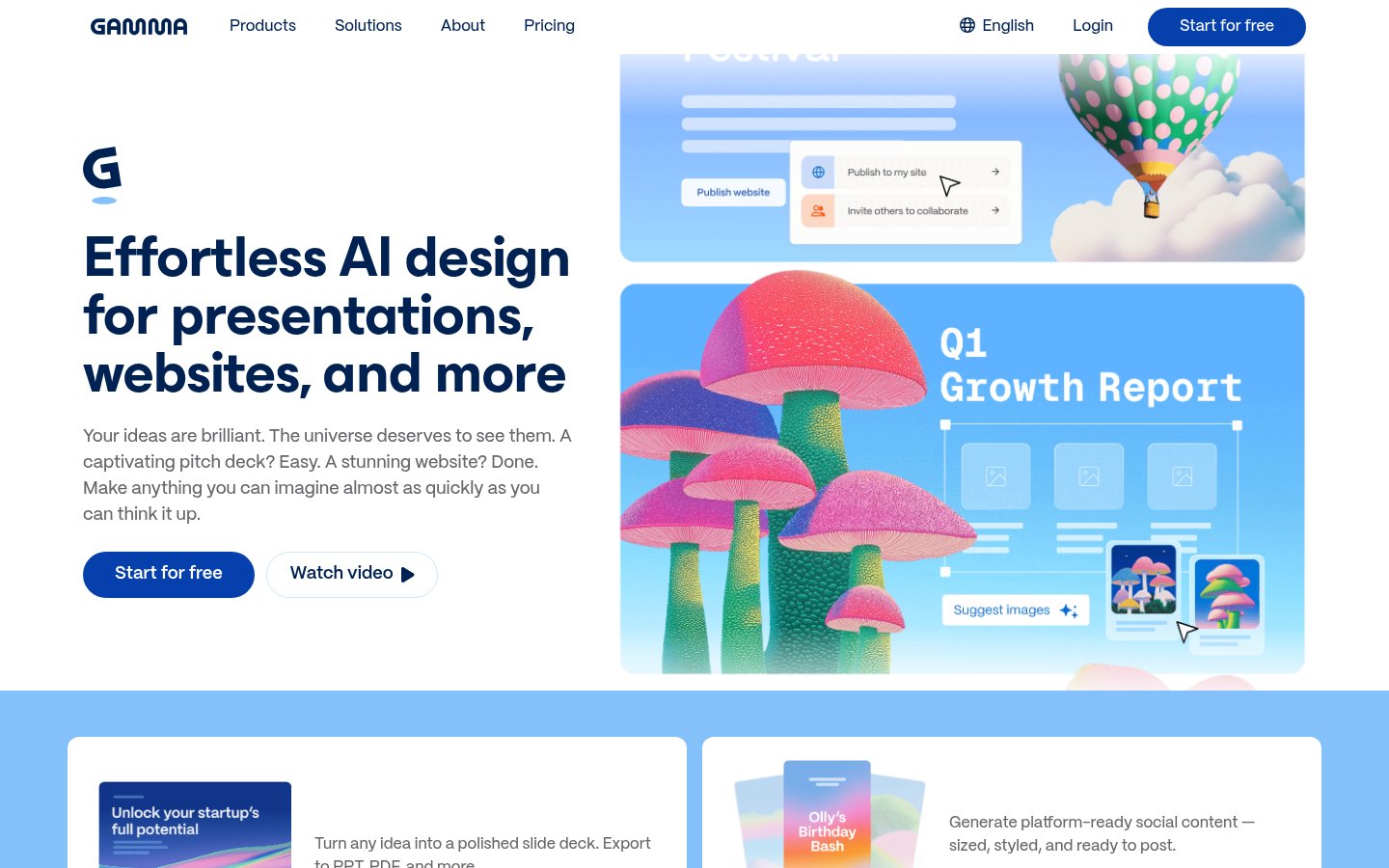
Official website: gamma.app
Gamma produces web-native documents that work as slides, shareable pages or embedded assets from one source. You start from a prompt, pasted text or an uploaded document, pick a structure, and it generates a full deck with varied layouts. Export covers PPTX and PDF, so a colleague on PowerPoint can still take the file.
Pricing: Freemium. A free plan exists; paid tiers add more capacity and features, so check the pricing page for current plan names.
Choose Gamma if you want one tool for client decks, shareable pages and quick drafts, and you don't need pixel-level control.
Pros: web-native format, prompt, text and document input, PPTX and PDF export, free plan.
Cons: less precise layout control than PowerPoint, and the web-first format confuses people who expect a plain slide file.
2. Microsoft Copilot in PowerPoint
Official website: copilot.microsoft.com
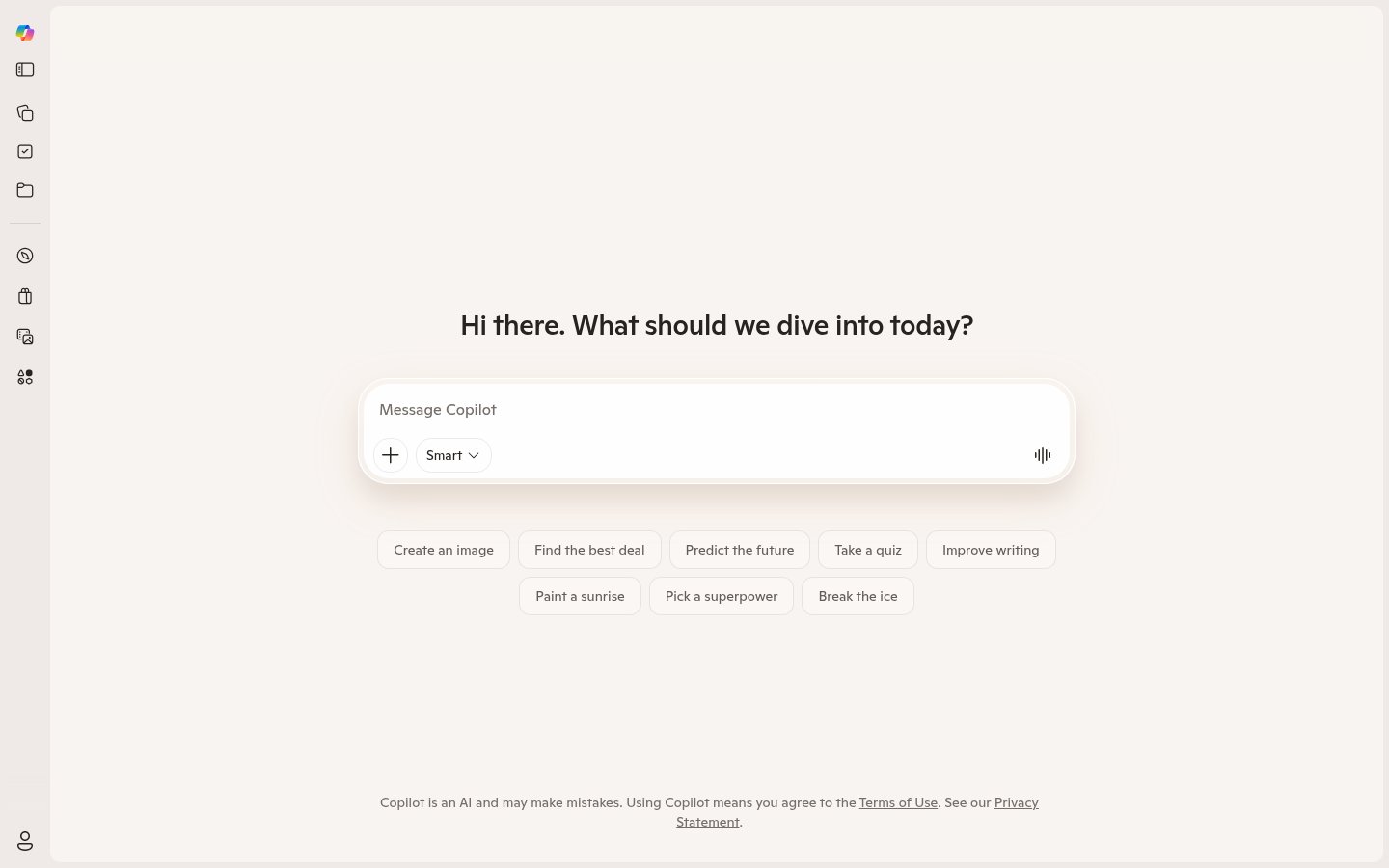
Copilot works inside PowerPoint itself. It drafts a deck from a prompt or from a file such as a Word document, rewrites and condenses slide text, and can add slides to an existing deck. Output lands in a native .pptx, so nothing needs converting.
Pricing: In-app PowerPoint features need a Microsoft 365 Copilot licence on top of a Microsoft 365 plan. Confirm which tier your organisation holds.
Choose Copilot if your company already standardises on Microsoft 365 and wants decks that follow existing corporate templates and tenant data rules.
Pros: native PPTX, works from Word documents, respects your existing templates, no new vendor to approve.
Cons: the add-on licence is a real cost for individuals, and the design is plainer than Gamma's.
3. Canva (Magic Design)
Official website: canva.com
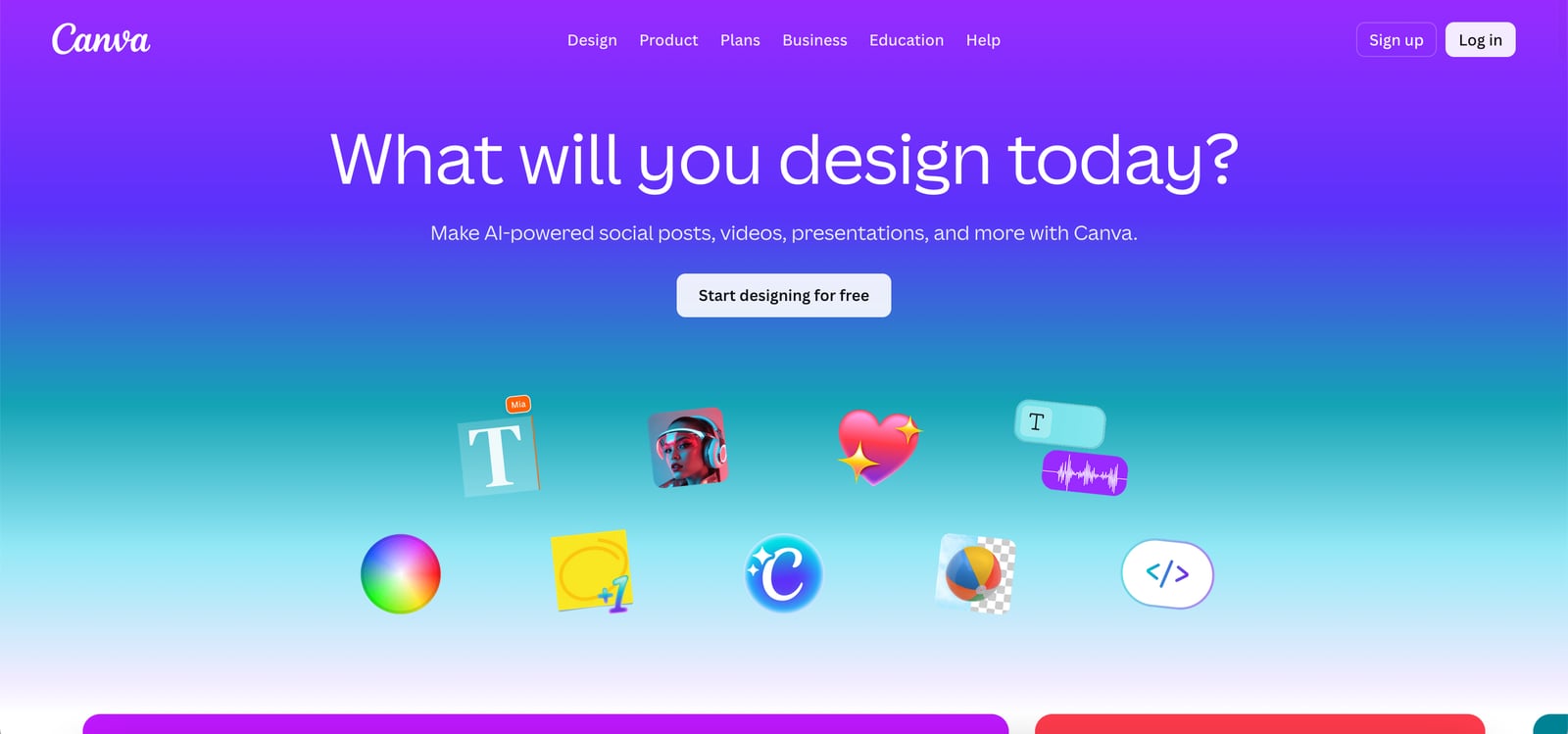
Magic Design generates presentation drafts from a prompt or from uploaded media, inside Canva's drag-and-drop editor. Because Canva is a full design platform, you also get brand kits, stock media, animations and presenter mode in the same place. Decks export as PPTX or PDF.
Pricing: A free plan exists. Brand kit and some AI features sit on paid plans, so check which ones you need.
Choose Canva if your team already designs social posts and documents there and wants slides that match.
Pros: free plan, large template library, easy editing for non-designers, PPTX and PDF export.
Cons: generated decks need more cleanup than Gamma's, and heavy data content is weaker than in Visme.
4. Google Gemini in Slides

Official website: google.com
Gemini sits in the Google Slides side panel. It generates slides and images from a prompt, and it can pull in content from Docs and Drive files. Because it runs inside Slides, sharing, comments and version history work exactly as they do today.
Pricing: Access depends on a Google Workspace plan that includes Gemini or a Google AI subscription. Check which plan covers Slides features before buying.
Choose Gemini if your team lives in Google Workspace and you want AI with no add-on and no extra vendor.
Pros: built into Slides, draws on Drive content, real-time collaboration.
Cons: design range is limited to what Slides offers, and eligibility depends on your Google plan.
5. Plus AI

Official website: plusai.com
Plus AI is an add-on for Google Slides and PowerPoint. You generate decks from a prompt, rewrite individual slides, change the tone of bullets and expand outlines, all inside the editor you already use. Output follows your existing template instead of imposing its own design.
Pricing: Paid subscription. The pricing page lists current plans and whether a trial applies.
Choose Plus AI if your team must stay in Slides or PowerPoint and you want AI that respects the template.
Pros: works in both Google Slides and PowerPoint, slide-level rewrite tools, keeps your template.
Cons: no standalone web experience, and design quality is capped by the host app.
6. Beautiful.ai
Official website: beautiful.ai
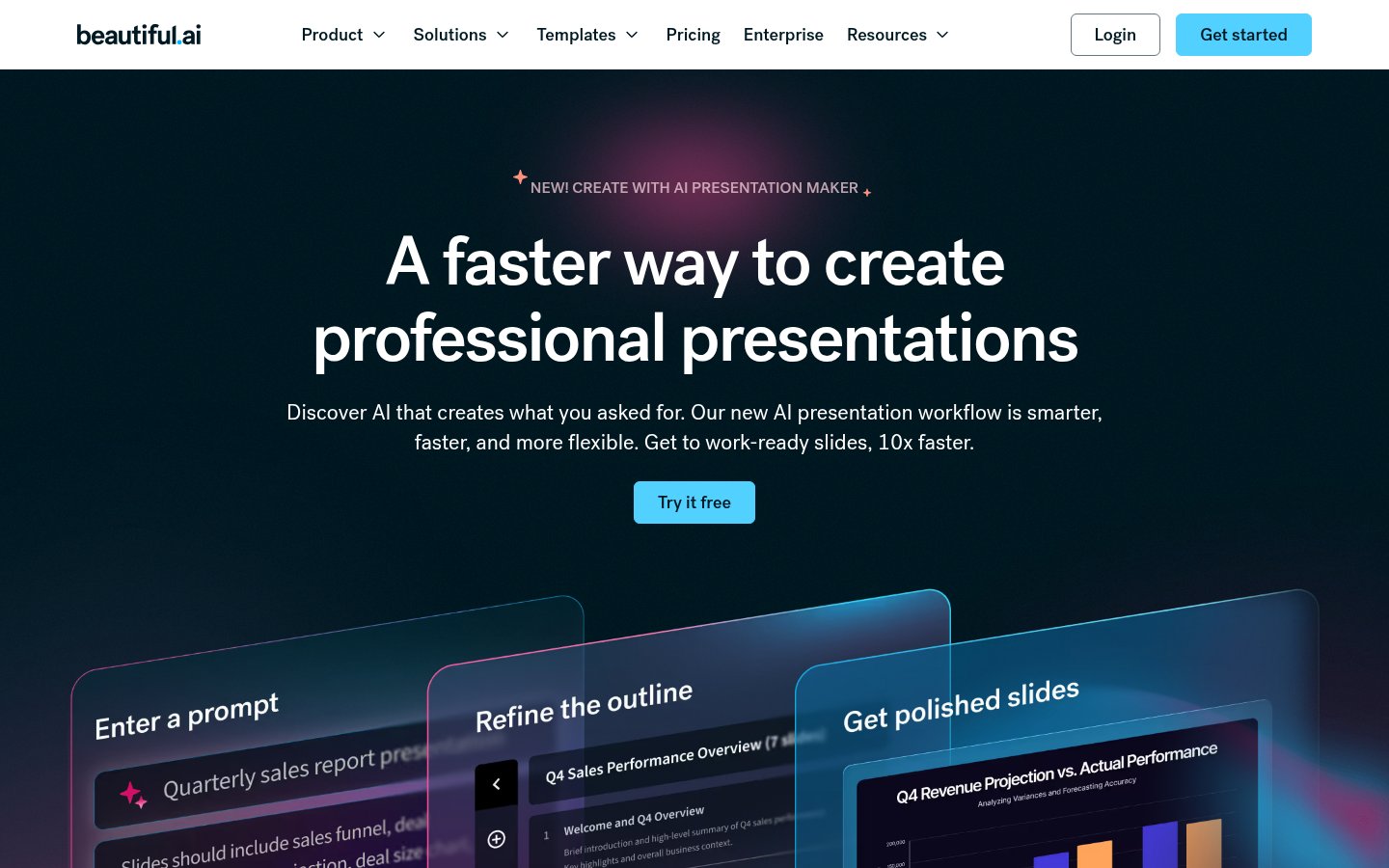
Beautiful.ai is built around smart slides that reflow layout and spacing as you add content, so alignment errors mostly disappear. It has one of the stronger template libraries for corporate decks, plus brand controls for teams. Its AI generation is competent but trails Gamma on depth.
Pricing: Individual and team plans exist, with team pricing higher. Compare against Gamma before committing.
Choose Beautiful.ai if brand consistency across many authors matters more than generation speed.
Pros: auto-layout, strong templates, brand controls, mature editor.
Cons: costs more than Gamma for a narrower feature set, and the style leans corporate.
7. Visme
Official website: visme.co
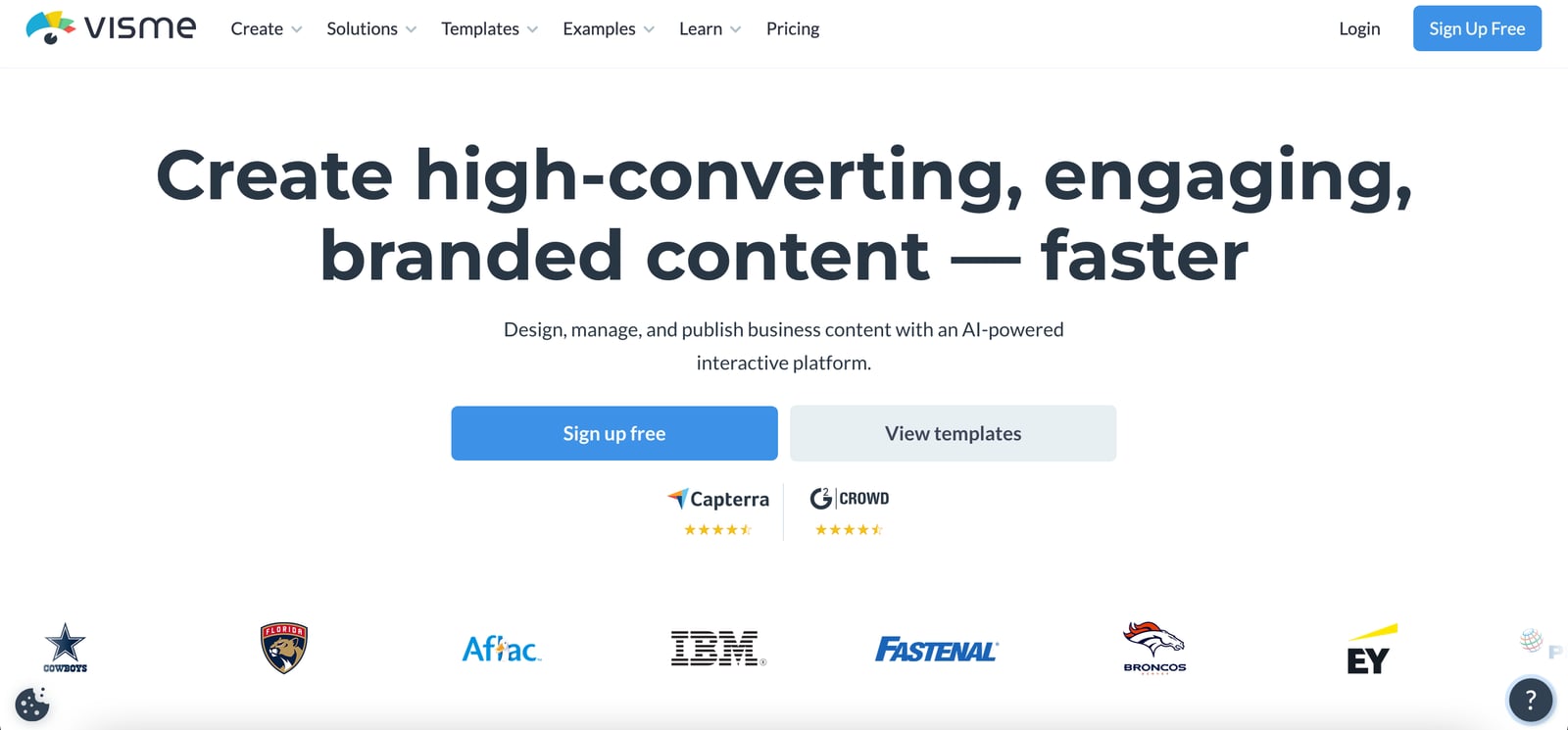
Visme is a visual content platform covering presentations, infographics, reports and social graphics. Charts, infographics and interactive elements are its strength, and its AI can generate a deck from a prompt. The editor has more features than the slide-only tools here, with a steeper learning curve to match.
Pricing: A limited free tier exists, and paid plans unlock more export and branding options.
Choose Visme if you present data-heavy content and want charts and infographics in the same file.
Pros: strong data visualisation, brand kit, interactive elements.
Cons: slower to learn, and overkill for a quick draft.
8. Presentations AI
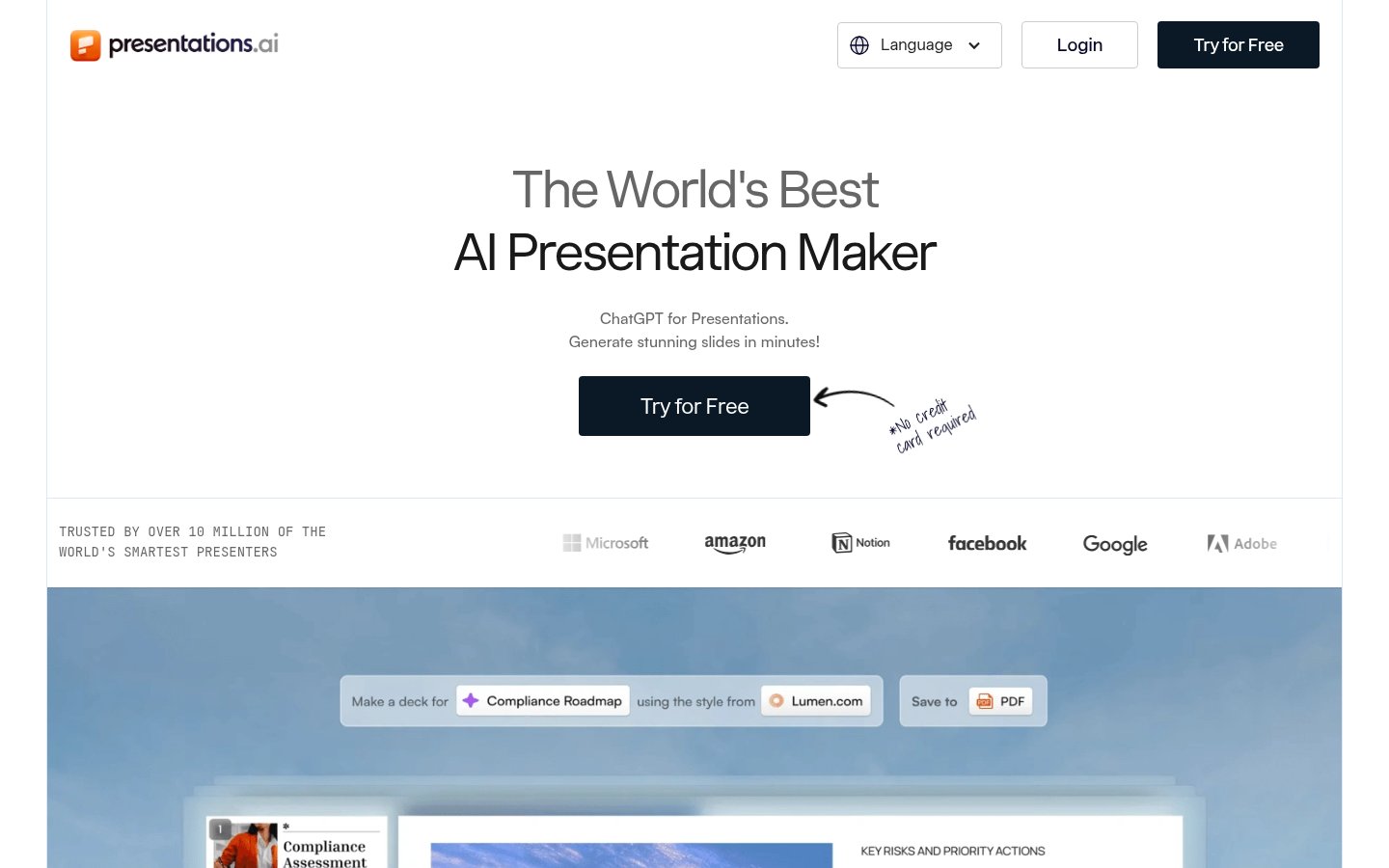
Official website: presentations.ai
Presentations AI is a standalone generator that takes a prompt, uploaded document or URL. It writes speaker notes for each slide, exports to PPTX and offers shareable web links. The editor is shallow, so complex layout changes take workarounds.
Pricing: Check the pricing page for the current free-plan status and tiers.
Choose Presentations AI if you want generated speaker notes and don't want to depend on Google or Microsoft.
Pros: speaker notes, URL and document input, PPTX export, share links.
Cons: limited editing depth, smaller feature set than Gamma or Visme.
9. SlidesAI
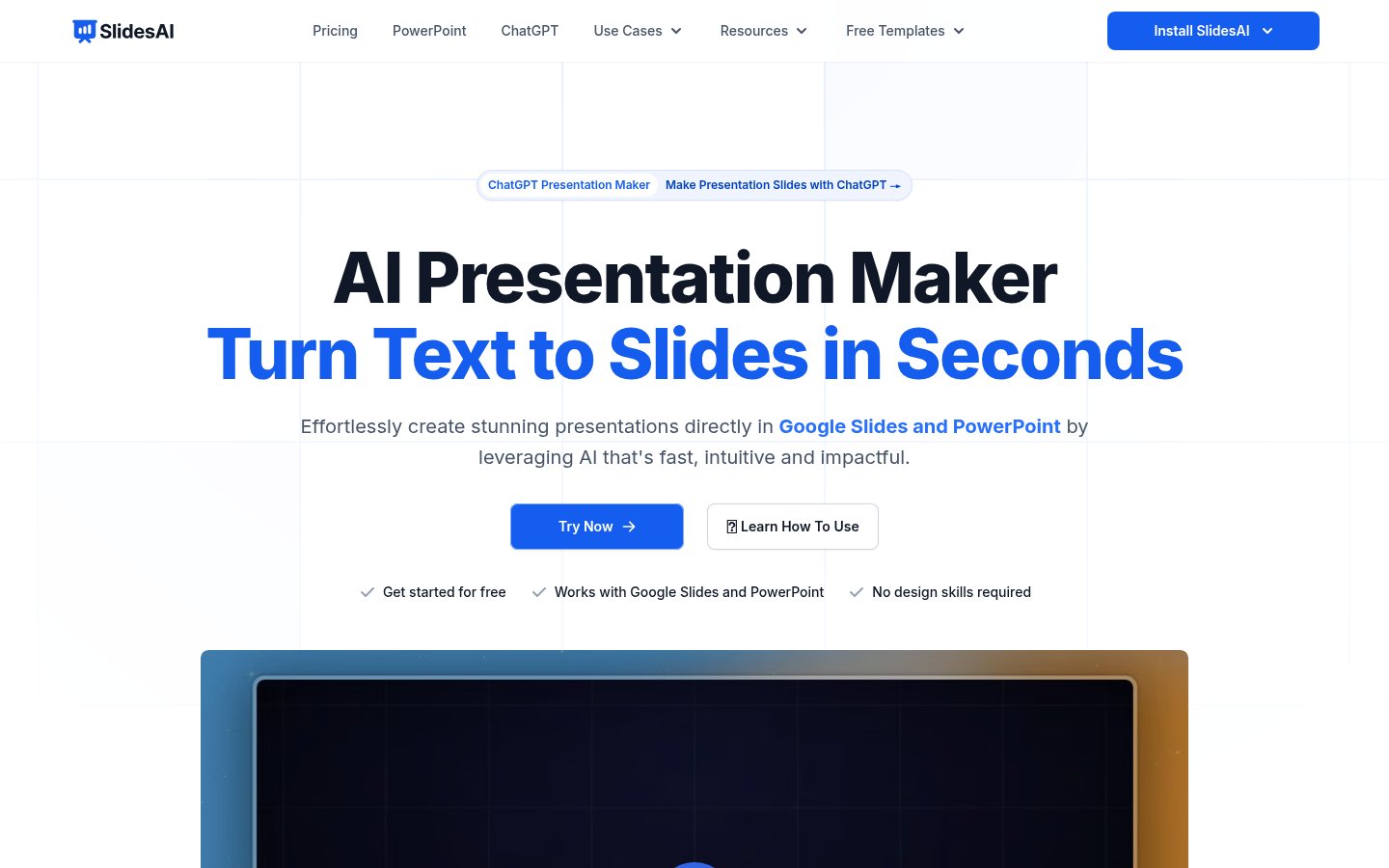
Official website: slidesai.io
SlidesAI is a Google Slides add-on that converts pasted text, a URL or a document into slides. It suits people who already have the content and want it structured. It works inside Slides, so you get a PPTX through Slides' own File > Download menu rather than a SlidesAI export button.
Pricing: A limited free tier exists, with paid plans for higher usage.
Choose SlidesAI if you're converting an existing report or article into a deck in Google Slides.
Pros: text-to-slides conversion, sensible content structuring, simple to use.
Cons: weaker at prompt-only generation, limited design control, requires Google Slides.
10. GenPPT
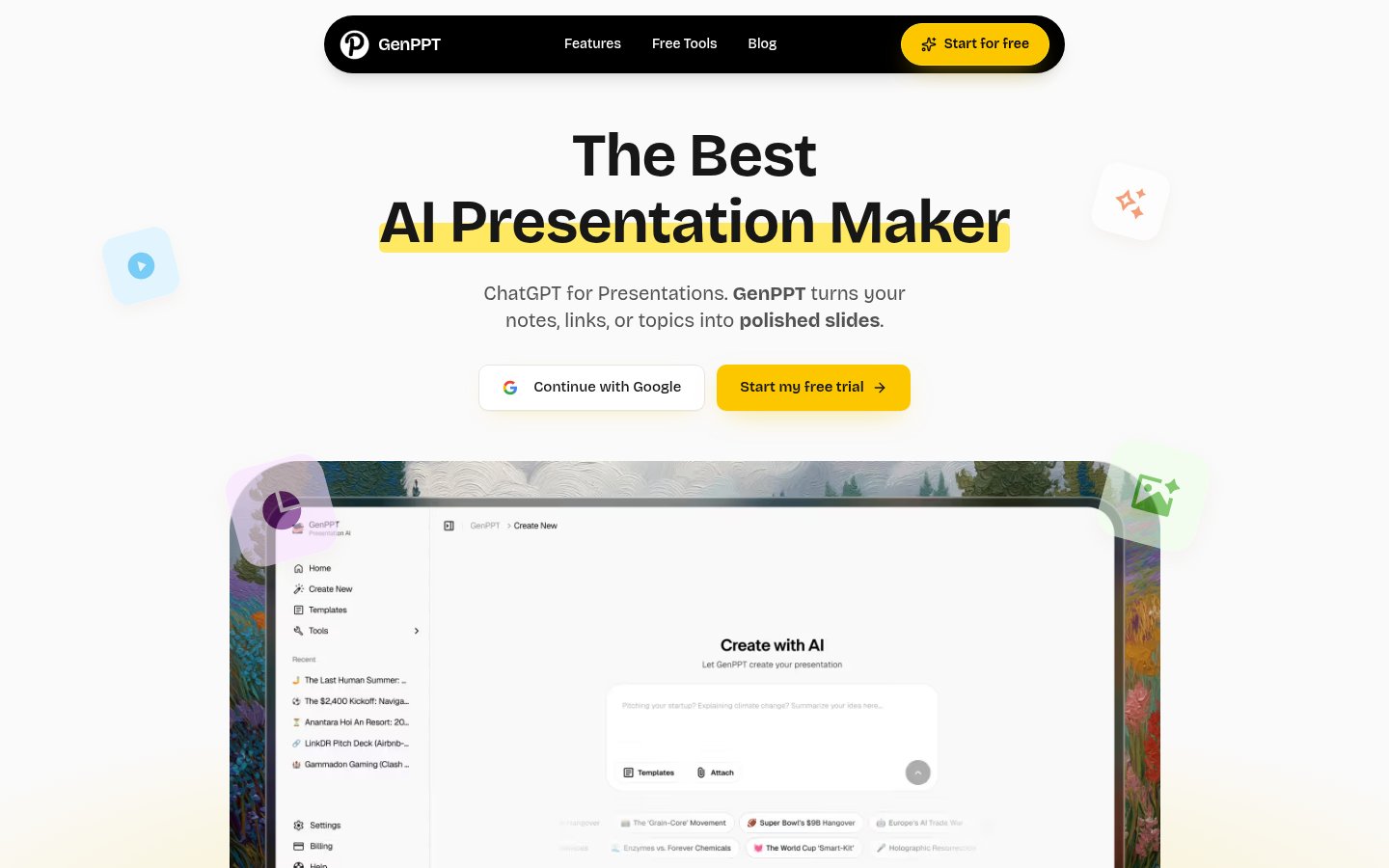
Official website: genppt.com
GenPPT turns a prompt into a downloadable .pptx file and little else. It has a free tier for basic generation and paid plans for higher volume. There's no real in-app design layer, so you finish the deck in PowerPoint.
Pricing: Free tier for basic generation; paid plans add volume and features.
Choose GenPPT if you know PowerPoint well and only want to skip the blank first draft.
Pros: direct PPTX output, free tier, low learning curve.
Cons: minimal in-app editing, plain designs.
11. PopAI
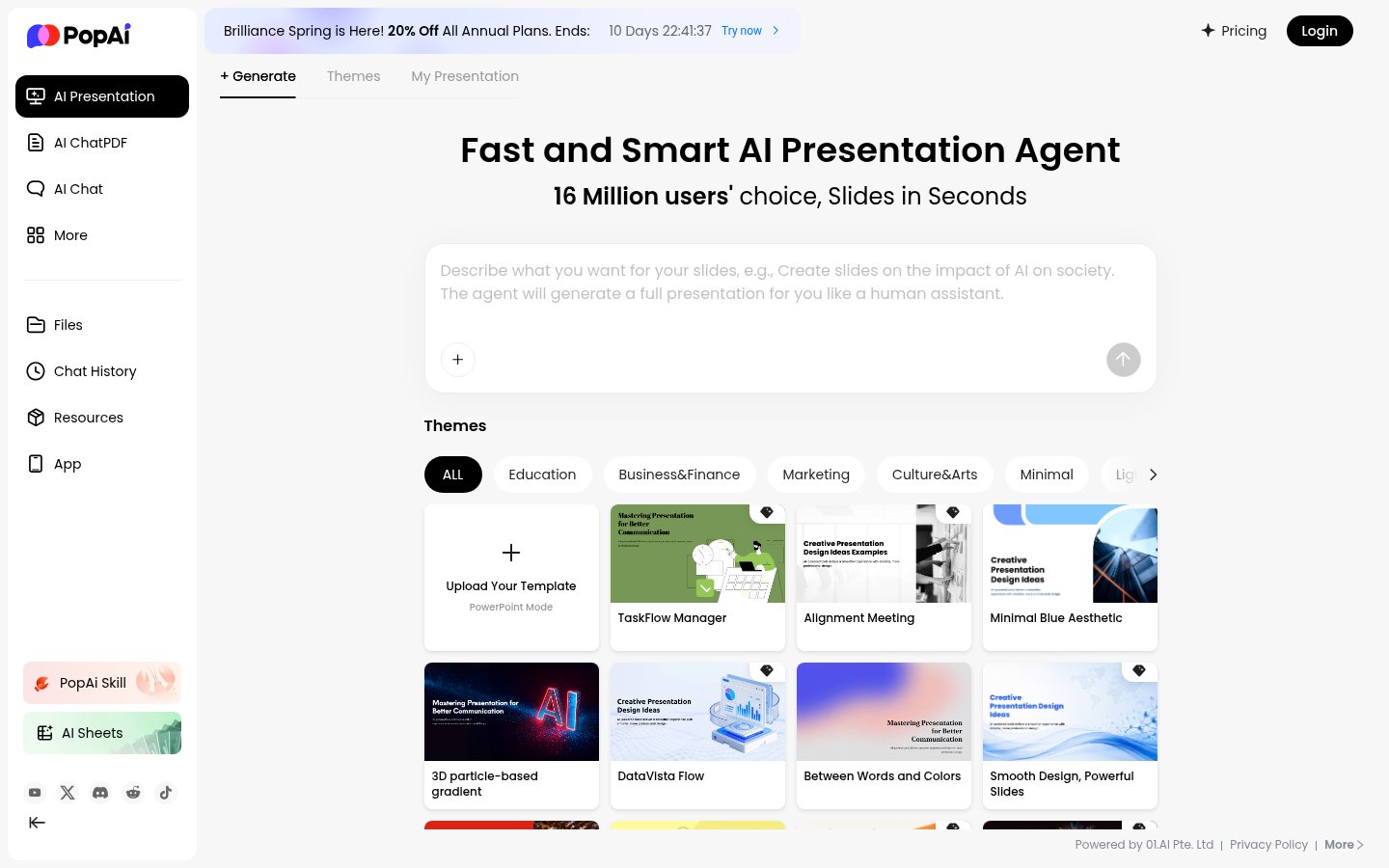
Official website: popai.pro
PopAI is an AI workspace with chat, document analysis and image tools, and a presentation generator alongside them. You can build a deck from a prompt, document or web URL, then refine it through the chat interface by asking for rewrites or extra slides. Slides are a secondary feature here, and the vendor's own page treats them that way.
Pricing: Check the pricing page for the current free tier and paid plans.
Choose PopAI if you want one AI workspace and treat slides as an occasional task.
Pros: chat-based refinement, document and URL input, broad workspace.
Cons: less consistent than dedicated tools, and slides aren't the product's focus.
12. Sendsteps

Official website: sendsteps.com
Sendsteps adds live audience interaction to slides: polls, Q&A, quizzes and word clouds, with AI to draft the content. Nothing else here does this natively. Its slide design and AI generation are weaker than the leaders.
Pricing: Plans scale with audience size and features. See the pricing page.
Choose Sendsteps if you run workshops, training or town halls and need real-time audience input.
Pros: live polling, quizzes, Q&A, word clouds.
Cons: basic design and generation, unnecessary for static decks.
Comparison Table
| Tool | Best For | Free Plan | PPTX Export | Standout Feature |
|---|---|---|---|---|
| Gamma | General professional use | Yes | Yes | Web-native decks plus PDF/PPTX export |
| Microsoft Copilot in PowerPoint | Microsoft 365 teams | Needs Copilot licence | Native | Drafts from prompts and Word files |
| Canva (Magic Design) | Design-led teams | Yes | Yes | Brand kit and template library |
| Google Gemini in Slides | Google Workspace teams | Depends on Google plan | Via Slides download | Built into Slides side panel |
| Plus AI | Slides and PowerPoint users | Check site | Native in PowerPoint; via Slides download | Works in both host apps |
| Beautiful.ai | Enterprise brand control | Check site | Yes | Smart auto-layout |
| Visme | Data-heavy decks | Limited | Yes | Charts and infographics |
| Presentations AI | Standalone generation | Check site | Yes | Speaker notes |
| SlidesAI | Text-to-slides conversion | Limited | Via Slides download | Document conversion |
| GenPPT | Fast PPTX drafts | Yes | Yes | Direct .pptx output |
| PopAI | AI workspace users | Check site | Check site | Chat-based slide editing |
| Sendsteps | Interactive sessions | Check site | Check site | Live polling and Q&A |
How I Ranked These
The order is editorial. It weighs generation approach, editing options, export formats and breadth of use, using vendor pages and documentation, not benchmark scores.
Gamma leads because it covers the widest range of jobs with a usable free plan. The placement you may argue with is Copilot above Plus AI: if your company already licenses Microsoft 365 Copilot, it's the lowest-friction choice, but the add-on licence puts it out of reach for individuals.
Sendsteps ranks last because it's narrow, not weak. For live audience interaction, it comes first.
Gamma, SlidesAI, GenPPT and PopAI are affiliate links. Affiliate status only breaks ties between similar tools.
Related reading
Written by
Stanislav Vovchyk
Founder and editor of infobro.ai
I run infobro.ai: I decide what it covers and how tools are evaluated.
I research every tool from its documentation, pricing pages, product screenshots and public developer discussion, and say plainly what the evidence does and does not show.
More best of