
Top 10 AI Presentation Tools in 2026: Ranked by Slide Quality, Speed, and Real-World Usefulness
We ranked 10 AI presentation tools by what actually matters: output quality, editing flexibility, and how fast you go from prompt to deck. Here's the honest verdict.

Most people making presentations are still stuck in a loop: open PowerPoint, stare at a blank slide, rearrange bullet points for 40 minutes, and end up with something that looks like it was designed in 2014. AI presentation tools promise to fix that. Some of them actually do.
The category has matured a lot since 2024. We're past the era where "AI presentation tool" meant "it picks a color scheme for you." The best tools in 2026 can take a rough prompt or an uploaded document and produce a complete, visually coherent deck in under two minutes. The worst ones still waste your time with template pickers and alignment issues.
I've ranked 10 tools below based on output quality, editing flexibility, export options, and how quickly you get from prompt to something you'd actually send to a client. Pricing reflects 2026 rates. If you're also comparing how these fit into a broader productivity stack, the Top 9 AI Meeting & Productivity Tools in 2026 article is worth reading alongside this one.
One thing to keep in mind: the question of what these tools retain about your inputs is real. If you're uploading confidential decks or internal strategy documents, check each tool's data policies. I covered the broader issue in The AI Privacy Problem: What Your AI Tools Actually Know About You.
Let's get into it.
1. Gamma
Official website: gamma.app
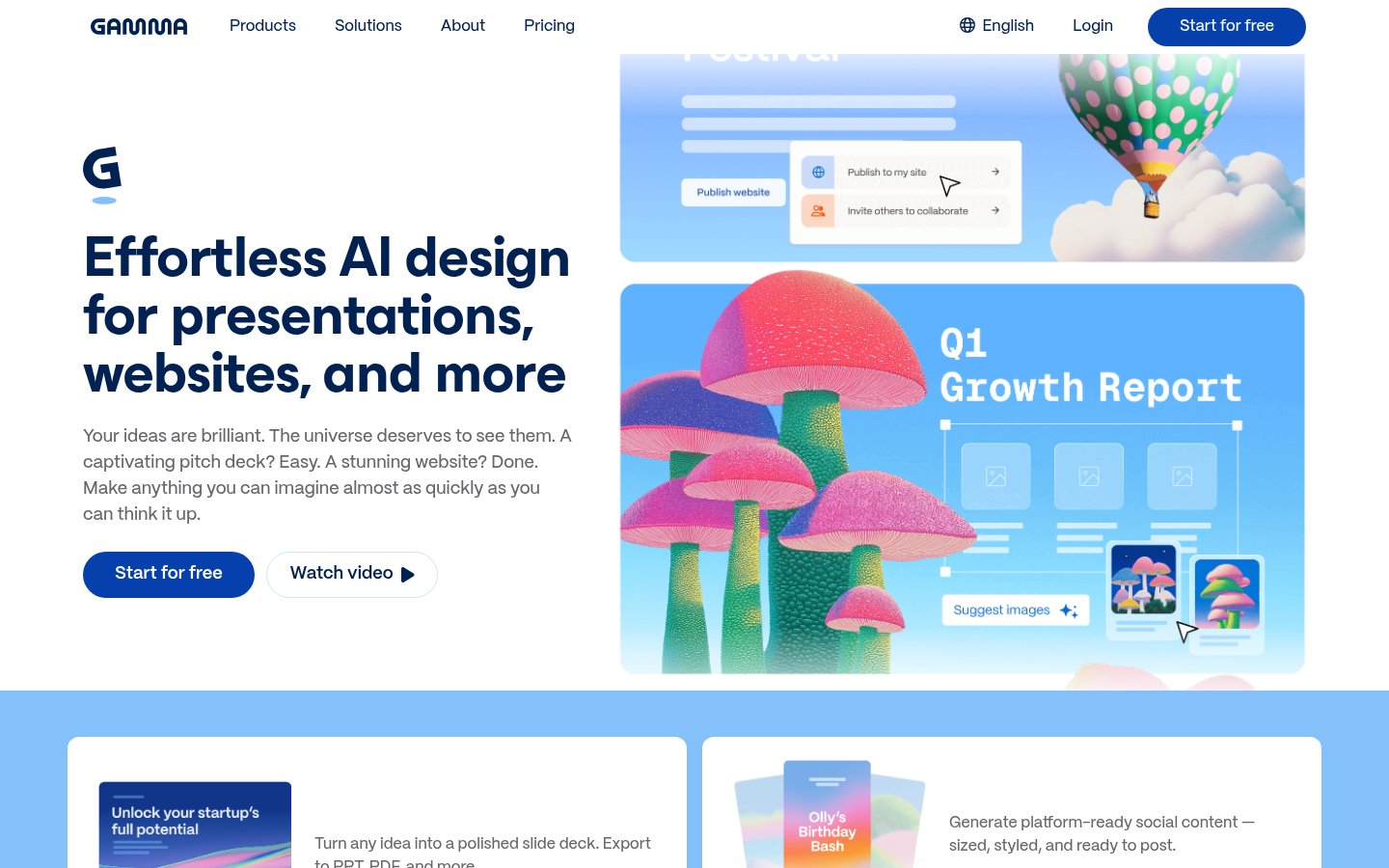
Gamma sits at the top of this list because it does more things right than any other tool here. It's not just a slide generator, it's a genuinely different approach to presentations. Gamma produces web-native documents that work as slides, shareable web pages, or embeddable assets, all from the same source. That flexibility alone makes it the most versatile option in this category.
The AI generation is fast and the results are consistently polished. You give it a topic or paste in existing content, choose a rough structure, and it produces a full deck with real layouts, not just bullet points on colored backgrounds. The editor is intuitive enough that non-designers can make meaningful changes without breaking the visual consistency.
Gamma also supports PPTX export, which matters for anyone who needs to hand off slides to someone still living in PowerPoint. The free plan is genuinely usable, not a crippled demo. Paid plans start at around $10/month.
There's a full breakdown in the Gamma Review 2026 if you want the deep analysis, but the short version is: it's the best general-purpose AI presentation tool available right now.
Pricing: Free plan available; Pro from ~$10/month.
Best for: Professionals and teams who want fast, shareable, visually strong decks without hiring a designer.
Pros: Web-native format works beyond slideshows, clean AI generation from prompts or documents, solid PPTX export, genuinely usable free tier, active development with frequent updates.
Cons: Less control over pixel-perfect layouts than traditional tools, web-first format can confuse people expecting a classic slide file.
Try Gamma →2. GenPPT
Official website: genppt.com
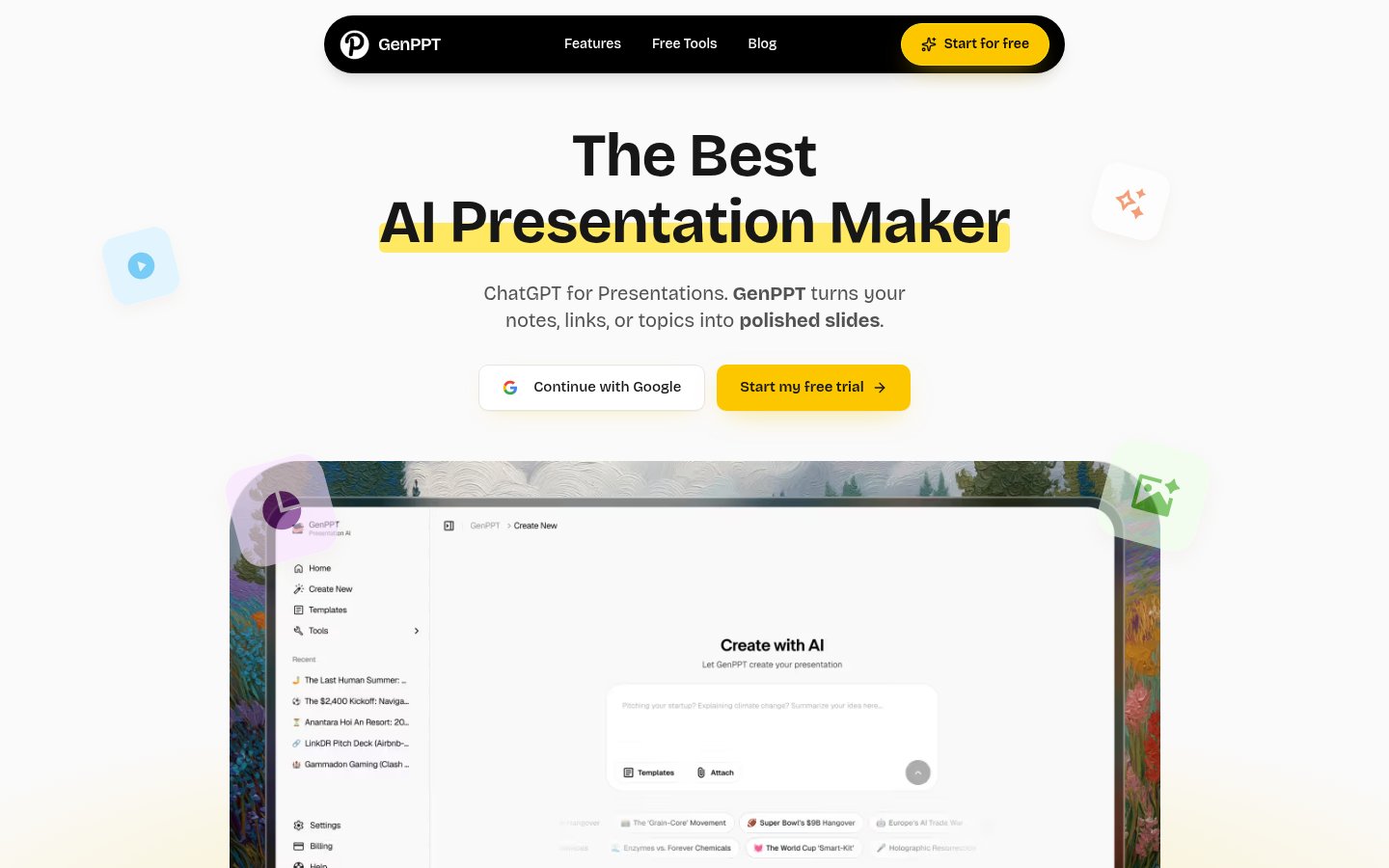
GenPPT focuses on one thing: getting you a PowerPoint file as fast as possible. No web-native formats, no sharing ecosystems, just a prompt in and a .pptx file out. That simplicity is its biggest selling point and, depending on your workflow, it might be exactly what you need.
The generation speed is genuinely impressive. A 10-slide deck on most topics takes under 90 seconds. The layouts are competent without being exciting, and the AI does a reasonable job structuring content logically. It's not going to win design awards, but it won't embarrass you in a business meeting either.
Where GenPPT falls short is editing. Once the deck is generated, you're largely doing your post-editing in PowerPoint itself. There's no real in-app design layer. For people who already know PowerPoint well and just want to skip the blank-page problem, that's fine. For anyone who wants a more visual editing experience inside the tool itself, it's limiting.
Pricing is straightforward, with a free tier for basic generation and paid plans from around $12/month for higher volume and more advanced features.
Pricing: Free tier available; paid plans from ~$12/month.
Best for: PowerPoint users who want to skip the blank-slide stage and do final polish in PPT directly.
Pros: Fast PPTX generation, clean file output, low learning curve, good for high-volume slide production.
Cons: Minimal in-app editing, design quality is competent but not standout, limited formatting control during generation.
Try GenPPT →3. Plus AI

Official website: plusai.com
Plus AI takes a different approach from most tools on this list: it lives inside Google Slides as an add-on. If your team already runs on Google Workspace, this is the most practical way to add AI generation to your existing presentation workflow without switching tools or changing formats.
The AI is solid. You can generate slides from a prompt, rewrite specific sections, change the tone of bullet points, or expand an outline into full slide content, all without leaving Google Slides. The results fit cleanly into whatever template you're already using, which is a real advantage over tools that impose their own design language.
The downside is dependency on Google Slides itself. If you want a web-native presentation, a standalone tool, or something that works outside Google's ecosystem, Plus AI isn't the right choice. It's also not the best option for visual design, since you're constrained by whatever Slides can do.
Pricing sits around $10–15/month depending on the plan, which is reasonable given it works inside a tool you're probably already paying for.
Pricing: ~$10–15/month.
Best for: Teams already working in Google Slides who want AI generation without changing their workflow.
Pros: Works natively inside Google Slides, no new tool to learn, prompt-to-slide generation is fast, good for content rewriting and expansion.
Cons: Fully dependent on Google Slides, no standalone experience, design output limited by Google Slides' own constraints.
Try Plus AI →4. Visme
Official website: visme.co
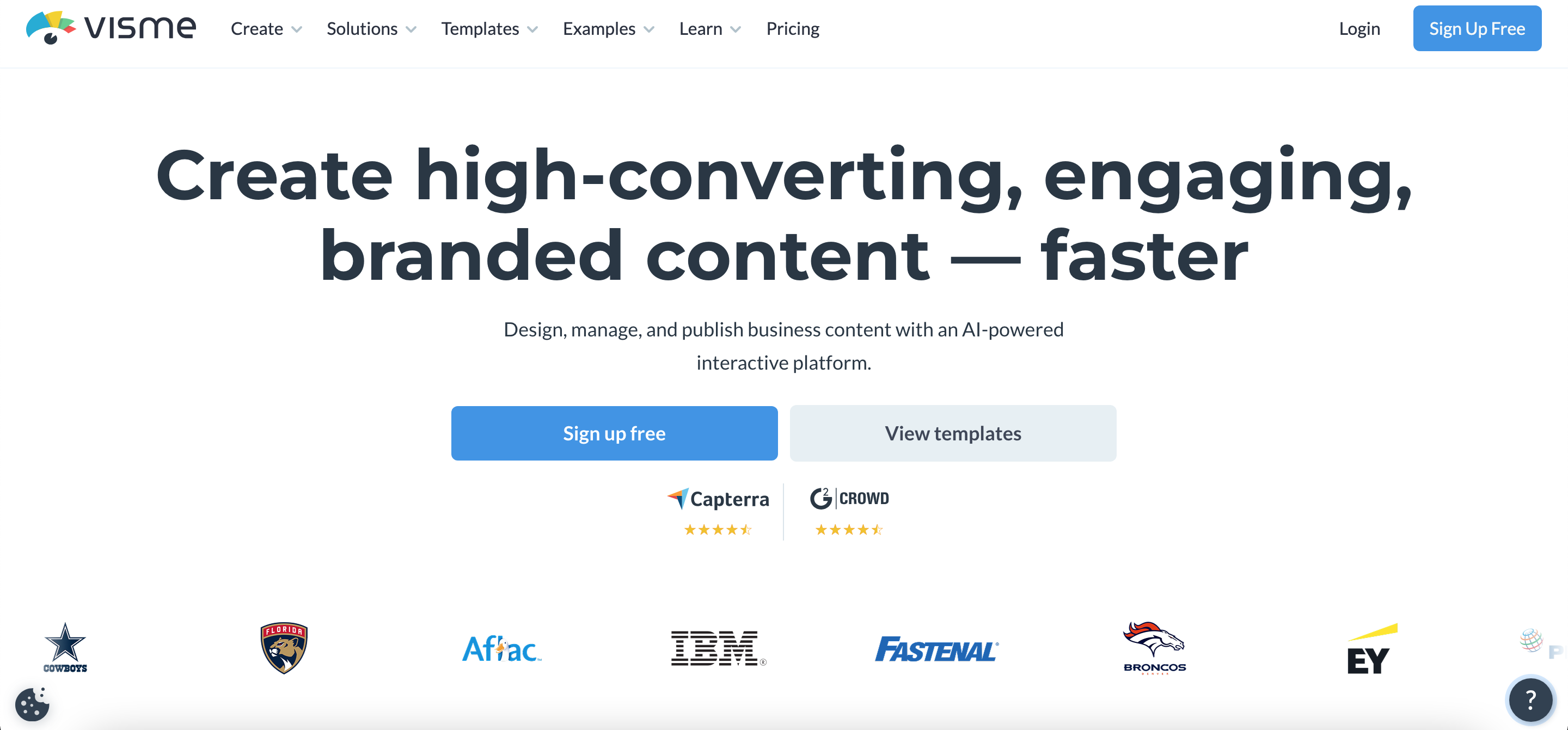
Visme is the most design-capable tool on this list. It's not purely an AI presentation generator, it's a full visual content platform that covers presentations, infographics, reports, social graphics, and more. The AI layer has improved significantly since 2024 and now does a credible job of generating complete slide decks from a prompt.
The trade-off is complexity. Visme has more features than almost any other tool here, which means a steeper learning curve. The editor is powerful but not as immediately intuitive as Gamma or Plus AI. If you're a designer or someone who cares deeply about visual output and brand consistency, you'll find the depth useful. If you want to generate a deck in two minutes and send it, there are faster paths.
Data visualization is a genuine strength. Visme handles charts, infographics, and interactive elements better than most competitors, which makes it the right pick for teams that present data-heavy content regularly. Pricing starts at around $12.25/month on annual plans, with a limited free tier.
Pricing: Free tier available; paid plans from ~$12.25/month (annual).
Best for: Marketing teams and designers who need a full visual content platform, not just a slide generator.
Pros: Best-in-class data visualization and infographic tools, broad content type support, strong brand kit and template management, interactive elements.
Cons: Steeper learning curve than purpose-built slide tools, overkill for simple deck generation, free tier is quite limited.
Try Visme →5. SlidesAI
Official website: slidesai.io
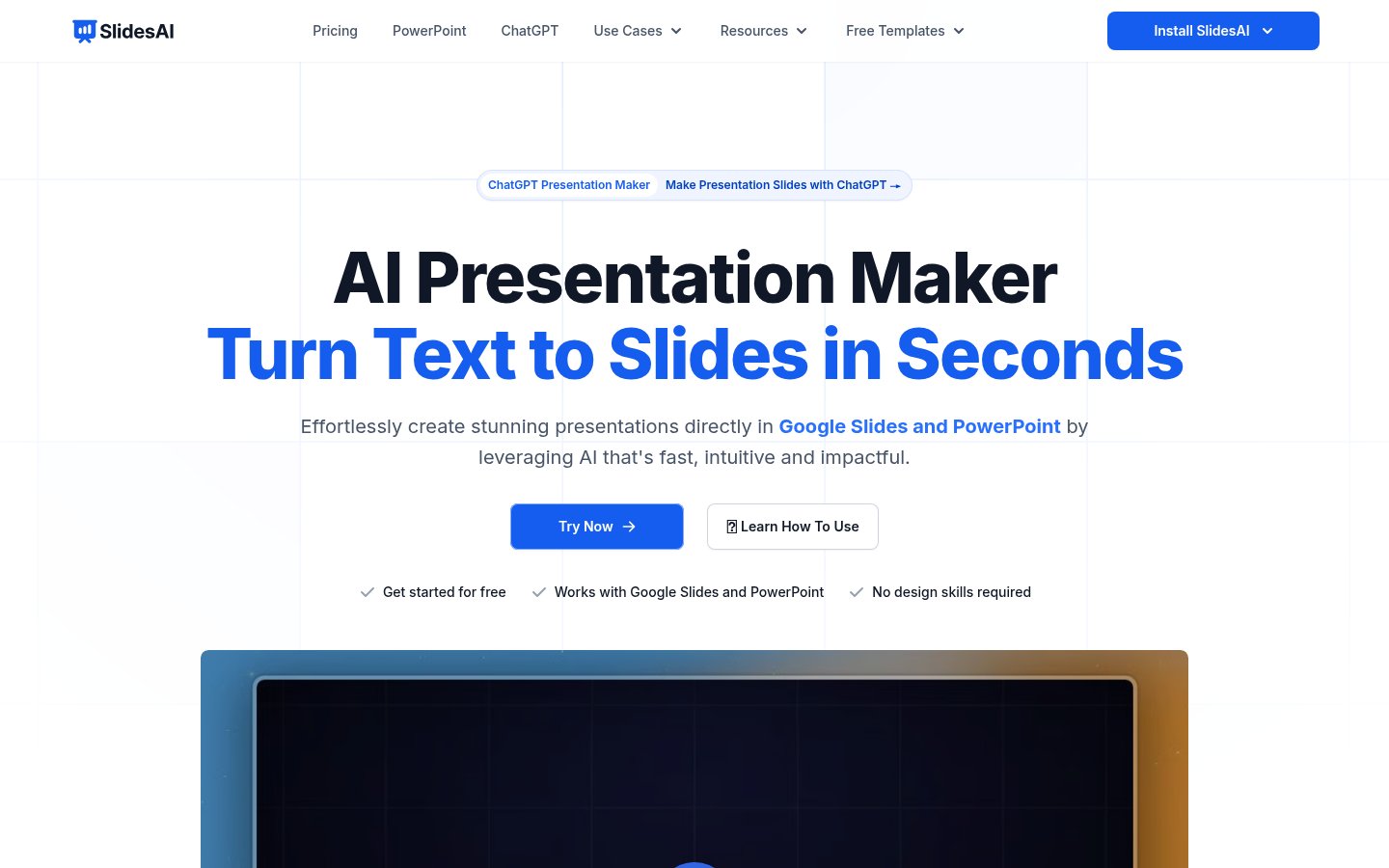
SlidesAI occupies a similar space to Plus AI, working as a Google Slides add-on focused on generating presentations from text input. The core mechanic is straightforward: paste in a body of text, a URL, or a document, and SlidesAI converts it into slides automatically. It's a better fit for people who already have content and want it structured visually, rather than people building from a bare prompt.
The quality of conversion is decent. SlidesAI does a good job of identifying key points and spreading them across slides logically. The designs it produces are clean without being particularly memorable. You'll spend some time on post-generation cleanup, but less time than building from scratch.
Where it lags behind Plus AI is in the AI's ability to generate from prompts rather than existing text, and in the breadth of editing features. It's a more narrowly focused tool. For its specific use case, though, it works reliably. Pricing starts at around $10/month with a limited free tier.
Pricing: Free tier available; paid from ~$10/month.
Best for: People who want to convert existing documents or written content into slide decks quickly.
Pros: Strong at converting text/documents to slides, works inside Google Slides, good logical content structuring, simple to use.
Cons: Less capable for prompt-only generation, limited design control, requires Google Slides.
Try SlidesAI →6. Presentations AI
Official website: presentations.ai
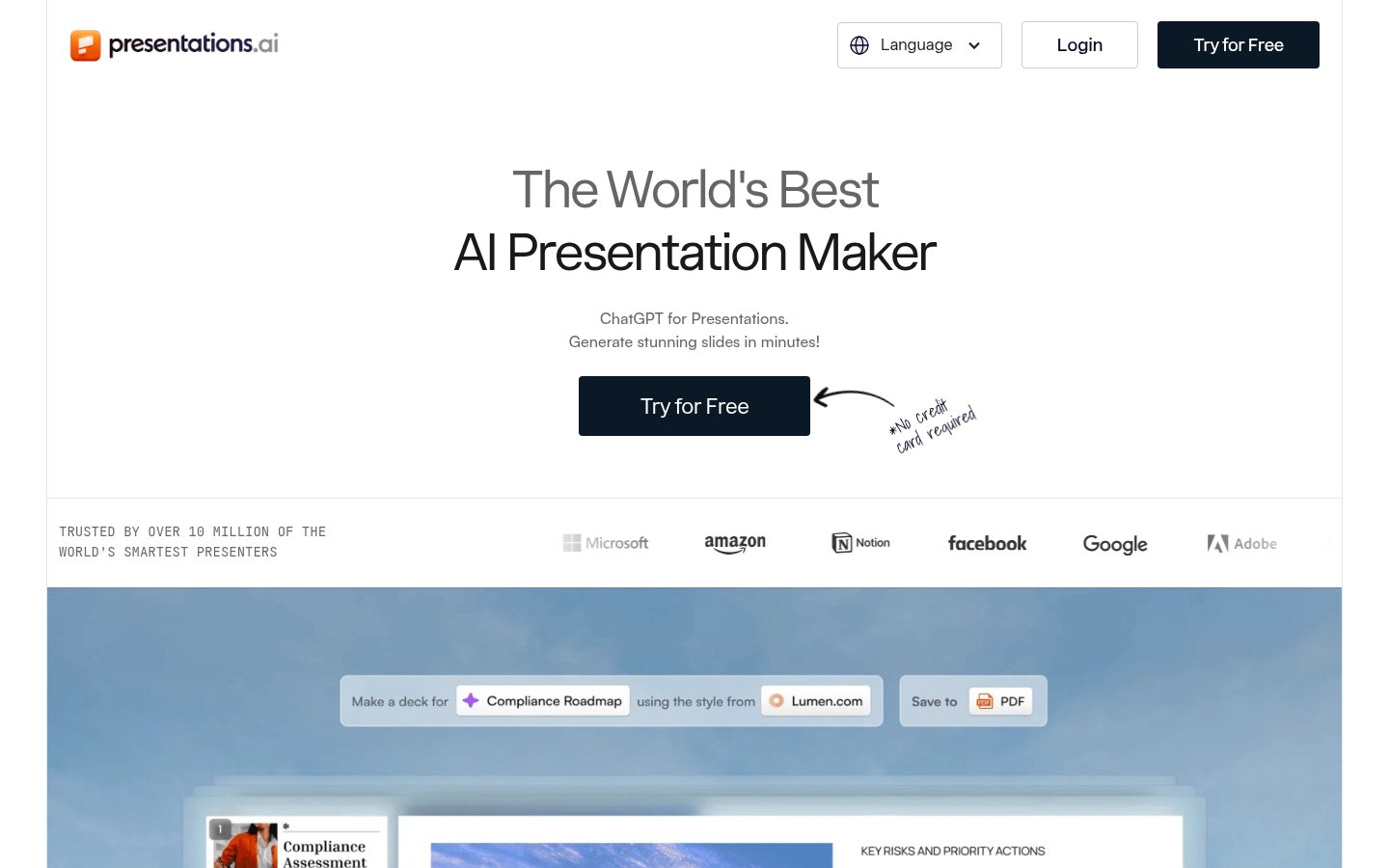
Presentations AI is a standalone tool that generates decks from prompts, uploaded documents, or URLs. It's positioned as a fast, no-friction option for people who don't want the complexity of a full design platform or the constraints of a Google Slides add-on.
The AI generation is competent. Decks come out structured sensibly, with layouts that are more varied than what most basic generators produce. The visual quality is a step above SlidesAI and GenPPT in terms of design polish, though it doesn't quite match Gamma's output.
One thing Presentations AI does well is speaker notes. The AI generates contextual notes alongside each slide, which is useful for anyone who needs to present without a script. It's a small feature that makes a practical difference.
The editor is functional but not deep. Complex layout changes require more workarounds than you'd want. Export to PPTX works reliably, and there's a shareable link option for web presentations. Pricing typically starts around $9–12/month.
Pricing: Plans from ~$9–12/month.
Best for: Professionals who want a standalone AI presentation tool with solid speaker note generation.
Pros: Good AI-generated speaker notes, varied layout selection, PPTX export, no dependency on Google ecosystem.
Cons: Editor has limited depth for complex changes, design quality good but not best-in-class, smaller feature set than Gamma or Visme.
Try Presentations AI →7. Simplified

Official website: simplified.com
Simplified is another multi-purpose content platform, like Visme but aimed at a different user. Where Visme targets designers and data-heavy teams, Simplified focuses on marketing content, and its presentation generator is one component of a broader suite that also covers social media graphics, video, and copywriting.
The AI presentation tool is solid for its intended audience. If you're a marketer who needs a pitch deck or client presentation alongside a social campaign, having everything in one platform saves context-switching. The templates are modern, the brand kit tools are useful, and the AI generation is fast.
The problem is that presentations aren't Simplified's core strength. The slide editor isn't as refined as Gamma's, and the AI generation doesn't handle complex technical content as cleanly as dedicated tools. For straightforward marketing decks and client-facing content, it's a fine choice. For anything more detailed, you'll feel the limits. Free plan available; paid plans from around $12/month.
Pricing: Free plan available; paid from ~$12/month.
Best for: Marketers who need presentations as part of a broader content workflow, not as a standalone focus.
Pros: All-in-one content platform, good brand kit management, modern templates, reasonable free tier.
Cons: Presentation editor is less refined than dedicated tools, struggles with technical or data-heavy content, can feel scattered across too many features.
Try Simplified →8. PopAI
Official website: popai.pro
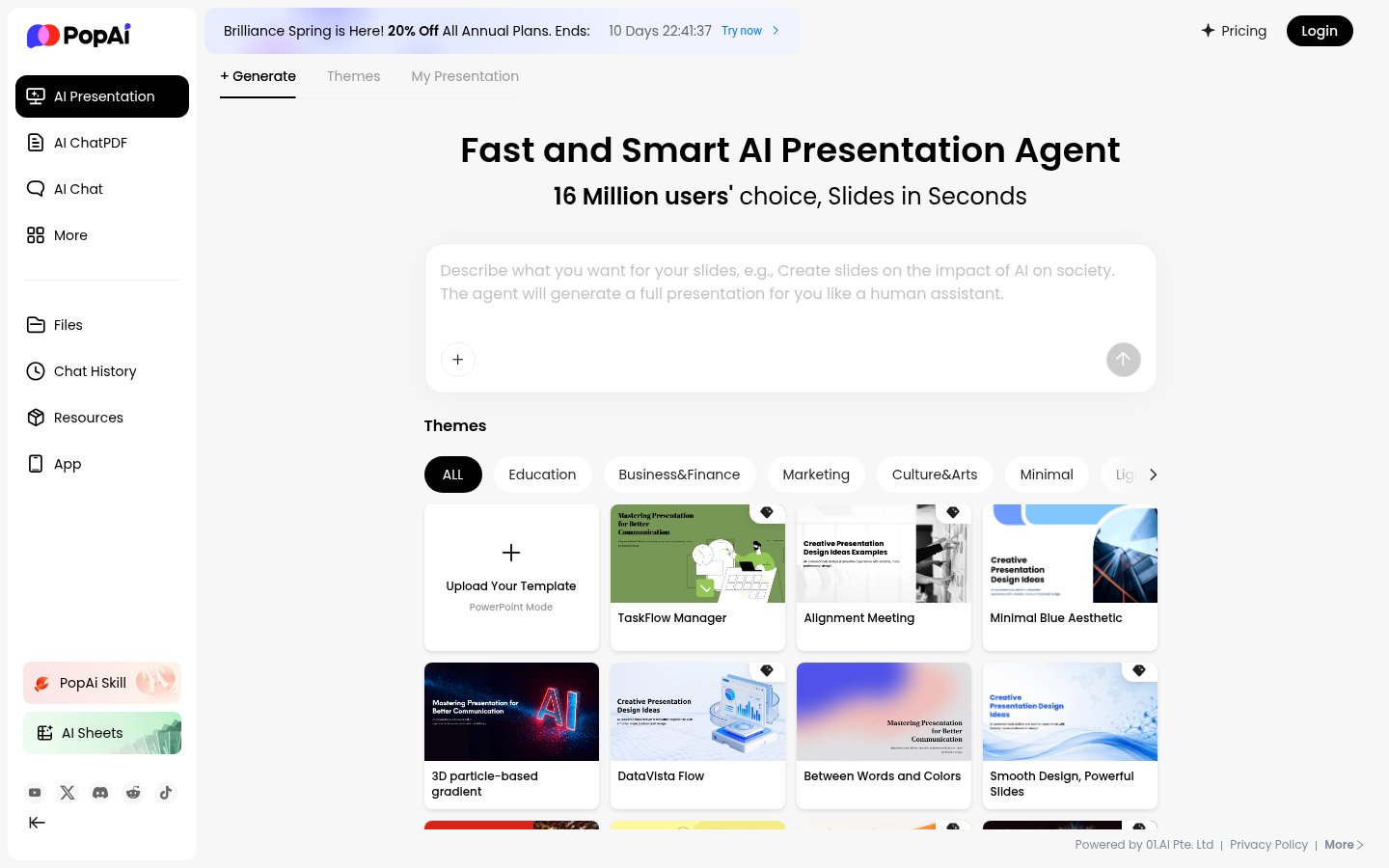
PopAI is an AI workspace that includes a presentation generator alongside chat, document analysis, and image tools. The presentation feature is surprisingly capable for a tool where slides are a secondary offering. You can generate a deck from a prompt, from a document, or from a web URL, and the output is reasonably polished.
The AI chat integration is actually PopAI's most interesting differentiator here. You can interrogate your presentation's content using the chat interface, ask for rewrites, request additional slides on specific sub-topics, or get the AI to check logical flow. It's a more conversational approach to building presentations than most tools offer.
The downside is consistency. PopAI's presentation quality varies more than dedicated tools. Some outputs are genuinely impressive; others need significant cleanup. It's also not clear how actively the presentation module is being developed versus the chat and document features. Pricing is around $9–15/month depending on tier.
Pricing: ~$9–15/month.
Best for: Users who want an AI workspace with presentation generation as one capability among several.
Pros: Conversational AI for editing and refining slides, document and URL input support, broad AI workspace beyond just presentations.
Cons: Inconsistent output quality, presentations feel like a secondary feature, less reliable than dedicated tools.
Try PopAI →9. Beautiful.ai
Official website: beautiful.ai
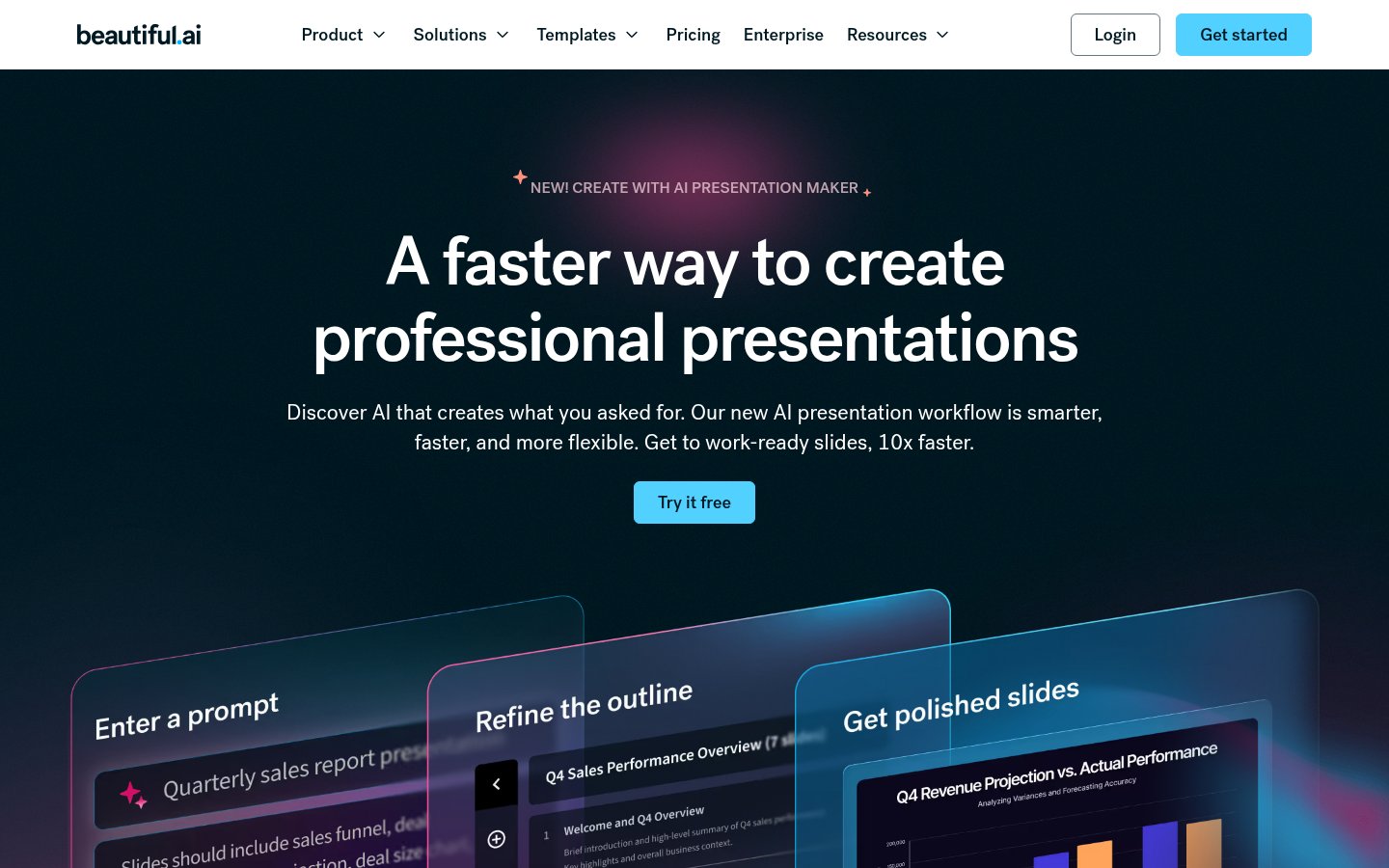
Beautiful.ai has been around longer than most tools on this list, and it shows in both the maturity of its editor and in how it's feeling its age against newer competitors. The core concept is still smart: "smart slides" that automatically adjust layout and spacing as you add content, so you're never fighting with alignment.
The AI generation has improved since 2024, and the template library is one of the best in the category, especially for corporate and enterprise presentations. If you need a deck that looks professionally polished without much manual work, Beautiful.ai delivers reliably.
Where it falls behind in 2026 is price-to-value. At around $12/month for an individual plan, and significantly more for team plans, it's more expensive than Gamma for a narrower set of capabilities. The AI generation is decent but doesn't match Gamma's output depth. Teams on enterprise contracts get the best experience here, which is reflected in where most of Beautiful.ai's focus has gone.
Pricing: Individual plans from ~$12/month; team plans significantly higher.
Best for: Enterprise teams and corporate users who need polished, templated presentations and value brand consistency over speed.
Pros: Excellent template library, smart auto-layout that prevents design errors, strong brand kit controls, mature and stable platform.
Cons: Expensive for individual users relative to competitors, AI generation is good but not class-leading, less flexibility for non-corporate styles.
Try Beautiful.ai →10. Sendsteps

Official website: sendsteps.com
Sendsteps earns its place on this list for a specific use case that none of the other nine tools address: interactive, audience-engaged presentations. It's built around live polling, Q&A, quizzes, and word clouds, all embedded directly into the slides. The AI layer generates the presentation content, and the audience interaction layer makes it live.
For trainers, educators, conference speakers, and anyone presenting to a group that needs to stay engaged, Sendsteps is the only tool here worth serious consideration. Its slide design is functional but not going to win any awards. The AI generation is basic compared to Gamma or GenPPT.
But the audience interaction features are genuinely well-built, and they're the whole point. If you're running a workshop or a town hall and you need real-time feedback embedded in your deck, Sendsteps does it better than anything else on this list. Pricing starts around $8–15/month depending on audience size and features.
Pricing: Plans from ~$8–15/month.
Best for: Trainers, educators, and presenters who need live audience interaction built into their slide decks.
Pros: Best-in-class live polling and audience interaction, quiz and Q&A features, works well for training and educational contexts.
Cons: Slide design and AI generation are weaker than dedicated presentation tools, overkill for static presentations, pricing scales with audience features.
Try Sendsteps →Comparison Table
| Tool | Best For | AI Generation Quality | Free Plan | Starting Price | PPTX Export | Standout Feature |
|---|---|---|---|---|---|---|
| Gamma | General professional use | Excellent | Yes | ~$10/mo | Yes | Web-native + slide format |
| GenPPT | Fast PowerPoint output | Good | Yes | ~$12/mo | Yes | Speed of PPTX generation |
| Plus AI | Google Slides users | Good | No | ~$10/mo | Via Google Slides | Native Slides integration |
| Visme | Data-heavy visual content | Good | Limited | ~$12.25/mo | Yes | Infographics & interactives |
| SlidesAI | Document-to-slides conversion | Decent | Limited | ~$10/mo | Via Google Slides | Text/doc conversion |
| Presentations AI | Standalone generation | Good | No | ~$9/mo | Yes | Speaker note generation |
| Simplified | Marketing content teams | Decent | Yes | ~$12/mo | Yes | Multi-content platform |
| PopAI | AI workspace users | Variable | Yes | ~$9/mo | Yes | Conversational slide editing |
| Beautiful.ai | Enterprise teams | Good | No | ~$12/mo | Yes | Smart auto-layout templates |
| Sendsteps | Interactive presentations | Basic | Limited | ~$8/mo | Yes | Live polling & audience Q&A |
How I Ranked These
The ordering here is opinionated, and I'll be direct about the logic.
Output quality and editing flexibility carry the most weight. A tool that generates a mediocre deck and gives you good tools to fix it is more useful than one that generates a decent deck and locks you out of the editor. Gamma leads because it wins on both counts.
Fit-for-purpose matters more than raw feature counts. Sendsteps is last not because it's bad, it's genuinely excellent at what it does. But what it does is narrower than every other tool here. The ranking reflects general-purpose utility, not niche excellence.
Price-to-value is a real factor. Beautiful.ai's pricing hasn't kept pace with how much the competition has improved. That's reflected in its position. If it were $7/month for individuals, it'd be ranked higher.
The AI tool space moves fast, and these rankings will shift. If you're also evaluating automation tools to connect your presentation workflows to other systems, the Zapier Review 2026 covers how platforms like Zapier now handle multi-step AI workflows, including things like auto-generating decks from CRM data. And if you're thinking about building custom workflows for presentation generation, the n8n Review 2026 is worth your time.
One last thing: if you're considering any of these tools for sensitive business content, revisit The AI Verification Gap before you start feeding confidential strategy documents into a cloud-based AI. The tools are good. The habit of verifying what they produce still matters.
Frequently Asked Questions
Tools & Services Mentioned

infobro.ai Editorial Team
Our team of AI practitioners tests every tool hands-on before writing. We update our content every 6 months to reflect platform changes and new research. Learn more about our process.