GenPPT Review 2026: Fast AI Slides With a Friction Problem You Should Know About
GenPPT generates polished PowerPoint decks from a single prompt in under two minutes. But the $19/mo price tag and export friction make it a tough sell against Gamma.

GenPPT
GenPPT
genppt.comGenPPT generates polished PowerPoint decks from a single prompt in under two minutes. But the $19/mo price tag and export friction make it a tough sell against Gamma.
Quick facts
- Free plan
- No, $1 trial (card required)
- Trial
- 3-day trial for $1
- Monthly price
- $19/month
- Annual price
- $99/year (~$8.25/mo)
- Monthly deck limit
- 20 presentations
- Export format
- Native .pptx
- Editing interface
- Chat-based only
Pros
- The agentic outline step lets you redirect content before the deck is built, reducing wasted iterations.
- Exports true .pptx files without watermarks, which is exactly what most business users need.
- Content quality is noticeably more substantive than simpler template-fill AI tools.
- Annual plan at $99/year is competitive with similar web-based tools.
- Three-step workflow is genuinely simple, no learning curve.
Cons
- No card-free free tier makes evaluation feel gated compared to competitors like Gamma.
- Chat-only editing means no drag-and-drop precision, visual adjustments require post-export work in PowerPoint.
- Export formatting issues (font substitution, layout drift) are a documented and recurring problem.
- Cannot import or edit existing PowerPoint files, ruling it out for template-based workflows.
- AI-generated content requires fact-checking before use, the tool will confidently produce plausible but wrong claims.
See GenPPT for yourself
Free to start, no credit card needed for the trial.
Screenshots


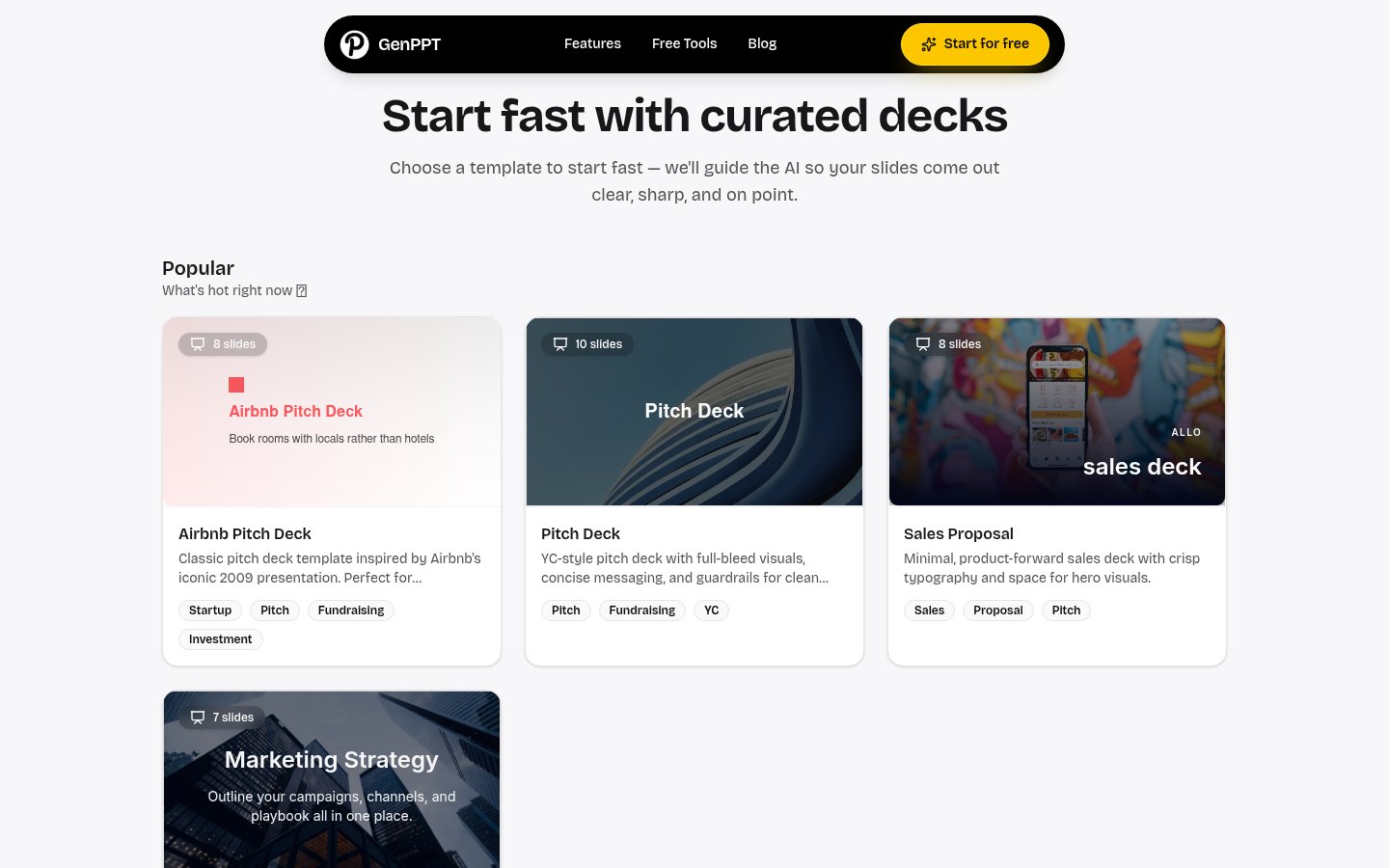
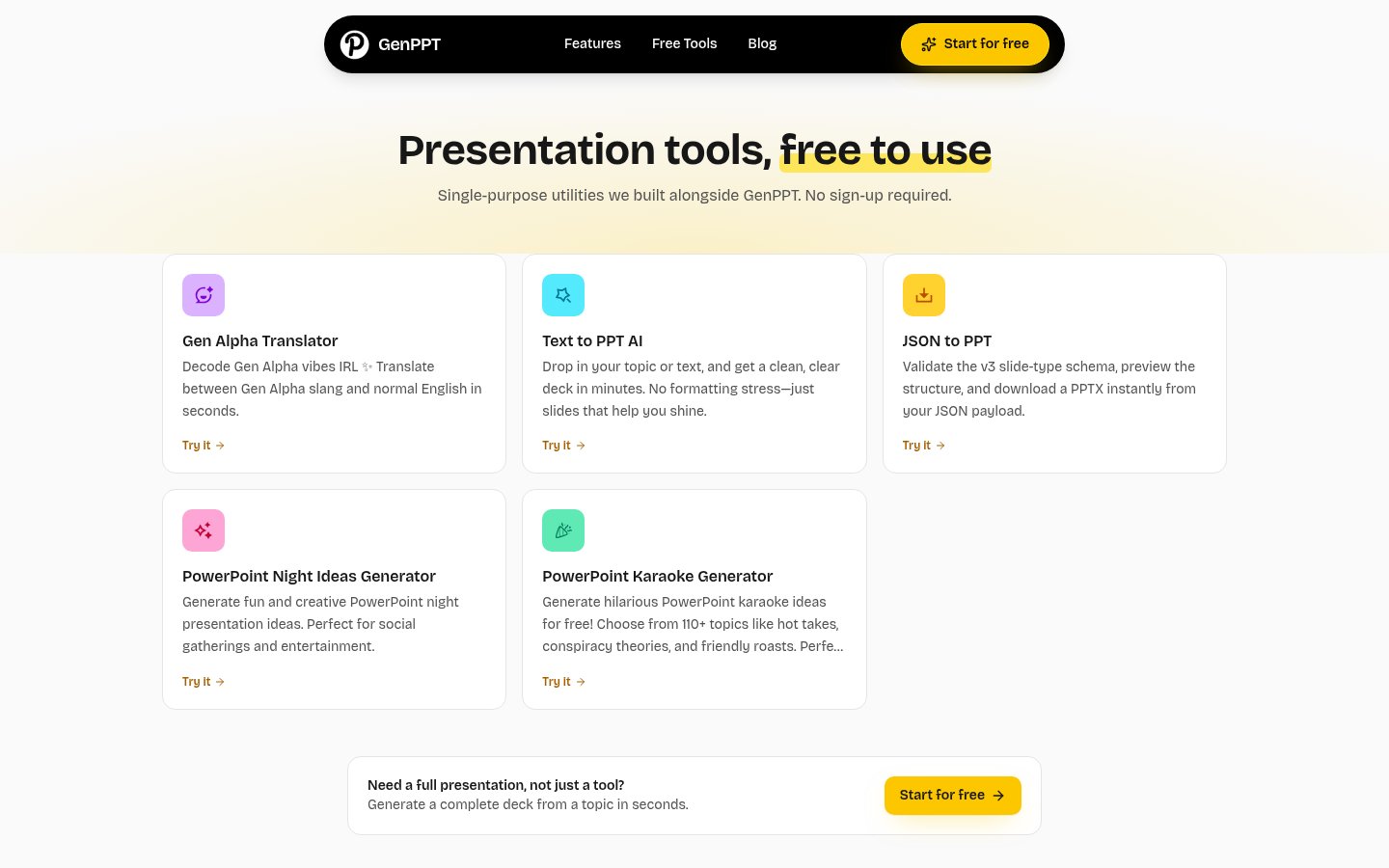
Ready to try GenPPT?
Skip the screenshots and explore it live.
What GenPPT Actually Does
GenPPT sits in a specific niche: it's a web-based AI tool that takes a topic, a block of notes, or a URL and turns it into a downloadable .pptx file. That's the whole pitch. You don't build slides in GenPPT the way you'd build them in PowerPoint or even in Gamma. You describe what you want, the AI figures out the structure, generates the content, and hands you a file.
The company's marketing positions it as "ChatGPT for presentations," which is a decent shorthand. The AI doesn't just drop text into a generic slide template. According to the workflow described on its homepage, it builds a presentation outline first, presents that to you for review, and then generates the full deck. Independent testers at Ajelix noted this agentic behavior specifically, giving GenPPT 4/5 for agentic behavior compared to 3/5 for Gamma and 2/5 for Canva. That's a real differentiator: GenPPT shows its work before it commits to a deck, which means you can redirect the content before it locks in.
What it's less good at is design. The slides come out clean and structured, but "clean" isn't the same as "branded" or "visually distinctive." Reviewers across multiple third-party sites consistently noted that AI-generated decks land at "pretty enough" rather than "this feels like us." If you work with a strict brand style guide, you'll be finishing that work in PowerPoint after export anyway.
How It Works in Practice
The workflow is three steps, and GenPPT keeps that experience genuinely simple. You enter your topic or paste notes, the AI builds a structured work plan, you approve or redirect it, and the deck appears within a couple of minutes. The chat panel on the left lets you request changes by typing natural language instructions. Change this slide's title, add a bullet about X, remove the section on Y. That part works well for content-level edits.
The friction shows up at the export stage. GenPPT is a web-only tool with no native PowerPoint integration. Every deck you create has to be downloaded as a .pptx and opened in PowerPoint afterward. This sounds trivial until you're doing it repeatedly across a week of client work. Third-party reviewers at Deckary flagged this export step as the main workflow break: font substitutions, formatting drift, and lost styling all creep in at the boundary between GenPPT's renderer and PowerPoint's engine. The Ajelix reviewer specifically noted that a presentation was only accessible after adding a payment card and paying the $1 trial fee, which creates a bit of a gotcha moment for users who expect a true free tier.
There's also no drag-and-drop editing inside GenPPT itself. If you want to move a text block two inches to the right, you're doing that in PowerPoint post-export, not in the tool. Chat-based editing works for content changes, but visual precision requires leaving the platform entirely.
For content-heavy decks, the agentic approach does produce more substantive output than simpler tools. The AI includes researched context rather than generic filler, which is useful if you're presenting on a topic you know well and need a first draft fast. That said, reviewers across the board flagged the same caveat: verify the facts before you present them. The AI will confidently produce plausible-sounding statistics that may be outdated, hallucinated, or simply wrong. This is especially important for finance, medical, or regulatory content.
One pattern that shows up in longer decks: too much text per slide and a tendency toward "almost the same" slides that blur together. A 15-slide deck occasionally becomes 12 slides of mostly-the-same-point restated with slightly different bullets. That's a content structure problem, not just a design one, and it's the kind of thing a human editor catches in two minutes.
Pricing Breakdown
GenPPT uses a $1 trial entry point that converts to a paid subscription. There's no free tier in the traditional sense. You have to put a card in to use the product at all.
| Plan | Price | What You Get |
|---|---|---|
| Monthly | $19/month | 20 AI presentations/month, PowerPoint export, no watermark, AI images on slides |
| Annual | $99/year ($8.25/mo equivalent) | Same features, billed annually, saves ~$129 vs monthly |
| $1 Trial | $1 for 3 days | Full access, cancel anytime before it converts |
The annual plan represents decent value if you use the tool regularly. At $8.25/month it's competitive with the lower tier of Gamma, which starts at $8/month on its Plus plan. The monthly price of $19 is harder to justify against those alternatives, especially given the export friction and editing limitations.
The 20-presentation monthly cap is worth scrutinizing. For light users creating one or two decks a week, that's fine. For consultants, sales teams, or educators who might need 30 decks in a heavy month, it becomes a ceiling. There's no obvious higher tier documented publicly, which means heavy users may hit the wall at an inopportune time.
Worth noting: one third-party source cited pricing as high as $228/year for a different tier, though this doesn't match what's currently published on the pricing page. If you're buying annual, verify the current rate before committing.
Standout Features, Examined
Agentic Outline Review
The thing that actually separates GenPPT from simpler text-to-slides tools is the intermediate outline step. Before the deck gets built, the AI presents its content plan: how many slides, what each section covers, and how the narrative flows. You can push back before the AI goes to work. This matters more than it sounds. Most AI presentation tools just start building and hand you a finished deck with no opportunity to steer the content before it's committed. GenPPT's approach reduces the chance of getting a coherent but entirely wrong deck.
This is the "agentic behavior" that the Ajelix reviewer rated so highly. It's not truly autonomous in the full sense of the term, but the planning step does make the output more predictable. If you've ever had an AI tool confidently build a 12-slide deck around the wrong interpretation of your prompt, you'll appreciate having a checkpoint.
Native .pptx Export
GenPPT exports true PowerPoint files, not PDF exports dressed up as slides or platform-locked formats. That's the right call, and it's not something every web-based AI presentation tool does well. For professionals whose clients expect .pptx files, this matters. The Ajelix reviewer gave it 4/5 for export options, docking a point for the formatting issues that appear post-export.
The limitation is that the export is the end of GenPPT's involvement. Once the file leaves the browser, you're in PowerPoint territory. If the formatting breaks, there's no round-trip editing: you fix it manually or you start over.
AI Images on Every Slide
GenPPT includes AI-generated images on slides as part of the paid tier, not as an expensive add-on. For presentation tools in this price range, that's a reasonable inclusion. The images appear contextually relevant to slide content rather than being generic stock photos.
The caveat is that AI-generated images in presentations are still a mixed bag in 2026. They're useful for abstract concepts and background visuals, but they can look uncanny or stylistically inconsistent across a single deck. If you're presenting to a sophisticated audience, you'll want to review every image before export.
Limitations and Edge Cases
The export-and-format problem is the biggest one. Every time you move from GenPPT's web interface to PowerPoint, something shifts. Fonts substitute because GenPPT uses web fonts that don't exist in PowerPoint's library. Layouts reflow because element positioning doesn't always translate cleanly between rendering engines. For a one-off deck this is a minor inconvenience. For a team creating presentations regularly, it becomes a real time sink.
GenPPT has no file import capability for existing PowerPoint decks. If you want to refresh an old deck or work with a template your company already has, you're starting from scratch in GenPPT and then manually reconciling the output with your existing format. PowerPoint-native tools like Microsoft Copilot or add-ins like Deckary avoid this entirely.
The 20-deck monthly cap, combined with the chat-only editing interface, makes GenPPT a poor fit for power users. If you're the kind of person who iterates through 10 versions of a deck before a big presentation, you'll exhaust your credits quickly and the chat editing will frustrate you when you need precise visual control.
There's also the content accuracy issue, which isn't unique to GenPPT but is worth stating plainly. The AI researches topics on its own and builds slide content from what it finds. That's useful for getting a fast first draft, but it means the deck will contain claims you haven't verified. The dokie.ai review was direct about this: for regulated industries, finance, or medical content, treat every AI-generated fact as a starting point that needs human verification. If you're presenting to investors or clients, this isn't optional.
If you're thinking about how AI tools like this fit into a broader workflow without creating chaos, the piece on The AI Tool Overload Problem is worth reading before you add another subscription.
Who Should Use GenPPT
GenPPT is genuinely useful for a specific type of user: someone who creates presentations occasionally, needs a structured first draft fast, and is comfortable doing final polish in PowerPoint. Students, solo consultants, startup founders preparing pitch decks, and marketing consultants who need a presentable deck by tomorrow afternoon all fit this profile. The $1 trial is a low-risk way to test whether the output quality meets your bar before committing to $99/year.
It's also a reasonable fit if you consistently work on content-heavy presentations where the narrative structure matters more than pixel-perfect design. The agentic outline step and the AI's research-based content generation produce more substantive drafts than simpler template-fill tools.
GenPPT is a poor fit for professionals who live in PowerPoint and need seamless integration with existing decks, brand templates, or organizational slide libraries. It's also the wrong tool for teams that need collaborative editing, version control, or the kind of visual precision that chat-based editing can't provide. If you already use Descript or similar content creation tools that integrate tightly with your production workflow, GenPPT will feel like a sidecar that doesn't connect.
For privacy-conscious users wondering how much of their content these tools retain, the concerns raised in The AI Privacy Problem apply directly to any web-based AI tool that processes your notes and research topics on remote servers.
Setup and Getting Started
There's no desktop app to install and no browser extension to configure. You sign in with Google, pay $1, and start entering prompts. Onboarding is minimal because there isn't much to learn: the tool is fundamentally a text-input-to-deck pipeline with a chat interface for edits.
The $1 trial converts automatically after three days unless you cancel. That's standard SaaS practice, but worth flagging because the trial requires a card upfront rather than offering a card-free free tier the way Gamma does. If you're evaluating multiple AI presentation tools at once, the card requirement means more friction than some alternatives.
For context on how GenPPT compares to the wider field, the Top 10 AI Presentation Tools in 2026 ranking covers the full competitive picture across speed, slide quality, and real-world usability.
Verdict
GenPPT delivers on its core promise: fast, structured AI presentations that export to real .pptx files. The agentic outline step is genuinely useful and the content quality beats simpler template-fill tools. But the $19/month price, card-required trial, chat-only editing, and export formatting issues make it a tough recommendation when Gamma costs less and offers more in-browser control.
Try GenPPTAlternatives
- GammaRead review →
Better in-browser editing, card-free free tier, and drag-and-drop controls, pick this if you don't strictly need.pptx output
- Beautiful.ai
More polished design output and slide templates, but $144/year minimum and no PowerPoint-native workflow
- Plus AI
Operates as a Google Slides or PowerPoint add-in, the right pick if you want AI generation without ever leaving your existing tool
- Visme
Broader content creation beyond slides including infographics and documents, better for marketing teams who need more than decks
- Presentations AI
Similar web-based AI generation approach but with a more generous free tier for low-volume users
Frequently Asked Questions
Tools & Services Mentioned

infobro.ai Editorial Team
We research every tool from its documentation, pricing pages, product screenshots and public developer discussion, and say plainly what the evidence does and does not show. Drafts are AI-assisted and reviewed by our editors before publication. We revisit each article every 6 months to reflect platform changes. Learn more about our process.