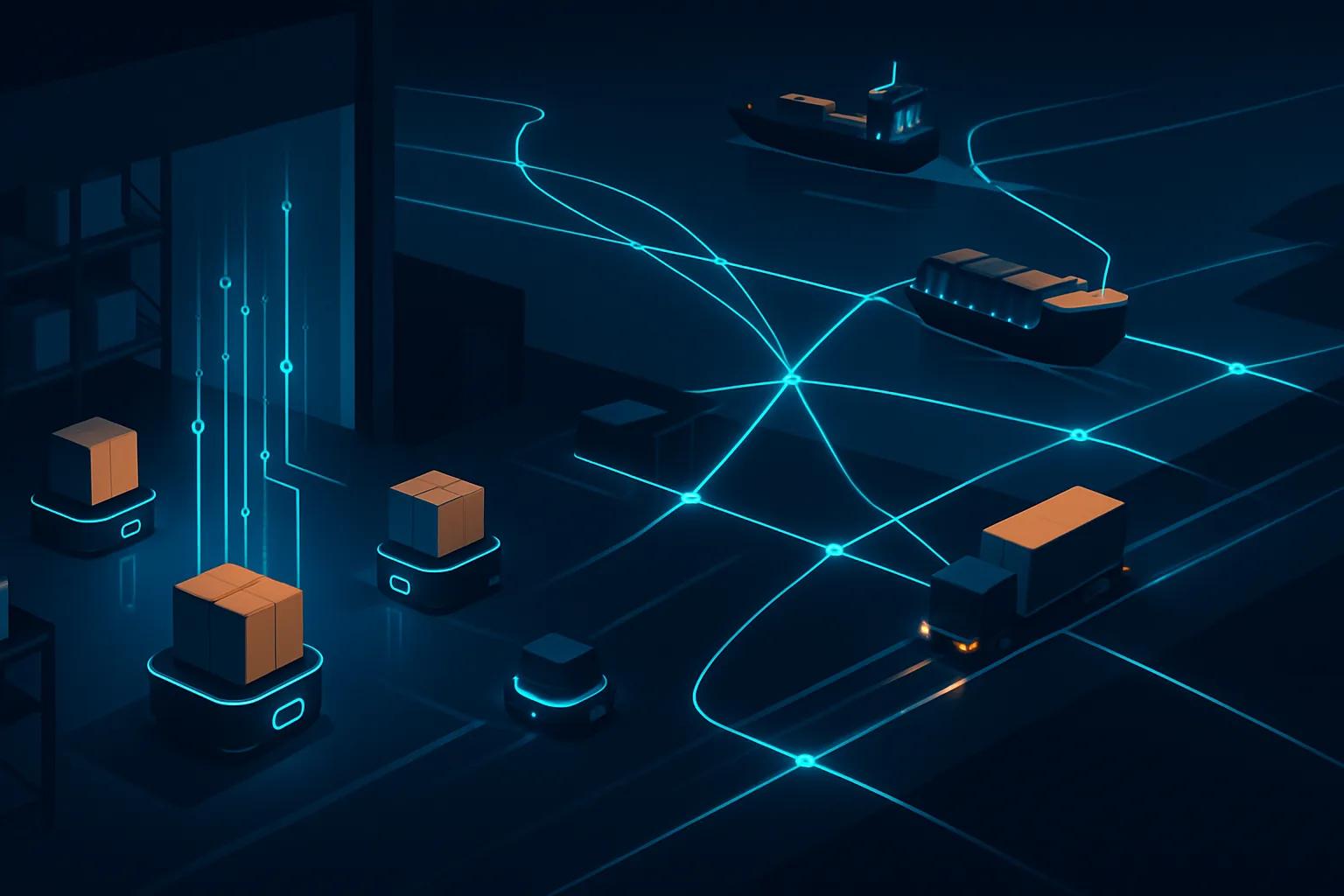
The AI Workflow Integration Problem: Why Your AI Tools Aren't Talking to Each Other (And How to Fix It)
Your AI tools work great in isolation. Together, they're a mess. Here's why integration is the real productivity bottleneck in 2026, and exactly how to fix it.

You've got a meeting transcription tool. A writing assistant. An AI that summarizes documents. Maybe an automation layer on top. Each one, on its own, works fine. But the moment you try to use them together, something breaks, or worse, nothing breaks, you just find yourself copy-pasting between tabs like it's 2015.
That's the AI workflow integration problem. And in 2026, it's quietly eating more productivity than people realize.
The issue isn't the individual tools. It's that most people built their AI stack by adding tools one at a time, each one solving a specific pain point, with no thought given to how the outputs of one tool become the inputs of another. The result is a collection of capable, disconnected islands.
If you've already wrestled with having too many AI tools in your stack, this is the next layer down. It's not just about how many tools you have. It's about whether they actually function as a system.
Why AI Tools Default to Silos
There's a structural reason for this. Most AI tools are built to win users, not to play nicely with other tools. The product goal is stickiness, getting you to live inside their interface, not to pass data out to a competitor's. So integrations are often an afterthought, limited to a handful of popular apps, and usually one-directional.
You can export from tool A. You can import to tool B. But the connection isn't live, it isn't automatic, and it certainly doesn't understand context.
Take a common workflow: you record a meeting with Fathom or Fireflies.ai, get a transcript, then want that transcript to feed into a summary in Mem.ai, which then informs a draft in your writing assistant, which eventually becomes a deliverable formatted in Gamma. Each step is possible. None of them happen without you manually pushing the data forward.
That manual pushing is the tax. And it compounds.
The Four Types of Integration Failures
Not all integration problems look the same. Here's where things actually break down.
1. Data Format Mismatch
Tool A outputs a messy wall of text. Tool B expects structured JSON. You're stuck in the middle, either cleaning the output manually or writing a prompt that translates it. This happens constantly between transcription tools and writing assistants, or between research tools and presentation builders.
2. Context Loss at Handoffs
Even when data moves between tools automatically, context rarely travels with it. Your meeting notes land in your notes app, but the AI in that notes app doesn't know those notes came from a client call, or that the client is in a specific deal stage, or that you told them something last month. The data arrives stripped of the situation it came from.
This is exactly what's discussed in depth in The AI Memory Problem, AI systems don't build an understanding of your ongoing work. Each tool starts fresh every time.
3. Trigger Gaps
You want something to happen automatically when an event occurs. A new email arrives from a key client. A document gets approved. A transcript is ready. But your AI tool doesn't expose a webhook, doesn't have a Zapier integration, and doesn't offer an API without an Enterprise plan. So nothing triggers. You do it manually. Every time.
4. Output Drift
This one is subtle. You run the same data through three different AI tools for three different purposes, a summary, a draft, a set of talking points. Each tool interprets the source material slightly differently. By the time you're working from outputs across multiple tools, you're no longer working from a single source of truth. You're working from three divergent interpretations of one.
The Integration Stack: What Actually Works
There's no single tool that solves all of this. But there's a pattern that works for most knowledge workers.
Layer 1: Capture
Pick one tool for each type of input and commit to it. One tool for meeting transcripts. One for document intake. One for web research. The goal here is consistency of format, if your capture tool always outputs in the same structure, the rest of the pipeline becomes much easier to build.
Fathom and Otter.ai both produce structured transcripts with speaker labels and summaries. Limitless goes further if you want passive capture across your whole day. Pick one and stop switching.
Layer 2: Orchestration
This is the layer most people skip, and it's the most important one. You need something in the middle that moves data between tools without you touching it. In 2026, the two strongest options are Zapier and n8n.
Zapier has evolved well beyond simple "if this, then that" logic. Its AI steps can transform, summarize, and reformat data mid-workflow without you writing a single line of code. The tradeoff is cost, Zapier's pricing climbs fast if you're running complex multi-step automations at volume. At the $69/month Professional tier, you get access to AI actions and premium app connections, which covers most use cases.
n8n is better if you're technical or if you want to run self-hosted workflows. Its node-based visual editor is more powerful than Zapier's for complex branching logic, and the self-hosted option means you're not paying per task at scale. The learning curve is steeper, but the ceiling is much higher.
The key thing either tool gives you: a place to define what happens when tool A produces output. That's the missing piece for most people.
Layer 3: Storage with Context
Raw data flowing between tools isn't useful unless it lands somewhere that understands it. This is where Mem.ai earns its place, it's one of the few note tools that actually tries to build context over time, connecting related notes, surfacing relevant past information when you're writing something new.
If you work across a team, a shared knowledge base (Notion, Confluence, or similar) with structured templates works better. The templates are important: when data always lands in the same format, you can query it reliably later.
Layer 4: Output Generation
This is where most people start, the writing assistant, the presentation tool, the video editor. It should actually be the last layer, not the first. When your output tools receive well-formatted, context-rich input from upstream, the quality of what they produce improves dramatically.
Descript is a good example of a tool that benefits enormously from clean input. Feed it a well-structured transcript and a clear brief, and the AI editing suggestions are actually useful. Feed it raw, unprocessed audio with no context, and you're doing most of the work yourself.
The same principle applies to Buffer for social content, if your content brief is structured and specific before it hits the scheduling tool, the AI-assisted drafting is genuinely helpful rather than generic.
A Practical Workflow You Can Build This Week
Here's a concrete example you can adapt. This one is for a consultant or knowledge worker who runs client meetings and needs to turn them into deliverables.
| Step | Tool | Action | Output |
|---|---|---|---|
| 1 | Fathom | Auto-records meeting | Structured transcript + AI summary |
| 2 | Zapier | Triggered by new Fathom summary | Formats and sends to Mem.ai + Notion |
| 3 | Mem.ai | Receives structured note | Tags, connects to related client notes |
| 4 | Writing assistant | Pulls from Notion template | Generates first draft of follow-up |
| 5 | Gamma | Receives draft | Produces presentation or one-pager |
The entire chain after step 1 can run automatically. You walk out of the meeting, and by the time you open your laptop, the draft is already waiting.
Building this takes a few hours the first time. Once it's running, it saves that time every single week.
The Context Injection Trick
Here's something most people don't do but should: inject context at every handoff point, not just at the start.
When Zapier sends your transcript to your writing assistant, don't just pass the raw text. Add a structured preamble: who the client is, what stage the relationship is at, what the goal of the meeting was, what the agreed next step is. Write that preamble once as a template, fill in the variables automatically, and prepend it to every payload.
This is the equivalent of briefing a new team member before handing them a document. AI tools produce dramatically better output when they know the "why" behind the task, not just the "what."
If you've read about prompt rot, the gradual degradation in output quality as prompts get stale, this is the integration-layer version of the same fix. Keep the context fresh and specific, and the quality holds.
What to Do When a Tool Doesn't Integrate
Some tools simply don't expose APIs or Zapier connections at a reasonable price point. For those, you have three options.
First, check if the tool has a browser extension or native share function that outputs to a standard format (Markdown, plain text, JSON). If it does, you can usually build a simple ingestion step in your orchestration layer that processes files dropped into a folder.
Second, consider whether the tool is actually worth keeping. If a tool produces output you can't use programmatically, it's creating manual work downstream. That's a cost. Weigh it honestly.
Third, look at whether a competing tool does the same job and integrates better. The best AI tool for a given task is often the second-best AI tool that actually connects to the rest of your stack.
The Mistake People Make When "Fixing" Integration
The most common response when people realize their tools don't connect is to add another tool to bridge the gap. A new automation platform. A new aggregator. A new dashboard.
That's often the wrong move. More tools don't solve an integration problem, they add more integration surface area.
The better move is to audit what you have, cut anything that isn't connected to at least one other tool in your stack, and build the connections between what remains before adding anything new.
This connects directly to a broader pattern worth understanding: the AI industry's push toward more tools, more features, and more complexity isn't always in your interest. Companies like those covered in Cloudflare's AI-driven restructuring are building for scale and revenue, not for your workflow clarity. Being deliberate about your stack is something you have to do for yourself.
A Quick Integration Health Check
Run through these questions for every AI tool currently in your stack:
- Does this tool have a native API or a Zapier/n8n connector?
- Where does this tool's output go, and does that happen automatically?
- What does this tool need as input, and does that arrive in a consistent format?
- If this tool went offline for a week, what would break?
If you can't answer the second and third questions for a given tool, it's not integrated, it's just installed.
Tools you can answer all four questions for are your core stack. Tools where you struggle with any of them are candidates for replacement or a dedicated integration sprint.
The Real Goal: A Stack That Works While You Don't
The measure of a well-integrated AI workflow isn't how impressive the individual tools are. It's how much useful output the system produces when you're not actively managing it.
A meeting you record should turn into a note without you copying anything. A document you approve should trigger the next step without you sending an email. A piece of content you finish should move toward publishing without you logging into three different tools.
That's achievable right now, with tools that exist today, at price points that don't require a budget meeting. What it requires is thirty minutes of honest audit time and a few hours of setup.
The AI tools are ready. The integrations are possible. The only thing usually missing is the decision to actually build the system instead of just adding to the pile.
Frequently Asked Questions

infobro.ai Editorial Team
We research every tool from its documentation, pricing pages, product screenshots and public developer discussion, and say plainly what the evidence does and does not show. Drafts are AI-assisted and reviewed by our editors before publication. We revisit each article every 6 months to reflect platform changes. Learn more about our process.