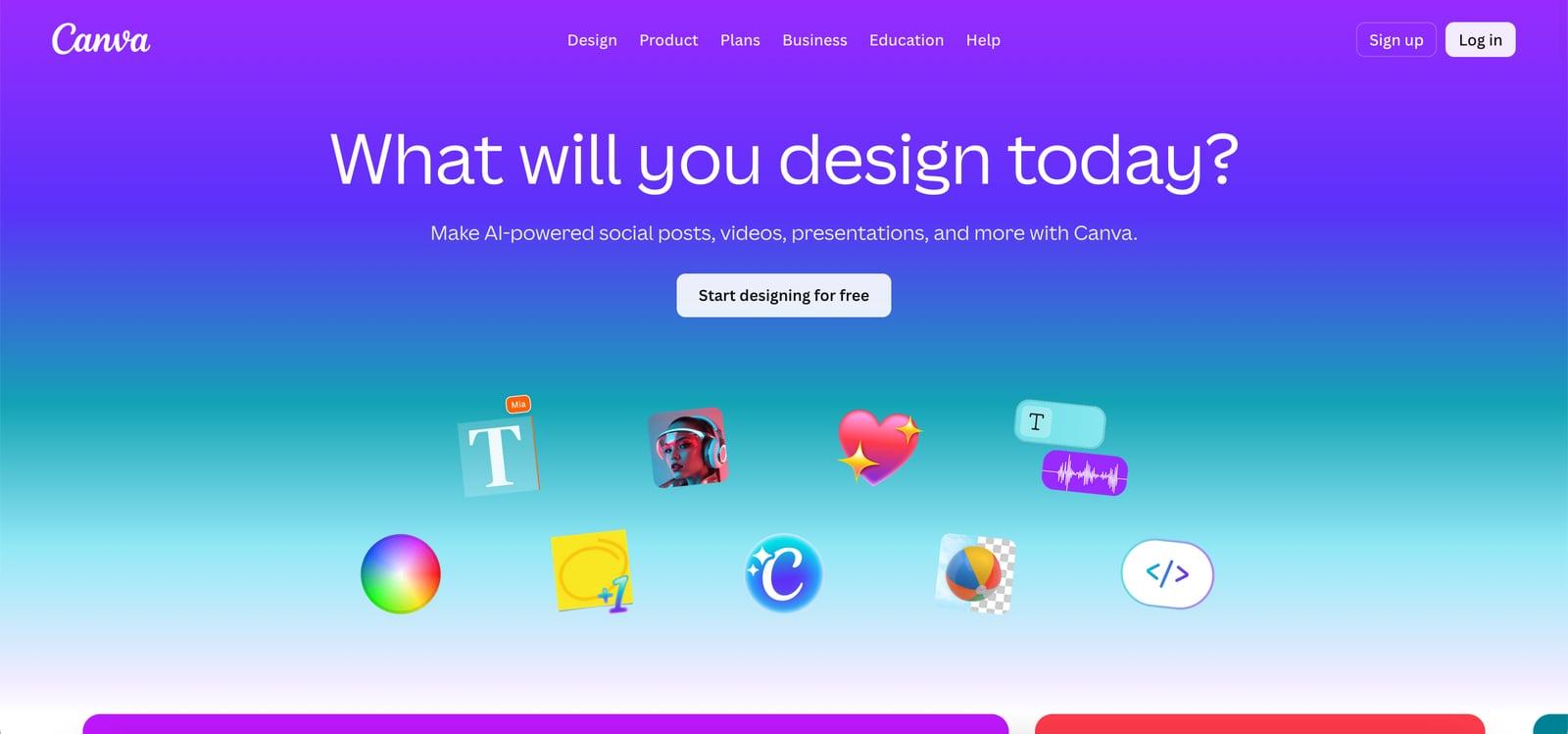
Fotor Review 2026: A Capable AI Photo Editor Held Back by Credit Confusion
Fotor packs AI background removal, text-to-image, and portrait retouching into a browser-based editor. But credit caps and a cluttered UI limit its appeal.
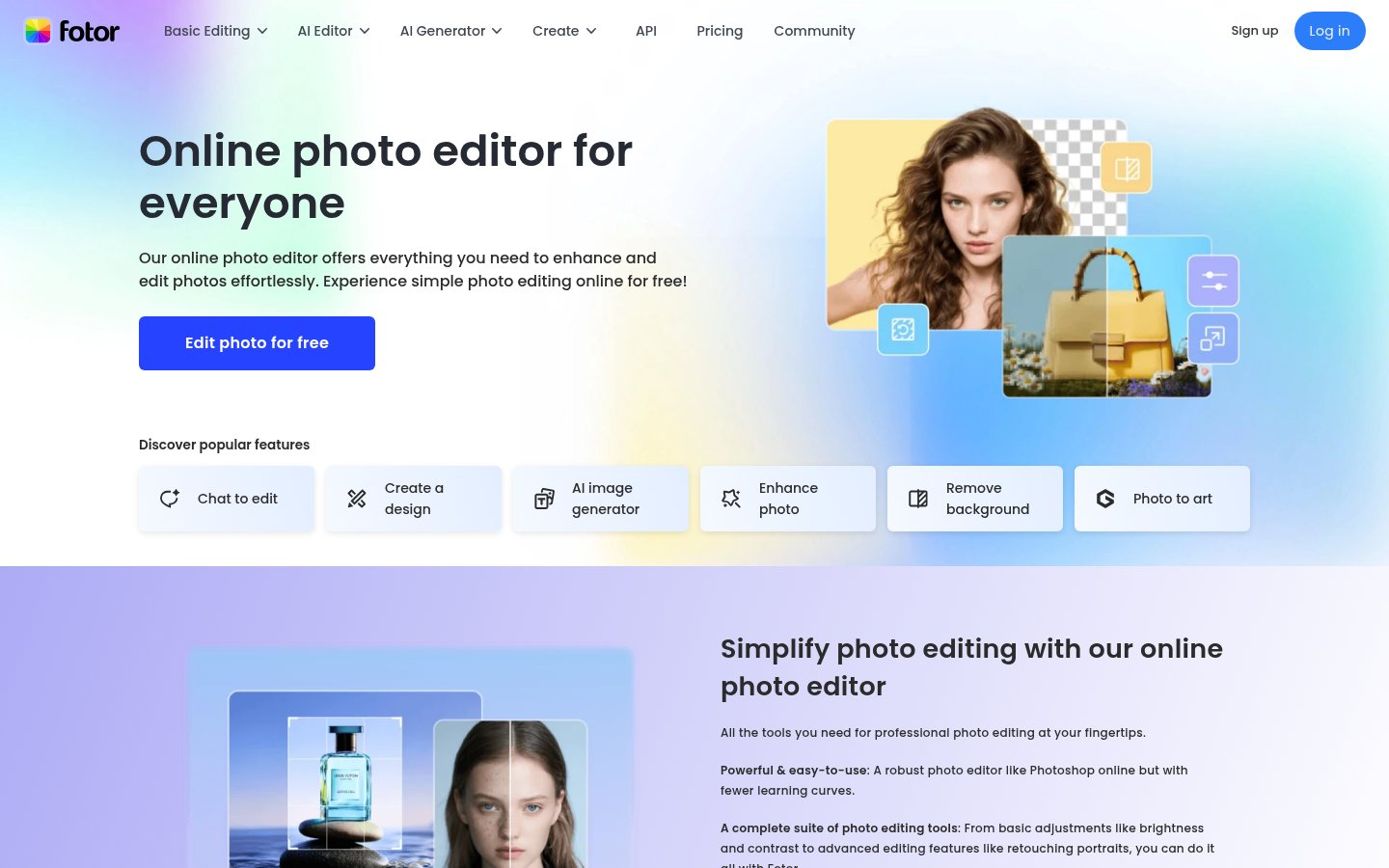
Fotor packs AI background removal, text-to-image, and portrait retouching into a browser-based editor. But credit caps and a cluttered UI limit its appeal.
Quick facts
- Free plan
- Yes, with watermarked exports and limited credits
- AI models included
- Midjourney v7, FLUX.2 Pro, Veo 3, Sora 2, and 30+ others
- Browser-based
- Yes, no download required
- Batch editing
- Pro+ only
- AI headshots
- Separate one-time purchase
- Cloud storage
- 512MB (Free), 2GB (Pro), 100GB (Pro+)
- API access
- Available (separate API plans)
Key features
AI Background Remover
Removes image backgrounds in seconds with one click, no manual masking required.
AI Replace
Brush over any region of a photo and describe a replacement using a text prompt.
AI Expand (Outpainting)
Extends images beyond their original borders for new aspect ratios or wider scenes.
Multi-Model AI Access
Single subscription unlocks Midjourney, FLUX, Veo, Sora, Kling, and 30+ other models.
AI Headshot Generator
Turns selfie uploads into professional headshots for LinkedIn, CVs, and social profiles.
Portrait Retouching
20+ AI-powered tools for skin smoothing, blemish removal, and teeth whitening.
Batch Photo Editing
Pro+ exclusive: apply background removal and replacement across multiple images at once.
AI Agent Sisi
Chat-based editing assistant that executes editing tasks from natural language descriptions.
Pros
- Access to 30+ top-tier AI image and video models under one subscription is genuinely hard to match at this price point.
- The browser-based editor requires no installation and works across devices.
- AI Replace and AI Expand tools add practical editing capabilities that most pure generators don't offer.
- The free tier lets you evaluate core features before committing to a paid plan.
- Headshot generator is sold as a one-time purchase rather than a recurring subscription, which suits its project-based nature.
Cons
- Paid plan credit counts aren't clearly published, making it hard to evaluate value before subscribing.
- The interface feels fragmented across its editing, generation, and design modules.
- Pro subscribers still hit credit walls and may need to purchase additional credits on top of their subscription.
- Batch editing is locked to the highest tier (Pro+), limiting its accessibility for mid-tier users.
- Free plan exports are watermarked, making the free tier unsuitable for professional use.
See Fotor for yourself
Free to start, no credit card needed for the trial.
Screenshots
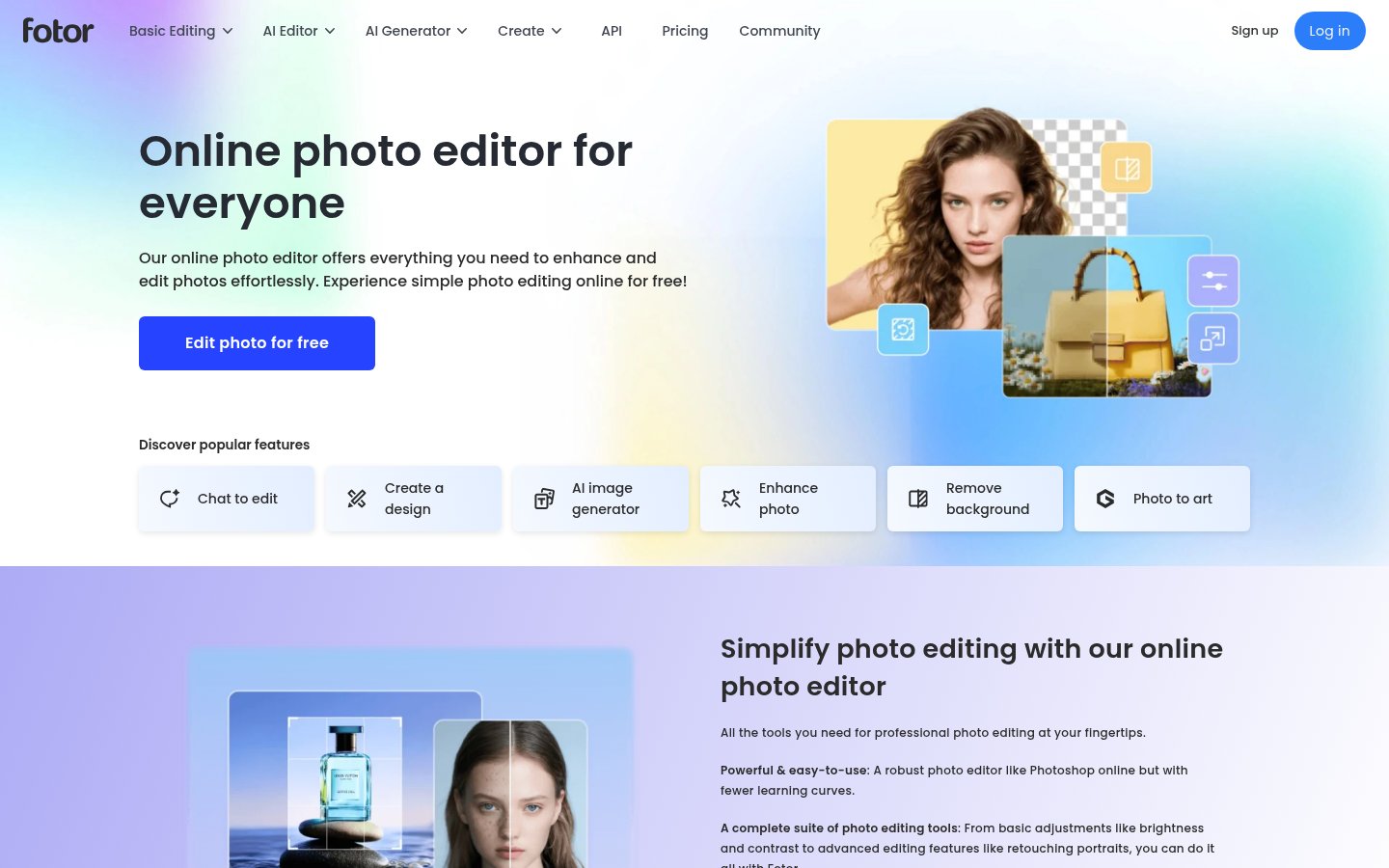
Ready to try Fotor?
Skip the screenshots and explore it live.
What Fotor Actually Does
Fotor is a browser-based photo editor and AI image platform that sits somewhere between a lightweight Photoshop alternative and a consumer-grade AI creative suite. At its core, it handles the editing tasks that most people actually need: cropping, resizing, color correction, background removal, portrait retouching, and applying filters. Alongside that classical toolkit, Fotor has spent the last two years aggressively building out generative AI features, including a text-to-image generator, an AI image extender (outpainting), an AI object replacer, and a headshot generator.
The platform runs entirely in a browser, which means no download and no dependency on a specific OS. That's genuinely useful for people who jump between devices or work in locked-down corporate environments where installing software is a hassle. It supports JPG, PNG, and PDF exports, with transparent PNG and HD resolution gated behind paid tiers.
What makes Fotor distinct from pure AI image generators like Midjourney is the combination: you can start with a real photo and use AI to modify specific parts of it, rather than generating something from scratch. The AI Replace tool lets you brush over a region of a photo and describe what you want there instead. The AI Expand tool extends image borders outward using outpainting. For content creators, marketers, and small business owners who want to work with existing photos, that editing-plus-generation mix is the actual value proposition.
How It Works in Practice
Fotor's workflow is three steps on paper: upload, edit, download. In practice, the experience depends heavily on which part of the product you're using. The basic editing tools, brightness sliders, crop handles, filter galleries, are well-organized and fast. You can get a photo cropped, color-corrected, and exported in under two minutes without reading any documentation.
The AI features are where things get more interesting, and also where the friction builds up. Each AI operation consumes credits from your monthly allowance. The free plan gives you limited credits, just enough to try things once or twice before you hit a wall. The Pro plan's credit allotment isn't shown transparently on the pricing page at the time of writing: the page displays {credits} credits/mon literally, a placeholder that wasn't replaced. That's not a confidence-inspiring sign for a paid product.
The AI Agent "Sisi" is Fotor's chat-based editing assistant. The free plan allows 2 chats and 1 task per month, which is barely enough to evaluate the feature. Pro bumps that to 1,000 chats and 2 tasks, and Pro+ gives 2,000 chats and 5 tasks. The chat-to-edit workflow is genuinely interesting in concept: describe what you want done to a photo, and the agent handles the operations. How well it actually executes depends on the complexity of the request.
One complaint that surfaces consistently in external reviews is the disjointed interface. The product has clearly grown by adding modules over time rather than redesigning from the ground up, so you sometimes feel like you're switching between different apps housed under one domain. The basic editing interface, the AI generator, and the design/template creator each have their own layout logic. Users who primarily want one of those three things will be fine. Users who want to flow between them will find the transitions clunky.
Batch editing is a Pro+ exclusive feature, specifically for background removal and replacement. For anyone managing a product catalog or processing large volumes of social content, that's a meaningful capability. But you're paying for the highest tier to access it.
Pricing Breakdown
Fotor runs a freemium model with three tiers. The pricing page currently shows monthly and yearly billing options. Note that the exact credit counts for Pro and Pro+ weren't published clearly at the time of this review, which is a real issue if you're trying to plan usage before purchasing.
| Plan | Price | Key Limits | Best For |
|---|---|---|---|
| Basic | Free | Limited credits, 1 concurrent generation, 2 AI chats/mo, watermarked exports, 512MB storage | Casual one-off edits, trying the tool |
| Pro | Paid (monthly/yearly) | More credits, 10 concurrent generations, 1,000 AI chats, 20+ portrait retouches, 2GB storage, HD watermark-free exports | Regular creators and freelancers |
| Pro+ | Paid (monthly/yearly) | Even more credits, 30 concurrent generations, AI batch editing, multiple brand kits, AI slides, 100GB storage | Small teams and power users |
The headshot generator is sold separately as a one-time purchase rather than a subscription, which is a sensible decision. Individual packages cover a set number of headshots, with team options available for bulk needs. There are no hidden recurring fees there.
The model access table is actually impressive. Pro and Pro+ subscribers get access to a broad roster of image and video generation models including Midjourney v7, FLUX.1 Kontext, Veo 3, Sora 2, Kling 3.0, and Seedream 5.0, among many others. For anyone who has been paying separately for multiple AI image tools, the idea of one subscription covering all of those is genuinely attractive. Whether the credit allocation is generous enough to make it practical depends on how heavily you use them.
One consistent user complaint worth flagging: paying Pro subscribers sometimes encounter paywalls for specific features or find that their credits run out faster than expected, requiring additional purchases. That mismatch between "I'm already paying" and "you need more credits" is a recurring frustration.
Standout Features in Depth
AI Model Access Breadth
Most photo editing tools in this category lock you into their own proprietary generation model. Fotor has taken the opposite approach, aggregating a wide range of third-party models under one subscription. The model list includes both image generators (GPT Image 2, Midjourney v7, FLUX.2 Pro, Seedream 4.5, Wan 2.7 Pro) and video generators (Veo 3, Sora 2, Kling 3.0, Seedance 2.0). The tiered access system means Basic users get a slice of lower-tier models, while Pro+ users get the full catalog. For someone trying to compare output quality across different models, this is a genuinely useful testing ground. It also reduces the tool fragmentation problem that plagues many AI workflows. If you've been managing accounts across four different AI image platforms, consolidating into one subscription has obvious appeal. The AI tool overload problem is real, and Fotor's multi-model approach at least partially addresses it.
AI Replace and AI Expand
These two tools represent Fotor's most practical differentiator from standalone image generators. AI Replace lets you mask a region of an existing photo with a brush and describe a replacement. The use cases are mundane but commercially useful: swap a product background, change a wall color in a real estate photo, replace a distracting element in a portrait. AI Expand works in the other direction, extending image borders beyond their original edges using outpainting. Changing aspect ratios for different platforms without cropping out content is a persistent pain point for social media teams, and AI Expand handles it without requiring a subscription to a dedicated tool.
AI Headshot Generator
Fotor's headshot product is sold separately and works as a one-time purchase. You upload selfies and the system generates professional-quality headshots in various styles: business formal, LinkedIn-appropriate, resume-ready, and creative profile pictures for social platforms. The separation from the subscription model is smart since headshots are a project-based need, not an ongoing one. External reviewers have noted that the quality for LinkedIn-style professional photos is competitive with dedicated headshot services, though output consistency can vary depending on the quality of the selfies you upload.
Limitations and Edge Cases
The credit system is Fotor's biggest structural problem. Unlike tools that offer unlimited generations at a flat monthly rate, every AI operation on Fotor draws down a finite credit pool. Heavy users will burn through monthly allocations faster than expected, and the lack of transparent credit counts on the pricing page makes it hard to budget. The literal {credits} placeholder on the pricing page at time of writing is a minor but telling sign that marketing and product aren't always in sync.
The free tier's watermarked exports make it genuinely unsuitable for anything professional. That's common in the category, but it's worth stating clearly: you can evaluate the tool for free, but you can't produce usable output without paying.
The interface fragmentation issue is real for power users. Fotor has added capabilities over the years without a corresponding investment in unified UX, so switching between the photo editor, the AI generator, and the design templates section can feel like loading a different product each time. If you're only using one area of the product, this doesn't matter. If you're trying to build a workflow that moves between editing and generation, the seams show.
Video generation access is included in the model catalog, but Fotor positions itself primarily as a photo tool. The video features appear to be access to third-party models via credits, not a native video editing workflow. Don't come here expecting anything close to what Descript offers for video work.
For anyone thinking about how Fotor fits into a broader AI stack, it's worth considering the AI workflow integration problem more broadly. Fotor doesn't offer a particularly deep API integration story for automated workflows. Its API plans exist but aren't prominently documented on the main site.
Who It's For
Fotor makes the most sense for content creators, small business owners, and marketers who regularly need to edit existing photos and occasionally generate new ones. The combination of practical editing tools (background removal, portrait retouching, filters) with a broad library of AI generation models covers a lot of ground at a price point that's lower than buying multiple specialized tools. If you produce a lot of social media graphics, product images, or blog visuals, the template library and batch editing in Pro+ add real time savings. The AI privacy considerations around uploading personal photos to cloud services are worth thinking through if you're processing sensitive images.
If you're a professional photographer, a video-first creator, or someone who needs unlimited AI generations without credit anxiety, Fotor probably isn't your best match. Professional photo editors will find the retouching tools useful but not deep enough to replace dedicated software. Heavy AI image users who generate dozens of images daily will chafe against the credit limits. And anyone whose primary use case is video should look elsewhere entirely. The multi-model catalog is appealing on paper, but only if your usage patterns fit within the monthly credit ceiling.
Verdict
Fotor is a solid, capable photo editor that has built something genuinely useful by combining traditional editing tools with access to a broad range of AI generation models. The credit-based pricing and opaque plan details are real frustrations, and the interface feels like several products stitched together. For casual creators and small business owners who want one tool that handles editing and AI generation without juggling multiple subscriptions, it earns its place.
Try FotorAlternatives
- Adobe Photoshop
Better for professional-grade compositing and advanced retouching workflows
- Canva
Stronger template library and team collaboration features for design-heavy workflows
- GammaRead review →
Better choice if your primary output is presentations rather than photo content
- Simplified
More unified interface for social media content creation combining copy and visuals
- Visme
Better suited for infographics, data visualization, and brand-consistent design assets
Frequently Asked Questions
Tools & Services Mentioned

infobro.ai Editorial Team
We research every tool from its documentation, pricing pages, product screenshots and public developer discussion, and say plainly what the evidence does and does not show. Drafts are AI-assisted and reviewed by our editors before publication. We revisit each article every 6 months to reflect platform changes. Learn more about our process.