Canva Review 2026: Still the Best All-in-One Design Tool, or Coasting on Its Lead?
Canva has 265 million monthly users and an AI suite that's grown fast. But is the free tier still generous, and does Pro justify its price in 2026? Here's the honest breakdown.
Canva has 265 million monthly users and an AI suite that's grown fast. But is the free tier still generous, and does Pro justify its price in 2026? Here's the honest breakdown.
Quick facts
- Free plan
- Yes, generous, 1.6M+ templates, 5GB storage, AI tools included
- Pro price
- $14.99/mo ($10/mo billed annually)
- Business price
- $29.99/mo per user
- Monthly active users
- 265 million+ (as of July 2026)
- Design types
- 1,000+ canvas formats
- AI features
- Text-to-image, AI video, AI voice, AI music, Magic Resize, Magic Write
- Platforms
- Web, Mac, PC, iOS, Android
Key features
Drag-and-Drop Editor
Browser-based canvas editor with 1,000+ design types and no design experience required.
Template Library
3.6M+ templates on paid plans (1.6M+ on free), spanning social, presentations, video, print, and documents.
Magic Resize
Adapts any design to multiple platform formats in one click, a Pro-exclusive feature that saves significant rework time.
Brand Kit
Stores your brand colors, fonts, and logos as reusable defaults across all new designs; supports up to 1,000 kits on Enterprise.
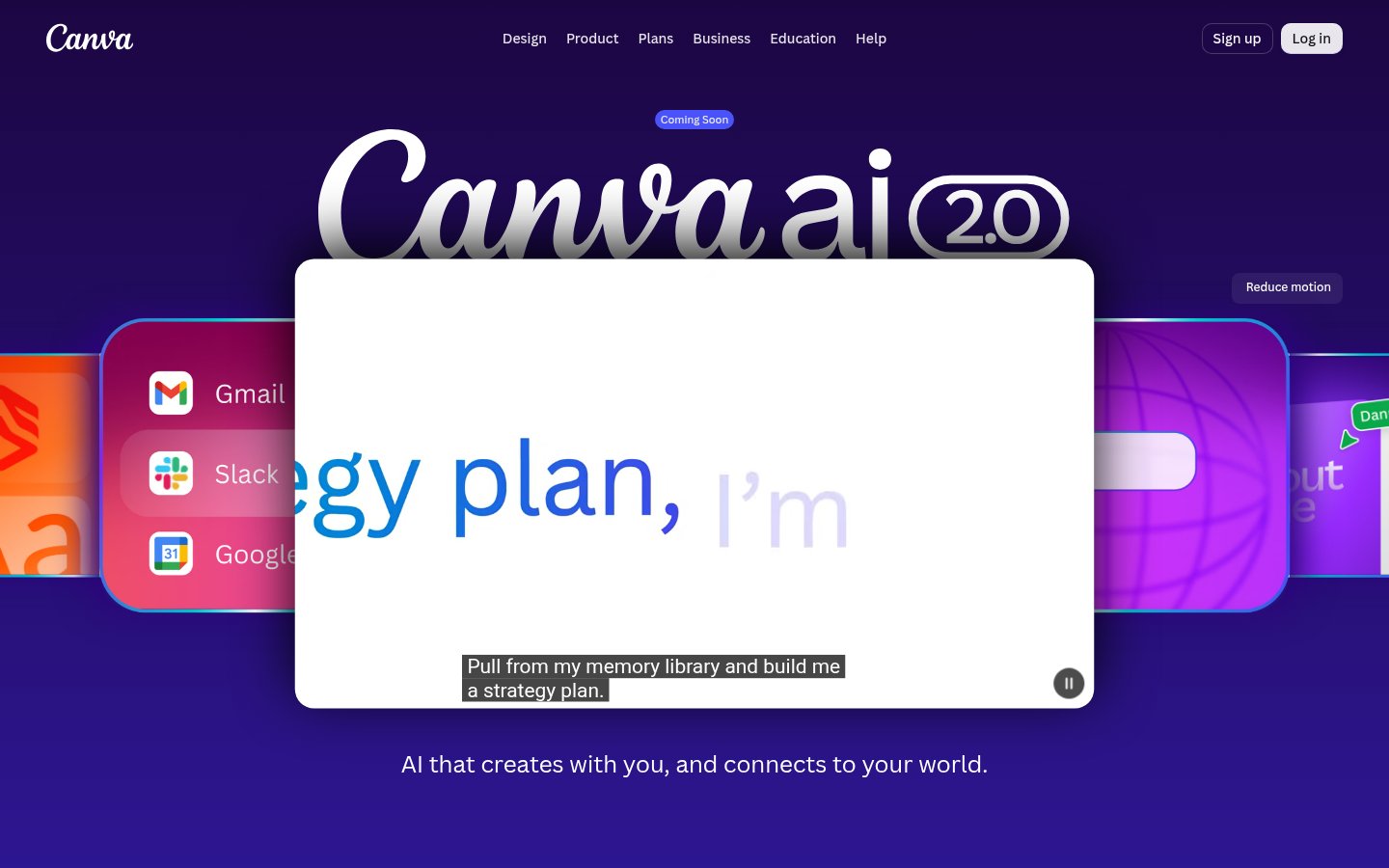
Canva AI 2.0
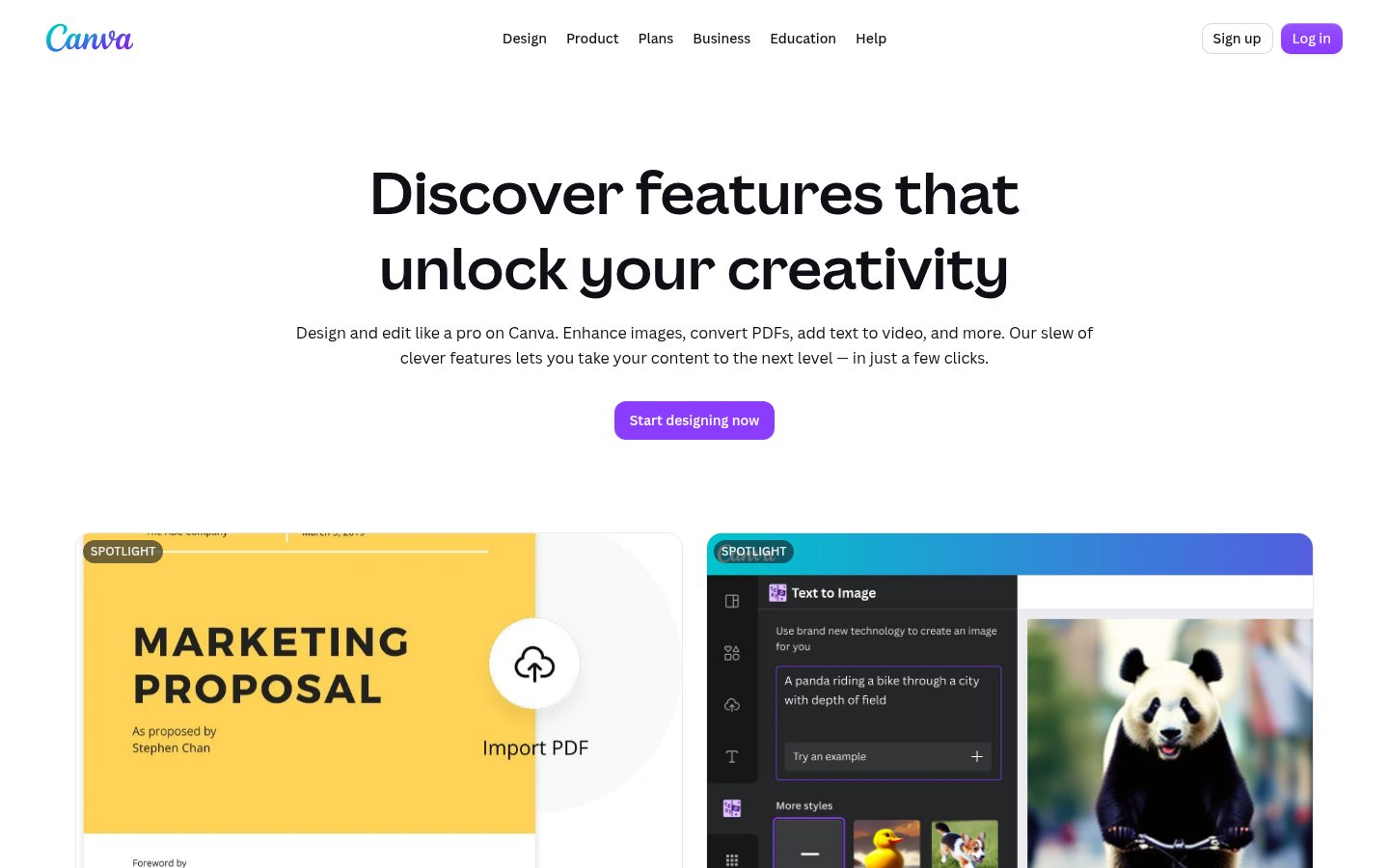
Integrated suite covering text-to-image generation, AI video, AI voice, AI music, and a range of Magic editing tools.
Social Content Scheduler
Built-in scheduler for publishing directly to social platforms, included in Pro and above.
Collaboration and Approvals
Multi-user editing with comments; Business tier adds formal approval workflows for brand governance.
AI Pass Add-On
Optional extra credit pack for Pro and Business users who exceed their plan's AI allowance.
Pros
- The free tier is one of the most generous in any design SaaS product, covering 1.6M+ templates and AI tools without a credit card.
- Magic Resize alone justifies the Pro upgrade for anyone managing content across multiple platforms.
- AI features are integrated directly into the design workflow, eliminating the need to context-switch between generation and layout tools.
- 265 million monthly users means the template library and community resources are vast and actively maintained.
- The editor is genuinely accessible to non-designers without requiring tutorials or onboarding sessions.
Cons
- The AI credit system is opaque, allowances are listed in relative terms (10x, 20x) rather than concrete numbers, making it hard to plan usage.
- Customer support is bot-first for all but Enterprise accounts, and Trustpilot scores flag real billing and cancellation frustrations.
- AI generation quality is broad but not best-in-class, dedicated image or video AI tools will outperform Canva's integrated generators.
- Business plan pricing stacks up fast for teams, making the cost-to-value ratio murkier at five or more seats.
- Professional design work (precise vector editing, CMYK print, advanced typography) is genuinely out of scope.
See Canva for yourself
Free to start, no credit card needed for the trial.
Screenshots
Ready to try Canva?
Skip the screenshots and explore it live.
What Canva Actually Does
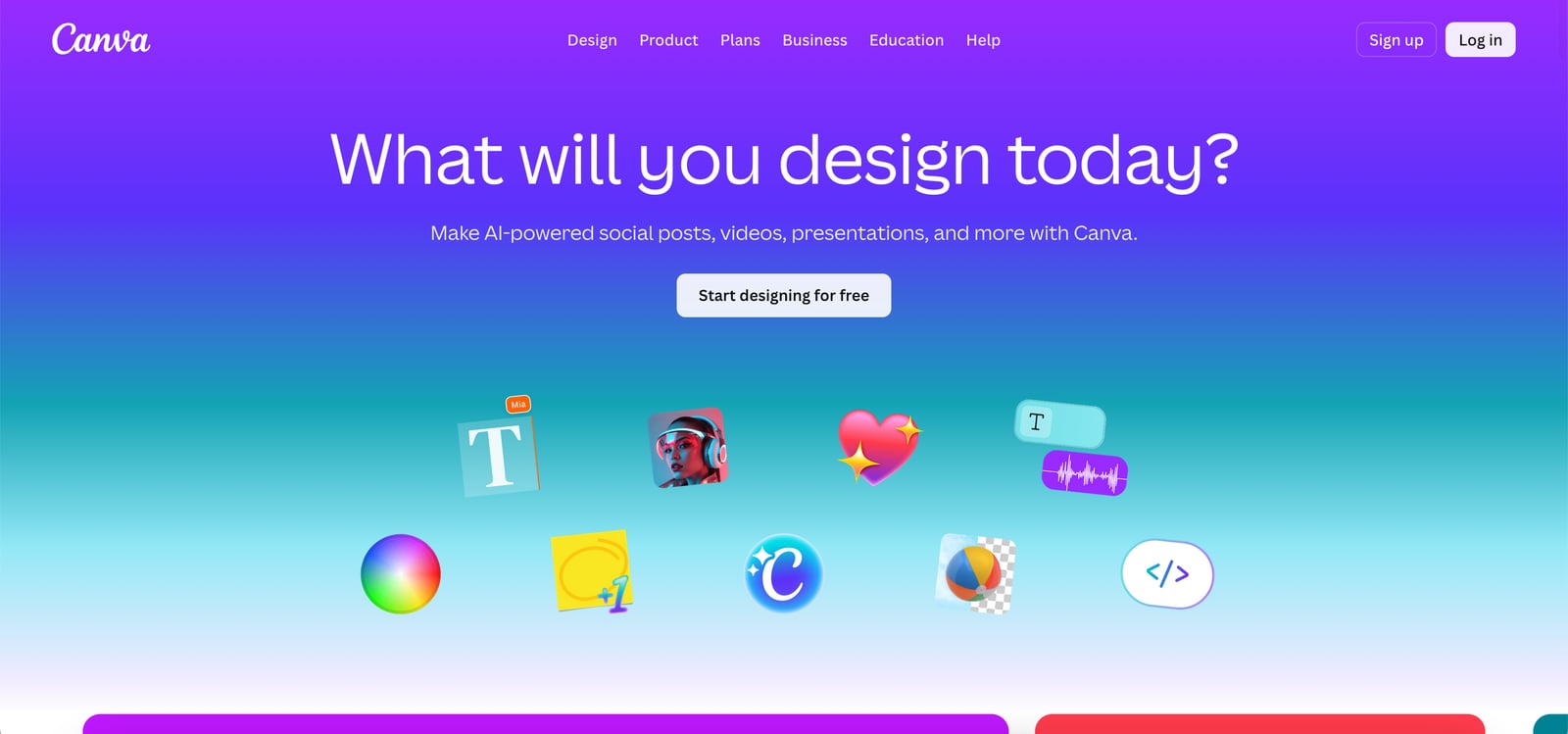
Canva is a browser-based (and app-based) visual design platform built on a single premise: you shouldn't need to open Illustrator just to make a social media post. Launched in 2013 by Melanie Perkins, it now has over 265 million monthly active users across 190 countries, and more than 30 billion designs have been created with it. Those numbers aren't marketing puffery, they reflect a product that genuinely removed the skill barrier from graphic design for the majority of people who need output, not craft.
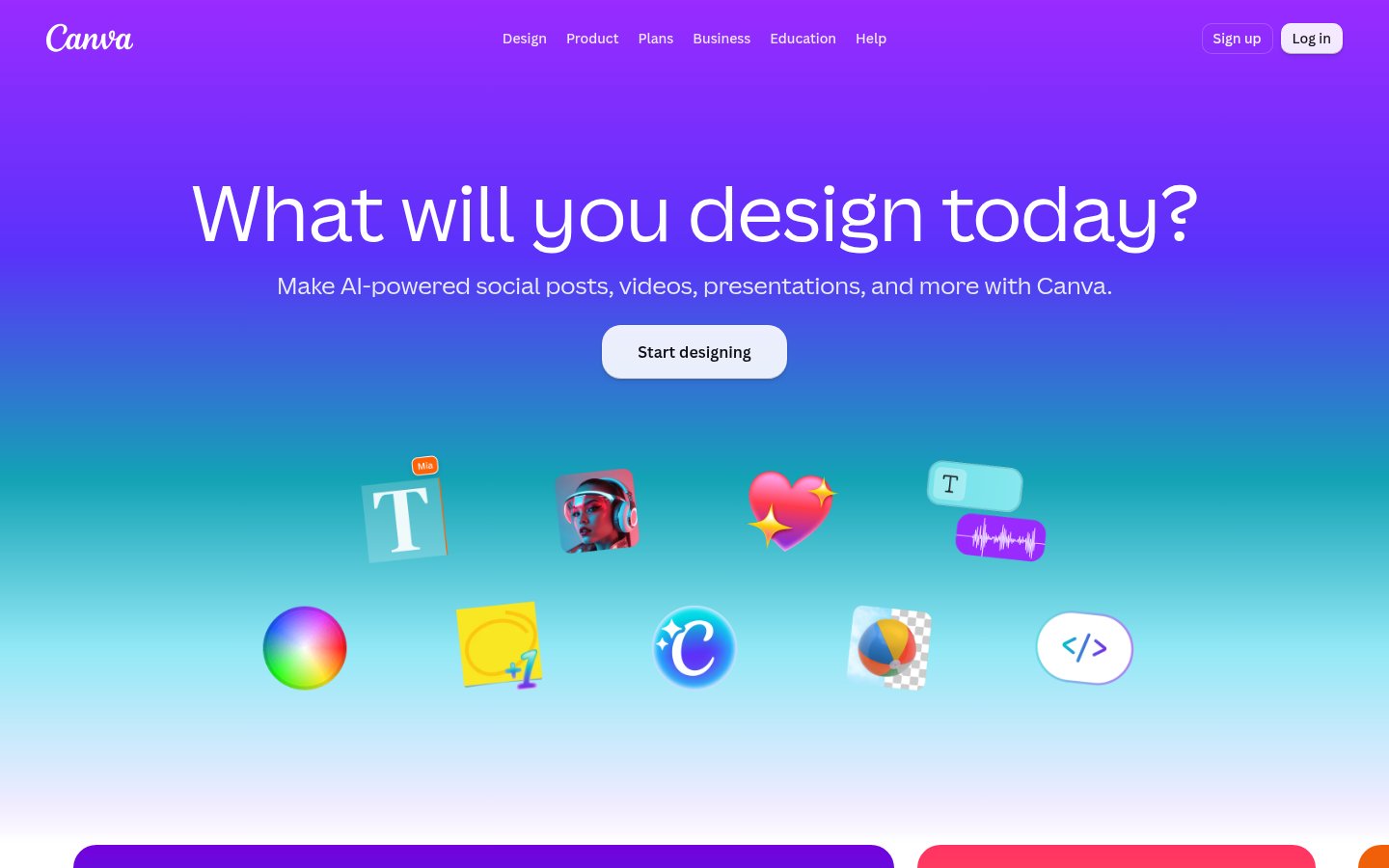
The core product is a drag-and-drop editor with access to an enormous library of templates, stock photos, videos, audio, and graphics. You pick a canvas size (social post, presentation, flyer, video, document, over 1,000 design types), choose a template or start blank, and customize. The editor runs in your browser without installation, though native apps exist for Mac, PC, iOS, and Android. In 2025 and 2026, Canva has pushed hard into AI: text-to-image generation, background removal, Magic Resize, AI video generation, voice generation, and music generation are all live features, not roadmap items.
What makes Canva distinct from pure AI image tools is that it wraps AI generation inside a complete design workflow. You don't just generate an image, you generate it directly into a design canvas where you can then add text, adjust layouts, apply brand colors, and export in any format. That integration is where Canva's real value sits. It's less about being the best at any single capability and more about being the only tool most non-designers will ever need.
How It Works in Practice
The editor experience is one of the most polished in any SaaS product. Drag-and-drop is genuinely frictionless, you can resize, layer, align, and group elements without reading a manual. The template library is deep enough that for most standard formats (Instagram carousel, YouTube thumbnail, pitch deck, business card, invoice), you'll find something serviceable in under a minute. The search function is accurate enough that typing "dark tech presentation" actually returns dark tech presentations rather than a random assortment of pastels.
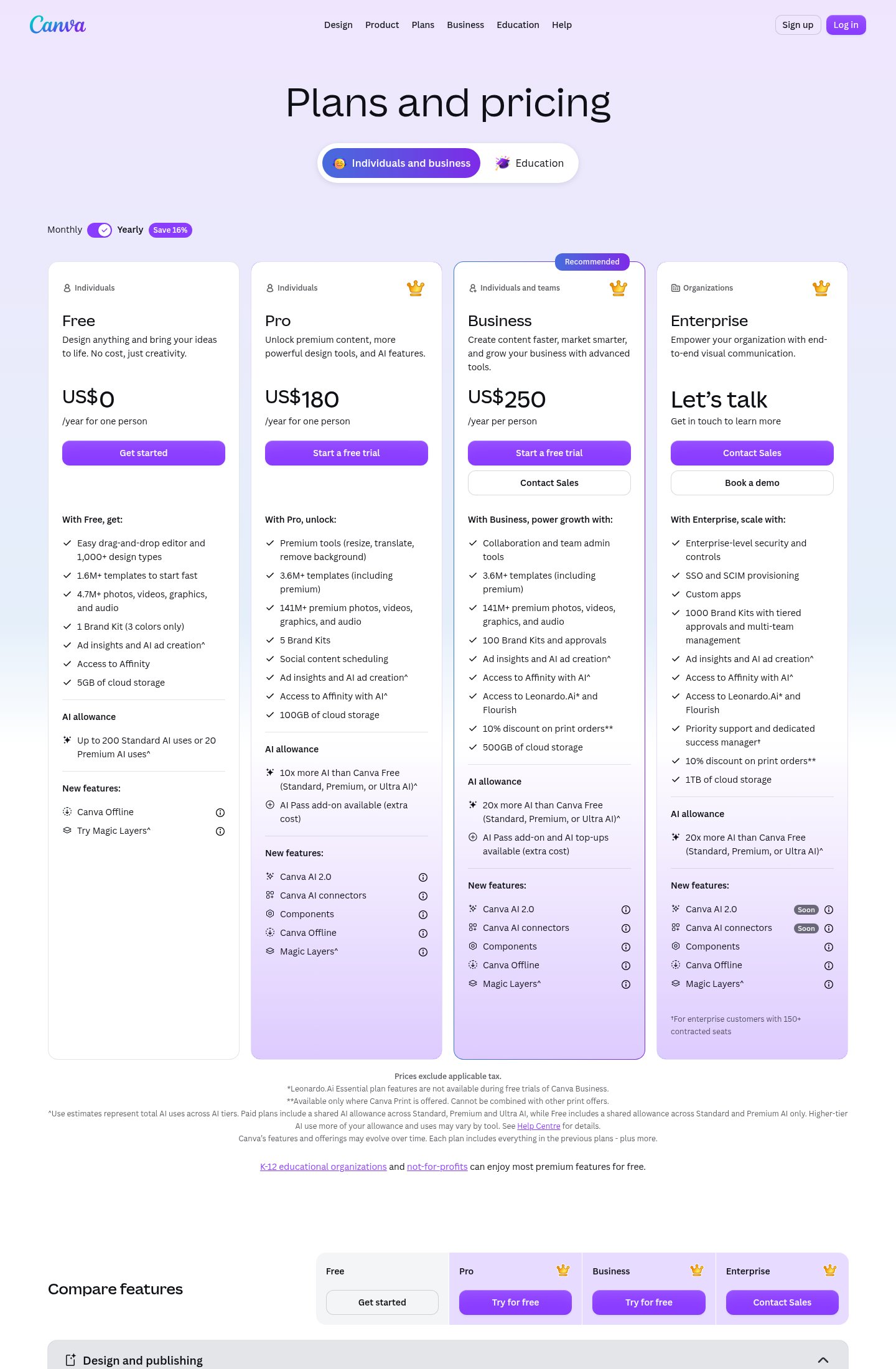
Where the workflow gets interesting is the AI Pass and tiered AI allowances. Free users get up to 200 Standard AI uses or 20 Premium AI uses per period. Pro users get 10x that. Business users get 20x. This credit-style system is a real constraint that catches new users off guard. The platform's features page lists AI image generation, AI video, AI voice, AI music, and a suite of "Magic" tools (Magic Resize, Magic Translate, Magic Write), but not all of these consume the same credits. The docs don't make the per-feature cost especially clear, which is a recurring complaint in user reviews.
Magic Resize is the feature that probably justifies Pro for content creators on its own. You design once, hit resize, and Canva generates adapted versions for every platform format you select. It's not perfect, text positioning sometimes needs manual cleanup after a resize, but it eliminates the majority of the manual rework that otherwise turns a 20-minute design job into an 80-minute one. Brand Kit is similarly practical: upload your logo, lock in your brand colors and fonts, and every new design you create defaults to those settings rather than requiring you to hunt hex codes every time.
The collaboration tools are functional but not exceptional. Multiple people can work on the same design, leave comments, and see each other's cursors, it's closer to Google Slides collaboration than Figma's real-time precision. For teams that need approvals and content governance, Business and Enterprise tiers add approval workflows and multi-team Brand Kit management, which addresses a gap that the Pro tier deliberately leaves open.
One area that stands out for friction: the AI feature suite is expansive on paper but the quality varies meaningfully. Text-to-image generation is solid for reference-style images and decorative elements. AI video generation is still catching up to dedicated video AI tools. The AI voice generator is usable for basic narration but won't replace a properly produced voiceover. Canva is best understood as a broad AI toolkit rather than a best-in-class one, and for most of its users, that's exactly the right tradeoff.
Pricing Breakdown
Canva's pricing structure has four tiers. The prices listed on the public pricing page are shown in Brazilian reais for the regional version, but the globally cited USD figures from independent reviewers (and corroborated by the product's English-language marketing) show the following:
| Plan | Price | AI Allowance | Storage | Key Features |
|---|---|---|---|---|
| Free | $0/mo | 200 Standard or 20 Premium AI uses | 5GB | 1,000+ design types, 1.6M+ templates, 4.7M+ media assets, 1 Brand Kit (3 colors) |
| Pro | $14.99/mo ($10/mo billed annually) | 10x Free allowance | 100GB | All premium templates (3.6M+), Magic Resize, 5 Brand Kits, background remover, social scheduler |
| Business | $29.99/mo per user | 20x Free allowance | 500GB | 100 Brand Kits, approval workflows, Leonardo.Ai + Flourish access, 10% print discount |
| Enterprise | Custom | 20x Free allowance | 1TB | SSO/SCIM, 1,000 Brand Kits, custom apps, dedicated success manager (150+ seats) |
The AI Pass is an add-on available to Pro and Business subscribers that gives extra AI credits beyond the tier allowance. Pricing for AI Pass isn't published openly on the pricing page, you have to dig into it during checkout, which is a transparency issue.
The Free tier is genuinely generous by the standards of 2026 SaaS tools. 1.6 million templates and 4.7 million media assets at no cost is a real offering, not a teaser. The ceiling hits when you need premium assets, brand consistency across more than 3 colors, or AI features at volume.
Pro at $14.99/month is positioned as an easy yes for anyone producing content regularly. The 141M+ premium media library and Magic Resize alone represent real time savings. If you're a solo creator, freelancer, or small business owner producing more than a few designs per week, the math works out quickly. For teams, the per-seat Business pricing stacks up fast, a five-person team pays roughly $150/month, at which point the comparison to dedicated design tools or agency costs starts to become more relevant.
Standout Features in Depth
Magic Resize is worth treating as more than a convenience feature. The underlying problem it solves is real: the same piece of content needs to exist at Instagram square (1080x1080), Instagram Story (1080x1920), LinkedIn landscape (1200x628), and Twitter/X square (1200x1200) formats, often simultaneously. Without Magic Resize, that's four separate design sessions. With it, you design once and iterate. The output isn't always pixel-perfect, especially when a template's layout relies heavily on the original aspect ratio, but it reduces the rework load significantly. It's a Pro-only feature, which is one of the cleaner justifications for the tier upgrade.
Brand Kit addresses a problem that anyone managing visual identity for a business knows too well: brand drift. Without a locked-down system, different team members use slightly different blues, the wrong font weight, or an outdated logo version. Brand Kit lets you define and store your brand colors (all colors, not just 3 like the free tier), fonts, and logos in one place, and apply them as a starting point for any new design. Business and Enterprise plans support up to 100 and 1,000 Brand Kits respectively, which is what makes multi-brand or agency use viable. The approval workflow layered on top in Business tier is a meaningful addition for teams where design output needs sign-off before publishing.
Canva AI 2.0 (listed as a new feature for Pro and Business tiers) covers the full suite of generation tools: text-to-image, AI-generated video, AI voice, AI music, and the various "Magic" editing tools. The text-to-image feature is integrated directly into the canvas, so you generate and place in one motion rather than exporting from a separate tool. For users already working in Canva, this eliminates a context switch. For users who need production-quality AI imagery, tools built specifically for image generation will produce better results, but they require you to export and then import back into your design workflow. Canva's AI is the better choice when speed and workflow integration matter more than image fidelity.
If you're thinking about how AI tools fit into broader content and creative workflows, the AI Output Quality Problem is worth reading, the inconsistency issues described there apply directly to AI-generated design assets, and Canva's outputs are no exception.
Limitations and Edge Cases
Canva is not a professional design tool. That's not a criticism, it's a scope definition. If you need precise control over bezier curves, advanced typography kerning, or CMYK color management for offset print, Canva will frustrate you. Adobe Illustrator and Affinity Designer (which Canva now owns, interestingly) exist for those workflows.
The AI credit system is a real limitation that trips up power users. The Free tier's 200 Standard AI uses sounds like a lot until you realize that a single AI video generation or a batch of image generations can consume credits quickly. The pricing page lists the allowances in relative terms (10x Free, 20x Free) rather than absolute numbers, which makes it hard to budget. Users who hit the limit mid-project face either a forced upgrade or waiting for the reset, neither is a clean experience.
Customer support is consistently flagged in public reviews. Trustpilot scores sit at 4.0 out of 5, noticeably lower than the 4.7 Canva earns on Capterra and G2. The gap tracks with complaints about billing issues and difficulty reaching human support. Enterprise customers get a dedicated success manager (for 150+ contracted seats), but everyone else is working with self-serve documentation and bot-first support. For mission-critical design workflows, that support ceiling is a genuine risk.
The social scheduler included in Pro is functional but limited compared to dedicated tools. If social scheduling is a priority, a purpose-built tool is worth considering alongside Canva, the scheduler works for simple queuing but lacks the analytics depth and platform-specific features that dedicated social tools provide. For teams managing complex automation around content publishing, something like Activepieces can handle the distribution side while Canva handles the creation side.
Export options are solid for most use cases but have some gaps. Video export is locked behind quality settings that can feel arbitrary. Some export formats require Pro. PDF export with bleed marks (needed for professional print) works, but getting it right requires familiarity with print specs that casual users may not have.
Who It's For
Canva is the right tool for anyone who needs to produce visual content consistently without a design background. That covers a wide range: solo content creators managing Instagram and YouTube output, small business owners who can't justify a designer on staff, marketing teams producing high-volume social and presentation assets, and educators who need professional-looking slide decks without the Keynote learning curve. The free tier is a legitimate starting point, and Pro at $14.99/month is the right call for anyone producing more than a handful of designs per week. The Business tier makes sense for teams that need brand governance and approvals baked into the workflow. For context on how non-technical teams integrate AI tools into production workflows, the guide on what AI coding agents actually do for non-engineers covers the adjacent problem of tooling adoption, the dynamics are similar.
Who Should Skip It
If you're a trained graphic designer who bills on the quality of your craft, Canva will feel like working with constraints rather than capabilities. The templates are a shortcut that clients will eventually recognize, and the lack of precision controls limits what you can produce for high-stakes print or brand identity work. Similarly, if your primary need is best-in-class AI image generation, dedicated tools will outperform Canva's integrated generator meaningfully. Canva's AI is good enough to unblock a non-designer, but it's not a replacement for a proper text-to-image workflow when image quality is the deliverable. Teams inside heavily regulated industries that need ironclad data residency guarantees should also verify Enterprise terms carefully before committing, the public documentation on data handling is less detailed than enterprise procurement teams typically require.
The question of AI content authenticity is also worth considering. As platforms tighten policies around AI-generated content, a trend covered in detail in the Snapchat AI content crackdown news, using Canva's AI generation for content distributed on those platforms carries some platform-policy risk that purely manual designs don't.
Onboarding Notes
Canva's onboarding is one of its genuine strengths. The free tier requires no credit card, and the editor is accessible without a tutorial, the UI is intentionally self-explanatory. New users can get a first design out in under five minutes, which explains the 265 million MAU figure. The template library's search and browse experience is designed to get you from "I need a thing" to "I have a starting point" quickly.
Pro's 30-day free trial (no credit card reportedly required for some regions) lowers the evaluation barrier. The jump from trial to paid is where some users report friction, billing complaints on Trustpilot often reference unexpected charges or difficulty cancelling, which is worth being aware of before starting a trial. If you're using Canva for business workflows that touch sensitive data, it's also worth reading our coverage of how shared content can get indexed unexpectedly, the same vigilance applies to any cloud design tool where assets are stored and shared online.
Verdict
Canva remains the best tool for non-designers who need consistent, professional-looking output at volume, the free tier is genuinely useful, and Pro at $14.99/month is an easy call for anyone producing content regularly. The AI suite is broad but not best-in-class at any single capability, and the credit system plus opaque support are real friction points that keep it from a higher score.
Try CanvaAlternatives
- Adobe Express
Better for users already in the Adobe ecosystem who need tighter Photoshop/Illustrator integration
- VismeRead review →
Stronger for data visualization and interactive presentations, weaker on template volume
- Microsoft Designer
Best for Microsoft 365 shops where deep Office integration matters more than template breadth
- Figma
The right choice for product and UX design teams that need precision and developer handoff, not a Canva competitor for marketing content
- Simplified
More focused AI marketing suite for teams that want copy, image, and video generation in one workflow without Canva's design depth
Frequently Asked Questions
Tools & Services Mentioned
infobro.ai Editorial Team
We research every tool from its documentation, pricing pages, product screenshots and public developer discussion, and say plainly what the evidence does and does not show. Drafts are AI-assisted and reviewed by our editors before publication. We revisit each article every 6 months to reflect platform changes. Learn more about our process.