Top 10 AI Automation & Workflow Tools in 2026: Ranked by Real-World Impact
The best AI automation and workflow tools in 2026, ranked by real-world impact. From Zapier's AI Copilot to n8n's agent-native pipelines, here's what actually saves time, and what's just hype.

Entry price, per month
The cheapest plan with a published monthly price. 6 of 10 tools publish one; the rest are quote-only.
- 1. ZapierFree / $19.99
- 2. n8nFree / $20
- 3. MakeFree / $9
- 4. Microsoft Power Automate$15/mo
- 5. PipedreamFree / $29
- 6. ActivepiecesFree
- 7. BardeenFree / $10
- 8. Tray.ioNot published
- 9. VapiNot published
- 10. WorkatoNot published
Updated May 2026
Most people's AI setups have a serious problem. They have five or six tools that each do something useful, but none of them talk to each other. The output from one never becomes the input for another. The result is that you're still doing manual work, you're just doing it between AI tools instead of between spreadsheets.
That's the gap that AI automation and workflow platforms are supposed to fill. And in 2026, the category has matured enough that you can actually evaluate tools on results rather than promises. Some of these platforms have leaned heavily into AI-native features, smart suggestions, natural-language workflow building, auto-error handling. Others are essentially the same automation engines they were in 2022, with a chatbot bolted on the front.
This ranking cuts through that. If you've ever run into the frustration of tools that won't integrate, you'll recognize why the order matters. I've weighted each tool on: how much time it actually saves in practice, how well it handles AI-specific tasks (not just API calls), pricing fairness, and whether a non-engineer can realistically build and maintain workflows without help.
One more thing before we get into it: automation tools are only valuable if you're not paying for five of them at once. If you're stacking subscriptions, the math on AI tool costs can get ugly fast. And if you're feeling buried under overlapping platforms, the AI tool overload problem is worth reading before you add another subscription to the pile.
1. Zapier
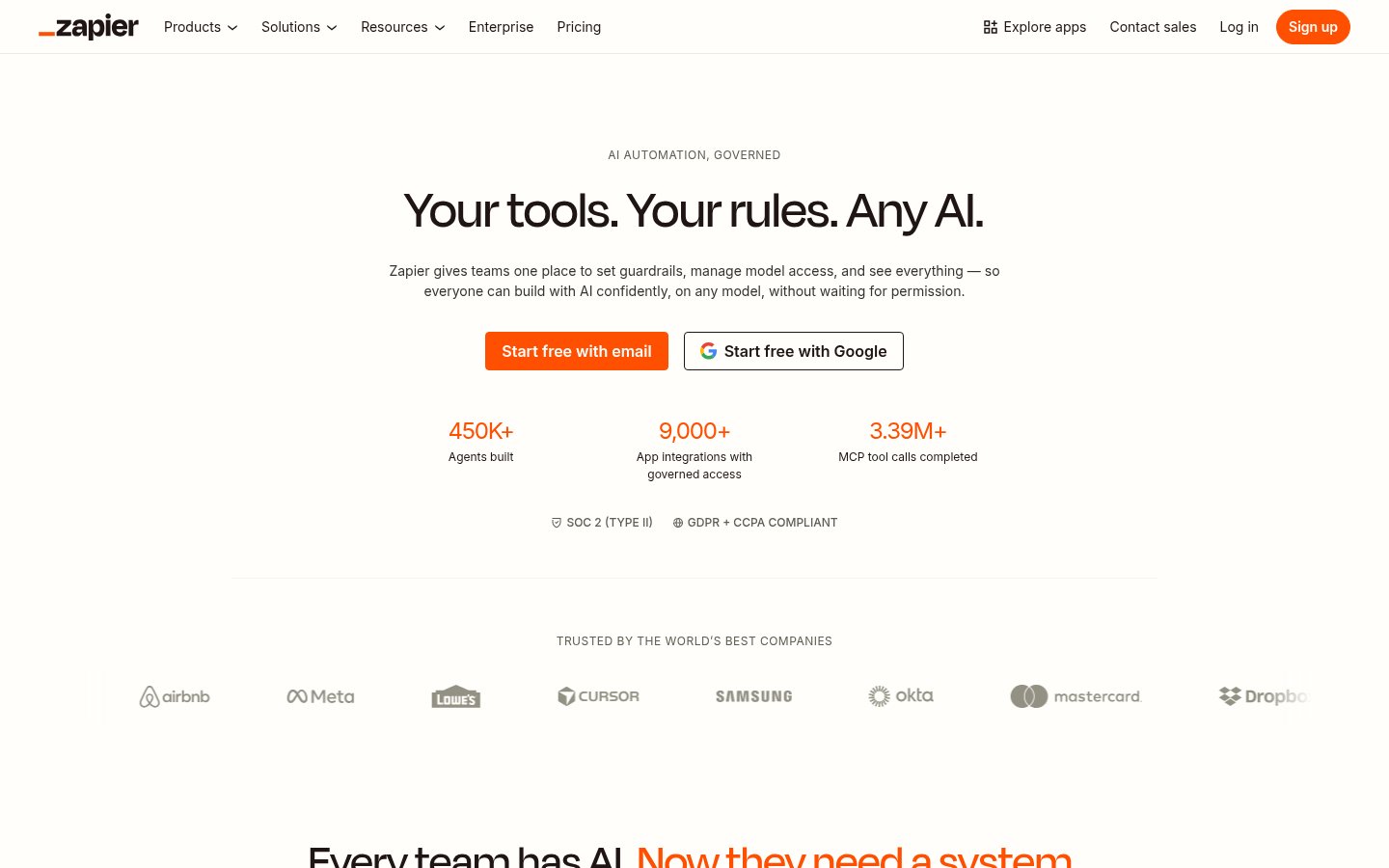
Official website: zapier.com
Zapier is the default answer to "how do I automate this?" for good reason. It connects over 7,000 apps, and in 2025-2026, it's added a layer of AI features that actually matter: Zap generation via natural language, an AI-powered Copilot that suggests next steps in your workflows, and a proper chatbot interface for building automations without touching the visual editor.
What separates Zapier from the pack is reliability. When you're running a production workflow that touches customer data or triggers emails, you need something that doesn't silently fail on a Tuesday afternoon. Zapier's error handling, task history, and retry logic are more battle-tested than anyone else in this category.
The AI Copilot feature is genuinely good. You describe what you want ("when a new lead comes into HubSpot, enrich it with Clearbit, then add it to Slack"), and it builds a draft workflow. It's not perfect, but it gets you 70-80% of the way there, which is most of the work.
One notable 2026 development: Zapier has deepened its integration with AI model providers, making it easier to chain GPT-4o and Claude calls into multi-step workflows without leaving the visual editor. The Canvas feature, a freeform workflow builder that launched in late 2025, has matured into something genuinely useful for planning complex automations before building them. Zapier has also expanded its Agents product, which lets you build autonomous AI agents that can take actions across apps without a fixed trigger-action structure, a meaningful step toward agentic automation.
Pricing: Free tier (100 tasks/month). Starter at $19.99/month, Professional at $49/month, Team at $69/month. Enterprise pricing on request. Tasks are the core unit, watch this carefully.
Best for: Non-technical users and teams who need reliable, production-grade automation connecting mainstream SaaS tools without writing code.
Pros: 7,000+ integrations, excellent reliability, AI Copilot genuinely saves setup time, best error handling in the category, massive community and template library, expanding Agents product
Cons: Task-based pricing gets expensive fast at scale, true AI logic (branches, loops) still requires workarounds, overkill for simple personal workflows
Try Zapier →2. n8n
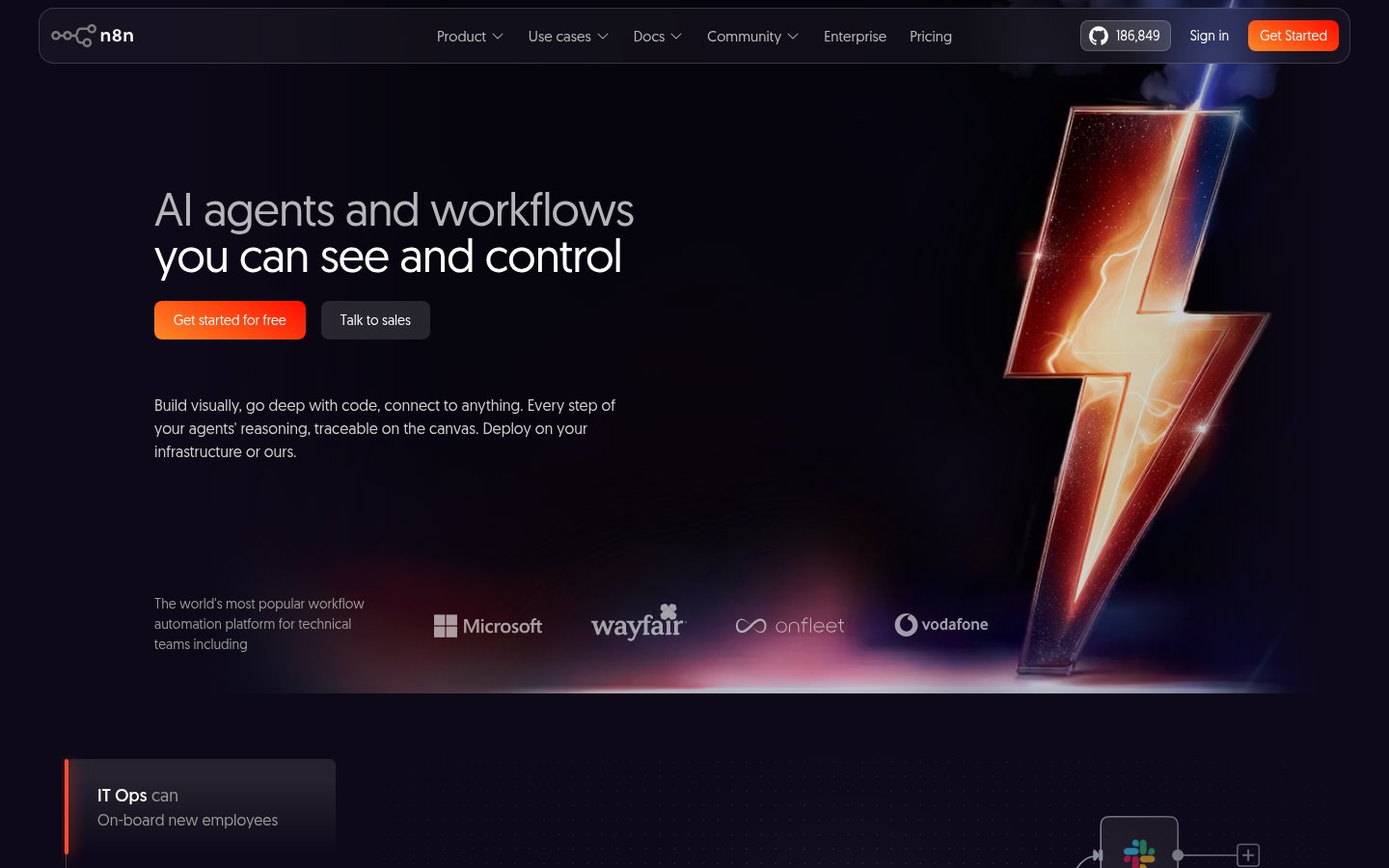
Official website: n8n.io
n8n is what you use when Zapier's pricing starts to sting, or when you need to do something Zapier technically can't. It's open-source, self-hostable, and has built out a genuinely powerful AI workflow layer that treats language models as first-class nodes rather than afterthoughts.
The AI Agent nodes in n8n let you build multi-step AI reasoning chains directly into your automations. You can wire a GPT-4o or Claude call into a workflow, feed it context from a database query, and route the output to different branches based on what the model says. That's not something Zapier can do natively. It's not something most tools in this list can do at all.
In early 2026, n8n shipped a significantly improved AI assistant for workflow building. You can now describe a workflow in plain language and get a runnable draft, which closes a big gap it had versus Zapier for non-technical users. The node library has also expanded substantially, now covering most major enterprise and developer-focused services. n8n also introduced better memory management for AI agents, allowing workflows to maintain context across sessions, critical for anything resembling a real AI assistant embedded in your stack.
The tradeoff is complexity. n8n's visual editor is powerful but not welcoming. First-time users often spend an hour getting a simple workflow running. If you're not comfortable with JSON, credentials management, and the occasional error log, the cloud version is the safer entry point. Self-hosted is free, but you're on your own for maintenance.
For technical teams building AI-native pipelines, especially those who want to avoid per-task pricing, n8n is hard to beat in 2026.
Pricing: Cloud starts at $20/month (2,500 workflow executions). Self-hosted is free (open-source). Enterprise pricing available.
Best for: Developers and technical teams building complex, AI-native workflows who need flexibility and want to avoid per-task pricing at scale.
Pros: Best AI-native workflow capabilities in the category, open-source and self-hostable, no per-task pricing on self-hosted, powerful branching and agent logic, growing node library
Cons: Steep learning curve, not beginner-friendly, self-hosted version requires maintenance overhead, documentation can lag behind new features
Try n8n →3. Make (formerly Integromat)
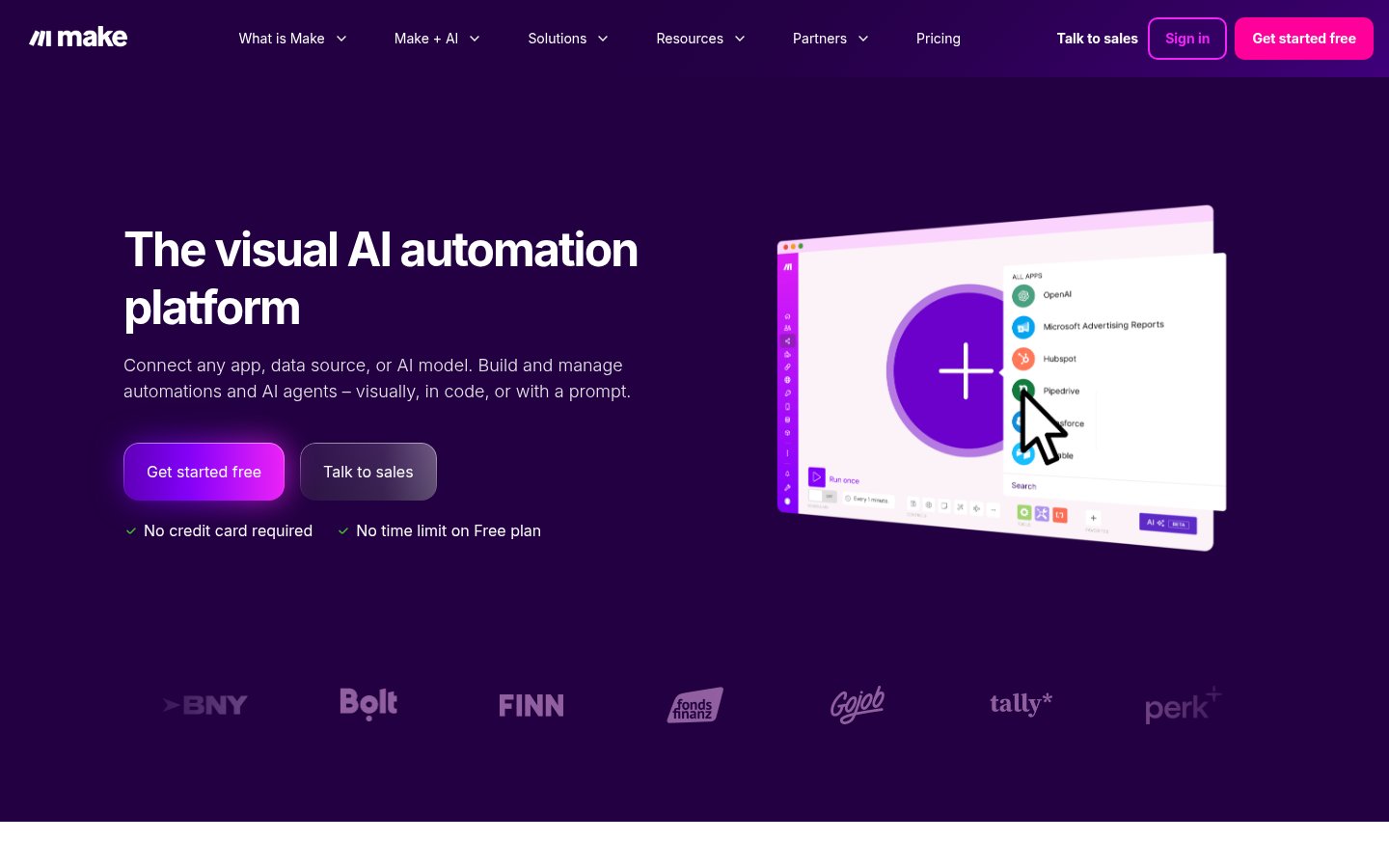
Official website: make.com
Make occupies the middle ground between Zapier's ease and n8n's power, and it does so more successfully than most people give it credit for. The visual builder is genuinely beautiful: workflows look like actual flowcharts with branches, loops, and routers displayed clearly, rather than the linear trigger-action chains that Zapier defaults to.
The operations-based pricing model is friendlier than Zapier's task counting for complex workflows. Because Make counts operations rather than "tasks," a single scenario that runs 10 steps costs far less than the equivalent in Zapier at high volumes. For teams running data-heavy pipelines, this alone can make Make the right economic choice.
In 2026, Make has pushed its AI capabilities forward with a dedicated AI module that simplifies connecting to OpenAI, Anthropic, and other model providers. The new AI Assistant for scenario building, available in the interface, can draft scenarios from text descriptions, though it's not as polished as Zapier's Copilot yet. Make has also improved its error handling and real-time execution monitoring, two areas where it historically lagged.
The weak spot remains the learning curve. Make's interface rewards users who invest time in understanding it, but first-time users can find the visual complexity overwhelming compared to Zapier's simpler step-by-step editor.
Pricing: Free tier (1,000 operations/month). Core at $9/month, Pro at $16/month, Teams at $29/month. Operations-based pricing is more generous than it looks for multi-step workflows.
Best for: Power users and small teams who want Zapier-like accessibility with more complex logic and better pricing at volume.
Pros: Beautiful visual workflow editor, operations-based pricing favors complex workflows, strong branching and routing capabilities, solid integration library (1,800+ apps)
Cons: Steeper learning curve than Zapier, AI features still catching up, fewer integrations than Zapier overall, customer support quality is inconsistent
Try Make →4. Microsoft Power Automate
Official website: powerautomate.microsoft.com
If your organization lives inside Microsoft 365, Power Automate is not optional, it's the obvious first tool to reach for. It connects natively to Teams, SharePoint, Outlook, Dynamics, and the entire Azure ecosystem in ways that third-party tools simply can't replicate. For automating internal business processes inside a Microsoft stack, nothing else is close.
The Copilot integration, powered by the same technology behind Microsoft 365 Copilot, has become genuinely capable in 2026. You can describe a flow in plain language and get a working draft, and the AI can suggest improvements to existing flows. Microsoft has also expanded the AI Builder features, which let non-developers use pre-built AI models (document processing, sentiment analysis, object detection) as nodes in their workflows without any ML knowledge.
The RPA (Robotic Process Automation) capability via Power Automate Desktop is a genuine differentiator. If you need to automate a legacy system that has no API, an old ERP, a web portal that only works in Internet Explorer, Power Automate can record and replay UI interactions. That's a capability most other tools on this list don't have at all.
The downside is that Power Automate shows its Microsoft heritage in the form of a sometimes confusing interface, licensing complexity, and a tendency to work brilliantly for Microsoft-to-Microsoft connections while being adequate-at-best for third-party integrations.
Pricing: Included with Microsoft 365 Business plans (with limits). Power Automate Premium at $15/user/month. Power Automate Process at $150/bot/month for RPA. Pricing can get complicated quickly.
Best for: Organizations already on Microsoft 365 or Azure who want deep native integration with Microsoft products and RPA capability.
Pros: Unmatched Microsoft 365 integration, RPA capability for legacy systems, AI Builder for no-code AI models, Copilot-assisted flow building, often included in existing M365 licenses
Cons: Interface complexity, licensing confusion, third-party integrations are second-tier compared to native ones, overkill for non-Microsoft environments
Try Microsoft Power Automate →5. Pipedream
Official website: pipedream.com
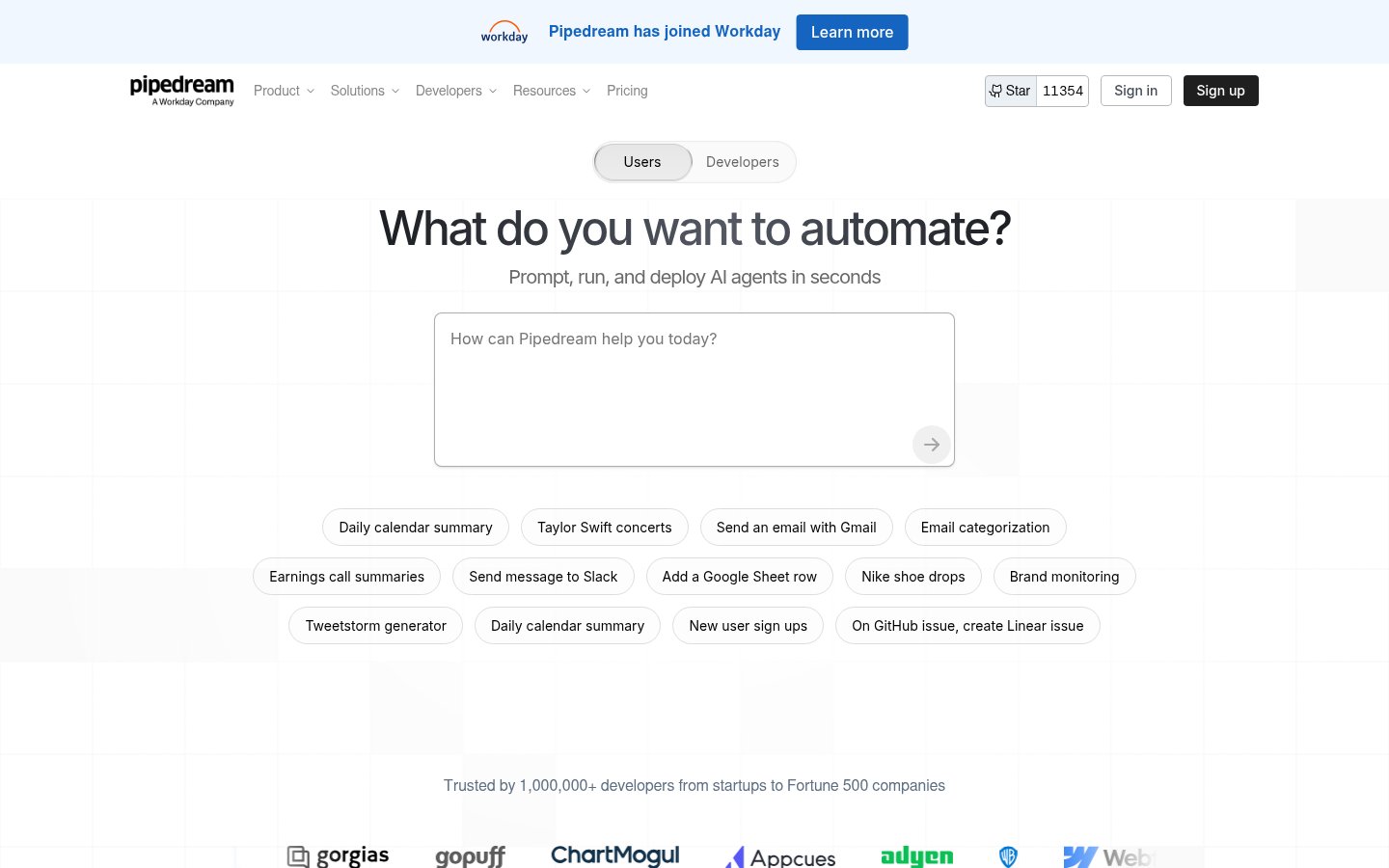
Pipedream is the tool developers reach for when they want automation with code-first flexibility but don't want to build infrastructure from scratch. It sits between n8n and a fully custom solution, you can write Node.js, Python, or Go directly inside workflow steps, use pre-built components from a library of 3,000+ integrations, and deploy in seconds without managing servers.
In 2026, Pipedream has emerged as one of the better platforms for AI agent workflows specifically. The ability to mix code steps with pre-built integration components means you can call a language model API, process the output with custom logic, and pipe it into any downstream service, all without the constraints of a no-code editor. The new Pipedream AI features include an AI-assisted workflow builder and pre-built AI templates for common agentic patterns.
Pipedream's pricing model is developer-friendly: the free tier is genuinely generous (10,000 events/month), and paid tiers are priced on events rather than the per-task model that makes Zapier expensive at scale. For teams building internal tools and API integrations, it often comes out cheaper than alternatives.
The limitation is the same one all code-first tools face: if you're not comfortable writing code, Pipedream's power is inaccessible. It's not trying to be Zapier for non-technical users, and it doesn't pretend otherwise.
Pricing: Free tier (10,000 events/month). Basic at $29/month, Advanced at $99/month. Team and Enterprise pricing available.
Best for: Developers and technical teams who want code-first workflow automation with the convenience of pre-built integrations and hosted infrastructure.
Pros: Full code flexibility (Node.js, Python, Go), generous free tier, 3,000+ integrations, great for AI agent workflows, no infrastructure to manage, fast deployment
Cons: Not suitable for non-technical users, UI is developer-focused and not particularly approachable, less community content than Zapier or Make
Try Pipedream →6. Activepieces
Official website: activepieces.com
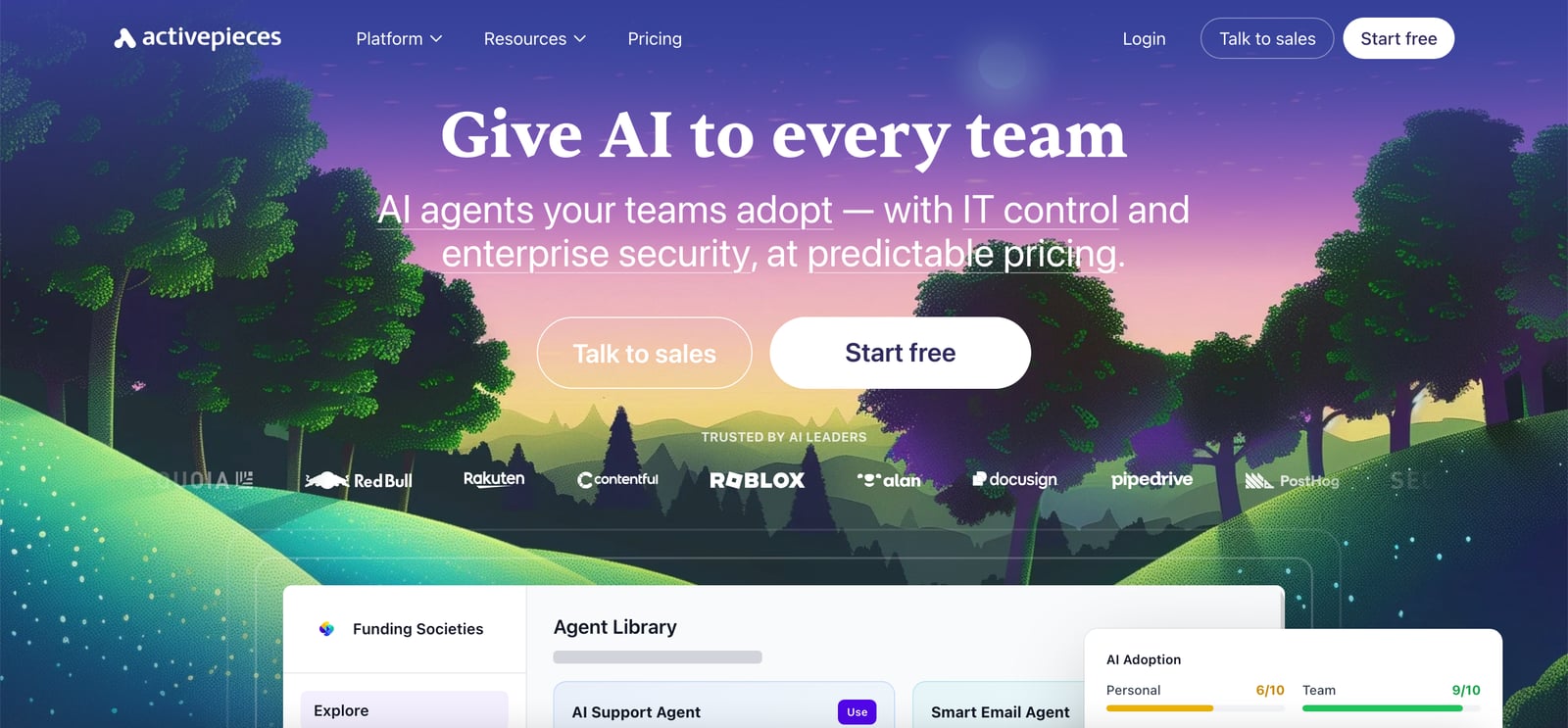
Activepieces has quietly become one of the most interesting platforms in the automation space. It started as an open-source Zapier alternative, and that DNA is still visible, the interface is clean, the trigger-action model is familiar, and setup is fast. But in 2026, Activepieces has evolved into something more ambitious: an AI adoption platform designed for enterprises that want to deploy AI agents across teams with proper governance controls.
The key differentiator is the enterprise governance layer. Unlike Zapier or Make, which are largely self-service tools, Activepieces lets IT teams centrally manage which AI tools and integrations employees can use, set approval workflows for new automations, and maintain an audit trail. For regulated industries or security-conscious enterprises, that oversight capability is genuinely valuable, and largely absent from the competition.
The AI agent features are legitimately good. Teams can deploy AI agents that use a mix of tools and integrations, and the platform provides usage tracking and cost visibility across those agents. With 705+ integrations and a growing template library, coverage is solid if not quite at Zapier's level.
Pricing transparency is still a weak point, Activepieces has pushed upmarket and the enterprise pricing isn't self-serve, which makes it harder to evaluate quickly. The free and open-source version remains available for self-hosting, which is valuable for teams that want to evaluate before committing.
Pricing: Open-source/self-hosted free. Cloud plans available; Enterprise pricing on request.
Best for: Enterprises that want to deploy AI agents across teams with IT governance, audit trails, and centralized oversight.
Pros: Strong enterprise governance features, open-source and self-hostable, 705+ integrations, AI agent deployment with cost tracking, clean interface
Cons: Upmarket pivot means pricing isn't transparent for enterprise tiers, smaller community than Zapier or Make, less mature template library
Try Activepieces →7. Bardeen
Official website: bardeen.ai
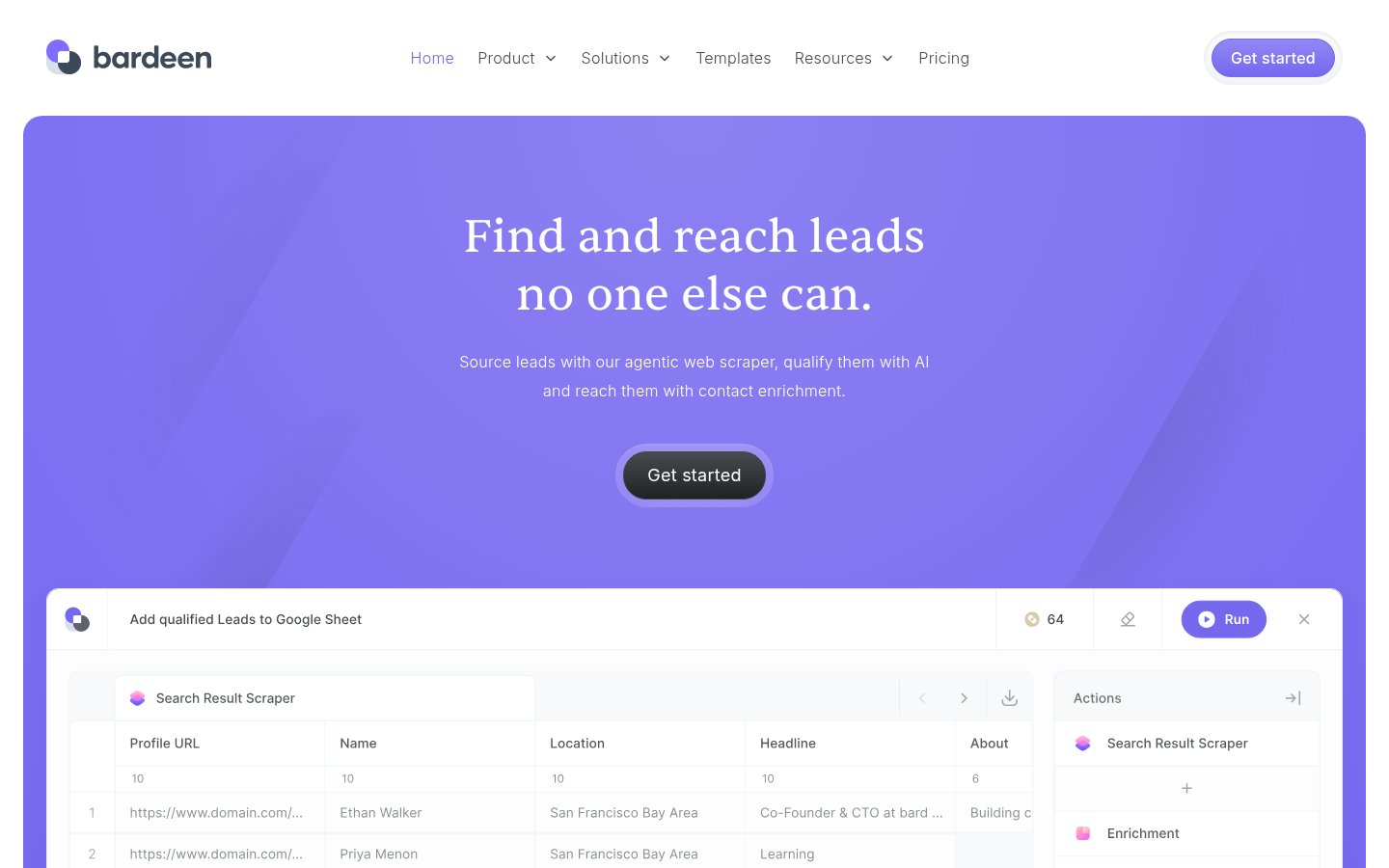
Bardeen occupies a specific niche that none of the other tools on this list cover well: browser-based automation for tasks that require interacting with web interfaces. It works as a Chrome extension and can automate actions on any website, scraping data, filling forms, clicking through flows, without an API. For sales teams doing lead research and enrichment, this is a meaningful capability.
The AI-powered scraping and lead enrichment features have improved substantially in 2026. Bardeen can now use AI search to find contact information, enrich profiles with data from LinkedIn and other public sources, and feed that data into CRMs automatically. The "Magic Box" feature lets you describe what you want to automate in plain language and generates a playbook, which is one of the better natural-language automation interfaces available.
The limitation is scope. Bardeen is excellent for browser-level tasks and lead workflows, but it's not a general-purpose automation platform. It doesn't replace Zapier or Make for connecting SaaS tools. Think of it as a complement: Bardeen handles the web scraping and research layer, and you pipe the results into a broader workflow elsewhere. That said, for sales and recruiting use cases specifically, it's one of the most productive tools available.
Pricing is accessible for individual users, with a generous free tier that covers most personal use cases.
Pricing: Free tier available. Professional plans start at $10/month. Team and Business tiers available.
Best for: Sales teams, recruiters, and solopreneurs who need browser-based automation, web scraping, and AI-powered lead enrichment.
Pros: Browser automation without API requirements, excellent lead enrichment capabilities, natural-language playbook generation, accessible pricing, strong for sales/recruiting workflows
Cons: Chrome-only (not a general-purpose automation platform), limited to browser-based tasks, not suitable as a primary workflow automation tool for complex multi-system processes
Try Bardeen →8. Tray.io
Official website: tray.io
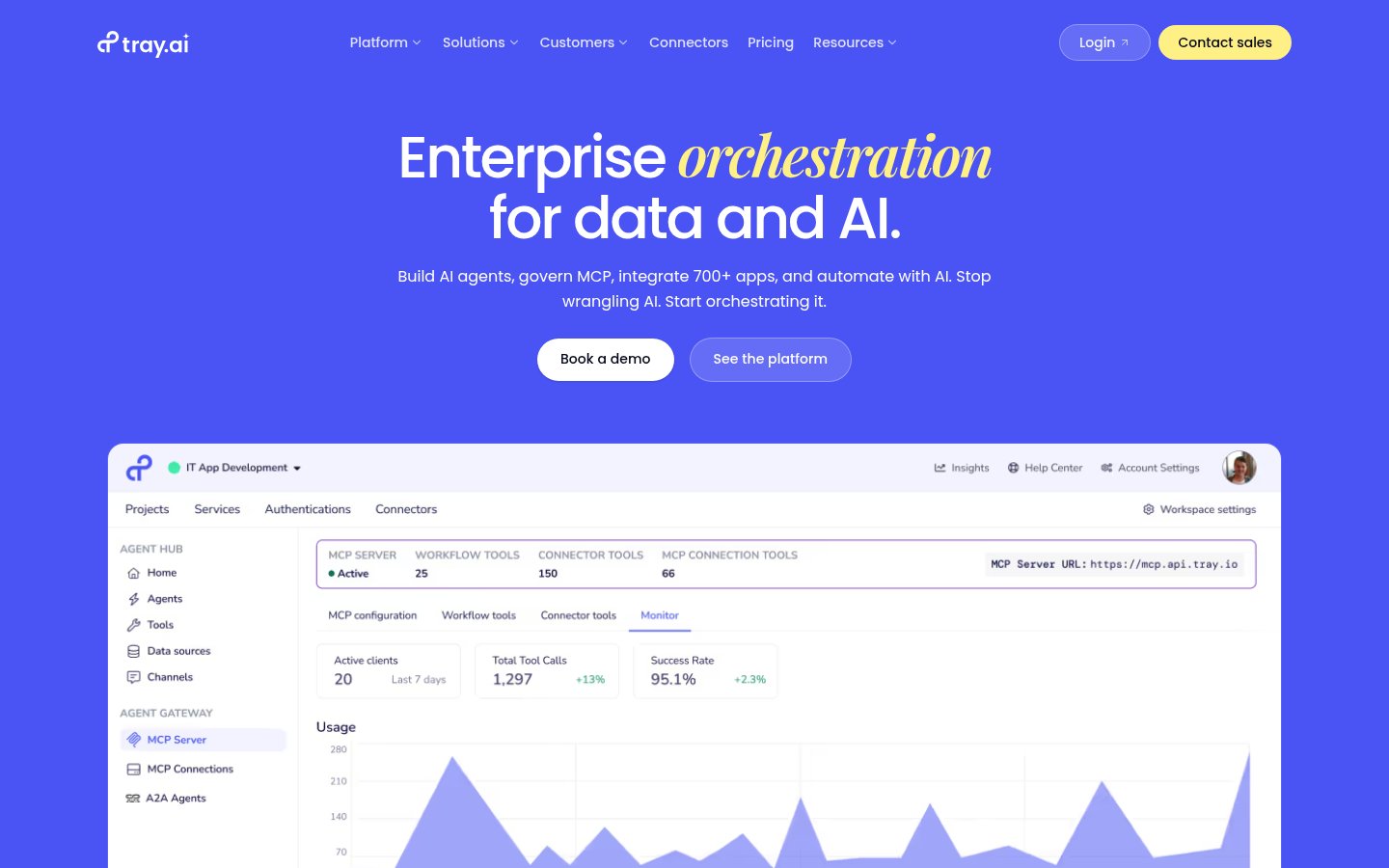
Tray.io is an enterprise automation platform that has made a significant bet on AI orchestration in 2026. The platform now positions itself around three capabilities: data integration, workflow automation, and AI agent governance, specifically the management of Model Context Protocol (MCP) tools, which have become an important standard for how AI models connect to external data and services.
The MCP governance layer is genuinely differentiated. As enterprises deploy more AI agents that use MCP to access tools and data, managing which agents can access what, and auditing what they did, becomes a real operational problem. Tray.io has built controls around this that aren't yet available in most automation platforms. For enterprises dealing with security and compliance requirements around AI agent deployments, that's a meaningful capability.
The 700+ integration library covers enterprise and developer-focused services well, and the workflow builder is more sophisticated than Zapier's for complex logic while being more approachable than n8n. The tradeoff is price: Tray.io is squarely enterprise-priced, with no meaningful self-serve tier for individuals or small teams.
If you're evaluating automation tools for a team under 50 people, Tray.io probably isn't the right conversation. But for enterprise IT or operations teams building AI-powered business processes at scale, it deserves serious consideration.
Pricing: Enterprise pricing only, contact for quotes. No public self-serve tier.
Best for: Enterprise organizations building AI agent workflows that require governance, compliance controls, and MCP tool management.
Pros: MCP governance and compliance controls, 700+ enterprise integrations, sophisticated workflow logic, strong data integration capabilities, built for enterprise security requirements
Cons: Enterprise pricing only (no self-serve), overkill for small teams, less community content and templates than Zapier or Make
Try Tray.io →9. Vapi
Official website: vapi.ai
Vapi is the only tool on this list focused specifically on voice AI workflows, and it earns its place because voice automation is increasingly a real workflow category rather than a novelty. The platform lets developers build, deploy, and scale voice-based AI agents, think automated customer service calls, appointment scheduling, lead qualification via phone, without building the infrastructure from scratch.
In 2026, Vapi's trajectory has been remarkable. The platform recently hit a $500M valuation after Amazon Ring chose it over 40 competing solutions for voice AI integration, a signal that the technology has cleared enterprise-grade reliability requirements. The platform supports a wide range of underlying AI models, letting developers choose between different voice synthesis and language understanding providers based on quality, latency, and cost requirements.
Vapi's position in this list is slightly specialized: if your workflows don't involve voice interaction, it's not relevant. But if you're building anything with phone automation, voice bots, or conversational AI agents that operate over calls, it's the most mature infrastructure platform available. For a deeper look at what that $500M valuation signals for the broader voice AI market, the Vapi valuation story is worth reading.
Pricing: Freemium. Pay-as-you-go voice minute pricing. Enterprise plans available.
Best for: Developers and businesses building voice AI agents, automated calling workflows, and conversational AI that operates over phone infrastructure.
Pros: Purpose-built for voice AI workflows, enterprise-validated (Amazon Ring), flexible model provider support, strong developer tooling, fast deployment
Cons: Highly specialized, irrelevant if you don't need voice automation, requires technical implementation, pricing can scale quickly with call volume
Try Vapi →10. Workato
Official website: workato.com
Workato rounds out this list as the enterprise integration platform most focused on business-user empowerment. Where Tray.io and Power Automate lean technical, Workato's pitch has always been that business teams, not just IT, should be able to build and own their automations. The platform enforces governance without requiring every workflow to be built by engineering.
In 2026, Workato has expanded its Autopilot AI feature, which helps non-technical users build recipes (Workato's term for workflows) using natural language. The AI can also analyze existing recipes to identify inefficiencies and suggest improvements, a genuinely useful capability for teams that have accumulated automation debt over years. The integration library is broad (1,200+ connectors) and skews toward enterprise SaaS and ERP systems.
Workato's connector quality for enterprise apps, Salesforce, SAP, Workday, ServiceNow, is among the best available. If your automation needs bridge consumer SaaS and enterprise systems, Workato handles the enterprise side more reliably than most.
The practical limitation is pricing. Workato is not cheap, and the pricing model is not transparent. You need to engage with their sales team for quotes, which is a friction point for anyone trying to evaluate quickly. It's best suited to mid-market and enterprise teams with existing IT budgets for integration tooling.
Pricing: Enterprise pricing, contact sales. No public self-serve tier for teams.
Best for: Mid-market and enterprise teams that want business-user-owned automation with enterprise governance, strong ERP integrations, and IT oversight.
Pros: Best-in-class enterprise SaaS and ERP connectors, business-user empowerment model, AI-assisted recipe building, strong governance controls, reliable at enterprise scale
Cons: Expensive with non-transparent pricing, requires sales engagement, overkill for small teams or simple use cases, less community content than Zapier
Try Workato →Comparison Table
| Tool | Best For | Pricing Model | AI-Native Features | Technical Skill Required |
|---|---|---|---|---|
| Zapier | Non-technical users, broad SaaS | Per task | AI Copilot, Agents | Low |
| n8n | Developers, AI-native workflows | Per execution / Free self-hosted | AI Agent nodes, LLM routing | High |
| Make | Power users, complex logic | Per operation | AI module, scenario builder | Medium |
| Microsoft Power Automate | Microsoft 365 orgs, RPA | Per user / Included in M365 | AI Builder, Copilot | Medium |
| Pipedream | Developers, code-first automation | Per event | AI workflow builder | High |
| Activepieces | Enterprise AI governance | Open-source / Enterprise | AI agent deployment | Low-Medium |
| Bardeen | Sales, recruiting, web scraping | Freemium | Magic Box NL automation | Low |
| Tray.io | Enterprise AI/MCP governance | Enterprise only | MCP governance, AI orchestration | Medium-High |
| Vapi | Voice AI workflows | Pay-as-you-go | Purpose-built voice AI | High |
| Workato | Enterprise ERP/SaaS automation | Enterprise only | Autopilot AI, recipe building | Medium |
How I Ranked These
This list is weighted on four criteria, not one:
Real-world time savings: Does this tool actually reduce the manual work in a typical workflow, or does it just move the complexity somewhere else? Tools that save hours, not minutes, rank higher.
AI-specific capability: In 2026, "has an AI feature" is not a differentiator. What matters is whether the platform can handle genuinely AI-native tasks: routing based on model output, chaining LLM calls, maintaining context, handling variable outputs gracefully. Zapier's AI features are improving; n8n's are still more capable for serious AI pipelines.
Pricing fairness at scale: Per-task pricing (Zapier) can be devastating at volume. Per-operation (Make) or per-execution (n8n cloud) tends to be more forgiving for complex workflows. Free self-hosted options (n8n, Activepieces) get credit for accessibility. Enterprise-only tools are noted but not penalized, they're serving a different market.
Accessible to non-engineers: Automation tools that require a developer to build and maintain every workflow have a lower ceiling in most organizations. Tools like Zapier, Make, and Bardeen that genuinely empower non-technical users rank higher for general audiences, while developer-focused tools like Pipedream and n8n are ranked on their own terms for technical audiences.
Affiliate relationships don't affect rankings. No tool is included because it's in our system, it's here because it's genuinely relevant to this topic. The AI prompt rot problem is a good example of why I try to keep evaluations honest: stacking bad tools on top of each other compounds every weakness.
Frequently Asked Questions
Tools & Services Mentioned

infobro.ai Editorial Team
We research every tool from its documentation, pricing pages, product screenshots and public developer discussion, and say plainly what the evidence does and does not show. Drafts are AI-assisted and reviewed by our editors before publication. We revisit each article every 6 months to reflect platform changes. Learn more about our process.