Top 10 AI Tools for Researchers and Academics in 2026: Ranked by What Actually Speeds Up Your Work
From literature review to citation management, these are the AI tools researchers actually use in 2026. Ranked by real utility, not hype.

Entry price, per month
The cheapest plan with a published monthly price. 8 of 10 tools publish one; the rest are quote-only.
- 1. Perplexity AIFree / $20
- 2. ElicitFree / $10
- 3. ClaudeFree / $20
- 4. Semantic ScholarFree
- 5. NotebookLMFree / $19.99
- 6. Mem.aiFree / $14.99
- 7. ZoteroFree
- 8. ObsidianFree / $10
- 9. ChatGPTFree / $20
- 10. LimitlessFree / $19.99
Academic research has always been a slow grind. You spend hours chasing papers, synthesizing contradictory findings, wrestling with citation formats, and writing drafts that get torn apart in review. AI tools don't fix all of that, but the right ones genuinely cut the tedious parts down to size.
The problem is that "AI tools for research" has become a dumping ground. Every writing assistant and chatbot now claims to be a research companion. Most of them aren't. They hallucinate citations, miss key context, and produce confident-sounding summaries of papers they haven't actually read. If you've run into the AI context problem, you know exactly what I mean.
This list cuts through the noise. These are tools that do specific, meaningful things for researchers: finding relevant literature, extracting insights from PDFs, organizing knowledge, and helping write without losing your own voice. I ranked them by how much they actually speed up real research workflows, not by feature lists or marketing claims.
One note before we start: research AI is one of the fastest-moving categories right now. Tools that were rough drafts two years ago are now genuinely polished. And the AI consistency problem is real here too, test any tool on your actual domain before committing.
1. Perplexity AI
Official website: perplexity.ai
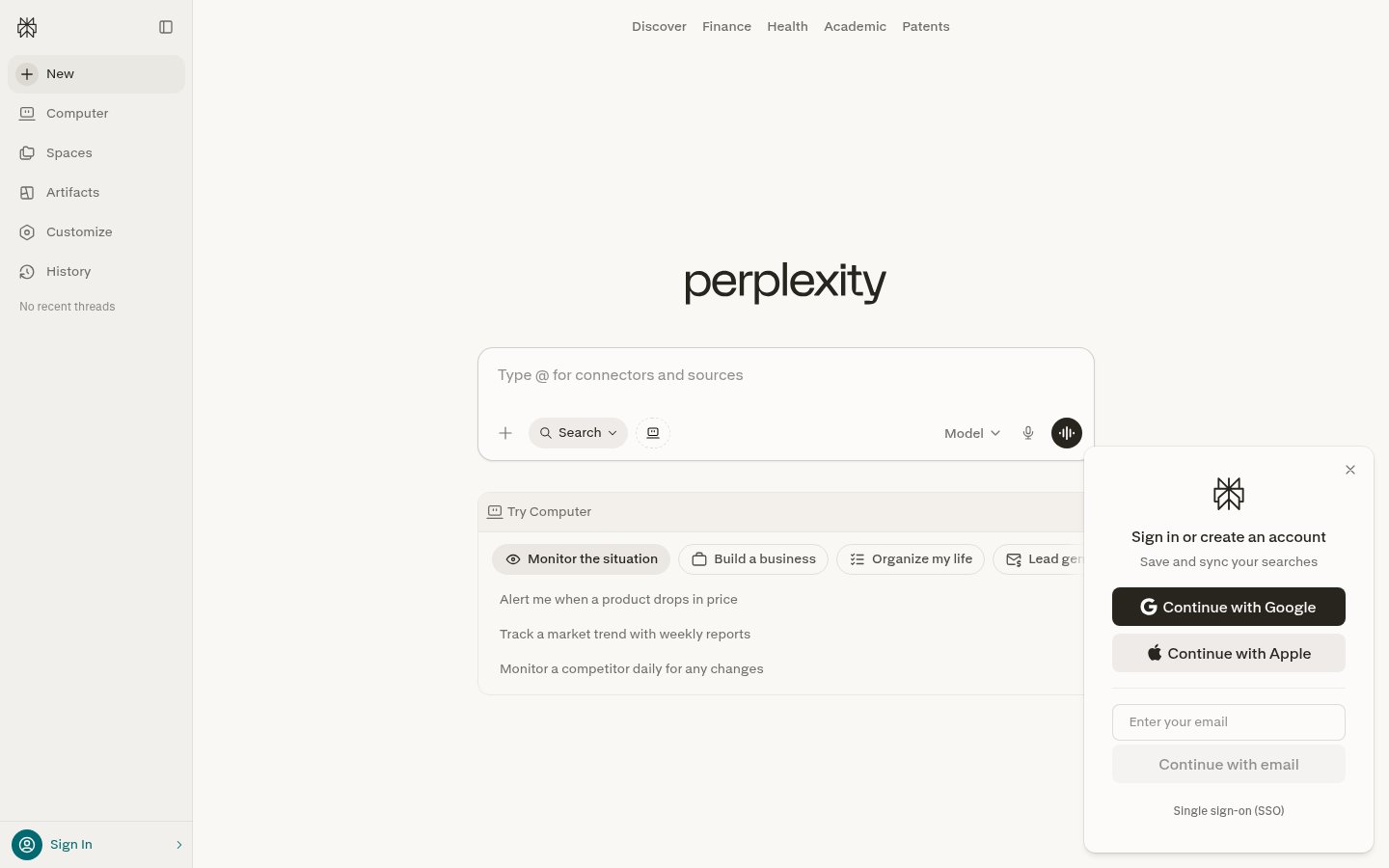
Perplexity is the closest thing to a search engine built specifically for researchers who need cited answers, not ranked links. Type a question, get a synthesized response with inline citations you can actually verify. That's the core loop, and it works better than anything else in this category for quick literature scans.
The Pro version adds access to academic databases and lets you upload PDFs for direct questioning. The model quality has jumped significantly since the 2025 upgrade, and the "Deep Research" mode can now produce multi-page literature summaries that hold up to scrutiny. It's not perfect, you still need to check primary sources, but it dramatically reduces the time spent on initial scoping.
What separates Perplexity from general-purpose chatbots is the sourcing architecture. Every factual claim links back to a source. You can see exactly where the AI pulled information from and evaluate quality yourself. That's the minimum viable standard for academic use, and most tools don't meet it.
Pricing: Free tier covers basic search. Pro is $20/month with unlimited Pro searches, file uploads, and API access.
Best for: Literature scoping, quick background research, verifying facts with traceable sources.
Pros: Inline citations on every response, fast and accurate for well-documented topics, Deep Research mode for longer synthesis, uploads PDFs directly
Cons: Struggles with very niche or recent topics not well-indexed, can over-simplify complex methodological debates
Try Perplexity AI →2. Elicit
Official website: elicit.com
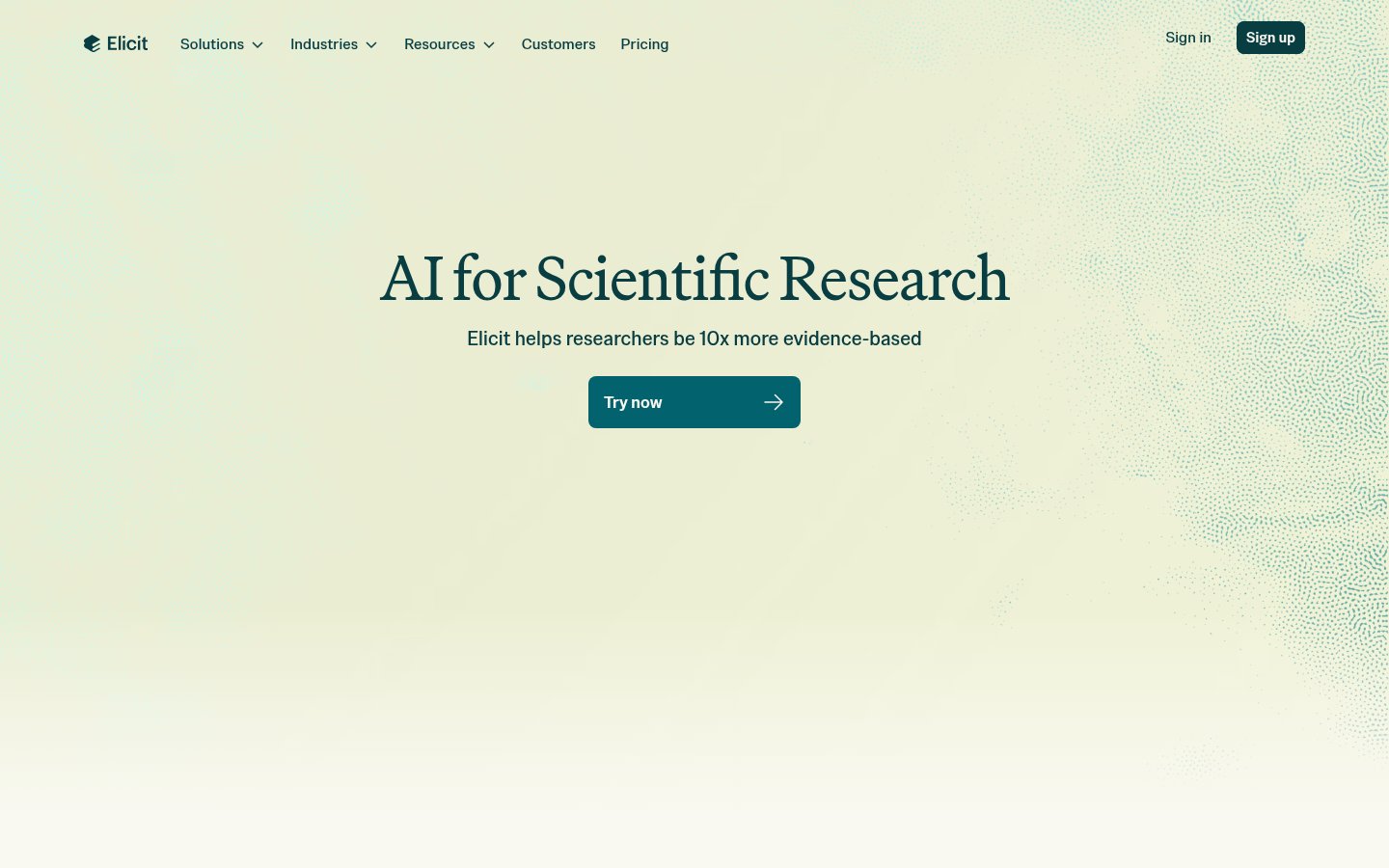
Elicit is purpose-built for academic literature review, and it shows. You paste a research question, and it searches across millions of papers, extracts specific data points, and organizes findings into a table you can actually reason across. No other tool does this particular workflow as cleanly.
The core feature, automated data extraction from papers, is what makes Elicit different. You can define columns like "sample size," "outcome measure," or "effect size," and Elicit pulls those values across dozens of papers simultaneously. Manually, that's a week of work. With Elicit, it's under an hour.
The 2025 version added better semantic search (so you find relevant papers even when they use different terminology) and improved extraction accuracy for quantitative data. There's still room for error, especially with complex statistical tables, but the tool flags uncertainty rather than guessing confidently, which is the right behavior.
The free tier is limited to around 5 queries per month. Serious users will need the paid plan, which is honestly one of the better-priced tools in this space for what it delivers.
Pricing: Free tier with 5 queries/month. Plus at $10/month, Professional at $42/month with full extraction features.
Best for: Systematic literature reviews, meta-analyses, structured data extraction from academic papers.
Pros: Automated extraction from papers into structured tables, semantic search across 125M+ papers, uncertainty flagging, excellent for systematic reviews
Cons: Monthly query limits on free and lower tiers, occasional extraction errors on complex tables, less useful outside empirical research
Try Elicit →3. Claude (Anthropic)
Official website: claude.ai
Claude is the best general-purpose AI for research writing. Not because it's perfect, but because it handles long, complex documents better than the competition. The 200K token context window means you can drop an entire dissertation draft or a stack of papers and have a coherent conversation about all of it at once.
For researchers, this matters enormously. You can paste five conflicting papers and ask Claude to identify where they disagree methodologically. You can share a rough argument and ask it to steelman the opposing view. You can paste your methods section and ask it to flag any logical gaps before your advisor does. These are tasks where Claude consistently outperforms other models in both quality and nuance.
Anthropic's fundraising trajectory suggests this tool isn't going anywhere, which matters for researchers building long-term workflows around it.
Claude doesn't search the web by default, so it's not a replacement for Perplexity or Elicit on literature discovery. Think of it as your best research thinking partner once you have the sources in hand.
Pricing: Free tier available. Claude Pro at $20/month. Team plans at $30/user/month.
Best for: Long-document analysis, argument development, manuscript drafting and critique, synthesizing complex ideas.
Pros: Best-in-class long context handling, genuinely nuanced reasoning, strong at identifying logical inconsistencies, excellent writing quality
Cons: No real-time web search in basic mode, can't replace literature discovery tools, occasionally verbose
Try Claude →4. Semantic Scholar
Official website: semanticscholar.org
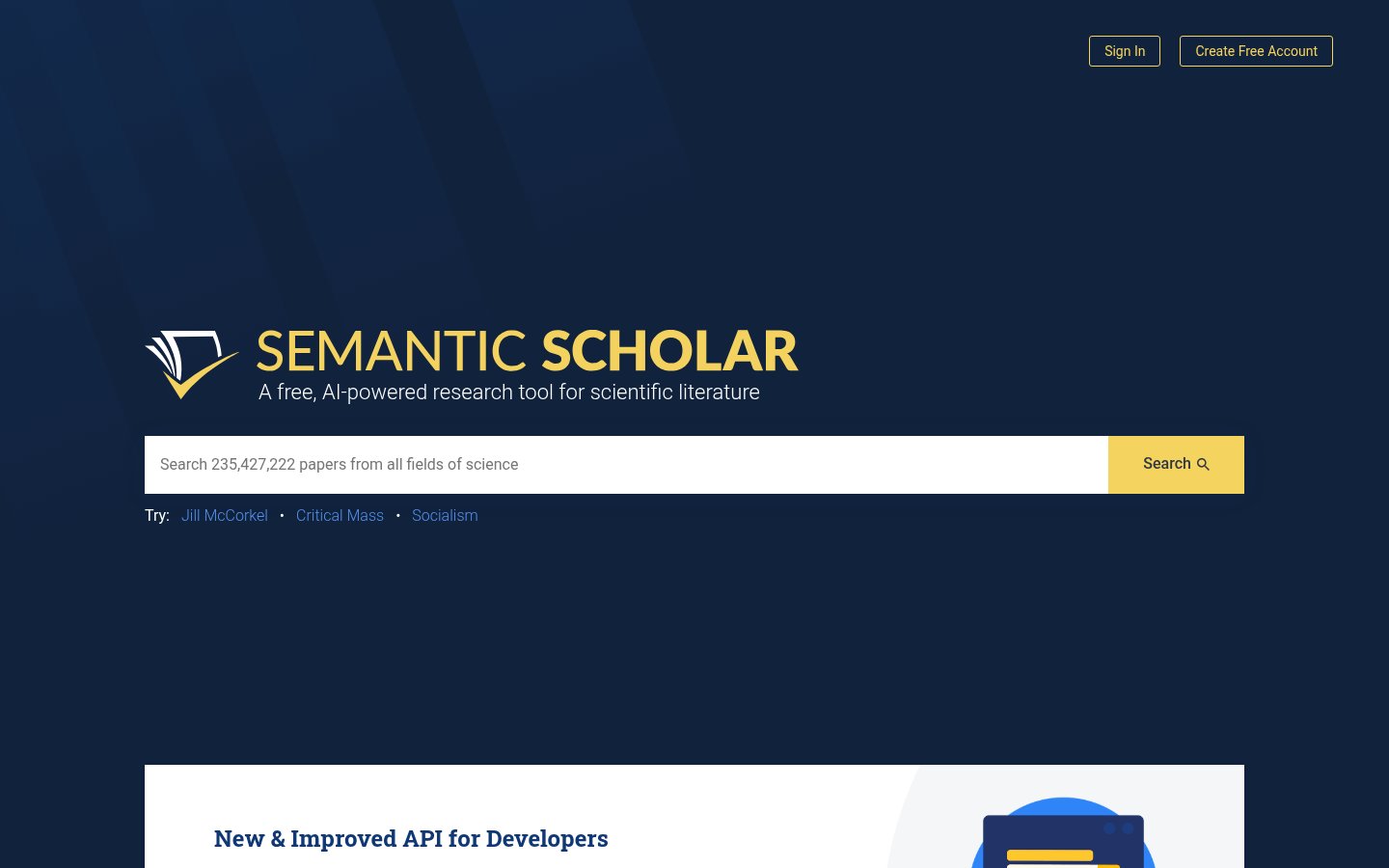
Semantic Scholar is free, built by the Allen Institute for AI, and searches over 200 million academic papers with genuine AI-powered relevance ranking. It's been around since 2015, but the AI features have matured considerably. The "TLDR" summaries for individual papers are now genuinely useful, and the citation graph features let you trace influence across fields.
The Research Dashboard lets you build feeds around topics and authors, so relevant new papers surface automatically. That's a meaningful workflow improvement for anyone trying to stay current in a fast-moving field.
It doesn't do the automated extraction that Elicit does, and it won't write anything for you. But as a free, academically rigorous search engine with real AI relevance ranking, nothing else at this price point comes close. Most researchers should be using this alongside, not instead of, paid tools.
Pricing: Completely free.
Best for: Literature discovery, staying current on a research area, citation network analysis, budget-conscious researchers.
Pros: Free and always will be, 200M+ paper database, AI relevance ranking, excellent citation network tools, paper TLDR summaries
Cons: No data extraction or synthesis features, no PDF annotation or chat, limited to discovery rather than analysis
Try Semantic Scholar →5. NotebookLM (Google)
Official website: notebooklm.google.com
NotebookLM is Google's research assistant, and the 2025-2026 version is significantly better than the early releases. The concept is simple: upload your sources (PDFs, documents, URLs, even YouTube transcripts), and NotebookLM becomes an expert on those specific materials. It answers questions, identifies patterns, and generates structured notes, all grounded strictly in what you gave it.
That grounding is the key differentiator. NotebookLM won't speculate beyond your sources. Every answer cites the exact passage it drew from. For researchers who've been burned by AI hallucinations, this conservative approach is actually a feature.
The audio overview feature (which generates a podcast-style discussion of your materials) is surprisingly useful for processing dense content. I've used it to absorb literature faster than reading, then go back to the primary source for detail.
Organizing sources into separate notebooks per project keeps things clean. The free tier is generous for individual researchers.
Pricing: Free for personal use. NotebookLM Plus at $19.99/month with higher limits and team features.
Best for: Synthesizing a defined set of sources, dissertation literature organization, preparing for exams or interviews on specific material.
Pros: Strictly grounded in your uploaded sources, cited responses with page references, audio overviews for processing content, generous free tier
Cons: Limited to what you upload, won't search the broader literature, can't replace discovery tools, document limit on free plan
Try NotebookLM →6. Mem.ai
Official website: mem.ai
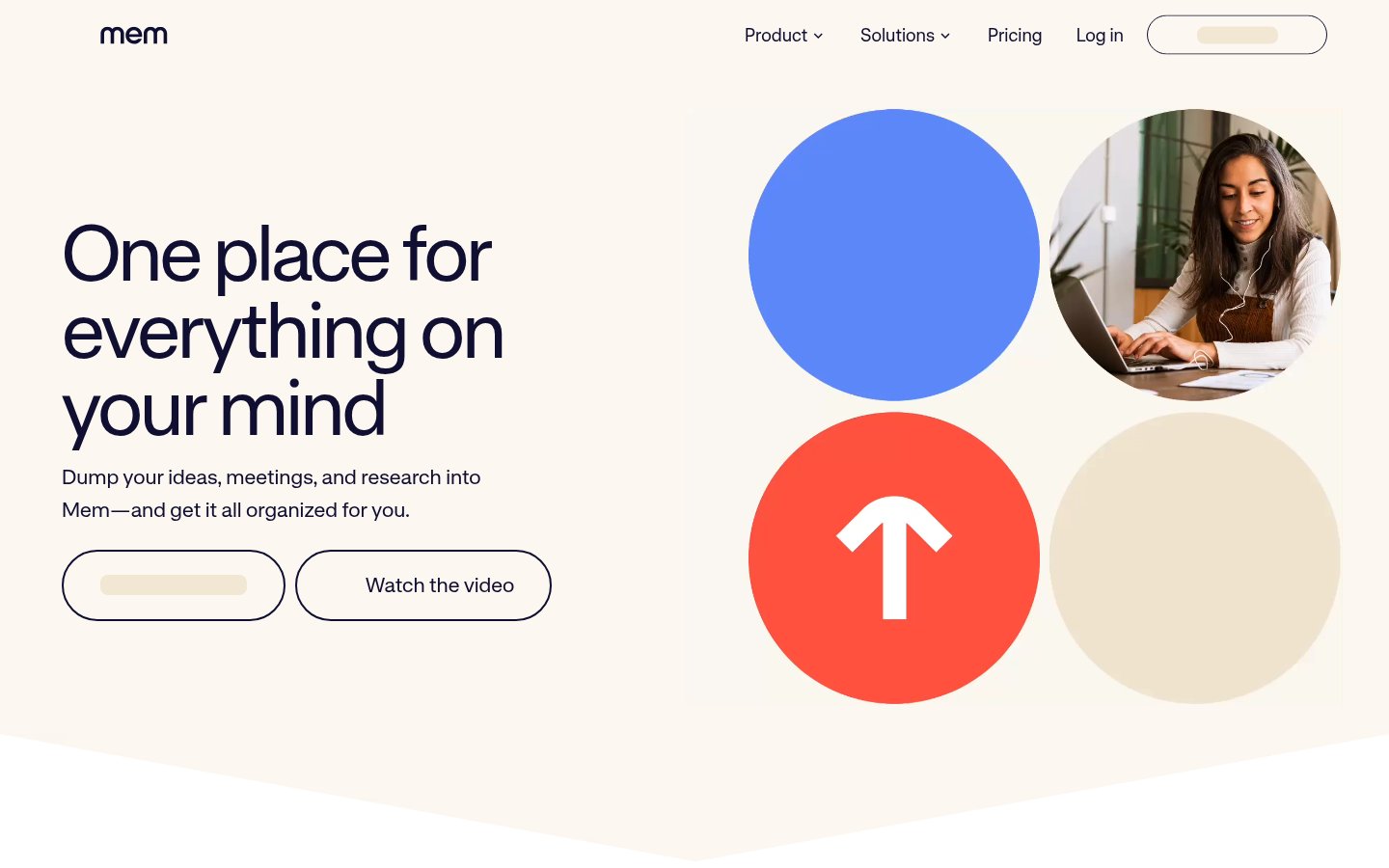
Mem.ai sits in a different category from the search and extraction tools above. It's a personal knowledge base with an AI that learns from your own notes over time. For researchers who take a lot of notes, this is genuinely valuable, because the AI can surface relevant things you wrote months ago when you're working on something new.
The smart connections feature automatically links related notes, so your thinking builds on itself rather than getting buried. The AI assistant inside Mem can draft new content by pulling from your existing notes, which means your personal research history becomes a resource rather than an archive.
The weakness is the same as most personal knowledge tools: you get out what you put in. Mem is only as useful as your note-taking discipline. But if you're already a consistent note-taker, the AI layer adds genuine value that tools like Obsidian can't match without significant plugin configuration.
If you care deeply about data control and prefer offline-first tools, Obsidian is the alternative worth considering, but you'll be doing more manual setup for AI features.
Pricing: Free tier available. Mem Pro at $14.99/month.
Best for: Long-term knowledge management, building a personal research memory, researchers who take heavy notes across projects.
Pros: AI that learns your own notes and thinking, automatic smart connections between ideas, low friction capture, better than Obsidian for non-technical users
Cons: Only as good as your input, not built for literature discovery, some users report performance slowdowns with very large note libraries
Try Mem.ai →7. Zotero (with AI plugins)
Official website: zotero.org
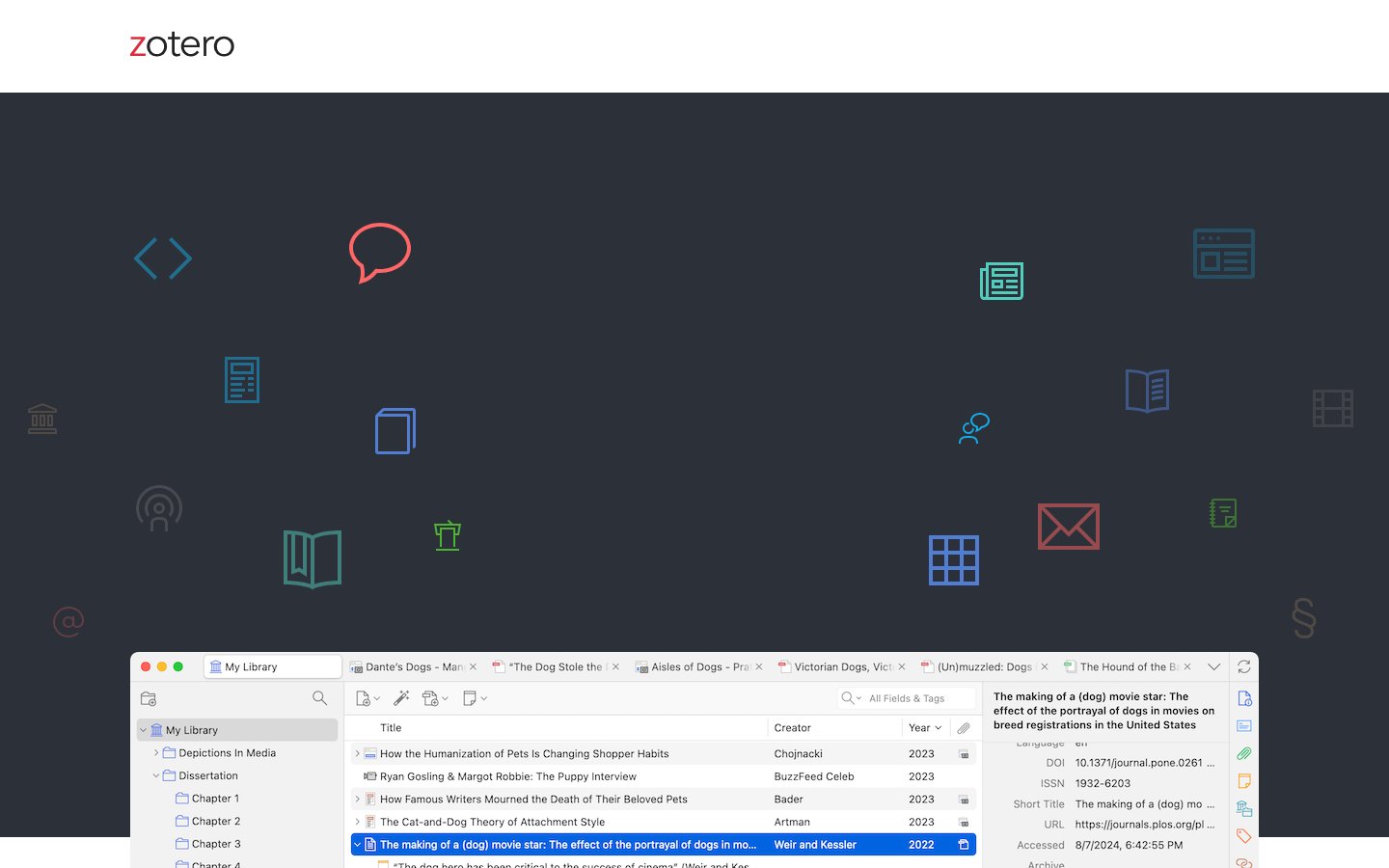
Zotero has been the gold standard for citation management since 2006, and it remains the right choice in 2026, especially with AI plugins like ZotGPT and the built-in PDF reader with annotation sync. The base tool is still free and open-source.
What changed in the last two years: Zotero 7 shipped with a built-in PDF reader that integrates directly with your library, and third-party plugins now let you query your Zotero library with an AI assistant. You can ask "what did I save about measurement invariance?" and get answers grounded in your actual collection. That's useful in a way that no standalone tool can replicate, because it works with the bibliography database you've already built.
The learning curve is real. Zotero isn't a tool you pick up in an afternoon. But for anyone doing sustained academic work, the investment pays back many times over. The combination of free, open-source, citation-perfect, and AI-augmentable makes it hard to beat.
Pricing: Free. 300MB free cloud storage, with paid plans for more ($20/year for 2GB, up to unlimited).
Best for: Citation management, building research libraries, PDF annotation, anyone who needs reliable citation export in any format.
Pros: Free and open-source, perfect citation management, AI plugins available, active community, works with every major citation format
Cons: Steeper learning curve than consumer tools, AI features require third-party plugins rather than being native, interface feels dated compared to newer tools
Try Zotero →8. Obsidian
Official website: obsidian.md
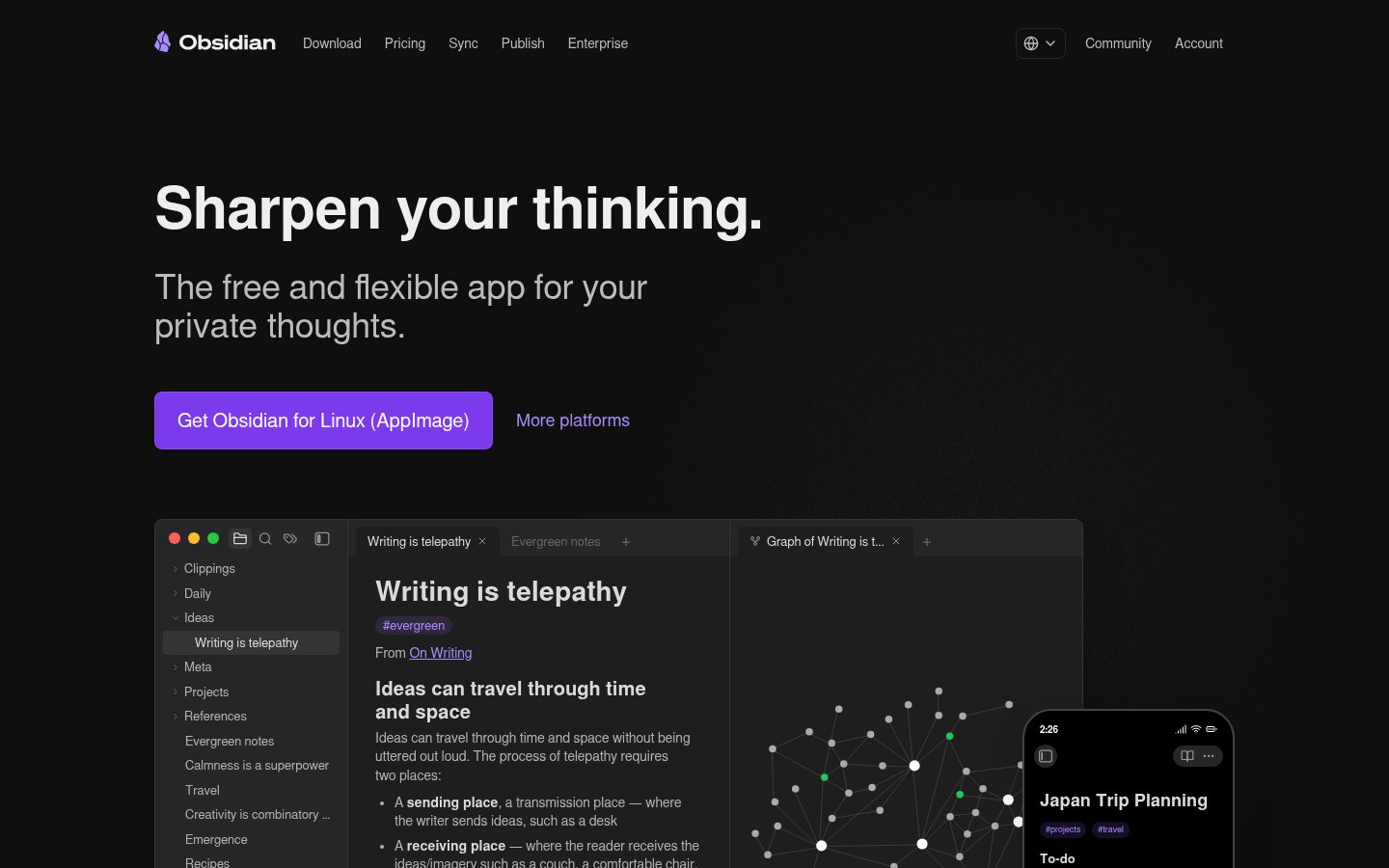
Obsidian is a local-first, Markdown-based note-taking tool that has become the preferred knowledge management system for researchers who want full control over their data. Your notes are plain text files on your own machine. No vendor lock-in, no subscription required for core features.
The AI angle comes through community plugins. Obsidian's plugin ecosystem includes integrations with OpenAI, Ollama (for local models), and various tools that can query your vault, generate content, or surface related notes. It's not turnkey, but researchers who spend the time setting it up end up with a system precisely tailored to their workflow.
The graph view is genuinely useful for seeing how your ideas connect across large projects. Researchers writing across multiple papers or chapters find the bidirectional linking feature particularly valuable for tracking where they've made specific arguments.
If the AI skill plateau problem resonates with you, Obsidian's intentional friction is actually a feature. It forces you to think about how you structure knowledge rather than just offloading it to an AI.
Pricing: Free for personal use. Obsidian Sync at $10/month. Obsidian Publish at $10/month.
Best for: Researchers who want full data control, power users comfortable with configuration, long-term knowledge building across years of work.
Pros: Local-first with no lock-in, massive plugin ecosystem, excellent bidirectional linking, graph view for idea mapping, free core product
Cons: Significant setup investment for AI features, not beginner-friendly, sync requires paid plan or self-managed solution
Try Obsidian →9. ChatGPT (with GPT-4o)
Official website: chatgpt.com
ChatGPT lands at nine, not because it's a bad tool, but because researchers specifically need to be clear about what it does and doesn't do well. GPT-4o with web browsing can look things up, but the citation quality varies significantly, and it has a documented history of hallucinating paper titles and author names when pushed on specifics.
Where ChatGPT genuinely shines for researchers: first drafts, code for data analysis, explaining statistical methods in plain language, and working through argument structure. The Advanced Data Analysis feature (formerly Code Interpreter) is particularly useful, you can upload your dataset, describe what you want, and get working Python or R code with visualizations.
The Canvas feature is useful for iterating on manuscript sections collaboratively. And GPT-4o's multimodal capabilities mean you can paste in a graph and ask it to describe what the data shows, which is handy for quickly processing figures from papers.
Don't use it as your primary source-finding tool. Do use it as your research thinking and coding assistant.
Pricing: Free tier with GPT-4o (limited). Plus at $20/month. Pro at $200/month for extended thinking and higher limits.
Best for: Data analysis code, writing drafts, explaining statistical concepts, working through argument structure.
Pros: Best code generation for data analysis, multimodal capabilities, strong at drafting and editing, huge feature set
Cons: Known to hallucinate citations, not built for literature discovery, web search quality inconsistent
Try ChatGPT →10. Limitless
Official website: limitless.ai
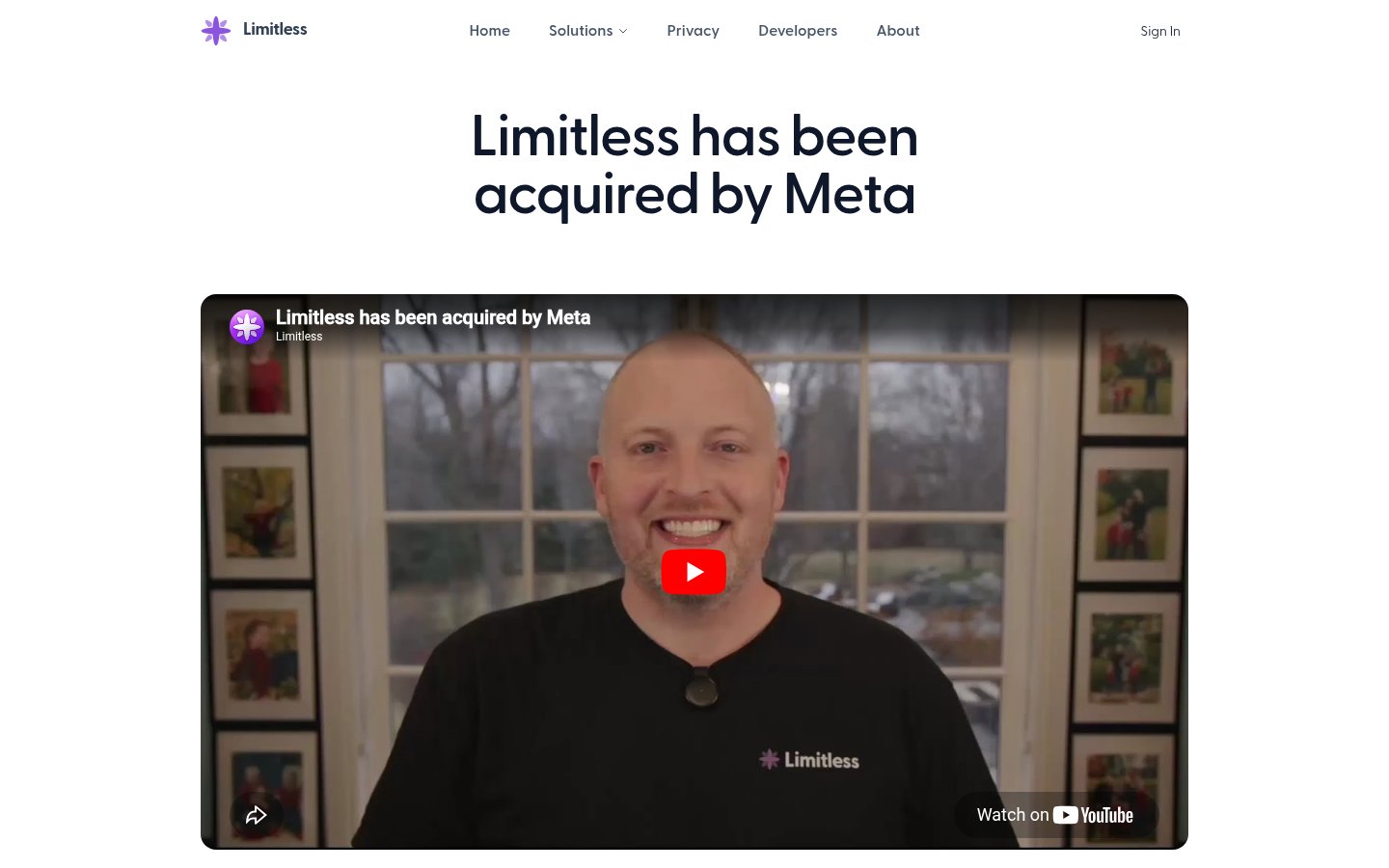
Limitless makes the list for a specific use case: researchers who attend conferences, conduct interviews, or have frequent meetings where information gets lost. Limitless records and transcribes everything (with consent), then makes those conversations searchable and queryable with an AI assistant.
Forget what a colleague mentioned at a conference session? Ask Limitless. Can't remember the exact phrasing an interviewee used? Search it. Need to pull together everything discussed in six months of lab meetings? Limitless can do that.
The Pendant hardware (a small wearable recorder) extends this beyond screen time to in-person conversations. For qualitative researchers who conduct a lot of interviews, or academics who want to retain institutional knowledge from seminars and talks, this is a genuinely novel use case that nothing else in this list addresses.
It's not a literature tool or a writing tool. It's a memory tool for the unstructured parts of research life that currently get lost.
Pricing: Free plan with limited storage. Pro at $19.99/month. Pendant hardware sold separately (~$99).
Best for: Researchers who attend conferences or conduct interviews, anyone who needs to retain and search spoken information from meetings.
Pros: Converts spoken conversations into searchable knowledge, AI queries across all your meeting history, wearable option for in-person recording, excellent transcription accuracy
Cons: Niche use case not relevant to all research types, requires consistent use to build useful history, privacy considerations with always-on recording
Try Limitless →Comparison Table
| Tool | Primary Use | Price (starting) | Cites Sources? | Offline/Local? |
|---|---|---|---|---|
| Perplexity AI | Literature scoping | Free / $20/mo | Yes | No |
| Elicit | Systematic review / extraction | Free / $10/mo | Yes | No |
| Claude | Long-doc analysis / writing | Free / $20/mo | No (uses your input) | No |
| Semantic Scholar | Paper discovery | Free | Yes | No |
| NotebookLM | Source-grounded synthesis | Free / $19.99/mo | Yes (from your uploads) | No |
| Mem.ai | Personal knowledge management | Free / $14.99/mo | From your notes | No |
| Zotero | Citation management | Free | Yes | Partial |
| Obsidian | Knowledge management | Free / $10/mo | From your notes | Yes |
| ChatGPT | Writing / data analysis | Free / $20/mo | Inconsistent | No |
| Limitless | Meeting / interview memory | Free / $19.99/mo | From recordings | No |
How I Ranked These
The ranking prioritizes tools that solve real, time-consuming problems in research workflows rather than general-purpose AI assistants that happen to work for researchers too.
Perplexity and Elicit top the list because they address the single biggest time sink in academic work: finding and processing relevant literature. Both are purpose-built for research, both cite sources verifiably, and both offer meaningful free tiers.
Claude ranks third because long-document reasoning is genuinely better there than anywhere else, and manuscript-level thinking is where researchers spend enormous time. Semantic Scholar gets fourth despite being older and simpler because it's free, reliable, and covers 200 million papers. Those aren't small advantages.
NotebookLM takes fifth because the source-grounded approach solves a real problem: researchers need AI that stays within what's actually documented, not one that speculates beyond it. Mem.ai and Obsidian rank close together because they serve similar knowledge management needs with different tradeoffs (ease of use vs. control).
Zotero earns its spot purely on the citation management function, which remains essential for anyone publishing academic work. ChatGPT ranks ninth not because it's bad but because it's the most commonly overused tool for tasks (like citation finding) where it genuinely underperforms purpose-built alternatives. Limitless takes tenth for a specific but real use case that the other nine tools completely ignore.
The tools I deliberately left out: general writing assistants (Jasper, etc.) that don't handle academic formats or source verification, and coding-specific tools that serve developers rather than researchers conducting data analysis as part of broader work.
Frequently Asked Questions
Tools & Services Mentioned

Founder and editor of infobro.ai
We research every tool from its documentation, pricing pages, product screenshots and public developer discussion, and say plainly what the evidence does and does not show. Drafts are written with AI assistance under our editorial rules, and we revisit articles to reflect platform changes. Learn more about our process.