Top 9 AI Tools for Education and Learning in 2026: Ranked by How Much They Actually Teach You
From AI tutors to smart research assistants, these are the education tools that genuinely accelerate learning in 2026, ranked by real-world impact.

Entry price, per month
The cheapest plan with a published monthly price. 7 of 9 tools publish one; the rest are quote-only.
- 1. Khan Academy KhanmigoFree / $4
- 2. ClaudeFree / $20
- 3. Semantic ScholarFree
- 4. ZoteroFree
- 5. Duolingo MaxFree / $6.99
- 6. Coursera with AI CoachingFree / $59
- 7. Otter.ai for StudentsFree / $16.99
- 8. Photomath / MathwayFree / $9.99
- 9. Notion AIFree / $8
The education AI space has gotten crowded fast. Every month there's another "personalized learning platform" that's really just a chatbot with a textbook PDF bolted on. Most of them don't survive contact with an actual student who needs to pass an exam next Thursday.
This list cuts through that noise. I ranked these tools by one question: does this actually help someone learn something better and faster than they would without it? That sounds obvious, but it eliminates about 80% of the tools currently marketing themselves as "AI education platforms."
A few things worth knowing upfront. The AI personalization problem is real in education too. Most tools treat every learner identically after the first quiz. The best tools on this list actively adapt. The worst ones just pretend to. And if you've noticed that your AI tools always seem to start from scratch on context, the same problem hits learners hard: switching between tools mid-course means re-explaining everything every session.
Here's who actually made the cut.
1. Khan Academy Khanmigo
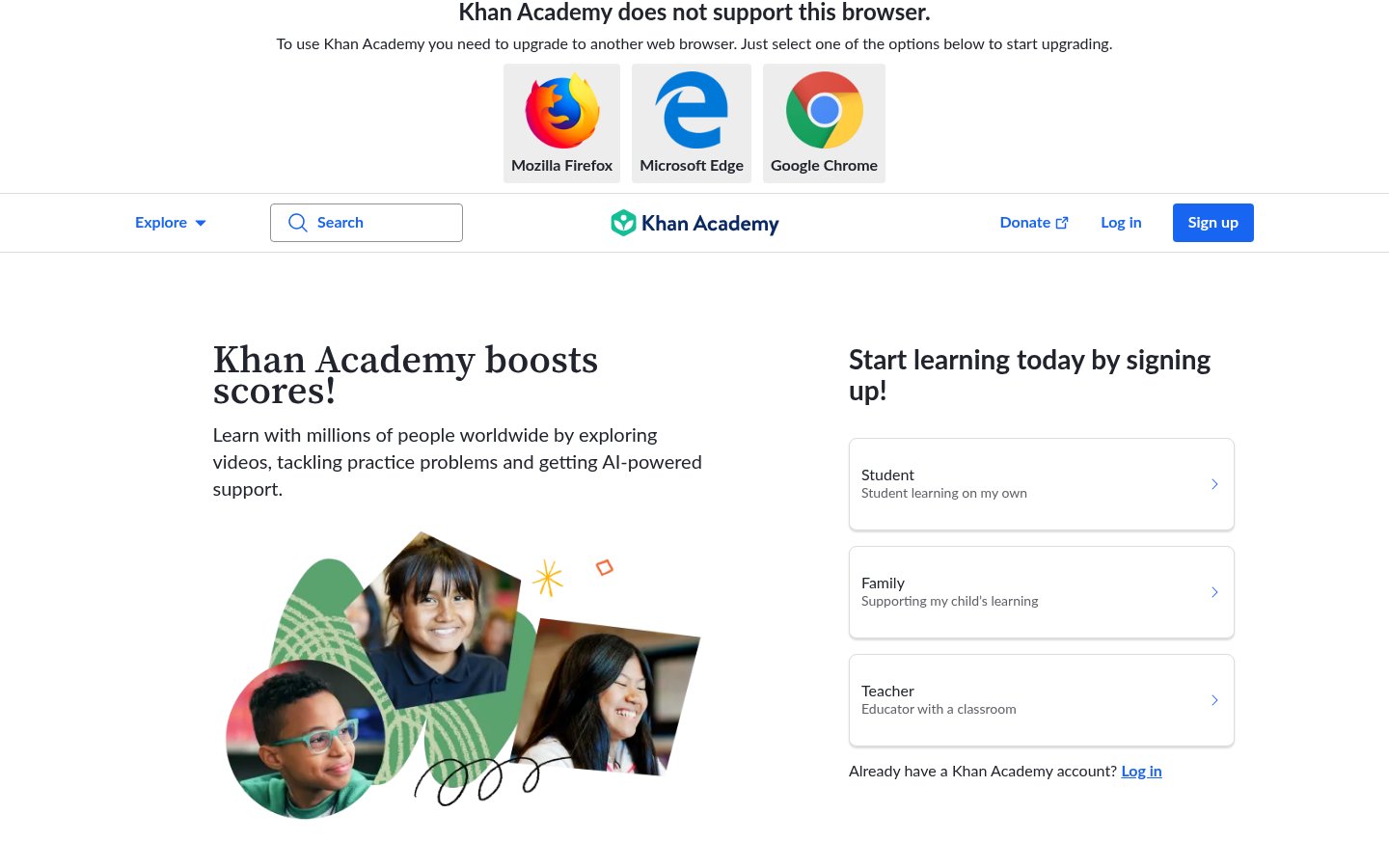
Official website: khanacademy.org
Khanmigo sits at the top for one reason: it refuses to just give students the answer. That sounds like a limitation. It's actually the smartest pedagogical decision in AI education right now.
Built on top of GPT-4 and deeply integrated with Khan Academy's 20-year curriculum library, Khanmigo acts as a Socratic tutor. You're stuck on a quadratic equation? It asks you what you've tried, where you think you went wrong, and guides you to the answer rather than handing it over. This is how tutors who charge $150/hour operate. Khanmigo does it at scale, at a fraction of the cost.
The tool covers K-12 math, science, humanities, and test prep (SAT, LSAT, AP exams). Teachers get a separate dashboard to assign Khanmigo sessions and review where students actually struggled. That data layer is genuinely valuable and most competitors don't have anything close to it.
The interface isn't flashy. It doesn't need to be. What matters is that it works in the context of structured curriculum, not as a standalone chatbot that happens to explain things.
Pricing: Free for students through school partnerships; $4/month for individual learners (2026 pricing). Institutional plans for schools are available on request.
Best for: K-12 students, parents who want real tutoring quality without private tutor prices, and teachers who want AI that supports rather than undermines critical thinking.
Pros: Socratic method by design, curriculum-aligned across subjects, teacher dashboard with learning analytics, huge content library backing it up
Cons: Interface feels dated compared to consumer AI apps, limited beyond K-12/early college level, requires Khan Academy account to get full value
Try Khanmigo →2. Claude (Anthropic)
Official website: claude.ai
Anthropic's Claude is the most underrated learning tool on this list, specifically because it's not marketed as one. Claude is better than any other large language model at explaining complex ideas without talking down to you, walking through multi-step reasoning transparently, and holding a genuinely educational conversation across a long session without losing the thread.
For graduate students, self-directed adult learners, and professionals picking up a new domain, Claude is the closest thing to having a brilliant generalist friend who happens to know everything about your topic. Claude 3.7 Sonnet (the current workhorse model as of mid-2026) handles technical subjects, foreign language practice, historical analysis, and scientific concepts with real nuance.
The key difference from other general-purpose AI tools is Claude's ability to maintain educational context across a long conversation. You can spend two hours working through a topic and the reasoning stays coherent. Ask it to explain something three different ways and it actually finds three distinct angles, not just rephrasings.
It's not a structured learning platform and it doesn't pretend to be. You need to know what you want to learn. But if you do, Claude is the sharpest conversational learning tool available.
Pricing: Free tier with Claude Sonnet access; Claude Pro at $20/month; Claude for Work at $25/user/month (Teams).
Best for: Adult learners, grad students, professionals learning new fields, anyone who benefits from deep Socratic conversation over structured curricula.
Pros: Exceptional reasoning clarity, excellent long-context retention, genuinely distinct explanations across attempts, strong in technical and academic subjects
Cons: No built-in curriculum or progress tracking, requires self-direction to use effectively, free tier has usage limits
Try Claude →3. Semantic Scholar
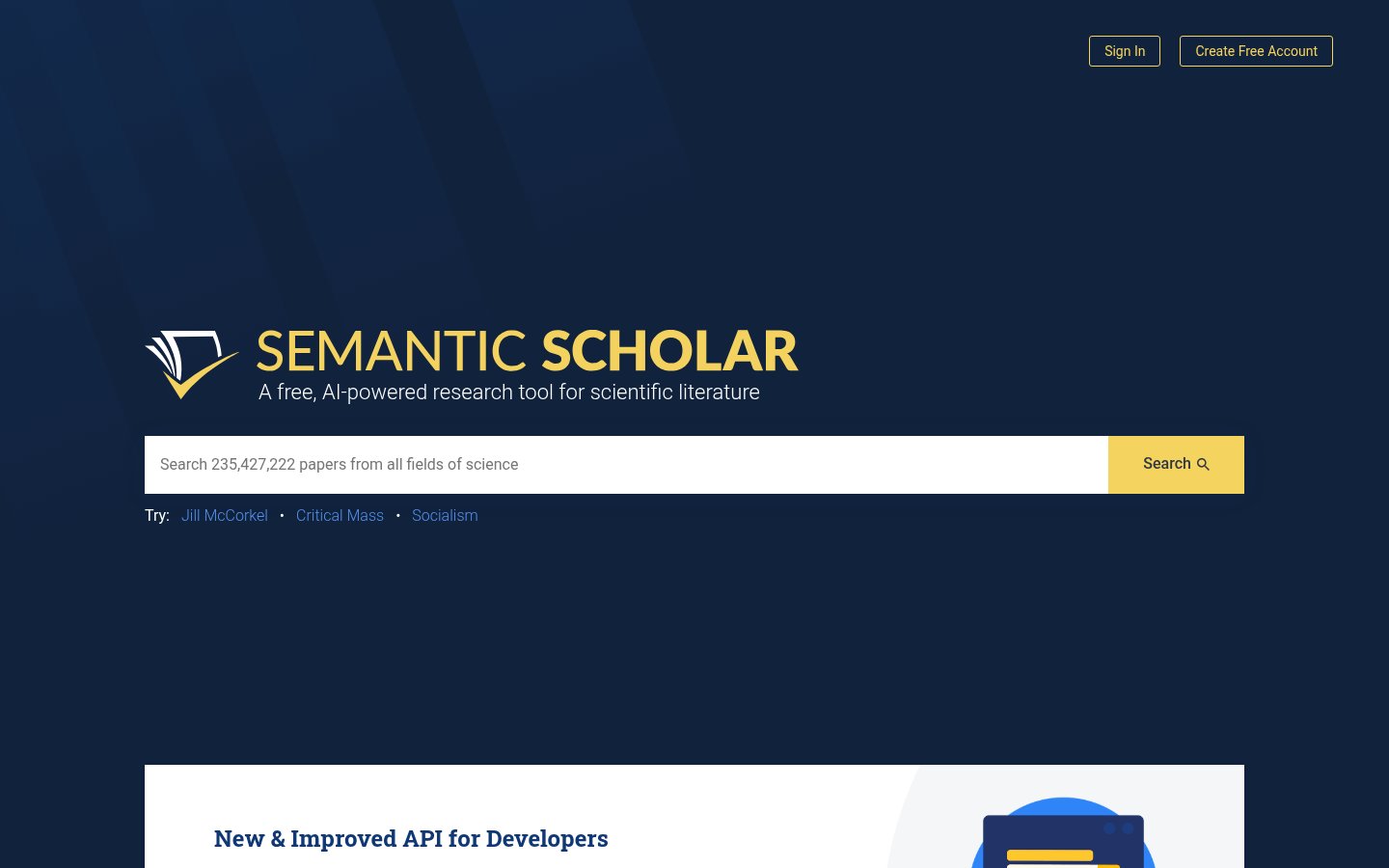
Official website: semanticscholar.org
Semantic Scholar is the best free research discovery tool in existence for students and academics, and most people outside academia have never heard of it. That's a mistake worth correcting.
The AI layer on top of Semantic Scholar's 235+ million paper database does something genuinely useful: it surfaces papers by conceptual relevance, not just keyword match. Ask a natural language question and it finds the papers that actually answer it. The TLDR feature gives you a two-sentence summary of any paper before you commit to reading it, which alone saves hours per week for researchers doing lit reviews.
For learners moving into a new academic field, Semantic Scholar is the right starting point before you even open a textbook. It shows you what the current debates are, who the key researchers are, and which papers are foundational vs. derivative. That's context you'd otherwise spend weeks developing.
The Augmented Reader is solid too. It surfaces definitions, related papers, and author information inline as you read, so you're not constantly tabbing out to Wikipedia.
Pricing: Completely free. The API is also free for developers.
Best for: University students, researchers, academics, and anyone doing serious reading in any scientific or social science field.
Pros: 235M+ papers, natural language search that actually works, free TLDR summaries, Augmented Reader with inline context, API for power users
Cons: Weak on humanities and arts compared to STEM, no curriculum structure, citation management is basic (use it alongside Zotero)
Try Semantic Scholar →4. Zotero
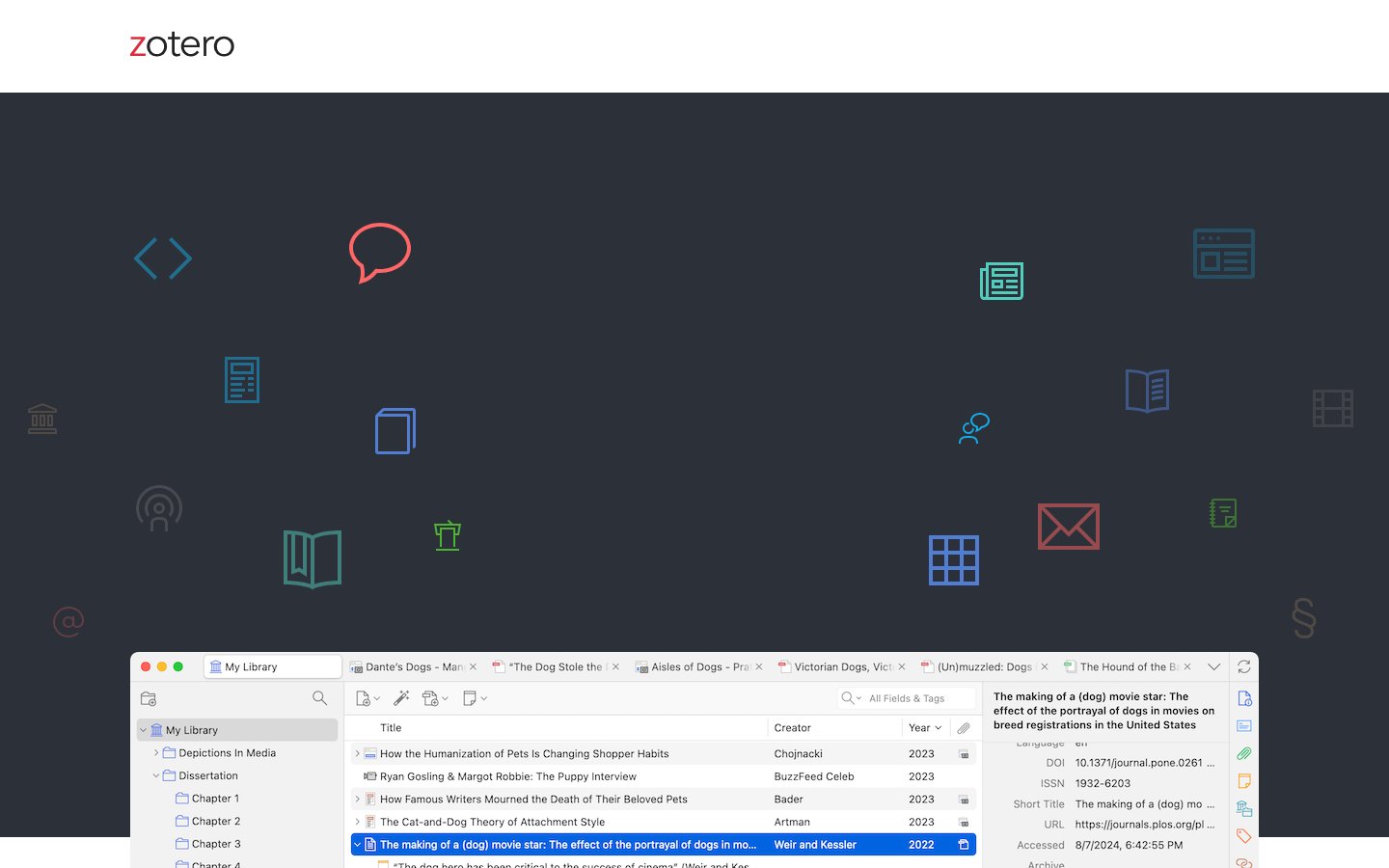
Official website: zotero.org
Zotero sits at number four because what it does, it does better than anyone else, and it pairs perfectly with Semantic Scholar for serious academic learning. The 2025-2026 version added a genuine AI layer that changed how I use it: you can now ask questions directly against your personal library, get summaries of annotated papers, and pull connections between sources you've collected over months or years.
That last feature matters more than it sounds. Most AI tools suffer from the context problem mentioned above. Zotero sidesteps it by grounding AI responses in your own curated library. When you ask "what do my sources say about working memory and learning?", it's searching your actual notes and annotations, not the open web.
Citation management is still the core and it's still the best. Auto-import from any browser, 10,000+ citation styles, and Word/Google Docs integration that actually works without manual correction. The AI summarization is a useful addition, not a gimmick.
Free tier gives you 300MB storage. Most researchers hit that quickly and upgrade to the $20/year (6GB) or $60/year (unlimited) storage plans. Those prices haven't changed and they shouldn't need to.
Pricing: Free (300MB storage); $20/year for 6GB; $60/year for unlimited storage.
Best for: Researchers, graduate students, academics, and serious non-fiction readers doing any kind of source-heavy work.
Pros: Best-in-class citation management, AI query against your own library, browser import from any database, strong Word/Docs integration, open source
Cons: AI features are still maturing, mobile app is functional but basic, UI feels academic (in the old sense)
Try Zotero →5. Duolingo Max
Official website: duolingo.com
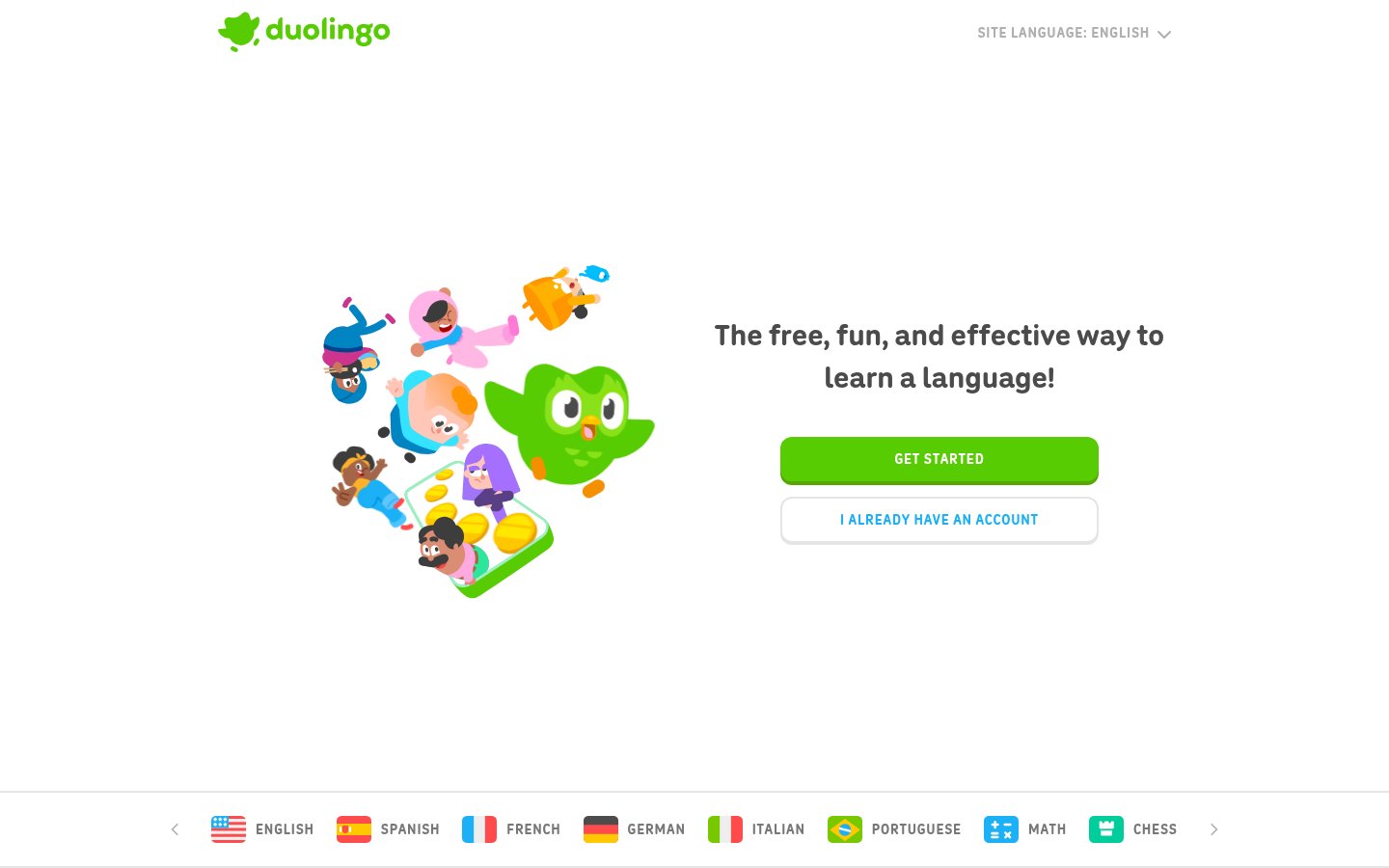
Duolingo was already the most-used language learning app on the planet before AI. Duolingo Max, the GPT-4 powered tier launched in late 2023 and significantly expanded through 2025-2026, adds two features that are legitimately different from anything else in language education: Explain My Answer and Roleplay.
Explain My Answer is what it sounds like. Get something wrong, tap for an explanation, and get a context-specific breakdown of why the Spanish subjunctive works that way in that sentence. Not a generic grammar lesson. An explanation tied to your specific mistake.
Roleplay is more impressive. You pick a scenario (ordering at a café in Paris, negotiating a deal in Tokyo), and Duolingo Max runs an open-ended conversation in your target language. It's not a quiz. It's actual unscripted conversation practice with a patient AI partner who corrects your errors inline.
Language learning is one domain where AI has genuinely changed what's possible. Speaking practice used to require a human tutor or a language exchange partner. Max handles it at 2am if that's when you have 20 minutes free.
The gamification layer that people either love or hate is still there. If it bothers you, Babbel or a pure conversation tool will suit you better. If you like streaks and XP, Max is the premium tier worth paying for.
Pricing: Duolingo Free (limited); Super Duolingo at $6.99/month; Duolingo Max at $13.99/month.
Best for: Language learners at any level who want daily structured practice plus real conversation practice, especially those without access to native speaking partners.
Pros: GPT-4 powered explanations tied to your specific errors, Roleplay for unscripted conversation practice, 40+ languages, extremely accessible UX
Cons: Gamification is polarizing, less effective for reaching C1/C2 levels without supplementary input, Max tier adds notable cost over free
Try Duolingo Max →6. Coursera with AI Coaching
Official website: coursera.org
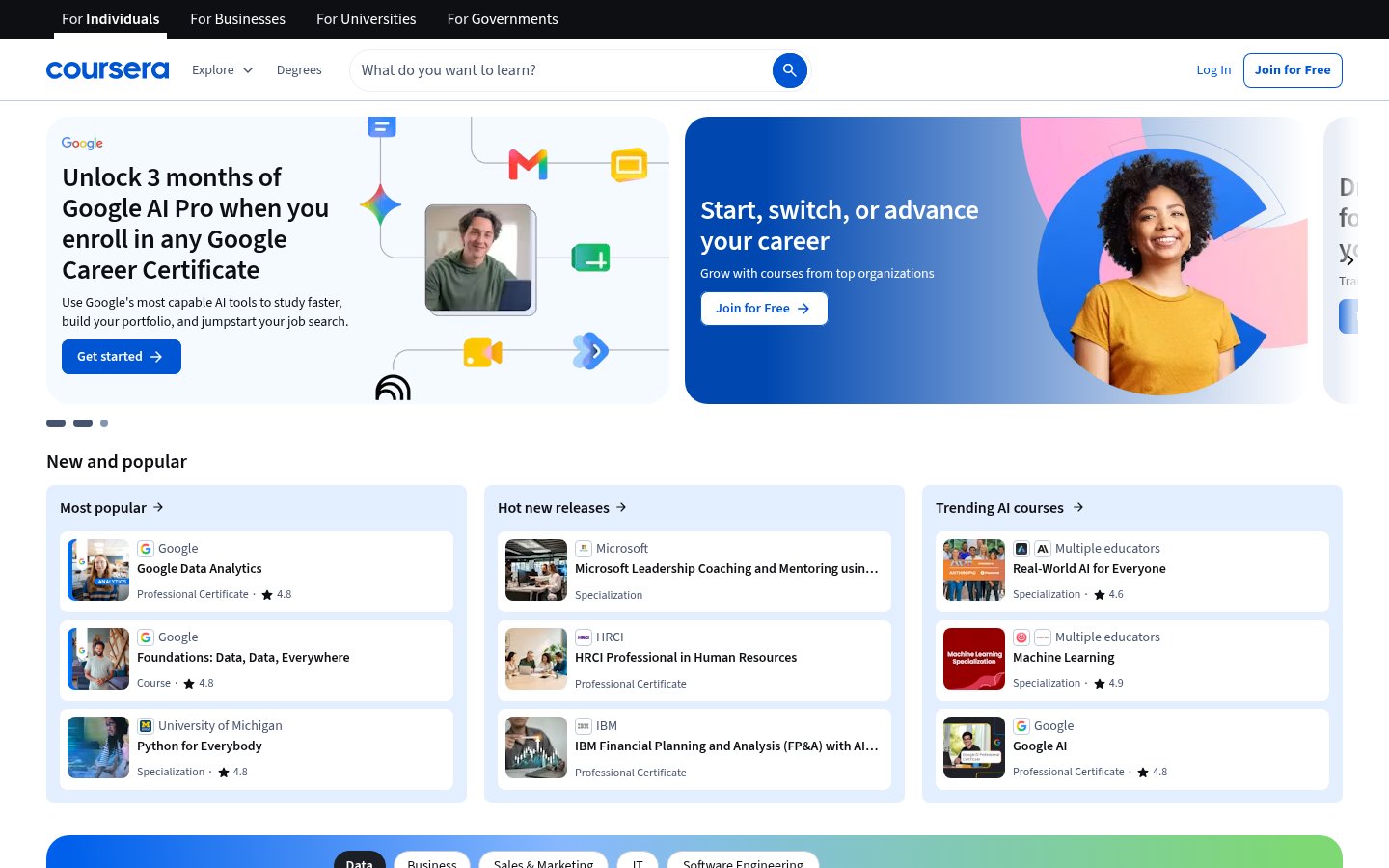
Coursera's AI coaching layer, rolled out significantly in 2025, does something most edtech AI ignores: it meets you inside structured learning content. It's not a standalone chatbot. It lives inside courses, can answer questions about the current lecture video, explain assignments in context, and help you work through problems using the course's specific framework.
That integration matters. You're not jumping between a course and a separate AI tab. The coach knows what you just watched, what the assignment is asking for, and where students typically get confused in that module. Coursera has the data from millions of learners to back those interventions.
The certificate programs from real universities (Google, IBM, Johns Hopkins, Yale) are still the core product and still worth taking seriously for career changers. The AI coaching makes the self-paced format actually work for more people, since the main failure mode of MOOCs has always been getting stuck with no one to ask.
Coursera Plus at $59/month is expensive if you're taking one course. It's reasonable if you're doing 3-4 courses per year for career development. The 7-day trial is worth using to test whether the AI coaching actually helps with the specific course you're targeting.
Pricing: Individual courses free to audit; Coursera Plus at $59/month or $399/year.
Best for: Professionals doing structured upskilling, career changers seeking credentialed learning, anyone who's failed to complete a self-paced MOOC before and needs actual support.
Pros: AI coaching lives inside course content, university and industry certifications, millions of learner data points behind interventions, breadth of subjects
Cons: Expensive for casual use, certificate quality varies by program, AI coaching quality inconsistent across course providers
Try Coursera →7. Otter.ai for Students
Official website: otter.ai
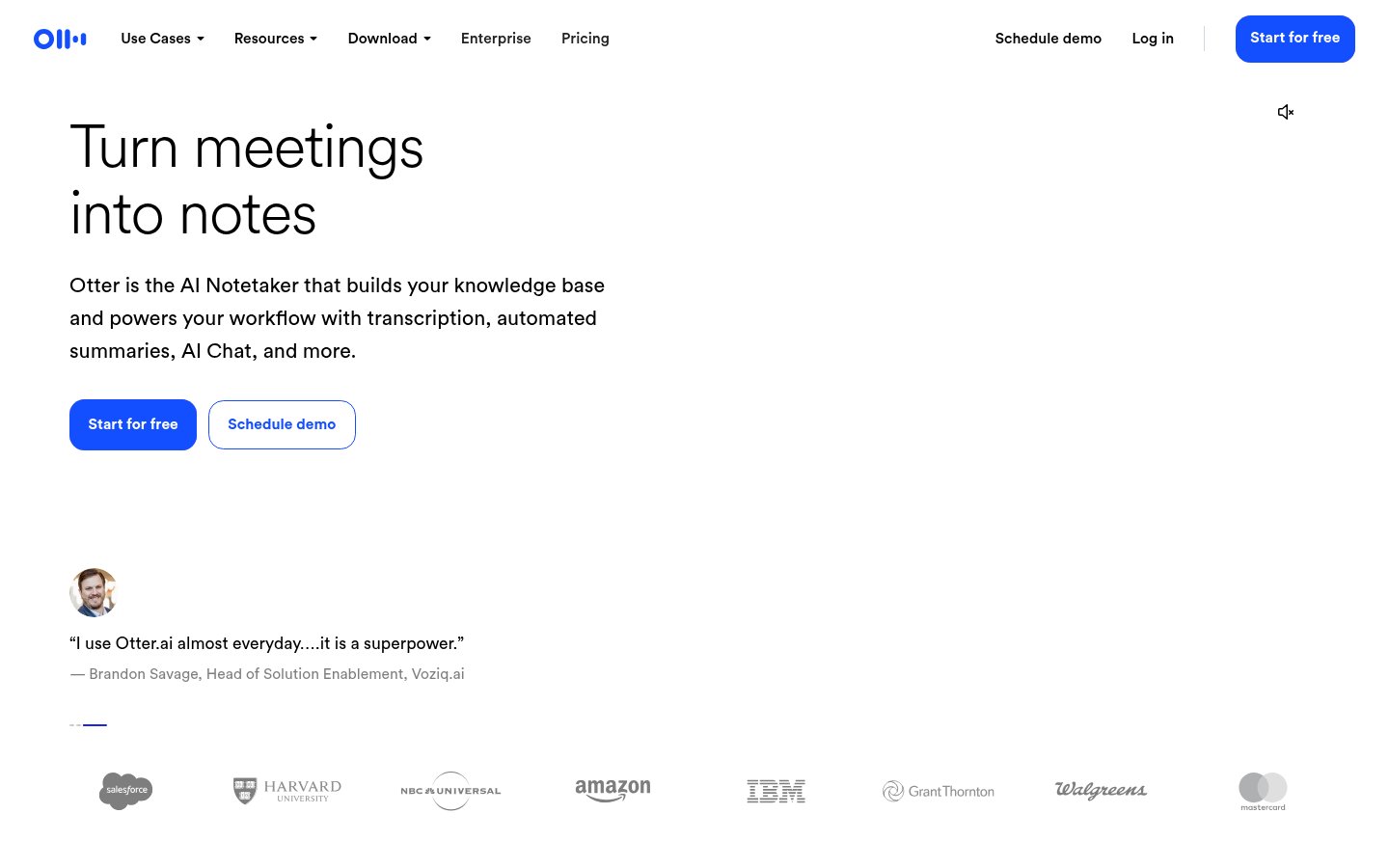
Otter.ai is on this list not as a general transcription tool but specifically for its 2025 education features that genuinely change how students capture and review lectures. The AI summary layer now segments transcripts by topic, pulls out key terms automatically, and generates study questions from the lecture content. That's a real workflow, not a feature checklist.
The practical value is straightforward: students who use Otter in lectures come out with a searchable, summarized record of what was actually said rather than whatever they managed to scribble down. The AI identifies the moments where the professor slowed down and re-explained something (a good signal that it matters) and surfaces those in the summary.
The limitation worth naming honestly is accuracy. Otter struggles with heavy accents, technical jargon in specialized fields, and any lecture with significant audio overlap. For a law lecture or a chemistry seminar, expect to spend time correcting the transcript. For humanities and social sciences, it's usually solid.
Otter for Education is free for students and educators, which makes it a no-brainer to at least try. The paid tiers add longer recording limits and advanced AI features, but the free tier handles most undergraduate use cases.
Pricing: Free for students/educators (limited minutes); Otter Pro at $16.99/month; Otter Business at $30/user/month.
Best for: University students, lecture-heavy courses, anyone whose note-taking can't keep up with the pace of instruction.
Pros: Real-time transcription with topic segmentation, AI-generated study questions, searchable transcripts, free for students, Zoom/Teams integration
Cons: Accuracy drops with technical terminology and accents, free tier has recording minute limits, not useful for pre-recorded content without uploading
Try Otter.ai →8. Photomath / Mathway (AI-enhanced)
Official website: photomath.net
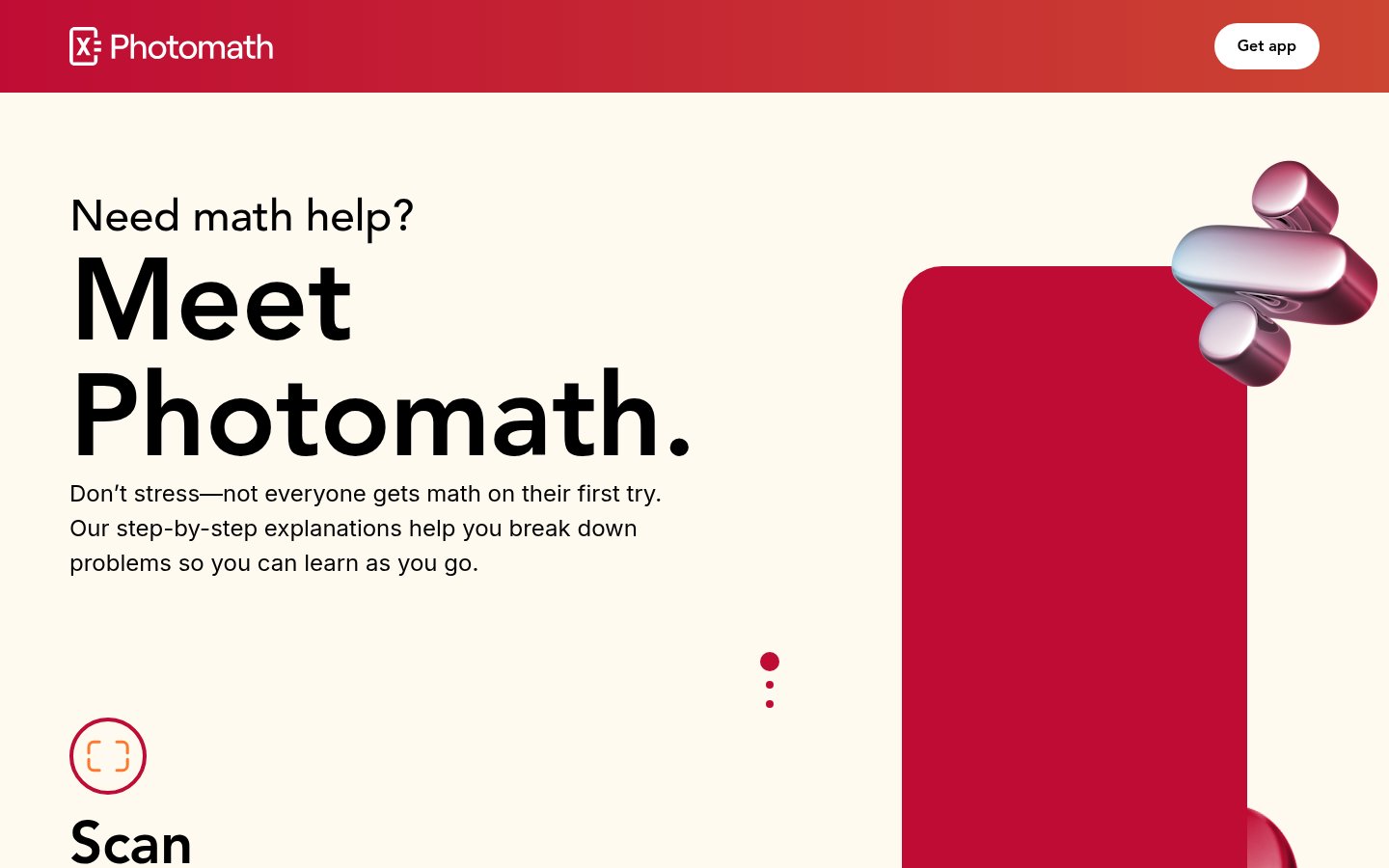
Math is the domain where AI tutoring has made its clearest, most measurable impact. Photomath has been doing camera-based math solving since 2014, but the 2025-2026 version is a different product: it explains every step in plain English (or 30+ other languages), identifies which mathematical concept each step uses, and links to animated lessons for concepts you don't know.
The important distinction from a "just give me the answer" tool is the step-by-step explanation quality. Photomath doesn't just show you the solution. It shows you the reasoning chain that gets there, with branching explanations if you tap any step you don't understand. That's the difference between a calculator and a tutor.
It covers arithmetic through calculus, with strong trigonometry and algebra support. The camera recognition is impressive now, handling handwritten problems reasonably well. For printed textbook problems it's near-perfect.
The honest caveat: students who use it to bypass thinking rather than to check their work will learn nothing. The tool is only as good as the learner's intent. But for students who genuinely get stuck and need to see the path from problem to solution, Photomath is the fastest, clearest math explanation tool available.
Pricing: Free (basic solving); Photomath Plus at $9.99/month or $69.99/year.
Best for: Middle school through early college math students, parents helping with homework, anyone returning to math after years away.
Pros: Camera-based problem recognition, step-by-step explanations with concept identification, 30+ languages, animated lessons for deeper learning
Cons: Can enable answer-copying without understanding, weaker on proof-based higher math, some advanced calculus topics require Plus
Try Photomath →9. Notion AI (for Student Workspaces)
Official website: notion.so
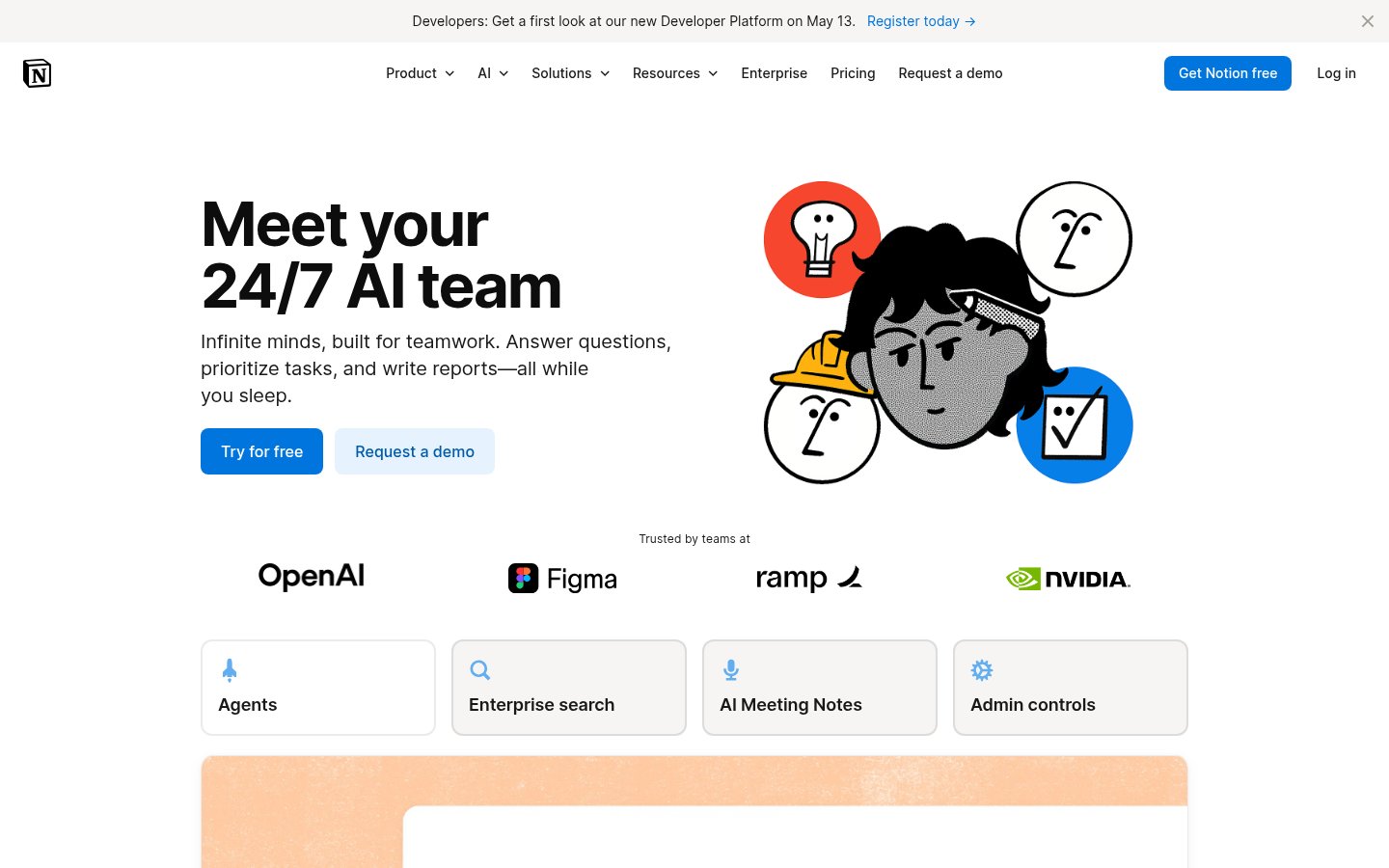
Notion AI earns its spot here not as a generic productivity tool but for a specific educational use case: building a personal knowledge base that actually helps you study. The AI layer on top of Notion's database structure means you can ask questions across your own notes, get summaries of lecture notes you wrote three weeks ago, and generate practice quizzes from your study guides.
The AI context problem that plagues most tools is genuinely reduced here because the AI operates inside your notes. It's working with your words, your frameworks, your highlights. That's a fundamentally different experience from pasting content into a generic chatbot.
The learning curve is real. Notion rewards people who invest time in setting up their workspace structure. Students who want to open an app and start immediately should look elsewhere. But students willing to spend a weekend building a course notes template get a compound return: every piece of new information slots into a structure that makes review and synthesis much easier.
Notion AI adds $10/month to the base Notion plan, making the full stack $18/month for the Plus tier. That's not cheap for a student budget. The free tier with limited AI features is worth testing first.
Pricing: Free tier (limited AI); Notion Plus at $8/month; Notion AI add-on at $10/member/month.
Best for: Self-directed learners who want a structured personal knowledge system, graduate students managing complex projects, anyone doing interdisciplinary work that benefits from connected notes.
Pros: AI queries run against your own notes, powerful database structure for organizing course material, great for long-term knowledge building, excellent template ecosystem
Cons: Significant setup investment required, AI add-on cost adds up, overkill for simple note-taking needs, mobile experience is functional but not great
Try Notion AI →Comparison Table
| Tool | Best For | Free Tier | Starting Paid Price | Curriculum-Aligned | Subject Breadth |
|---|---|---|---|---|---|
| Khanmigo | K-12 students | Yes (school) | $4/month | Yes | K-12 + test prep |
| Claude | Adult/grad learners | Yes (limited) | $20/month | No | Universal |
| Semantic Scholar | Research discovery | Yes (fully free) | Free | No | STEM + social science |
| Zotero | Source management | Yes | $20/year | No | Universal |
| Duolingo Max | Language learning | Yes (limited) | $13.99/month | Yes (language) | 40+ languages |
| Coursera AI | Structured upskilling | Audit only | $59/month | Yes | Wide |
| Otter.ai | Lecture capture | Yes (student) | $16.99/month | No | Universal |
| Photomath | Math learning | Yes | $9.99/month | Partial | Math only |
| Notion AI | Personal knowledge | Yes (limited) | $18/month | No | Universal |
How I Ranked These
The ranking prioritizes actual learning outcomes over feature lists. A tool with 200 features that doesn't change how much someone understands a subject ranks below a tool that does one thing and does it exceptionally well.
Pedagogical design was the first filter. Tools that actively resist giving students easy answers (Khanmigo) or force recall and application (Duolingo Roleplay) rank higher than tools that are effectively answer machines. The AI skill stagnation problem is a genuine risk in education: tools that do the thinking for students produce worse long-term learners, not better ones. I weighted against that.
Accessibility of use was the second factor. Tools that require extensive setup before delivering value (Notion) rank below tools that work immediately. This isn't about simplicity for its own sake. It's about realistic adoption. A brilliant tool no one finishes setting up helps no one.
Subject coverage and learner stage determined tie-breaking between roughly equal options. Khanmigo is better than Claude for a 10-year-old learning fractions. Claude is better than Khanmigo for a PhD student working through epistemology. I ranked by which tool genuinely excels in its primary use case, not which one is technically most capable in a lab setting.
Pricing transparency and value also mattered. Tools with confusing credit systems, aggressive upsells, or opaque limitations got dinged. The best education tools don't create anxiety about usage limits mid-session.
Finally, integration quality. The tools that work inside your existing workflow (Otter inside Zoom, Zotero inside your browser, Notion AI inside your notes) deliver more consistent value than standalone apps you have to remember to open. That consistency is what actually builds the habit of using them, and habits are what produce learning outcomes.
Related reading
Frequently Asked Questions
Tools & Services Mentioned

Founder and editor of infobro.ai
We research every tool from its documentation, pricing pages, product screenshots and public developer discussion, and say plainly what the evidence does and does not show. Drafts are written with AI assistance under our editorial rules, and we revisit articles to reflect platform changes. Learn more about our process.