Top 10 AI Tools for Productivity in 2026: Ranked by What Actually Saves You Time
The best AI productivity tools in 2026, ranked by real time savings. From AI meeting assistants to coding copilots, here's what's genuinely worth paying for.
Entry price, per month
The cheapest plan with a published monthly price. 10 of 10 tools publish one; the rest are quote-only.
- 1. GranolaFree / $18
- 2. ClaudeFree / $20
- 3. FathomFree / $19
- 4. ObsidianFree / $10
- 5. Mem.aiFree / $14.99
- 6. ScreenpipeFree / $21
- 7. Limitless AIFree / $19
- 8. BardeenFree / $20
- 9. Reflect Notes$10/mo
- 10. TanaFree / $16
Productivity is the most abused word in the AI tools space. Every new app promises to give you back hours of your day, eliminate busywork, and make you sharper. Most of them save you about eleven minutes a week if you're lucky.
This list is different. I've focused on tools that address the actual time sinks that knowledge workers face in 2026: meeting overload, context switching, writing friction, research sprawl, and the general cognitive tax of managing too many inputs at once. If a tool only helps with one narrow micro-task and doesn't genuinely change how you work, it didn't make the cut.
The AI switching cost problem is real. Jumping between five AI tools often costs more time than it saves, so I've weighted tools that either replace multiple workflows or integrate cleanly into what you're already doing. Depth beats breadth here.
One more thing before the list: productivity is personal. A tool that's #1 for a solo consultant might be useless for a team of 20. I've called out who each tool actually serves best.
1. Granola
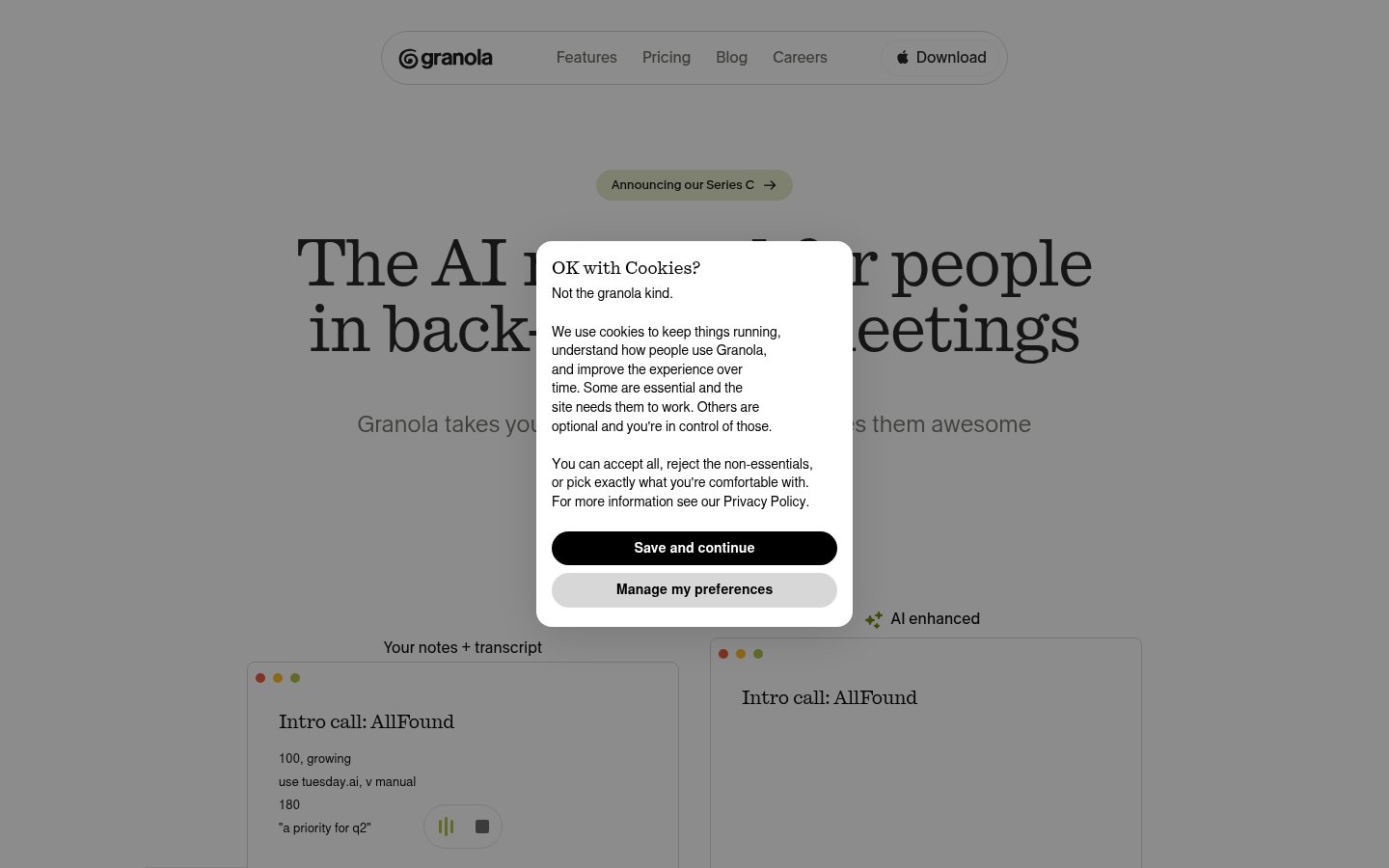
Official website: granola.so
Granola sits at the top because it solves the single biggest productivity drain in most knowledge workers' days: meetings. Not just by transcribing them, but by genuinely understanding them. You take rough notes during a call the way you normally would, and Granola combines those with its own transcript to produce structured, polished meeting notes that actually reflect what was decided and what needs to happen next.
The difference between Granola and every generic transcription tool is that your input shapes the output. If you jot "pricing is the sticking point" mid-call, Granola surfaces that in context. It doesn't give you a wall of verbatim transcript and call it done.
In 2026, Granola has expanded its template system, so you can set up custom formats for different meeting types: client calls, standups, strategy sessions. The AI summary quality has also improved significantly since the 2024 launch, with much better handling of multi-speaker conversations and technical terminology.
Pricing: Paid plans start at $18/month. No meaningful free tier, which is the main friction point for individuals trying it out.
Best for: Professionals who spend 20+ hours a week in meetings and currently lose follow-through because notes are chaotic or nonexistent.
Pros: Combines your own notes with AI transcript intelligently, excellent template customization, minimal setup friction, works natively on Mac without needing a bot to join calls.
Cons: Mac-only (no Windows app as of mid-2026), no meaningful free tier, limited integrations compared to heavier platforms.
Try Granola →2. Claude (Anthropic)
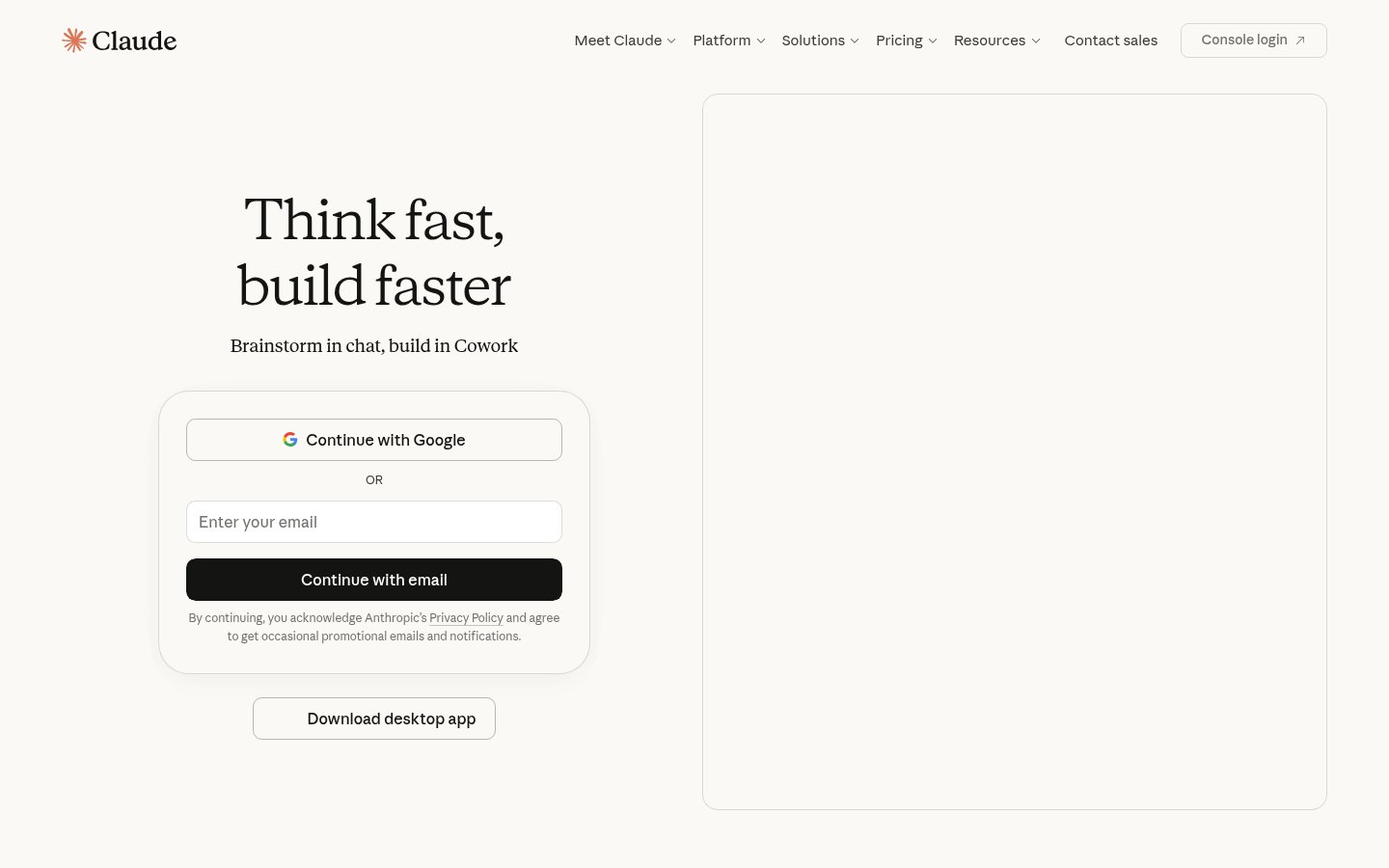
Official website: claude.ai
If you're only going to use one AI assistant for knowledge work, Anthropic's Claude is the one I'd recommend in 2026. Claude 3.7 and the subsequent updates have widened the gap between it and competitors on the tasks that actually matter for professional productivity: long-document analysis, nuanced writing, multi-step reasoning, and coding assistance that doesn't hallucinate every third function call.
The 200K token context window means you can drop an entire project brief, a 50-page report, and a chain of email threads into a single conversation and get coherent analysis back. That's not a gimmick. It fundamentally changes how you prepare for work, draft documents, and synthesize information.
Anthropic's Claude is also embedding itself into enterprise tools, including Slack integrations that make it accessible without context switching. For professionals who live in Slack, that matters.
Pricing: Free tier available. Claude Pro at $20/month. Team and enterprise plans scale from there, with API pricing for developers.
Best for: Knowledge workers who need a high-quality thinking partner for writing, analysis, research synthesis, and complex problem-solving.
Pros: Best-in-class long-context handling, genuinely careful reasoning on ambiguous tasks, strong coding ability, improving tool integrations.
Cons: No persistent memory across conversations on lower tiers, web search is less capable than some competitors, image generation isn't native.
Try Claude →3. Fathom
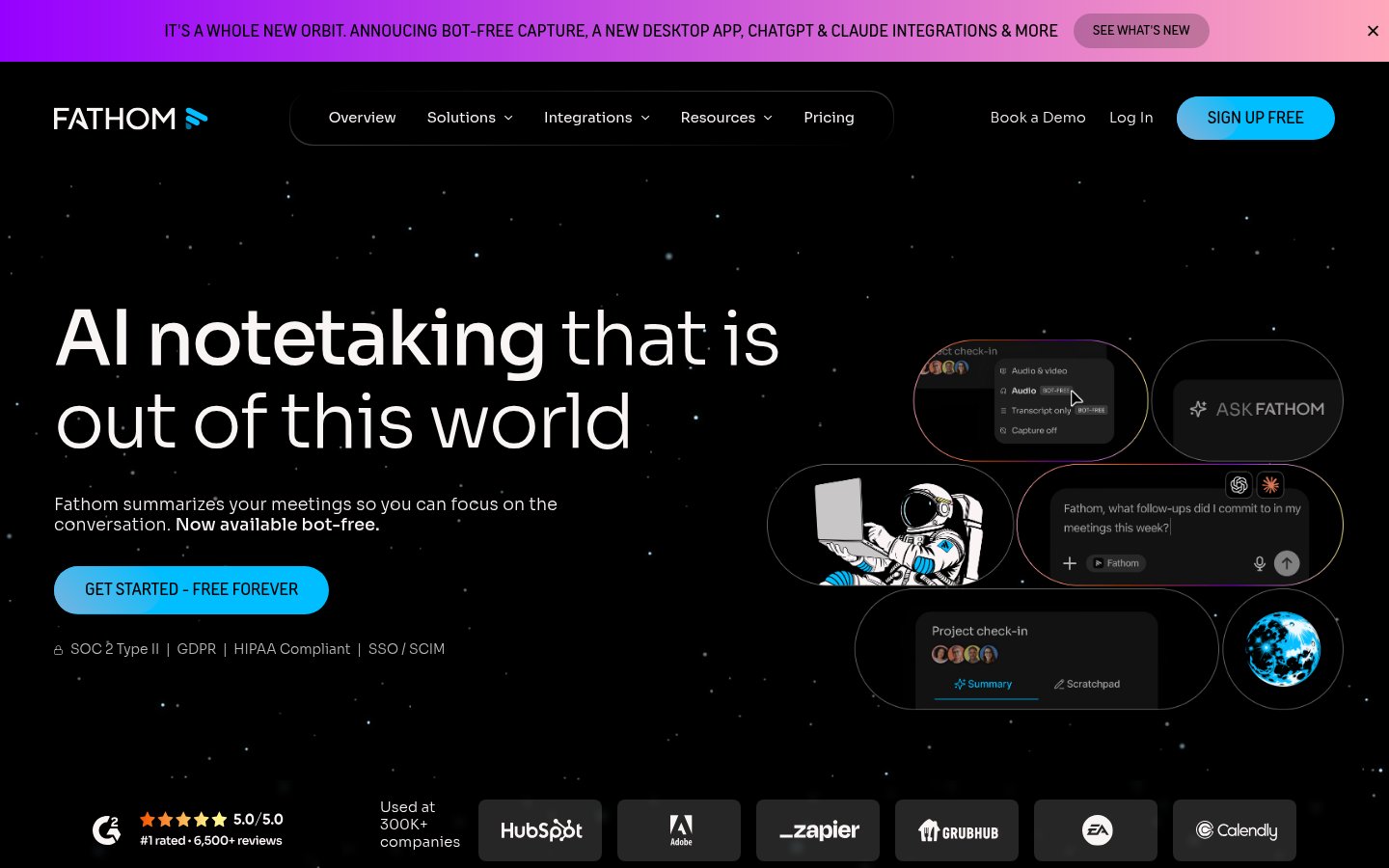
Official website: fathom.video
Fathom is the best free AI meeting recorder available right now, and its free tier is genuinely usable rather than a crippled teaser. It joins your Zoom, Google Meet, or Teams calls as a bot, records and transcribes in real time, and generates a summary with action items automatically after the call ends.
What separates Fathom from the ten other notetaker bots that launched in 2023 and 2024 is the consistency of its summaries. They're structured, accurate, and ready to paste into a project doc or email follow-up without heavy editing. The highlight clipping feature also lets you mark moments during a call that Fathom will pull out for you later. That's genuinely useful when a call runs long and you only need two key decisions from it.
The paid plans add CRM sync (Salesforce, HubSpot), team libraries, and more customization. If you're in sales or client services, those integrations pay for themselves quickly.
Pricing: Free plan available with unlimited recordings. Fathom Premium at $19/month. Team plans from $29/user/month.
Best for: Professionals on Zoom-heavy schedules who want reliable meeting notes without paying for Granola, and sales teams who need CRM sync.
Pros: Genuinely useful free tier, clean summaries, real-time highlight clipping, strong CRM integrations on paid plans.
Cons: Bot-joins-call model can feel intrusive in some client contexts, less sophisticated note-merging than Granola, Teams support still behind Zoom.
Try Fathom →4. Obsidian
Official website: obsidian.md
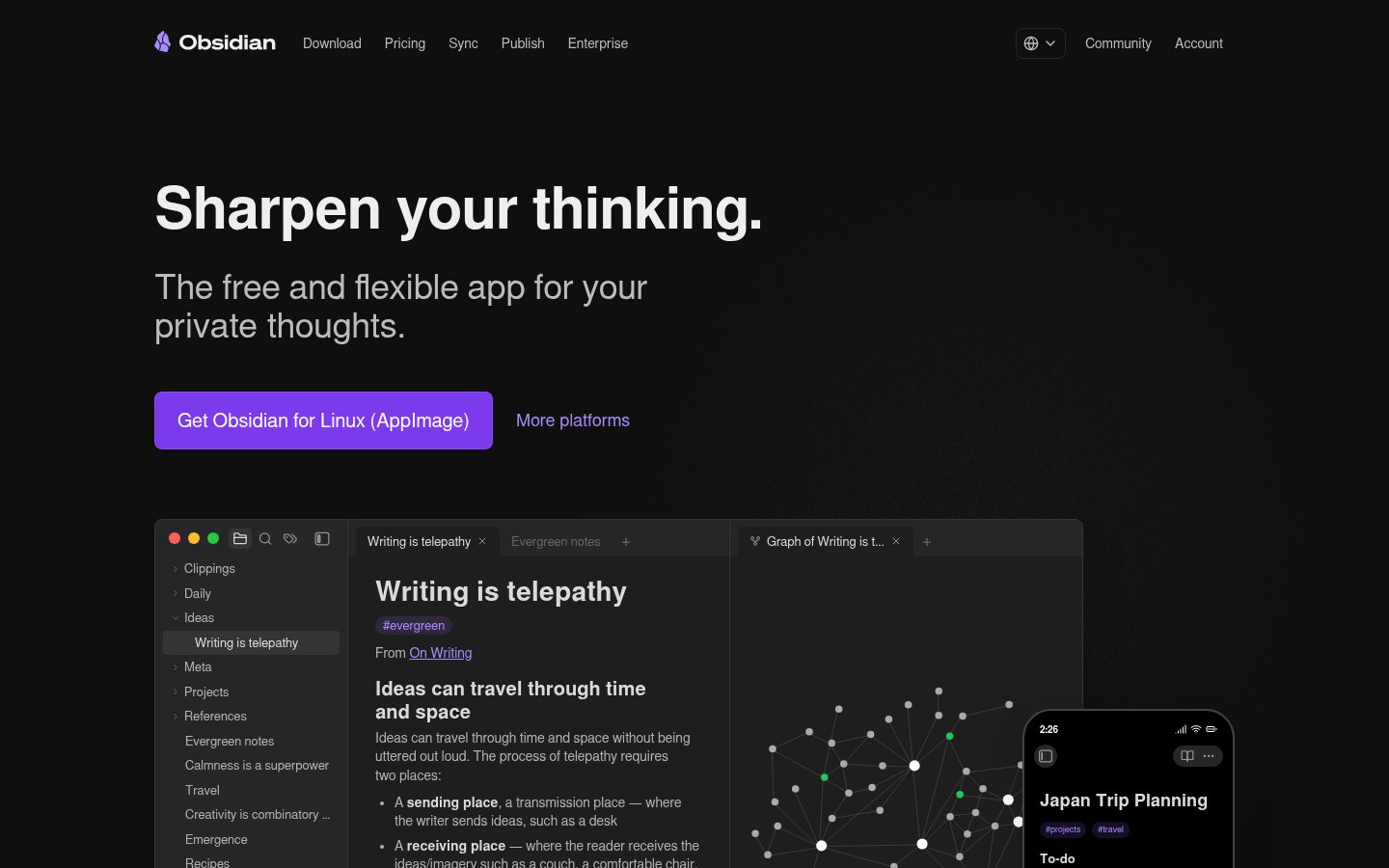
Obsidian earns its place here not because it's an AI-first tool, but because it's the best infrastructure for personal knowledge that AI plugins can actually make useful. The core app is a local-first Markdown note-taking system with bi-directional linking. The AI layer comes from a rich plugin ecosystem, most notably the Smart Connections and Copilot plugins that let you query your entire note vault using large language models.
In 2026, the combination of Obsidian plus an AI plugin that can search and synthesize your own notes is more powerful than most "AI knowledge management" apps that launched as standalone products. You own your data. Everything is plain text. The graph view genuinely surfaces connections between ideas you wrote months apart.
The learning curve is real. If you want to open an app and have it work immediately, Obsidian will frustrate you. But if you're willing to spend a few hours setting it up, it becomes a compound asset that gets more valuable the longer you use it. That's the right kind of productivity investment.
Pricing: Free for personal use. Sync at $10/month. Publish at $20/month. Commercial license at $50/year per user.
Best for: Researchers, writers, consultants, and anyone who builds knowledge over time and wants to actually retrieve and connect it.
Pros: Local-first and fully private, extraordinary plugin ecosystem, bi-directional linking that reveals genuine insight, no vendor lock-in.
Cons: Steep setup curve, no native AI without plugins, collaboration features are limited compared to cloud tools.
Try Obsidian →5. Mem.ai
Official website: mem.ai
Mem.ai takes a different approach to knowledge management than Obsidian. Where Obsidian requires you to architect your system, Mem is opinionated. You dump notes in, it organizes them automatically using AI, and you chat with your entire knowledge base to surface relevant information.
The pitch is that it's a second brain that doesn't require you to be a power user to get value. In practice, the automatic organization is genuinely impressive for everyday notes, meeting recaps, and saved articles. The AI chat feature, which lets you ask "what did I decide about the rebranding project last month" and get a sourced answer, is the feature that makes people stay.
Mem has gotten meaningfully better at handling longer notes and more complex queries since its 2023-era launch phase. The 2025 updates improved the semantic search accuracy substantially. It's not perfect, but it's the closest thing to "just write and let AI handle the rest" that actually delivers.
Pricing: Mem X (the full AI version) runs $14.99/month, billed annually. There's a limited free tier.
Best for: Professionals who want AI-organized notes without configuring a system from scratch, and who primarily work alone rather than in teams.
Pros: Automatic organization removes maintenance burden, AI chat with your notes works well, clean writing interface, fast search.
Cons: Less control than Obsidian, collaborative features are weak, data lives in the cloud if that's a concern for you.
Try Mem.ai →6. Screenpipe
Official website: screenpi.pe
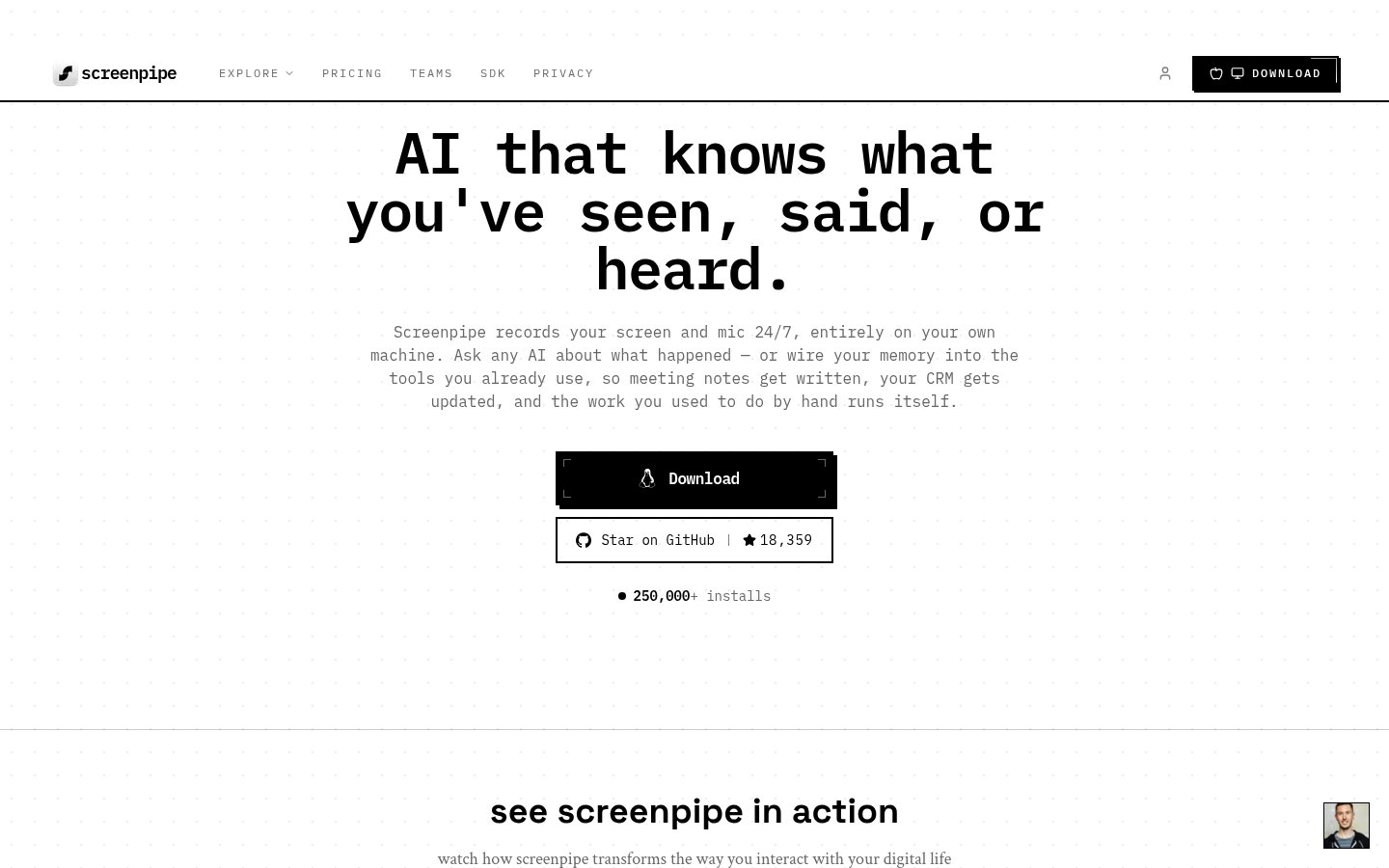
Screenpipe is the open-source answer to the ambient capture space that Limitless AI and Microsoft Recall occupy. It continuously records your screen and audio locally, builds a searchable index of everything you've seen and heard, and lets you query that history with natural language.
The privacy argument is strong. Nothing leaves your machine. The data is yours, stored locally, and you can audit exactly what's being captured. For professionals who are interested in ambient AI capture but aren't comfortable with cloud-based recording, Screenpipe is the only serious option.
It's technically demanding by consumer software standards. Setup involves comfort with command-line tools, and the interface is spartan. But the community around it has grown quickly in 2025 and 2026, and the plugin ecosystem has produced some genuinely useful workflows, including automatic daily summaries and integrations with note-taking apps.
The productivity gain is real for the right person: never losing track of something you saw three days ago, retrieving research you forgot you'd done, building context for projects without keeping manual logs.
Pricing: A free tier captures screen, audio and meetings on one device but caps the searchable history. Basic at $21/month ($250/year) opens the full searchable history across apps, meetings and audio. Business is $42/seat/month ($500/seat/year) and adds cross-device sync and managed seats; Enterprise is quoted and covers SSO, MDM and retention controls. Students and researchers get 50% off the first month.
Best for: Privacy-conscious power users and developers who want ambient capture without trusting any third-party cloud service.
Pros: Fully local, open-source, genuinely useful for retrieving lost context, active development community, usable at $0 on a single device.
Cons: The searchable history that makes it worth running is capped on the free tier and costs $21/month to open up, requires technical setup, no polished consumer UI, resource-intensive on older machines.
Try Screenpipe →7. Limitless AI
Official website: limitless.ai
Limitless AI is the most ambitious productivity concept on this list. The desktop app runs in the background and records your meetings, calls, and desktop activity, building a searchable personal memory. The optional Pendant wearable extends this to in-person conversations. The whole system is designed so you can ask "what was that thing I talked about with Marcus last Tuesday" and get an actual answer.
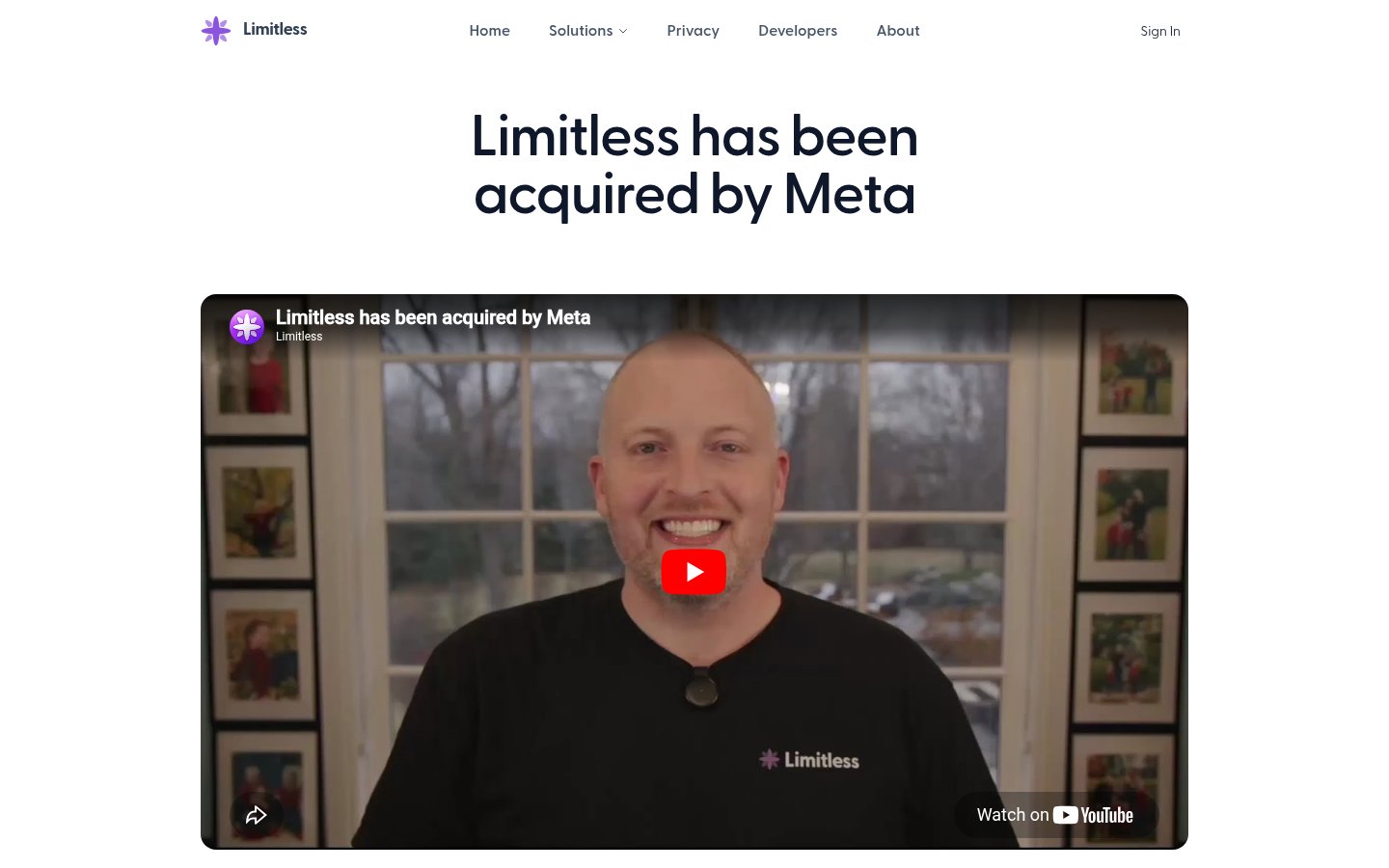
The acquisition interest from Meta in early 2026 validated what many early adopters already knew: ambient AI memory is a product category that's going to matter, and Limitless is currently its most polished consumer implementation.
The productivity gains are real but front-loaded. The first few weeks of using Limitless feel like gaining a superpower: never losing context, always being able to reconstruct what happened. Over time it becomes infrastructure you stop noticing. The meeting summaries it produces are competitive with Fathom, and the memory search across all your past calls is something no meeting-specific tool offers.
The privacy considerations are real and worth thinking through carefully. Limitless processes some data server-side, and the Pendant records ambient audio in physical spaces. That's a personal comfort call.
Pricing: Free tier available for desktop. Premium plans around $19/month. Pendant hardware sold separately.
Best for: Executives and consultants who have too many conversations to track manually and need a reliable way to reconstruct context from past interactions.
Pros: Best ambient memory product in the consumer space, meeting summaries are solid, Pendant extends capture to in-person, searchable history across all calls.
Cons: Privacy tradeoffs are significant, Pendant is additional hardware cost, some data leaves your device for processing.
Try Limitless AI →8. Bardeen
Official website: bardeen.ai
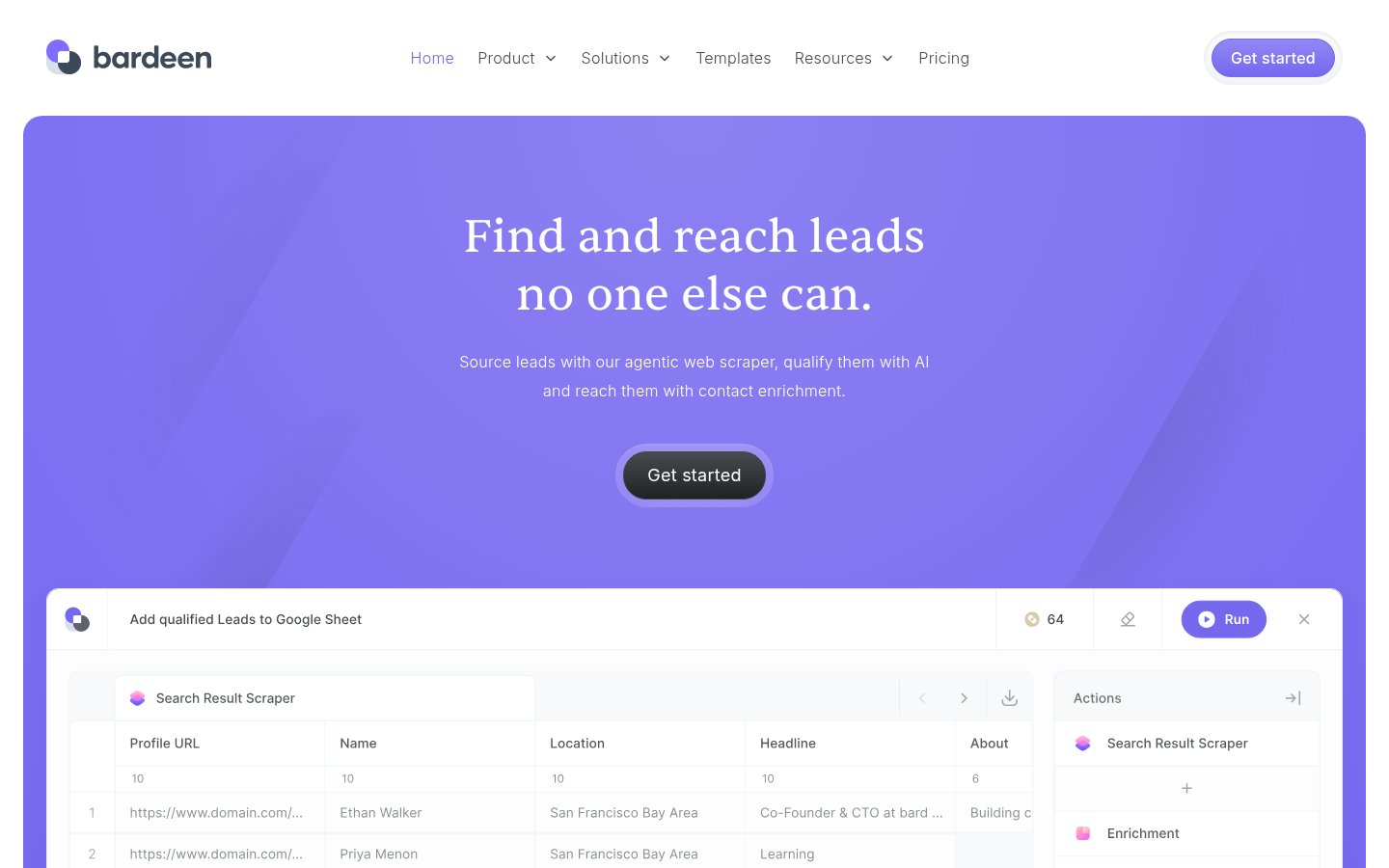
Bardeen targets a specific and painful problem: manual data collection. If your job involves regularly pulling information from websites, enriching contact lists, scraping competitor data, or moving information between web apps, Bardeen cuts that down significantly. It runs as a Chrome extension and uses AI to build automation workflows that would otherwise require either manual labor or a developer.
The natural language workflow builder is genuinely good. You describe what you want to automate ("find all job listings from this company and add them to my Notion database") and Bardeen translates that into a working automation without requiring you to configure every step manually.
This is where the AI integration problem shows up most clearly: most professionals have data scattered across a dozen web apps, and connecting them without a developer on call is genuinely hard. Bardeen is the most accessible answer for non-technical users who need those connections to work.
Pricing: Free plan available with limited automation runs. Pro at $20/month. Business plans from $40/user/month.
Best for: Sales teams, researchers, recruiters, and anyone who spends significant time manually collecting or moving data between web tools.
Pros: Natural language workflow building, strong Chrome-based automation, good lead enrichment features, no coding required.
Cons: Browser-extension model limits background automation, usage caps can be frustrating on free tier, complex workflows sometimes need debugging.
Try Bardeen →9. Reflect Notes
Official website: reflect.app
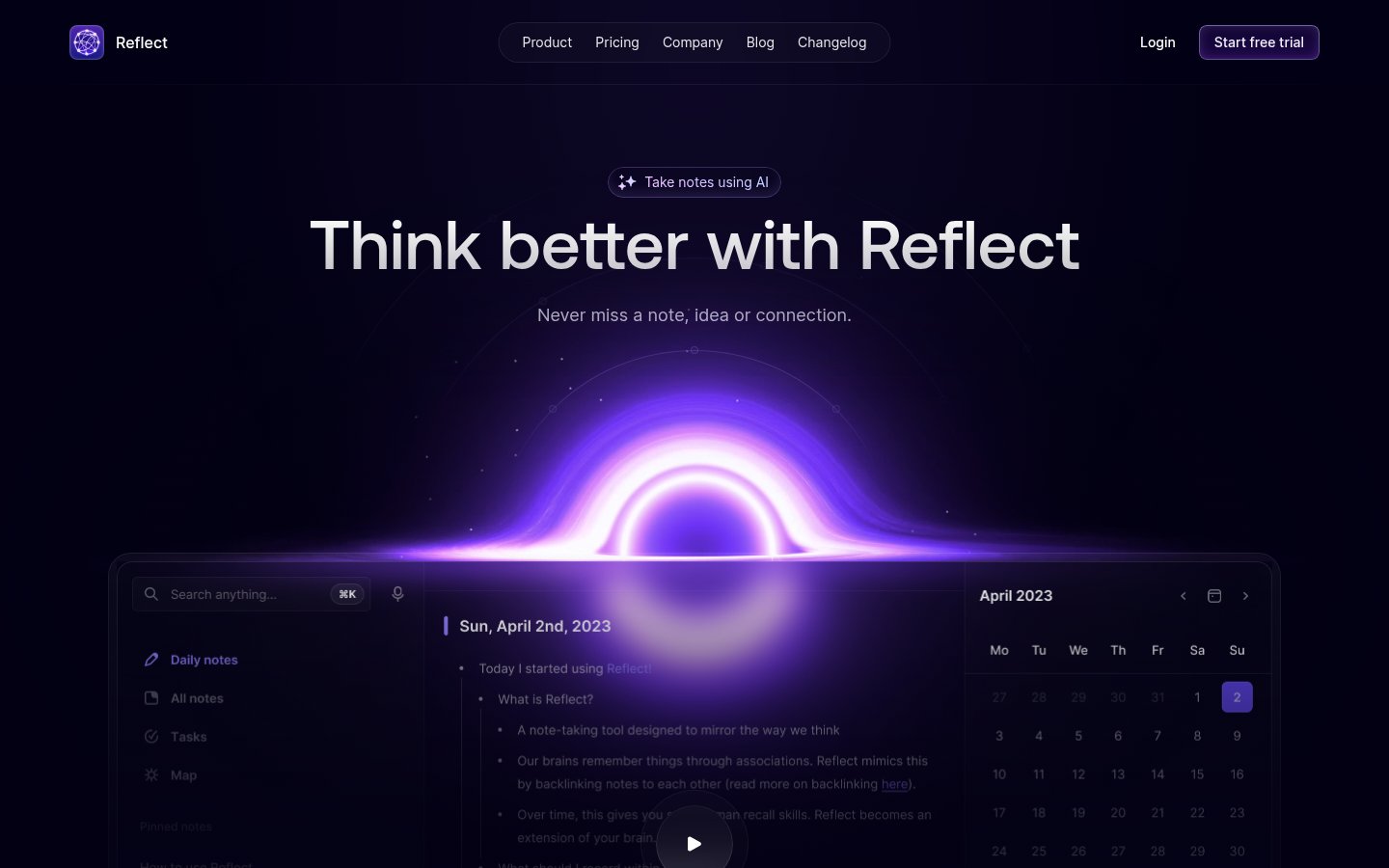
Reflect is the note-taking tool for people who tried Notion and found it too much architecture, and tried Apple Notes and found it too little. It's designed around the daily note as its fundamental unit, with a clean writing interface, networked notes through backlinks, and an AI assistant baked directly in rather than bolted on.
The AI in Reflect isn't a party trick. You can summarize long notes, generate follow-up questions, clean up messy writing, and search across your entire note history using natural language. The AI assistant also has access to your notes' content, so it can connect what you're currently writing to things you wrote three months ago.
The sync is fast, the apps are native (Mac, iOS, and Windows in 2026), and the pricing is straightforward. There's none of the block-and-database complexity of Notion. You write, the tool helps you think, and it gets out of the way.
Pricing: Free trial available. Pro plan at $10/month.
Best for: Professionals who want a clean, AI-enhanced daily note-taking practice without the overhead of a complex knowledge management system.
Pros: Clean, distraction-free writing environment, AI integrated natively, fast sync across devices, backlinks that actually surface connections.
Cons: Less customizable than Obsidian, collaboration is limited, not ideal for project management or database-style organization.
Try Reflect Notes →10. Tana
Official website: tana.inc
Tana is the most powerful personal productivity tool on this list and the hardest to onboard. It's an outliner-based workspace where everything is a node that can have structure, tags, and relationships. The AI features let you turn unstructured notes into structured data, run AI commands against any node, and build what amounts to a custom knowledge graph with AI assistance.
Power users have built entire GTD systems, CRM replacements, and research workflows in Tana. It's the kind of tool that people who love it use for everything, and people who try it briefly find confusing. That gap is real.
The reason it makes this list is the ceiling. If you're someone who has outgrown every other productivity tool and wants AI deeply woven into a flexible information structure rather than layered on top of a note-taking app, Tana is the answer. It's worth noting that understanding the AI scope problem before you go all-in on a tool like this matters: Tana rewards people who know exactly what they're trying to do with it.
Pricing: Free plan available. Starter at $16/month. Business plans available.
Best for: Highly systematic thinkers, consultants, researchers, and power users who want a fully structured workspace with AI at its core.
Pros: Extraordinary structural flexibility, AI commands work natively within the workspace, can replace multiple specialized tools, active development.
Cons: Steep learning curve, overwhelming for new users, mobile app is still catching up to desktop, community templates help but aren't a substitute for setup time.
Try Tana →Comparison Table
| Tool | Best For | Free Tier | Starting Price | Platform |
|---|---|---|---|---|
| Granola | AI meeting notes (Mac) | No | $18/month | Mac |
| Claude (Anthropic) | AI assistant & analysis | Yes | $20/month | Web, API |
| Fathom | Meeting recorder with CRM | Yes | Free / $19/month | Web (Zoom, Meet, Teams) |
| Obsidian | Local knowledge management | Yes | Free (personal) | Mac, Windows, iOS, Android |
| Mem.ai | Auto-organized notes | Yes | $14.99/month | Web, iOS |
| Screenpipe | Private ambient screen capture | Yes (OSS) | Free / $21/mo | Mac, Windows |
| Limitless AI | Ambient meeting memory | Yes | $19/month | Mac, Windows + Pendant |
| Bardeen | Web automation & lead research | Yes | $20/month | Chrome extension |
| Reflect Notes | Daily notes with AI | Free trial | $10/month | Mac, Windows, iOS |
| Tana | Structured knowledge workspace | Yes | $16/month | Web, Mac |
How I Ranked These
Meeting tools dominate the top three because meetings are still the single biggest recoverable time loss for most knowledge workers. Granola edges Fathom because the quality of its output is genuinely superior when you're taking notes yourself. Claude comes second because it's the most versatile tool here and touches almost every knowledge work task.
The knowledge management tools (Obsidian, Mem, Reflect, Tana) are ranked by the ratio of power to setup friction. Obsidian ranks highest in this group because its ceiling is the highest and the open-source plugin ecosystem makes the AI layer genuinely capable. Mem ranks above Reflect for people who don't want to configure anything. Tana comes last not because it's worse, but because it asks the most from you before it pays off.
Screenpipe and Limitless occupy different points on the privacy-vs-convenience axis. I placed Screenpipe above Limitless despite Limitless being more polished, because the local-first architecture is the right call for a tool recording everything you do on your computer. Your threat model may differ.
Bardeen sits at #8 because it's genuinely powerful but serves a narrower workflow than everything above it. If web automation is a daily task for you, it deserves to be much higher on your personal list.
One thing I deliberately avoided: padding this list with general-purpose AI chatbots. If the tool doesn't have a specific reason to be in a productivity context, it's not here. You can read more about how to avoid applying AI to the wrong tasks before deciding which of these actually fits your workflow.
Frequently Asked Questions
Tools & Services Mentioned

infobro.ai Editorial Team
We research every tool from its documentation, pricing pages, product screenshots and public developer discussion, and say plainly what the evidence does and does not show. Drafts are AI-assisted and reviewed by our editors before publication. We revisit each article every 6 months to reflect platform changes. Learn more about our process.