
HomeDesigns AI
Redesign interiors, exteriors and gardens from one photo with AI
Own HomeDesigns AI? Claim it, free to correct the facts and get the verified badge.
Pricing
Freemium
Company
HomeDesignsAI
Platforms
What is HomeDesigns AI?
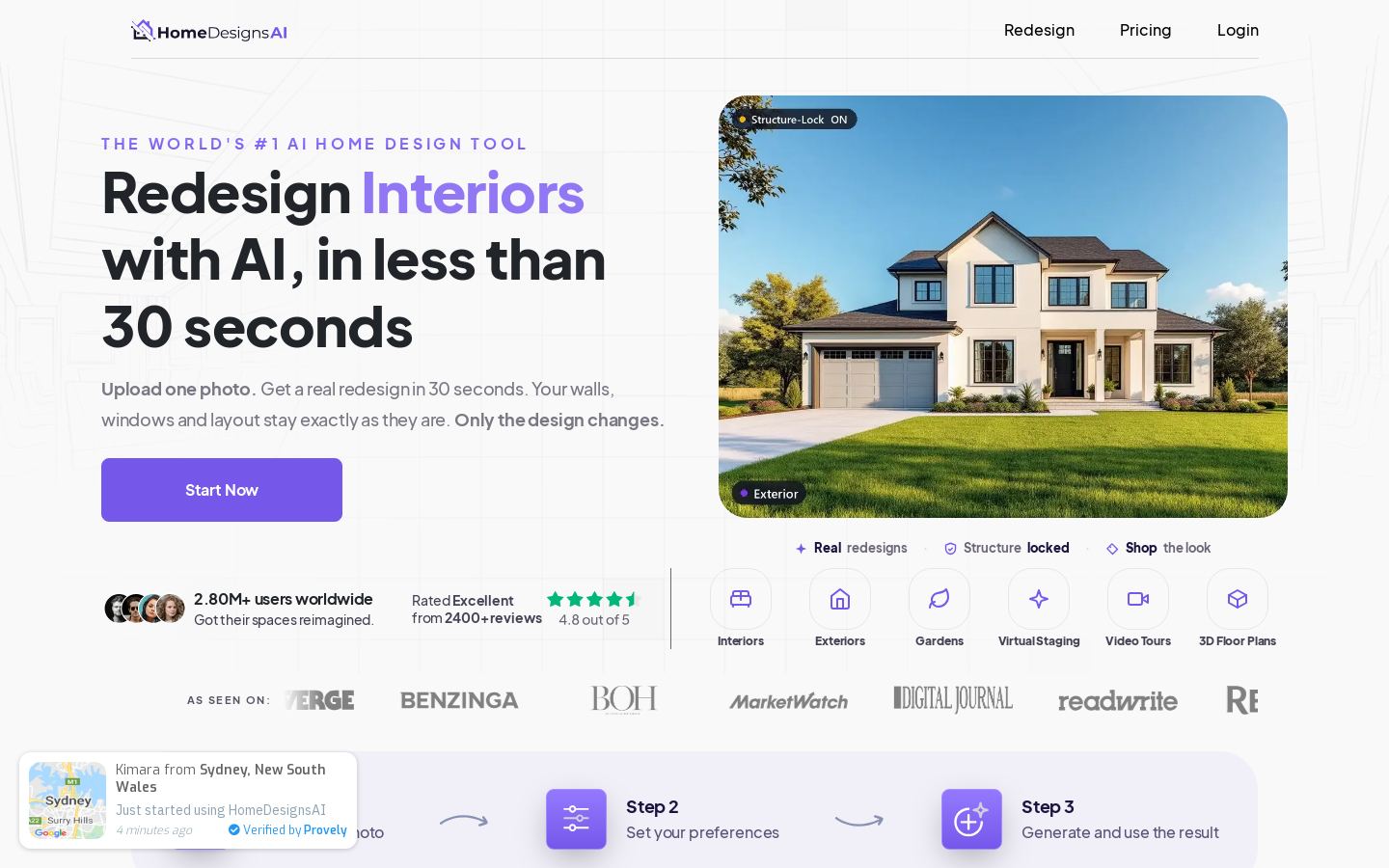
HomeDesigns AI redesigns rooms, house exteriors and gardens from a single uploaded photo. Its Structure-Lock feature keeps the existing walls, windows and layout and changes only the design, using a library of 200+ styles and spaces.
Beyond restyling, the web app includes virtual staging for empty rooms, decluttering, sketch-to-photoreal rendering, material and color swaps, sky and weather replacement, and 2D-to-3D floor plans. It can also turn a design into a video walkthrough of 10, 20 or 30 seconds with pan, orbit or dolly camera moves. Users can set how much the AI changes the image, from Very Low to Extreme, and add custom text instructions. A cost estimator and a shop-the-look feature connect designs to real budgets and furniture.
It fits homeowners planning a renovation, real estate agents staging listings, and designers or architects who need fast concept visuals. Output comes with a commercial license and no watermark.
Key features
- Structure-Lock keeps walls, windows and layout intact
- 200+ interior, exterior and garden styles
- Virtual staging and declutter for empty or messy rooms
- Sketch to photorealistic render
- Material, color, sky and weather swaps
- 2D floor plan to 3D model conversion
- Video walkthroughs of 10, 20 or 30 seconds
- Cost estimator and shop-the-look furniture links
Use cases
Who it's for
Planning a renovation
Homeowners upload a room photo and preview different styles before spending money on a designer or contractor.
Staging real estate listings
Agents virtually furnish empty rooms or declutter photos to make listings look better.
Curb appeal and garden ideas
Users redesign exteriors and gardens and swap the sky or weather for a more attractive shot.
Client presentations
Designers turn sketches or 2D plans into photoreal renders, 3D models and video fly-throughs.
HomeDesigns AI pricing
From the vendor's site, checked Nov 8, 2026; we re-check prices monthly. Prices change — confirm on their pricing page.
The vendor does not publish plan details.
How HomeDesigns AI compares
- HomeDesigns AI has a free plan, like 1 of the 4 alternatives below.
| Tool | Starts at | Free plan | Free trial | API | Open source | |
|---|---|---|---|---|---|---|
| HHomeDesigns AI | — | — | — | — | ||
I Interior AI | $29/mo | — | — | — | — | HomeDesigns AI vs Interior AI |
R REimagine Home | $14/mo | — | — | HomeDesigns AI vs REimagine Home | ||
D DecorAI | $20/mo | — | — | — | HomeDesigns AI vs DecorAI | |
R RoomGPT | — | — | — | — | — | HomeDesigns AI vs RoomGPT |
The closest alternatives in our directory by category. “Starts at” is the cheapest paid plan per month, as each vendor lists it.
Pros and cons
Strengths
- Keeps the original room structure when restyling
- Covers interiors, exteriors and gardens in one tool
- Commercial license with no watermark
- Free accounts get 3 new credits every 24 hours
Limitations
- No public API
- No native mobile or desktop apps; web only
- Free usage is limited to 3 credits per day
HomeDesigns AI FAQ
What does HomeDesigns AI do?
It redesigns interiors, exteriors and gardens from a single photo while keeping the existing walls, windows and layout.
Can I use it for free?
Free accounts get 3 new credits every 24 hours. Paid plans are available for more usage.
Can I use the images commercially?
Yes. Output comes with a commercial license and no watermark.
Can it create videos?
Yes. It can make video walkthroughs of 10, 20 or 30 seconds with camera motions such as pan, orbit, walk-through and dolly in.
Which platforms does it support?
It runs in a web browser. You can upload photos by dragging and dropping, pasting, or taking a photo.
Used HomeDesigns AI? Rate it
Sign in to rate this tool and share how you use it.
HomeDesigns AI
Freemium
Tools similar to HomeDesigns AI

Construction management platform covering design, preconstruction, build and handover

AI virtual staging and listing photo editing for real estate agents

AI 3D model generator from text or images for games, 3D printing and design