C
 C
General-purpose AI chat assistant for writing, research, coding and everyday tasks
Free, from $8/mo
CGeneral-purpose AI chat assistant for writing, research, coding and everyday tasks
General-purpose AI chat assistant for writing, research, coding and everyday tasks

 G
Google's AI assistant for chat, research, images, video and everyday tasks
 M
AI assistant for chat, web search, writing and images at work and home
AI assistant for chat, web search, writing and images at work and home

 E
Notes, tasks and calendar in one app, with AI search and transcription

 G
xAI's chat assistant for questions, writing and research, with free and paid tiers
xAI's chat assistant for questions, writing and research, with free and paid tiers

 I
Guided tax filing software with AI answers and optional help from tax experts
Guided tax filing software with AI answers and optional help from tax experts

 S

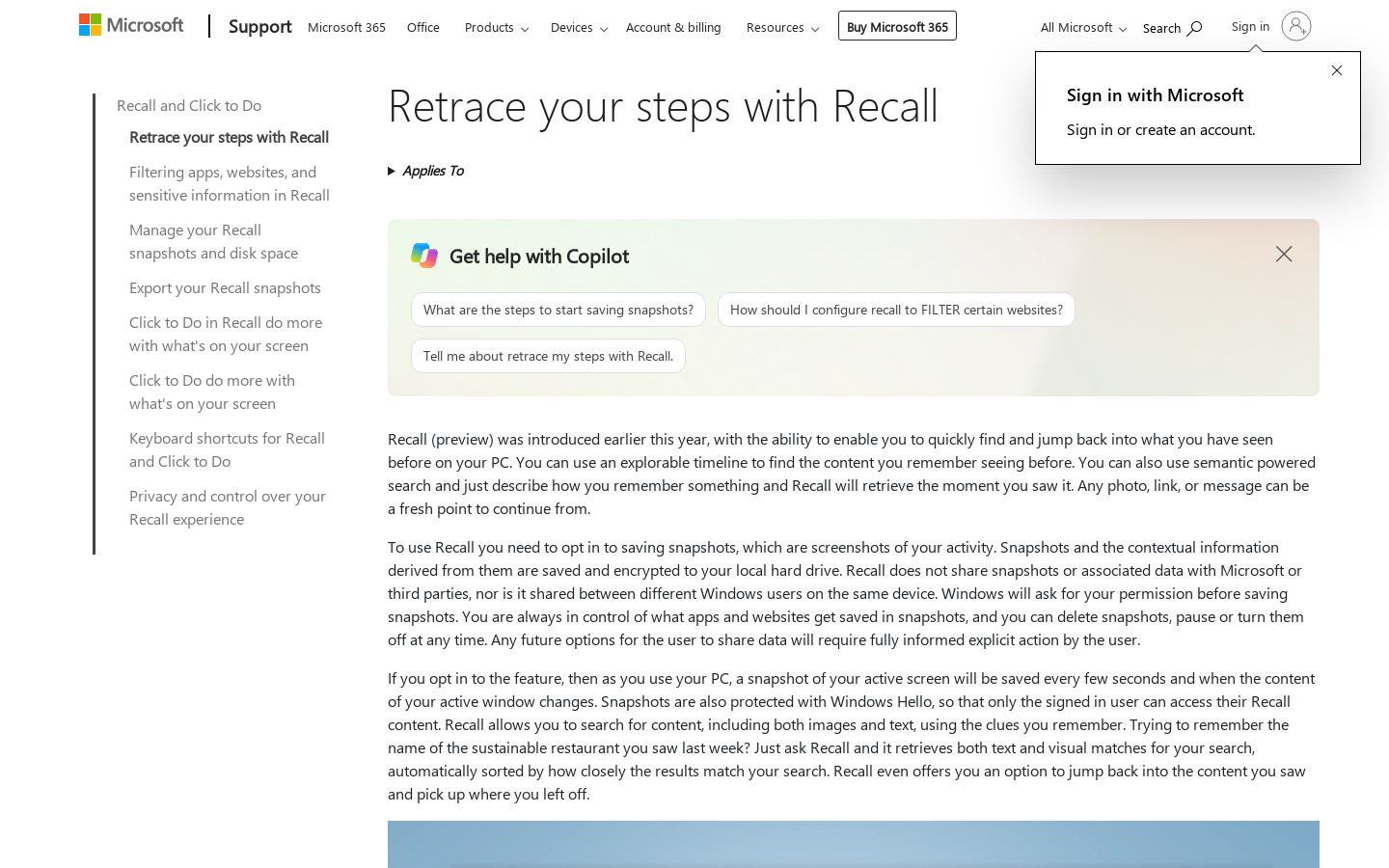 M
Searchable local snapshots of your screen history on Windows 11 Copilot+ PCs
Searchable local snapshots of your screen history on Windows 11 Copilot+ PCs

 S
 M

 L
AI trip planner with human travel experts who refine and book your itinerary

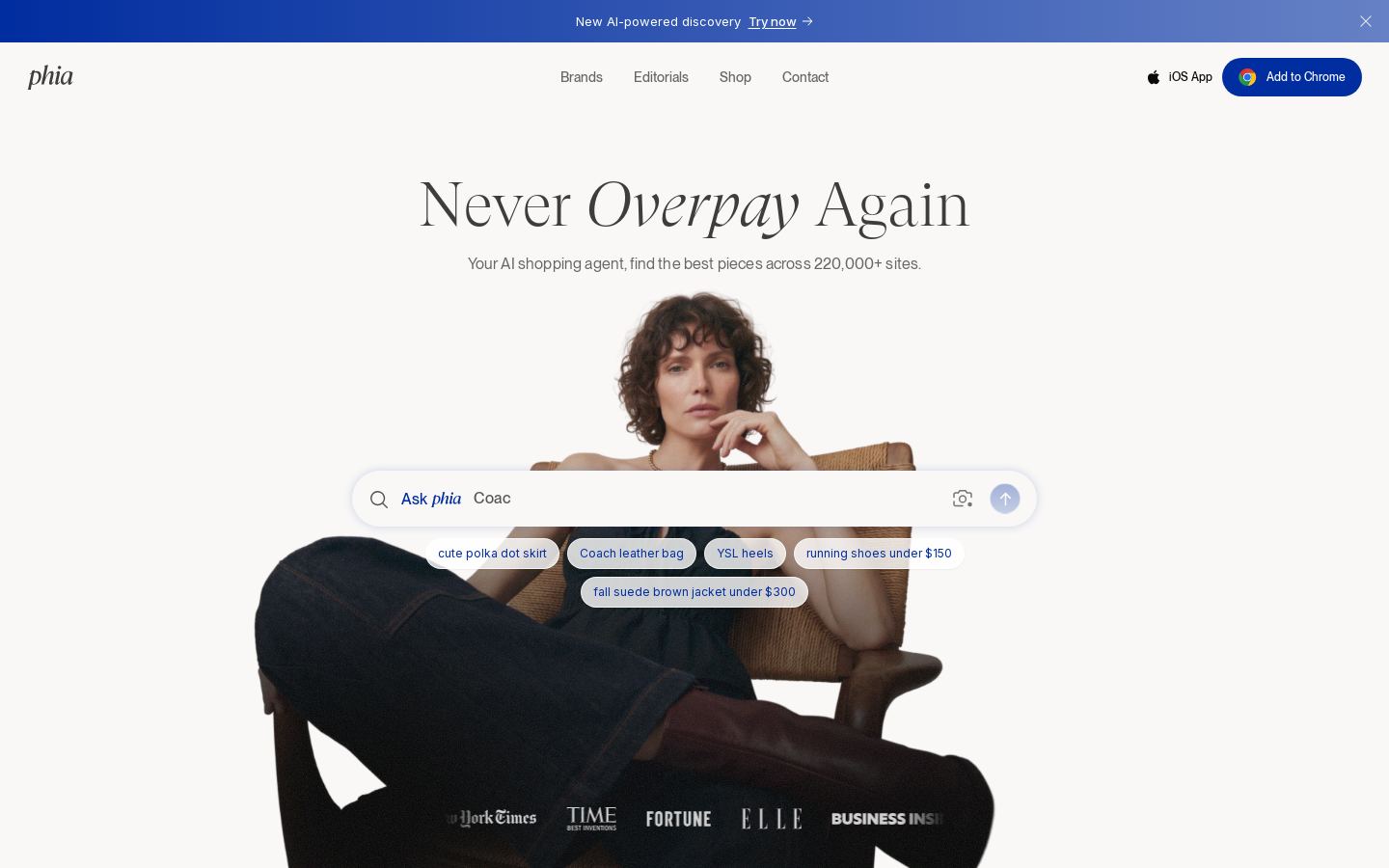 P
AI shopping agent that compares prices across 220,000+ sites and applies coupons

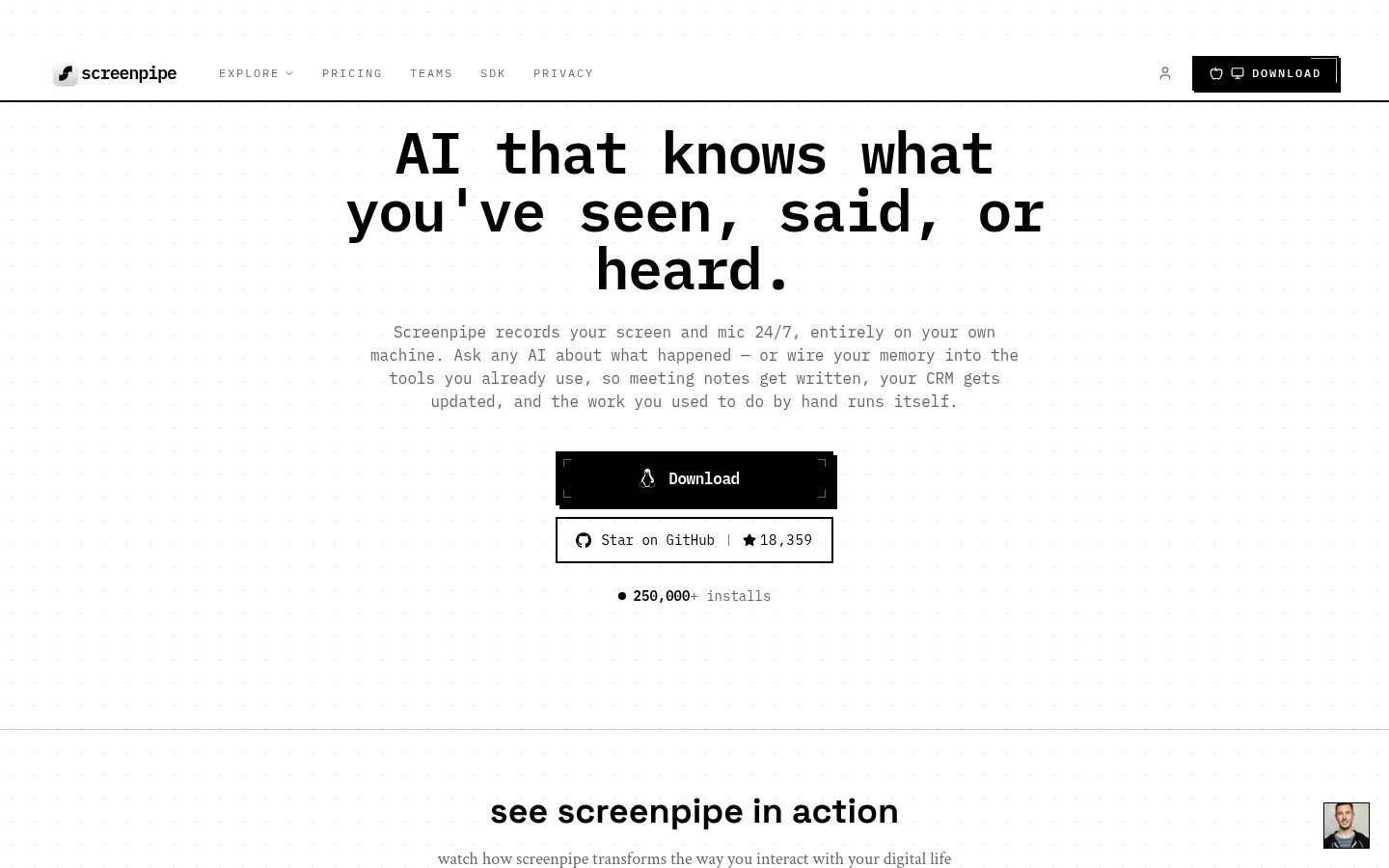 S
Local screen and audio recording that gives AI tools searchable context

 W
Free AI trip planner that builds itineraries around your interests and budget

 R
Open-source networked note-taking with daily notes, backlinks and local Markdown
Open-source networked note-taking with daily notes, backlinks and local Markdown
 C

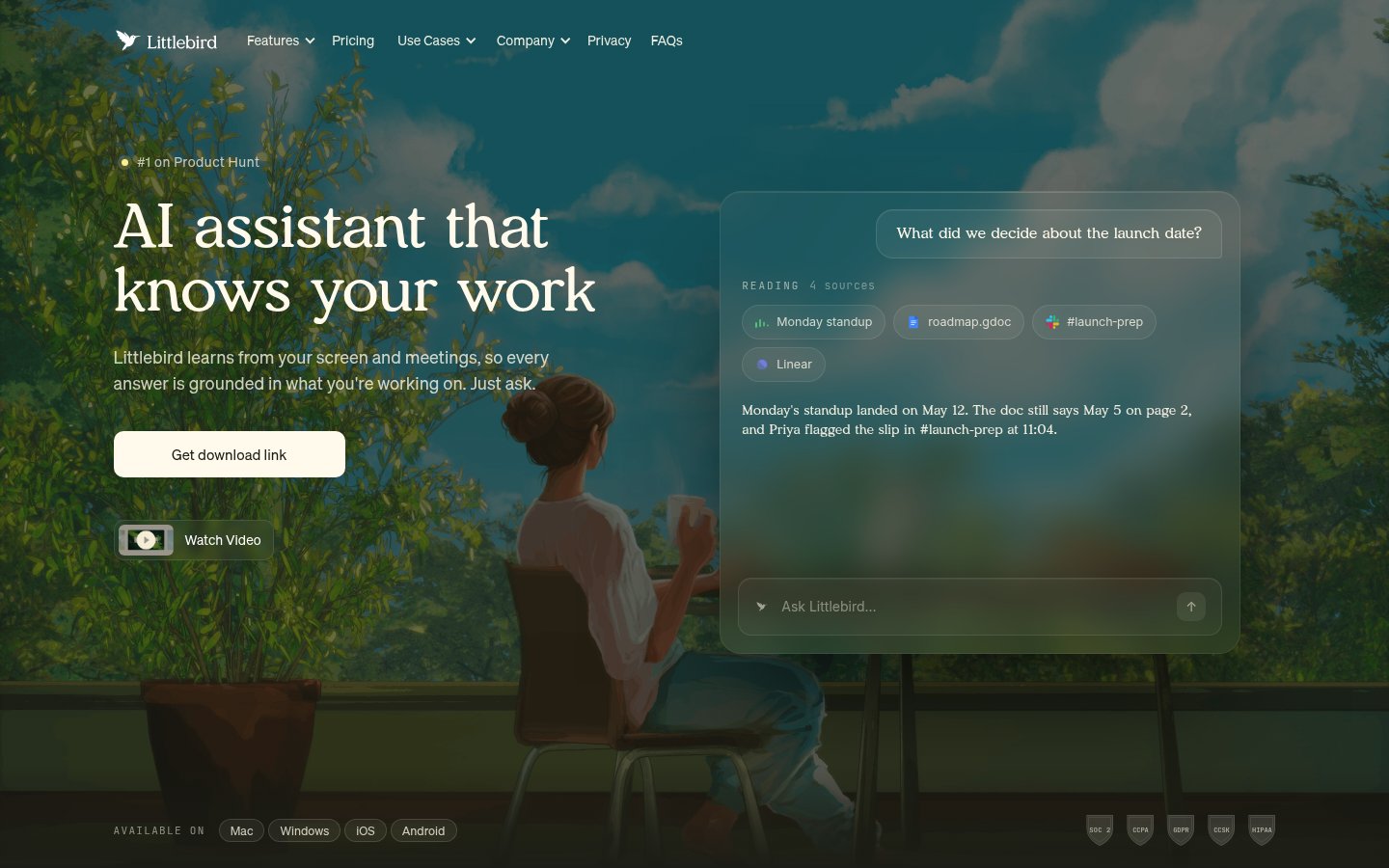 L
AI assistant that remembers your screen, meetings and apps and acts on them
AI assistant that remembers your screen, meetings and apps and acts on them

 D
Chat-based AI shopping agent for finding clothes across 10,000+ fashion brands
From each vendor's own pages, re-checked every two months. Of 14 tools we checked, 3 of 5 that state a policy don't train AI on your content, and 3 hold SOC 2 or ISO 27001.
| Tool | Calendar integration | Email integration | Meeting notes | Screen memory | Scheduled routines | MCP support | Local data storage | App/privacy exclusions |
|---|---|---|---|---|---|---|---|---|
| MMicrosoft Recall | — | — | — | — | ||||
| SScreenpipe | ||||||||
| LLittlebird AI |
— means the vendor's site doesn't say.
Tools in this category handle different parts of your day, so start with what you want help with. Screen and activity memory tools record what you see and do so you can search it later. Screenpipe, Littlebird AI and Microsoft Recall work this way. Notes and tasks apps like Evernote and Reflect Notes keep your own information organized. General chat assistants like Gemini and Grok answer questions and help with writing and research. Some tools are built for one field, such as Clio Duo for law firms and Intuit Assist for taxes.
Next, check platform. Microsoft Recall runs only on Windows Copilot+ PCs. Evernote and Littlebird AI cover desktop and mobile.
Then look at pricing. Most tools here are freemium, but Clio Duo is priced on request. Screenpipe and Recall have no listed price.
Finally, if you want to build on the tool, look for openness and API access. Reflect Notes is open source, and Screenpipe, Gemini and Grok offer APIs.
Several tools have freemium plans: Reflect Notes, Evernote, Littlebird AI, Gemini, Grok and Intuit TurboTax / Intuit Assist. Reflect Notes is also open source.
Among the listed prices, Littlebird AI starts at $17/mo and Grok's paid tiers start at $30/mo. Clio Duo is priced on request. Screenpipe and Microsoft Recall have no listed pricing.
Start with what it does: screen memory (Screenpipe, Littlebird AI, Recall), notes (Evernote, Reflect Notes) or general chat (Gemini, Grok). Then check that it runs on your devices, see whether it offers an API, and compare pricing.
Recall works only on Windows Copilot+ PCs. Screenpipe also keeps a local screen and audio history, runs on macOS, Windows and Linux, and has an API. Littlebird AI remembers your screen, meetings and apps and works on desktop and mobile.