D
 DD
Text-based video and podcast editor with AI tools for creators and teams

 C

 D
Editing, color, VFX, audio and photo post-production in one desktop app
Professional video editing with AI masking, text-based editing and color tools
Professional video editing with AI masking, text-based editing and color tools

 P
AI photo, video and design editor with generation models for creators and teams
AI photo, video and design editor with generation models for creators and teams

 R
AI video, image and audio generation suite for creators, teams and developers
AI video, image and audio generation suite for creators, teams and developers

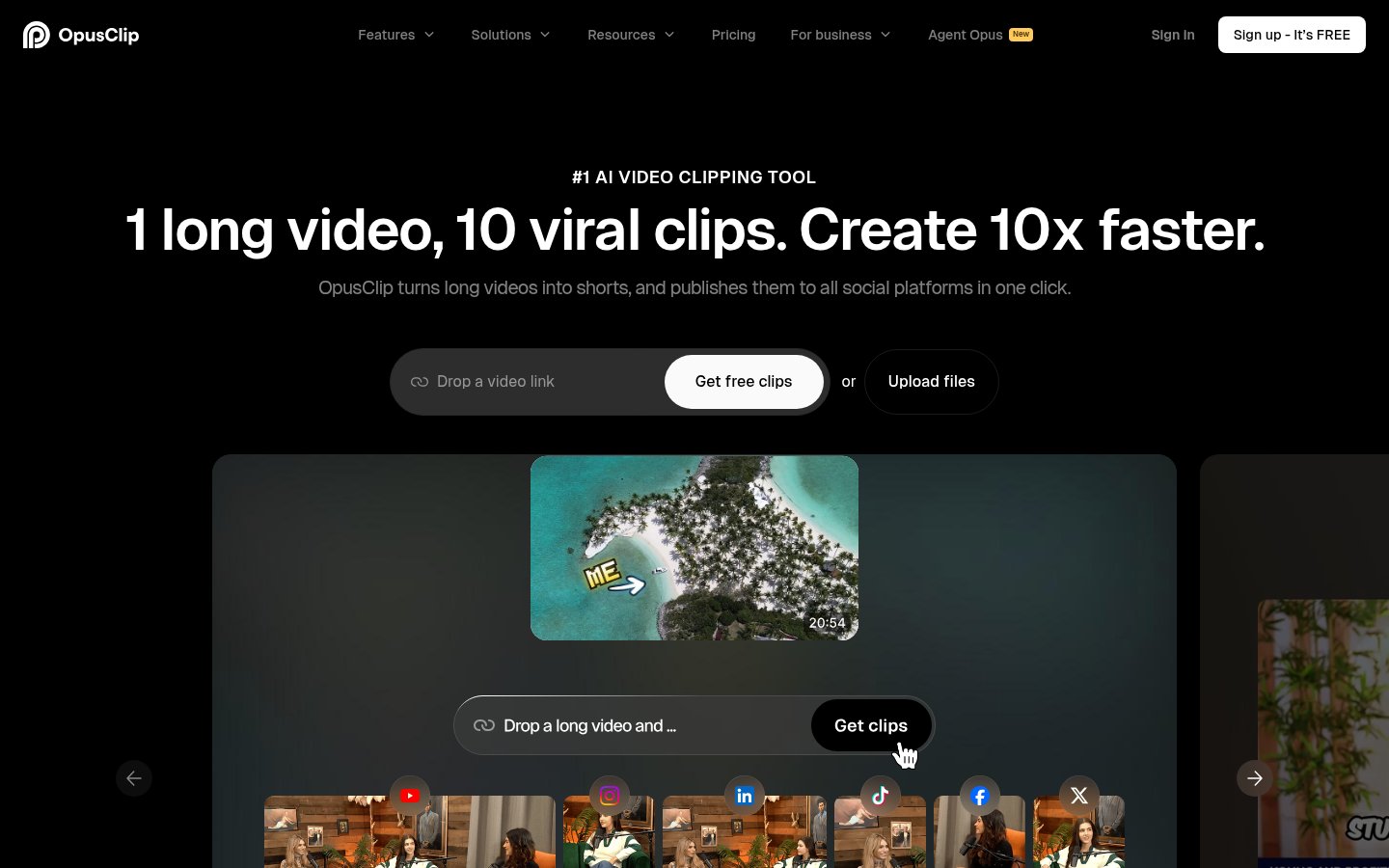 O
Turns long videos into short clips with captions and posts them to social
Turns long videos into short clips with captions and posts them to social

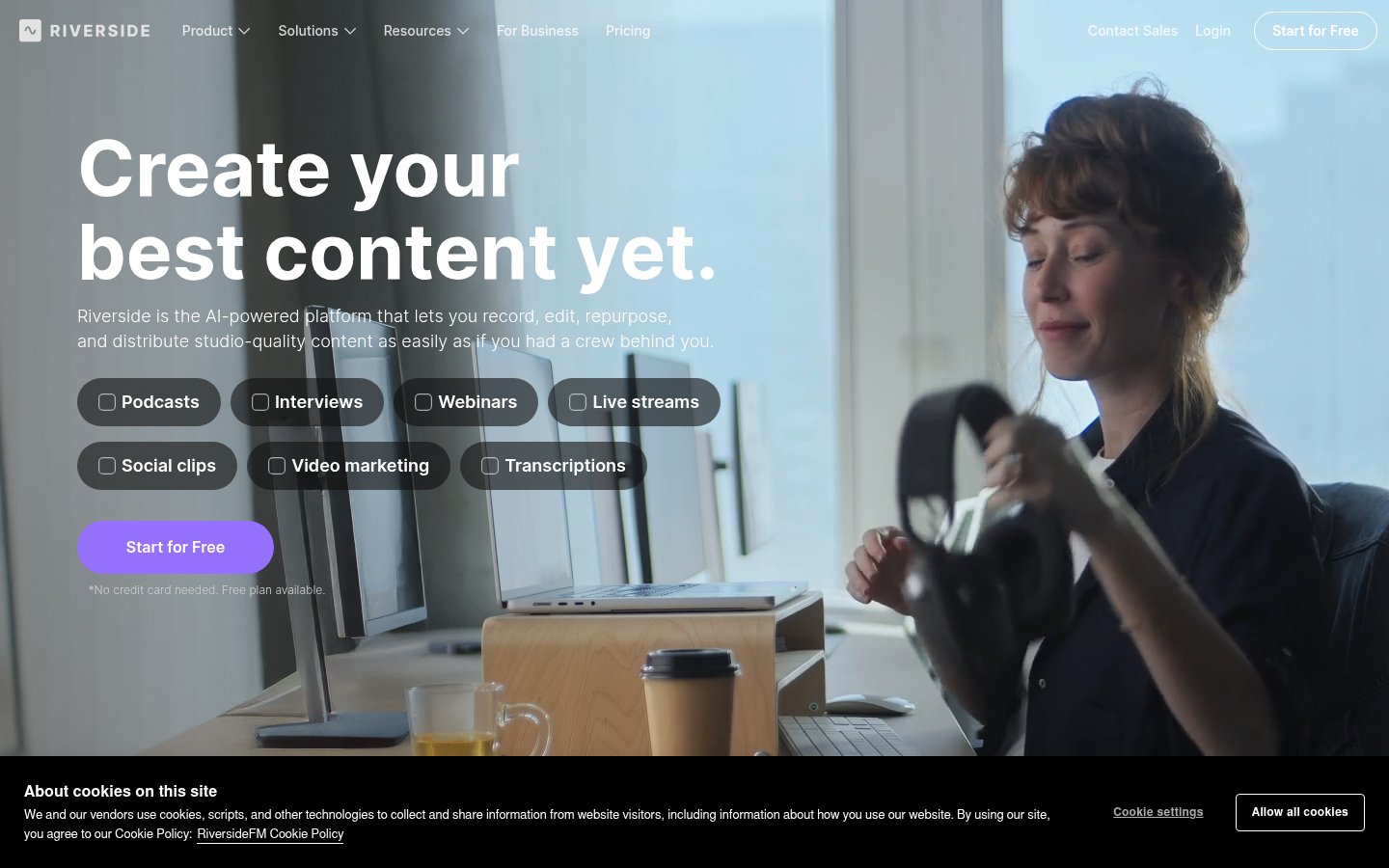 R
Record, edit, stream and publish podcasts and video with AI tools
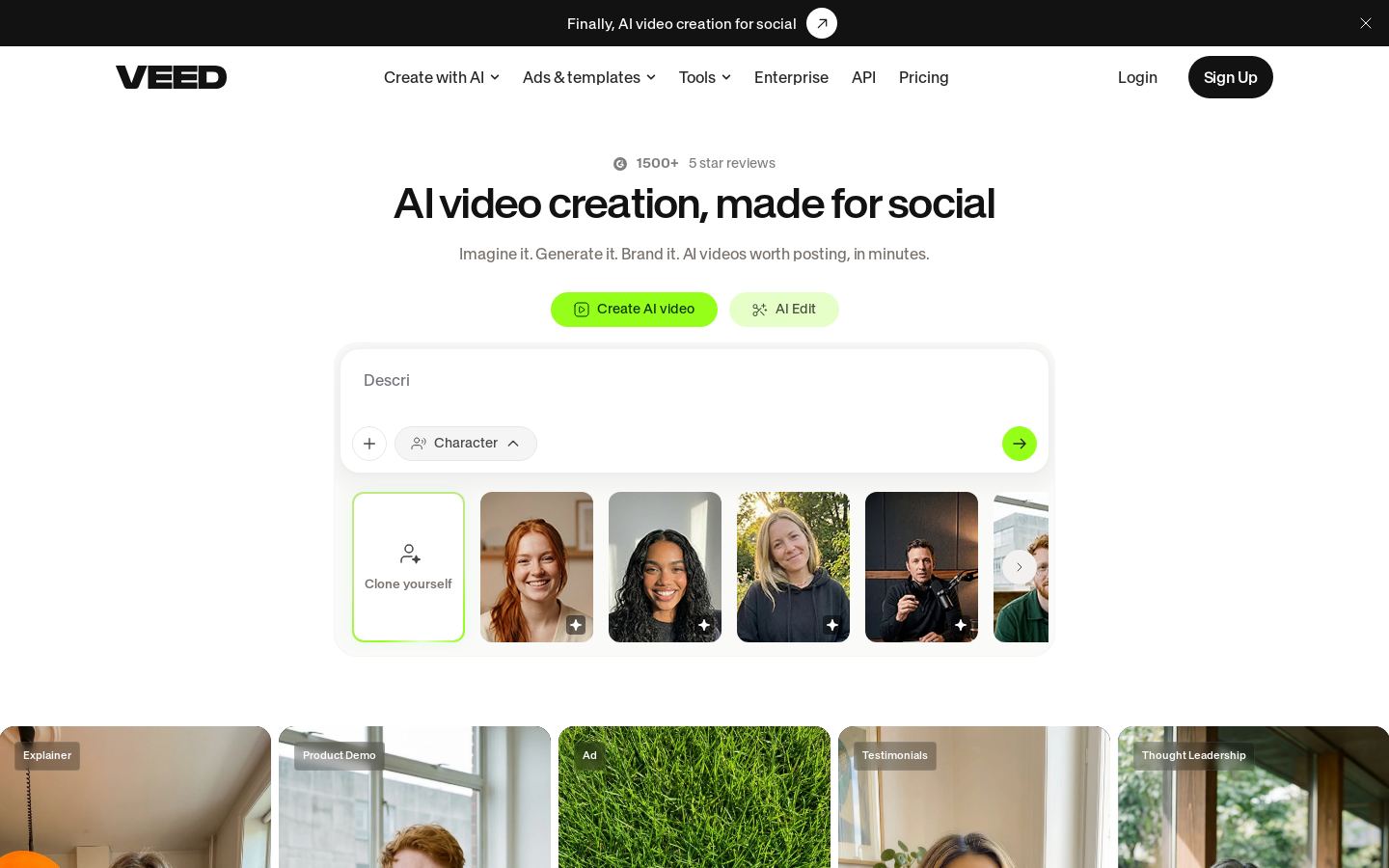 V

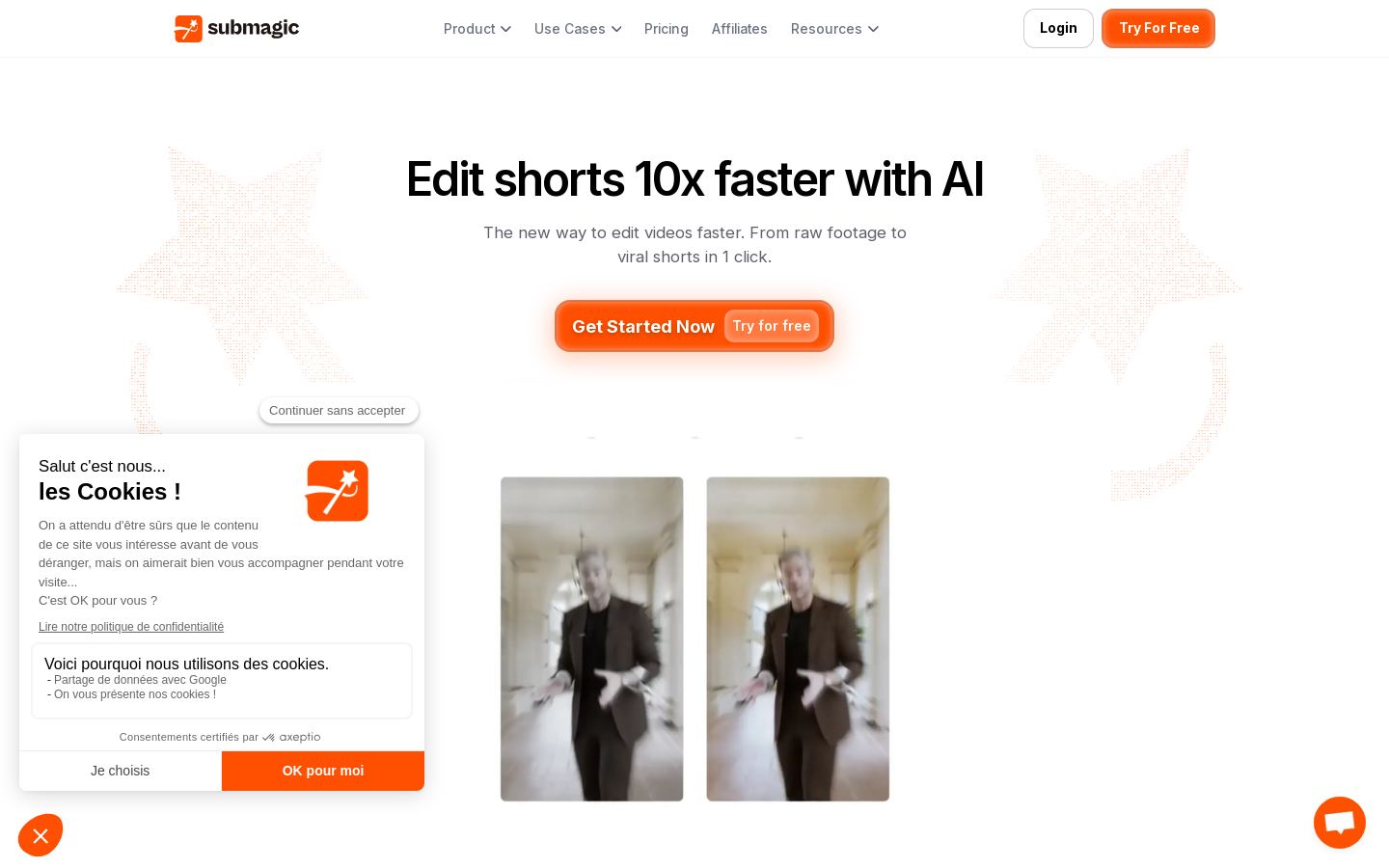 S
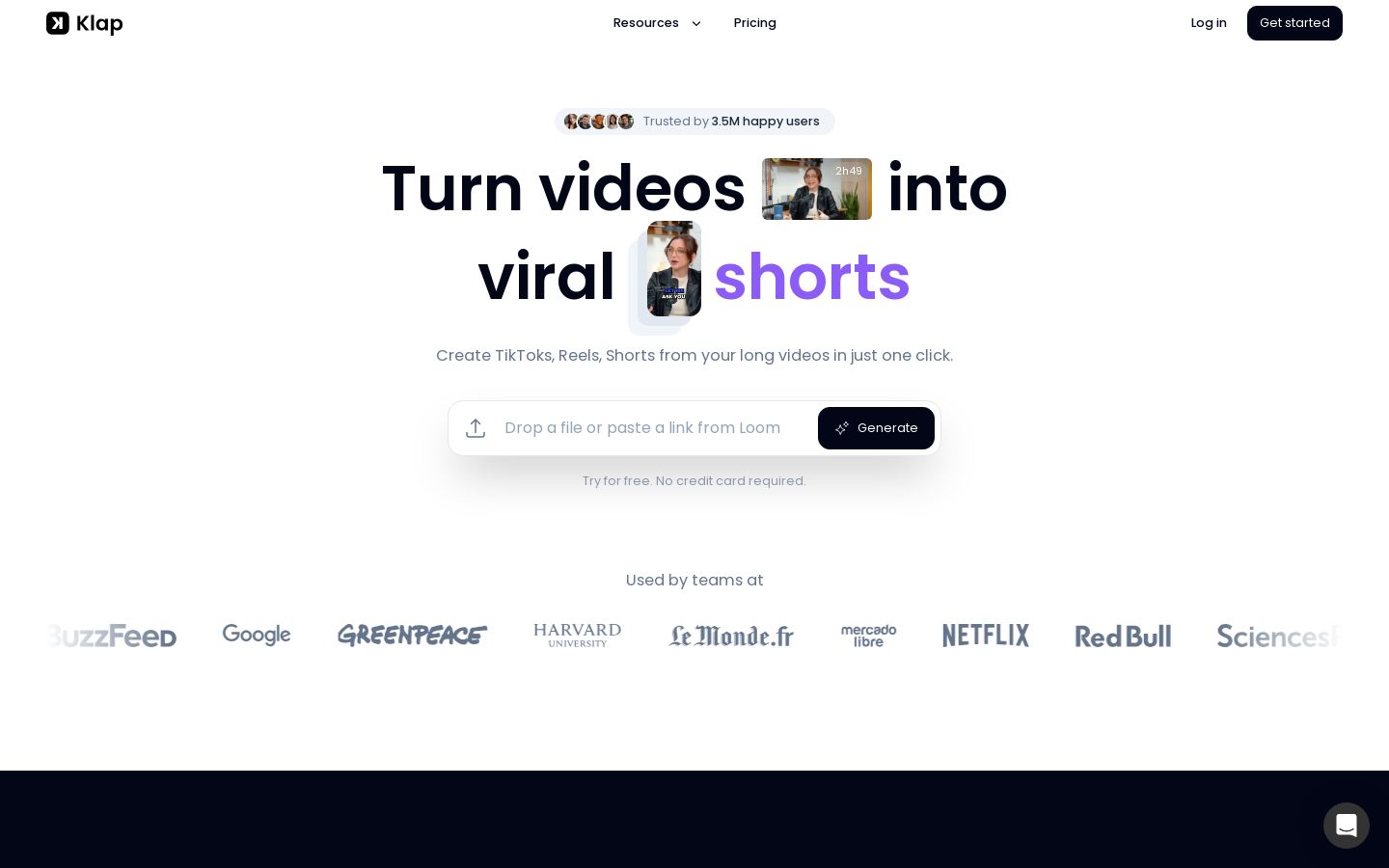 K
Turns long videos into short vertical clips for TikTok, Reels and Shorts
 V
AI clipping tool that turns long videos into captioned short-form clips

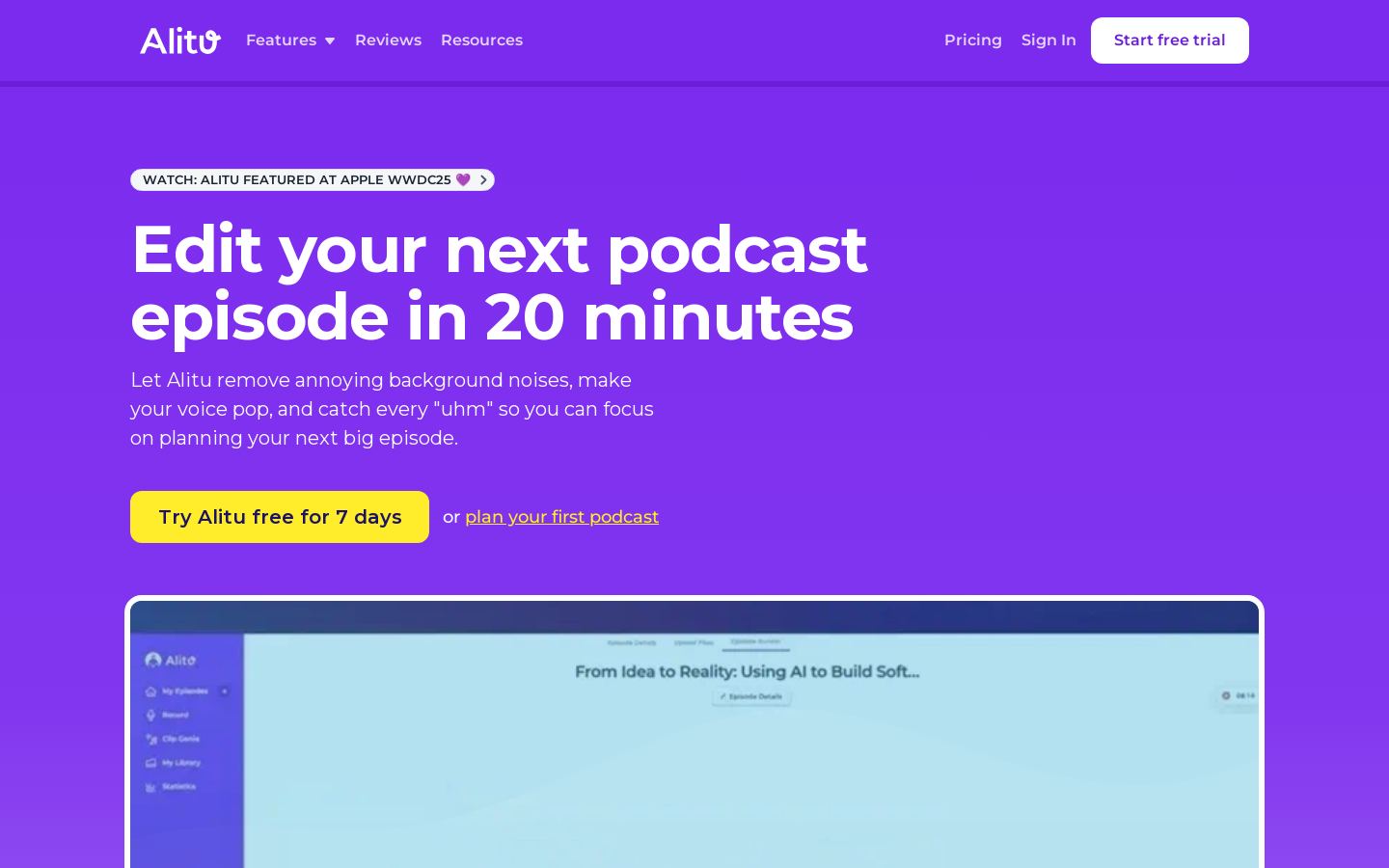 A

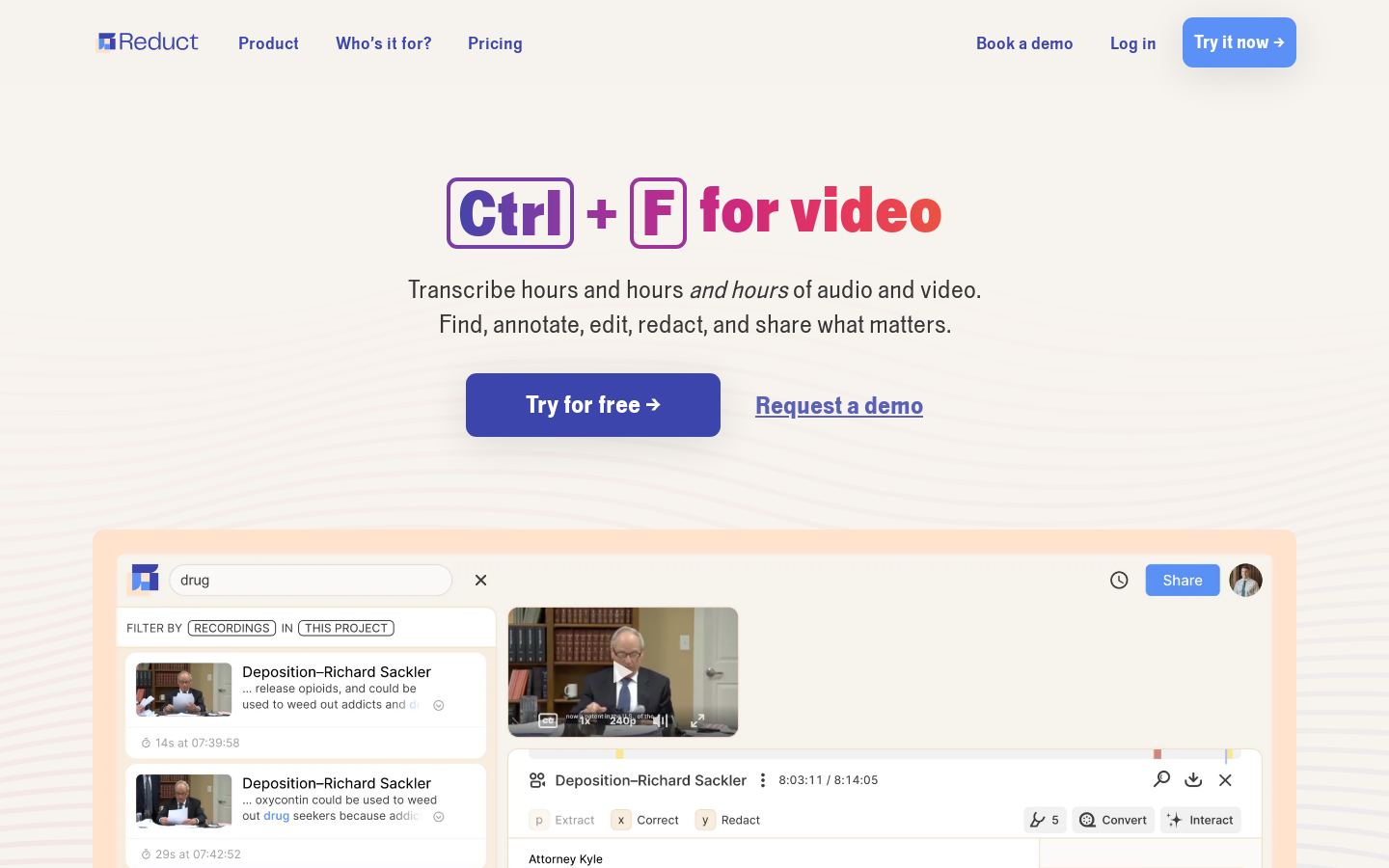 R
Transcript-based platform to search, redact, highlight and edit recorded video
From each vendor's own pages, re-checked every two months. Of 12 tools we checked, 0 of 3 that state a policy don't train AI on your content, and 6 hold SOC 2 or ISO 27001.
| Tool | AI auto-clipping | Filler/silence removal | AI dubbing/translation | 4K export |
|---|---|---|---|---|
| DDescript | ||||
| RRiverside.fm | — | — | — | |
| OOpus Clip | — | — | — | |
| V | — | — | ||
| SSubmagic | — | — | — | |
| V | — | — | — |
— means the vendor's site doesn't say.
Most tools in this category can cut footage. They differ in how you edit, where they run, how you pay and whether you can automate them.
Editing style. Descript, Reduct and Audapolis let you edit by changing a transcript, which works well for interviews and talking-head video. DaVinci Resolve and Adobe Premiere Pro are timeline editors for full post-production work. Opus Clip has a narrower job: it turns long videos into short social clips.
Platform. VEED, Alitu and Reduct run in the browser. DaVinci Resolve and Audapolis are desktop apps that also run on Linux. CapCut, Runway and Riverside.fm have mobile apps.
Pricing model. Audapolis is free and open source. CapCut, DaVinci Resolve, VEED and Descript have free tiers. Premiere Pro, Reduct and Alitu offer free trials before you pay.
API access. If you want to automate editing, Runway, Opus Clip, Descript, VEED and Reduct list an API.
We have not tested these tools, so check the details on each vendor's site.
Yes. Audapolis is free and open source. CapCut, DaVinci Resolve, VEED, Descript, Runway, Opus Clip and Riverside.fm have free tiers. Adobe Premiere Pro, Reduct and Alitu offer free trials.
Listed starting prices run from $12/mo (Runway, Reduct) to $38/mo (Alitu). Opus Clip starts at $14.5/mo, Descript at $16/mo, Premiere Pro at $22.99/mo and Riverside.fm at $24/mo.
Look at four things: whether it edits by transcript or on a timeline, which platforms it runs on, whether it has a free tier or trial, and whether it has an API. For podcasts, Riverside.fm and Alitu cover recording as well as editing. For short social clips, Opus Clip is built for that job.
DaVinci Resolve is a free-tier desktop editor that also handles color grading, VFX and audio, and it runs on Linux. If you prefer to work in the browser, look at VEED or Descript. CapCut is an option for template-based editing across desktop and mobile.