S
 SS
Reads documents, web pages and books aloud with 1,000+ AI voices

 G
AI tool that creates presentations, documents and websites from a prompt

 G
Desktop app for running open-source language models locally and privately
 H

 H
AI analyst and document research grid for investors, bankers and lawyers

 M
AI presentation maker that turns text, PDFs, videos and links into slide decks
AI presentation maker that turns text, PDFs, videos and links into slide decks

 S
 L

 I

 P
AI presentation maker that turns prompts, PDFs and docs into editable slides

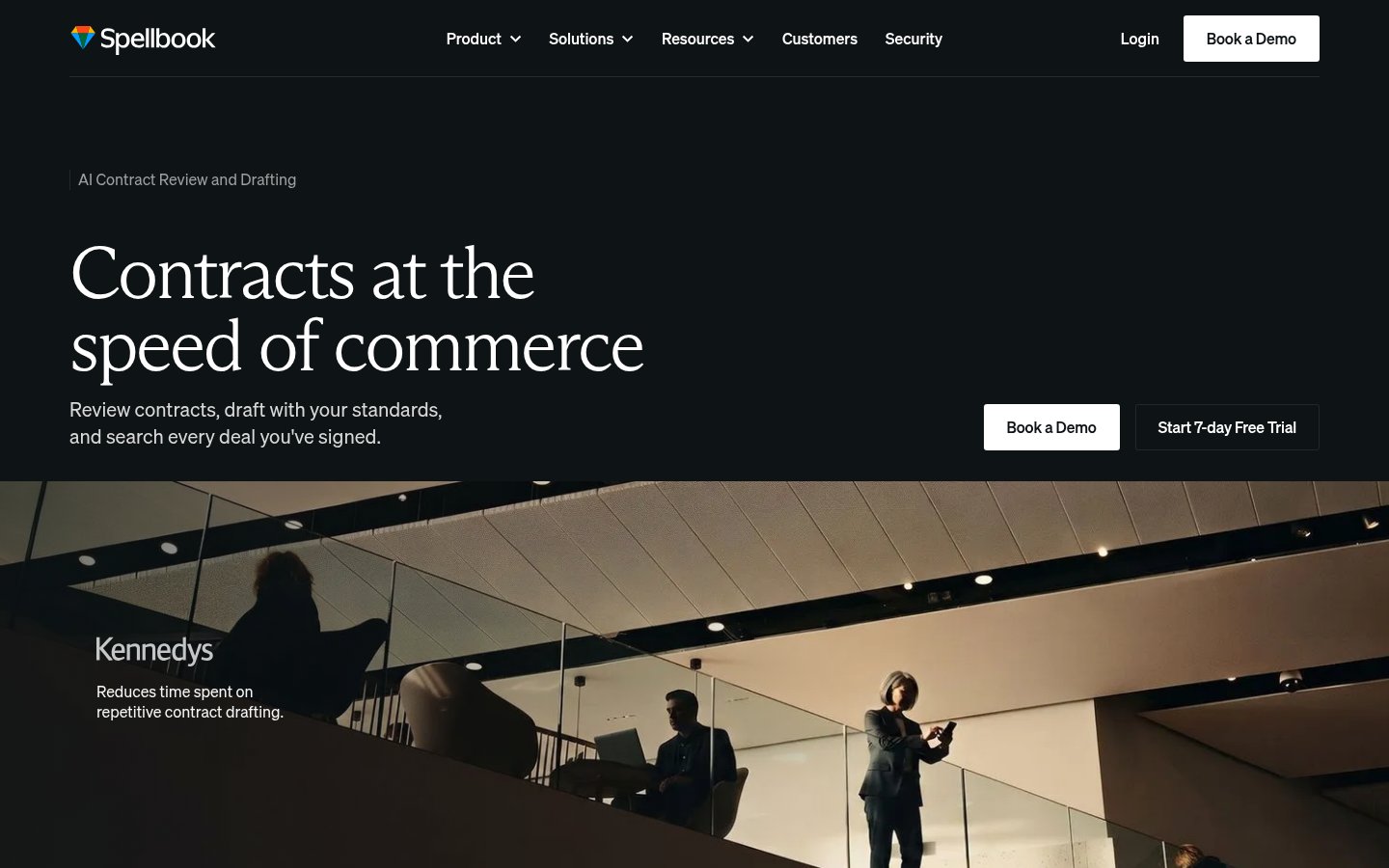 S

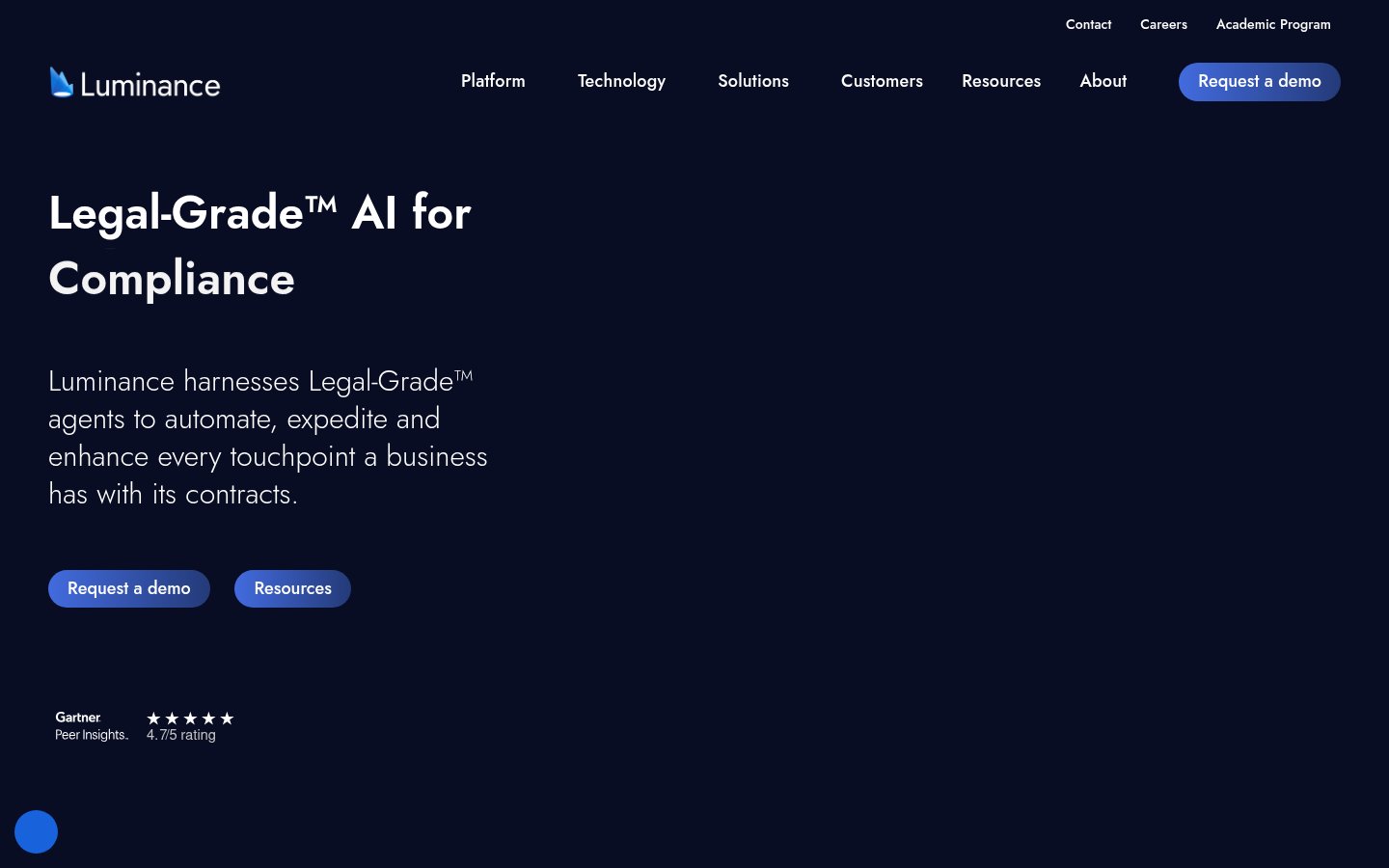 L

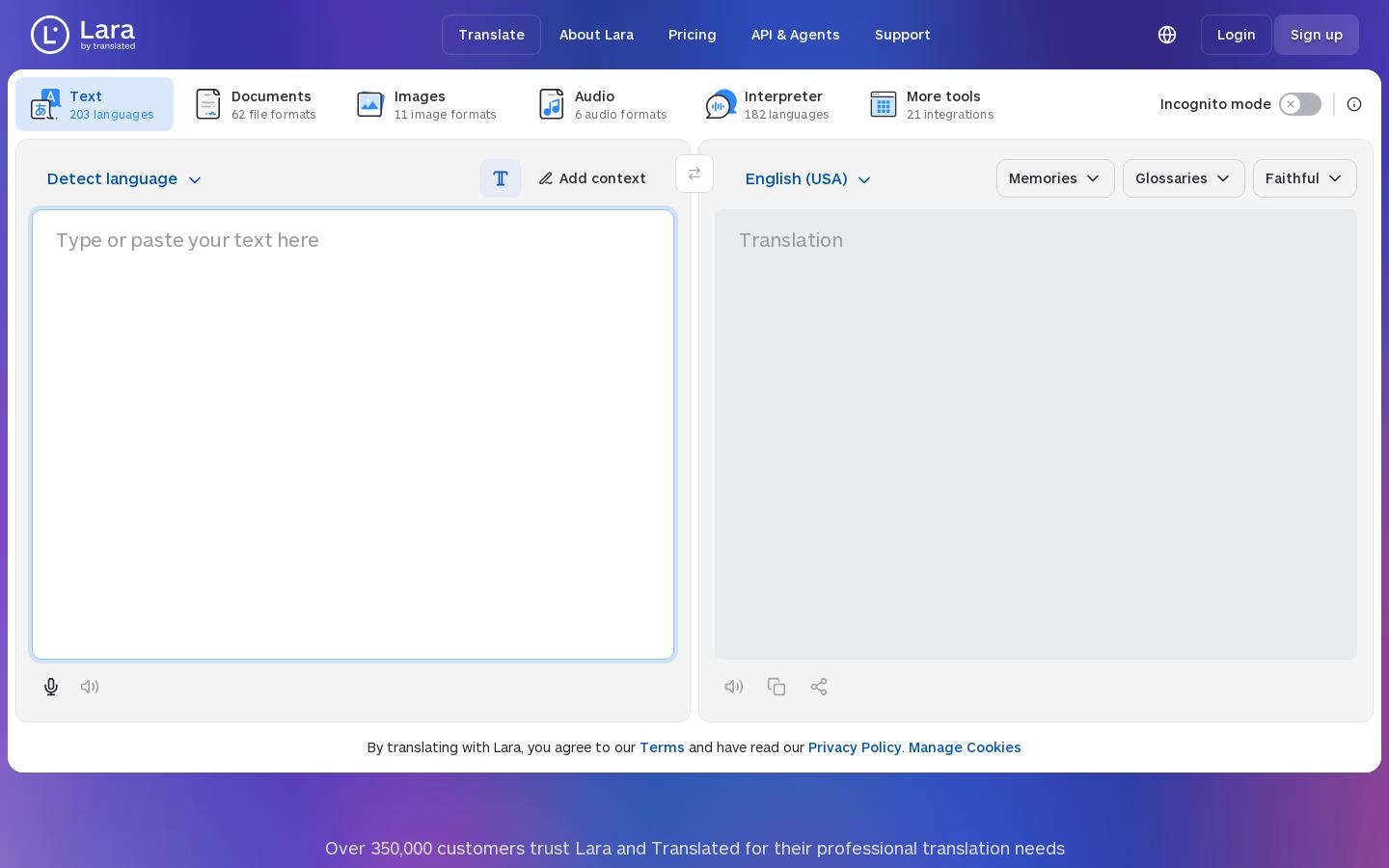 L
AI translation of text, documents, images and speech in 200+ languages

 C
Turn PDFs, docs and links into editable slides, avatar videos and posters
Turn PDFs, docs and links into editable slides, avatar videos and posters

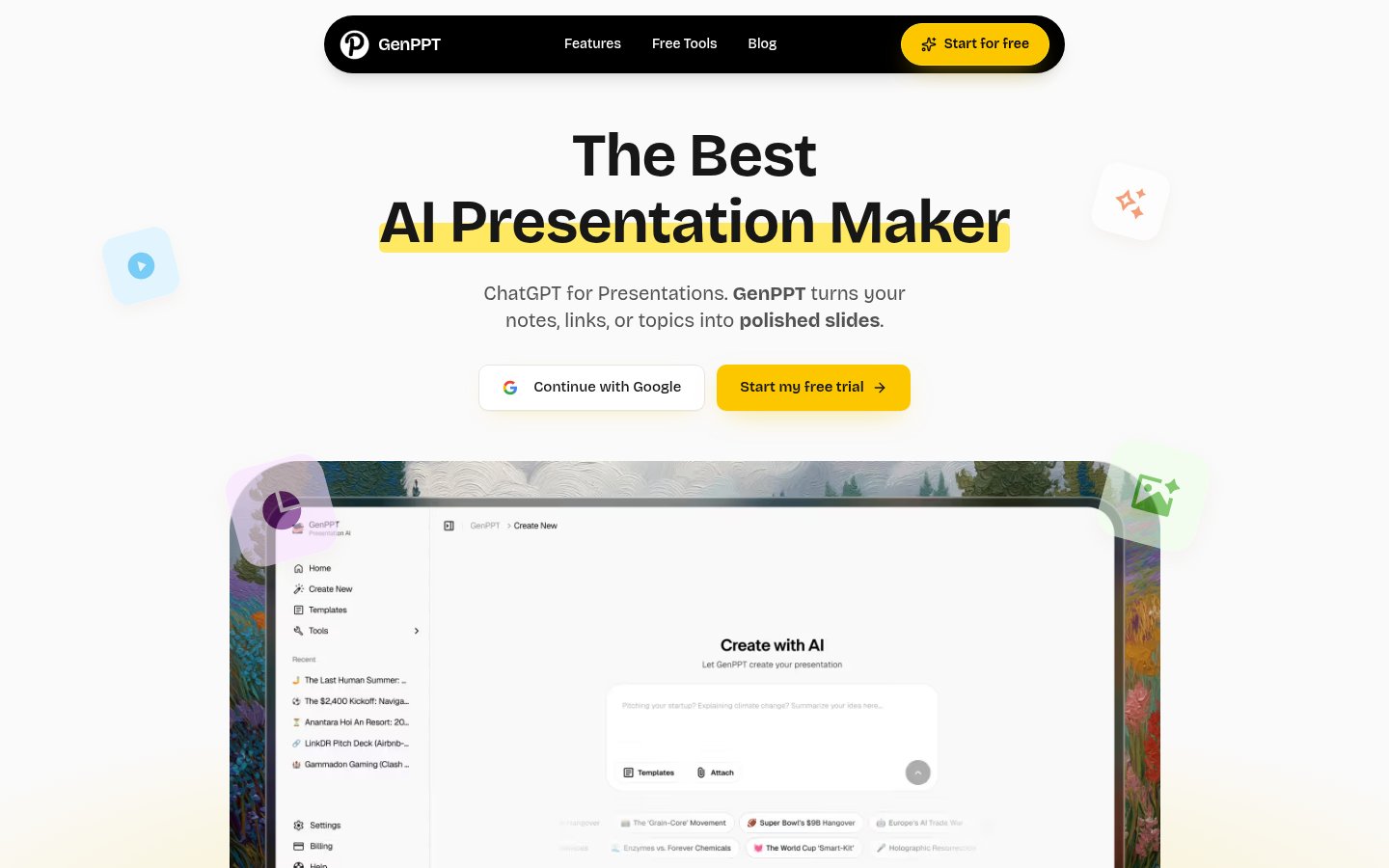 G

 I
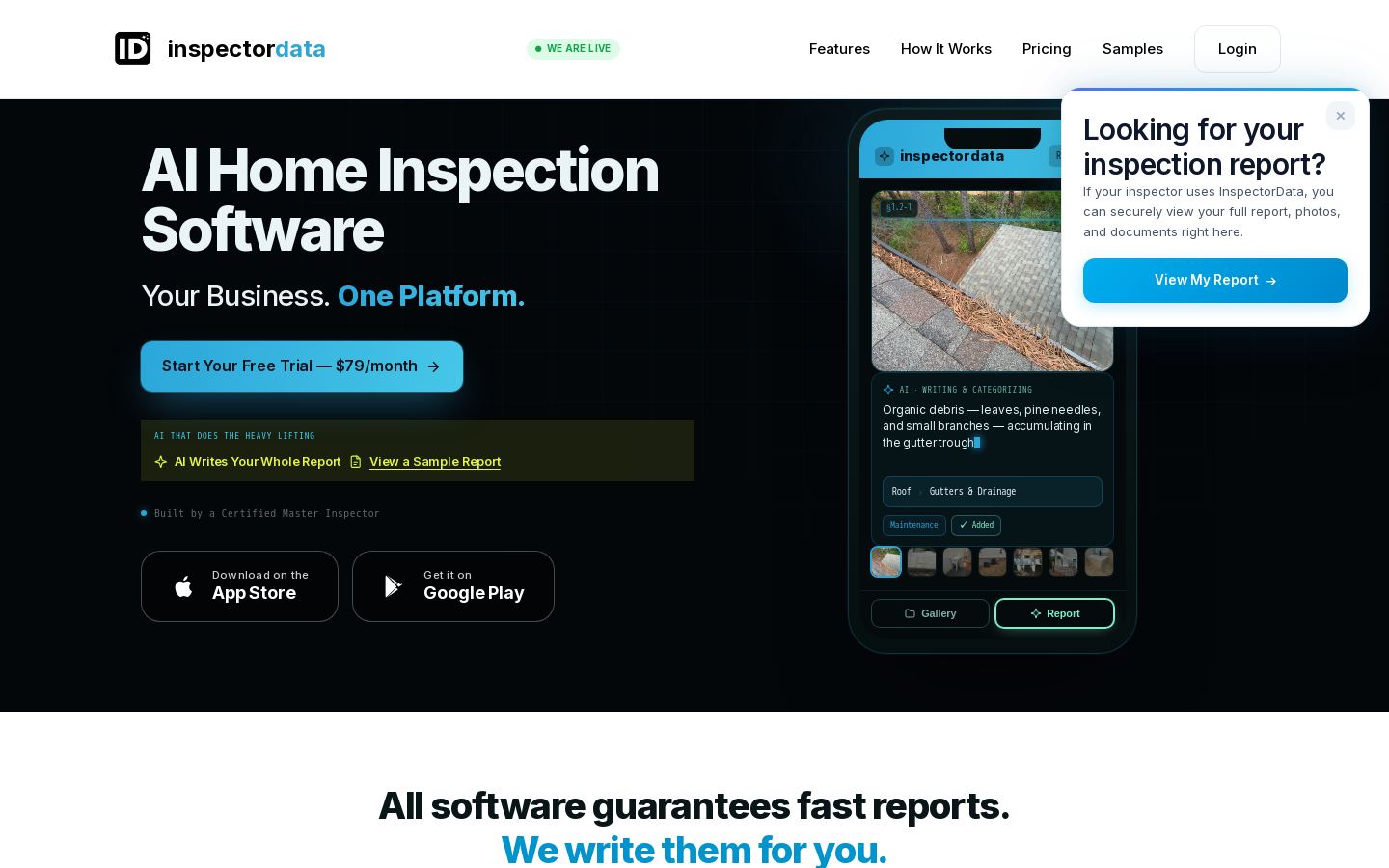
AI report writing, scheduling and payments software for home inspectors

 P
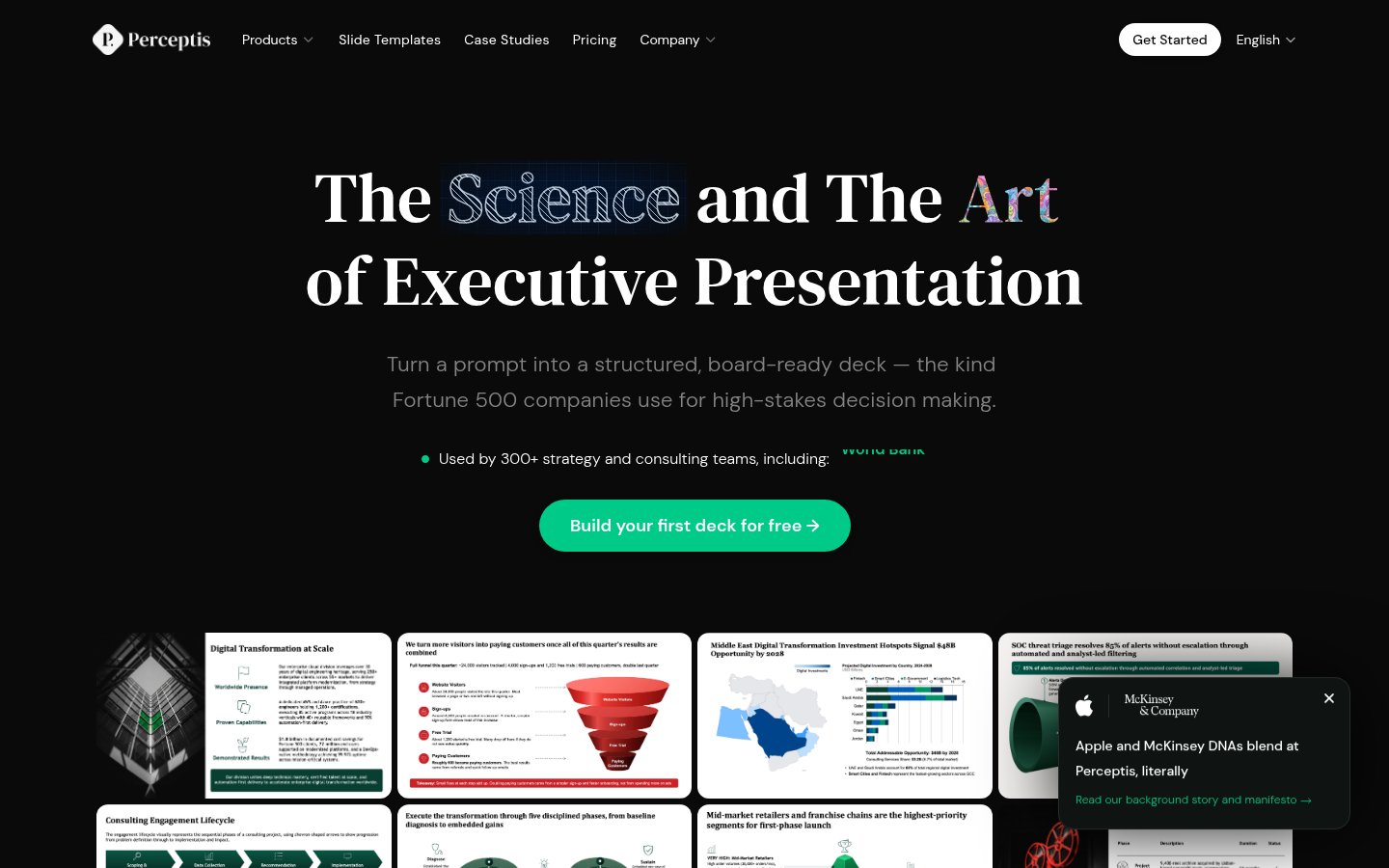
Turns prompts into consulting-style, board-ready PowerPoint decks for strategy teams
Turns prompts into consulting-style, board-ready PowerPoint decks for strategy teams
From each vendor's own pages, re-checked every two months. Of 12 tools we checked, 3 of 4 that state a policy don't train AI on your content, and 4 hold SOC 2 or ISO 27001.
Start with the job, because the tools here do quite different things. Slide tools such as MagicSlides, ChatSlide, GenPPT and PopAI turn PDFs or other documents into decks. Legal tools such as Harvey AI, Spellbook and Luminance focus on legal work and contracts. Others are narrower: Speechify reads documents aloud, while Lexi by Liscio is built for accounting firms.
Next, check the pricing model. Gamma and PopAI are freemium, GenPPT offers a free trial, and most legal tools, including Ironclad and Lexis+ AI, require you to contact sales.
Platform matters too. Spellbook works in Microsoft Word, InspectorData has iOS and Android apps, and Speechify covers web, mobile, desktop and Chrome.
Finally, consider integration and data control. Ironclad, Gamma, MagicSlides, Perceptis AI and Speechify offer APIs. If you want to keep things on your own hardware, GPT4All runs open-source models locally, and Perceptis AI lists a self-hosted option. We haven't tested these tools, so confirm the details with each vendor.
Seven listed tools are freemium: Gamma, PopAI, MagicSlides, ChatSlide, Speechify, Perceptis AI and GPT4All. GenPPT and InspectorData offer free trials instead. Limits on free plans vary, so check each vendor's current terms.
Listed paid plans start at $6.67/mo for MagicSlides, $8/mo for GenPPT, $8.25/mo for ChatSlide, $19/mo for Lexi by Liscio, $20/mo for GPT4All, $29/mo for Perceptis AI and Speechify, and $79/mo for InspectorData. Harvey AI, Spellbook, Luminance, Ironclad and Lexis+ AI don't list a price and ask you to contact them.
First, make sure the tool fits your task, such as creating slides, reviewing contracts or listening to documents. Then compare its pricing model, the platforms it runs on and whether you need an API. If you want to keep work on your own hardware, look at GPT4All, which runs locally, or Perceptis AI, which lists a self-hosted option.
Lexis+ AI covers legal research, drafting and document analysis. Spellbook handles contract review and drafting in Microsoft Word, Luminance covers reviewing, negotiating and managing enterprise contracts, and Ironclad offers contract lifecycle management for legal, procurement, sales and IT teams. All four ask you to contact them for pricing.