M
 MM

 C
Online design platform with templates and AI tools for individuals and teams

 F
AI design agent and prompt-to-app tool built into Figma for product teams
AI design agent and prompt-to-app tool built into Figma for product teams

 B
AI presentation software with auto-aligning slides and brand controls for teams
AI presentation software with auto-aligning slides and brand controls for teams
 F
Online photo editor with AI image, video and design tools for creators

 L
AI logo maker and brand identity kit for entrepreneurs and small businesses

 R
AI website builder that turns notes or docs into sitemaps, wireframes and pages
AI website builder that turns notes or docs into sitemaps, wireframes and pages

 V
AI content platform for branded presentations, documents and infographics
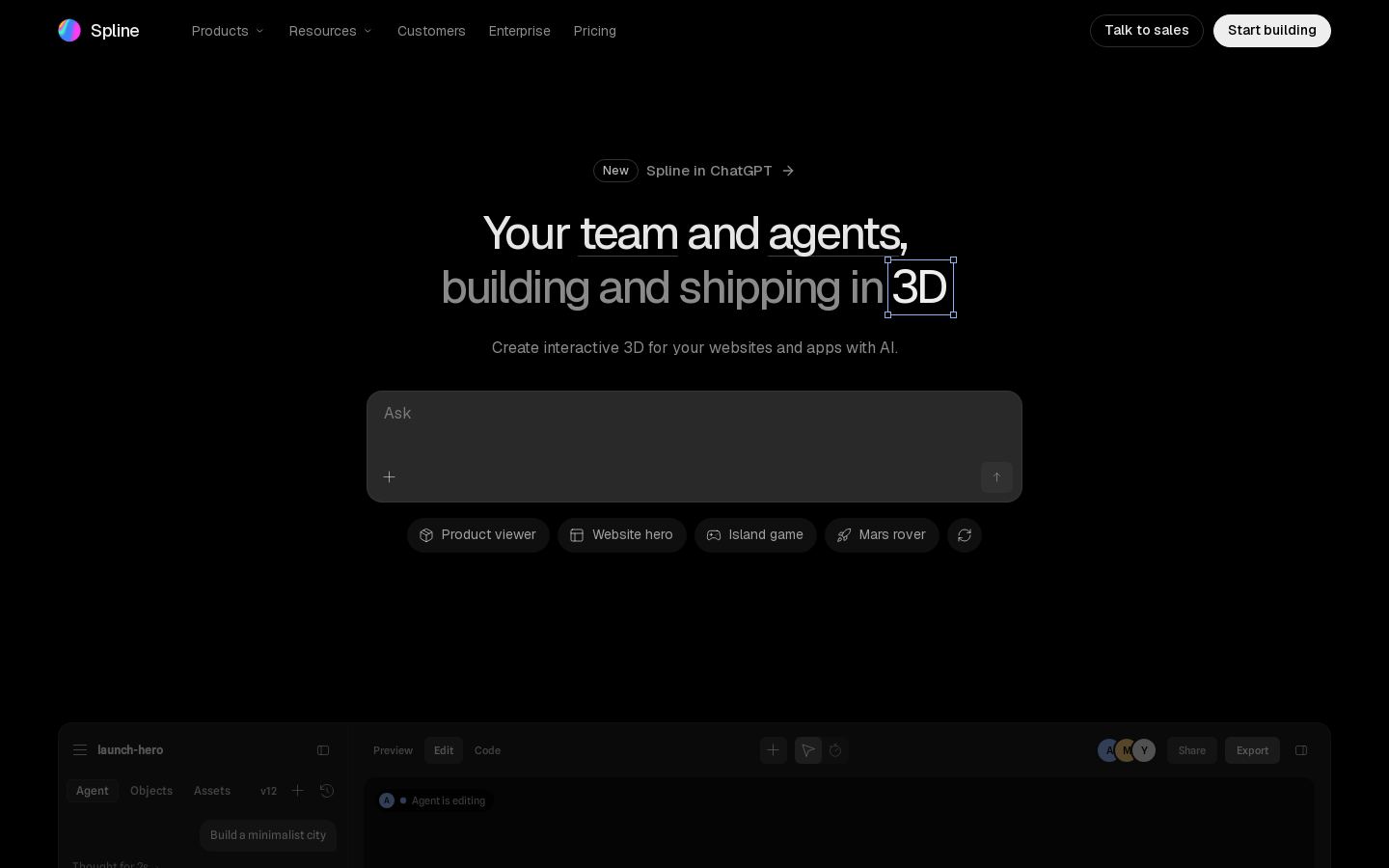 S
Browser-based 3D design tool for building interactive web and app scenes

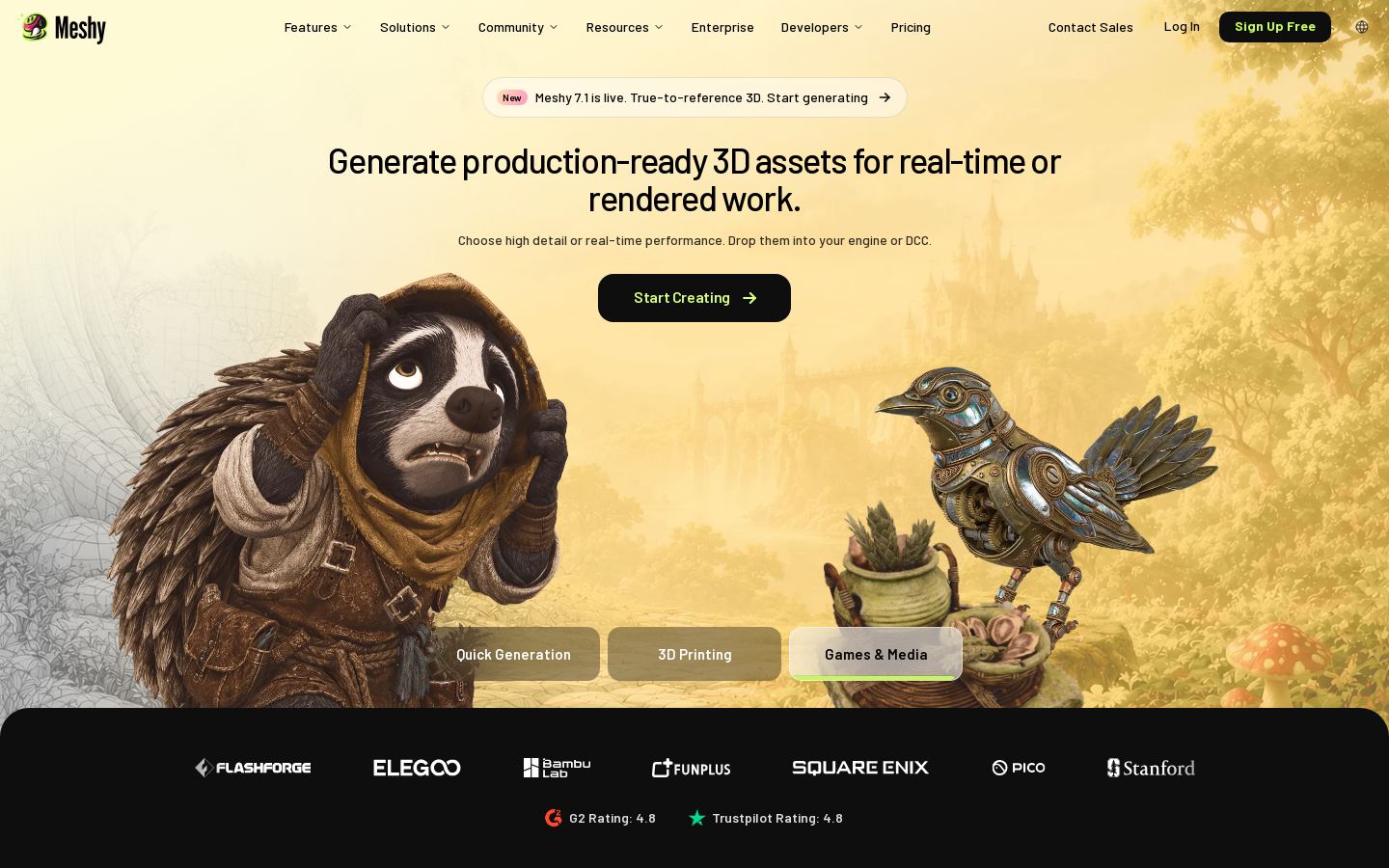 M
Turn text prompts or images into textured, rigged 3D models for games and printing

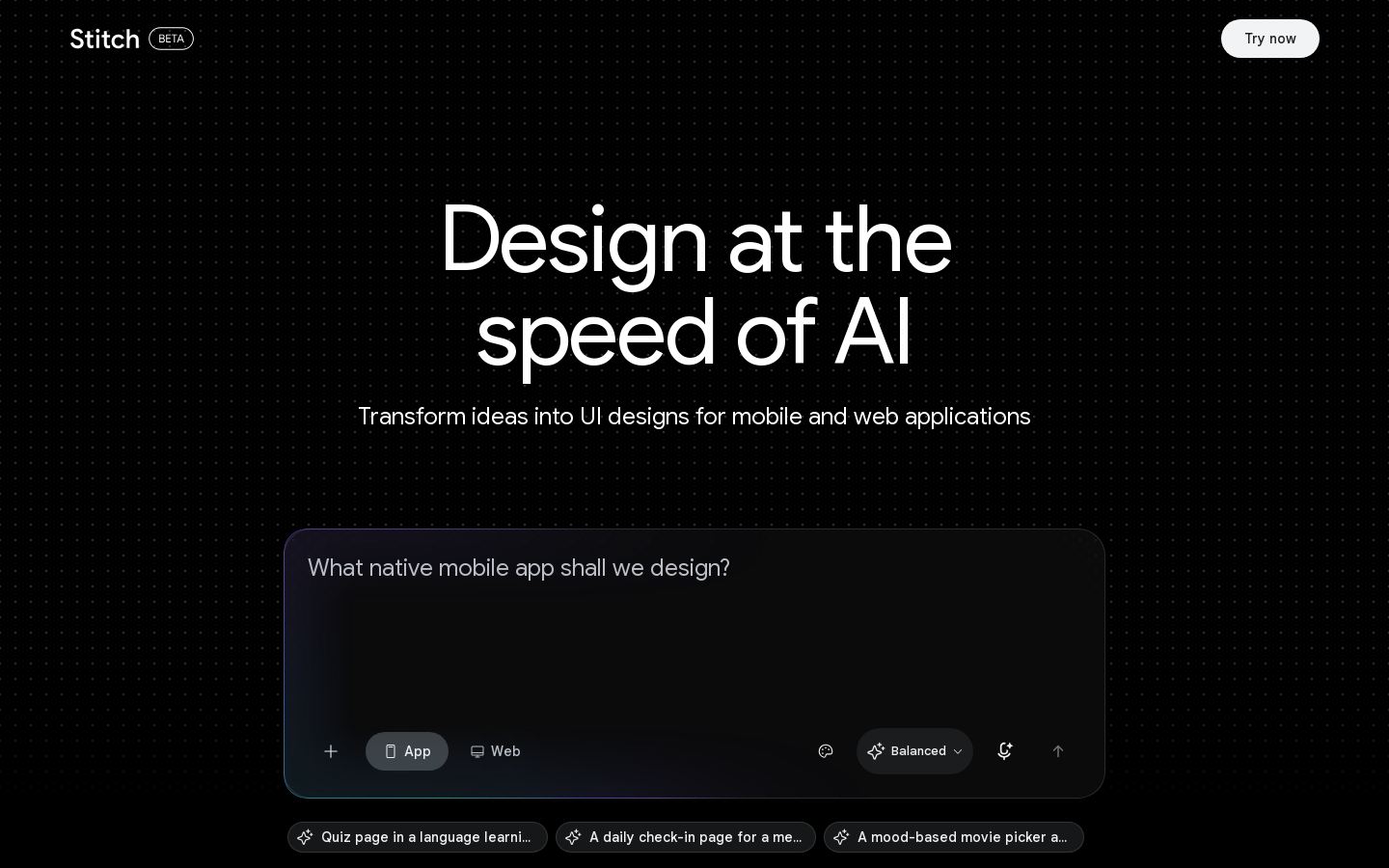 G

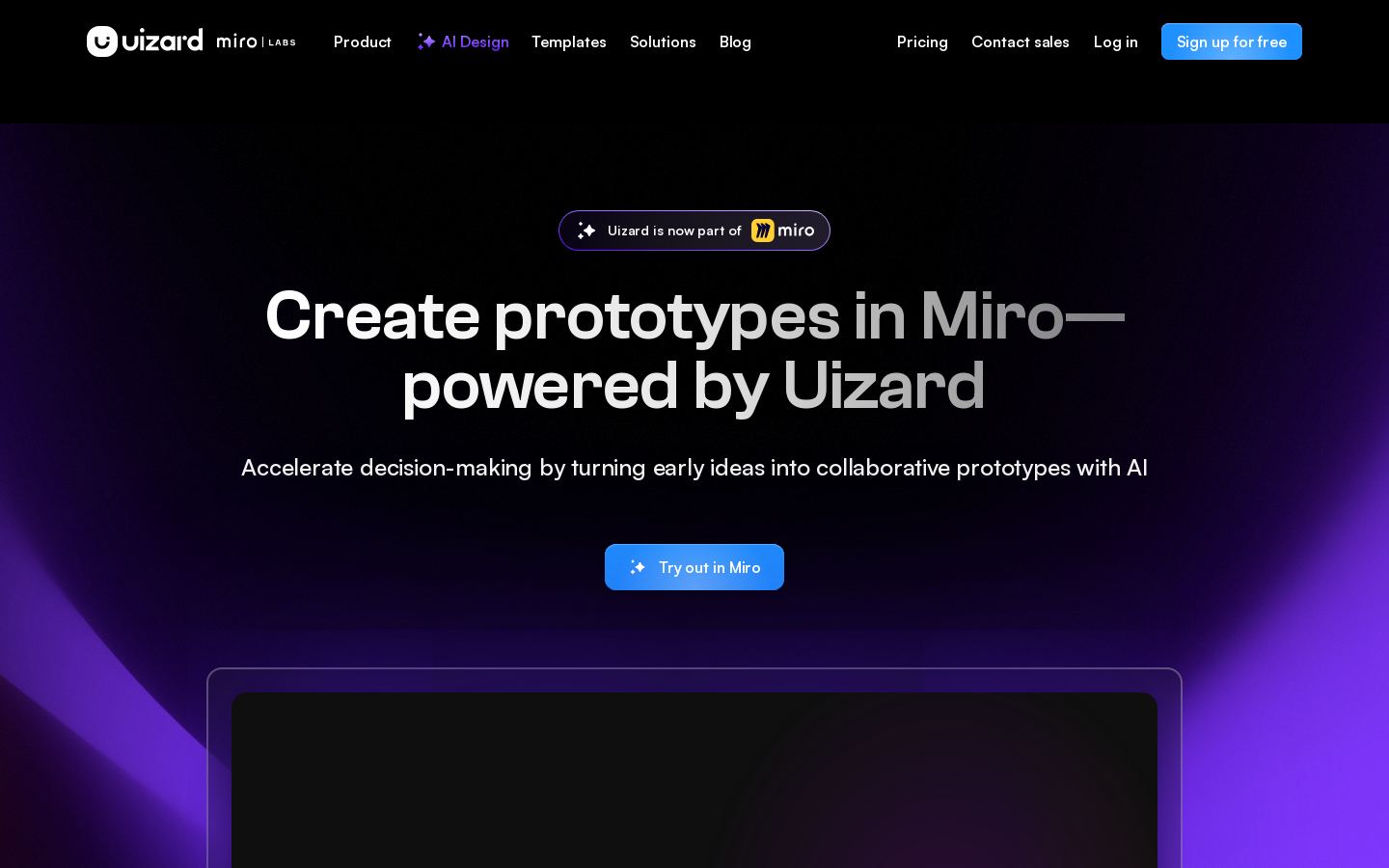 U
AI UI design tool that turns text prompts and screenshots into app mockups

 A
Construction management platform covering design, preconstruction, build and handover
Construction management platform covering design, preconstruction, build and handover

 L

 V
AI wireframes, mockups and prototypes for non-designers and product teams
 B
AI logo maker with brand guides, business cards and social assets

 S
 L
AI logo maker for small businesses and personal brands, free to design
From each vendor's own pages, re-checked every two months. Of 15 tools we checked, 1 of 2 that state a policy don't train AI on your content, and 3 hold SOC 2 or ISO 27001.
Most tools in this category start free or cheap, so the bigger differences are what each tool produces and how you can use it.
We have not tested these tools. Check current plans on each vendor's site.
Yes. Canva, Visme and Fotor have free tiers with paid upgrades. Beautiful.ai offers a free trial. Midjourney has no free plan in our listing.
Listed starting prices range from $8/mo for Midjourney to $12/mo for Canva, $12.25/mo for Visme and $14.5/mo for Beautiful.ai. We don't list a starting price for Fotor's paid plans.
First, match the tool to your output. For presentations, look at Beautiful.ai or Visme. For general templates, try Canva. For generated images, look at Midjourney. For photo editing, try Fotor. Then compare pricing models, the platforms each tool supports, and whether you need an API. Fotor is the only listed tool with an API.
Visme is an option for branded presentations, documents and infographics. Beautiful.ai is built for presentations with auto-aligning slides. Fotor combines photo editing with design tools. Midjourney is a better fit if you need original images generated from text.