M
 MM
 A
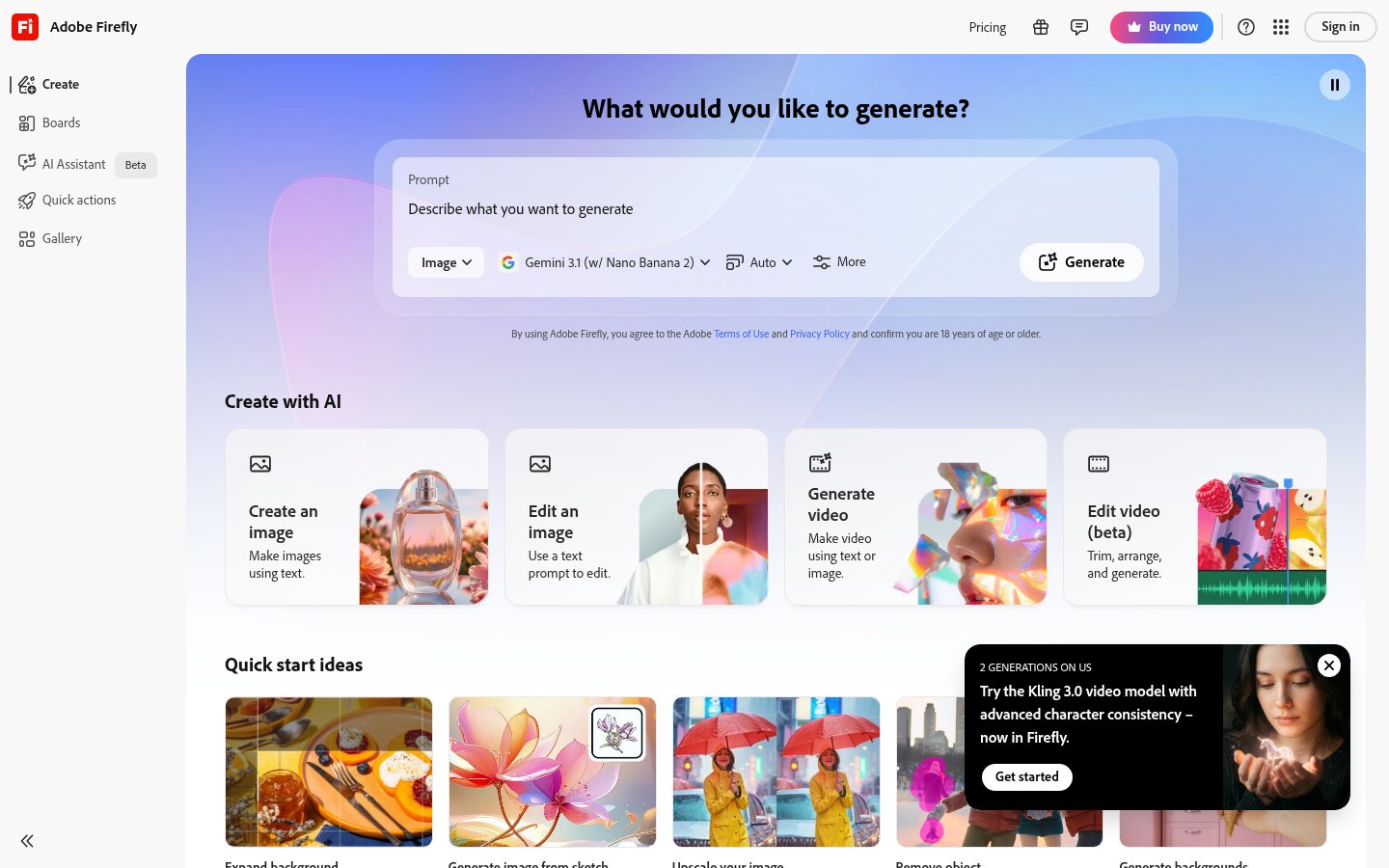
AI studio for generating images, video, audio and music from prompts

 E
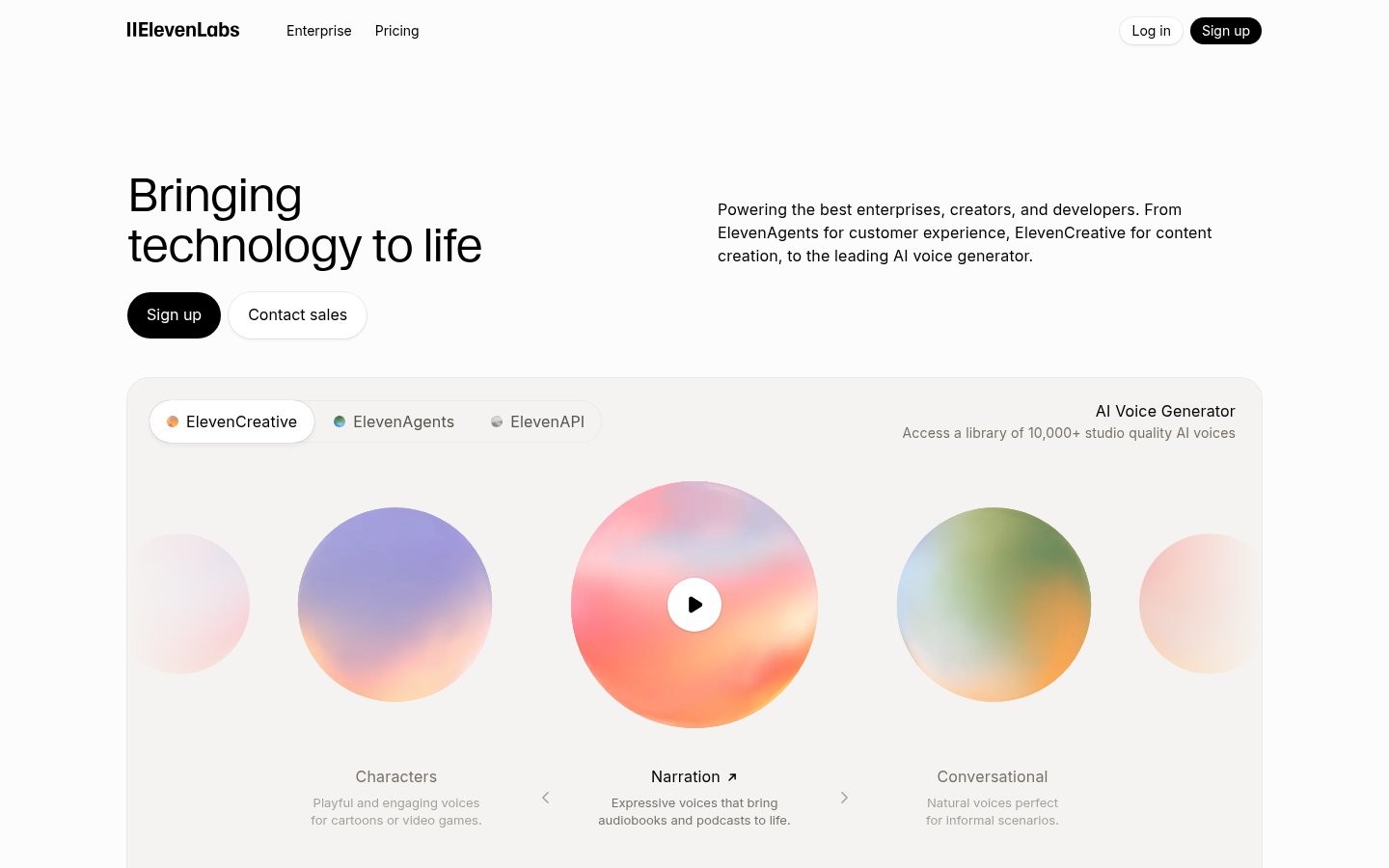
AI voice generation, voice cloning, dubbing and voice agents for creators and teams
AI voice generation, voice cloning, dubbing and voice agents for creators and teams
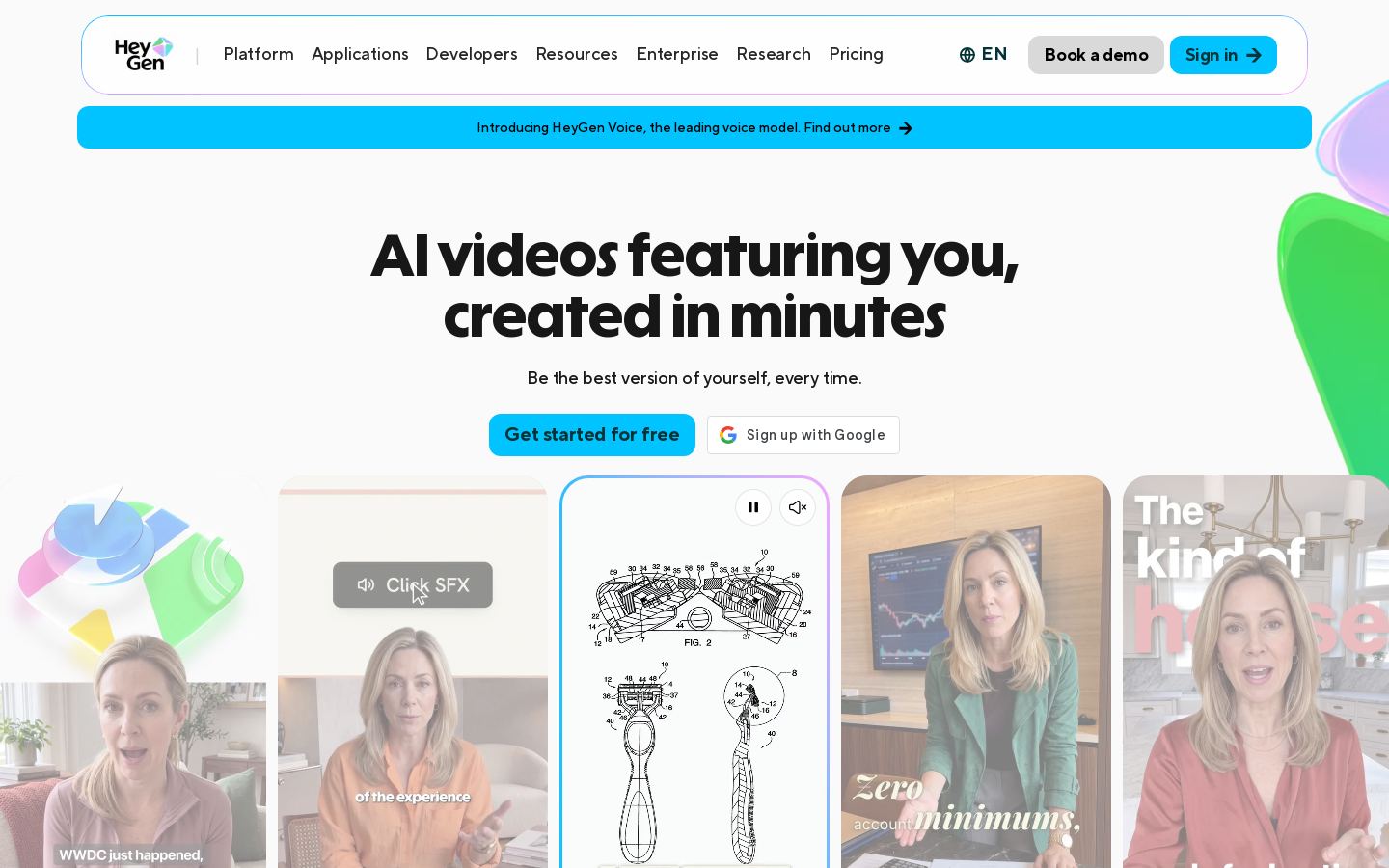 H
AI avatar videos, translation and dubbing for marketing, training and sales

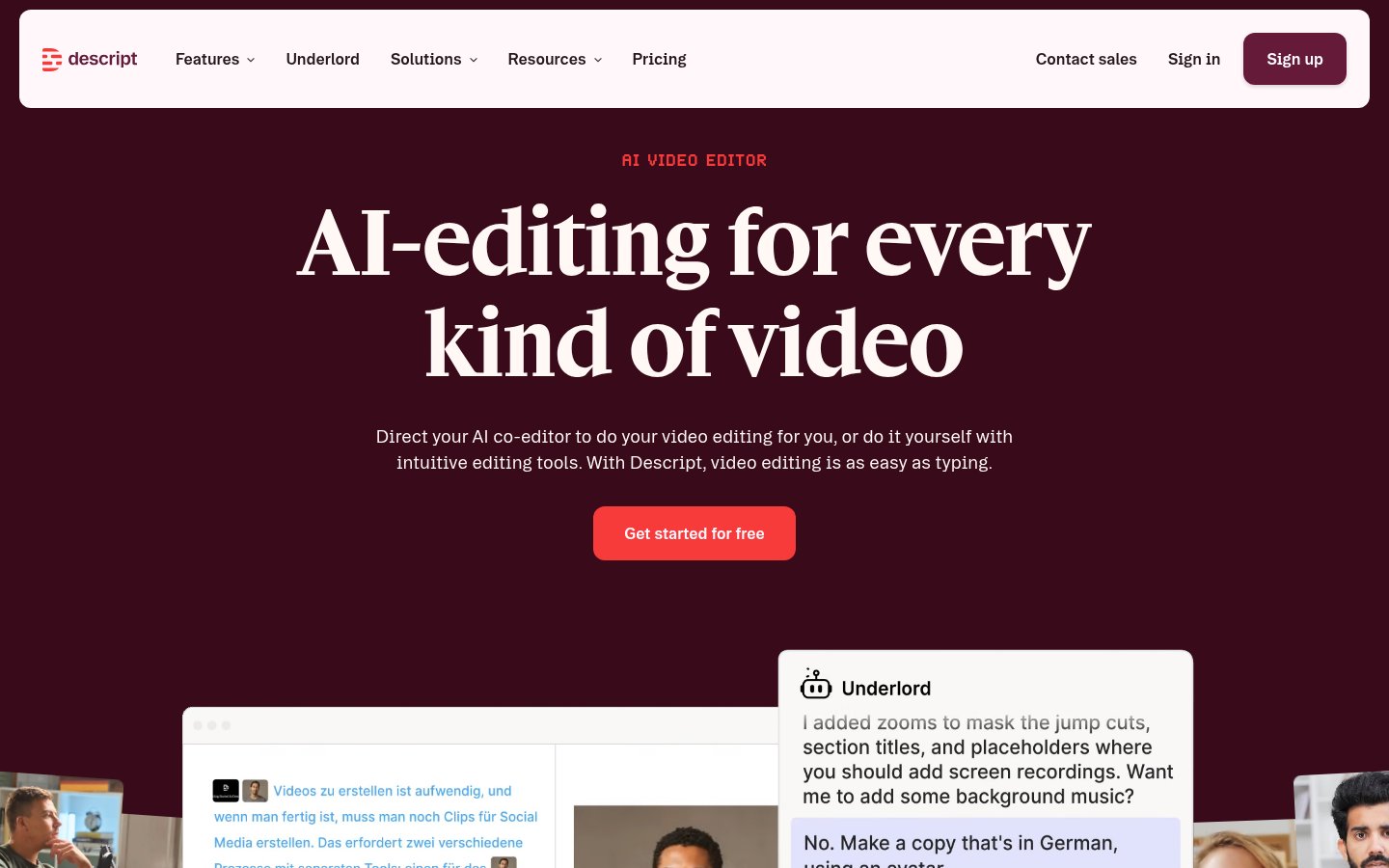 D
Text-based video and podcast editor with AI tools for creators and teams

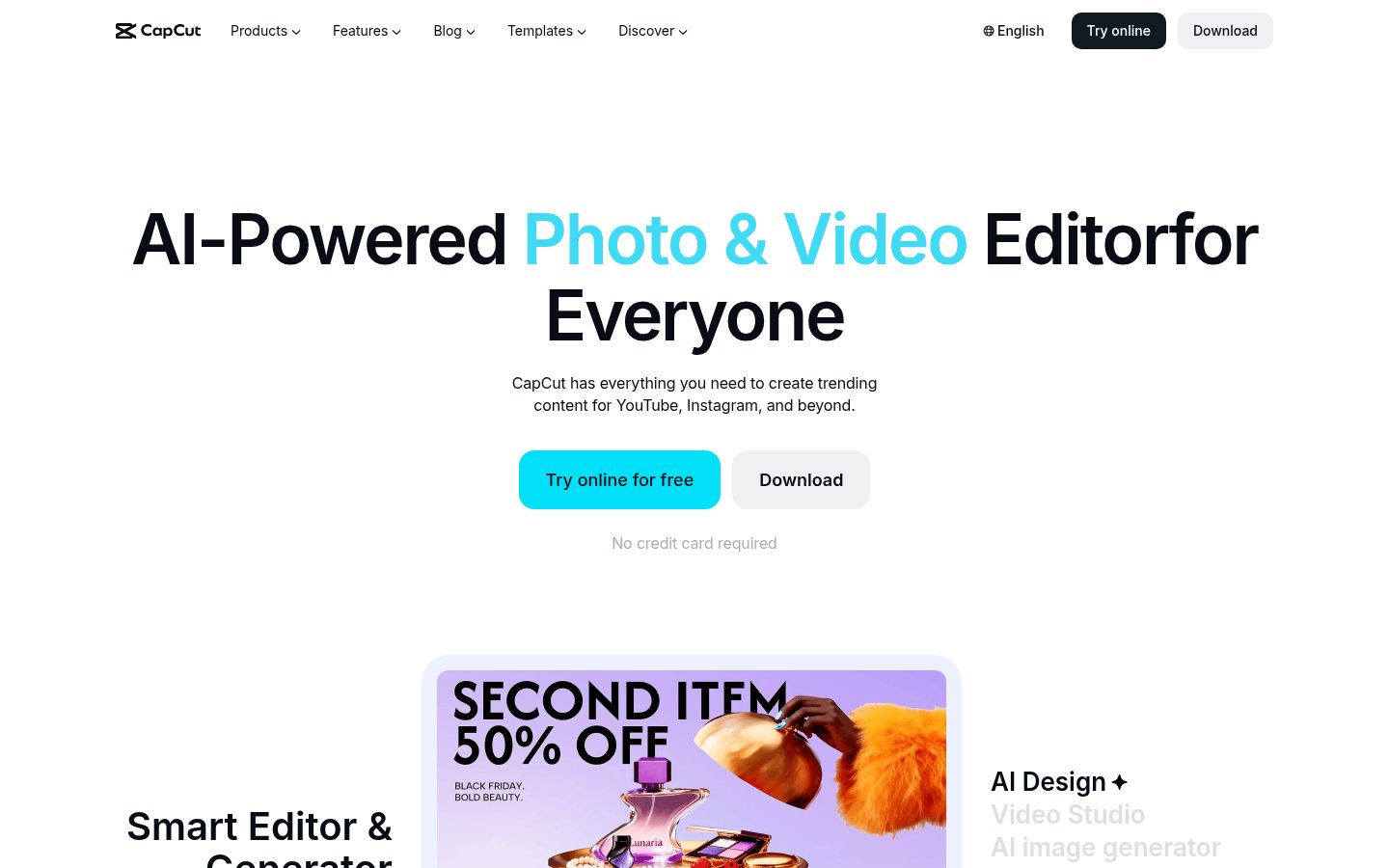 C

 D
Editing, color, VFX, audio and photo post-production in one desktop app
Professional video editing with AI masking, text-based editing and color tools
Professional video editing with AI masking, text-based editing and color tools

 P
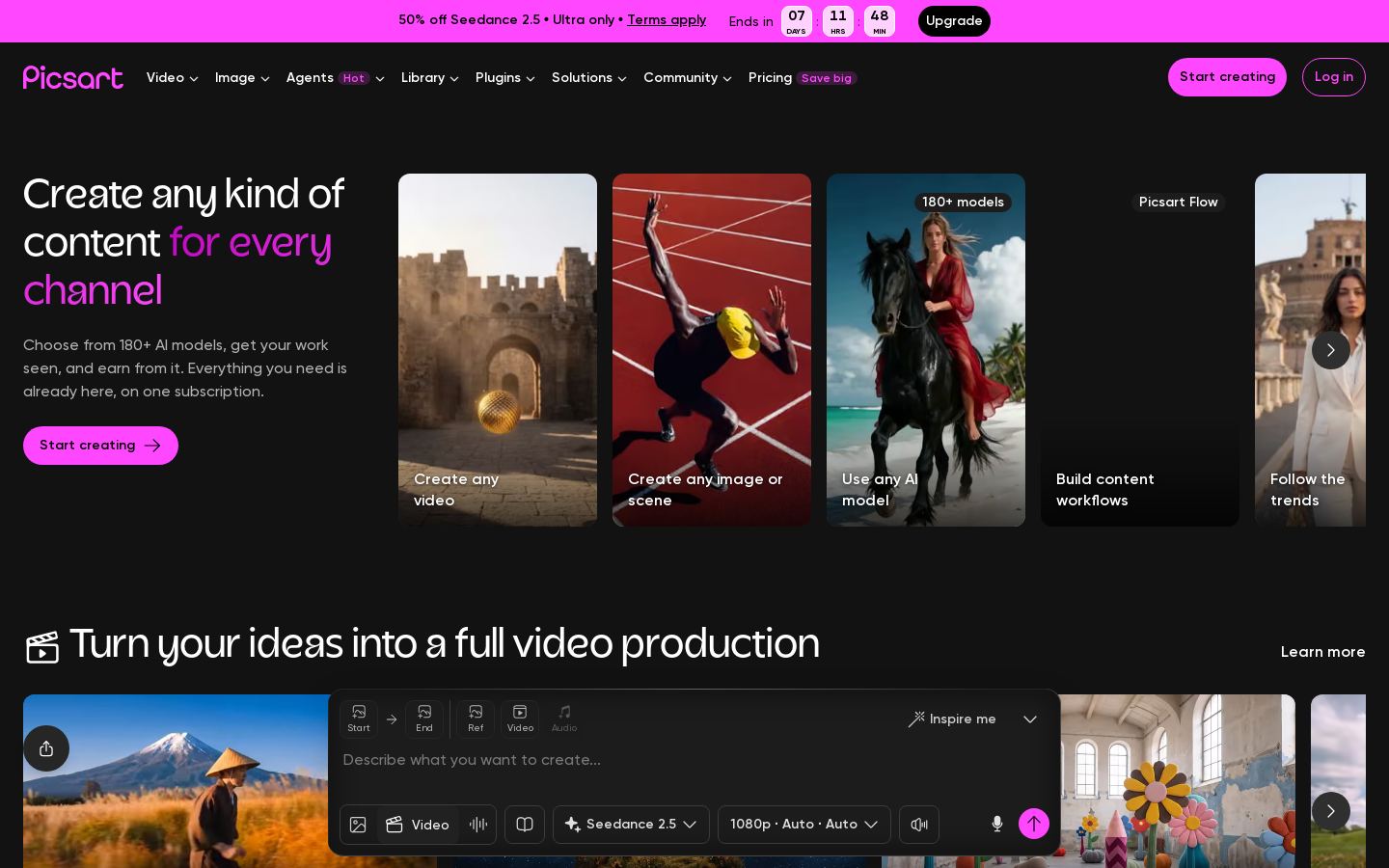
AI photo, video and design editor with generation models for creators and teams
AI photo, video and design editor with generation models for creators and teams

 R
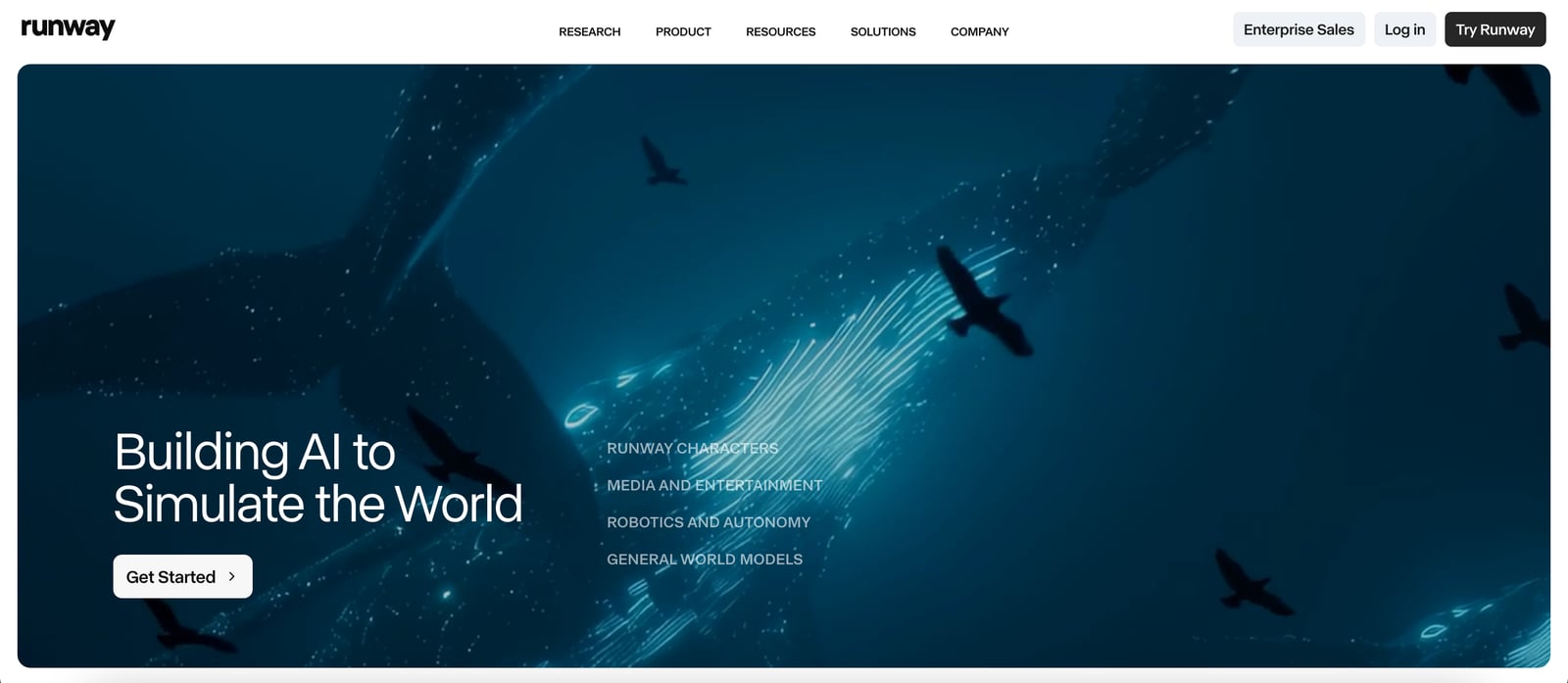
AI video, image and audio generation suite for creators, teams and developers
AI video, image and audio generation suite for creators, teams and developers

 S
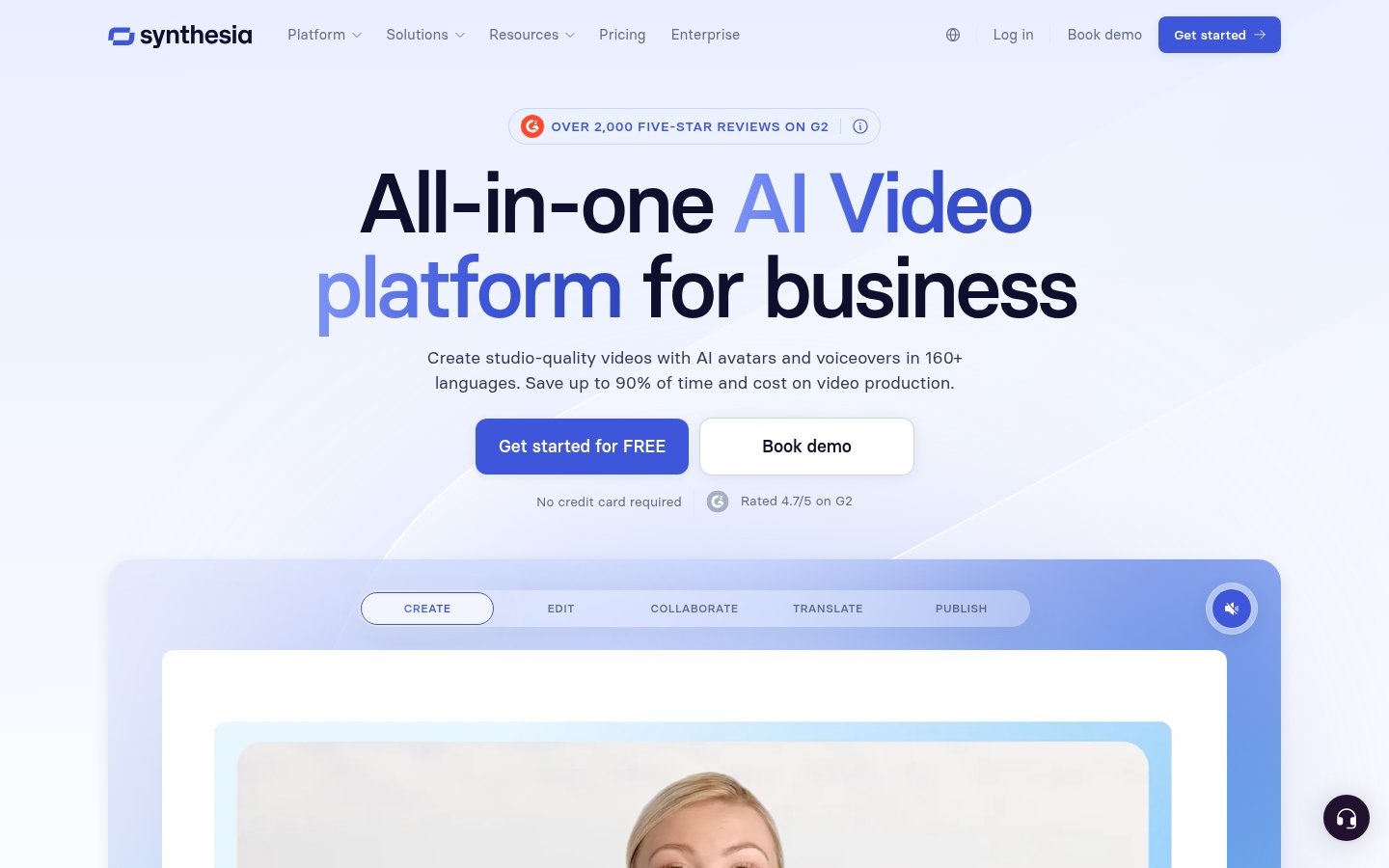
AI avatar videos, dubbing and roleplay sessions for business training and comms
AI avatar videos, dubbing and roleplay sessions for business training and comms
 L
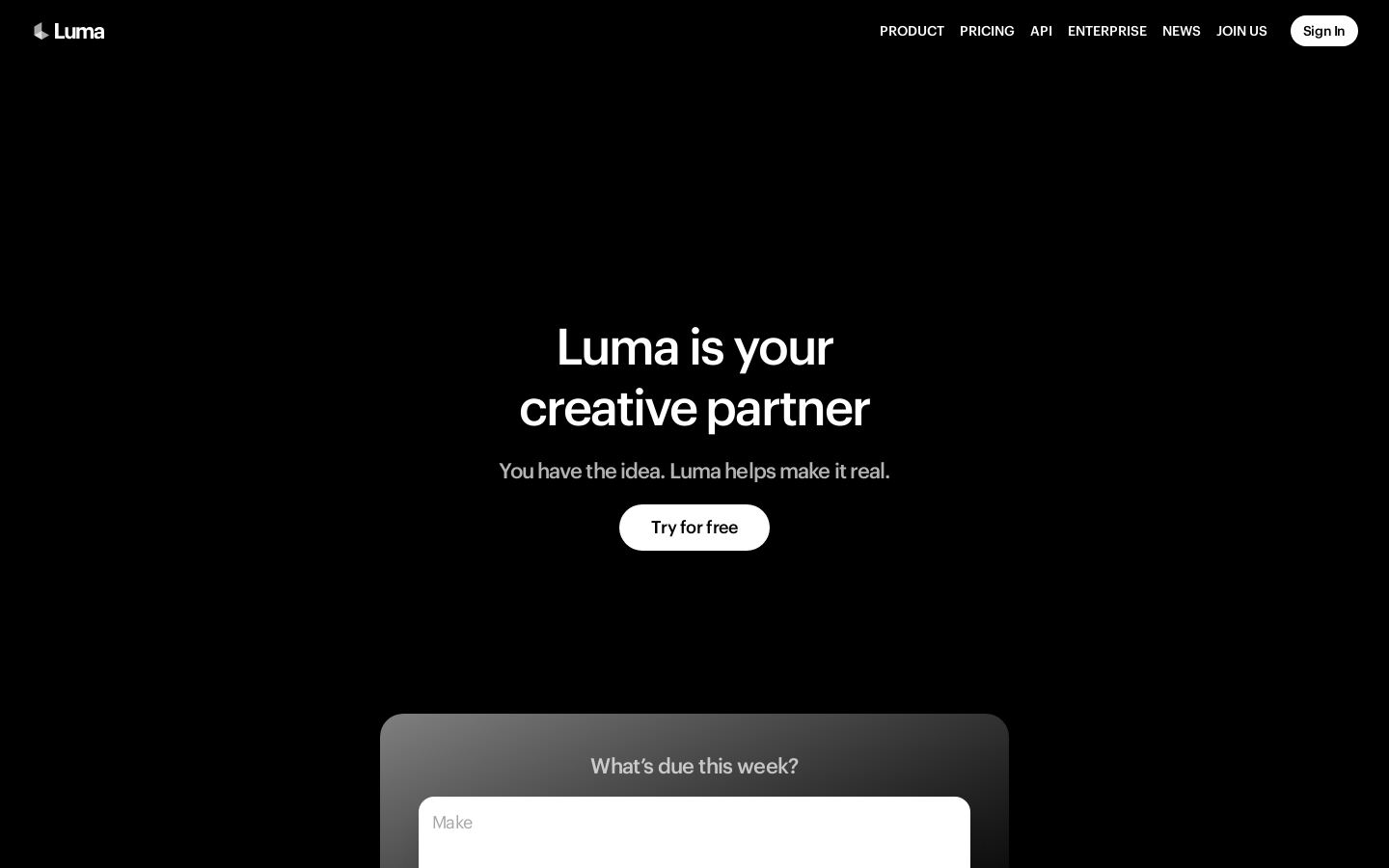
AI video, image and audio generation with creative agents for brand content
AI video, image and audio generation with creative agents for brand content

 O
Turns long videos into short clips with captions and posts them to social
Turns long videos into short clips with captions and posts them to social

 R
Evidence analysis, legal transcription and drafting for legal and investigative teams
Evidence analysis, legal transcription and drafting for legal and investigative teams

 R
Record, edit, stream and publish podcasts and video with AI tools
 D
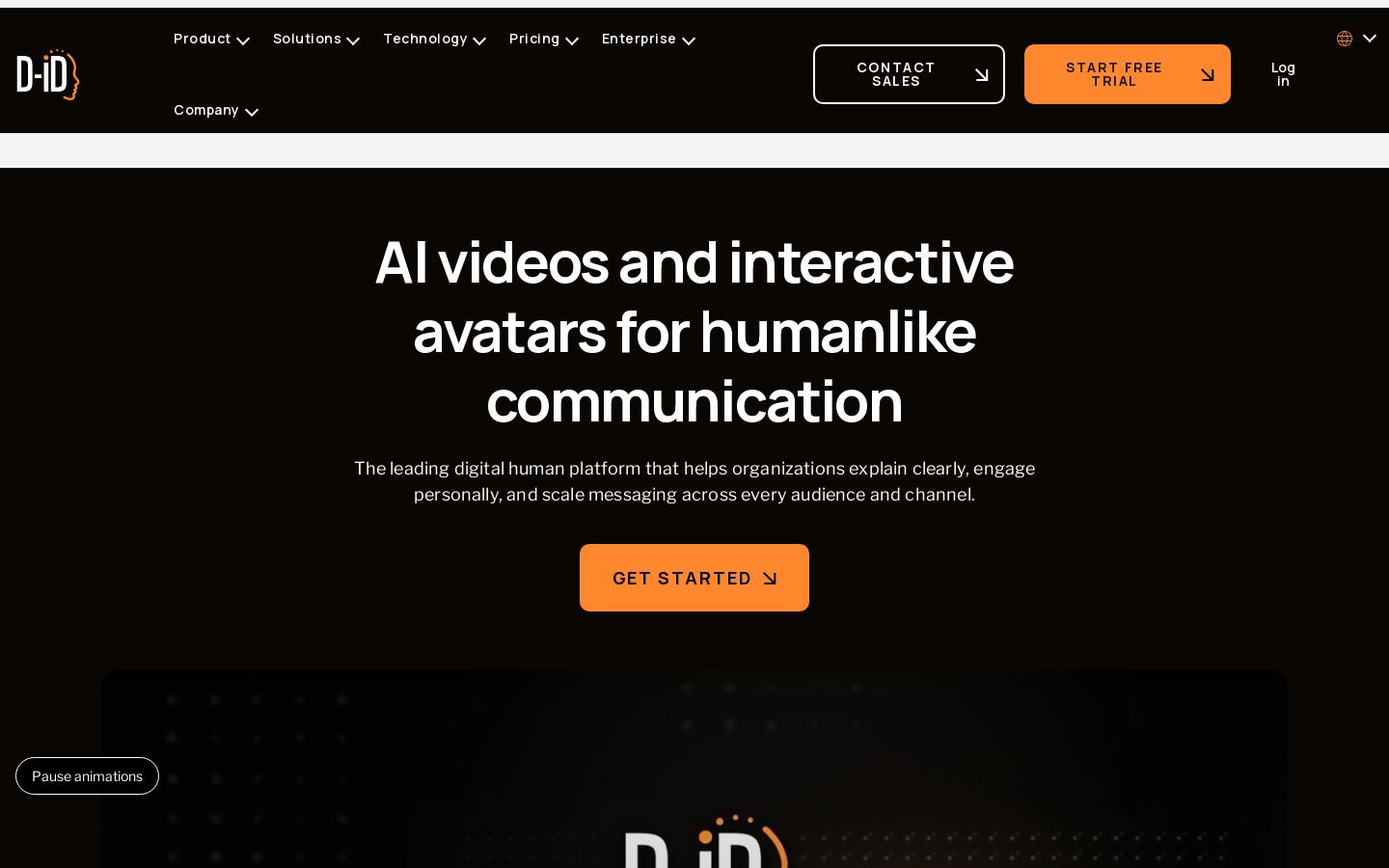
AI avatar videos and real-time conversational digital humans for businesses

 M
AI image, video and audio generation, upscaling and stock assets for creatives
 V

 M
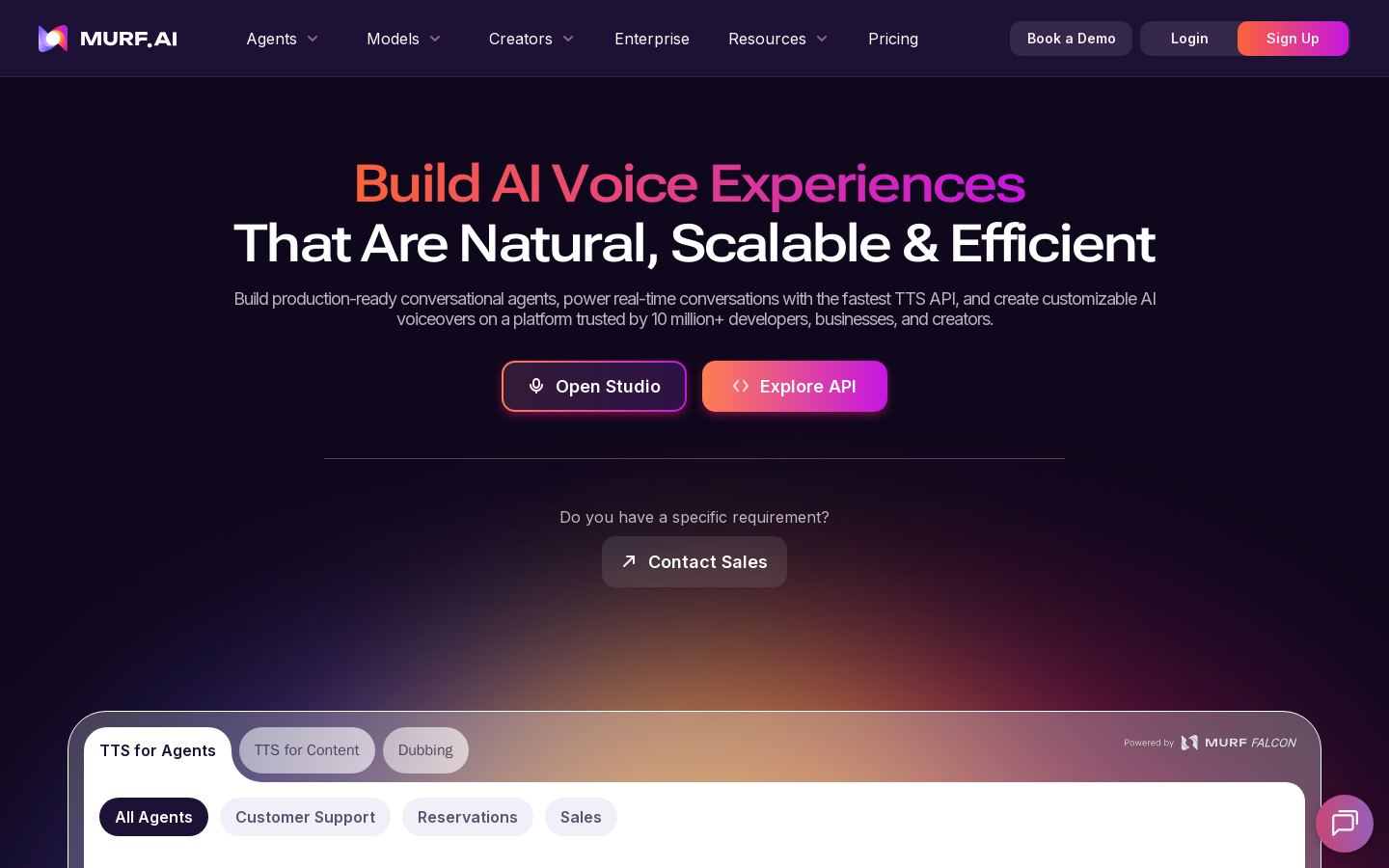
AI voice generator, dubbing and voice agents for creators and businesses

 S

 C
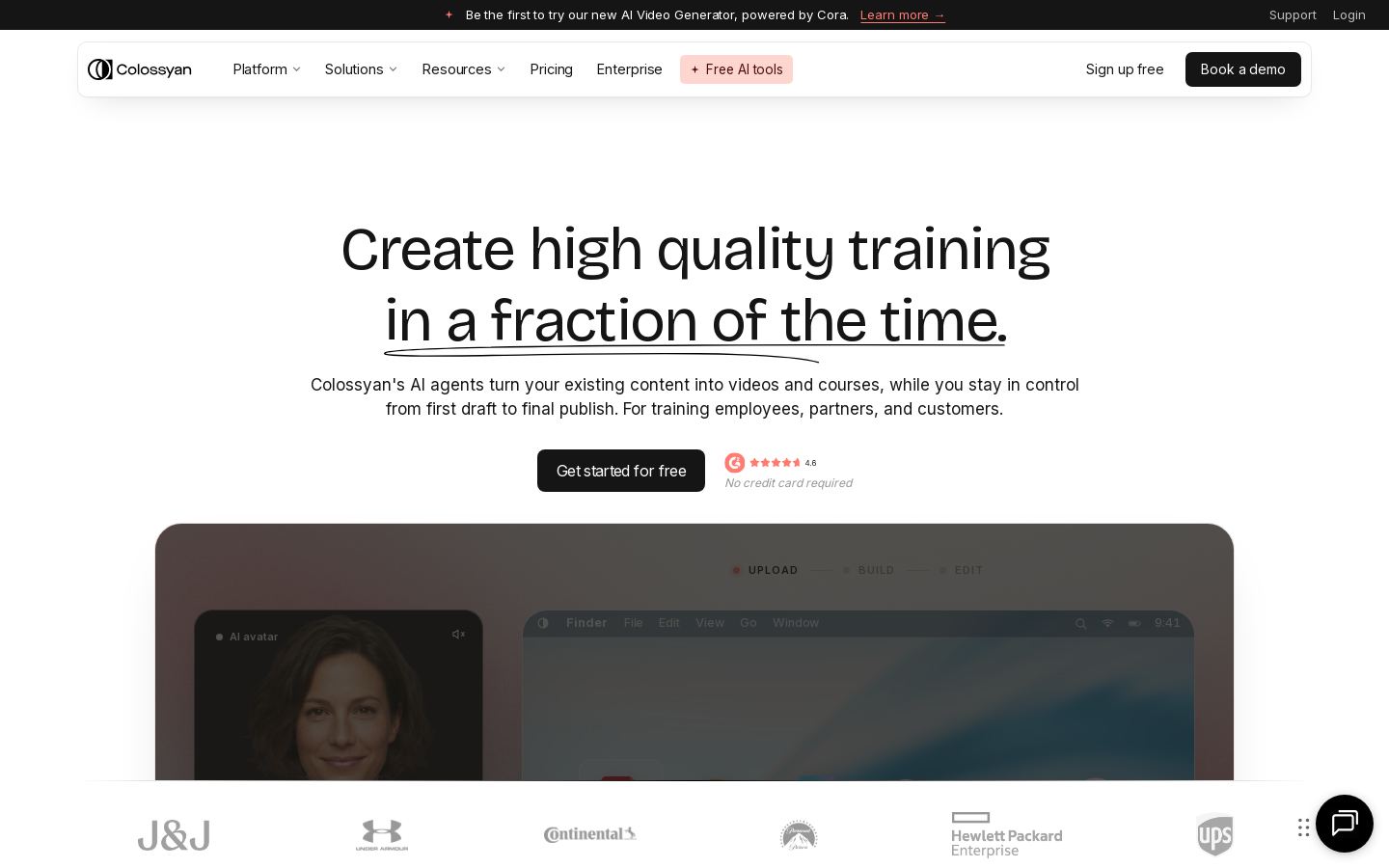
AI avatar videos and interactive courses for corporate training teams

 P
Translation management and localization platform for teams, developers and LSPs

 S
 K
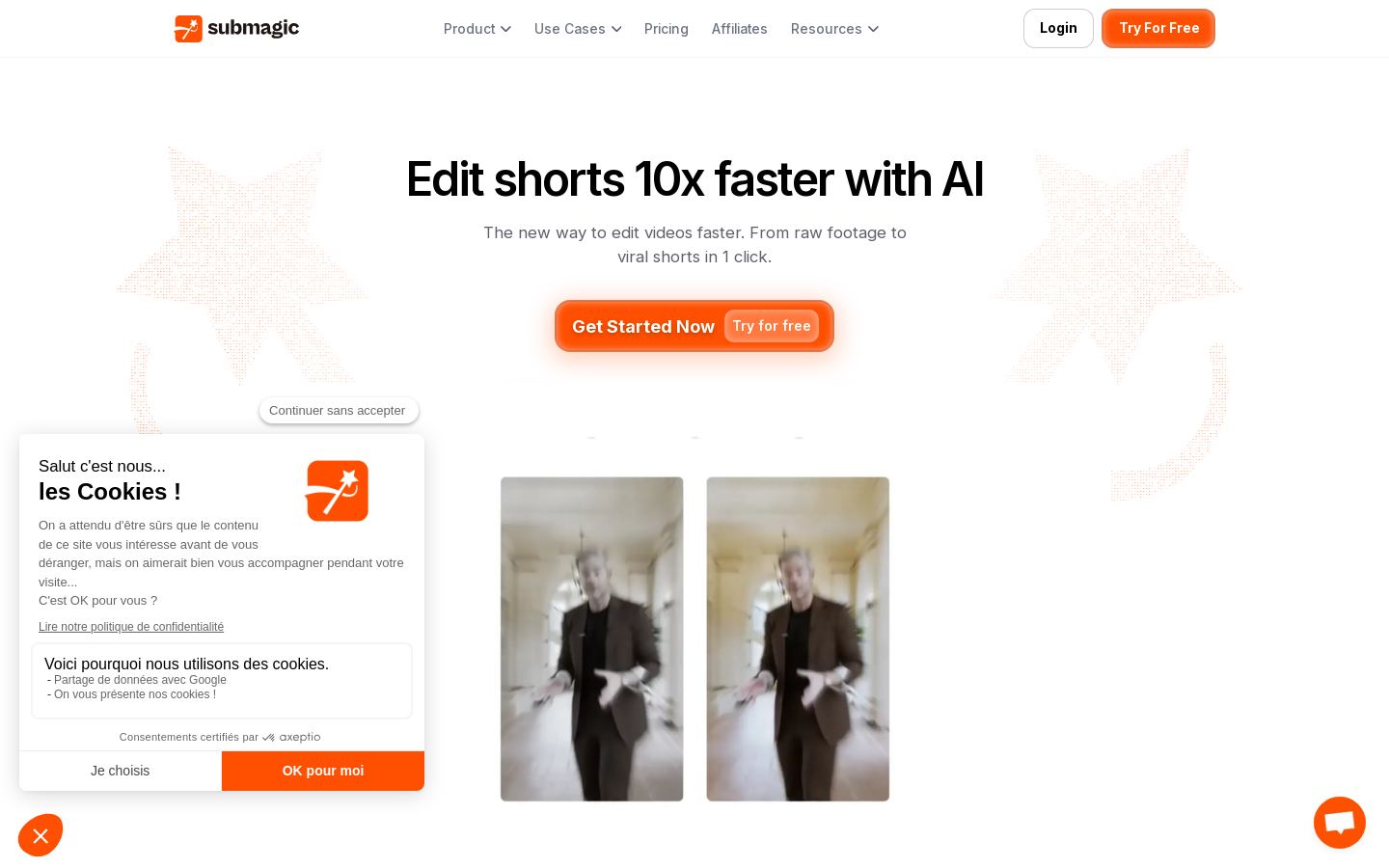
Turns long videos into short vertical clips for TikTok, Reels and Shorts
From each vendor's own pages, re-checked every two months. Of 25 tools we checked, 3 of 9 that state a policy don't train AI on your content, and 11 hold SOC 2 or ISO 27001.
Start with the job, because these tools split by task. Editors such as Descript, CapCut, VEED, Adobe Premiere Pro and DaVinci Resolve are built for editing video. Generators such as Runway and Luma AI create video with AI. Clipping tools such as Opus Clip, Klap and Vizard.ai cut long videos into short ones, while Synthesia, HeyGen and Colossyan make avatar videos for business use.
Next, check where each tool runs. Many are web-based, but DaVinci Resolve is a desktop app for macOS, Windows and Linux, and CapCut covers web, desktop and mobile.
Then compare pricing models. Many tools are freemium, Midjourney and Submagic are paid only, and Luma AI and Premiere Pro offer free trials.
Finally, consider API access and open source. If you need to automate video work, Runway, Klap, HeyGen and Synthesia all offer APIs. Audapolis is a free, open-source editor for spoken-word audio and video. We haven't tested these tools, so confirm details with each vendor.
Yes. Audapolis and WhisperX are free and open source, though Audapolis is a spoken-word editor and WhisperX handles speech recognition rather than video editing. Descript, CapCut, VEED, DaVinci Resolve, Runway, Opus Clip and Vizard.ai are among the freemium options. Check each vendor's site for free plan limits.
Listed starting prices run from $6/mo for ElevenLabs, a voice tool, to $59/mo for Colossyan. Examples in between include Midjourney at $8/mo, Runway at $12/mo, Opus Clip at $14.50/mo, Descript at $16/mo, Synthesia at $19/mo and Adobe Premiere Pro at $22.99/mo. Some tools, including CapCut, VEED and DaVinci Resolve, have no starting price in our list.
First, match the tool to the task: editing, generating, clipping or avatar videos. Then check that it runs on your platform, whether its pricing model suits you, and whether you need an API or open-source code. For example, Submagic focuses on captions and auto-editing for short social videos, while Colossyan focuses on avatar videos and interactive courses for corporate training teams.
DaVinci Resolve is the closest match in our list, combining editing, color, VFX and audio post-production in a desktop app. It also runs on Linux, which Premiere Pro doesn't list. For browser-based editing, consider VEED or Descript. CapCut suits social media creators who want templates, and Audapolis is a free, open-source option for spoken-word audio and video.