A
 AA
AI studio for generating images, video, audio and music from prompts

 C

 D
Editing, color, VFX, audio and photo post-production in one desktop app

 P
AI photo, video and design editor with generation models for creators and teams
AI photo, video and design editor with generation models for creators and teams

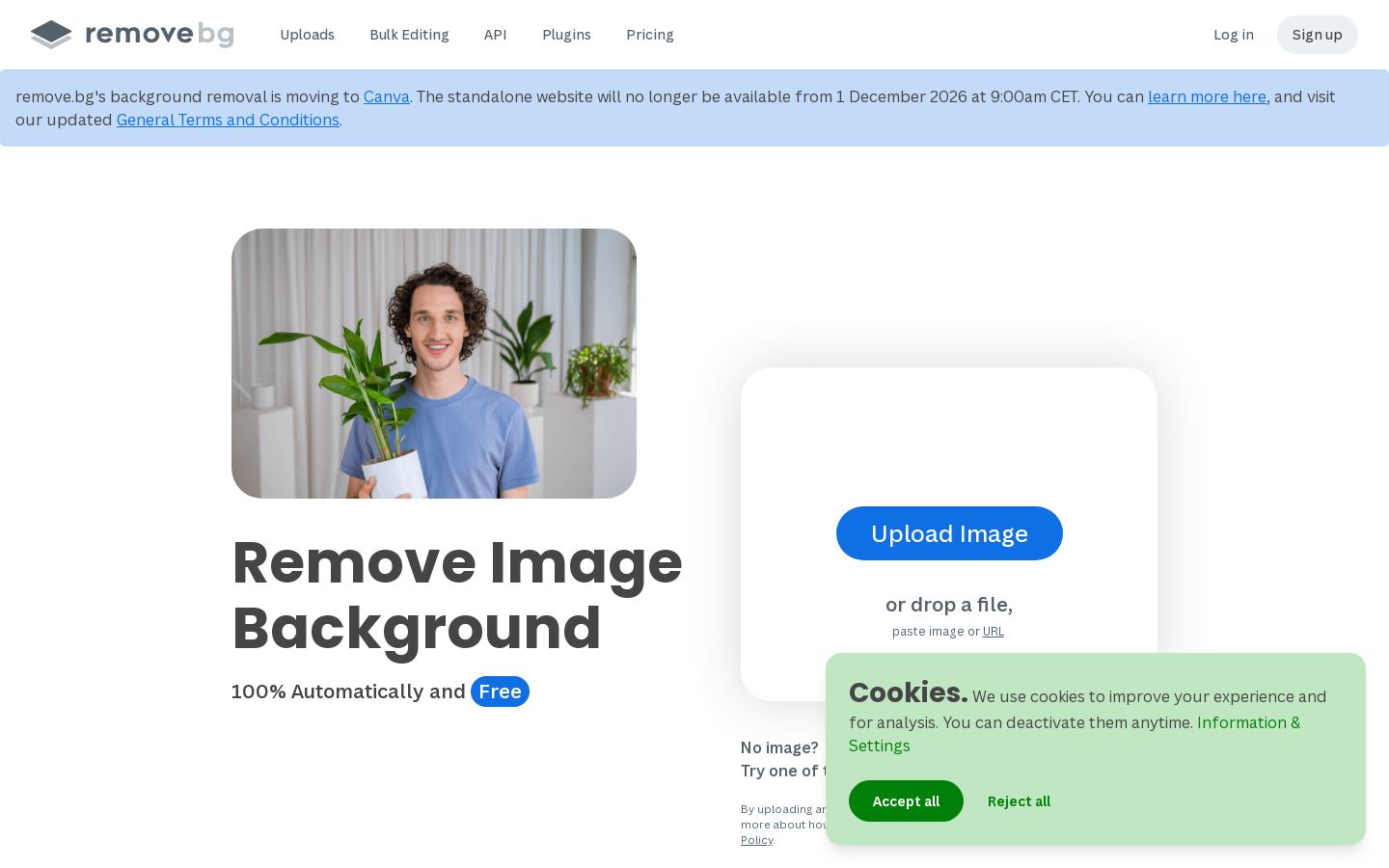 R
Automatic image background removal for individuals, ecommerce and developers

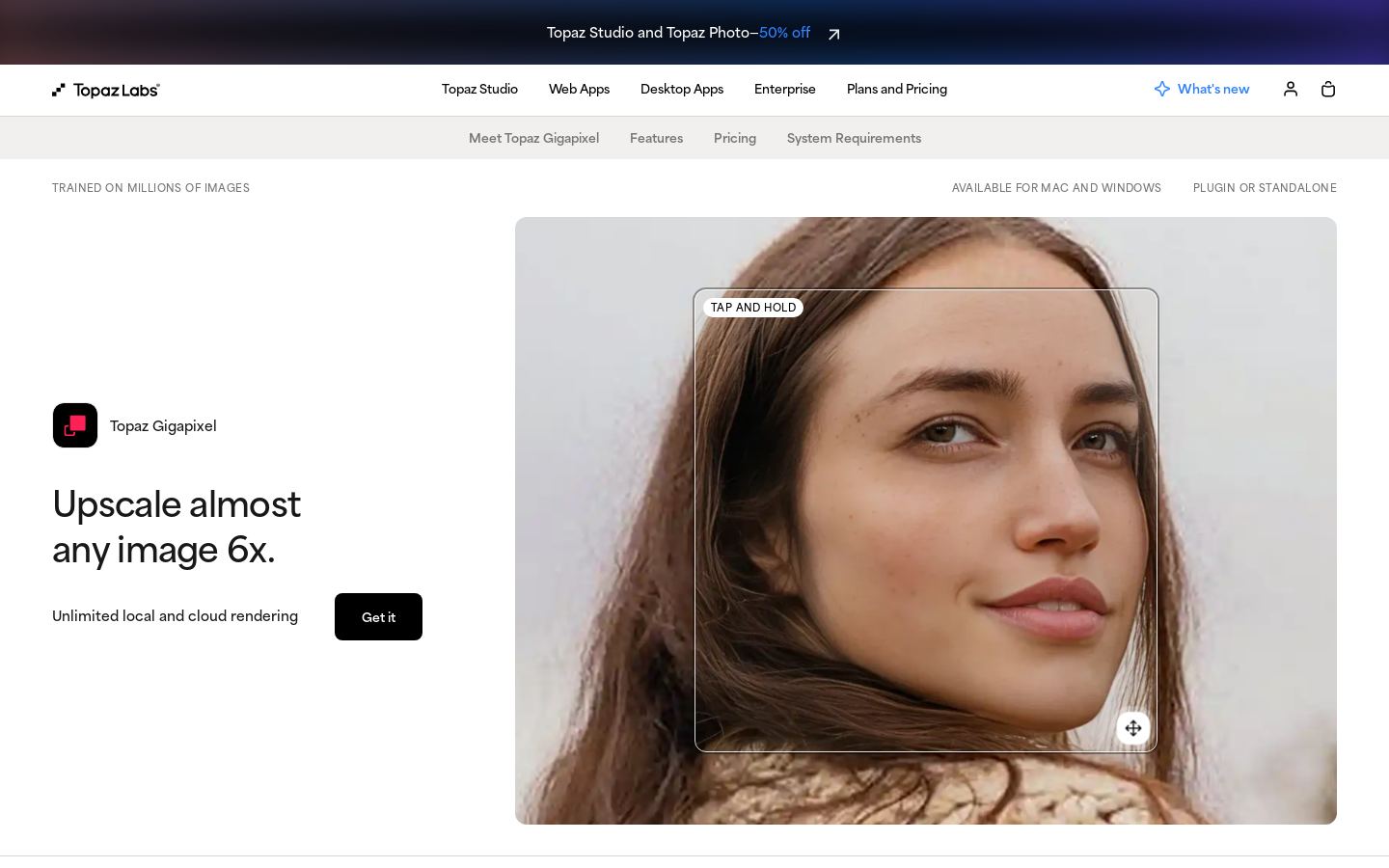 T
AI image upscaling up to 16x for photographers and creative professionals
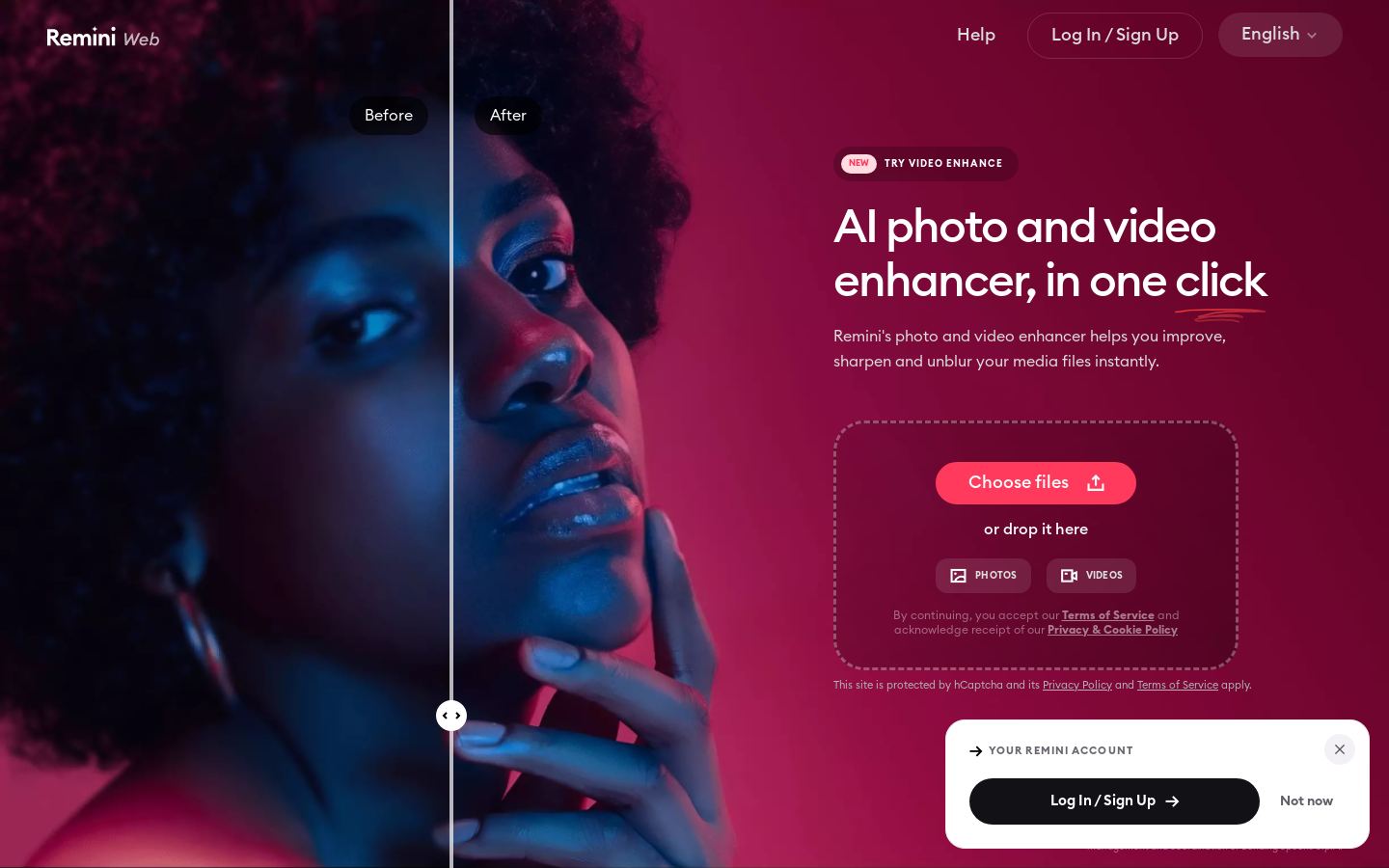 R
AI photo enhancer for improving and restoring photos and videos in the browser

 P
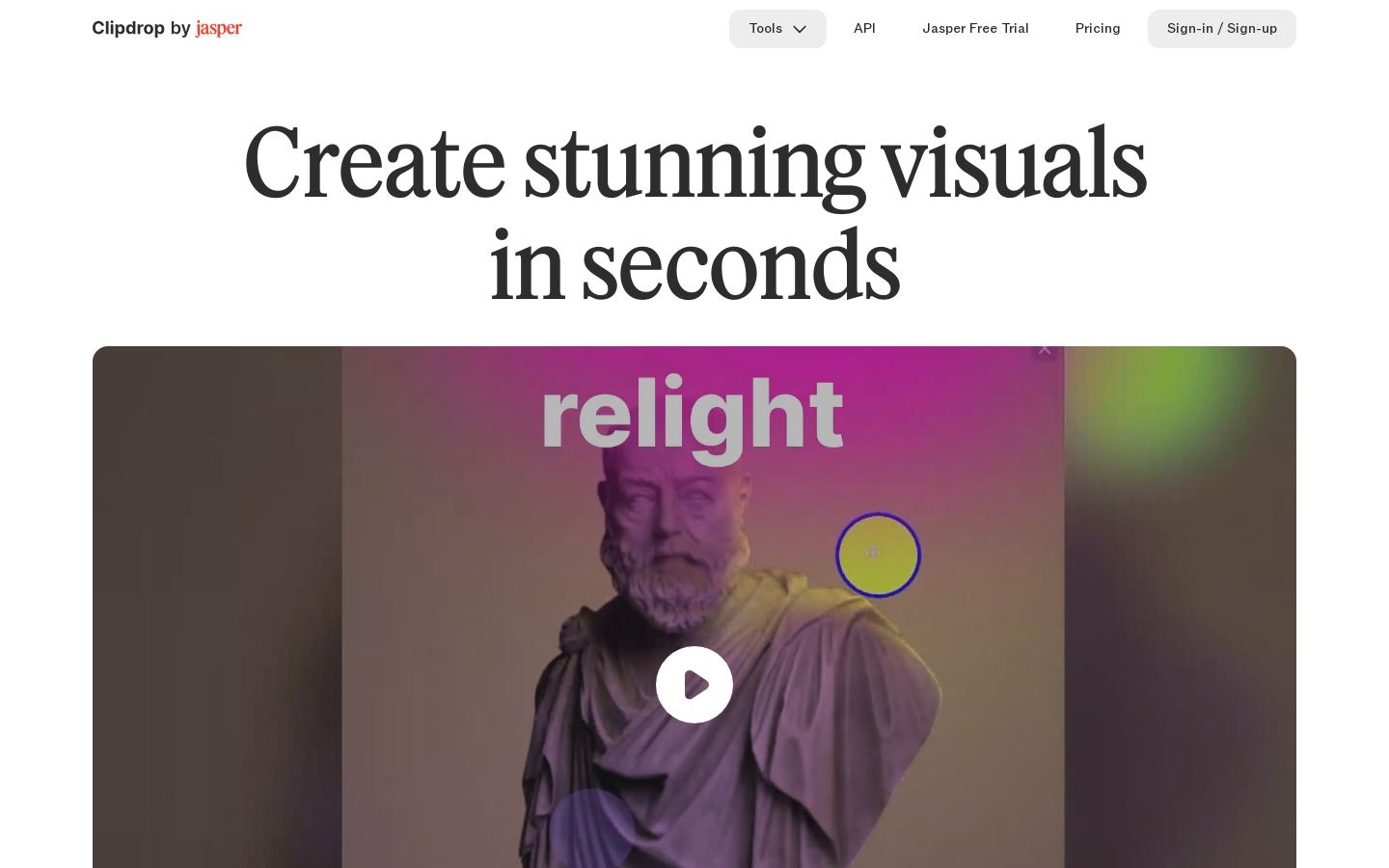 C
Browser-based AI image tools for removing backgrounds, cleanup, upscaling and generation
Browser-based AI image tools for removing backgrounds, cleanup, upscaling and generation
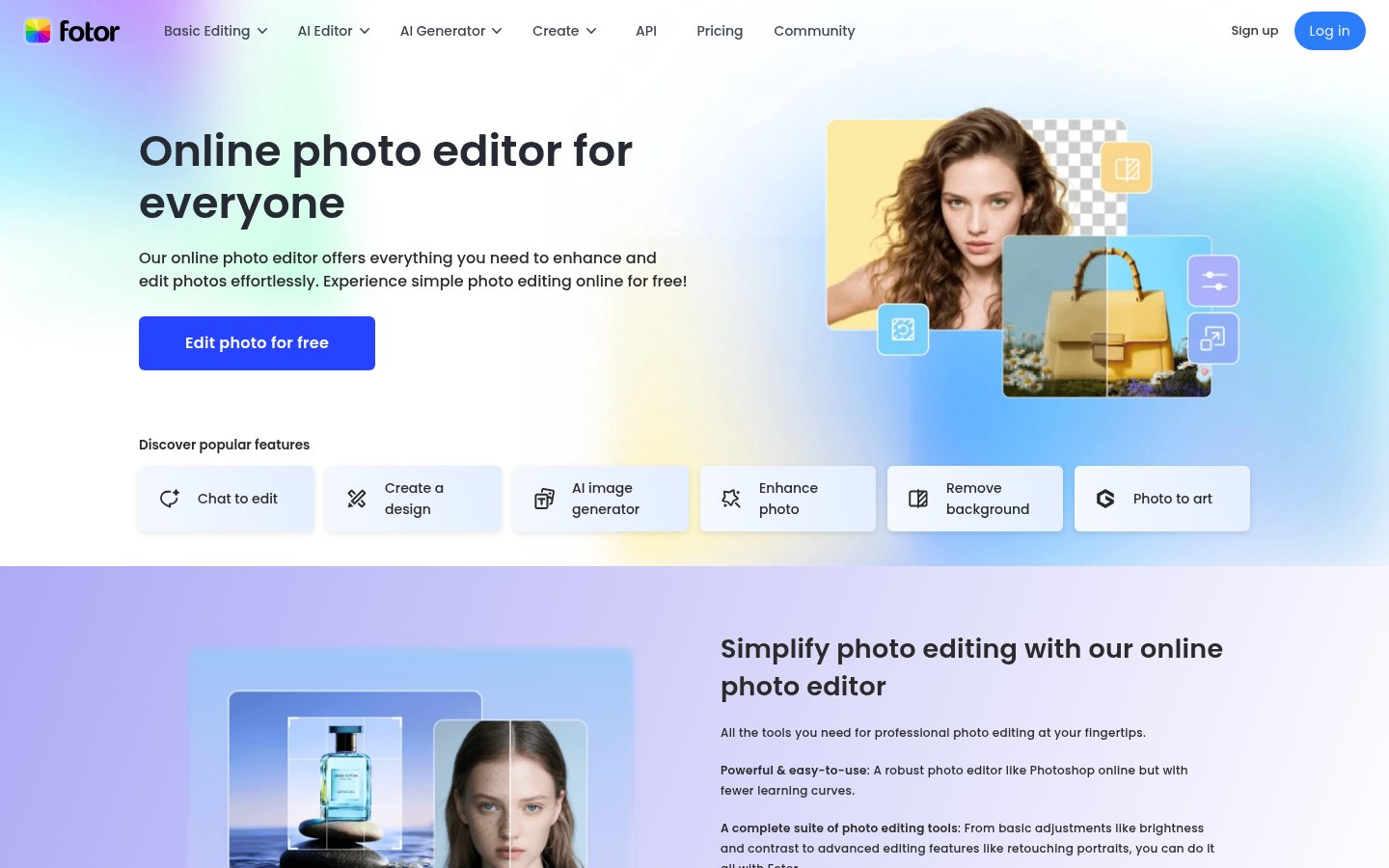 F
Online photo editor with AI image, video and design tools for creators
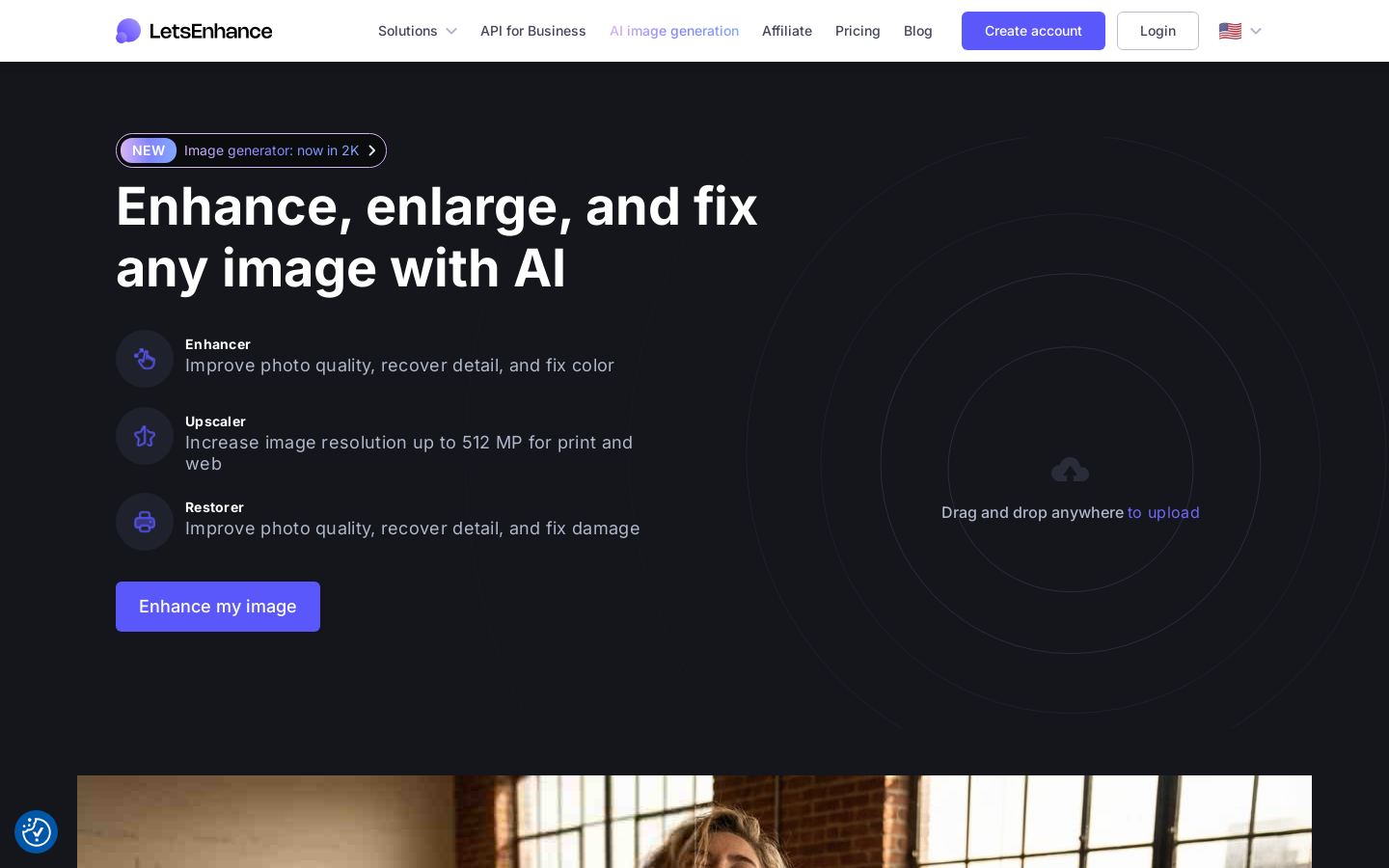 L
Browser-based AI photo upscaling, enhancement and restoration up to 512 MP
Browser-based AI photo upscaling, enhancement and restoration up to 512 MP
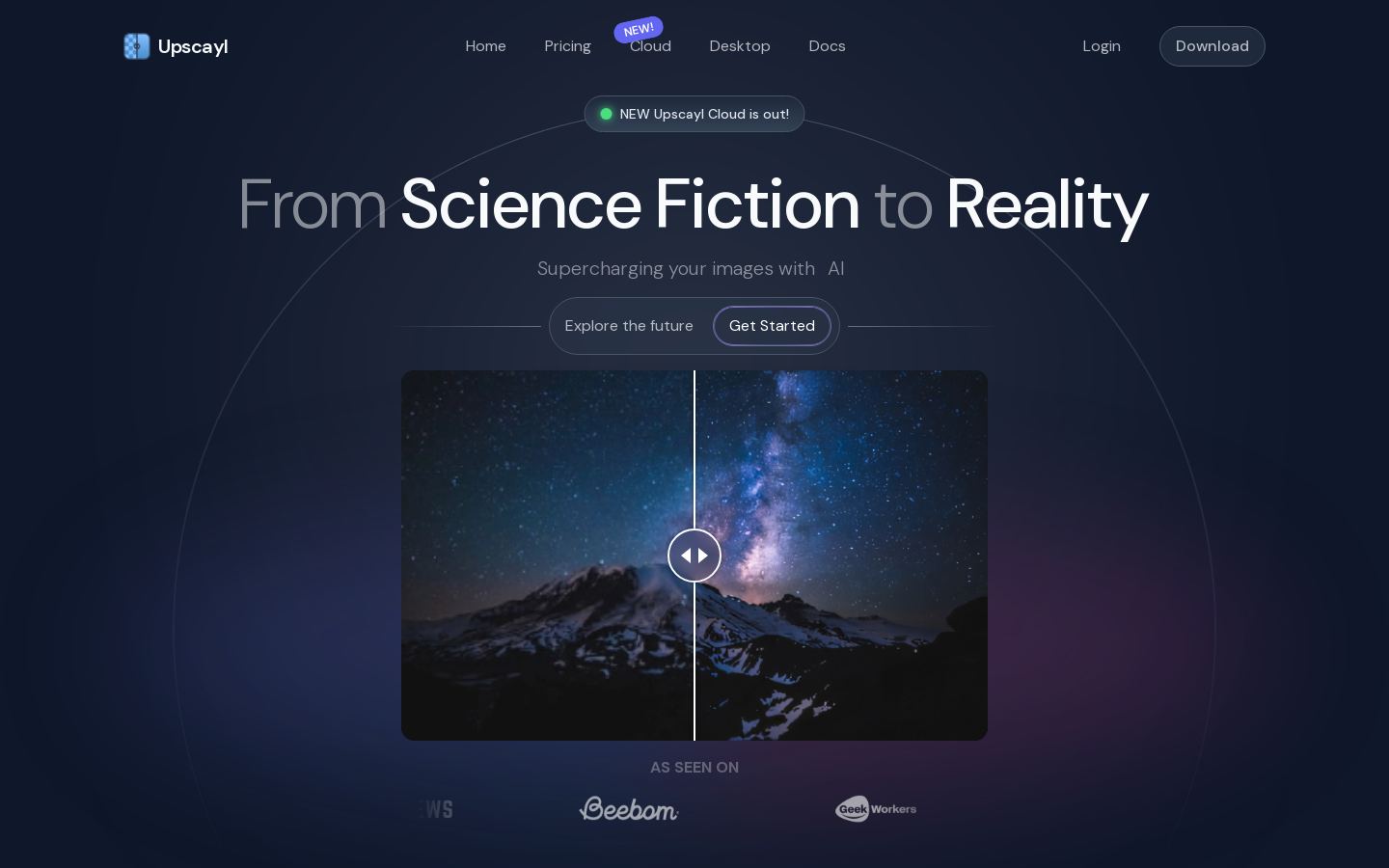 U
Free, open-source AI image upscaler for desktop, with a paid cloud option
Free, open-source AI image upscaler for desktop, with a paid cloud option

 A
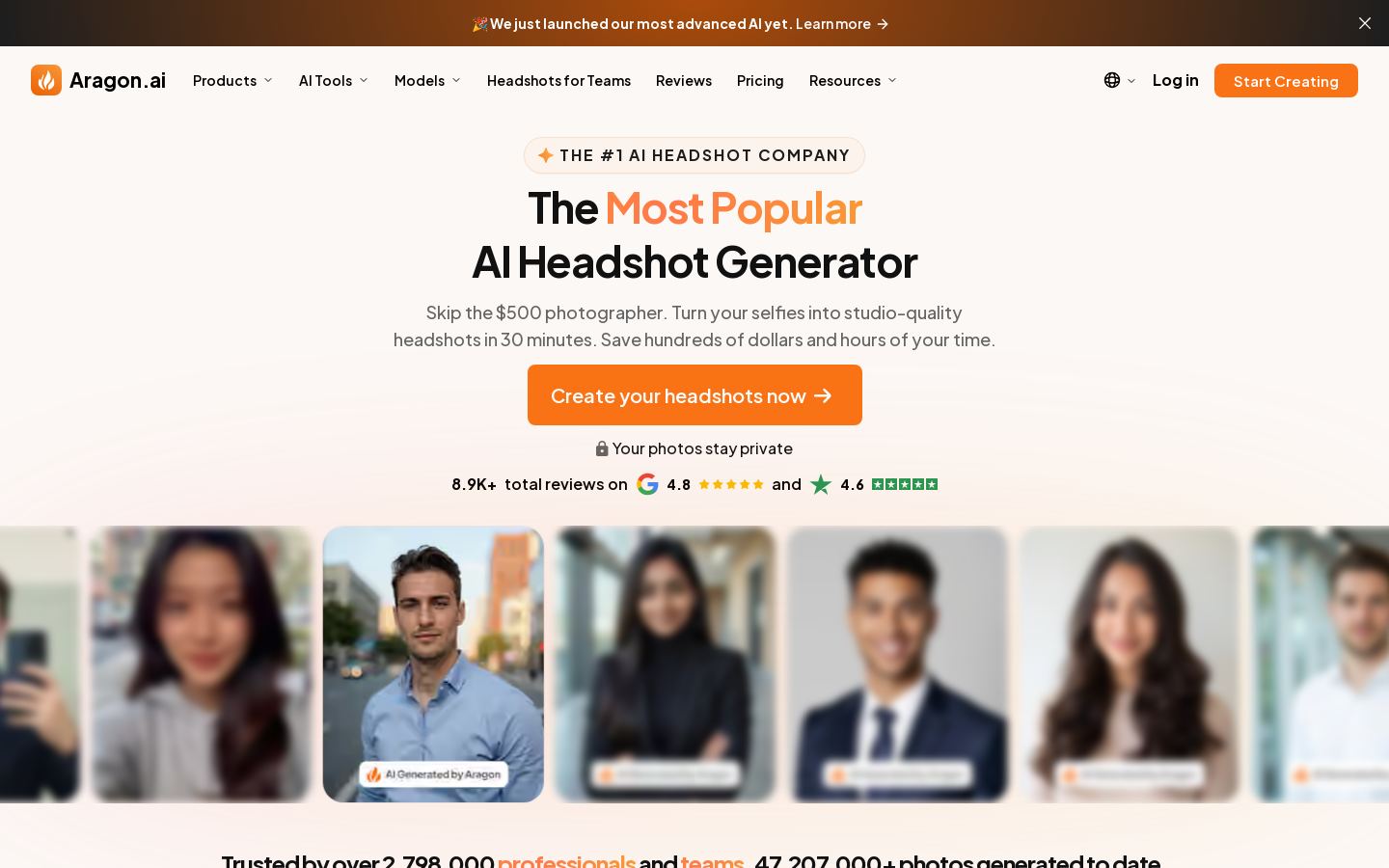
AI headshot generator that turns selfies into professional photos for individuals and team
AI headshot generator that turns selfies into professional photos for individuals and team

 L

 R
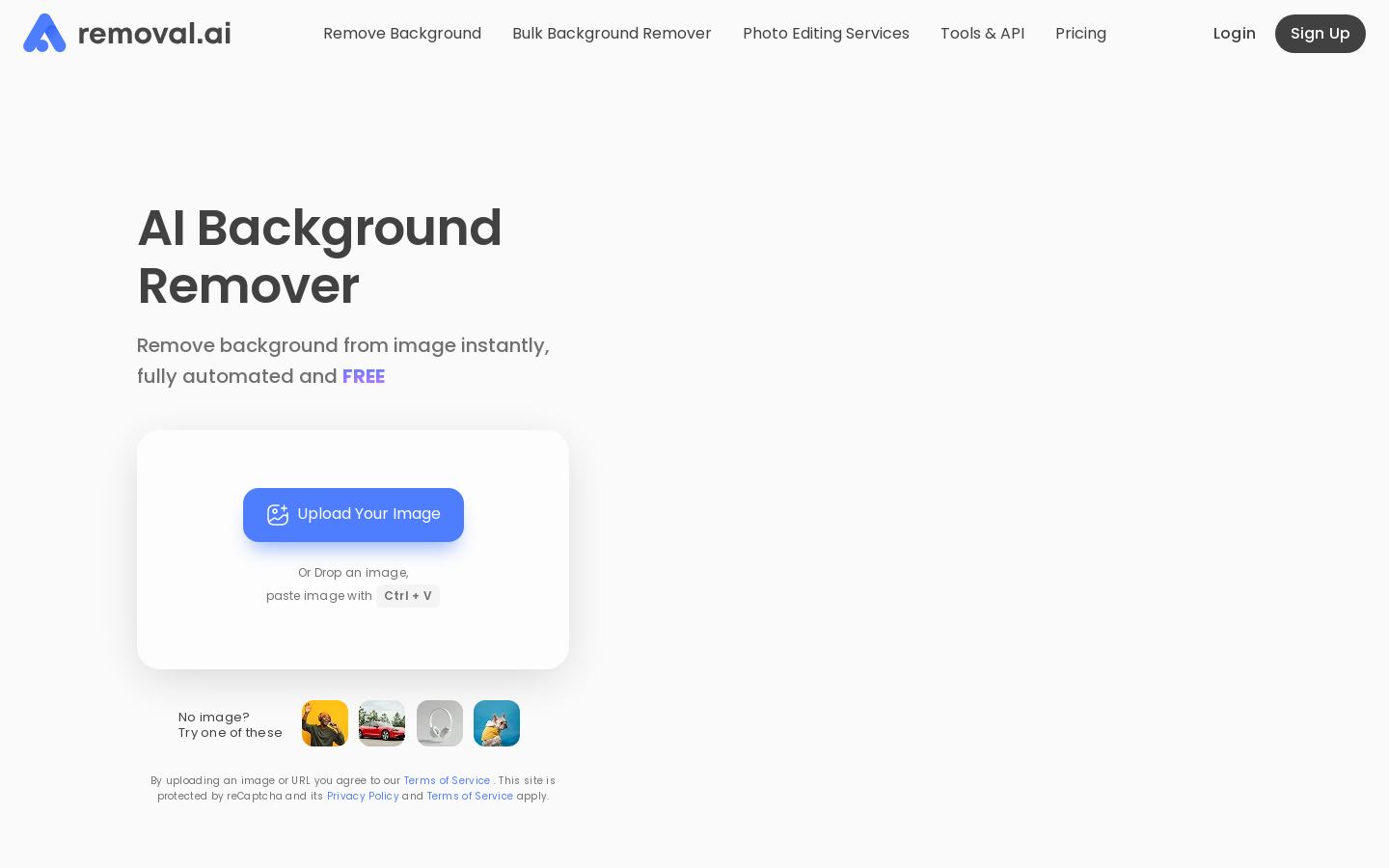
AI background remover for single images, bulk uploads and API workflows
AI background remover for single images, bulk uploads and API workflows

 H
AI product information platform for ecommerce catalogs, content and images
 H
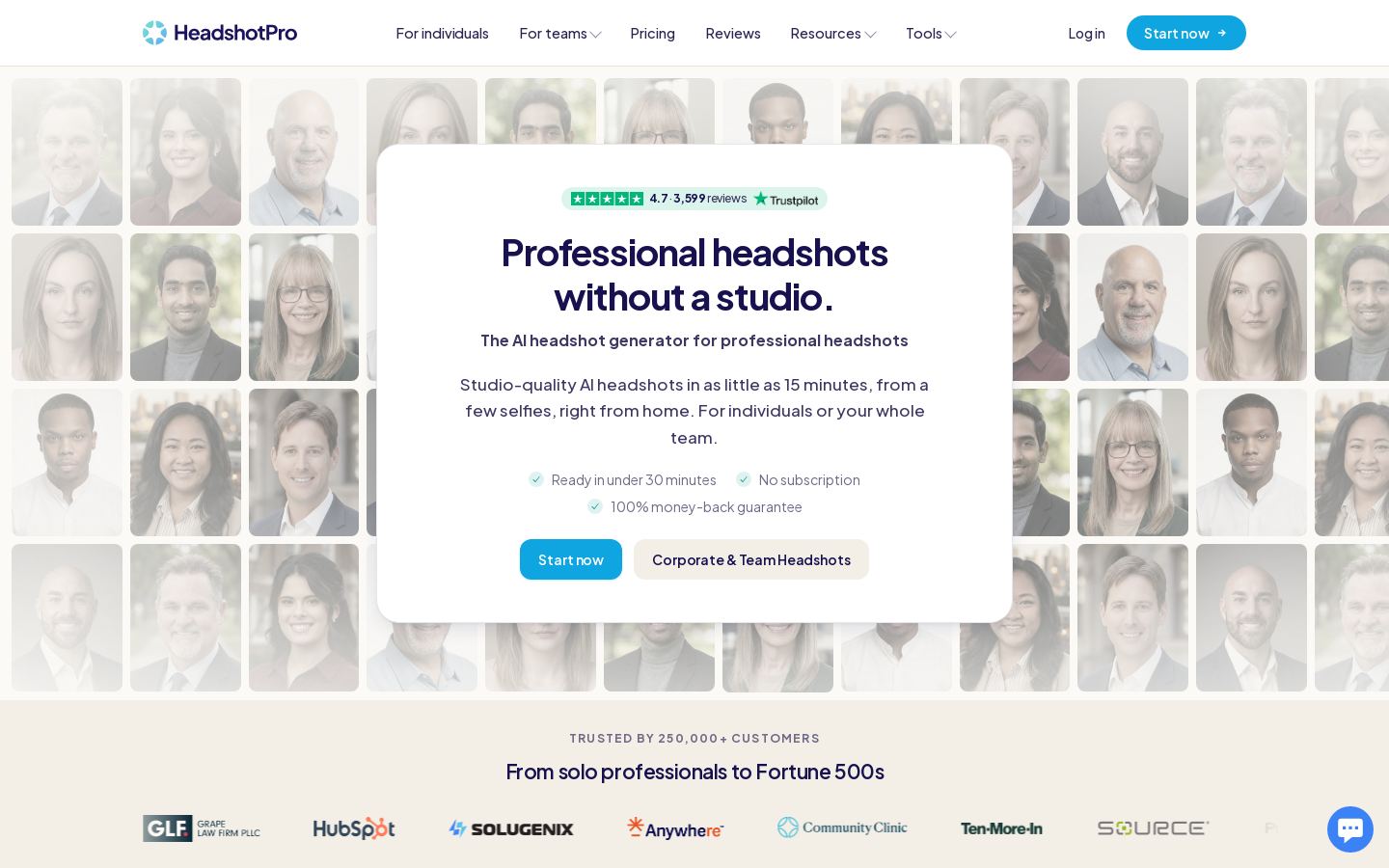
AI headshot generator that turns selfies into professional photos for people and teams
AI headshot generator that turns selfies into professional photos for people and teams

 B
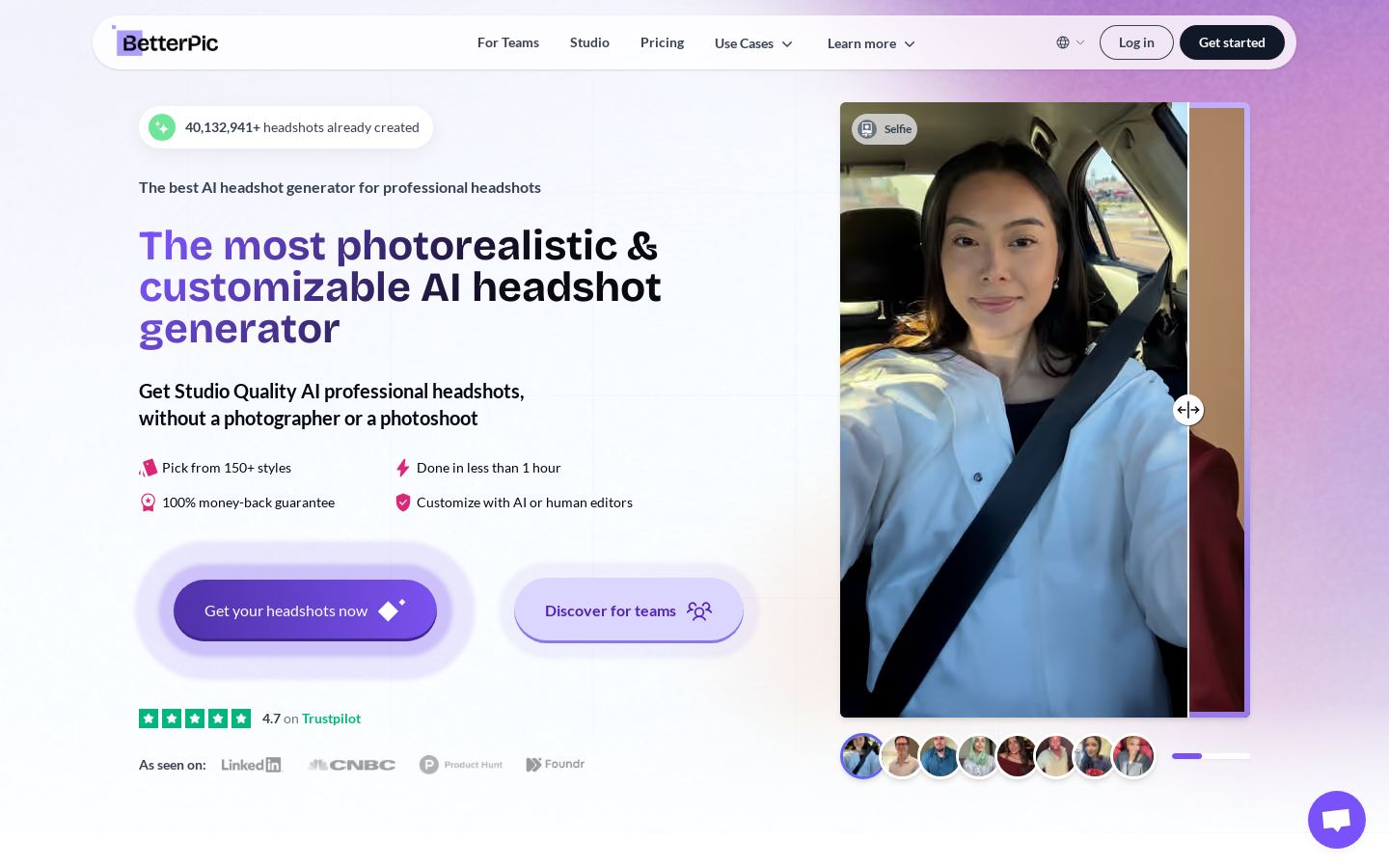
4K AI headshots from casual phone selfies for individuals and teams

 S
Automatic AI background removal for photos, with API, desktop and mobile apps
 S
AI headshot generator that turns your selfies into studio-style professional portraits
From each vendor's own pages, re-checked every two months. Of 20 tools we checked, 7 of 10 that state a policy don't train AI on your content, and 5 hold SOC 2 or ISO 27001.
Cost per processed image
Cheapest paid plan divided by what it includes per month.
| Tool | Background removal | AI upscaling | Generative fill/erase | Relighting | Batch processing | Photoshop/Lightroom plugin |
|---|---|---|---|---|---|---|
| PPicsart | — | — | ||||
| Rremove.bg | — | — | — | — | — | |
| PPhotoroom | — | |||||
| C | — | |||||
| F | — | |||||
| U | — | — | — | — | — | |
| L | — | — | — | — | — | |
| LLuminar Neo | ||||||
| RRemoval.ai | — | — | — | — | — | |
| SSlazzer | — | — | — | — | — |
— means the vendor's site doesn't say.
This category has only two tools so far, and they differ more in purpose than in price. These are the things to compare:
We haven't tested either tool, so try the free tier on your own photos before you commit.
Yes. Fotor and DaVinci Resolve both use a freemium model, so each has a free option and paid features on top. Our list doesn't say exactly what the free tiers include.
Both tools listed here are freemium, so you can start without paying. We don't have paid plan prices for either tool, so check each vendor's pricing page for current costs.
Look at whether the tool fits your work, which platforms it runs on, the pricing model and API access. Fotor covers web and mobile, while DaVinci Resolve is a desktop app that also runs on Linux. Both offer an API.
In this category, the alternative is DaVinci Resolve. It's freemium desktop software for macOS, Windows and Linux that combines editing, color grading, VFX and audio post-production. Fotor is the better fit if you want to edit in a browser or on iOS or Android.