C
 CC

 G
AI tool that creates presentations, documents and websites from a prompt

 W
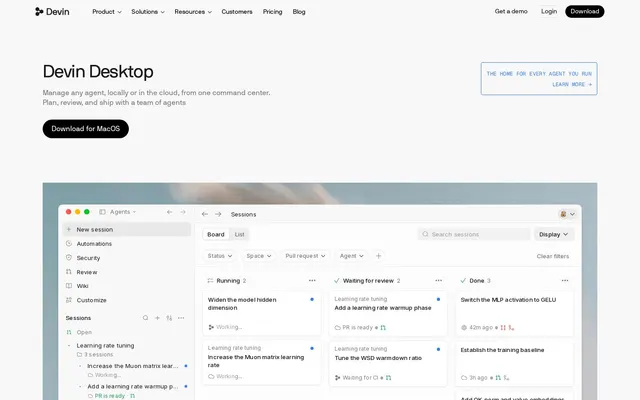
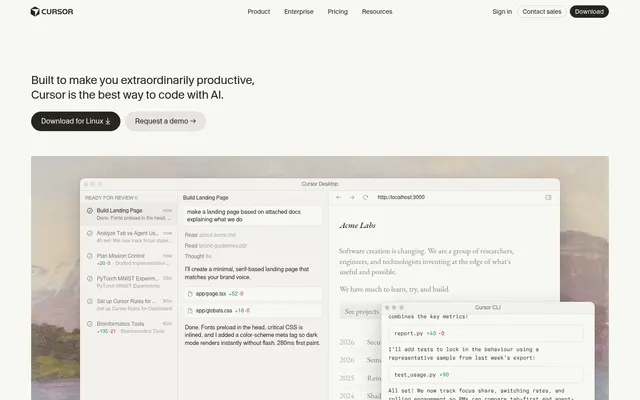
AI coding IDE and command center for running local and cloud coding agents

 D
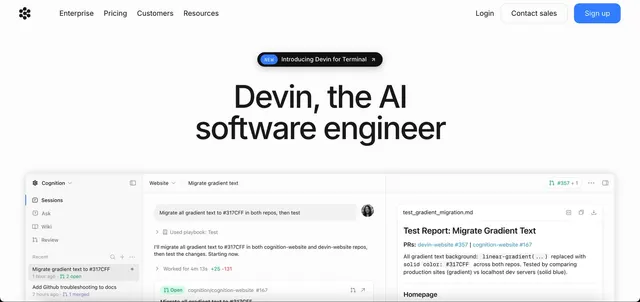
Autonomous AI software engineer that writes, tests and reviews code to merge-ready PRs
Autonomous AI software engineer that writes, tests and reviews code to merge-ready PRs

 C

 D

 L
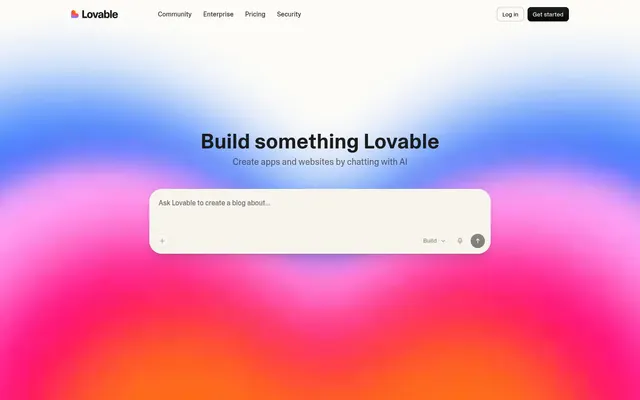
Build, host and run web apps by chatting with AI, with a built-in backend

 O
Run open AI models locally or in the cloud on macOS, Windows and Linux

 G
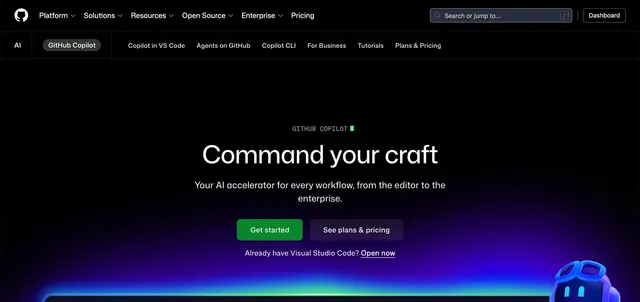
AI coding assistant and agents for editors, terminal, desktop and GitHub
AI coding assistant and agents for editors, terminal, desktop and GitHub

 O
OpenAI's coding agent for the desktop, CLI, IDE, web and iOS, included in ChatGPT plans
OpenAI's coding agent for the desktop, CLI, IDE, web and iOS, included in ChatGPT plans

 M
Open-weight AI models, chat and coding agent you can run on your own infrastructure
Open-weight AI models, chat and coding agent you can run on your own infrastructure

 R
Build and publish apps and websites by describing them in plain language

 J
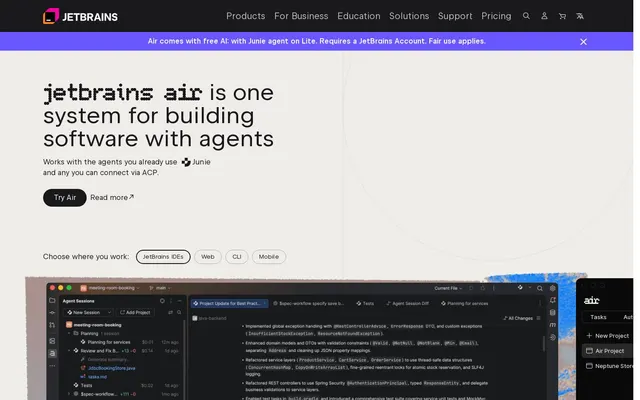
Run and review AI coding agents across projects in JetBrains IDEs, web and CLI
Run and review AI coding agents across projects in JetBrains IDEs, web and CLI

 C
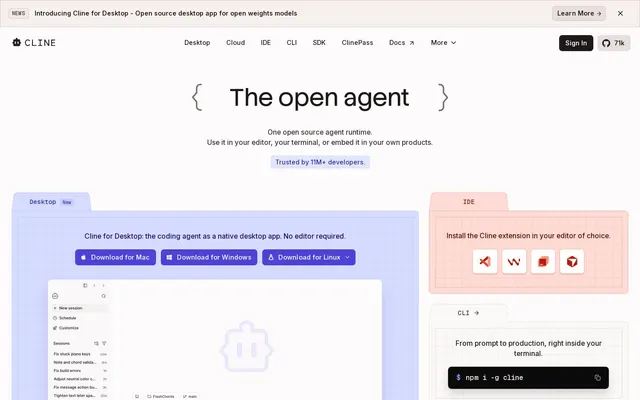
Open-source AI coding agent for your editor, terminal, desktop and apps

 K
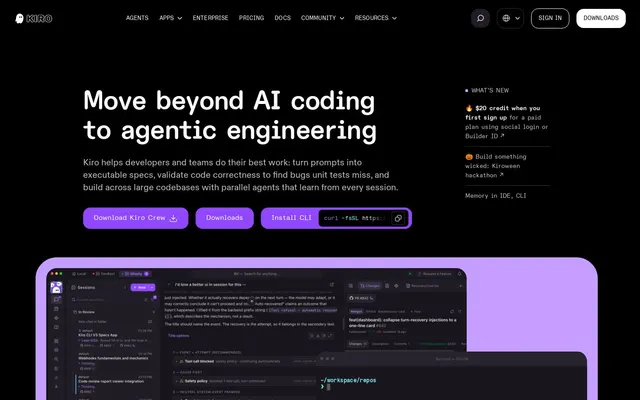
Spec-driven agentic coding IDE and CLI for developers and engineering teams

 K
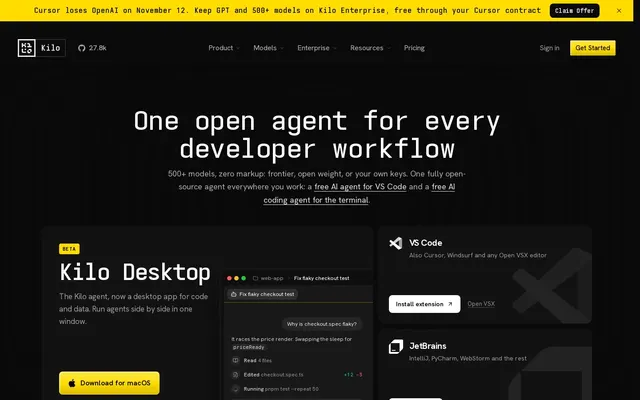
Open-source AI coding agent for VS Code, JetBrains, CLI and cloud with 500+ models
Open-source AI coding agent for VS Code, JetBrains, CLI and cloud with 500+ models

 S
Open image generation models you can self-host or call through an API

 F
AI design agent and prompt-to-app tool built into Figma for product teams
AI design agent and prompt-to-app tool built into Figma for product teams

 A
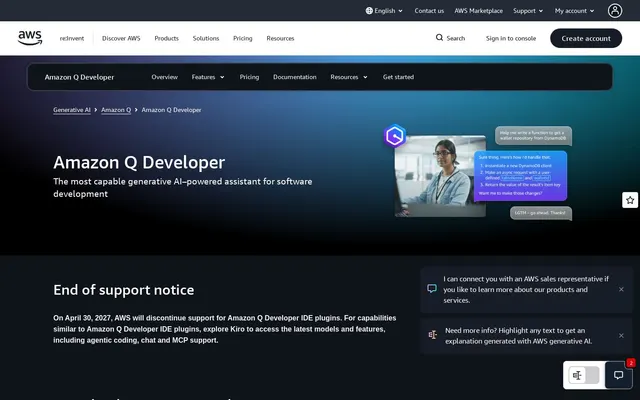
AI coding assistant for AWS developers in the IDE, CLI and AWS Console
AI coding assistant for AWS developers in the IDE, CLI and AWS Console

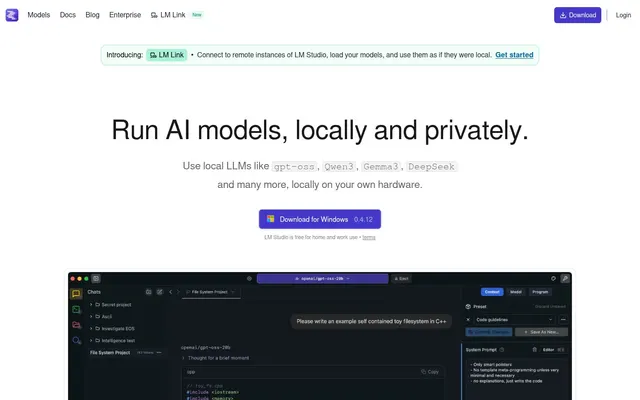 L
Desktop agent for documents, code and automation using local or open models
Desktop agent for documents, code and automation using local or open models
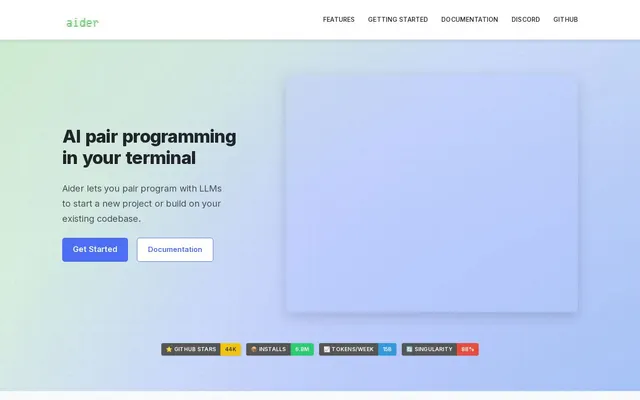 A
AI pair programming in your terminal for new and existing codebases

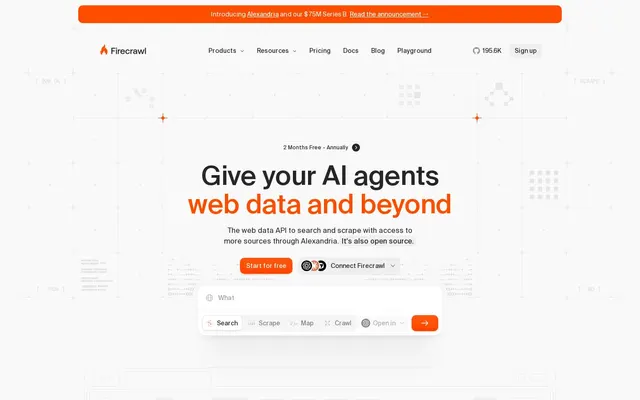 F
Web search, scraping and crawling API that returns LLM-ready data

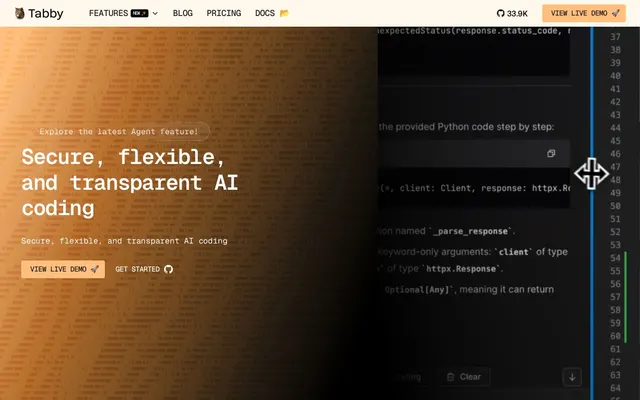 T
Open-source, self-hosted AI coding assistant for developers and teams

 O
One OpenAI-compatible API to reach hundreds of AI models across 80+ providers
From each vendor's own pages, re-checked every two months. Of 38 tools we checked, 6 of 12 that state a policy don't train AI on your content, and 9 hold SOC 2 or ISO 27001.
Most coding tools in this category fall into one of a few types. Matching the type to how you work matters more than any single feature.
Yes. Cursor, GitHub Copilot, Windsurf, Replit, Lovable, Ollama, LM Studio and Mistral are listed as freemium, so each has a free tier. What the free tiers include varies, and we haven't tested their limits.
Listed starting prices are Cursor from $8/mo, GitHub Copilot from $10/mo, Mistral from $14.99/mo, Ollama from $16.67/mo, Replit from $18/mo, and Windsurf and LM Studio from $20/mo. OpenAI Codex is paid only. We don't have pricing for Aider, Devin or JetBrains AI.
First, check whether it works where you already code: your editor (VS Code or JetBrains), the terminal (Aider) or the browser (Replit, Lovable). Next, decide how much you want an agent to do without you, like Devin or OpenAI Codex, versus assisting while you work. Finally, check whether you need local or self-hosted models (Ollama, LM Studio, Mistral) and whether you need API access.
For an AI-first editor, there's Cursor or Windsurf. JetBrains AI covers JetBrains users, and Aider is a terminal-based option. For more autonomous agents, there's Devin or OpenAI Codex. To run models locally, there's Ollama or LM Studio.