C
 CC
Online design platform with templates and AI tools for individuals and teams

 G
AI tool that creates presentations, documents and websites from a prompt

 B
AI presentation software with auto-aligning slides and brand controls for teams
AI presentation software with auto-aligning slides and brand controls for teams

 V
AI content platform for branded presentations, documents and infographics
 P

 S
Google Slides, PowerPoint and Canva templates plus an AI presentation maker
 S
Turns notes, documents and prompts into presentations in Google Slides or PowerPoint
Turns notes, documents and prompts into presentations in Google Slides or PowerPoint

 M
AI presentation maker that turns text, PDFs, videos and links into slide decks
AI presentation maker that turns text, PDFs, videos and links into slide decks

 P

 P
Turns prompts, documents and URLs into branded, editable PowerPoint decks
Turns prompts, documents and URLs into branded, editable PowerPoint decks

 P
AI presentation maker that turns prompts, PDFs and docs into editable slides

 C
Turn PDFs, docs and links into editable slides, avatar videos and posters
Turn PDFs, docs and links into editable slides, avatar videos and posters

 G

 S
Interactive course and quiz platform that checks understanding live in class

 P
Turns prompts into consulting-style, board-ready PowerPoint decks for strategy teams
Turns prompts into consulting-style, board-ready PowerPoint decks for strategy teams
From each vendor's own pages, re-checked every two months. Of 13 tools we checked, 3 of 4 that state a policy don't train AI on your content, and 6 hold SOC 2 or ISO 27001.
| Tool | Editable PPTX export | Doc/PDF to slides | URL/video to slides | PowerPoint/Slides add-in | Brand kit | Outline review | Viewer analytics | MCP server |
|---|---|---|---|---|---|---|---|---|
| BBeautiful.ai | — | — | ||||||
| VVisme | — | — | — | — | — | — | — | |
| P | — | — | — | — | — | — | — | |
| SSlidesgo | — | — | — | — | — | — | ||
| S | — | — | ||||||
| PPlus AI | — | — | — | |||||
| PPresentations AI | — | — | — | |||||
| MMagicSlides | — | |||||||
| PPopAI | — | — | — | — | ||||
| CChatSlide | — | — | — | — | ||||
| GGenPPT | — | — | — | — | — | |||
| PPerceptis AI | — | — | — | — |
— means the vendor's site doesn't say.
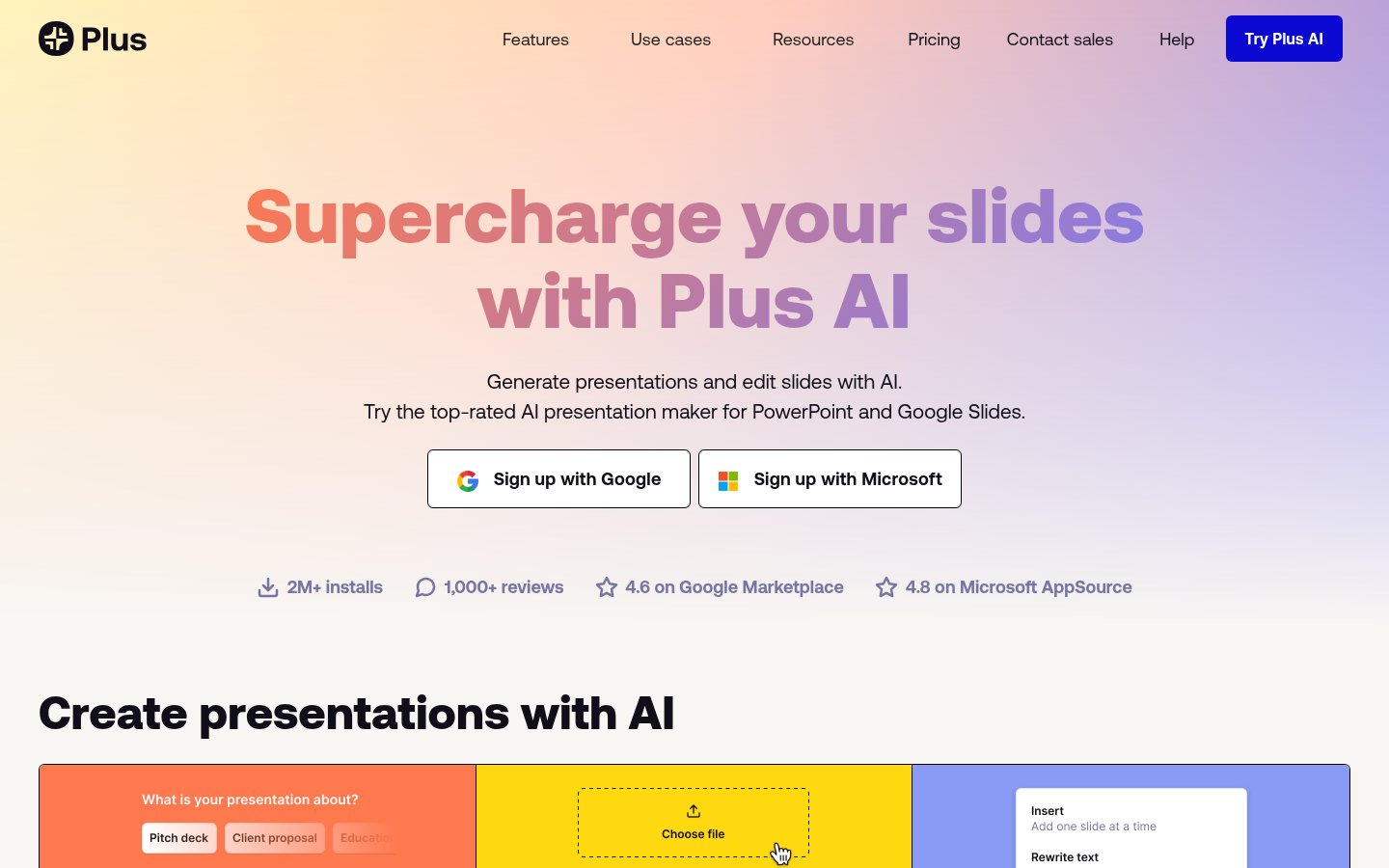
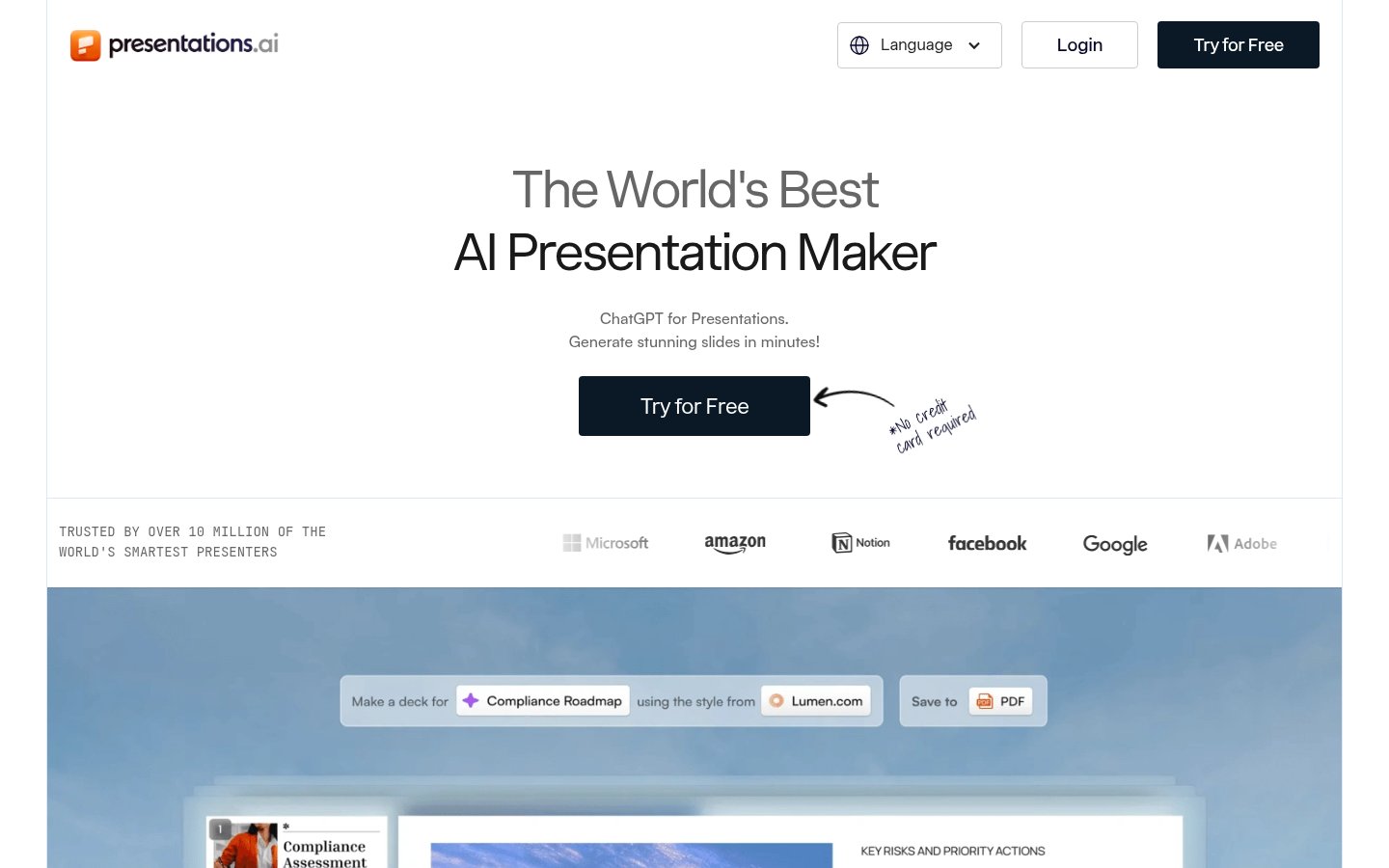
Most tools here turn a prompt or document into a deck, so the useful differences lie elsewhere. Start with where the slides need to end up. Plus AI works inside PowerPoint and Google Slides, Slides AI creates presentations in either, and Presentations AI and Perceptis AI produce PowerPoint decks. Gamma also creates documents and websites.
Next, check what you're starting from. MagicSlides accepts text, PDFs, videos and links, while Presentations AI takes prompts, documents and URLs.
Then compare pricing models. Canva, MagicSlides and Gamma are freemium, while GenPPT, Beautiful.ai and Plus AI offer free trials. Listed starting prices run from $6.67/mo for MagicSlides to $29/mo for Perceptis AI.
Finally, consider integration and audience. Gamma, Plus AI, MagicSlides, Presentations AI and Perceptis AI offer APIs, and Perceptis AI also lists a self-hosted option. Beautiful.ai and Visme emphasize brand consistency, while Prezi AI and Sendsteps focus on live audience interaction. We haven't tested these tools, so confirm the details before committing.
Eleven listed tools are freemium: Canva, Visme, Presentations AI, Slides AI, Perceptis AI, ChatSlide, MagicSlides, Gamma, PopAI, Sendsteps and Slidesgo. GenPPT, Beautiful.ai and Plus AI offer free trials instead. Pricing for Prezi AI is unknown.
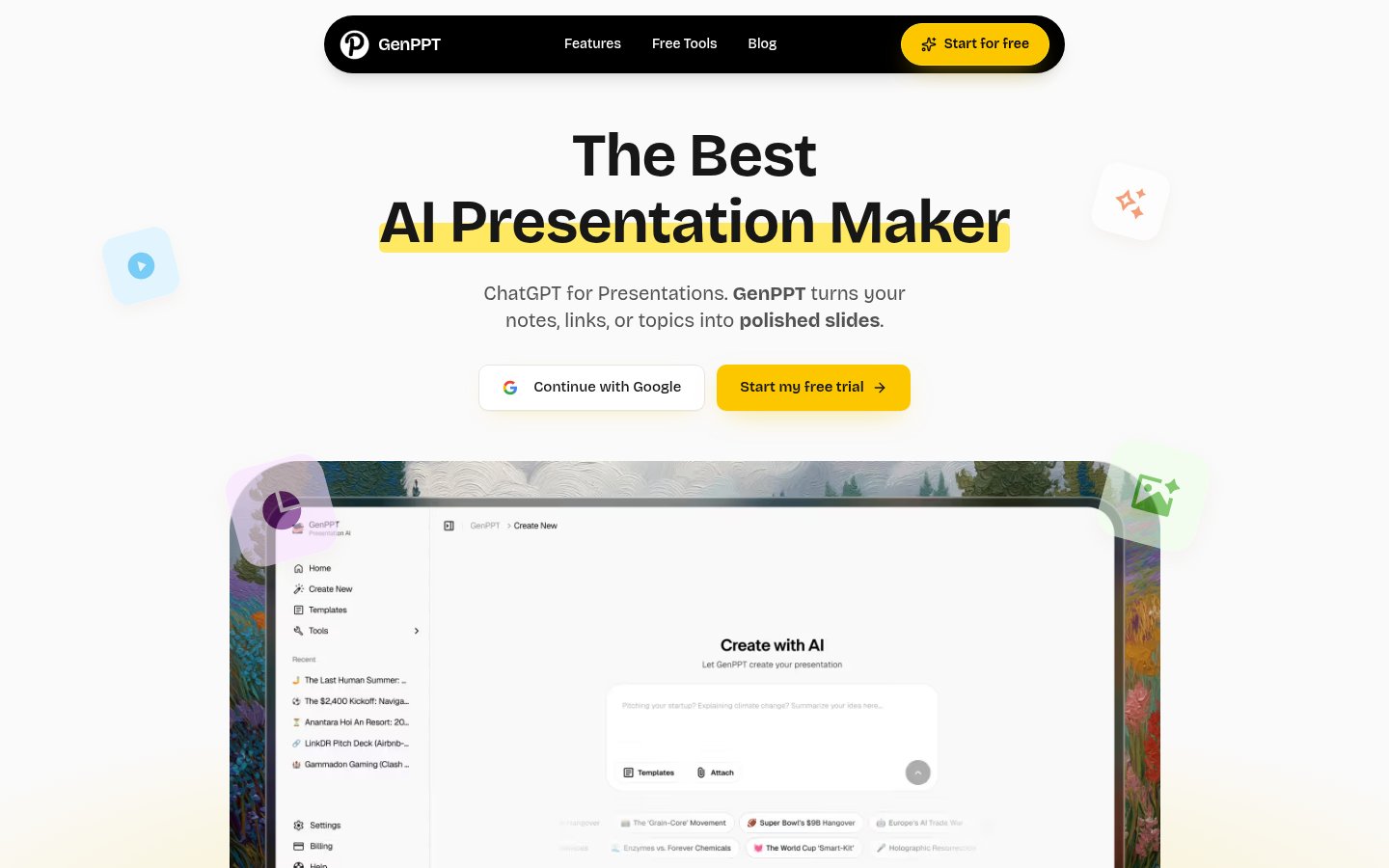
Listed starting prices range from $6.67/mo for MagicSlides to $29/mo for Perceptis AI. GenPPT starts at $8/mo, Slides AI and Plus AI at $10/mo, Canva at $12/mo, Beautiful.ai at $14.50/mo and Presentations AI at $20/mo. We don't have a starting price for Gamma, Prezi AI, PopAI, Sendsteps or Slidesgo.
Check that it fits your slide software, accepts your source material and has a pricing model that suits you. For example, Plus AI works inside PowerPoint and Google Slides, while ChatSlide turns PDFs, docs and links into editable slides. If you need to connect it to other software, look for API access, which tools such as Gamma and MagicSlides offer.
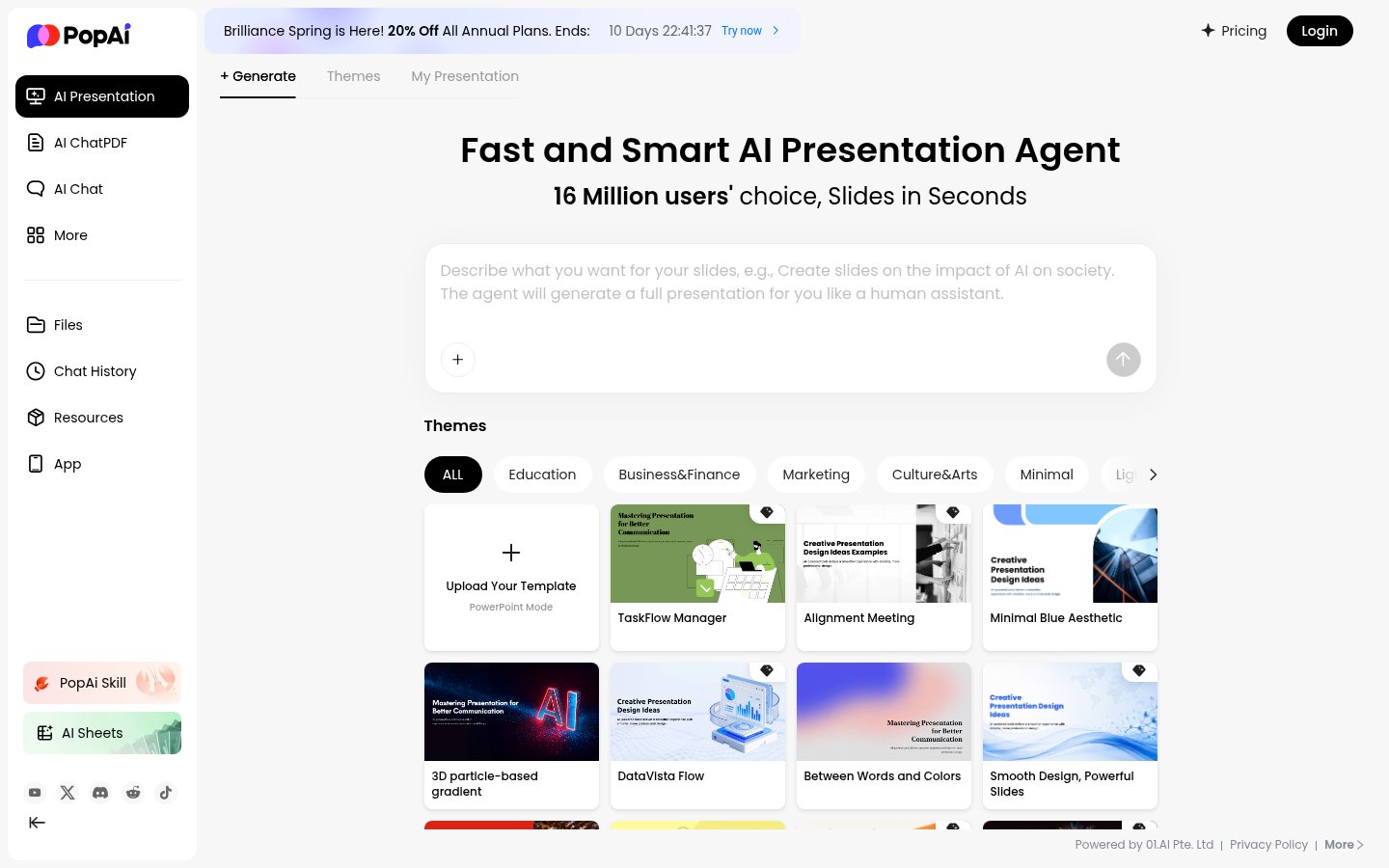
PopAI and MagicSlides also turn prompts or source files into slide decks, and MagicSlides offers an API, as Gamma does. Plus AI is an option if you want to work inside PowerPoint or Google Slides. Beautiful.ai focuses on auto-aligning slides and brand controls for teams, and Prezi AI focuses on interactive slides and live audience engagement.