
Reglaze
Reglaze scans every page type of your site, designs a unified new look and deliv
Pricing
Freemium
Company
Reglaze
Platforms
Reglaze is the cheapest low-risk way to modernise a dated site whose backend you can't or won't replace: one stylesheet, a one-time fee, and a free preview on your own pages before you pay. The catch is built into the method, because CSS can restyle your templates but can't add structure, fix slow markup or keep up with theme changes on its own.
Best for: Owners and agencies with large legacy sites that can't be rebuilt
Read the full reviewWhat is Reglaze?
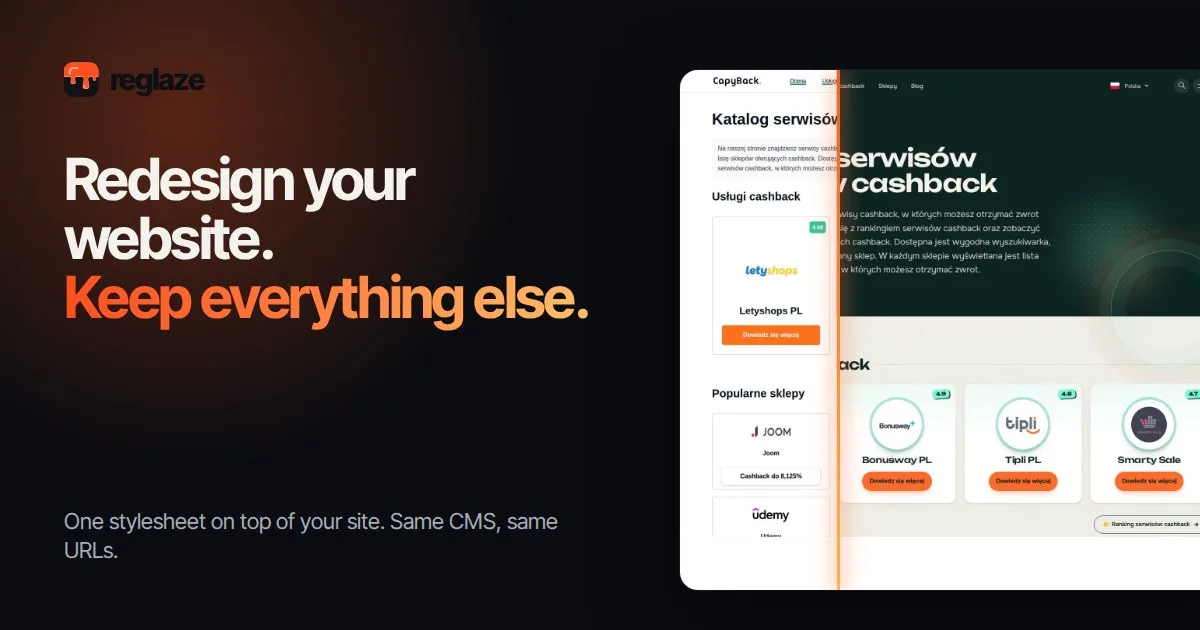
Reglaze scans every page type of your site, designs a unified new look and delivers it as one stylesheet. Same CMS, same URLs, same content, same SEO.
Reglaze pricing
From the vendor's site, checked Nov 6, 2026; we re-check prices monthly. Prices change — confirm on their pricing page.
| Plan | Free preview | One-page site | Full redesign | Website + account area | Individual |
|---|---|---|---|---|---|
| Price | Free | $49 one-time | $89 one-timeper site | $149 one-timeper site | From $290 one-timefixed quote after an audit |
| Scope | Homepage | Homepage (single-page site) | Every page | Every page plus account area | Unlimited page types |
| Page types designed individually | — | — | Up to 8 | Up to 8 | No limit |
| Edits balance gift | — | $25 | $50 | $50 | — |
| Desktop and phone design | — | Yes | Yes | Yes | — |
| Also |
|
|
|
|
|
What the free plan gets you
- Free preview covers homepage only
- Up to 2 styles to compare
- 3 free revisions
- Ready in about 20 minutes
Price history
- Nov 6, 2026New plan: Free preview (Free); New plan: One-page site ($49); New plan: Full redesign ($89); New plan: Website + account area ($149); New plan: Individual ($290)
Get an email when Reglaze changes its prices
One mail per change, a stop link in each. Nothing else.
How Reglaze compares
- Reglaze has a free plan, like 1 of the 2 alternatives below.
| Tool | Starts at | Free plan | Free trial | API | Open source | |
|---|---|---|---|---|---|---|
| RReglaze | — | — | — | — | ||
R Relume | $12/mo | — | — | Reglaze vs Relume | ||
G Google Stitch | — | — | — | — | — | Reglaze vs Google Stitch |
Compare 6 capabilities
| Capability | Reglaze | Relume | Google Stitch |
|---|---|---|---|
| Prompt to UI | — | — | |
| Screenshot/sketch import | — | — | |
| Code export | |||
| Figma export | — | — | |
| Clickable prototypes | — | — | |
| MCP server | — |
Capabilities as stated on each vendor's own site; — means the site doesn't say. The closest alternatives in our directory by category. “Starts at” is the cheapest paid plan per month, as each vendor lists it.
Reglaze data and privacy
Trains AI on your content
Not stated
Data retention
Account data kept while account exists; AI temp files deleted after 3 days
“Temporary files for AI processing: deleted automatically after 3 days.”
Where data is stored
United Kingdom (OVH servers)
“Provider Purpose Location OVH Server hosting and storage United Kingdom”
Security and compliance
None stated
From Reglaze's own privacy and security pages , checked Nov 6, 2026. We only show what the vendor states in writing; “not stated” means the pages don't say.
Reglaze review
 Stanislav VovchykUpdated Nov 6, 20268 min read
Reglaze, the website tool at reglaze.io (not the glasses-lens or bathtub services with similar names), delivers your new design as one stylesheet that loads after your existing CSS. Nothing in your HTML, database or URLs changes. That keeps it cheap, with one-time fees from $49 as of November 2026, and easy to undo: delete one <link> tag and the old site comes back. It also caps what the redesign can do. CSS can repaint, resize, reorder and hide. It can't add a section your templates don't output, rewrite your copy or fix broken markup underneath.
How it works
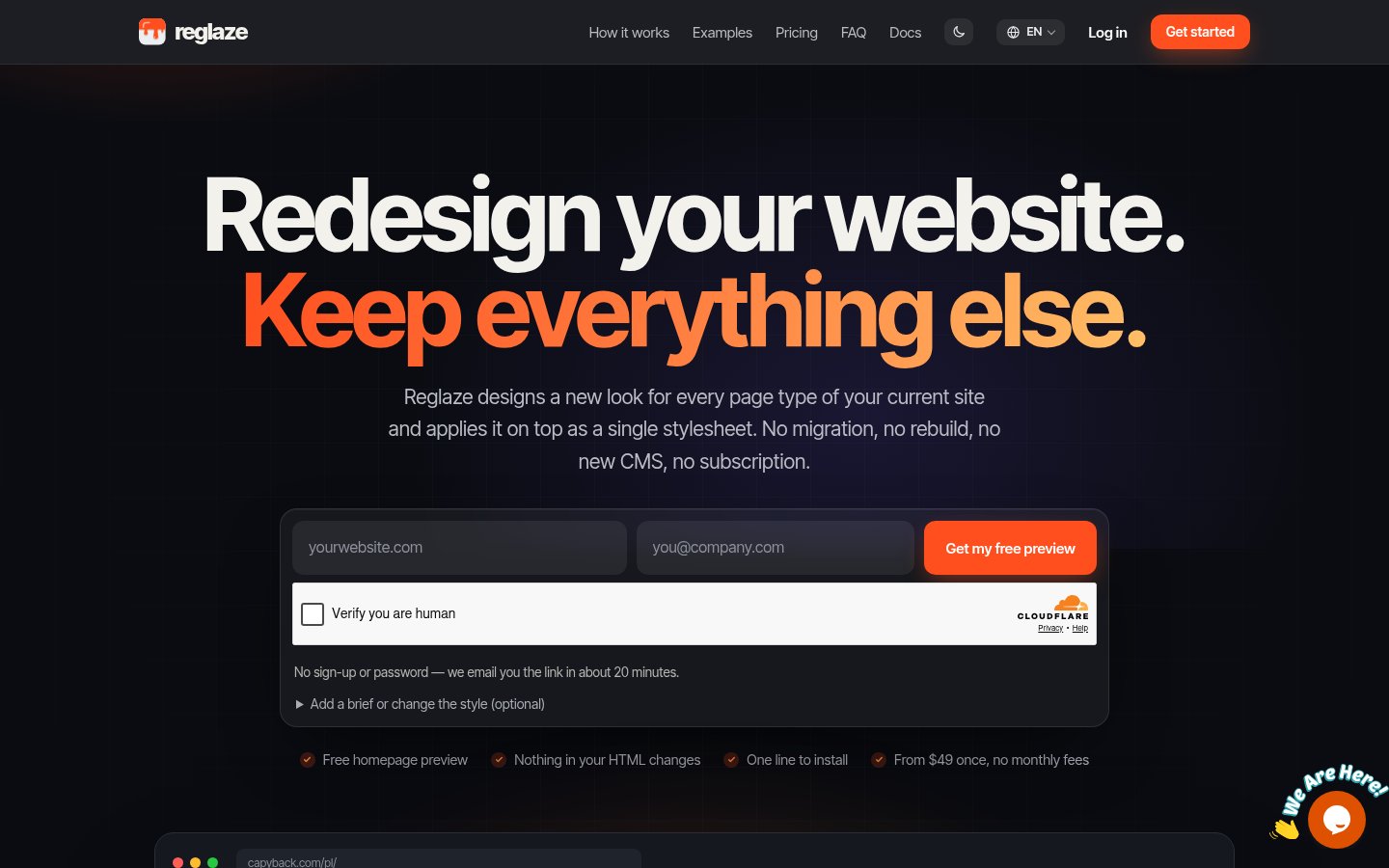
The vendor's homepage describes four steps. First, Reglaze crawls your sitemap and internal links and groups URLs by template: homepage, /blog/:slug articles, /product/:id pages, category listings and so on. Second, it builds one design system across those templates, covering palette, type scale, spacing, buttons, cards, tables, forms, header and footer. Third, it applies the stylesheet to live pages in a real browser and checks each page type on desktop and mobile. The homepage lists contrast on every surface, nothing cut off at 320px wide, and working menus, forms and hover states.
Fourth, you install it. Either paste a <link> to a file on cdn.reglaze.io into your <head>, or download the CSS and host it yourself. The vendor says the file contains no JavaScript, so you don't get a layout flash while a script swaps styles.
You start with a free homepage preview. Submit a URL, add a brief or a style direction if you like, and Reglaze emails a link in about 20 minutes. You don't need an account, a password or a card. The preview offers up to two styles to compare, three free revisions and a before/after report. You see the redesign on your own live pages before you pay, which tells you more than any theme demo built on dummy content.
What stands out
Template-level coverage. The vendor's pitch is that other AI tools generate a new site from scratch, while Reglaze redesigns the one you already have. Its two public examples show the scale it aims at. On grivasi.com it handled 240 URLs across 8 page types (shops, categories, articles, sign-in). On capyback.com it reports finding 312 URLs, analysing 19 pages and redesigning 7 page types at once. That second ratio matters. Sampling 19 pages to cover 312 works when templates are consistent. If old posts carry pasted-in inline styles or a page builder's one-off layouts, the unchecked long tail is where pages will break.

Platform indifference. The supported list covers WordPress, Shopify themes, Webflow, Tilda, Joomla, Drupal, OpenCart, Bitrix, Laravel, Django, Next.js, custom PHP and static HTML. The output is plain CSS aimed at the rendered markup, so the backend barely matters. That's the main reason to look at Reglaze if you run an old custom PHP shop or a WordPress theme nobody maintains. On sites like that, a rebuild means migrating content, mapping redirects and putting rankings at risk. Reglaze avoids all of it.
Reversibility and ownership. The vendor calls the CSS a perpetual licence with no subscription. If you host the file yourself, your site keeps its new look even if Reglaze shuts down. Few AI design products let you leave without losing the work. For the legal side of owning AI-generated output, see our piece on whether you can legally publish a book written with AI. Keep in mind that Reglaze's licence is a contract term and gives you no copyright guarantee.
Where it falls short
The CSS-only approach cuts both ways. Say your homepage outputs a cluttered three-column layout with twelve widgets. Reglaze can restyle those widgets, reorder them or hide some. It can't add a hero section, a pricing comparison block or a better navigation structure your templates don't already contain. Hidden elements also stay in the HTML, so they still add to page weight and crawlers still read them. If your site's problem is information architecture or slow markup, it will look better and still underperform.
Design drift is the second risk. The stylesheet targets your markup as it was on the day of the scan. A theme update, a plugin that renames classes or a page type you launch after buying can all fall outside the designed rules. The paid plans come with an "edits balance" ($25 on the one-page plan, $50 on the full redesign), which suggests later changes are paid for out of that credit. Before you buy, ask what a single edit costs and how far $50 goes after a theme update.
Bigger sites hit the coverage cap. The $89 full redesign designs up to 8 key page types individually. A store with separate templates for products, bundles, collections, search, cart, checkout, blog, author pages and landing pages goes past that quickly, which pushes it to the audited Individual tier.
There's also little independent feedback. A search for "Reglaze reviews" mostly turns up US bathtub refinishers on Yelp and Reglaze Specs, a UK service that fits new prescription lenses into customers' existing frames and is rated 4.9 out of 5 on Trustpilot. None of them is connected to reglaze.io. That leaves the free preview as your best evidence. The comparison table on Reglaze's homepage, which puts a rebuild at $5,000+ and 2 to 6 months, is the vendor's own framing.
Value for money
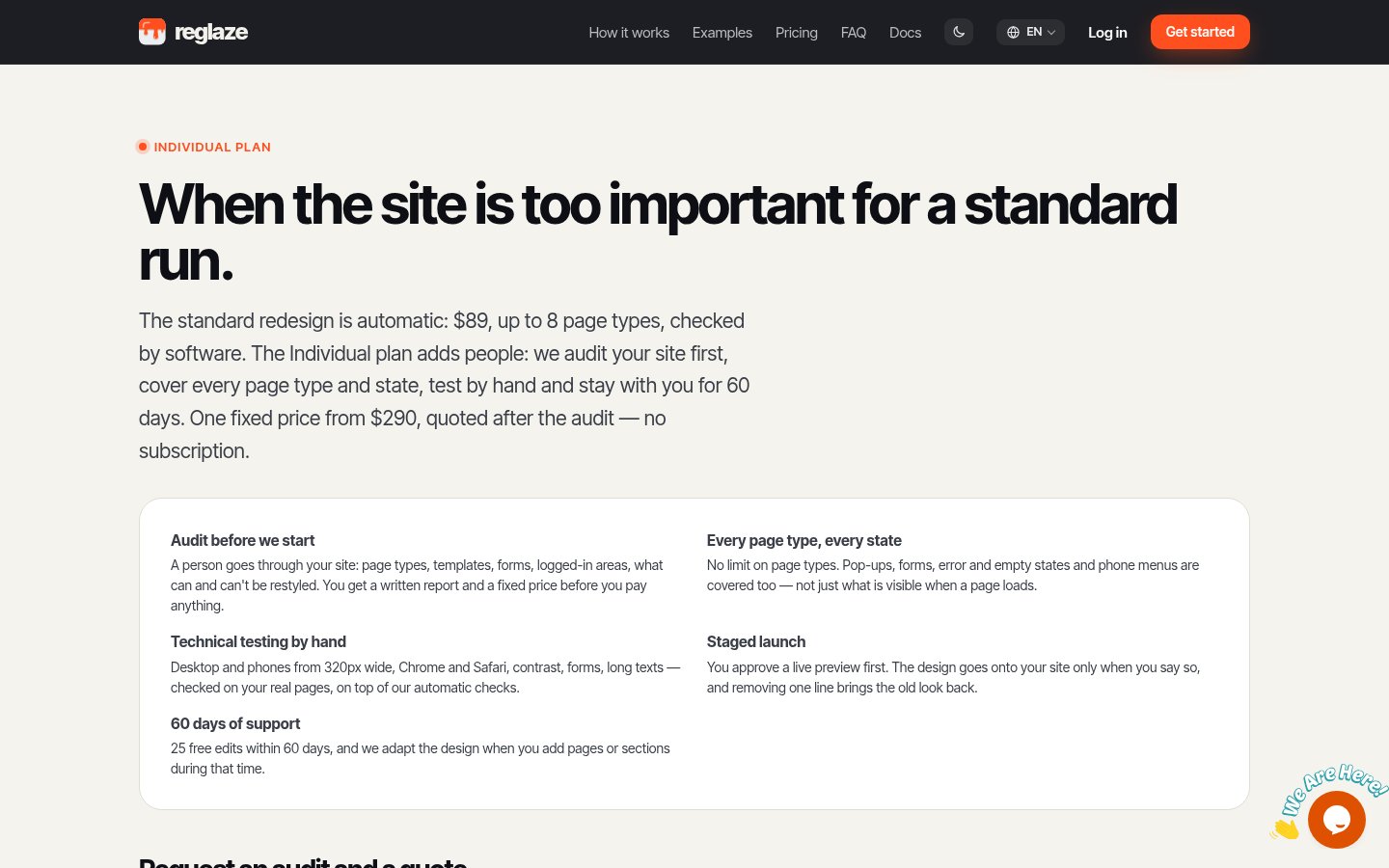
Reglaze's published one-time prices as of November 2026:
- $49 for a single-page site.
- $89 per site for the full redesign.
- $149 to include the logged-in account area (dashboard, orders, profile, settings).
- Individual from $290, with a fixed quote after an audit in which people check the site as well as software.
For most sites I'd buy the $89 tier. Spread across 8 page types it comes to about $11 a template, and you skip the migration work a theme switch brings.
I'd think harder about the $149 tier. To capture pages behind a login you need Reglaze's browser extension, and on a shop those pages hold customer names, addresses and order histories. I'd do the capture with a test account and dummy orders. The vendor says you can try one page with the extension before paying, so use that to see what it records. Decide on the account area up front, too: it costs $60 as part of the $149 bundle and $89 if you add it later.
For business-critical shops, I think the $290 starting price for Individual is low for what it describes, as long as the audit quote stays close to it. If you run a revenue-generating store with more than 8 templates, I'd start there and not try to stretch the $89 plan.
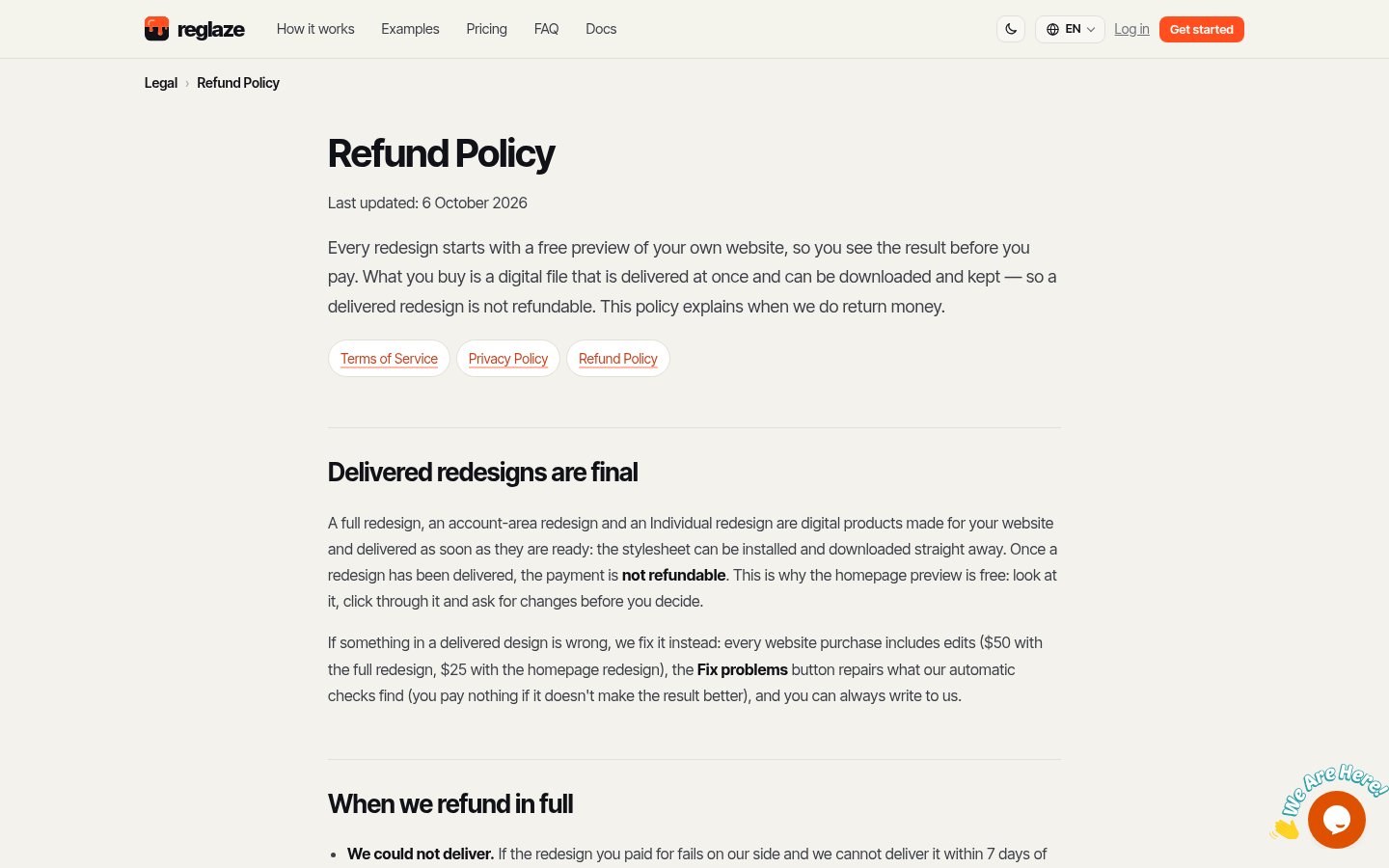
The product is a file you can download and keep, so read the refund terms before you pay.
Which sites it suits
Reglaze fits content sites, directories, affiliate catalogues and legacy shops whose backend works but whose front end looks dated, especially when a rebuild would mean migrating hundreds of URLs. It also suits sites on Tilda, Bitrix, OpenCart or a custom framework, where ready-made themes are hard to find. Agencies and freelancers get a second use out of it. In about 20 minutes the free preview turns a prospect's own site into a redesigned pitch, and that's a stronger cold email than a portfolio link.
It's a poor fit if your site needs new page structure, new content blocks or faster markup, because a stylesheet can't provide those. The same goes for sites that change themes or add templates often, since every structural change can push pages outside the designed rules. A new business with five pages is better off with a site builder that also handles copy and layout. AI vendors differ a lot in what they let you keep (compare Suno's ownership terms), but Reglaze's perpetual licence only matters if you already have a site worth protecting.
Setup notes
The one-line install has a few catches. The vendor says the stylesheet must load after your own styles, so put the tag at the end of the <head>, below theme and plugin CSS. Some WordPress optimisation plugins combine and reorder stylesheets, which can break that order. If your site sends a Content-Security-Policy header with a strict style-src, the CDN file won't load until you allow cdn.reglaze.io. Hosting the file yourself avoids that. If you do self-host, put a version string in the filename or query string. Otherwise browsers and your CDN may keep serving the old cached file after Reglaze sends a revision.
Used Reglaze? Rate it
Sign in to rate this tool and share how you use it.
Reglaze
Freemium