
Figma AI (Figma Make)
AI design agent and prompt-to-app tool built into Figma for product teams
Own Figma AI (Figma Make)? Claim it, free to correct the facts and get the verified badge.
Pricing
Free · from $3/mo
API
Yes
Company
Figma
Platforms
What is Figma AI (Figma Make)?
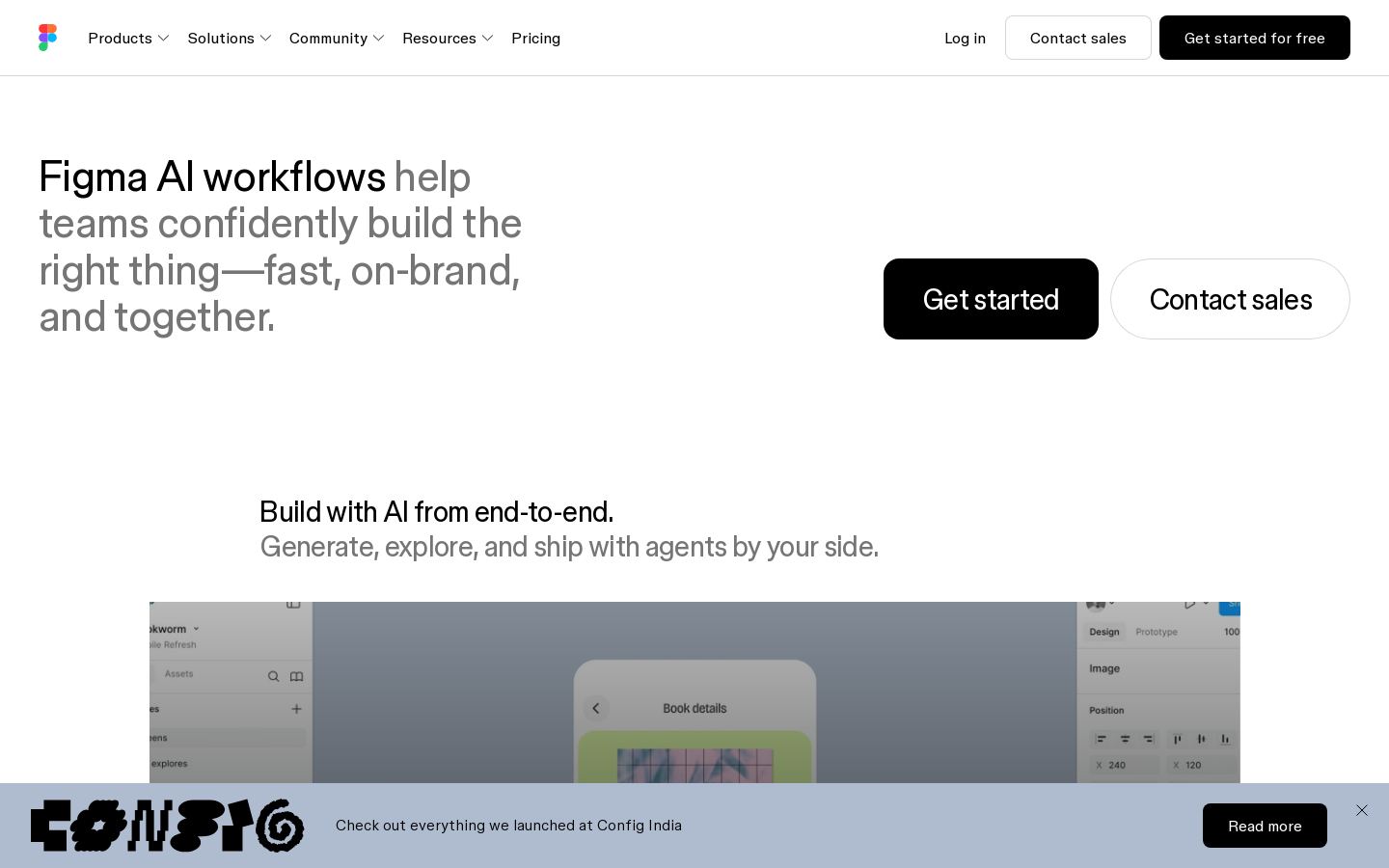
Figma AI (Figma Make) is the set of AI features built into Figma. Its centrepiece, Figma Make, turns prompts and existing Figma designs into working prototypes and web apps. The Figma agent can generate design directions, create diagrams, edit images, search files and give design feedback on the canvas.
Make can also work against your local codebase (in beta) and push code back as a pull request. Other tools include Figma Weave workflows for images and vectors, generative plugins you describe in plain language, AI shaders (beta), and visual search. An MCP server and code-to-canvas features connect Figma to external agents such as Claude, Cursor, OpenAI, GitHub and Gemini.
All AI features use a shared pool of monthly AI credits. The amount depends on plan and seat type, and you can buy more. It fits designers, product teams and developers who already work in Figma.
Key features
- Figma Make turns prompts and designs into prototypes and web apps
- Make on local codebase with pull requests back to repo (beta)
- Figma agent for design directions, diagrams and feedback
- Figma Weave AI workflows for images and vectors
- Generative plugins built by describing functionality
- AI shaders and fills from text prompts (beta)
- MCP server connecting Figma to external AI agents
- Shared AI credit pool across all Figma products
Use cases
Who it's for
Prototyping from a prompt
Describe an app or start from an existing Figma design, and Make produces a working prototype or web app.
Design to production code
Teams can use Make on a local codebase to turn designs into code and open a pull request.
Exploring design directions
Designers can ask the Figma agent for alternative directions, diagrams or feedback on a file.
Connecting coding agents
Developers using Cursor or Claude can pull Figma context through the MCP server.
Figma AI (Figma Make) pricing
From the vendor's site, checked Oct 26, 2026; we re-check prices monthly. Prices change — confirm on their pricing page.
Starter
month
Free
- Limited access to Figma products
- Unlimited drafts, UI kits and templates
- 150 AI credits/day, up to 500/month
Professional
month
$16/mo full seat ($12 Dev, $3 Collab)
- 3,000 AI credits/month per full seat
- 500 credits/month for Dev and Collab seats
Organization
month
$55/mo full seat ($25 Dev, $5 Collab), billed annually
- 3,500 AI credits/month per full seat
- 500 credits/month for Dev and Collab seats
Enterprise
month
$90/mo full seat ($35 Dev, $5 Collab), billed annually
- 4,250 AI credits/month per full seat
- AI credit allocation, budgeting and usage API
- Contact sales
What the free plan gets you
- 150 AI credits/day, up to 500 AI credits/mo
- Unlimited drafts
| Cost for a team, per month | 1 person | 5 people | 20 people |
|---|---|---|---|
| Professionalper seat | $16 | $80 | $320 |
| Organizationper seat | $55 | $275 | $1,100 |
Billed yearly where the plan offers it. — means the plan doesn't allow that many people.
How Figma AI (Figma Make) compares
- At $3/mo, Figma AI (Figma Make) has the lowest entry price of the 4 tools here with published prices.
- Figma AI (Figma Make) has a free plan, like 3 of the 4 alternatives below.
- It offers an API, which only 1 of the others does.
| Tool | Starts at | Free plan | Free trial | API | Open source | |
|---|---|---|---|---|---|---|
| FFigma AI (Figma Make) | $3/mo | — | — | |||
G Google Stitch | — | — | — | — | — | Figma AI (Figma Make) vs Google Stitch |
U Uizard | $12/mo | — | — | — | Figma AI (Figma Make) vs Uizard | |
V Visily | $14/mo | — | — | — | Figma AI (Figma Make) vs Visily | |
R Relume | $12/mo | — | — | Figma AI (Figma Make) vs Relume |
Compare 8 capabilities
| Capability | Figma AI (Figma Make) | Uizard | Relume |
|---|---|---|---|
| Prompt to UI | — | ||
| Screenshot/sketch import | — | — | |
| Code export | |||
| Figma export | — | — | |
| Clickable prototypes | — | ||
| Real-time collaboration | — | — | |
| MCP server | — | ||
| Hosting & publishing | — | — |
Capabilities as stated on each vendor's own site; — means the site doesn't say. The closest alternatives in our directory by category. “Starts at” is the cheapest paid plan per month, as each vendor lists it.
Figma AI (Figma Make) release activity
7 changelog entries since Oct 2026, latest Oct 27, 2026. Changelog
Pros and cons
Strengths
- Free Starter plan includes up to 500 AI credits a month
- Make on local codebase is free during beta and uses no credits
- Connects to Claude, Cursor, GitHub, OpenAI and Gemini
- Collab seats start at $3/month
Limitations
- AI use is capped by monthly credits, and extra credits cost more
- Dev and Collab seats get only 500 credits a month
- Organization and Enterprise plans are billed annually only
- Several features are still in beta
Figma AI (Figma Make) FAQ
Is there a free plan?
Yes. The Starter plan is free and includes 150 AI credits per day, up to 500 per month.
How much does a paid plan cost?
Professional full seats cost $16/month, Organization $55/month and Enterprise $90/month (both billed annually). Dev and Collab seats are cheaper.
What does Figma Make do?
It turns prompts and existing Figma designs into prototypes and web apps. In beta, it can also work with your local codebase and push changes as a pull request.
How do AI credits work?
Credits are shared across all Figma AI features. Full seats get 3,000 to 4,250 a month depending on plan, and you can buy more.
Does it work with other AI tools?
Yes. An MCP server and code-to-canvas features connect Figma with tools such as Claude, Cursor, GitHub, OpenAI and Gemini.
User reviews
No reviews yet. Used Figma AI (Figma Make)? Be the first.
Sign in to rate this tool and share how you use it.
Figma AI (Figma Make)
Free · from $3/mo
Tools similar to Figma AI (Figma Make)
Turns text prompts and sketches into UI designs and front-end code
AI UI design tool that turns text prompts and screenshots into app mockups
AI wireframes, mockups and prototypes for non-designers and product teams