
Visily
AI wireframes, mockups and prototypes for non-designers and product teams
Own Visily? Claim it, free to correct the facts and get the verified badge.
Pricing
Free · from $14/mo
Company
Visily
Platforms
What is Visily?
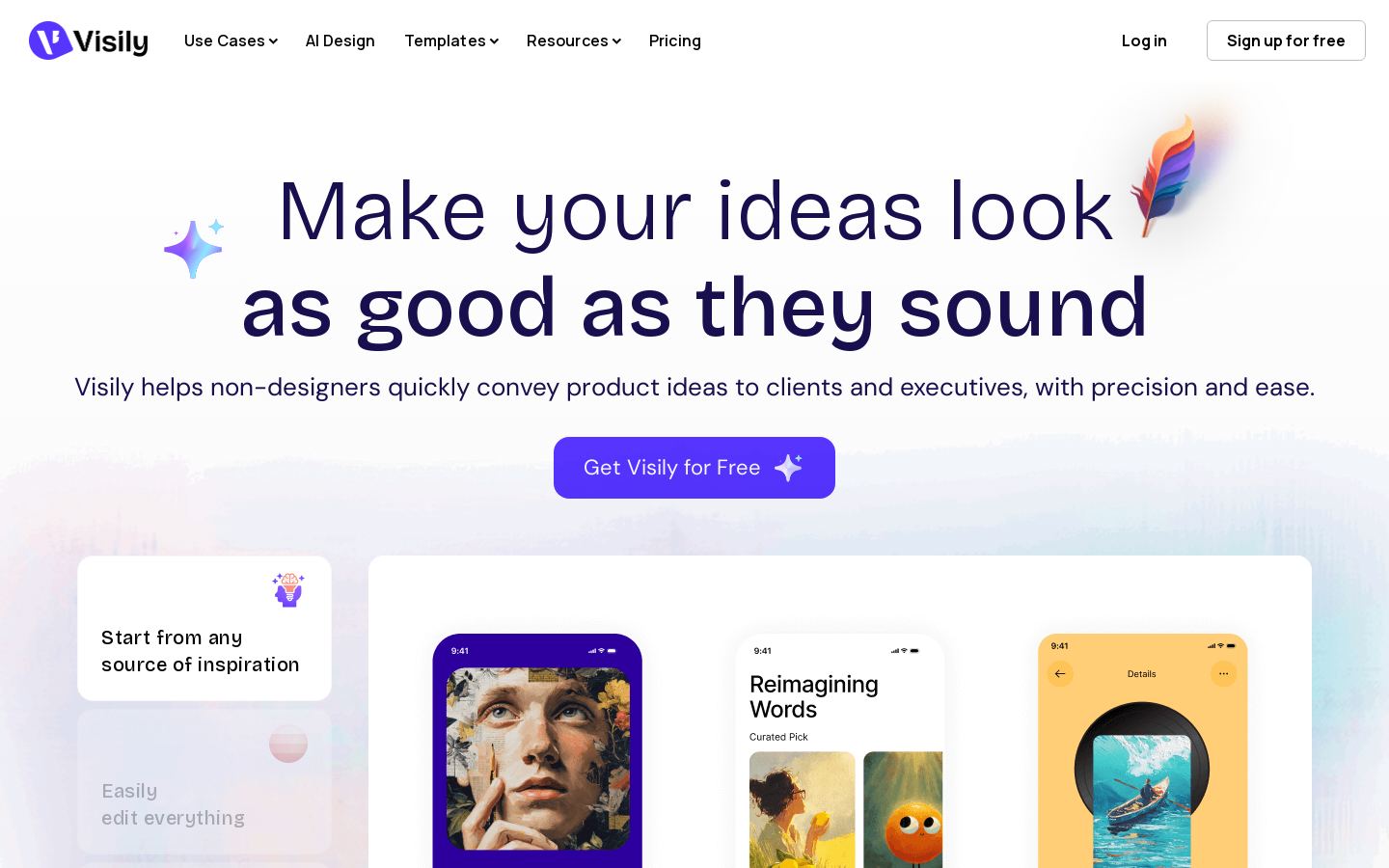
Visily is AI-powered UI design software that turns product ideas into wireframes, mockups and clickable prototypes for mobile apps and websites. It targets non-designers such as product managers and founders.
You can start from a text prompt, a screenshot, a diagram or a pre-built template. Visily generates UI screens, and you can then refine them through AI chat or by hand on a drag-and-drop canvas with Smart Components and UI presets. Auto-prototyping links screens into clickable flows. Paid plans add Figma import and export, export to code and a Visily MCP server.
Teams collaborate in the browser using comments, cursor chat, follower mode and shared asset libraries. A free Starter plan includes 300 AI credits a month. Pro and Business are priced per editor, and Enterprise pricing is custom.
Key features
- Generate wireframes from text prompts
- Convert screenshots into editable UI designs
- Turn diagrams into UI screens
- Edit designs through AI chat
- Auto-prototyping for clickable prototypes
- Template library and Smart Components
- Figma import/export and export to code
- Comments, cursor chat and shared libraries
Use cases
Who it's for
Product spec mockups
Product managers can turn a feature idea into wireframes and screens without waiting on a designer.
Founder MVP prototypes
Founders can build clickable prototypes of an app or website to show investors or test with users.
Redesigning from screenshots
Teams can upload a screenshot of an existing screen and get an editable design to iterate on.
Handoff to designers or developers
Paid plans export to Figma or code, so the work moves straight into later design or development.
Visily pricing
From the vendor's site, checked Oct 26, 2026; we re-check prices monthly. Prices change — confirm on their pricing page.
Starter
month
Free
- 300 AI credits/month
- Standard AI design
- Limited boards and elements
Pro
month
$14 per editor/mo
- 3,000 AI credits/month
- AI deep design and design instructions
- Unlimited boards and elements
- Figma import/export, export to code, Visily MCP server
Business
month
$29 per editor/mo billed annually
- 10,000 AI credits/month
- Everything in Pro
- SAML SSO, team management, workspace library
- 30-day version history, priority support
Enterprise
custom
Custom
- Custom plans via sales
| Cost for a team, per month | 1 person | 5 people | 20 people |
|---|---|---|---|
| Proper seat | $14 | $70 | $280 |
| Businessper seat | $29 | $145 | $580 |
Billed yearly where the plan offers it. — means the plan doesn't allow that many people.
Which plan do you need?
- UizardPro$12/mo
- RelumeLaunch hosting$12/mo
- VisilyPro$14/mo
- Figma AI (Figma Make)Professional$16/mo
The cheapest paid plan with a published price that fits. Custom and sales-quoted plans aren't included.
How Visily compares
- At $14/mo, Visily has the highest entry price of the 4 tools here with published prices (median $12).
- Visily has a free plan, like 3 of the 4 alternatives below.
| Tool | Starts at | Free plan | Free trial | API | Open source | |
|---|---|---|---|---|---|---|
| VVisily | $14/mo | — | — | — | ||
F Figma AI (Figma Make) | $3/mo | — | — | Visily vs Figma AI (Figma Make) | ||
G Google Stitch | — | — | — | — | — | Visily vs Google Stitch |
U Uizard | $12/mo | — | — | — | Visily vs Uizard | |
R Relume | $12/mo | — | — | Visily vs Relume |
Compare 8 capabilities
| Capability | Visily | Figma AI (Figma Make) | Uizard | Relume |
|---|---|---|---|---|
| Prompt to UI | — | — | ||
| Screenshot/sketch import | — | — | — | |
| Code export | — | |||
| Figma export | — | — | — | |
| Clickable prototypes | — | — | ||
| Real-time collaboration | — | — | — | |
| MCP server | — | — | ||
| Hosting & publishing | — | — | — |
Capabilities as stated on each vendor's own site; — means the site doesn't say. The closest alternatives in our directory by category. “Starts at” is the cheapest paid plan per month, as each vendor lists it.
Pros and cons
Strengths
- Free Starter plan with 300 AI credits a month
- Accepts prompts, screenshots, diagrams or templates as starting points
- Pro adds Figma import/export and export to code
- Built-in real-time collaboration tools
Limitations
- Free plan limits boards and elements
- Paid plans are priced per editor
- Business plan is billed annually
- No desktop or mobile apps are listed
Visily FAQ
Is Visily free?
Yes. The Starter plan is free, with 300 AI credits a month and limited boards and elements.
How much does Visily Pro cost?
Pro costs $14 per editor per month and includes 3,000 AI credits a month.
Does Visily work with Figma?
Yes. Visily has a Figma plugin, and Pro includes Figma import and export.
Who is Visily for?
It's built for non-designers such as product managers and founders who need wireframes, mockups and prototypes.
Can Visily export to code?
Yes. Export to code is included in the Pro plan and above.
User reviews
No reviews yet. Used Visily? Be the first.
Sign in to rate this tool and share how you use it.
Visily
Free · from $14/mo
Tools similar to Visily
AI design agent and prompt-to-app tool built into Figma for product teams
Turns text prompts and sketches into UI designs and front-end code
AI UI design tool that turns text prompts and screenshots into app mockups