S
 SS
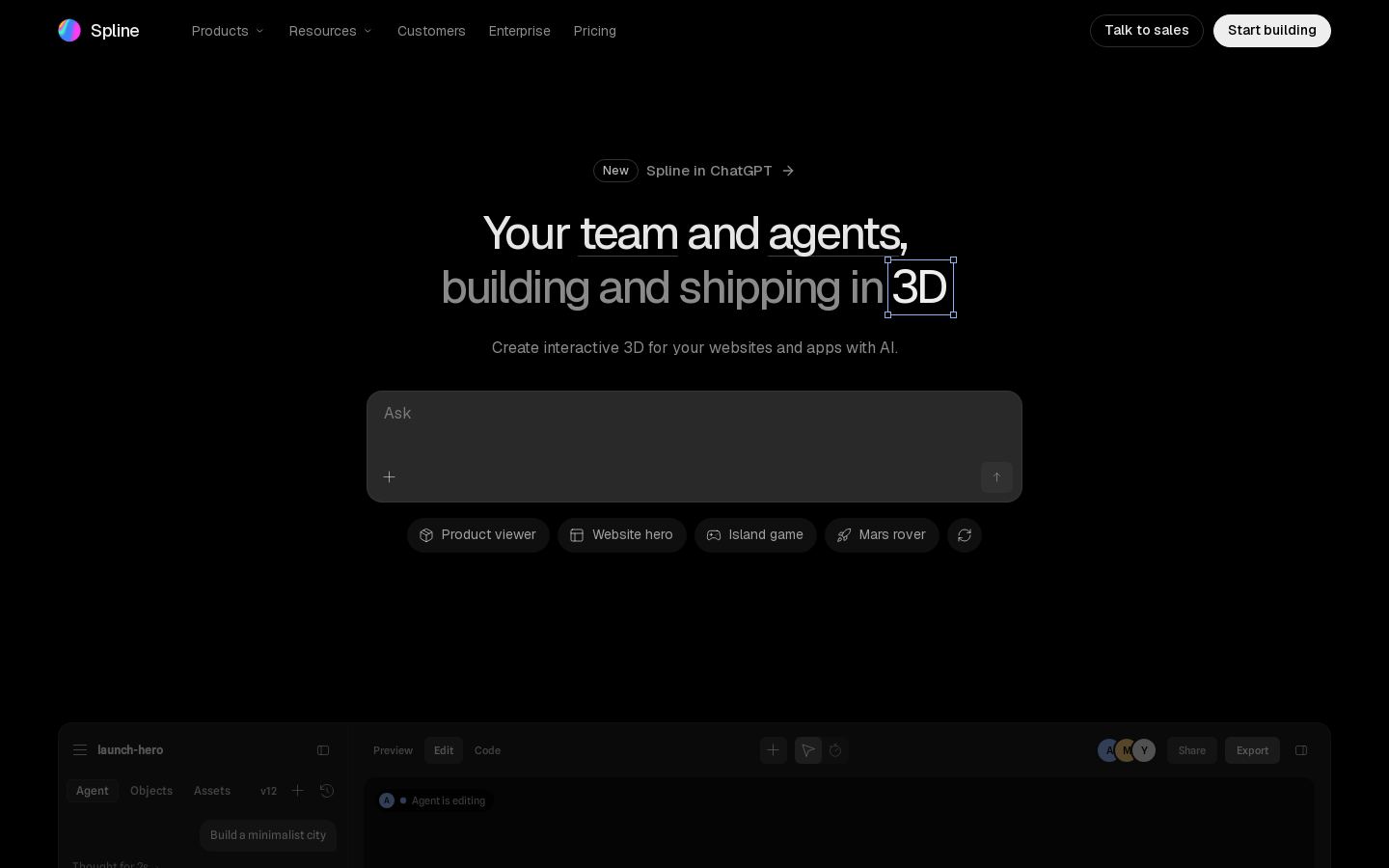
Browser-based 3D design tool for building interactive web and app scenes

 M
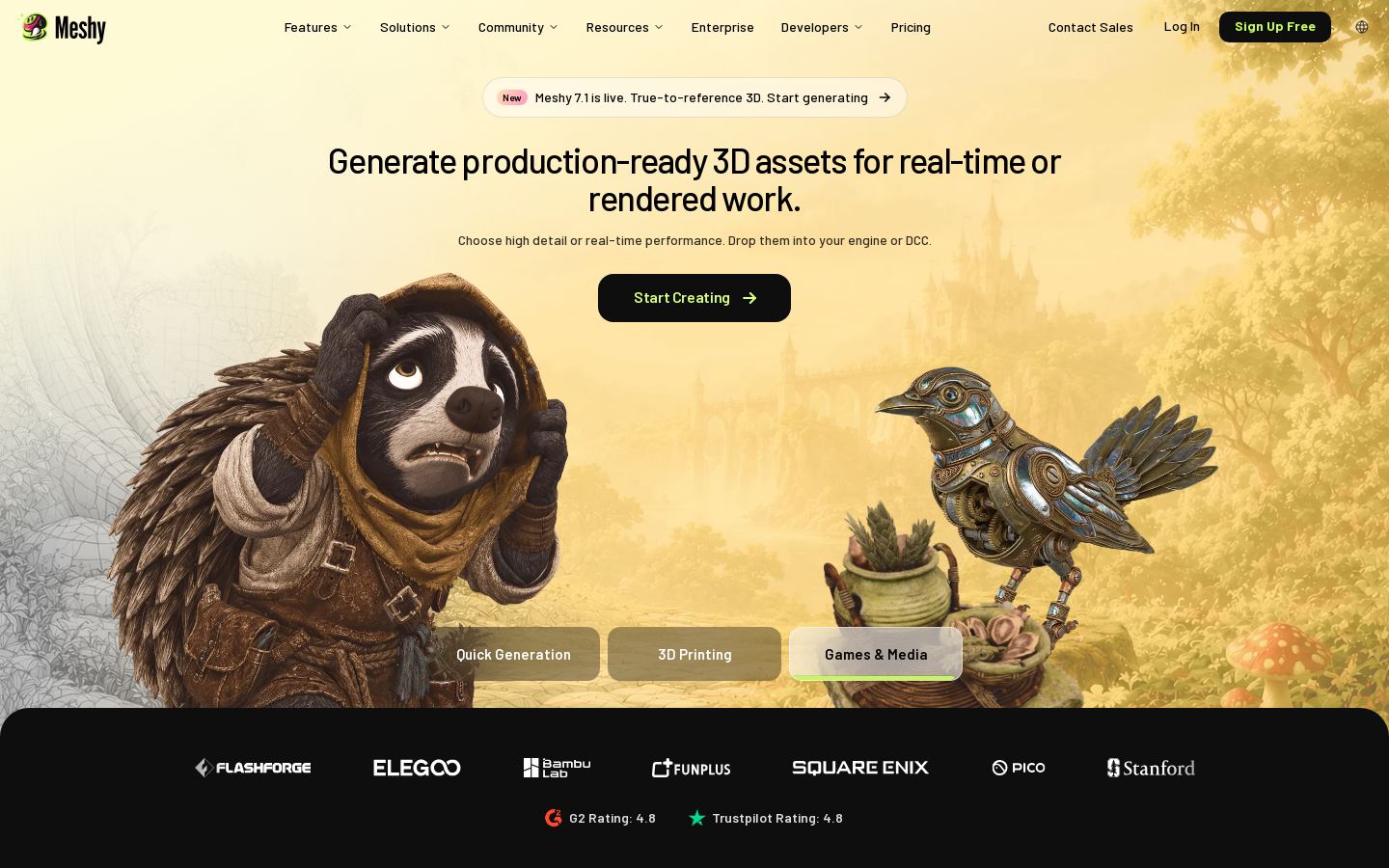
Turn text prompts or images into textured, rigged 3D models for games and printing

 A
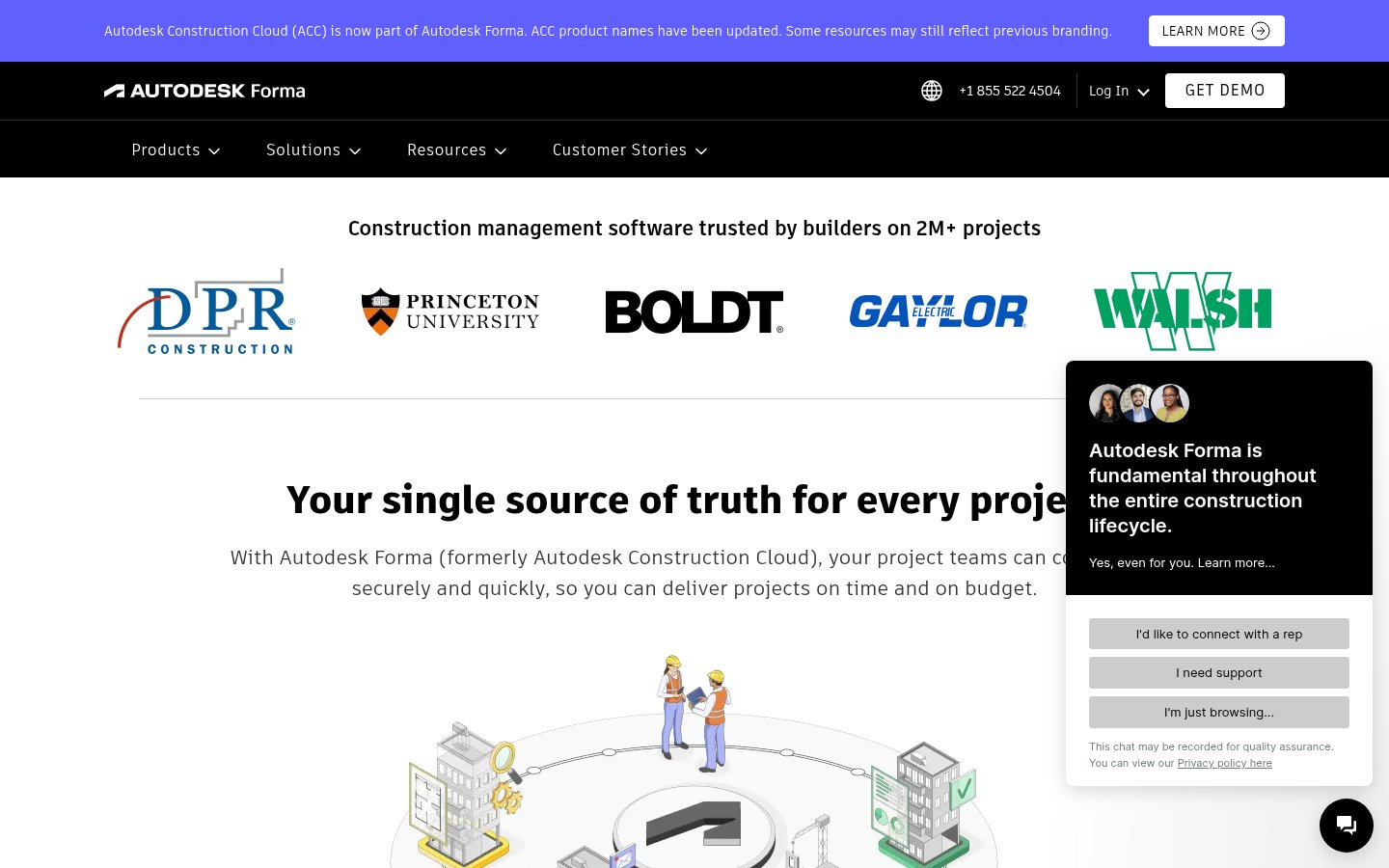
Construction management platform covering design, preconstruction, build and handover
Construction management platform covering design, preconstruction, build and handover
From each vendor's own pages, re-checked every two months. Of 3 tools we checked, 0 of 1 that state a policy don't train AI on your content, and 1 hold SOC 2 or ISO 27001.
The three tools here do quite different jobs, so start with what you need to produce. Meshy generates textured, rigged 3D models from text or images, aimed at games and 3D printing. Spline is a browser-based editor for building interactive 3D scenes for websites and apps. Autodesk Construction Cloud is a construction management platform that covers design, preconstruction, build and handover. It manages building projects rather than generating models.
Beyond that, a few things set them apart:
We list these tools but haven't tested them, so try the free tiers before you commit.
Yes. Meshy and Spline are both freemium, so you can start without paying. Autodesk Construction Cloud has no listed free plan. You have to contact the company for pricing.
Spline's paid plans start at $12/mo. Meshy is freemium, but we don't have its paid prices on our list. Autodesk Construction Cloud is priced by quote.
First, match the tool to what you need to produce. Meshy generates models from text or images, Spline builds interactive scenes for the web, and Autodesk Construction Cloud manages construction projects. Then check whether you need an API (Meshy and Spline have one), which platforms you work on, and whether a free tier covers what you need.
If you'd rather design interactive 3D scenes by hand than generate models, Spline is the closest option on this list. It runs in the browser and also has an API. For building and construction projects, Autodesk Construction Cloud does a different job: it covers project management from design through handover.