Writing & Content53Image58Video28Audio & Voice33Chat & Assistants24Productivity46Coding & Development41Agents & Automation28Marketing & SEO21Sales & Support45Business & Finance96Operations21Data & Research23Education25Design22Health & Life38

Browser Use vs Microsoft Power Automate

Pricing, features, platforms and who each one suits — side by side.

BBrowser UseFreemiumVisit site
MMicrosoft Power AutomateFrom $15/moVisit site
VS
B

Choose Browser Use if…

  • you want a free plan to start with
  • you need an API to build on
  • you want open source you can self-host or audit
  • you work on Self-hosted
  • you're in its core audience: developers, ai agent builders
M

Choose Microsoft Power Automate if…

  • you work on Windows
  • you're in its core audience: enterprise it and automation teams, microsoft 365 organizations

Side by side

Feature Browser Use Microsoft Power Automate
Pricing modelFreemiumFree trial
Starting price—$15/mo
Free plan
Free trial
API
Open source
Trains AI on your contentYes—
Data retentionKept as long as necessary; ZDR projects on enterprise; personal data destroyed within 90 days of termination—
Security and complianceSOC 2 Type II, HIPAA, GDPRGDPR
Updates, last 90 days3—
GitHub stars119.3K—
CAPTCHA solving—
Built-in proxies—
Structured JSON output—
Login & 2FA—
Session replay—
MCP server—
No-code integrations—
PlatformsWeb, API, Self-hostedWeb, Windows
CategoryBrowser Agents & ScrapingWorkflow Automation
CompanyBrowser Use Inc.Microsoft Corporation · United States
Full feature lists

B Browser Use

  • Browser agents that complete web tasks
  • Cloud browsers accessed through Playwright or Puppeteer over CDP
  • CAPTCHA solving and anti-detect browsers
  • Residential proxies or your own proxy
  • MCP server and browsers for coding agents
  • Open-source MIT library and Browser Harness
  • BU 2.0 custom model API
  • On-prem deployment option

M Microsoft Power Automate

  • Cloud flows for digital process automation
  • Attended and unattended desktop RPA
  • Natural-language flow authoring with Copilot
  • More than 1,400 prebuilt connectors plus custom connectors
  • Process and task mining with AI recommendations
  • AI document and image processing
  • Hosted RPA on Microsoft-managed virtual machines
  • Managed Environments and data loss prevention controls

Their home pages

What each vendor shows first: the pitch, the plans and the sign-up.
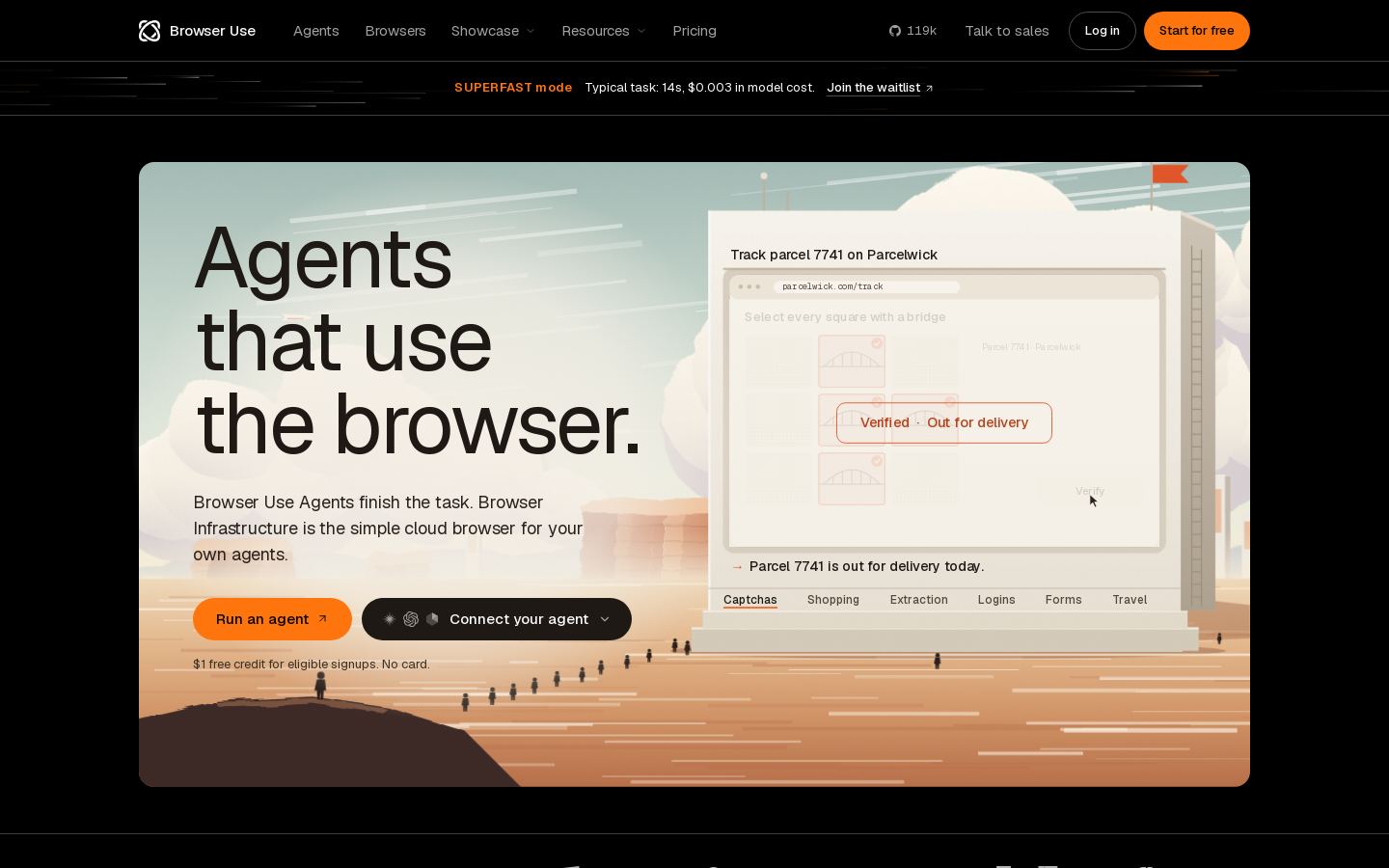
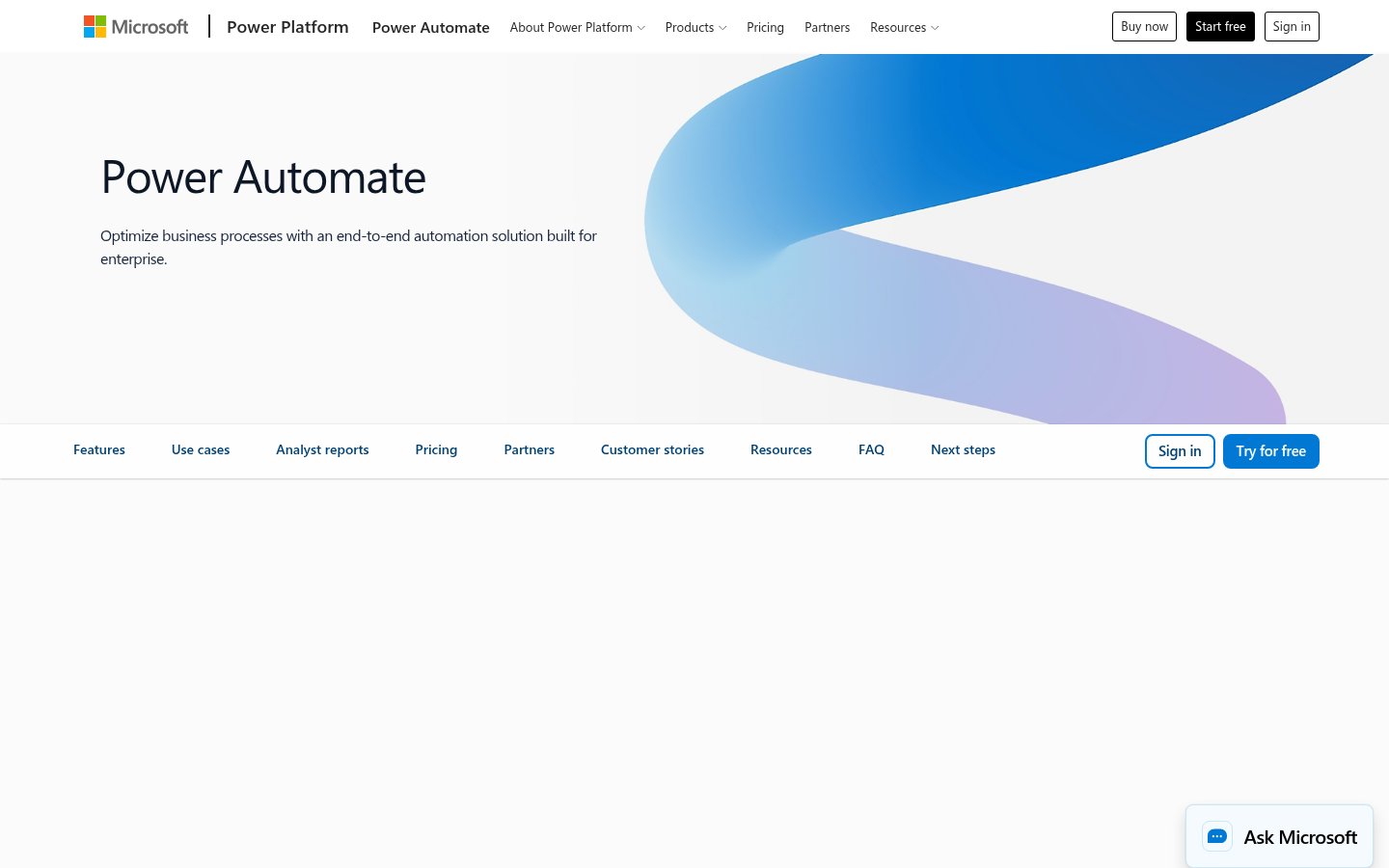
Browser Use home page
B Browser Use · browser-use.com
Microsoft Power Automate home page
M Microsoft Power Automate · powerautomate.microsoft.com

What you'd pay

The cheapest plan that fits, per month, billed yearly where the plan offers it.

Team sizeBrowser UseMicrosoft Power Automate
1 personno published plan$15 Power Automate Premium
5 peopleno published plan$150 Power Automate Process
20 peopleno published plan$150 Power Automate Process

What the free plans include

Browser Use

  • $1 free credit once per person
  • Eligible Google, GitHub or Microsoft signups, no card required
  • 10 concurrent sessions at $0 total paid

Microsoft Power Automate

No free plan.

All plans and prices

Browser Use

Free credit$1 one-time
Cloud browsers$0.02/hour
Browser agentsModel cost + 20%
BU 2.0 model API$0.60 input / $3.50 output per 1M tokens
On-premCustom

Microsoft Power Automate

Free trialFree
Power Automate Premium$15.00 user/month, paid yearly
Power Automate Process$150.00 bot/month, paid yearly
Power Automate Hosted Process$215.00 bot/month, paid yearly
Process Mining add-on$5,000.00 tenant/month, paid yearly

Strengths and limitations

Browser Use

  • Core library is open source under the MIT license
  • $1 free credit with no card required
  • No subscription, and credits never expire
  • Lists SOC 2 Type II, HIPAA compliance and zero data retention
  • Usage-based billing makes costs harder to predict
  • Free accounts are limited to 10 concurrent sessions
  • Minimum top-up is $5
  • On-prem pricing requires contacting sales

Microsoft Power Automate

  • 30-day free trial includes premium features
  • More than 1,400 prebuilt connectors
  • Works inside Teams, Excel, SharePoint and OneDrive
  • Covers cloud, desktop RPA and process mining in one product
  • Listed prices are billed yearly
  • Not available on-premises; cloud service only
  • Desktop app is Windows 10 and 11 only
  • Process Mining add-on costs $5,000 per tenant per month

More comparisons

Other options to consider

B
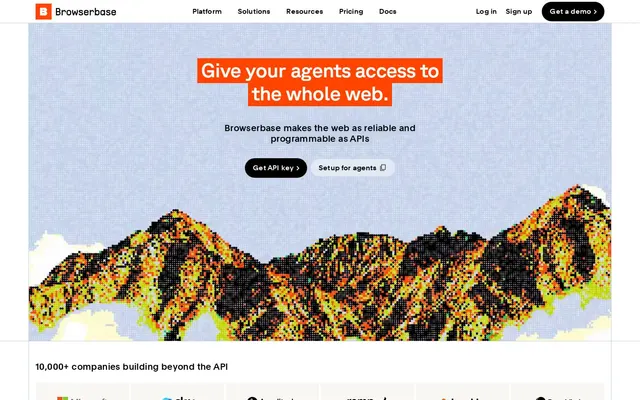
Browserbase websiteB

Cloud headless browsers and web APIs for developers building AI agents

Free, from $20/mo
B
Browserbase website
Free, from $20/mo
B

Cloud headless browsers and web APIs for developers building AI agents
Browser Agents & ScrapingFree planAPI
S
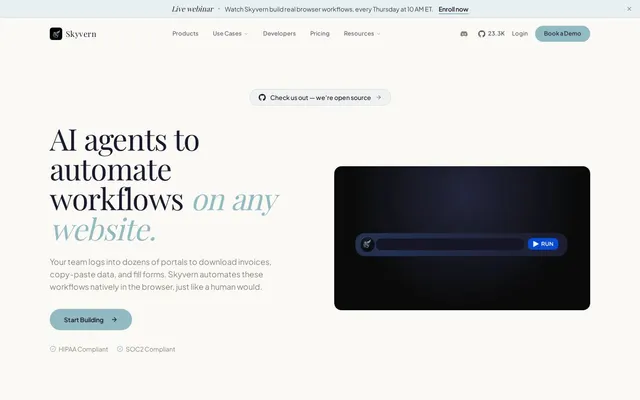
Skyvern websiteS

Open-source AI browser automation for logins, forms and data extraction

Free, from $29/mo
S
Skyvern website
Free, from $29/mo
S

Open-source AI browser automation for logins, forms and data extraction
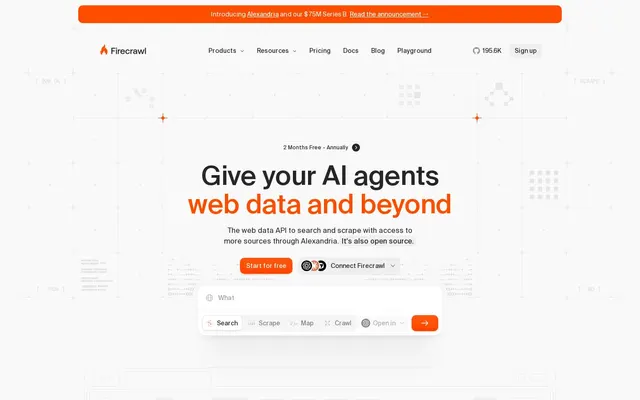
Browser Agents & ScrapingFree planAPIOpen source
F
Firecrawl websiteF

Web search, scraping and crawling API that returns LLM-ready data

Free, from $16/mo
F
Firecrawl website
Free, from $16/mo
F

Web search, scraping and crawling API that returns LLM-ready data
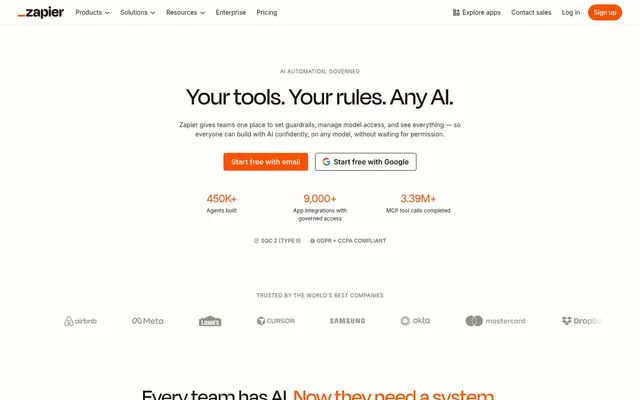
Browser Agents & ScrapingFree planAPIOpen source
Z
Zapier websiteZ

No-code workflow automation and AI agents across 9,000+ apps for businesses

Free, from $19.99/mo
Z
Zapier website
Free, from $19.99/mo
Z

No-code workflow automation and AI agents across 9,000+ apps for businesses
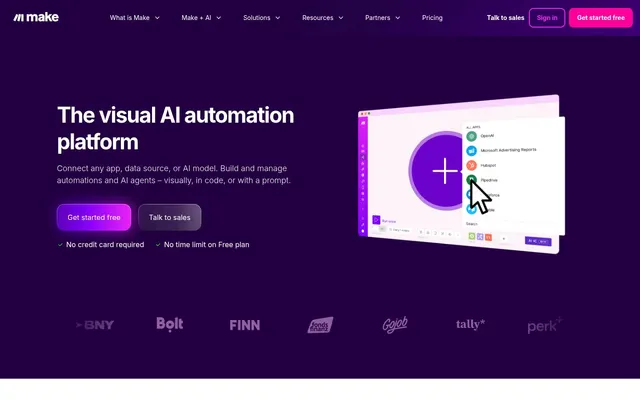
Workflow AutomationFree planAPI
M
Make websiteM

Visual no-code platform for building AI agents and automated workflows

Free, from $9/mo
M
Make website
Free, from $9/mo
M

Visual no-code platform for building AI agents and automated workflows
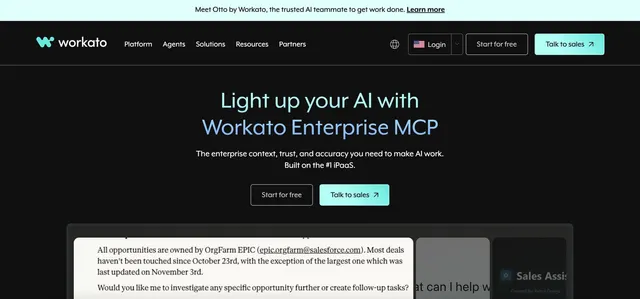
Workflow AutomationFree planAPI
W
Workato websiteW

Enterprise platform to connect apps and data and govern AI agents and workflows

Free, from $100/mo
W
Workato website
Free, from $100/mo
W

Enterprise platform to connect apps and data and govern AI agents and workflows

Workflow AutomationFree planAPI

Facts from each vendor's public pages, prices checked Oct 26, 2026. Editorial policy