Best of
Top 10 AI Automation & Workflow Tools in 2026: Ranked by Real-World Impact
May 17, 2026 · 16 min read

Visual no-code platform for building AI agents and automated workflows
Own Make? Claim it, free to correct the facts and get the verified badge.
Pricing
Free · from $9/mo
API
Yes
Platforms
Make is the cheapest way to run branching, multi-app automations on a hosted platform, and its free routers and visual canvas give it a clear edge over Zapier on complex logic. Every paid tier starts at the same 10,000 credits, though, so one 15-minute, five-module scenario fills Core, and iterator-heavy teams should compare its overage costs against self-hosted n8n.
Best for: Ops teams building branching multi-app workflows
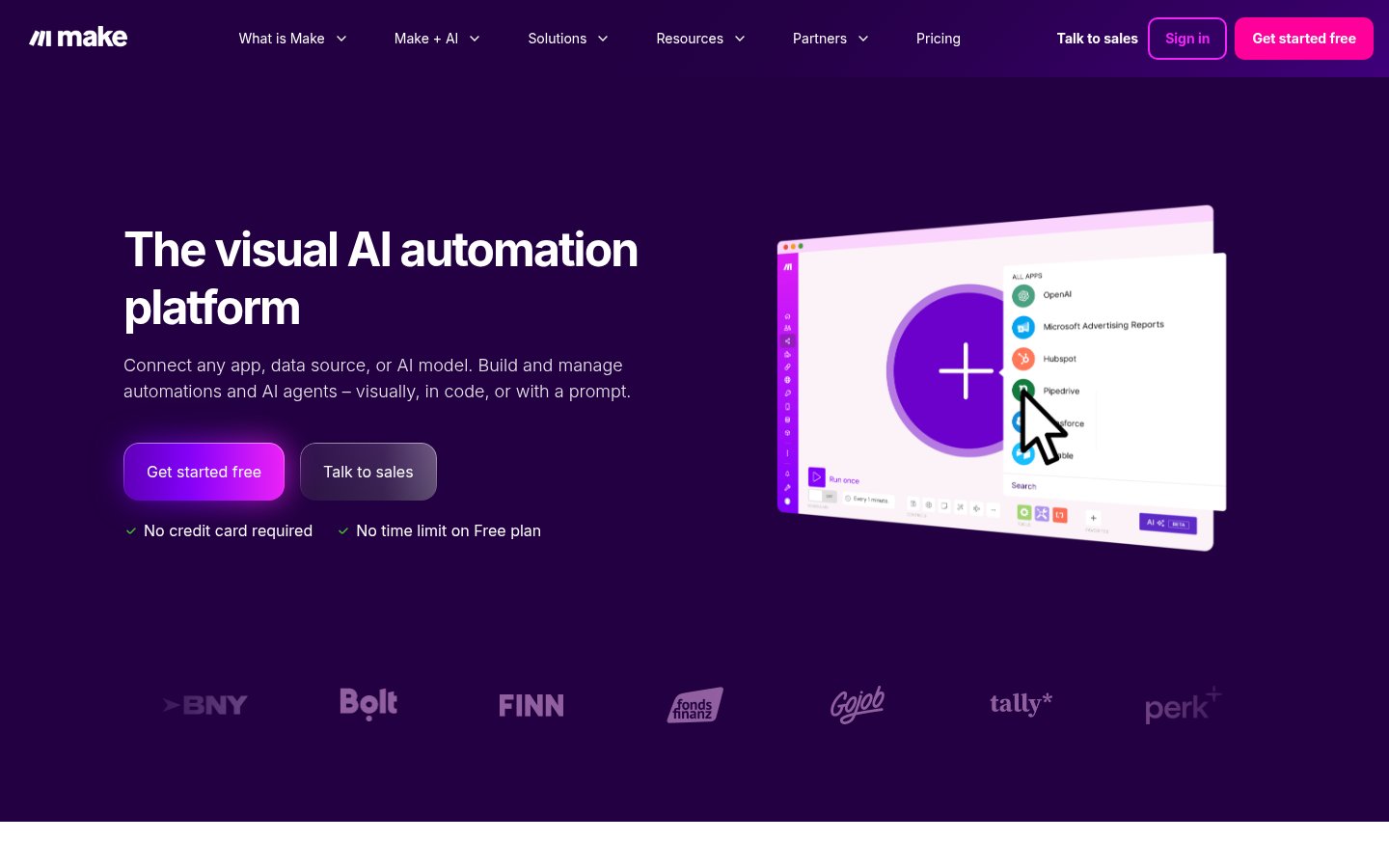
Read the full reviewMake is an AI automation platform where teams build automated workflows, called scenarios, and AI agents in a visual drag-and-drop builder. It connects to more than 3,500 apps out of the box, including Salesforce, HubSpot, Slack, Google Sheets and OpenAI. Anything else with an API can be added as a custom integration.
You can build a scenario by prompting the Maia assistant, by dragging and dropping modules, or from Claude, ChatGPT or Gemini through the Make MCP server. Developers can add custom JavaScript or Python where a workflow needs it. Make Grid gives you observability across everything running, and AI agents show their reasoning.
Pricing is based on credits: each module action uses one credit. Make suits individuals automating simple tasks as well as larger companies that need SSO, audit logs, role-based access and SOC 2 Type II compliance.
Who it's for
Move leads from Facebook Lead Ads or forms into HubSpot or Salesforce and notify the team in Slack.
Route and resolve support tickets with AI agents connected to your helpdesk and knowledge sources.
Automate invoice handling and data transfer between finance tools such as NetSuite and spreadsheets.
Let teams build agents and automations while admins keep control through role-based access and audit logs.
From the vendor's site, checked Oct 26, 2026; we re-check prices monthly. Prices change — confirm on their pricing page.
| Plan | Free | Core | Pro | Teams | Enterprise |
|---|---|---|---|---|---|
| Paid monthly | Free | yearly only10,000 credits, annual billing | yearly only10,000 credits, annual billing | yearly only10,000 credits, annual billing | Custom |
| Paid yearly | Free | $9/mo | $16/mo | $29/mo | — |
| Credits a month | 1,000 | 10,000 | — | — | — |
| Active scenarios | 2 | Unlimited | — | — | — |
| Minimum run interval | 15 minutes | 1 minute | — | — | — |
| Also | — |
|
|
|
|
What the free plan gets you
| Cost for a team, per month | 1 person | 5 people | 20 people |
|---|---|---|---|
| Coreflat, up to 1 | $9 | — | — |
| Proflat, up to 1 | $16 | — | — |
| Teamsflat | $29 | $29 | $29 |
Billed yearly where the plan offers it. — means the plan doesn't allow that many people.
Which plan do you need?
Prices are per month on yearly billing; these vendors publish no monthly rate. The cheapest paid plan with a published price that fits. Custom and sales-quoted plans aren't included.
Get an email when Make changes its prices
One mail per change, a stop link in each. Nothing else.
| Tool | Starts at | Free plan | Free trial | API | Open source | |
|---|---|---|---|---|---|---|
| MMake | $9/mo | — | — | |||
Z Zapier | $19.99/mo | — | Make vs Zapier | |||
N n8n | $20/mo | — | Make vs n8n | |||
M Microsoft Power Automate | $15/mo | — | — | — | Make vs Microsoft Power Automate | |
A Activepieces | $20/mo | — | Make vs Activepieces |
| Capability | Make | Zapier | n8n | Microsoft Power Automate | Activepieces |
|---|---|---|---|---|---|
| Self-hosting | — | — | — | ||
| MCP server | — | ||||
| AI agent builder | |||||
| Custom code steps | — | ||||
| Prompt-to-workflow | — | ||||
| Desktop RPA | — | — | — | — | |
| Custom connectors | |||||
| Embedded integrations | — | — |
Capabilities as stated on each vendor's own site; — means the site doesn't say. The closest alternatives in our directory by category. “Starts at” is the cheapest paid plan per month, as each vendor lists it.
Trains AI on your content
Not stated
Data retention
Log data stored 30 days by default; longer on Enterprise
“By default, log data is stored for 30 days. In our Enterprise Plan, we also offer the ability to store data for an extended period.”
Where data is stored
Not stated
Security and compliance
From Make's own privacy and security pages , checked Oct 28, 2026. We only show what the vendor states in writing; “not stated” means the pages don't say.
“Since 2015, we’ve been inspiring our customers to rapidly build solutions, scale businesses, and even shake up industries to stay ahead.”
From Make's own about, terms and privacy pages, checked Oct 28, 2026.
Strengths
Limitations
 Stanislav VovchykUpdated Nov 9, 20269 min read
This review covers Make.com, the visual automation platform once called Integromat. It is not a guide to writing reviews. Make's pricing FAQ says credits became its billing unit on August 27, and they are easy to underestimate. Almost every module action costs one credit, so a five-module scenario on a 15-minute schedule uses about 14,400 credits a month. That is more than the 10,000 that Cipher Projects' 2026 comparison lists for Core, Make's entry plan from $9 a month. My verdict, based on Make's public pages and third-party comparisons: Make is good value for branching, multi-app workflows at modest frequency. It gets expensive fast when you run loops on a tight schedule.

A Make workflow is called a scenario. It starts with a trigger, such as a new row in Google Sheets or an incoming webhook. Each step after that is a module that reads, searches, creates, updates or deletes data in a connected app. Make lists 3,500+ apps on its homepage. Anything else with an API can be added as a custom integration, and JavaScript or Python steps handle transformations the built-in tools can't.
Three building blocks control both the logic and the bill:
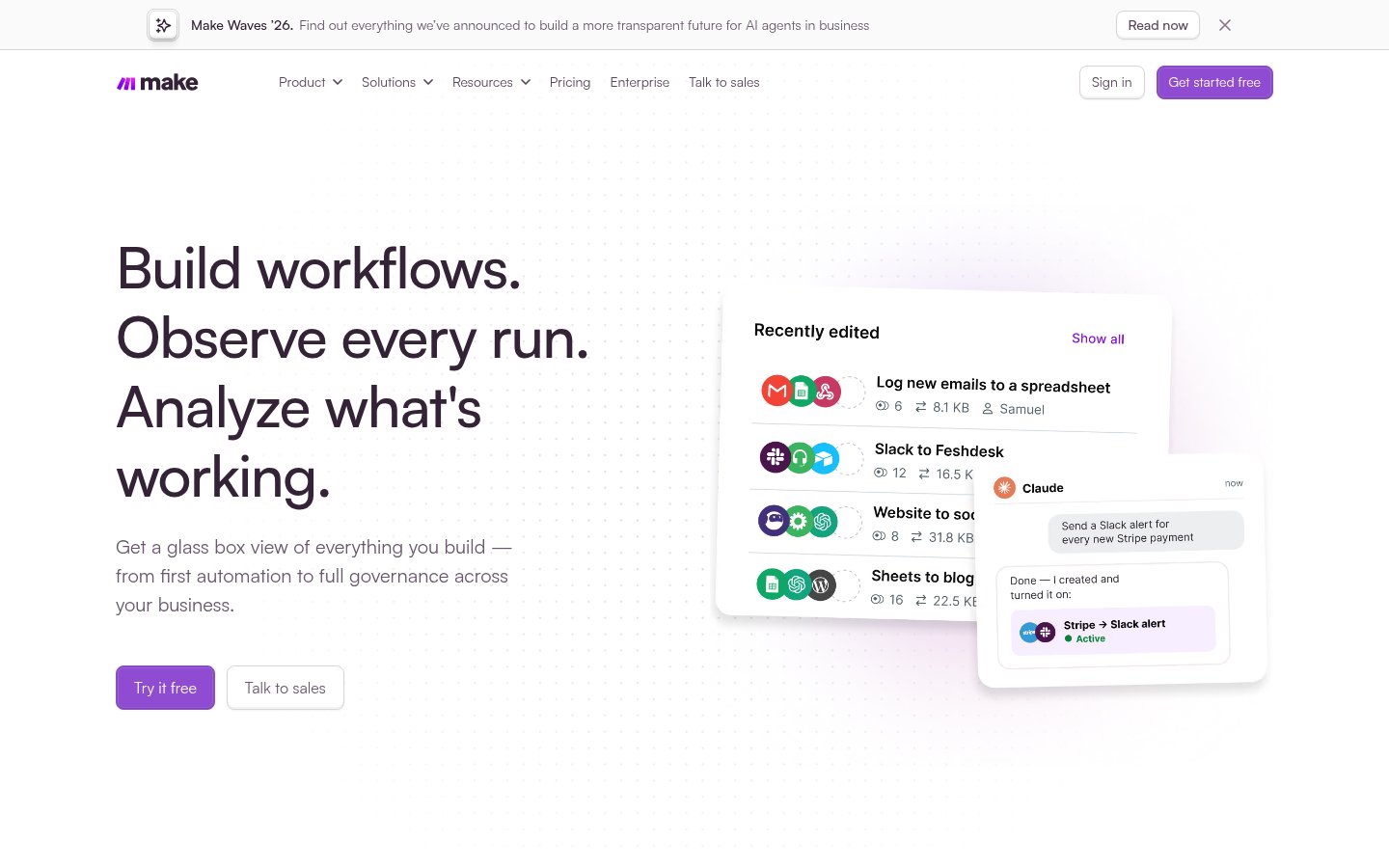
Make's homepage describes three ways to build: by prompting, by dragging modules on the canvas, or from Claude, ChatGPT or Gemini through Make's MCP server. Its observability view covers the whole stack, including third-party resources.
The pricing FAQ, as I read it in late October 2026, is specific. Each of these actions costs credits, usually one each:
Two things are free. The router module costs nothing. The error-handler modules (Rollback, Break, Resume, Commit and Ignore) cost nothing too. Make says a single run can take anywhere from two credits to thousands, depending on what the scenario does.
The rules carry a cost lesson the glossary pages miss. Routers are free, so branching costs nothing extra: a four-path scenario only pays for the modules on the path each run takes. Iterators and aggregators charge per item, so every module after an iterator gets multiplied by the length of the list.
A five-module scenario every 15 minutes.
With Core's 10,000, that runs for about three weeks and leaves you 4,400 short. You can close the gap by buying extra credits in bundles of 1,000 or 10,000 at your plan's fixed price. Or you can slow the schedule down. At every 30 minutes the same scenario needs 7,200 credits. Hourly, it needs 3,600. Before you settle on an interval, ask Make whether a polling check that finds no new records still costs its trigger credit. At 2,880 checks a month, the answer changes the total a lot for quiet workflows.
A loop over 100 rows. Take a scenario that reads a sheet, iterates over 100 rows and writes each row to Airtable:
This is where budgets go wrong. On a visual canvas, an iterator looks like one more circle. On the bill it multiplies everything after it. I'd add a step that limits each run to new or changed rows before putting a loop on a schedule. Ten new rows an hour costs 21 credits per run instead of 201.
The FAQ is blunt about this: scenarios stop until you add credits. Incoming webhooks queue up only to your plan's webhook storage limit and are processed once the scenarios resume. Polling scenarios pick up records from the last successful run. For a scheduled sync, that means a delay. For a busy form endpoint, the queue size decides whether submissions wait or pile up past what storage can hold. I'd size that queue against the busiest hour you expect, and turn on auto top-up for anything customer-facing.
Make's homepage describes AI Agents where you "set goals, provide tools, define limits" and see the agent's reasoning. Its MCP server lets you build and run automations from Claude, ChatGPT or Gemini. That's useful if your team already works inside an AI chat, but it also means a chat assistant can trigger live workflows. Our explainer on MCP and what can go wrong covers those permission risks.
On cost, the pricing FAQ says only that some advanced features using Make's AI Provider "may use more" than one credit. Before you put an AI module on a schedule, ask Make for the per-run credit cost of the specific module and model. Then run a capped test and read the credit counter. If the AI step is drafting text, our breakdown of which AI beats ChatGPT for each type of draft helps you pick the model to call.
Make is an established company with a large customer base. It says 500,000+ teams build with it, and its homepage quotes Conor Power of Stellantis &You: "We literally refer to Make as the glue of our organization." Make's security claims are specific:
Those cover most of a standard vendor security questionnaire. If your review also requires ISO 27001, a particular data region, or log retention beyond the default, ask Make's sales team to confirm it in writing before you sign. Some of those controls may sit on Enterprise.
Kestra and Use-Apify both put Zapier and n8n at the top of their 2026 lists of Make alternatives, so those are the two comparisons that matter.
Against n8n, it comes down to volume and who runs the servers. At low volume, Make's cheaper entry plan and hosted setup win. Once you're paying more for overage credits each month than a small server would cost, a self-hosted n8n gets cheaper, as long as someone on the team can maintain it. Our roundup of open-source Zapier alternatives and their self-hosting costs works through that tradeoff.
Against Zapier, the deciding factor is Make's free routers. Branch-heavy workflows cost only the path taken on each run, so the more your logic forks, the better Make's credit model works for you. For a straight two-step automation, that advantage disappears. Price your own monthly action count on both before you switch.
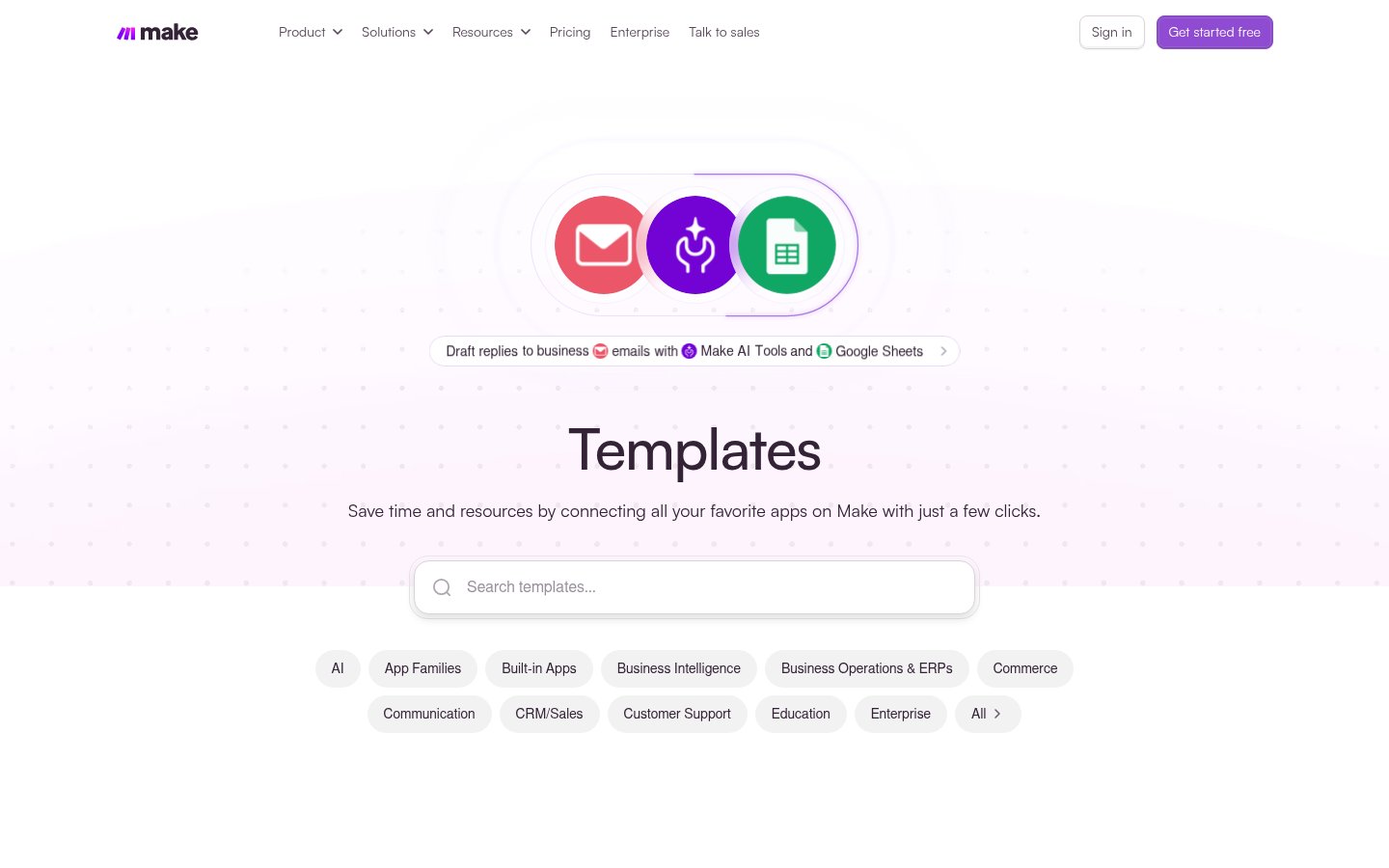
Make's templates library is a faster start than a blank canvas, because a template comes with the trigger and modules already chosen.
Whether you start from a template or from scratch, the order matters for cost:
The usual beginner mistake is field mapping. If a module writes the wrong field, or maps a whole list where it expected one value, the run fails or writes bad data. Run the scenario once on a small sample and check the output in the target app before you switch the schedule on.
Strengths:
Weaknesses:
I'd pick Make for an operations team whose workflows branch, loop and move data between several apps, and who would rather draw the logic than code it.
I'd look elsewhere in three cases. For two-step automations like form-to-spreadsheet, a simpler tool such as Relay.app means less to set up. If you run large loops on a fixed budget or must self-host, n8n fits better. If you'd rather describe a goal to an agent than map modules, Lindy is built around that approach.
Yes. The free plan includes 1,000 credits a month and 2 active scenarios. It has no time limit and needs no credit card.
For 10,000 credits a month on annual billing, Core is $9/mo, Pro is $16/mo and Teams is $29/mo. Enterprise pricing is custom.
Each module action in a scenario counts as one credit, such as adding a Google Sheet row or fetching Gmail data.
No. You can build by prompting, by drag-and-drop or from an AI chat. Developers can add JavaScript or Python if they need to.
Yes. Paid plans include access to more than 300 Make API endpoints, with rate limits that depend on the plan.
Sign in to rate this tool and share how you use it.
Best of
May 17, 2026 · 16 min read
Best of
May 10, 2026 · 18 min read
Best of
May 4, 2026 · 17 min read
Best of
May 4, 2026 · 16 min read
Best of
May 4, 2026 · 15 min read
Make
Free · from $9/mo