M
 M
Microsoft RPA or 9,000+ apps
The short answer
I'd pick Power Automate if your company runs on Microsoft 365 or you need desktop RPA for legacy Windows systems. Premium is $15 per user a month, billed yearly, and Process bots start at $150. I'd pick Zapier if your tools live outside Microsoft. It connects 9,000+ apps, has a permanent free plan and adds MCP for AI agents, but its price rises with task volume.
 Stanislav Vovchyk · updated Nov 5, 2026 · prices checked Oct 26, 2026

Choose Microsoft Power Automate if…

Choose Zapier if…
Typical jobs costed on each tool's cheapest plan that covers them, from the plan limits each vendor publishes.
| Job | Microsoft Power Automate | Zapier |
|---|---|---|
| One person running multi-step workflows across several apps | $15/moPower Automate PremiumOne user license covers cloud flows and attended desktop flows; billed yearly | $19.99/moProfessionalAdds multi-step Zaps, webhooks and premium apps; price rises with task volume |
| A team of 5 sharing multi-step workflows | $75/moPower Automate Premium$15 x 5 users, billed yearly | $69/moTeamUp to 25 users with shared Zaps and SAML SSO; starting price before task volume |
M Microsoft Power Automate
Z
What each vendor shows first: the pitch, the plans and the sign-up.
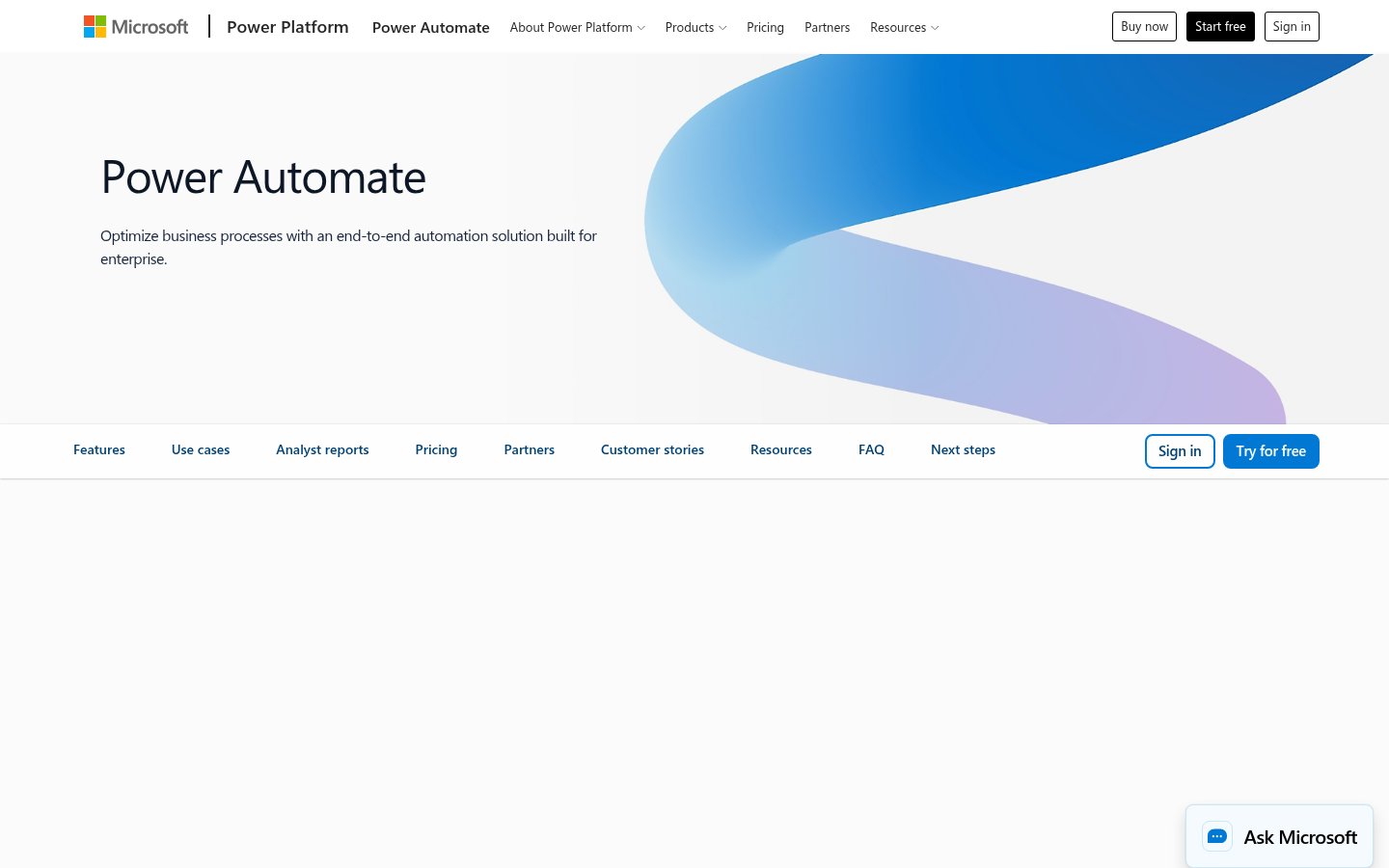 Microsoft Power Automate · powerautomate.microsoft.com
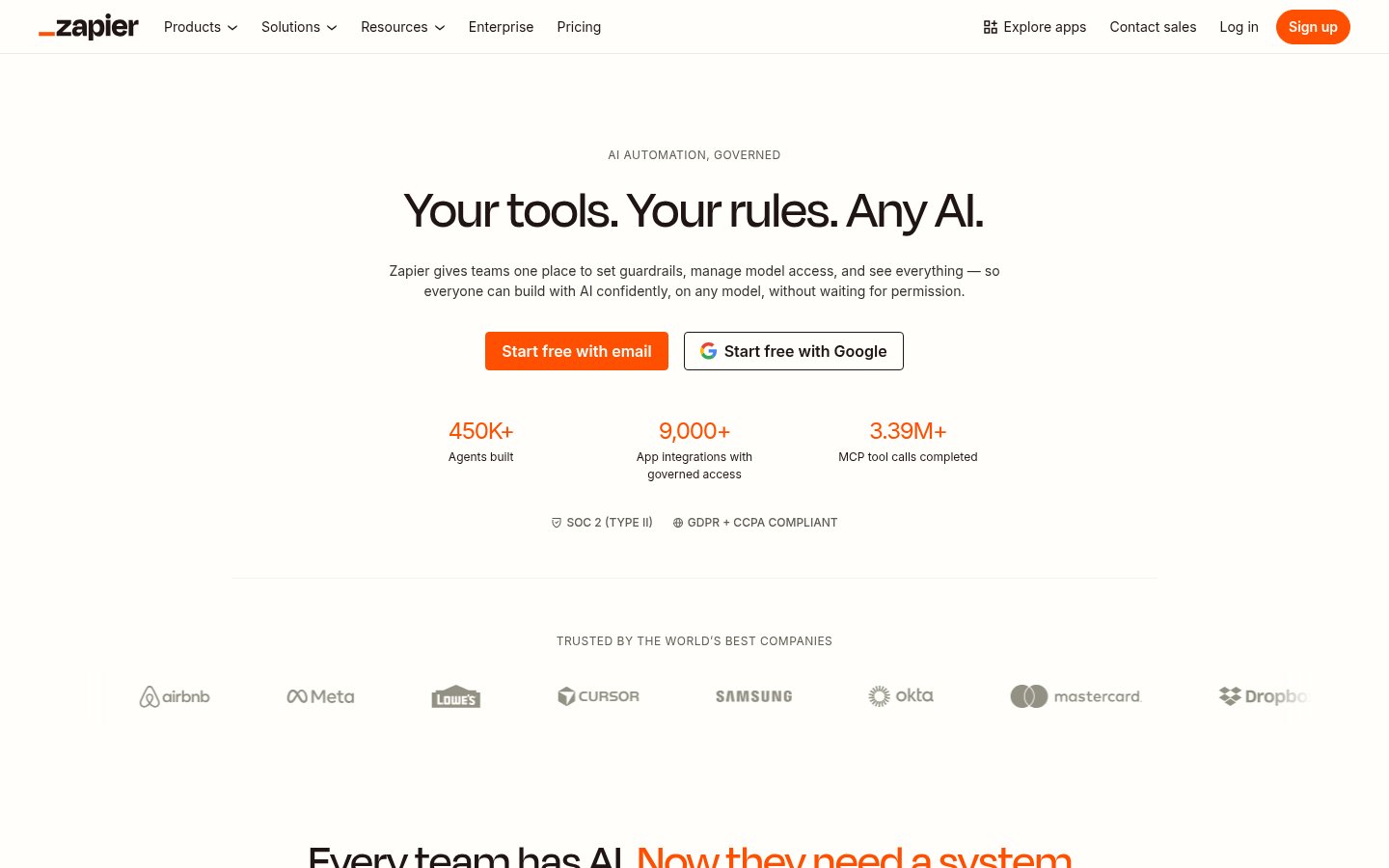 Zapier · zapier.com
The cheapest plan that fits, per month, billed yearly where the plan offers it.
| Team size | Microsoft Power Automate | Zapier |
|---|---|---|
| 1 person | $15 Power Automate Premium | $19.99 Professional |
| 5 people | $150 Power Automate Process | $69 Team |
| 20 people | $150 Power Automate Process | $69 Team |
Work it out for your team
Prices are per month on yearly billing; these vendors publish no monthly rate. The cheapest paid plan with a published price that fits. Custom and sales-quoted plans aren't included.
What the free plans include
Microsoft Power Automate
No free plan.
Zapier
Microsoft Power Automate
Zapier
Yes. It is listed as active and sits inside Microsoft Power Platform. It now includes Copilot flow authoring, AI document processing and hosted RPA. We last checked its pricing on 2026-10-26.
Not a permanent one. Power Automate offers a 30-day free trial with premium features. Zapier's Free plan has no time limit and includes 100 tasks a month, two-step Zaps and 15-minute polling.
Cloud flows run in a web browser. The desktop app, which you need for desktop RPA flows, runs only on Windows 10 and 11. Zapier is web-based and also has an API.
No. Zapier says it does not train on your data. It holds SOC 2 Type II, SOC 3, GDPR and CCPA compliance, and custom data retention is available on Enterprise.
MVisual no-code platform for building AI agents and automated workflows

 W
Enterprise platform to connect apps and data and govern AI agents and workflows
Enterprise platform to connect apps and data and govern AI agents and workflows

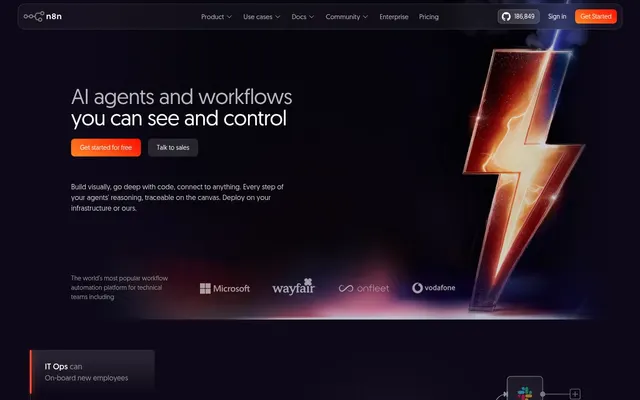 N
Visual workflow automation and AI agent builder for technical teams

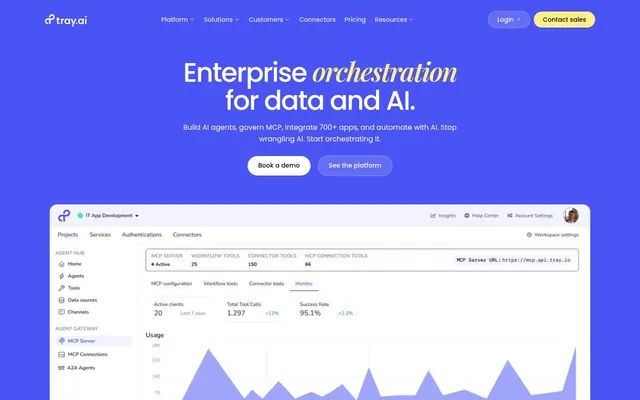 T
Enterprise iPaaS for integrations, automations, AI agents and governed MCP

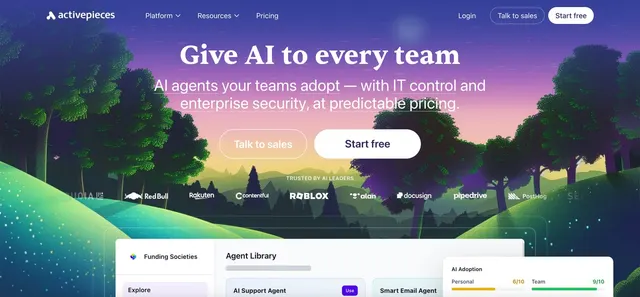 A
Open-source workflow automation and AI agents with 770+ app integrations
Open-source workflow automation and AI agents with 770+ app integrations

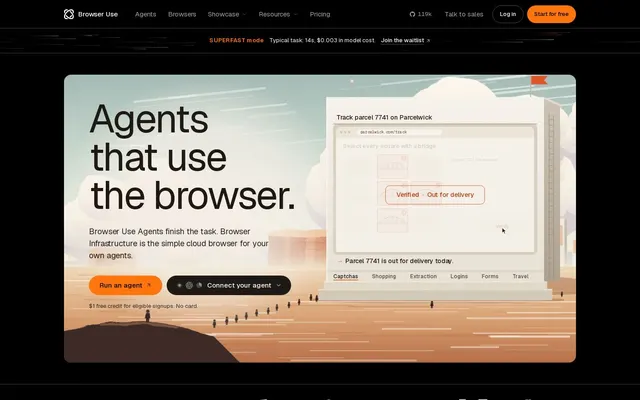 B
AI agents and cloud browsers that automate web tasks for developers
Facts from each vendor's public pages, prices checked Oct 26, 2026. Editorial policy