
VCanva vs CapCut
Pricing, features, platforms and who each one suits — side by side.

Choose Canva if…
- you're in its core audience: content creators, marketers
Choose CapCut if…
- you work on Windows, iOS, Android
- you're in its core audience: content creators, social media marketers
Side by side
Full feature lists
C
Canva
- Library of design templates
- Drag-and-drop design editor
- Presentation, social media and video design
- Stock content library
- Team collaboration on Business plan
- Free plans for verified nonprofits, teachers and students
C
CapCut
- AI video generation from text or images
- AI image generation with multiple models
- EditPilot turns written direction into timeline edits
- Auto captions with translation and styling
- Text to speech in 40+ languages
- One-click background remover
- Video enhancer, voice enhancer and noise removal
- Ready-made and AI-generated templates
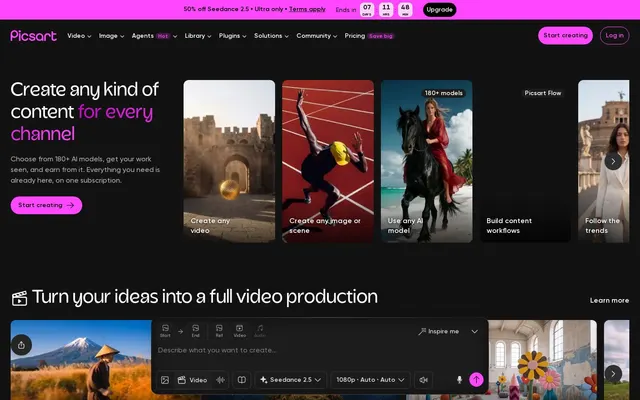
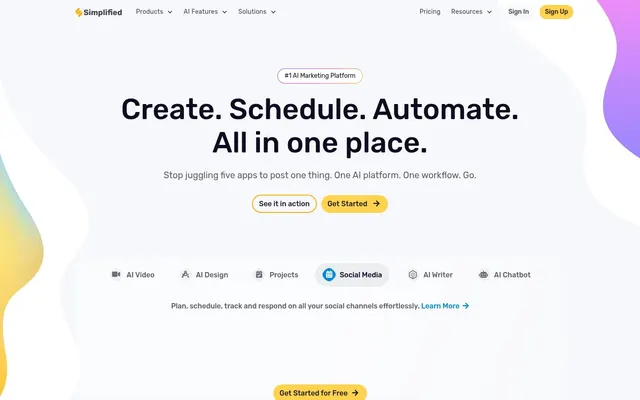
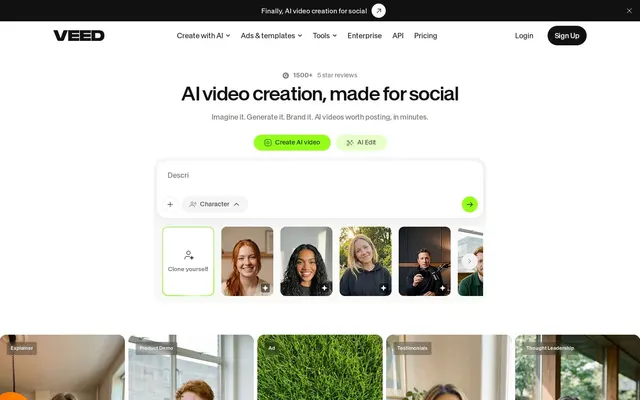
Their home pages
What each vendor shows first: the pitch, the plans and the sign-up.
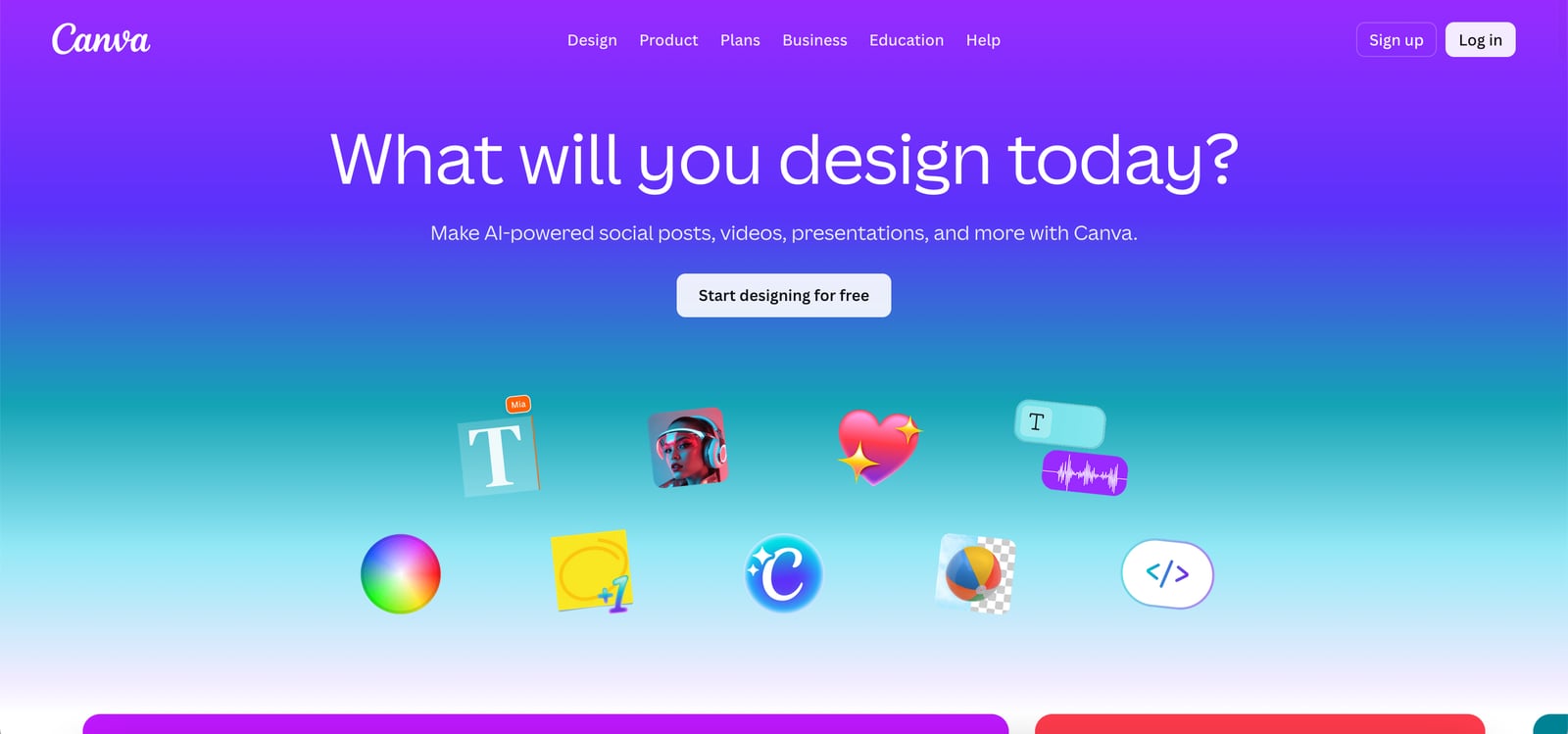
Canva · canva.com
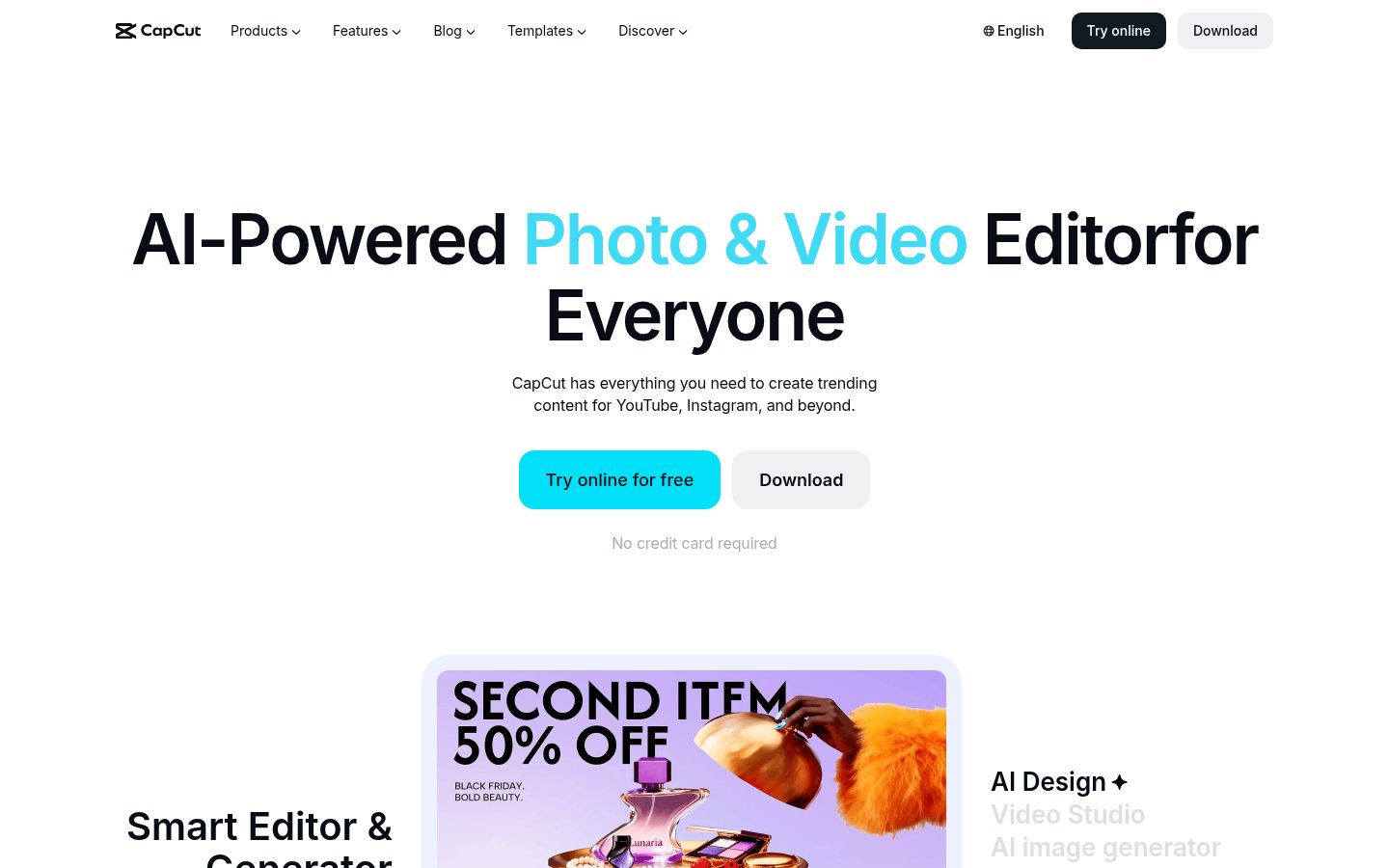
CapCut · capcut.comWhat you'd pay
The cheapest plan that fits, per month, billed yearly where the plan offers it.
| Team size | Canva | CapCut |
|---|---|---|
| 1 person | $12 Pro | no published plan |
| 5 people | $104.15 Business | no published plan |
| 20 people | $416.60 Business | no published plan |
All plans and prices
Canva
CapCut
Price changes we've recorded
We re-read each pricing page every month and log what changed.
Canva
No changes since we started tracking.
CapCut
- Nov 5, 2026Pro: €23.99/mo (€199.99/yr billed yearly) → USD price not shown (page displayed EUR); Ultra: €68/mo (€779/yr billed yearly) → USD price not shown (page displayed EUR); Teams: €14.99/seat/mo (2 seats); €120/seat/yr billed yearly → USD price not shown (page displayed EUR), per seat
Strengths and limitations
Canva
- Free plan available to every individual
- Pro has a 30-day free trial
- Free plans for qualifying nonprofits, teachers and students
- Teams plan is closed to new sign-ups
- Enterprise pricing requires contacting sales
- Prices may differ by region
CapCut
- Free plan with templates and basic editing
- Available in the browser, on desktop, mobile and tablet
- Access to several third-party AI video and image models
- Paid plans include 1 TB storage
- AI generation uses credits, and paid plans have monthly credit caps
- The vendor says listed prices are for reference only and final prices appear after sign-in
- No public API listed
More comparisons
Other options to consider
V
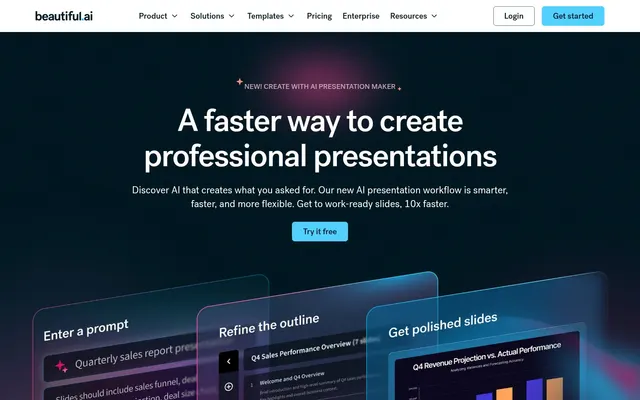
AI content platform for branded presentations, documents and infographics
P

S

BAI presentation software with auto-aligning slides and brand controls for teams


AI presentation software with auto-aligning slides and brand controls for teams
V

M
AI image, video, audio and 3D tools with upscalers and a stock library
Facts from each vendor's public pages, prices checked Oct 26, 2026. Editorial policy