

DCapCut vs VEED
Pricing, features, platforms and who each one suits — side by side.

Choose CapCut if…
- you work on Windows, macOS
- you're in its core audience: content creators, social media marketers
Choose VEED if…
- you're in its core audience: marketers, solopreneurs
Side by side
Key features
C
CapCut
- Online, desktop, mobile and tablet video editor
- Auto captions and subtitles
- Text to speech and custom voices
- Image and video background removal
- AI image and video generators
- Noise reduction and voice enhancement
- Template library for social and business content
- Brand kit on Teams plan
V VEED
- Talking-head videos from one photo and a voice clone
- Library of AI presenters
- Automatic and dynamic subtitle generation
- AI dubbing and video translation
- Brand Kit for colours, fonts, logos and voice
- Eye contact correction and background noise removal
- Screen recorder, teleprompter and AI clip generator
- Access to Sora 2, Veo 3.1 and Kling AI models
Plans and prices
From each vendor's site. Prices change — confirm before buying.
CapCut
VEED
Strengths and limitations
CapCut
- Free plan with basic editing tools and templates
- Available on web, desktop, mobile and tablet
- Paid plans include 1 TB storage
- Supports 20 languages
- AI generation is limited by monthly credits
- The pricing page says its prices are for reference only and final pricing shows after sign-in
- No public API listed
VEED
- Free plan available
- Paid plans include unlimited subtitles, with a 50-hour monthly fair use limit
- Generating, editing, dubbing and subtitling in one tool
- Mobile apps alongside the web editor
- Pricing is per editor seat, so the cost grows with team size
- Unused AI credits and translation minutes don't roll over
- No public API mentioned
More comparisons
Other options to consider
D

Editing, color, VFX, audio and photo post-production in one desktop app
Professional video editing with AI masking, text-based editing and color tools

D
Text-based video and podcast editor with AI tools for creators and teams
PAI photo, video and design editor with generation models for creators and teams

AI photo, video and design editor with generation models for creators and teams

P
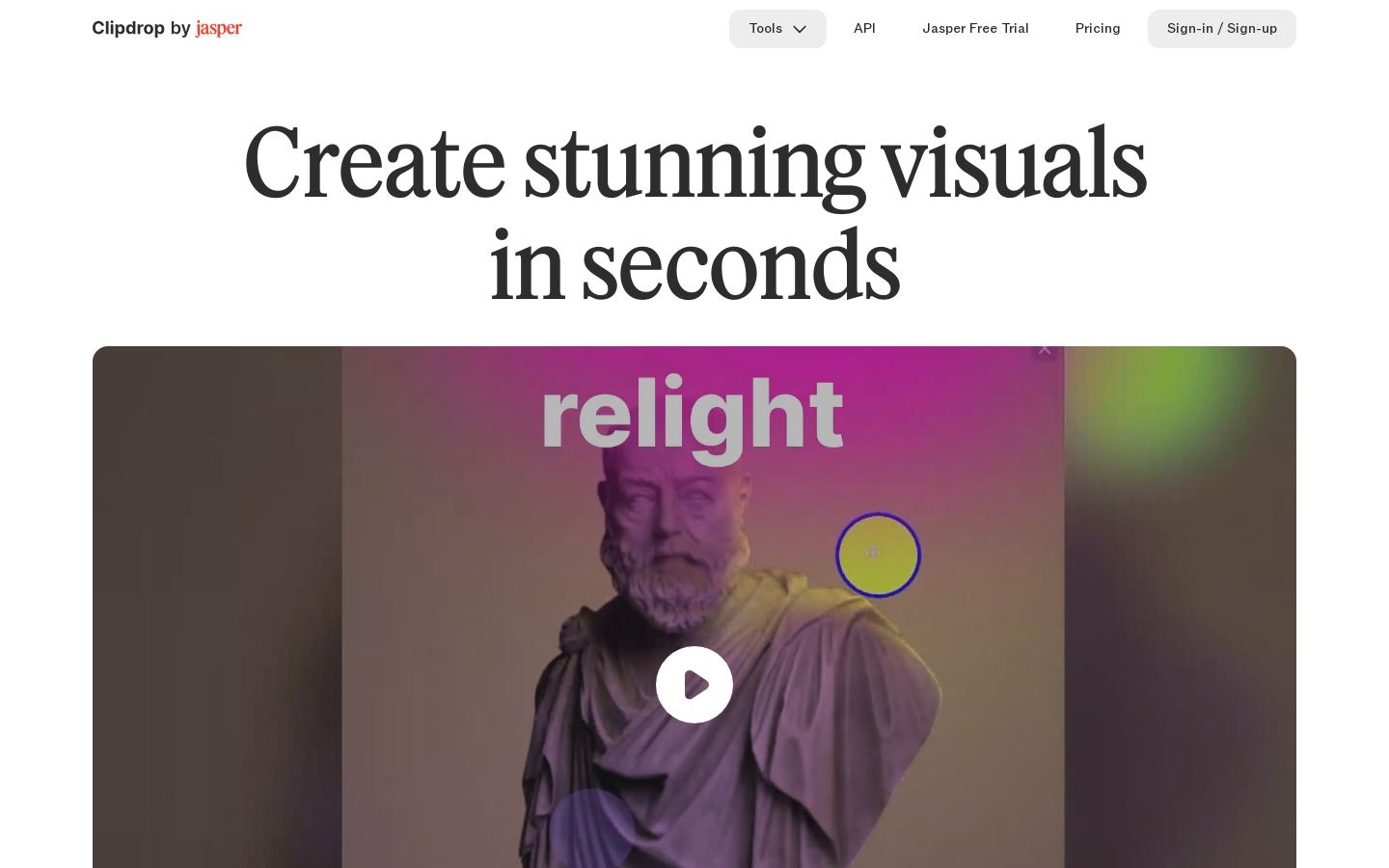
CBrowser-based AI image tools for removing backgrounds, cleanup, upscaling and generation

Browser-based AI image tools for removing backgrounds, cleanup, upscaling and generation
Built from each vendor's public website; we haven't tested them hands-on. Editorial policy