Canva
Online design platform with templates and AI tools for individuals and teams
Own Canva? Claim it, free to correct the facts and get the verified badge.
Pricing
Free · from $12/mo
Free trial
Yes
Company
Canva
Platforms
Canva is still the best all-in-one pick for people who need steady, decent-looking output without design skills. The Free plan covers a lot, and Pro at $12 a month billed yearly pays back quickly through Magic Resize and extra Brand Kits. The AI allowance is described only in multiples of Free and the AI Pass price isn't shown, and priority support starts at Enterprise, which holds the score below 9.
Best for: Non-designers and small teams who publish social, slide and video content every week
Read the full reviewWhat is Canva?
Canva is an online design platform for making social posts, presentations, videos, documents and other visual content from a large library of templates. Users start from a template or a blank canvas, then edit with drag-and-drop tools, stock content and built-in AI features.
The Free plan lets anyone create designs and use a library of free templates and content. Canva Pro adds premium content and tools for individuals, and Canva Business, which replaces the older Teams plan, is aimed at small businesses that work together on brand content. Larger organizations can get Canva Enterprise, which has custom pricing.
Canva also offers free plans to qualifying nonprofits, teachers and students. It suits solo creators, marketers, educators and companies that need on-brand visuals without specialist design software.
Key features
- Library of design templates
- Drag-and-drop design editor
- Presentation, social media and video design
- Stock content library
- Team collaboration on Business plan
- Free plans for verified nonprofits, teachers and students
Use cases
Who it's for
Social media graphics
Create posts and visuals from templates without design software.
Presentations
Build slide decks starting from ready-made templates.
Small business branding
Teams on the Business plan produce consistent marketing material together.
Classroom materials
Verified teachers and students can use Canva for free to make learning content.
Canva pricing
From the vendor's site, checked Oct 26, 2026; we re-check prices monthly. Prices change — confirm on their pricing page.
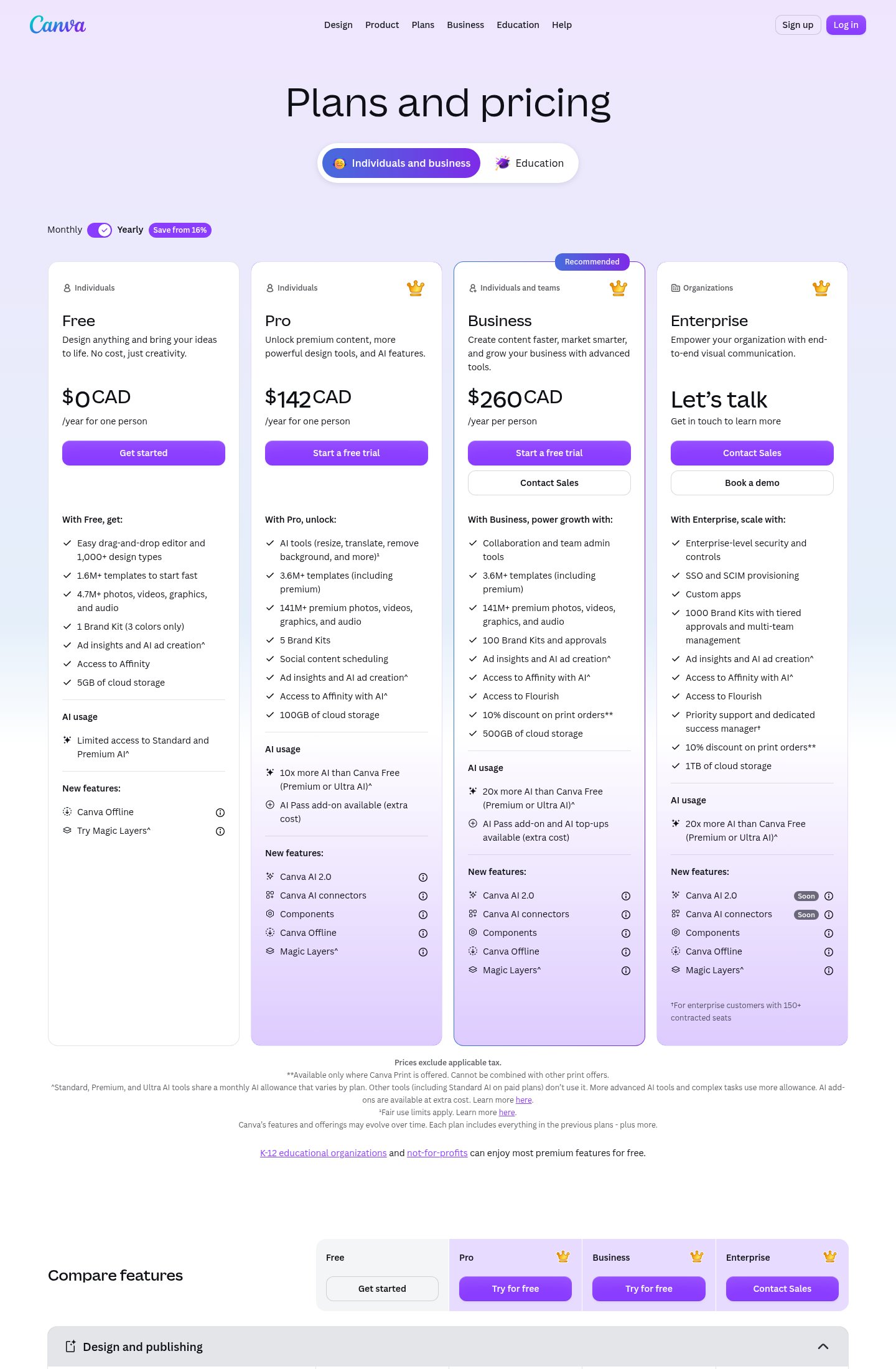
Free
forever
Free
- Create and design
- Library of free templates and content
Pro
per person
$12/mo billed yearly ($144/yr), or $18 month-to-month
- For individuals
- 30-day free trial
Business
per person
$20.83/mo billed yearly, or $25 month-to-month
- For small businesses and teams
- Replaces Canva Teams
Enterprise
Custom
- Pricing based on organization size and needs
| Cost for a team, per month | 1 person | 5 people | 20 people |
|---|---|---|---|
| Proper seat, up to 1 | $12 | — | — |
| Businessper seat | $20.83 | $104.15 | $416.60 |
Billed yearly where the plan offers it. — means the plan doesn't allow that many people.
Which plan do you need?
- GenPPTAnnual$8/mo
- CanvaPro$12/mo
- VismeStarter$12.25/mo
- Beautiful.aiPro$14.50/mo
The cheapest paid plan with a published price that fits. Custom and sales-quoted plans aren't included.
How Canva compares
- At $12/mo, Canva starts cheaper than 2 of 3 similar tools with published prices (median $12.13).
- Canva has a free plan, like 2 of the 4 alternatives below.
| Tool | Starts at | Free plan | Free trial | API | Open source | |
|---|---|---|---|---|---|---|
| CCanva | $12/mo | — | — | |||
B Beautiful.ai | $14.5/mo | — | — | — | Canva vs Beautiful.ai | |
V Visme | $12.25/mo | — | — | — | Canva vs Visme | |
G GenPPT | $8/mo | — | — | — | Canva vs GenPPT | |
G Gamma | — | — | — | Canva vs Gamma |
The closest alternatives in our directory by category. “Starts at” is the cheapest paid plan per month, as each vendor lists it.
Pros and cons
Strengths
- Free plan available to every individual
- Pro has a 30-day free trial
- Free plans for qualifying nonprofits, teachers and students
Limitations
- Teams plan is closed to new sign-ups
- Enterprise pricing requires contacting sales
- Prices may differ by region
Canva review
 Stanislav VovchykUpdated Oct 31, 202612 min read
Updated October 2026.
How it works in practice
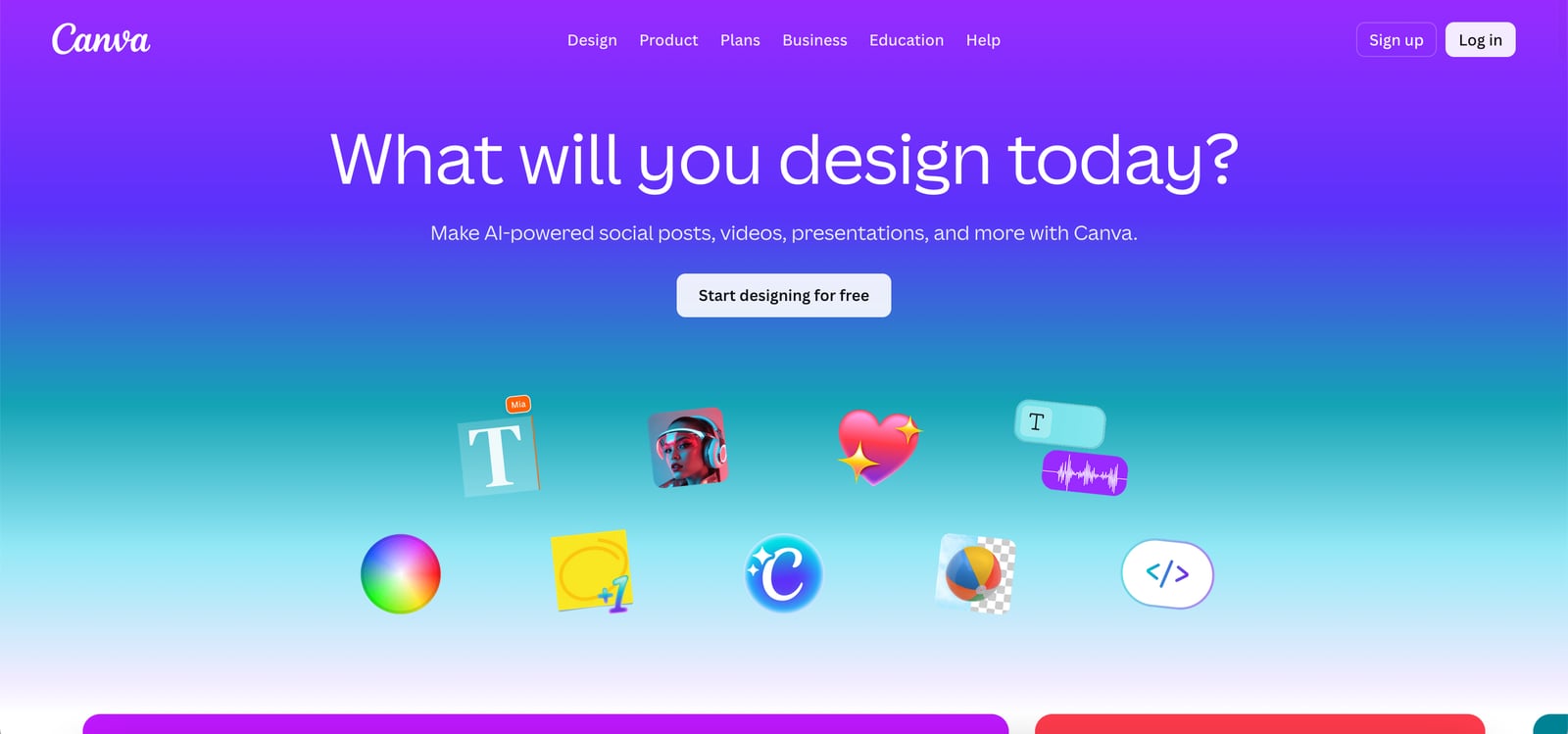
Every Canva job follows the same loop: pick one of 1,000+ design types, start from a template or a blank canvas, edit in the browser, then export or publish. The Free plan gives you 1.6M+ templates and 4.7M+ photos, videos, graphics and audio. Paid plans lift that to 3.6M+ templates and 141M+ premium assets. The homepage sorts the work into AI, presentations, social, video and Print Shop.
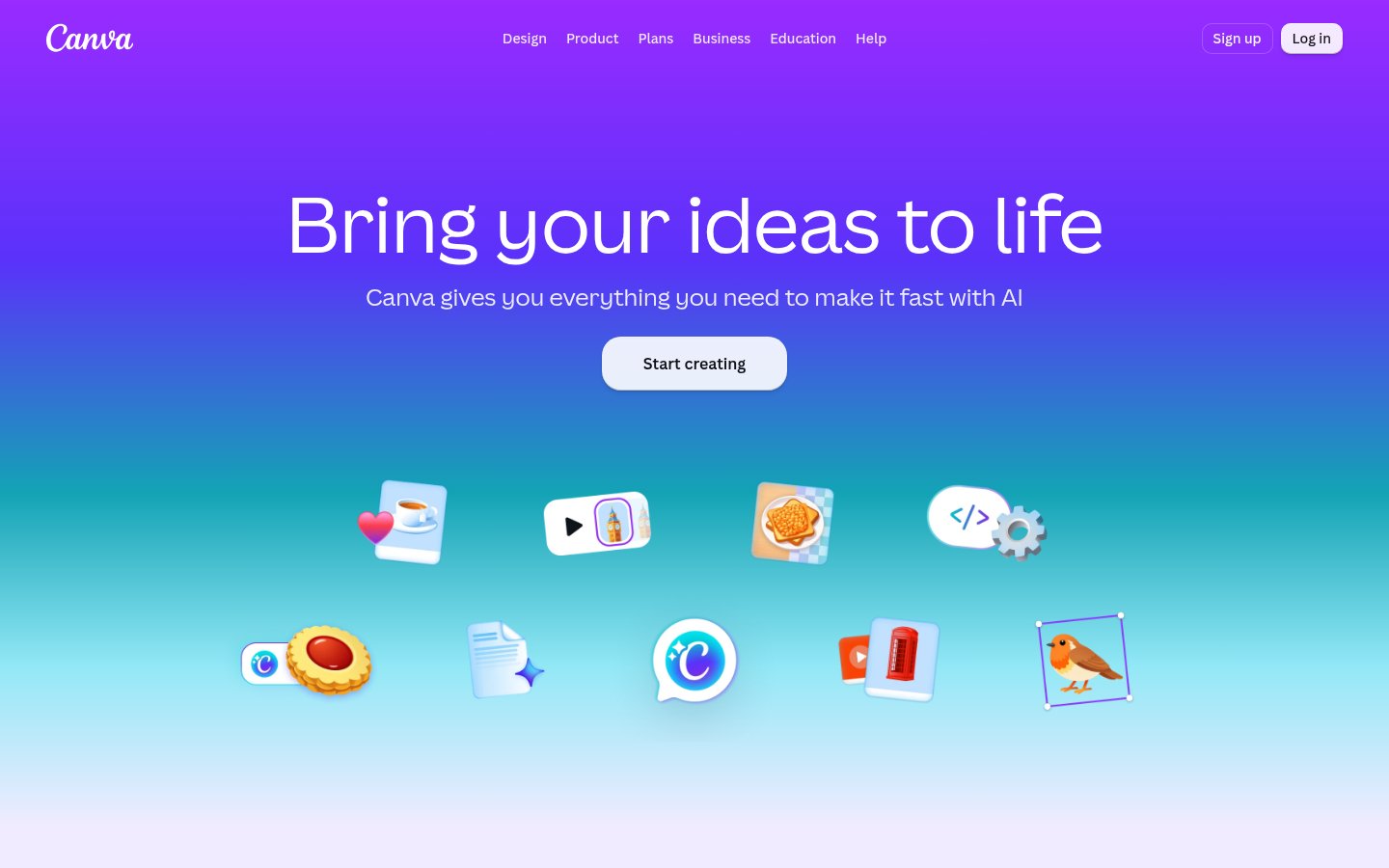
The features page shows how far the product has spread beyond posts and flyers. It lists a video trimmer, MP4 and GIF converters, a PDF editor, subtitles, beat sync, an AI voice generator, an AI music generator and an AI reel maker. Each of those is a small tool you'd otherwise find on a separate site. Having them in one account is the real convenience.
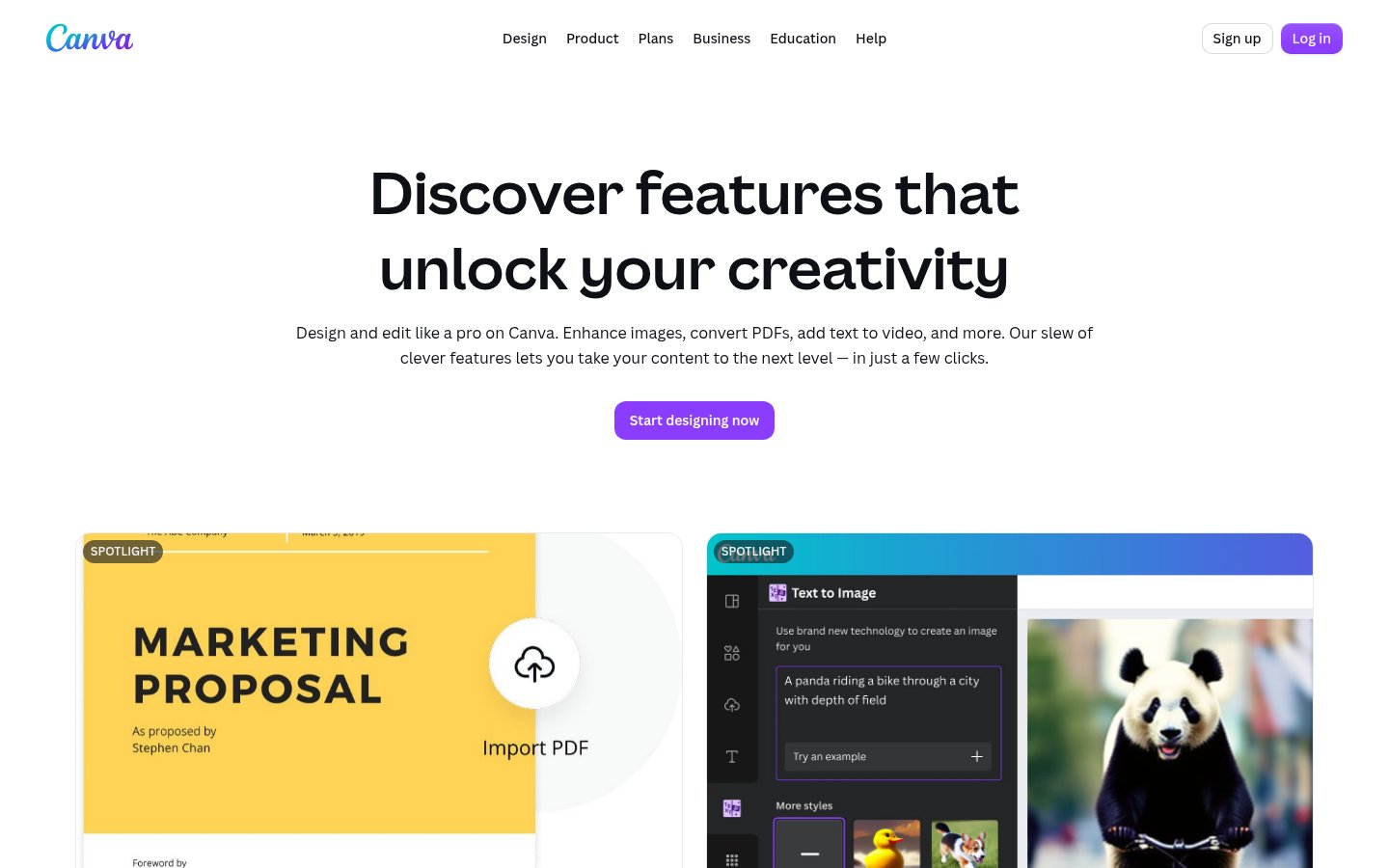
AI sits inside the canvas instead of beside it. The homepage promotes Magic Layers (turn an image into an editable layout), Magic Eraser, Background Remover, Image Upscaler and Magic Write. The pricing page adds Canva AI 2.0 and AI connectors on Pro and Business, and marks both as "Soon" for Enterprise. Components and Canva Offline appear on every plan, Free included.
The Free plan also includes access to Affinity, and Pro and above add Affinity with AI. Affinity is the vector and photo editor Canva acquired. That changes the old objection that Canva can't handle precise vector work, because the precision tool now comes in the same account.
What stands out
Three features decide whether Canva is worth paying for.
Magic Resize plus Brand Kit. The pricing page lists resize among the Pro AI tools. It adapts one design into the other formats you need, such as a feed post, a story and a landscape banner, so a campaign doesn't turn into three separate design sessions. Expect to fix text placement by hand when a layout depends heavily on its original proportions. Brand Kit covers the other half of repeat production: logo, fonts and colors set once and applied to every new design. The ladder matters here. Free gets one kit limited to 3 colors, Pro gets 5 kits, Business gets 100 kits with approvals, and Enterprise gets 1,000 kits with tiered approvals and multi-team management. A freelancer with six clients hits the Pro ceiling before an agency with a Business seat does.
AI inside the layout. Generating an image, a clip or a voiceover straight onto the page saves the export and re-import loop. That is the argument for Canva's AI, and it's a strong one for social and presentation work. It isn't an argument about fidelity. A generator bundled into a layout tool will trail dedicated image models on quality, so treat it as good enough to finish the design. For short video, the AI video, voice and music tools cover quick clips, and this small-business guide to AI video shows where a dedicated tool earns its keep.
Magic Layers. It's listed as a new feature on every plan, though the pricing page marks it with a footnote that points to the shared AI allowance. It converts a flat image, such as a screenshot or a client's old JPG, into separate editable elements. That fixes a daily annoyance for anyone who receives artwork without the source file. Canva doesn't say how clean the separation is on busy images, so try it on your own files during the Pro trial before you count on it.
Where it falls short
The AI allowance is the weak point. The pricing page describes Pro as 10x Free and Business and Enterprise as 20x Free, and it says Standard, Premium and Ultra AI tools draw on one shared monthly allowance. It shows no absolute numbers on the page. AI Pass and AI top-ups are labeled "extra cost" with no price shown. If you plan to generate video or batches of images, you can't work out your monthly cost before you subscribe. Check what a generation consumes inside the product before you build a workflow around it. Enterprise lists the 20x allowance but no AI Pass or top-ups.
Support is tiered. Priority support and a dedicated success manager appear only under Enterprise, and the page limits that to customers with 150+ contracted seats. A five-person Business team gets self-serve help, so decide whether a billing mistake or a locked account would stall your work.
Two plan changes can catch returning users. The Teams plan is closed to new sign-ups, and Business replaces it. Prices also differ by region. The Canadian pricing page shows CAD, so your own checkout may not match any US figure you've read.
The included scheduler is a basic one. The pricing page lists social content scheduling on Pro and doesn't mention analytics or approval chains for it. If publishing is the main job, test that feature against a dedicated scheduler before you drop the other tool.
Value for money
The Free plan carries more than most freemium design tools. It includes the editor, 1.6M+ templates, 5GB of storage, Affinity access and Canva Offline. You'll feel the limits when you need premium assets, more than one Brand Kit with 3 colors, or AI at volume.
As of October 2026, Pro costs $12 a month billed yearly ($144 a year) or $18 month-to-month. Paying monthly costs $72 more per year, so commit to the annual rate once the 30-day trial convinces you. For that you get 3.6M+ templates, 141M+ premium assets, 5 Brand Kits, 100GB of storage, resize, scheduling and 10x the Free AI allowance. For anyone publishing every week, Pro pays for itself in saved hours.
Business costs $20.83 per person per month billed yearly, or $25 month-to-month. Five people pay $104.15 a month on the annual rate, and twenty pay $416.60. Compare that with five Pro seats at $60 a month: the extra $8.83 per seat buys 100 Brand Kits and approvals, 500GB, Flourish access, team admin tools, a 10% print discount where Canva Print operates, and 20x the Free AI allowance. Pro is sold for individuals, so it doesn't give a team shared admin. If nobody needs to sign off on designs before they publish, the Business premium buys little. If a manager needs that control, it's the cheapest way to get it. Skip Enterprise unless you need SSO and SCIM provisioning or the 1TB of storage, and expect a sales call to find out the price.
Who should pick it, who should skip it
Pick Canva if you produce visual content on a schedule and don't have a designer: solo creators, small businesses, marketing teams and educators building slide decks. Start on Free, move to Pro when resize and multiple Brand Kits start saving you time, and move to Business only when approvals matter. It also suits anyone who wants slides from an existing document, and this guide to turning a PDF into a presentation with AI shows what to compare it against.
Skip it if image quality is the deliverable, since dedicated generators will beat the built-in one. Skip it if you need to budget AI use to the credit, because the allowance is described only in multiples of Free. Skip it, or pair it with Affinity or another specialist tool, if you do professional print or brand identity work that demands exact vector and color control. Large teams that depend on fast human support should price Enterprise before committing, because nothing below it promises a named contact.
Setup notes
The Pro trial runs 30 days. Set a calendar reminder before day 30 and decide between the annual and monthly rate, because the $72 yearly gap is the whole difference. Verified nonprofits, teachers and students can get free plans, so check eligibility before paying for a team seat. If you're evaluating AI-heavy work, run your most demanding generation tasks first during the trial. The shared allowance is the one limit you can't read off the page.
Canva FAQ
Is Canva free?
Yes, Canva has a Free plan for individuals that includes a library of free templates and content.
How much is Canva Pro?
US$12 per month per person billed yearly ($144/year), or US$18 month-to-month, with a 30-day free trial.
What happened to Canva Teams?
Canva Teams is no longer available for new sign-ups. Canva Business replaces it at US$20.83/month billed yearly or US$25 month-to-month.
Is there free access for education or nonprofits?
Yes, qualifying and verified nonprofits, teachers and students can get free plans.
User reviews
No reviews yet. Used Canva? Be the first.
Sign in to rate this tool and share how you use it.
Canva in our articles
Best of
Top 9 AI Tools for Marketing Teams in 2026: Ranked by Real Output Quality
May 31, 2026 · 14 min read
Best of
Top 10 AI Presentation Tools in 2026: Ranked by Slide Quality, Speed, and Real-World Usefulness
May 10, 2026 · 16 min read
Guide
No Camera, No Crew: A Small Business Owner's Guide to AI Video in 2026
Oct 11, 2026 · 9 min read
Canva
Free · from $12/mo
Tools similar to Canva
AI presentation software with auto-aligning slides and brand controls for teams
AI content platform for branded presentations, documents and infographics
Turn notes, outlines, or PDFs into designed slide decks and social carousels