
CapCut
AI photo and video editor with templates for social media creators
Own CapCut? Claim it, free to correct the facts and get the verified badge.
Pricing
Freemium
Free trial
Yes
Platforms
What is CapCut?
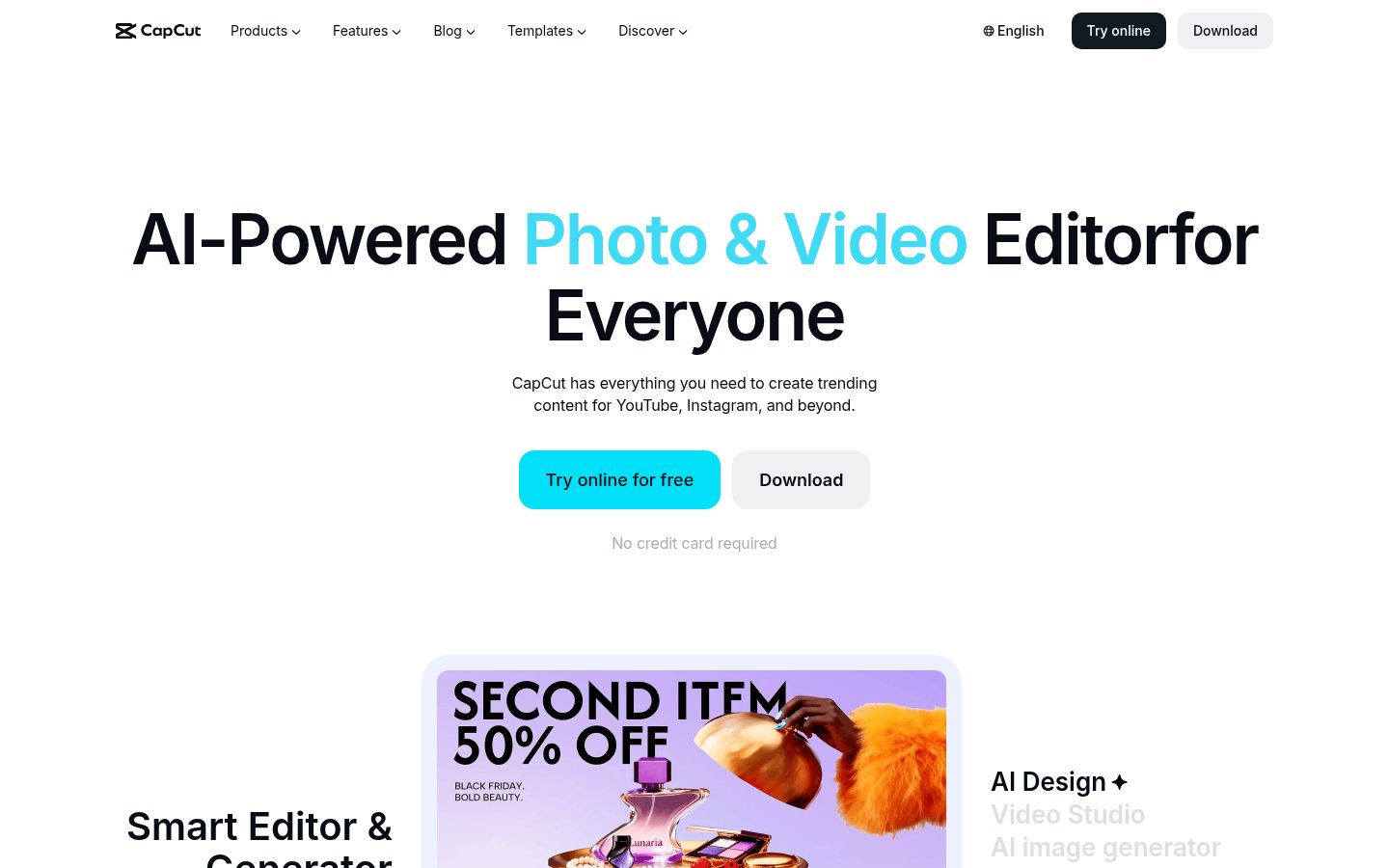
CapCut is a photo and video editor with built-in AI tools for making content for platforms such as YouTube and Instagram. It runs in the browser and also comes as desktop, mobile and tablet (CapCut Pad) apps.
The editor covers trimming, auto captions, subtitles, text to speech, custom voices, noise reduction, and background removal for both images and video. AI features include image and video generators, an image enhancer, inpainting, and removal of text or people from photos. Paid plans come with monthly AI credits that are used for video generation with Seedance models. A template library covers social, business, holiday and recap formats.
CapCut suits individual creators, social media marketers and small teams. The Teams plan adds shared Pro features and a brand kit.
Key features
- Online, desktop, mobile and tablet video editor
- Auto captions and subtitles
- Text to speech and custom voices
- Image and video background removal
- AI image and video generators
- Noise reduction and voice enhancement
- Template library for social and business content
- Brand kit on Teams plan
Use cases
Who it's for
Social media videos
Edit short videos for YouTube or Instagram using ready-made templates and auto captions.
Product photos
Remove backgrounds, enhance and resize images for listings or ads.
AI-generated clips
Generate video with Seedance models using monthly AI credits on paid plans.
Team branding
Share Pro features and a brand kit across seats on the Teams plan.
CapCut pricing
From the vendor's site, checked Oct 26, 2026; we re-check prices monthly. Prices change — confirm on their pricing page.
Free
forever
Free
- Free templates
- Basic editing tools
Pro
month
€23.99/mo (€199.99/yr billed yearly)
- 1,400 monthly AI credits
- 1 TB storage
- All premium templates and Pro features
- Seedance 2.0 Mini video up to 240s at 720p
Ultra
month
€68/mo (€779/yr billed yearly)
- 7,483 monthly AI credits
- 1 TB storage
- Exclusive AI features
- Up to 1,700s at 720p with Seedance 2.0 Mini
Teams
month
€14.99/seat/mo (2 seats); €120/seat/yr billed yearly
- 1,400 AI credits per seat
- Pro features for all seats
- Brand kit
- 1 TB storage
How CapCut compares
- CapCut has a free plan, like 3 of the 4 alternatives below.
| Tool | Starts at | Free plan | Free trial | API | Open source | |
|---|---|---|---|---|---|---|
| CCapCut | — | — | — | |||
D DaVinci Resolve | — | — | — | — | CapCut vs DaVinci Resolve | |
| A | $22.99/mo | — | — | — | CapCut vs Adobe Premiere Pro | |
| V | — | — | — | CapCut vs VEED | ||
D Descript | $16/mo | — | — | CapCut vs Descript |
Compare 7 capabilities
| Capability | CapCut | DaVinci Resolve | VEED | Descript |
|---|---|---|---|---|
| Text-based editing | — | — | — | |
| AI auto-clipping | — | — | ||
| Filler/silence removal | — | — | — | |
| AI dubbing/translation | — | — | ||
| Social scheduling | — | — | — | |
| 4K export | — | — | — | |
| NLE export | — | — | — |
Capabilities as stated on each vendor's own site; — means the site doesn't say. The closest alternatives in our directory by category. “Starts at” is the cheapest paid plan per month, as each vendor lists it.
CapCut data and privacy
Trains AI on your content
Yes
“train, test, and improve technology, such as machine learning models and algorithms, including by analysing how people are using the Services”
Data retention
Kept as long as necessary; cloud space data deleted on request
“We retain information for as long as necessary to provide the Services and for the other purposes set out in this Privacy Policy.”
Where data is stored
Malaysia, Singapore and United States
“We store the information we collect in secure servers located in Malaysia, Singapore and the United States.”
Security and compliance
None stated
From CapCut's own privacy and security pages , checked Oct 28, 2026. We only show what the vendor states in writing; “not stated” means the pages don't say.
Who's behind CapCut
- Company
- ByteDance
- Founded
- 2016
From CapCut's own about, terms and privacy pages and Wikidata, checked Oct 28, 2026.
Pros and cons
Strengths
- Free plan with basic editing tools and templates
- Available on web, desktop, mobile and tablet
- Paid plans include 1 TB storage
- Supports 20 languages
Limitations
- AI generation is limited by monthly credits
- The pricing page says its prices are for reference only and final pricing shows after sign-in
- No public API listed
CapCut FAQ
Is CapCut free?
Yes. The Free plan includes free templates and basic editing tools. Pro, Ultra and Teams are paid plans.
How much does CapCut Pro cost?
The pricing page lists Pro at €23.99 per month or €199.99 per year. It notes that final pricing is shown after you sign in.
Which platforms does CapCut support?
CapCut is available as an online editor and as desktop, mobile and tablet (CapCut Pad) apps.
What do AI credits do?
Paid plans include monthly AI credits for AI features such as video generation with Seedance models. Pro includes 1,400 credits and Ultra includes 7,483.
User reviews
No reviews yet. Used CapCut? Be the first.
Sign in to rate this tool and share how you use it.
CapCut in our articles
Best of
Top 8 AI Tools for Podcasters and Audio Creators in 2026: Ranked by What Actually Works
May 4, 2026 · 17 min read
Best of
Top 8 AI Video Tools for Content Creators in 2026: Ranked by Real Results
May 4, 2026 · 16 min read
Guide
No Camera, No Crew: A Small Business Owner's Guide to AI Video in 2026
Oct 11, 2026 · 9 min read
Guide
The AI Specialization Problem: Why Using Generic AI Tools for Everything Is Costing You More Than You Think
May 18, 2026 · 9 min read
CapCut
Freemium
Tools similar to CapCut
Editing, color, VFX, audio and photo post-production in one desktop app
Professional video editing with AI masking, text-based editing and color tools
Online AI video editor for creating, subtitling and dubbing videos