Best of
Top 9 AI Writing Tools for Professionals in 2026: Ranked by Output That Actually Works
Jun 14, 2026 · 14 min read

AI marketing agents that plan, create, approve and publish campaigns
Own Simplified? Claim it, free to correct the facts and get the verified badge.
Pricing
From $79/mo
Free trial
Yes
API
Yes
Company
TLDR Technologies, Inc.
Platforms
Simplified is strongest as a campaign workflow: Riley turns one brief into posts, video and email inside your brand kit, and nothing publishes without approval. The open MCP server, CLI and API are a real advantage for teams already working in Claude or Cursor. The 5-campaign cap with no rollover, undisclosed Pro and Business prices and unexplained credit costs make it hard to budget, and specialists will find each tool shallower than a dedicated one.
Best for: Small marketing teams and agencies that want one brief turned into approved, scheduled campaigns
Read the full reviewSimplified is an AI agent platform for marketing teams. Its lead agent, Riley, takes a single brief and turns it into a campaign: it plans the work, creates copy, designs, video and ads using your brand kit, sends everything for approval, publishes it to connected channels and then reports on results.
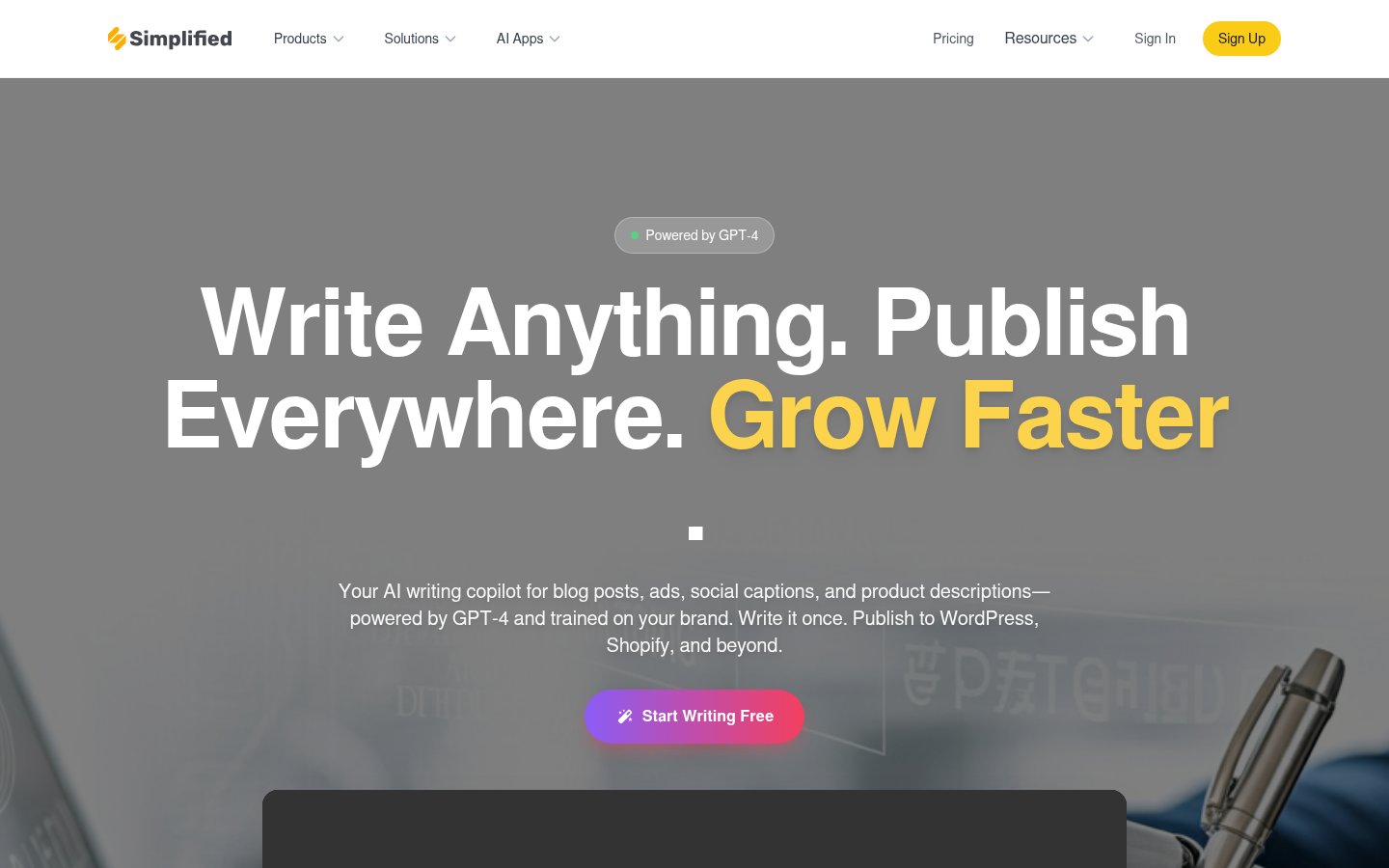
The workspace also includes a creative suite (AI writer, image generator, photo editor), video tools (text-to-video, subtitles, translation, short clips), and a social suite with scheduling, an inbox, analytics, link in bio and client approvals. You can build custom agents and workflows for recurring jobs. External agents such as Claude, Codex and Cursor can connect through an open-source MCP server, a CLI, or a REST API with webhooks.
It suits founders and small teams who want to run marketing without hiring, agencies that manage several client brands, and developers who want their own agents to handle marketing execution.
Who it's for
Founders can brief Riley on a launch or weekly content plan and approve the finished posts before they go out.
Agencies give each client its own brand, channels, calendar and approval workspace.
Schedule Riley to recap last week's campaign and queue next week's posts daily, weekly or monthly.
Developers connect Claude, Codex or Cursor through MCP, CLI or API to create, schedule and report on content.
From the vendor's site, checked Oct 26, 2026; we re-check prices monthly. Prices change — confirm on their pricing page.
Starter
month
$79/mo
Pro
month
Not listed
Business
month
Not listed
| Tool | Starts at | Free plan | Free trial | API | Open source | |
|---|---|---|---|---|---|---|
| SSimplified | $79/mo | — | — | |||
V Vapi | $29/mo | — | Simplified vs Vapi | |||
W Writer.com | — | — | — | — | Simplified vs Writer.com | |
S Smartly.io | Quote | — | — | — | — | Simplified vs Smartly.io |
B Buffer | $5/mo | — | Simplified vs Buffer |
| Capability | Simplified | Vapi | Writer.com |
|---|---|---|---|
| MCP server | — | — | |
| Model choice | — | — | |
| Human approval step | — | ||
| Custom agent builder | |||
| SSO & audit logs | — | — |
Capabilities as stated on each vendor's own site; — means the site doesn't say. The closest alternatives in our directory by category. “Starts at” is the cheapest paid plan per month, as each vendor lists it.
Trains AI on your content
No
“we do not use data accessed through Google Workspace APIs, or any user content, to develop, improve, or train generalized AI or machine learning models.”
Data retention
Account closure: personal information removed within 30 days; some data kept as required by law
“Close your account and we remove your personal information within 30 days.”
Where data is stored
Not stated
Security and compliance
None stated
From Simplified's own privacy and security pages , checked Oct 28, 2026. We only show what the vendor states in writing; “not stated” means the pages don't say.
Strengths
Limitations
 Stanislav VovchykUpdated Oct 29, 202610 min read
Updated October 2026
Simplified has rebuilt its pitch around an agent called Riley, and that changes what you're buying. It's no longer just a bundle that replaces Canva, CapCut and a scheduler. It's a workspace where you hand over a brief, review finished work and approve it before anything publishes.
You brief Riley inside the app, or send the same brief from an outside agent over MCP. The work comes back as finished assets in a queue. The pricing page says it plainly: nothing ships until you approve it.
The vendor's own demo shows the loop. A dental practice's marketer asks for a whitening membership launch across Instagram, Facebook and email. Riley reads the Brand Kit, pulls last quarter's top posts through the Simplified API, and reads the membership page. It returns 12 assets: three carousels, a 15-second launch video, six captions and a launch email, plus a nine-slot schedule running Tuesday to Friday. The demo log puts generation at 48 seconds. It's marketing material, so read that as a best case. The user then asks for a punchier video hook, approves, and Riley schedules everything and promises a Monday report on bookings.
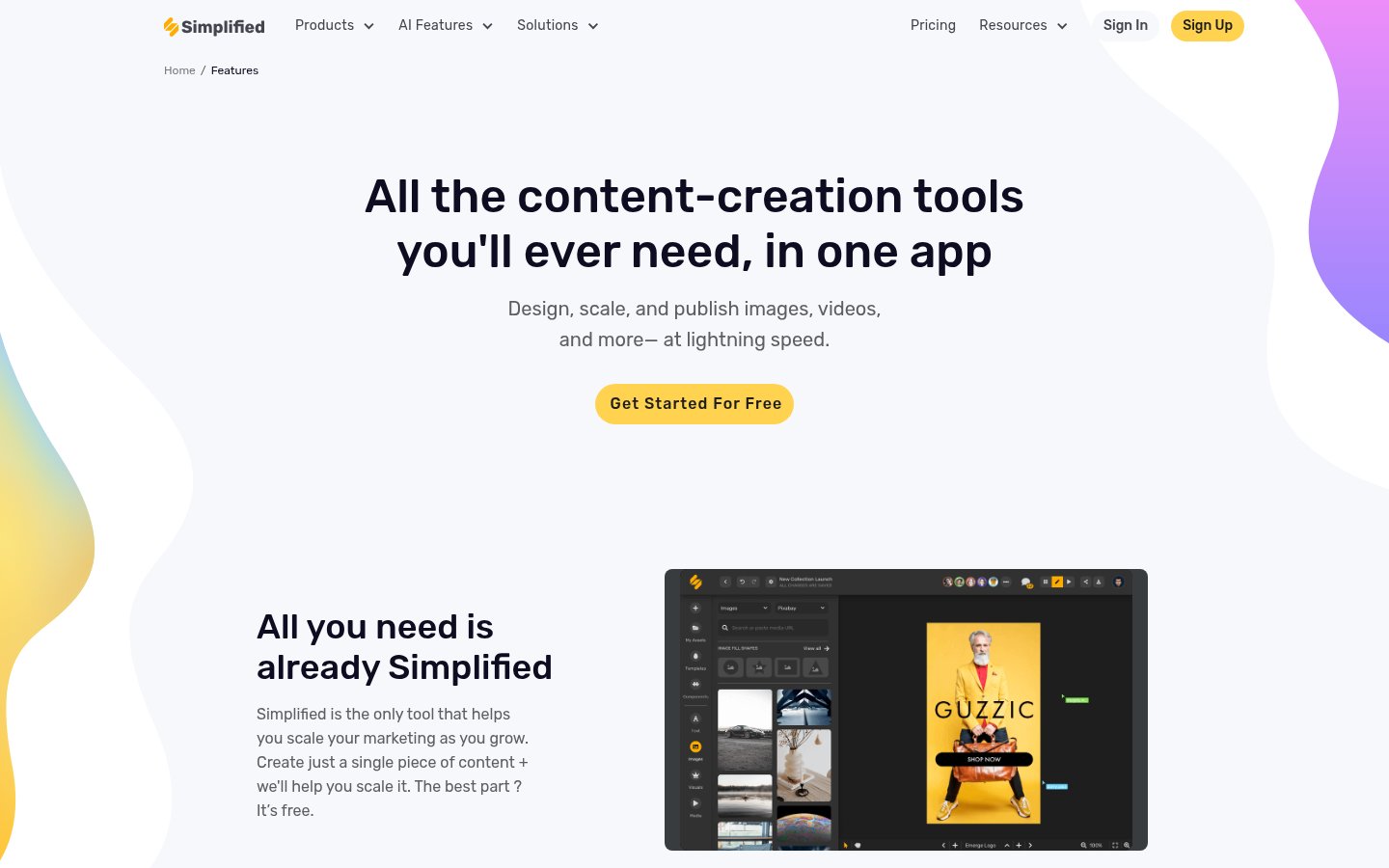
Underneath Riley sits the older toolset. The features page counts 82 tools: 37 for video, 14 for audio and voice, 11 for image and design, 11 for writing, 3 for social, 2 assistants and 4 utilities. The design editor is drag-and-drop with templates. Scheduling covers 10+ channels, with a planner, unified inbox and analytics.
Riley's reporting connects to Google Analytics, Search Console, Meta Ads, Google Ads, HubSpot, Slack, Notion and Drive. That list matters for agencies, because the monthly client report is one of the jobs the platform says it handles.

Approval gates plus brand memory. Most AI marketing tools stop at a draft, a clip or a scheduled post. Simplified tries to deliver the whole campaign, and it loads your colors, fonts, voice and products before it writes anything. The Brand Kit is the part that decides output quality. A generic prompt gives generic copy, while a loaded kit gives Riley constraints to work inside. The approval step is what makes that safe to use for a clinic or any business with claims it can't make. The interface itself warns that the agent can make mistakes, so the gate is a requirement and not a courtesy.
Open plumbing. This is the feature that separates Simplified from Canva and Buffer. It ships an open-source MCP server, a CLI, and a REST API with OAuth2 and webhooks. Claude, Codex, Cursor, Gemini, Windsurf and VS Code are listed as compatible. If your team already works inside one of those, Simplified becomes the brand, creative, approval and publishing layer behind it, and you don't have to move into a new interface. The Agent Builder covers recurring jobs such as a daily review-reply digest or a monthly client report. If you'd rather own that automation layer, open-source Zapier alternatives are the self-hosted route, but they won't bring a brand kit or creative tools with them.
Bulk output. Batches of varied posts, generated from a brand description and target platform, then scheduled in one pass. The bulk scheduler costs extra on lower tiers (see below). For a multi-channel account, it's the quickest route from empty calendar to full week.
Public ratings are strong and the sample is large: 4.6 on G2 from 5,008+ reviews, 4.7 on Capterra from 310+, and 4.6 on Trustpilot from 650+.
Campaign caps. Starter is limited to 5 campaigns a month, and unused ones don't roll over. A quiet month still costs the same.
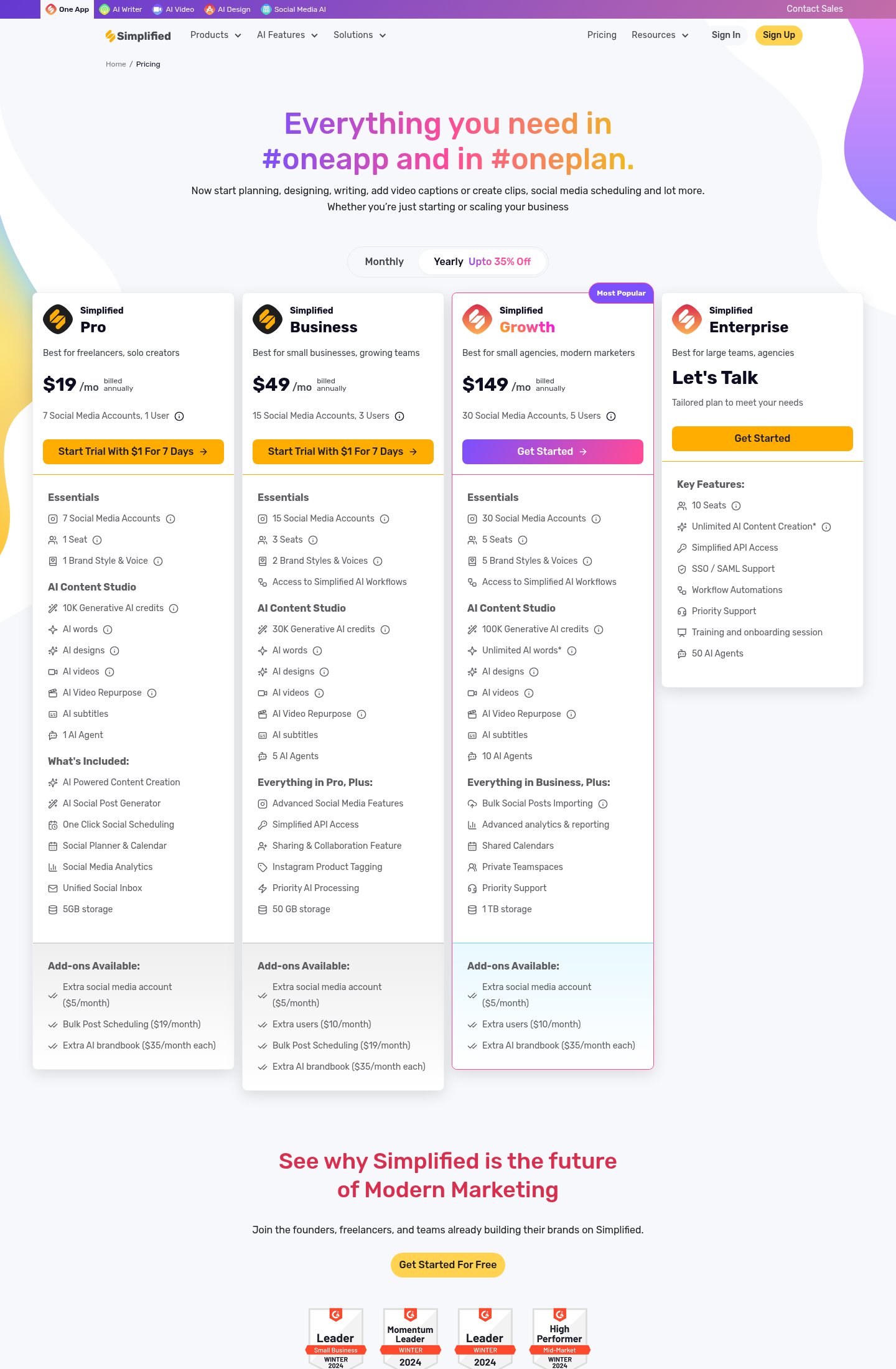
Opaque credits. Pro and Business draw on one shared pool of generative AI credits (10K and 30K a month), covering words, designs and videos together. The pricing page doesn't say how many credits a video, a design or a block of copy burns. You can't forecast whether 10K lasts a month for a video-heavy workflow. Ask support for per-feature costs, or watch the meter during the trial before committing.
Hidden prices. Pro and Business prices don't appear on the pricing page. You see seat and account counts but no figure, so you can't budget without going further into signup.
Depth. With 37 video tools, video is the biggest category, but the pages give no output specs, resolution limits or avatar samples. For polished client video, a dedicated editor is the safer pick. Short-clip repurposing is bundled, but Opus Clip is built for that one job. Design is the same story: Canva has more templates and a more refined editor. Social has only 3 tools in the catalog, so deep analytics are likely thinner than a specialist scheduler's.
Pace. The product changelog has no entries in the past 90 days. That doesn't mean the product has stalled, but check what has shipped recently if a particular feature decides your purchase.
Starter costs $79 a month as of October 2026 and covers 5 campaigns, 100K AI words and 100 AI designs. Run all five and that's $15.80 a campaign, which beats the $400 to $1,500 the vendor quotes for freelance design and copy on a single campaign. Run two and it's $39.50 each. The saving depends on using the cap every month. The pricing page's annual toggle advertises up to 35% off.
The vendor's own comparison puts Jasper at $59, ChatGPT Plus at $20 and HubSpot Marketing Hub at $800. Treat it as the vendor's framing. The cheaper tools don't produce finished campaigns with scheduling, so the gap in price is partly a gap in scope.
Add-ons decide agency costs. An extra social account is $5 a month, bulk post scheduling is $19, an extra brand kit is $35 and an extra user is $10. Pro includes 1 seat, 7 social accounts and 1 brand style. An agency with five clients on Pro needs four extra brand kits, which is $140 a month before the base price. Business includes 3 seats, 15 accounts and 2 brand styles, so a five-person team there adds two users for $20. Add three brand kits for $105 and the add-ons beat the base-plan difference quickly. The pricing page shows no free plan. The entry point is the 7-day trial, and the trial price isn't stated on the page, so read the checkout screen before entering a card.
Pick it if you run marketing for a clinic, a local business, a SaaS team or a handful of client accounts and your bottleneck is turning one launch brief into posts, video, email and a schedule. It also suits anyone who already works in Claude or Cursor and wants publishing, brand control and approvals behind the agent. For short-form video, AI video for small businesses sets realistic expectations for what bundled tools produce.
Skip it if you need one tool done at specialist depth, such as polished video, high-end design or analytics-heavy scheduling. Skip it too if your volume is uneven, because the 5-campaign cap with no rollover punishes slow months. And skip it if you need a firm price for a multi-seat team before talking to anyone, since Pro and Business figures aren't published.
Build the Brand Kit first. Riley reads it before every job, so a thin kit means generic output. Outside agents connect through the MCP server, CLI or API rather than the web app. On data, Simplified says it doesn't use customer content to train AI. After account closure, personal information is removed within 30 days, apart from data it must keep by law.
The Starter plan is $79 per month and includes 5 campaigns. Pro and Business plans add more campaigns and seats; their prices are not listed on the page.
Yes. The trial gives full Starter access: 5 campaigns, 100K AI words and 100 AI designs. No credit card is required.
One brief-to-approval cycle producing one output type: a social batch of 6 posts, an email sequence of 3-5 emails, or an ad set of 3 A/B variants for Meta or Google.
No. Campaigns reset at the start of each billing period.
Yes. Claude, Codex, Cursor or any MCP client can connect through the MCP server, and there is also a CLI and a REST API with webhooks.
No reviews yet. Used Simplified? Be the first.
Sign in to rate this tool and share how you use it.
Best of
Jun 14, 2026 · 14 min read
Best of
May 31, 2026 · 14 min read
Best of
May 10, 2026 · 16 min read
Guide
Jul 3, 2026 · 10 min read
Guide
Jun 17, 2026 · 11 min read
Simplified
From $79/mo
Developer platform to build, test and deploy voice AI agents for phone calls
Enterprise AI agent platform for marketing, sales and support teams
AI advertising platform for creative, media buying and measurement for brands